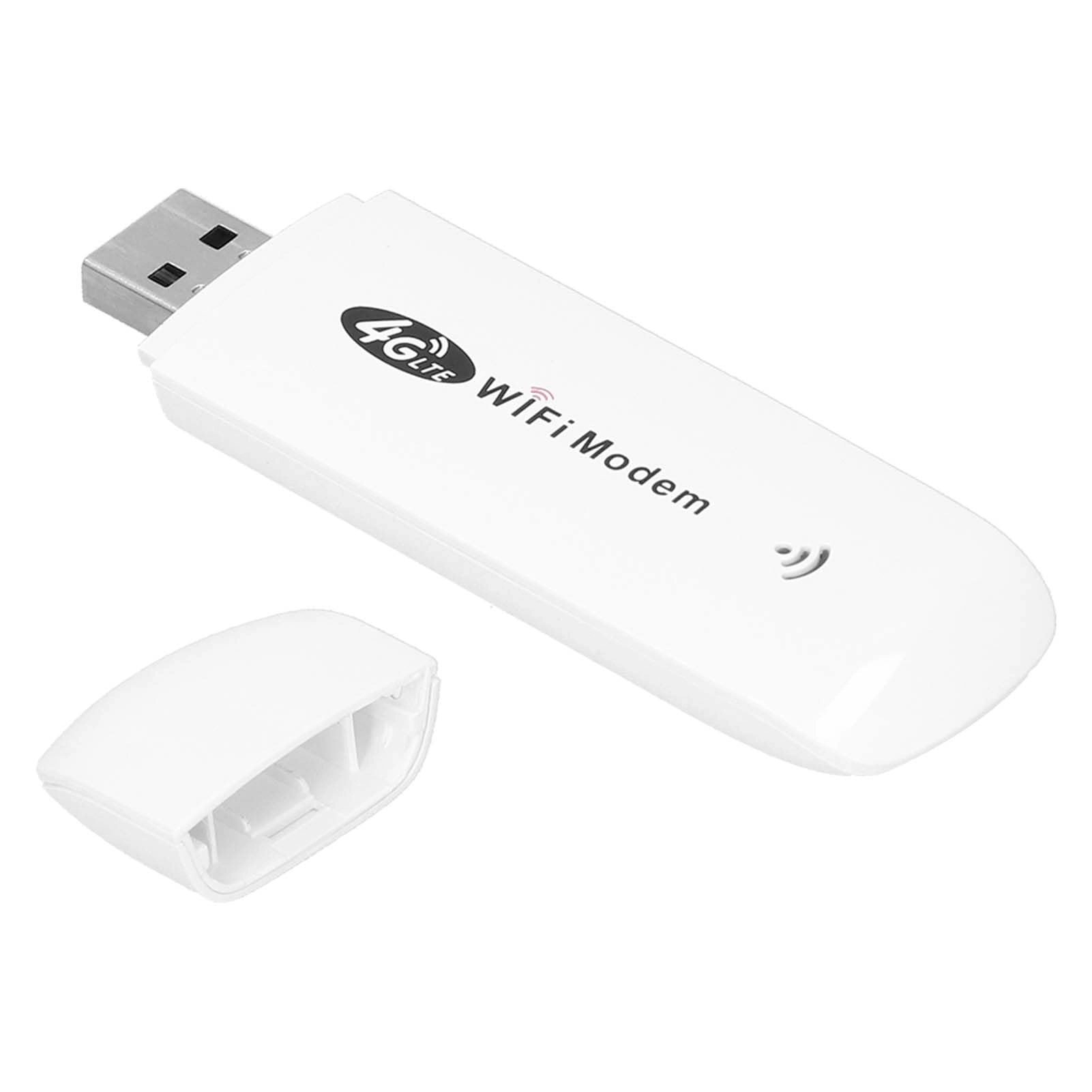
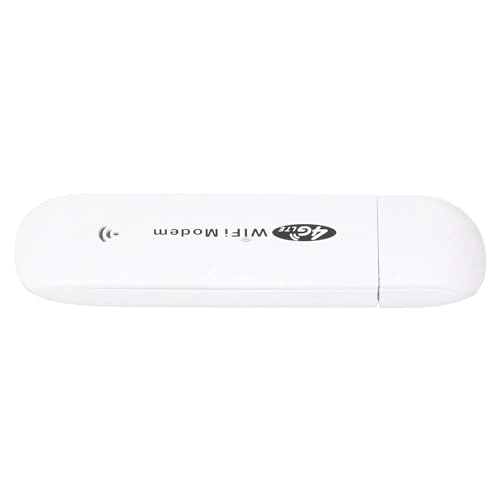
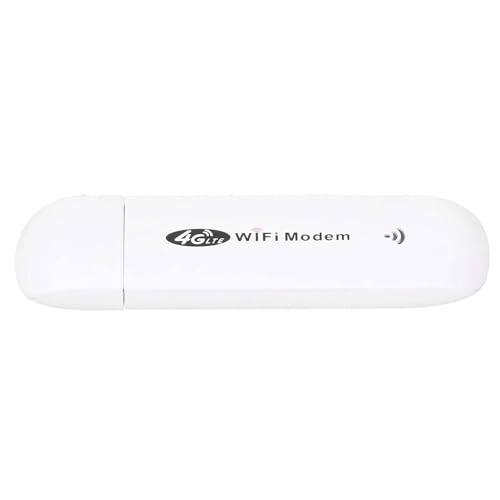
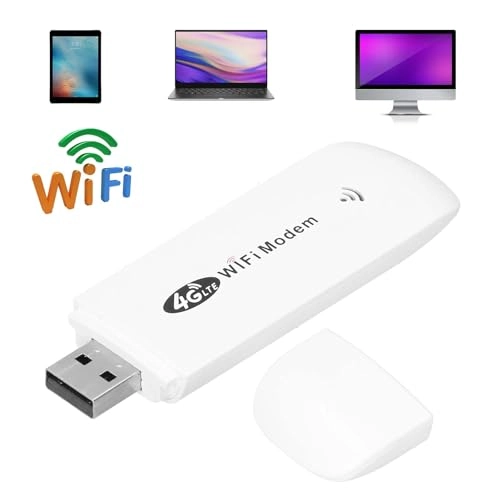
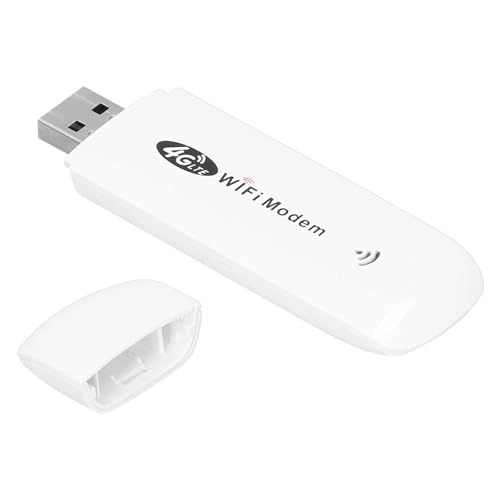
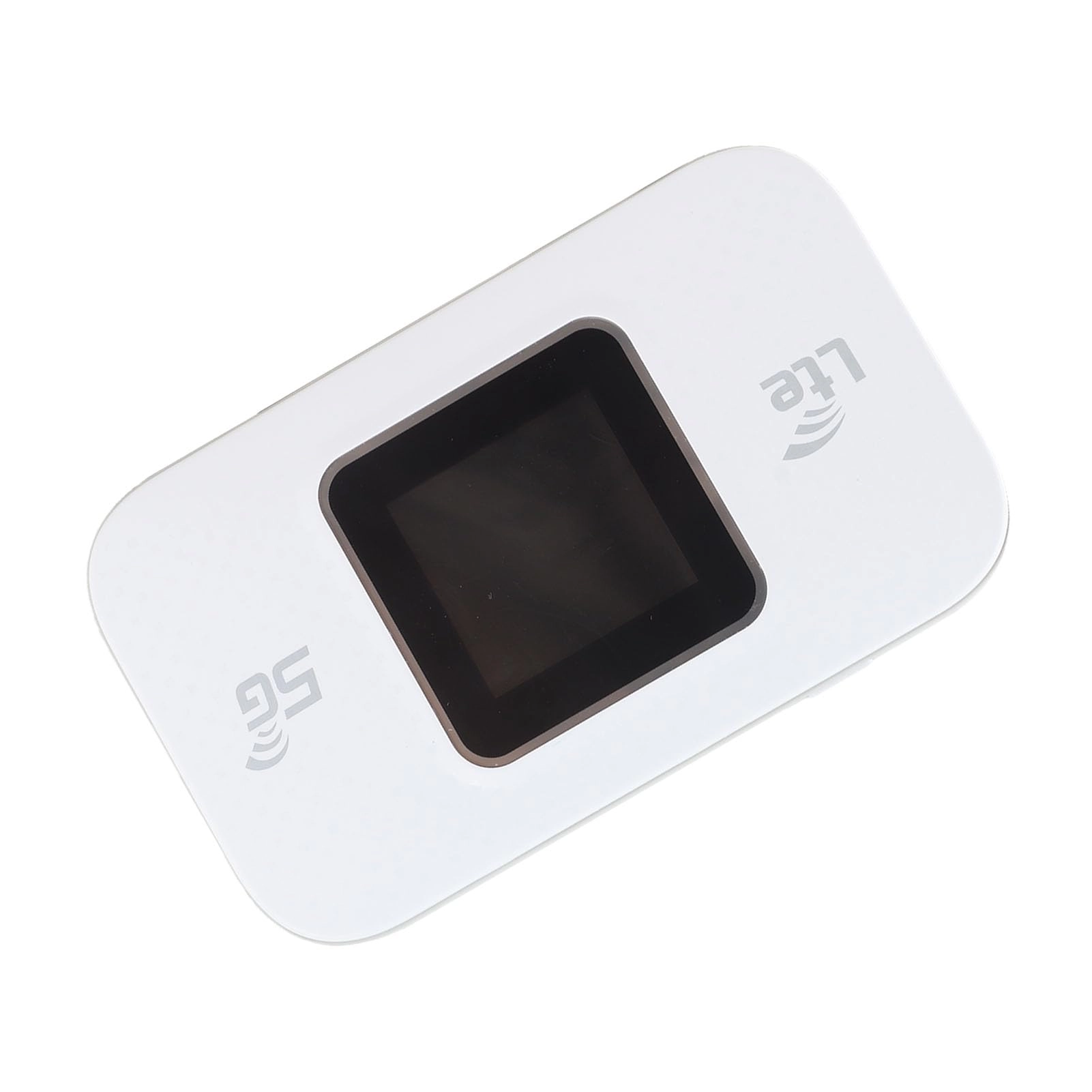
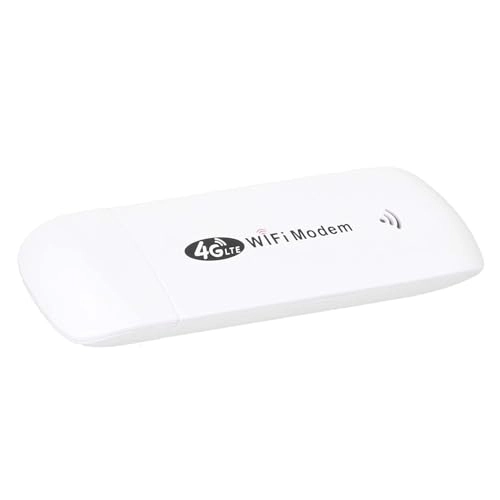
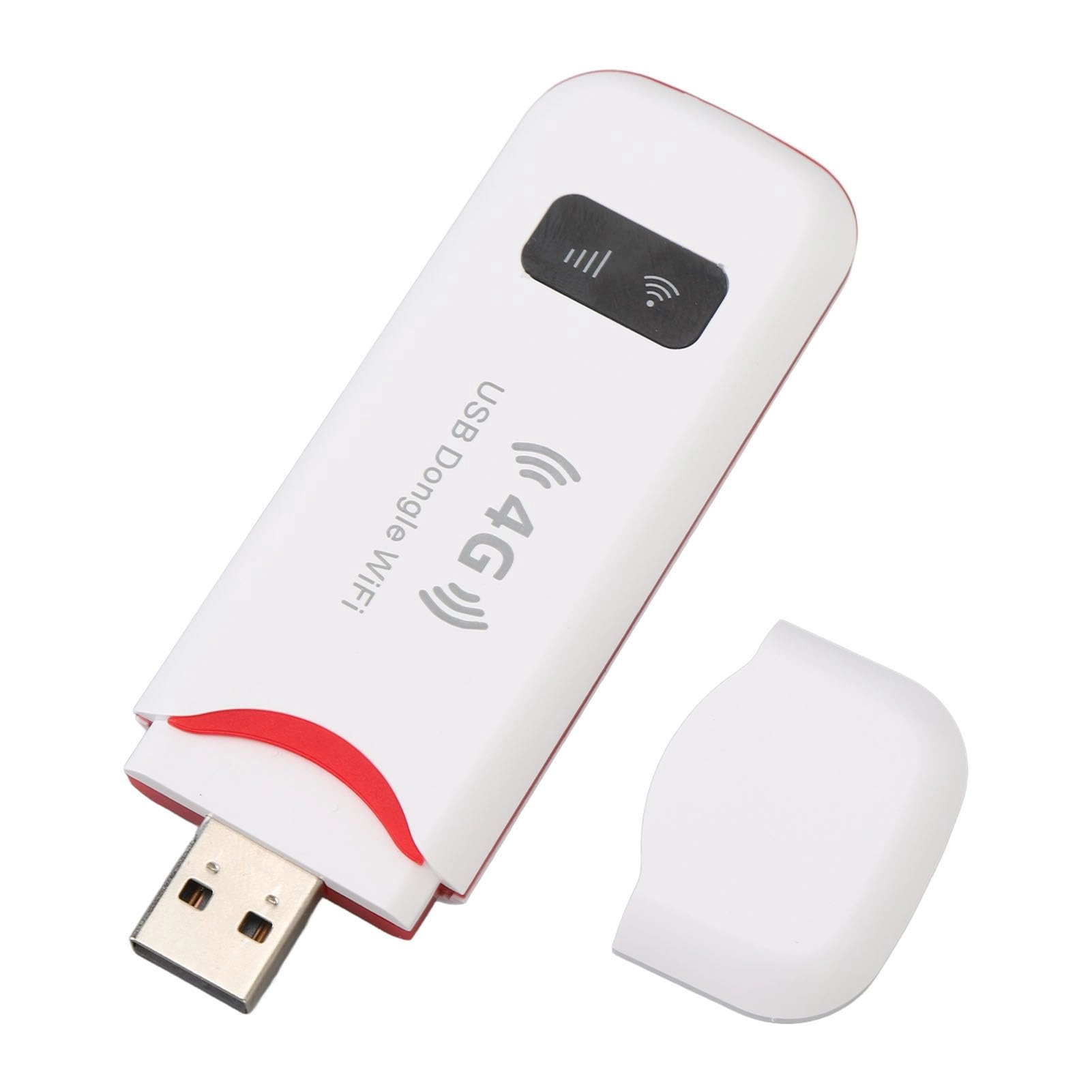
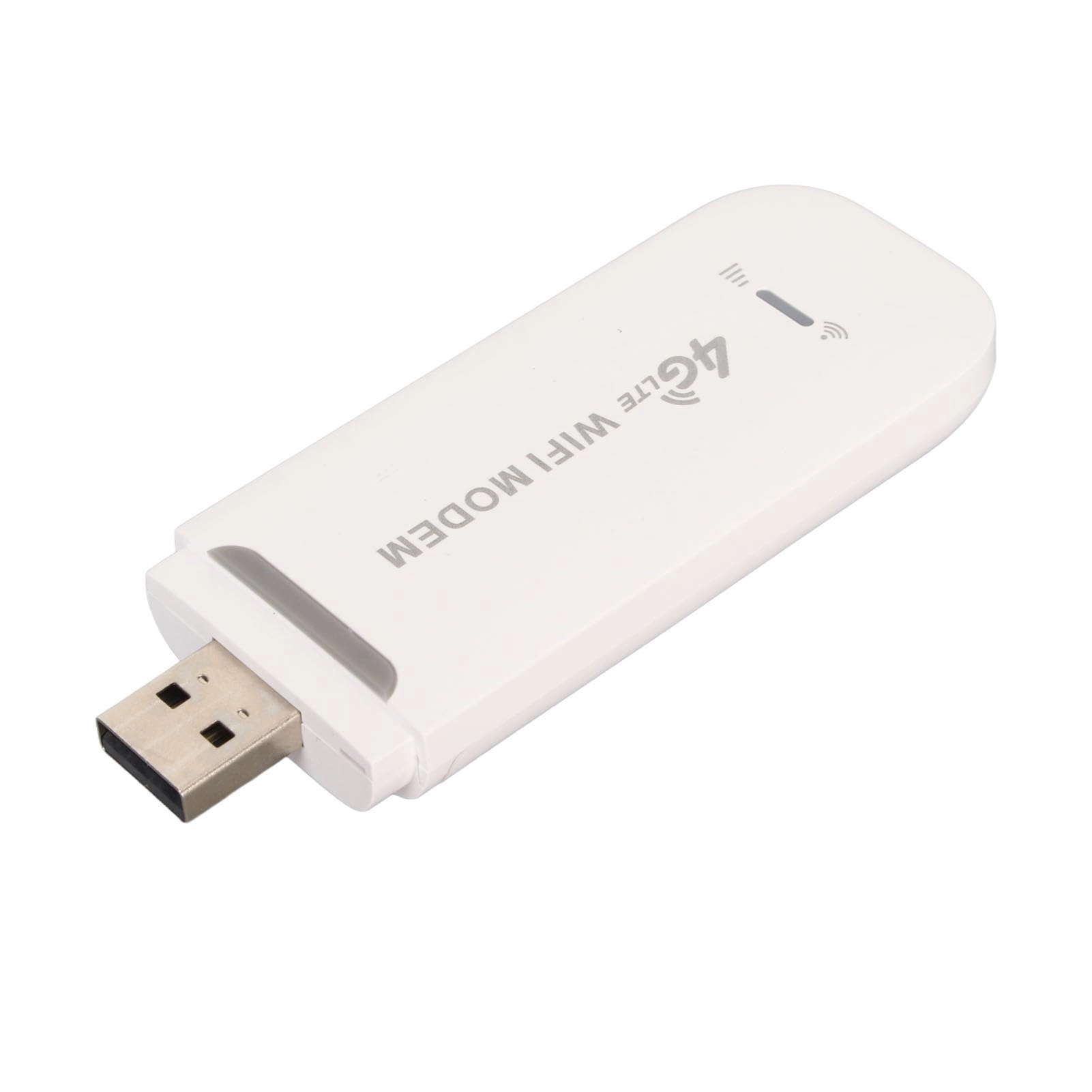
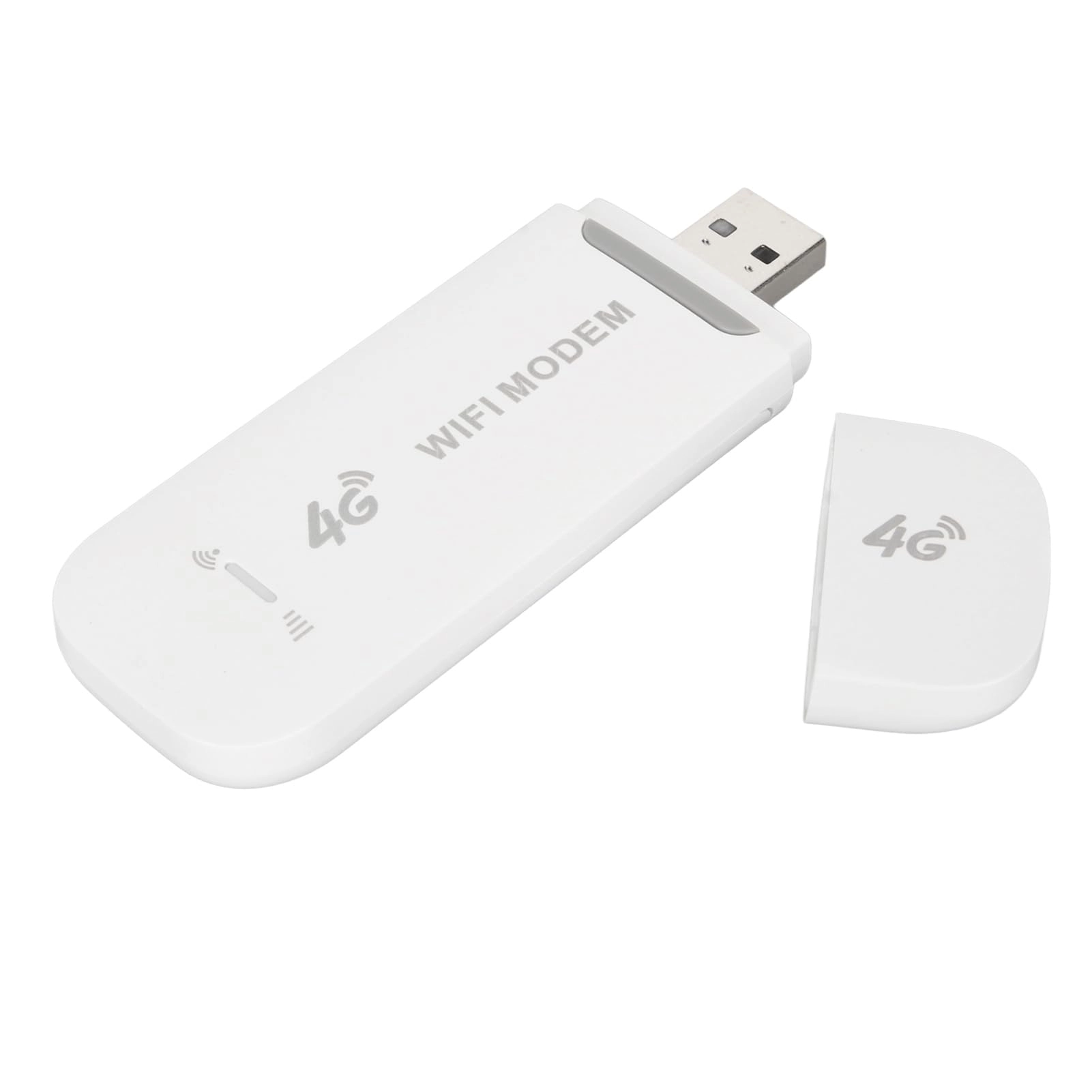
1. [HIGH SPEED CONNECTIVITY] Experience an incredibly fast internet connection with the WiFi modem dongle, which supports 4G LTE connectivity at speeds of up to 150Mbps.Whether streaming your favorite shows or video conferencing, enjoy minimal buffering and continuous connectivity that keeps you connected wherever you go.
2. [EASY TO USE PLUG & PLAY] Convenience is at hand with this easy-to-use device.Simply insert a Micro SIM card, connect it via USB to your computer or power source, and you're ready to share the Internet.No complicated setup or additional software is needed, making it perfect for users of all technical levels.
3. [MULTI-DEVICE SUPPORT] Stay connected with up to 10 devices simultaneously.This versatile router works seamlessly with various operating systems including XP / Vista / 7/8/10, OS X, , and , ensuring that you have the Internet access you need, whether using a laptop, tablet or smartphone.
4. [LED STATUS INDICATOR] Stay informed about the connection status with the LED indicator built into the dongle.This functionality not only improves user convenience, but also allows you to easily solve connection problems, ensuring an online and hassle-free experience.
5. [FULL NETWORK SETTINGS] Customize your Internet experience with configurable settings like APNs, firewalls, and routing options.This modem provides robust network management capabilities, ensuring you can customize your connection to your specific needs, at home or on the go.
Technical specifications:
Item type: WiFi modem dongle
How to use:
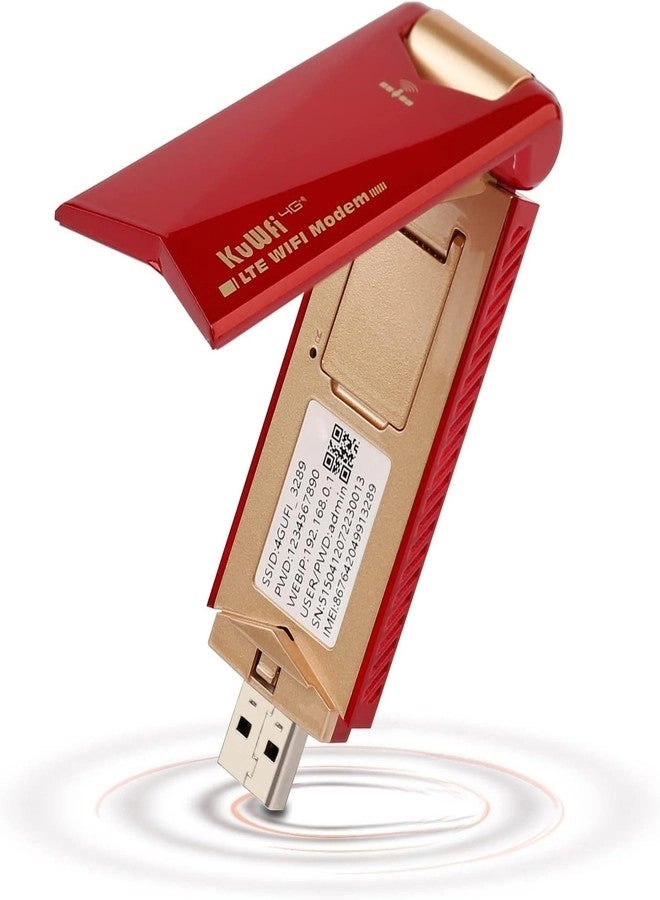
1. Prepare a SIM card, open the back cover of the dongle and insert the SIM card, close the back cover and insert the computer or a USB power port, search in the MIFI SSID: 4G MIFI**** network (UFISSID: 4GUFI_**** )Do on Connect, enter the default password: 1234567890 and do on OK.
2. For 7
Open Control Panel→Network and Internet→Network and Sharing Center →Connect to network and select the Wi-Fi point with the same SSID as this device to connect in the Wi-Fi list.Enter the correct Wi-Fi password, do OK and wait a few moments, when it appears connected next to Wi-Fi, it means that the connection is successful.
3. For Phone
Tap Settings, tap the Wi-Fi switch to activate Wi-Fi.In the WIFI list, select the WIFI compatible with the device's SSDI, enter the correct WIFI password and click Connect.
Frequency: 4G / LTE-FDD: B1 / B3 / B5 (850/1800/2100 MHz)
4G / LTE-TDD: B38 / B39 / B40 / B41 (1900/2300/2500/2600 MHz).
3G / WCDMA: B1 (2100 MHz).
Peak Speed: LTE FDD: DLUL 150M / 50Mbps (Category 4)
Wireless Internet: 2.4G, 802.11 b/g/n
Display mode: LED status indicator
Power port: USB 2.0
SIM Card: Micro SIM
Port input voltage: 5V / 1A
WIFI supported operating systems: for XP / Vista / 7/8/10 / OS X / /
Associated users: up to 10
Language: Chinese and English shared
APN Settings: Support
Wireless Network Settings: Support
Device Settings: Support
Routing Settings: Support
Firewall Settings: Support
Packing List:
1 x WiFi Modem Dongle
1 x User Manual
Note:
This product does not include SIM card