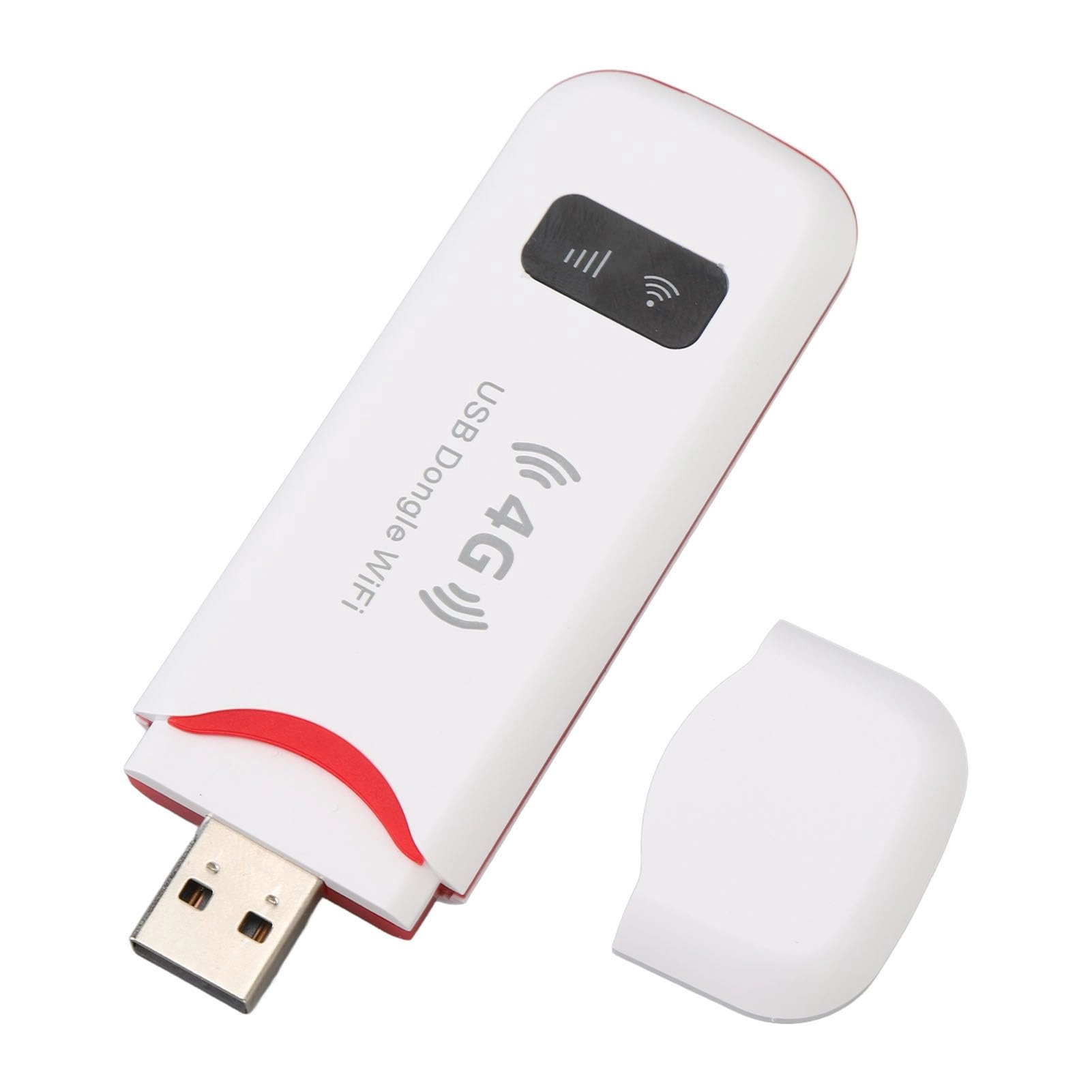
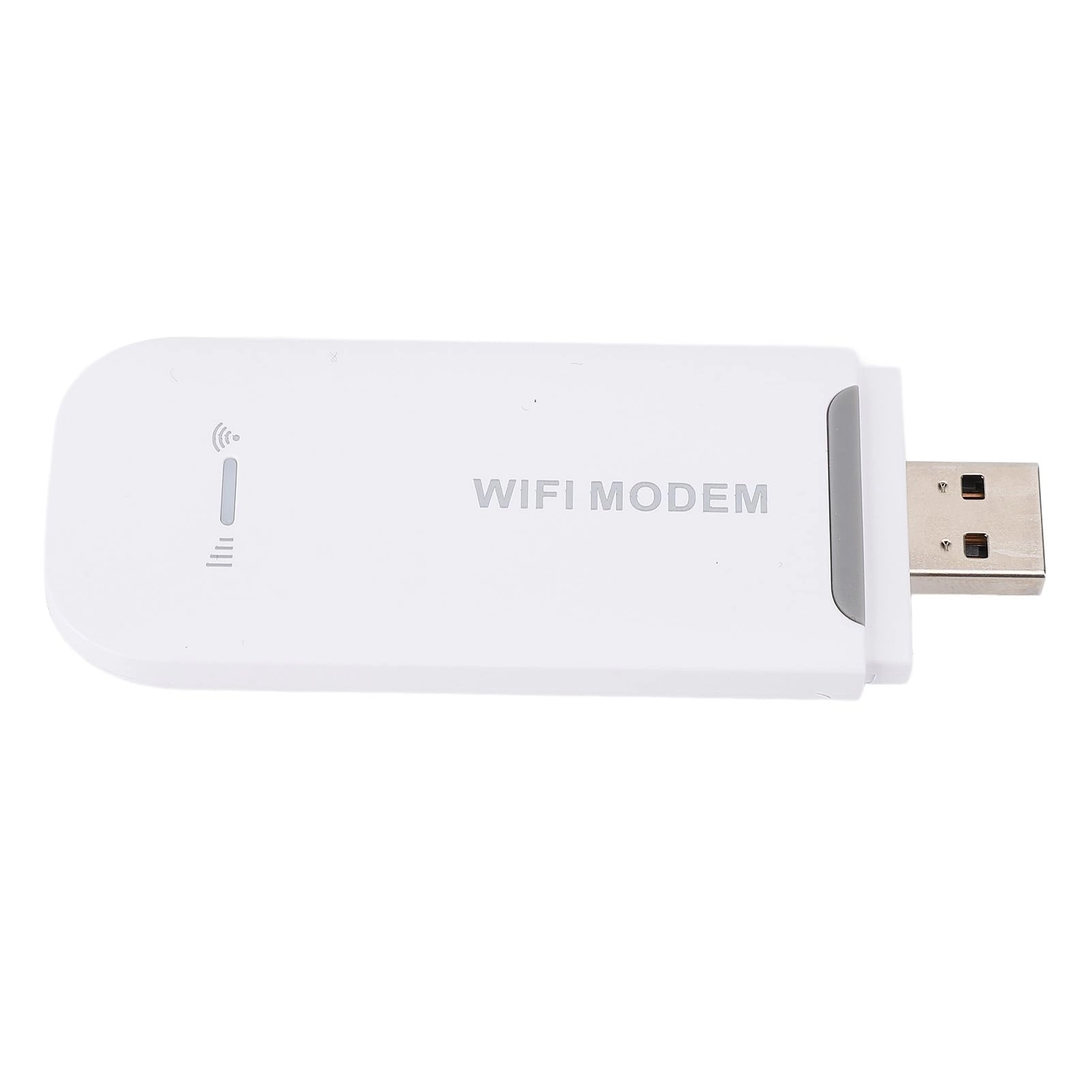
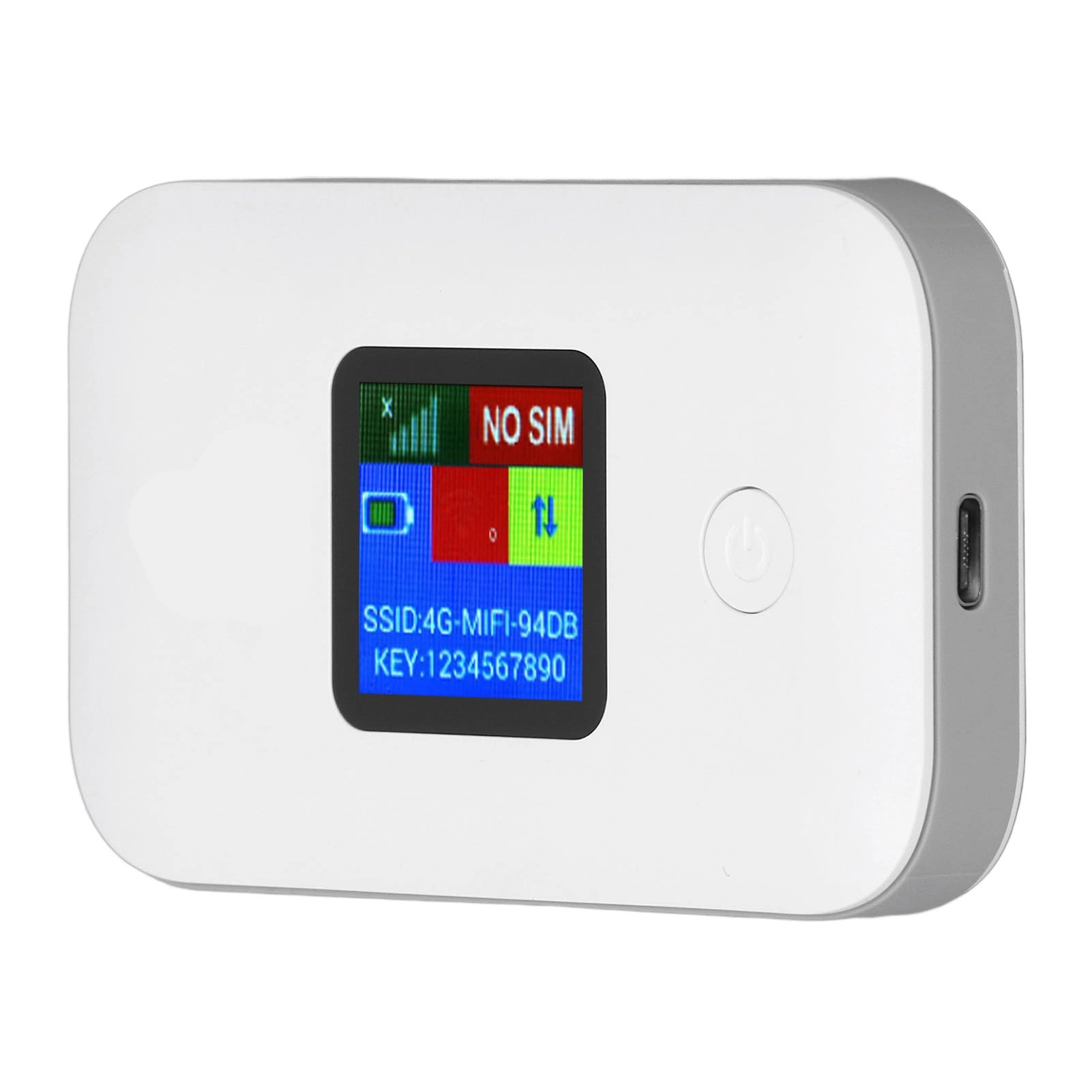
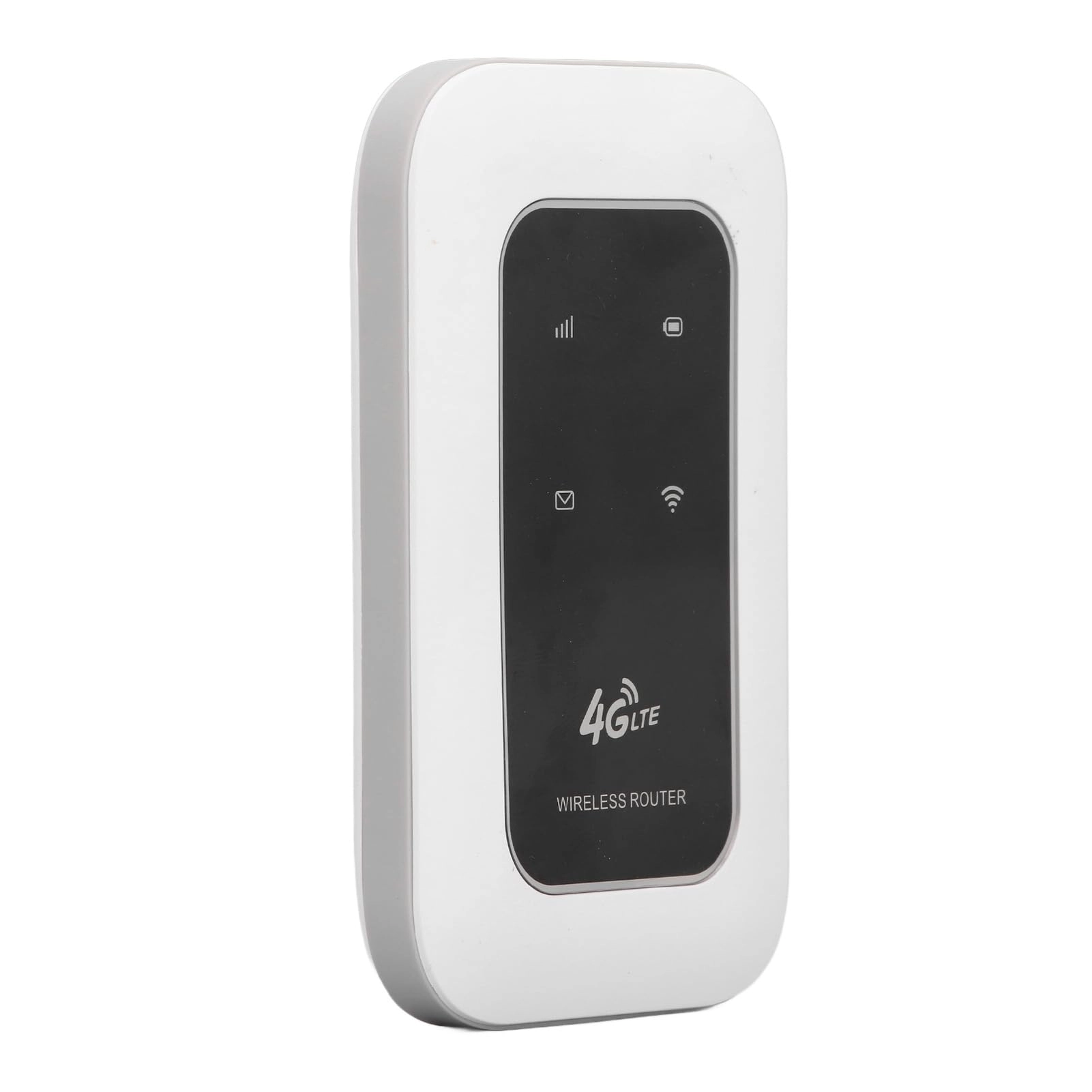
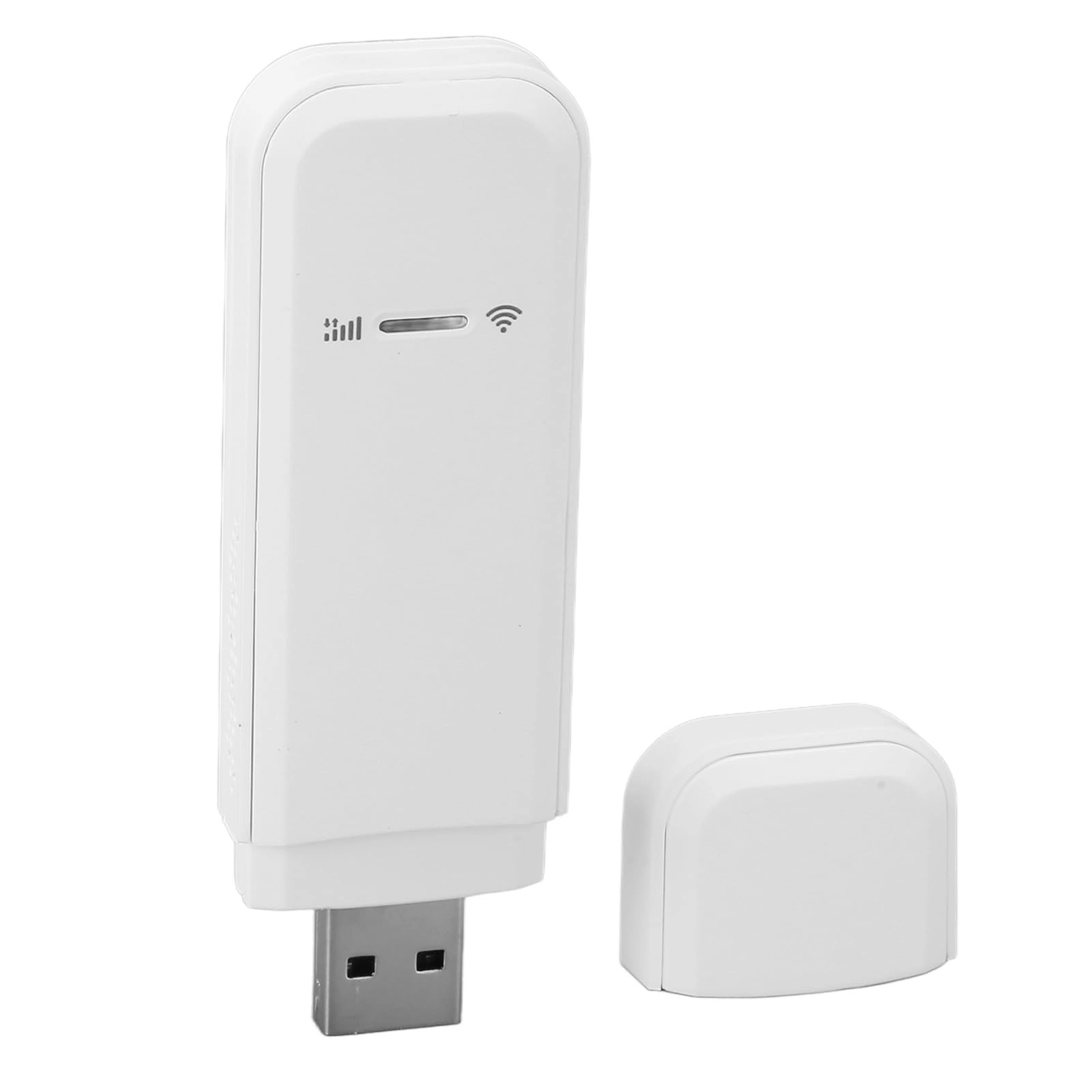
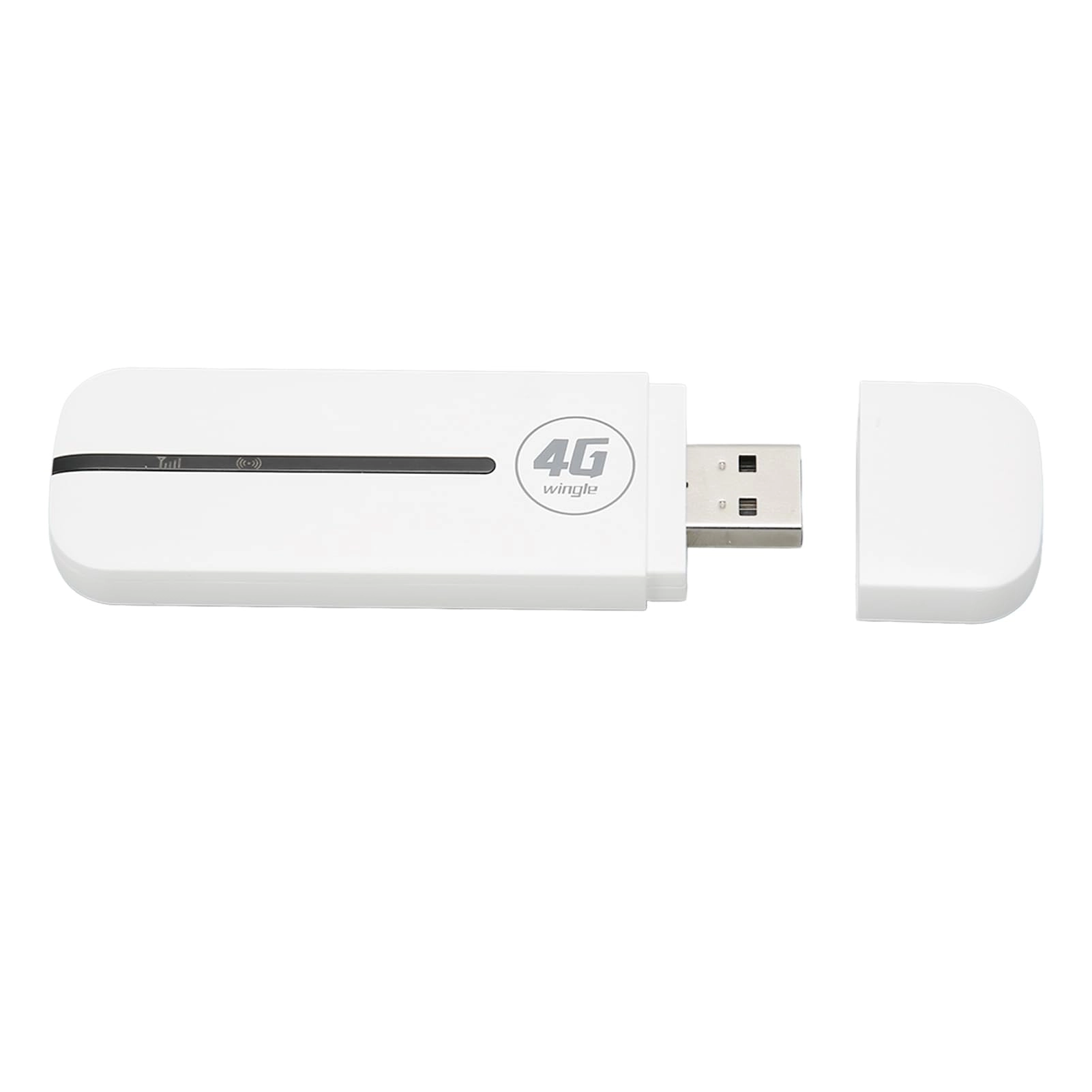
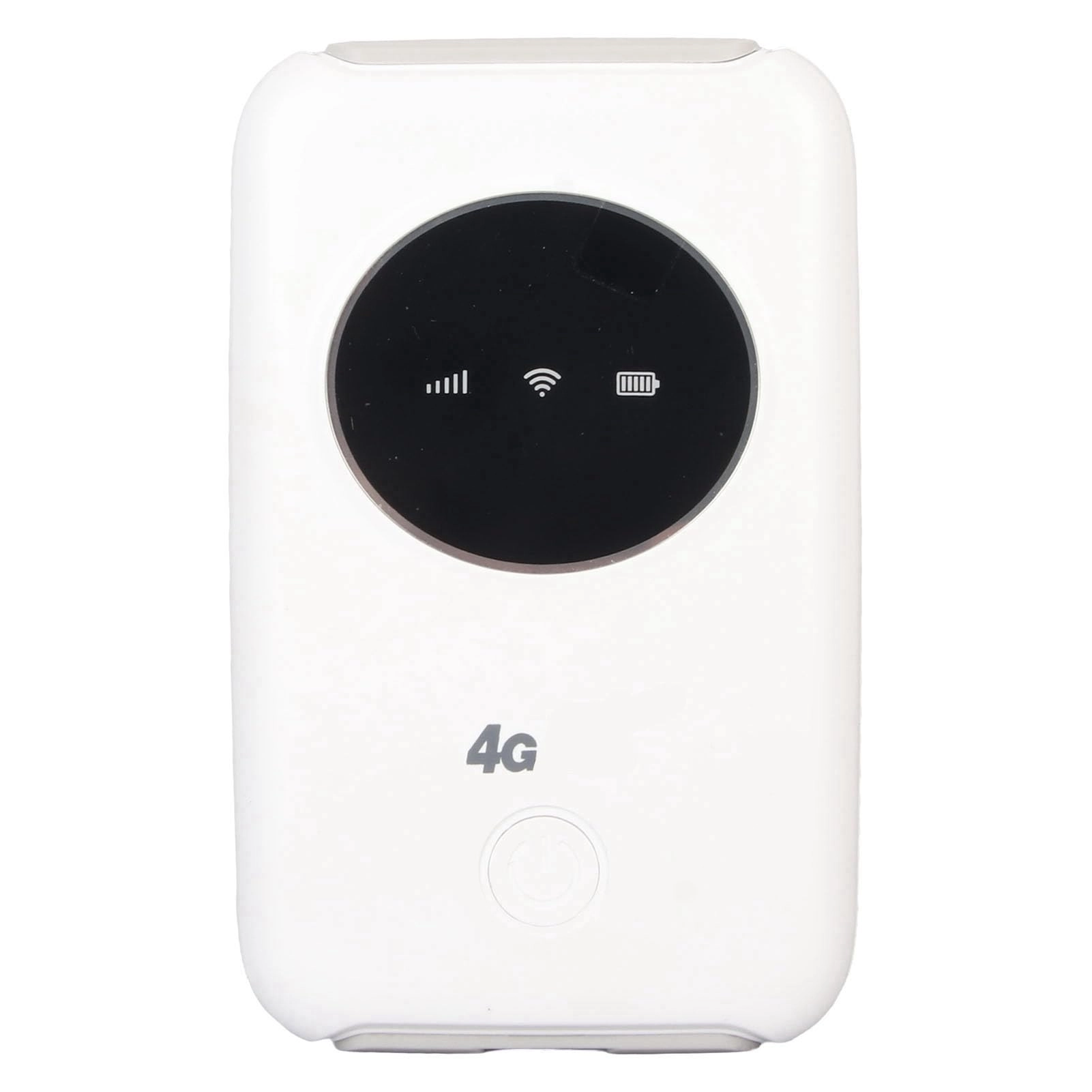
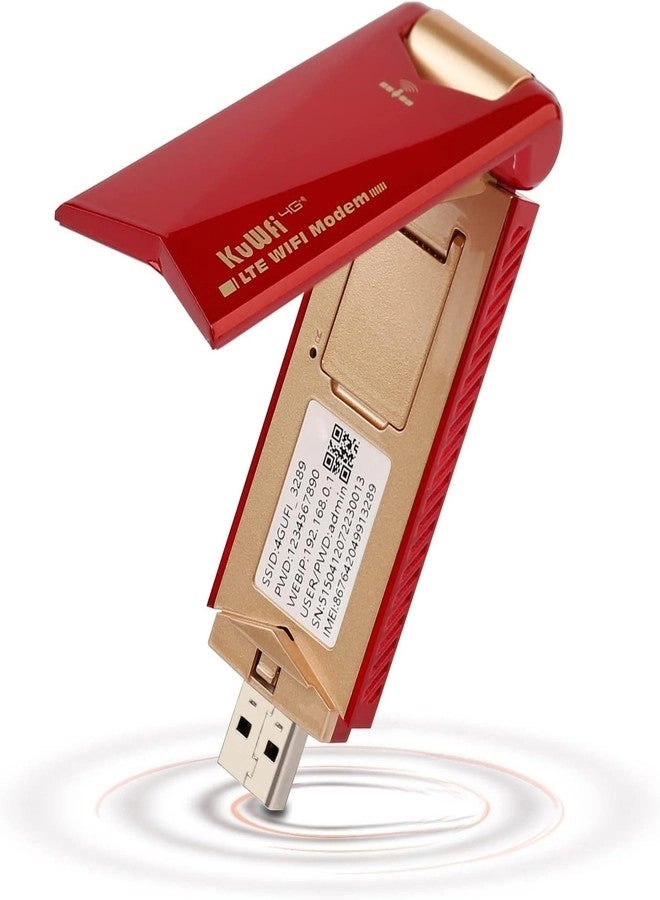
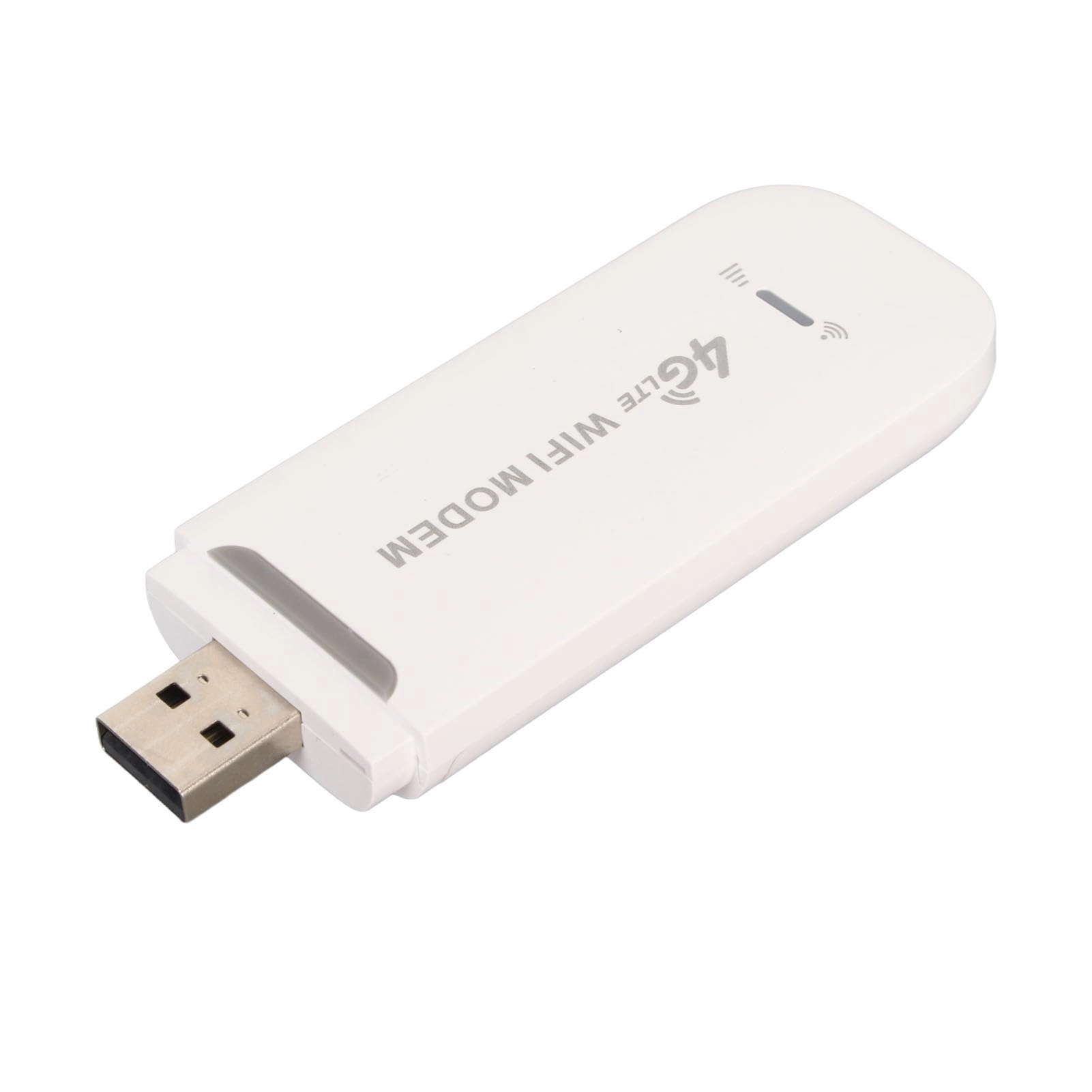
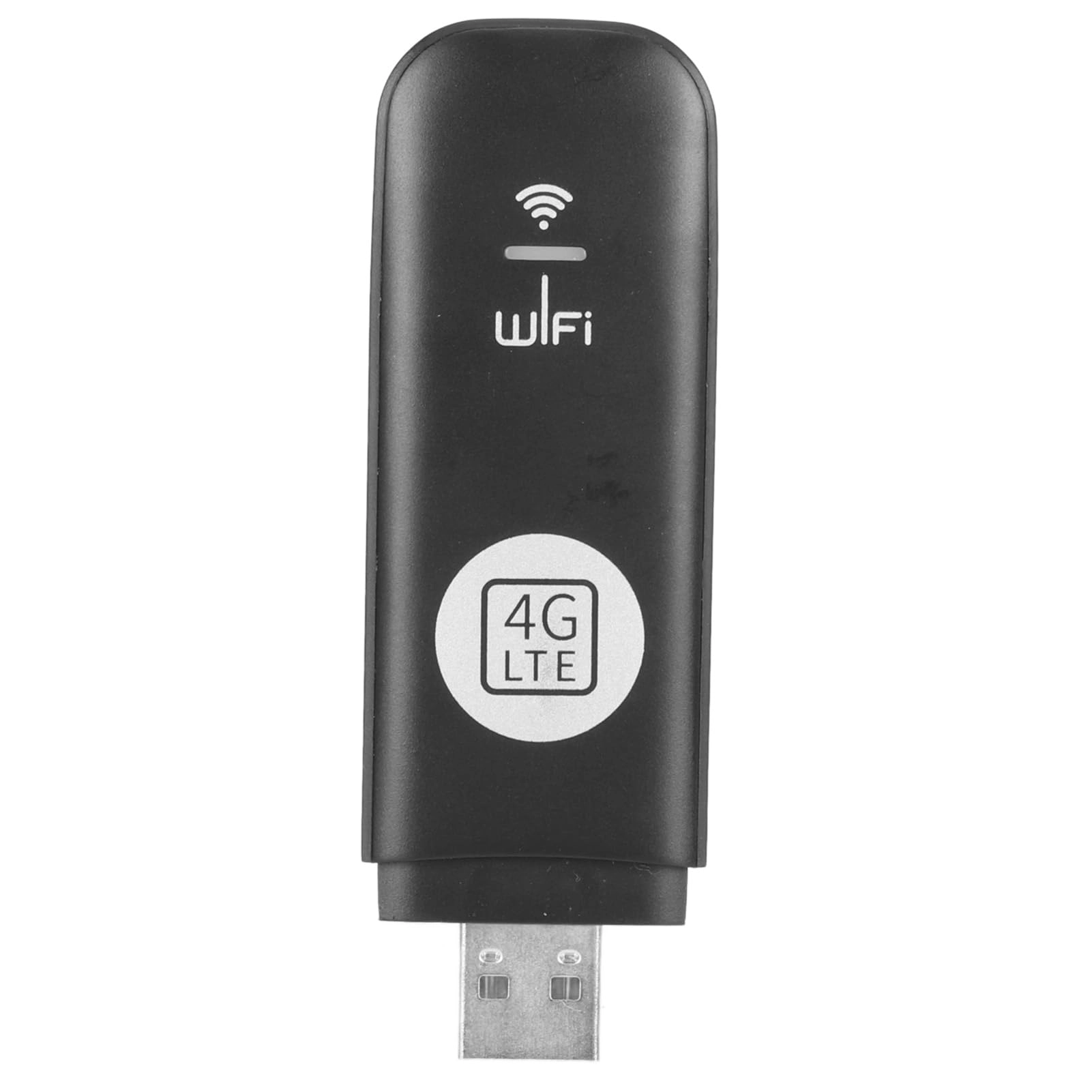
1. [HASSLE-FREE INTERNET ACCESS] Experience fast internet speed wherever you go with this 4G LTE USB WiFi Modem. Simply insert a 3G or 4G SIM card to connect to a 4G without the need for a broadband connection.
2. [ CONNECTIVITY] Enjoy high-speed internet with LTE CAT4 standard supporting up to 150Mbps. This portable WiFi router works with bands B1/B3/B5/B8/B38/B39/B40/B41 for reliable connectivity.
3. [MULTI-DEVICE CONNECTION] Connect up to 10 devices simultaneously, including smartphones, tablets, and laptops, with an effective WiFi range of up to 10m/32.8ft. Stay connected with ease wherever you are.
4. [LONG-LASTING BATTERY] Equipped with a 3200mAh battery, this unlocked 4G WiFi device offers extended usage time. Charge it via computer USB port, car charger, or power supply for continuous internet access.
5. [EASY SETUP] Simply insert a SIM card, install the battery, and start using the product. Ensure compatibility by disabling the SIM card PIN code and modifying the APN
Specification:
Item Type: 4G LTE USB WiFi Modem
Material: ABS
Color: White
Product Size: Approx. 10x6x1.5cm / 3.9x2.4x0.6in
Battery: Lithium Ion Battery (Built In) Capacity: 3200 MA
SMI Card Slot: 1 x SIM Card (Without SIM Card)
Band: B1/B3/B5/B8 /B38/B39/B40/B41
Sharing: Up To 10 Users
Interface: Type C
How to Use:
Remove the product and use it
packing list:
1 x4G LTE USB WiFi Modem
1 x USB Cable
1 x Instruction Manual
Notice:
1. Please allow some error due to manual measurement.
2. If WiFi dongle works for a long time, it needs to dissipate heat. Otherwise, it may cause the chip to burn out.
3. Enter the IP address of the router: 192.168.43.1 and click APN Enable. modify the APN. make sure the SIM card is active.
4. Product support band: B1/B3/B5/B8 /B38/B39/B40/B41. The SIM card used must support these frequency bands, and the local signal of these frequency bands can be used normally.
5. The product's battery electrodes are covered with an insulating sticker, which needs to be removed before installing it into the machine and turning it on for use.
6. Please check and confirm that the local operator's frequency band of your microSIM card matches the frequency band supported by this device before purchasing; otherwise, you will not be able to access the Internet.
7. Insert the microSIM card (Requirements for the microSIM card: the Internet access function has been activated; the size should conform to "15mm*12mm"; the PIN code should be off)
8. If you still cannot access the Internet, you need to add APN information (connect to WIFI to enter the management backend for operation, for details, please refer to Points 3 and 5 of the product operation manual).
Reviews
Loading...
Loading...
Loading...
Loading...
Loading...
Loading...
Loading...
Loading...
Loading...
Loading...
Loading...
Loading...
Loading...
Loading...
Loading...
Loading...
Loading...
Loading...
Loading...
Loading...
Loading...
Loading...
Loading...
Loading...
Loading...
Loading...
Loading...
Loading...
Loading...
Loading...
Loading...
Loading...
Loading...
Loading...
Loading...
Loading...
Loading...
Loading...
Loading...
Loading...
Loading...
Loading...
Loading...
Loading...
Loading...
Loading...
Loading...
Loading...
Loading...
Loading...
Loading...
Loading...
Loading...
Loading...
Loading...
Loading...
Loading...
Loading...
Loading...
Loading...
Loading...
Loading...
Loading...
Join our newsletter
Be the first to know about new arrivals, sales, and exclusive picks
Sign in to unlock newsletter access and stay in the loop

Please enable location access or select an emirate
-
00:00:00
Prayertimings
Offers (8)
8 offers
From
AED
52
Cryfokt 4G LTE USB WiFi Modem High Speed 150Mbps Plug and Play for 10 Devices Home Travel (Black)