Allware
Loading...
  • News
  • Price drops
  • New arrivals
  • Featured categories
  1. Computers & Peripherals
  2. Data Input Devices
  3. Mice
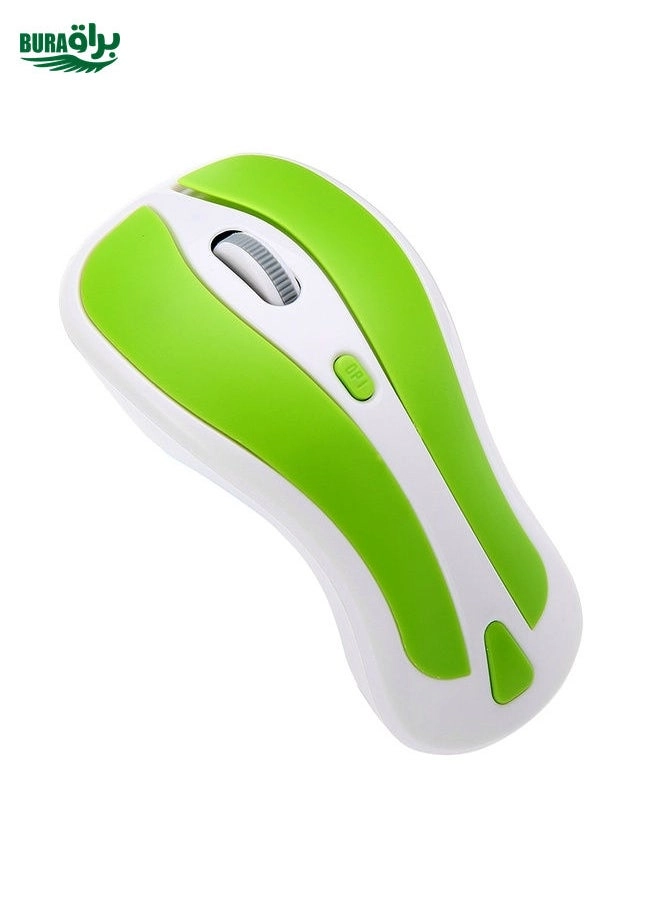
PR-01 6D Gyroscope Fly Air Mouse - Wireless

Generic PR-01 6D Gyroscope Fly Air Mouse - Wireless

Key Features

  • Mouse weight: 0g
  • Wireless range: 10m
  • Weight: 0g
  • Plug and Play: Yes
  • Windows operating systems supported: Windows 2000, Windows 7, Windows Vista, Windows XP
  • Mac operating systems supported: MacOS
  • Battery type: AAA
  • Number of batteries supported: 2
  • Weight: 0 gram
  • Offers
  • Price History
  • Specifications
  • Product Details
  • Review IconReviews

Specifications

Features

Plug and Play
✓
Wireless range
10 m

Weight & dimensions

Weight
0 gram
Weight
0 g
Mouse weight
0 g

Power

Number of batteries supported
2

System requirements

Mac operating systems supported
MacOS
Windows operating systems supported
Windows 2000, Windows 7, Windows Vista, Windows XP

Battery

Battery type
AAA

Product Details

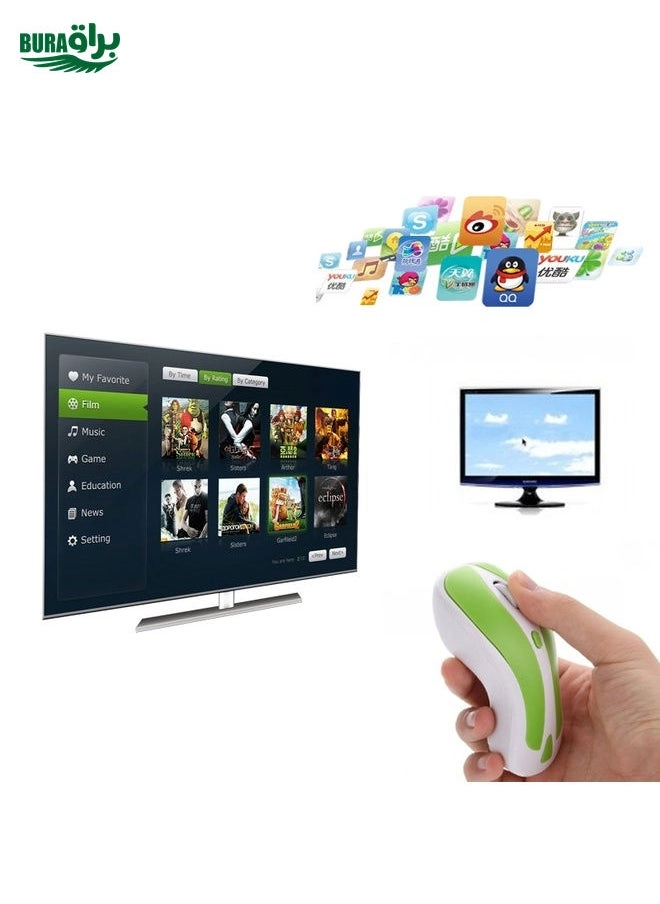
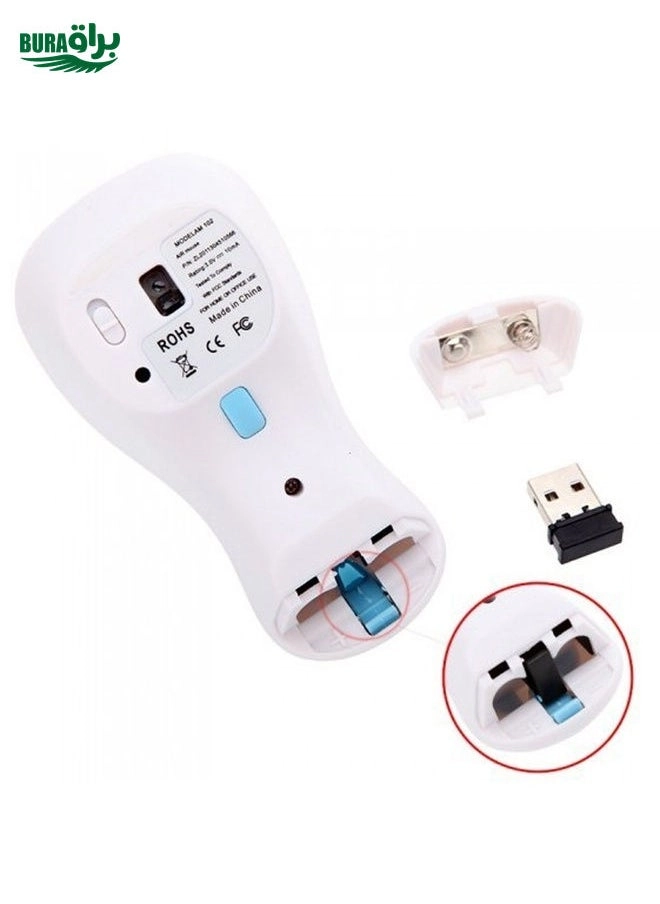
Main Features 1. 2 in 1 Mouse: 2.4GHz optical mouse + 6D gyroscope fly air mouse. 2. Wireless working distance: 10m. 3. 4-Levels DPI Adjustable: 600/800/1200/1600DPI. 4. Nano USB receiver, plug and play. 5. 6D gyroscope fly air mouse, control conveniently, easy to use. 6. Support system: Windows 2000 / XP / Vista / 7, Android, Mac OS etc. 7. Arched shape provides support for your hand in a natural and comfortable position. 8. Battery mode: 2 x AAA battery (not included). Instruction for use 1. Press the Storage Key to open the battery compartment. 2. Take out the USB receiver form the battery compartment, plus it into a USB host on your PC. 3. Insert 2 AAA batteries with correct polarity (+/-). 4. Close the battery compartment. 5. Slide the power switch to the ON position. 6. After use, insert the USB receiver into your mouse battery compartment for storage. Switch the mouse mode 1. The mouse is optical mouse default. 2. Click the Mode Select Key: The mouse goes to air mouse mode; Click the Mode Select Key again, the mouse returns to optical mouse mode. Pairing the mouse If the mouse not working while new batteries in the mouse, you should try to re-Pairing the mouse: 1. Click the pairing button one times, the mouse into pairing mode 2. Re-plug the USB wireless receiver into USB port of the PC 3. Wait 30 seconds, if the mouse still does not work, try again (1.2.), it may take several tries before you are successful.

Reviews

Loading...
Loading...
Loading...
Loading...
Loading...
Loading...
Loading...
Loading...
Loading...
Loading...
Loading...
Loading...
Loading...
Loading...
Loading...
Loading...
Loading...
Loading...
Loading...
Loading...
Loading...
Loading...
Loading...
Loading...
Loading...
Loading...
Loading...
Loading...
Loading...
Loading...
Loading...
Loading...
Loading...
Loading...
Loading...
Loading...
Loading...
Loading...
Loading...
Loading...
Loading...
Loading...
Loading...
Loading...
Loading...
Loading...
Loading...
Loading...
Loading...
Loading...
Loading...
Loading...
Loading...
Loading...
Loading...
Loading...
Loading...
Loading...
Loading...
Loading...
Loading...
Loading...
Loading...

Join our newsletter

Be the first to know about new arrivals, sales, and exclusive picks

Sign in to unlock newsletter access and stay in the loop

Allware
info@allware.com
+971522500911
World technology awards winner badge

Allware

  • About Us
  • Terms And Conditions
  • Privacy Policy
  • Contact Us

Partners

  • Why become a partner?
  • How to list your Online Shop?

Newsletter

  • Subscribe

Info

  • How Allware works
All Rights Reserved.
Please enable location access or select an emirate
-
00:00:00
Prayer timings

Offers (1)

Noon logo

1 offer

From
AED
Infinity

BURAQ PR-01 6D Gyroscope Fly Air Mouse 2.4G USB Receiver 1600 DPI Wireless Optical Mouse for Computer PC Android Smart TV Box (Green + White)

Unavailable

Price History

Price History Skeleton
Price History Shimmer Effect
Loading price history...

Similar Products

See all
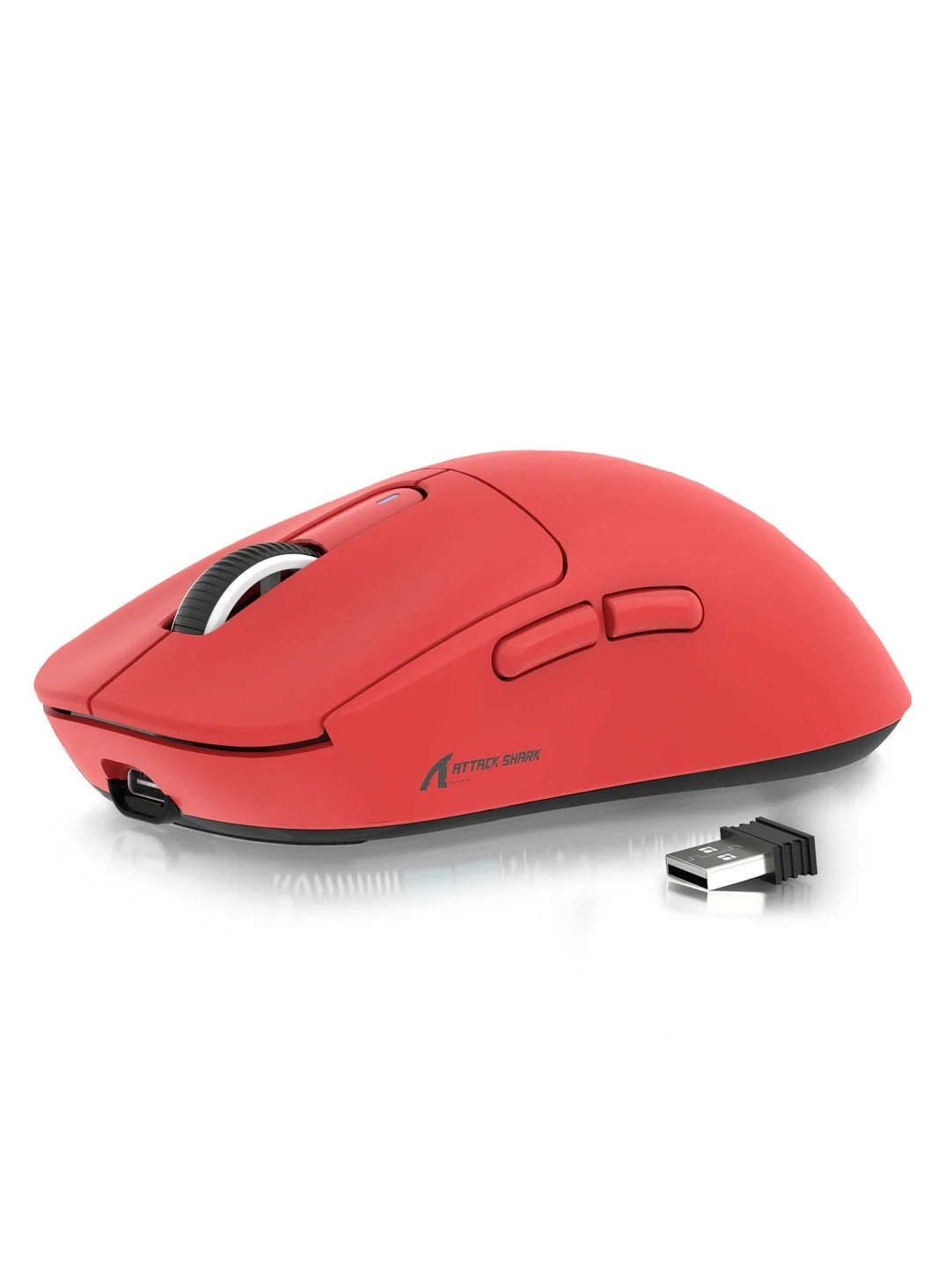
ATTACK SHARK X3 Gaming Mouse - Wireless

ATTACK SHARK X3 Gaming Mouse - Wireless

AED
6663
79 offers
SYOSI LED Rechargeable Slim Silent Mouse - Wireless

SYOSI LED Rechargeable Slim Silent Mouse - Wireless

AED
4990
55 offers
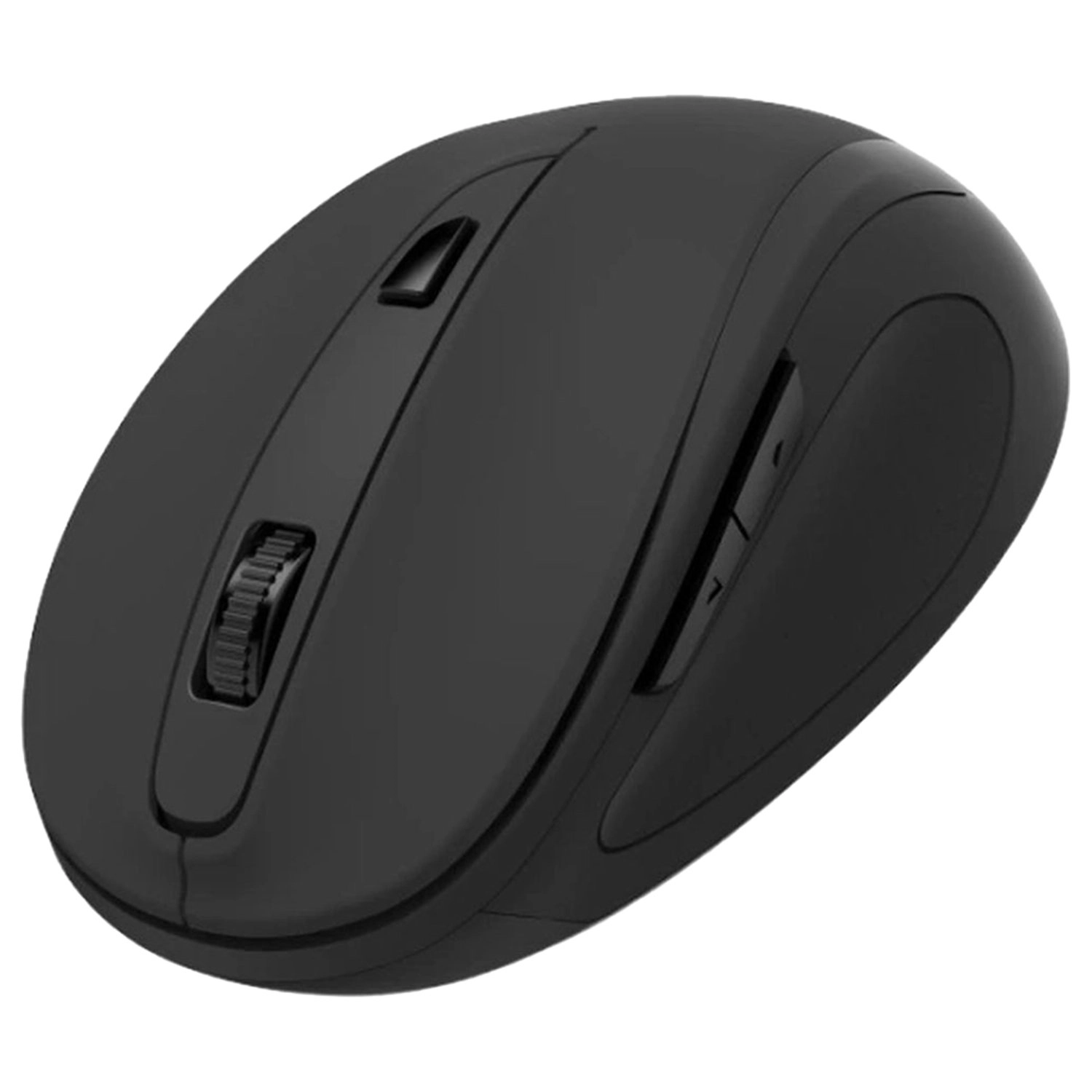
Hama MW-400 V2 Ergonomic Mouse - Wireless

Hama MW-400 V2 Ergonomic Mouse - Wireless

AED
4900
8 offers
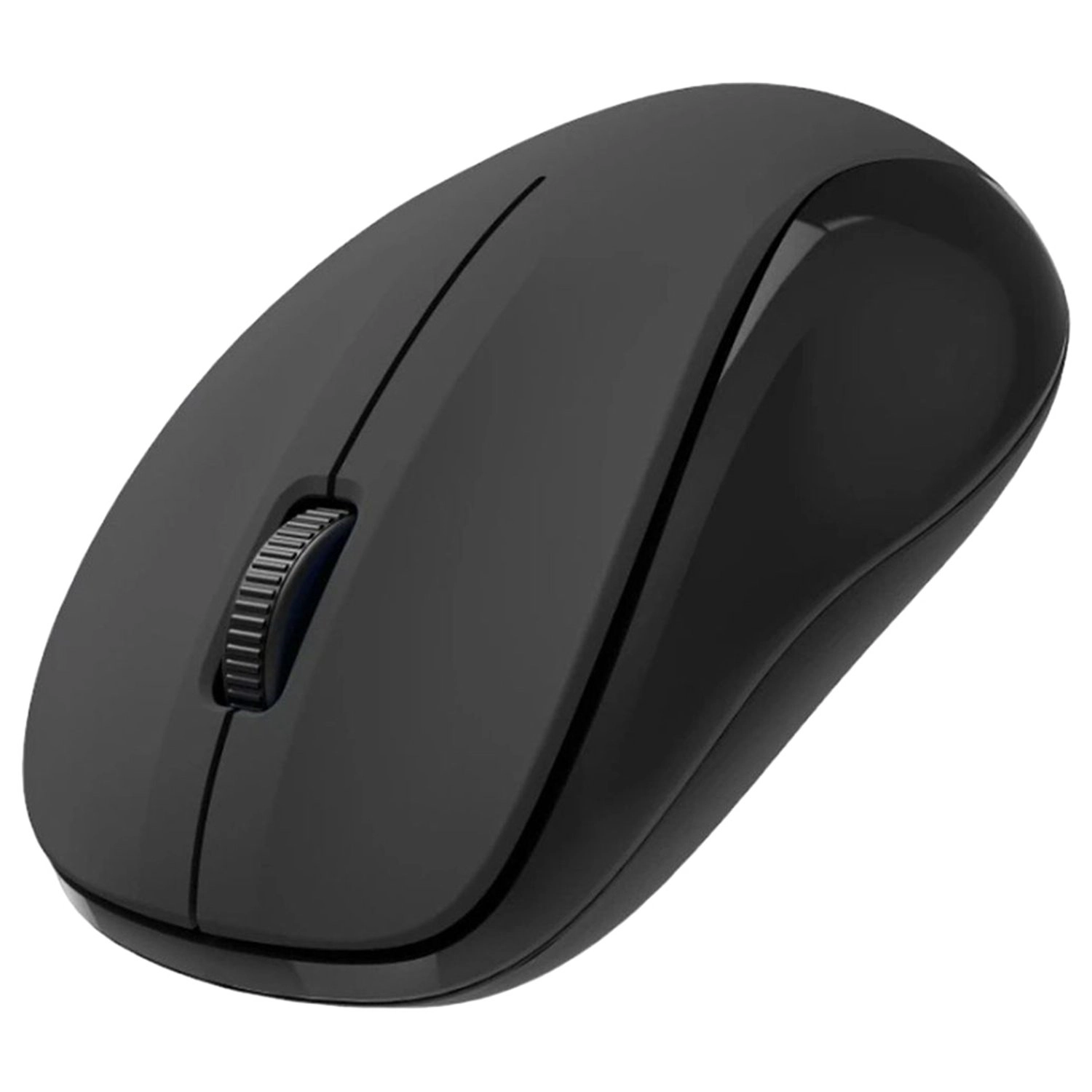
Hama MW-300 V2 Optical Mouse - Wireless

Hama MW-300 V2 Optical Mouse - Wireless

AED
3900
7 offers
Logitech MX Anywhere 2S Mouse - Wireless

Logitech MX Anywhere 2S Mouse - Wireless

AED
19900
7 offers
elec Space Wireless Mouse - USB

elec Space Wireless Mouse - USB

AED
6309
45 offers
LeadsaiL Wireless Mouse - USB

LeadsaiL Wireless Mouse - USB

AED
5000
30 offers
Vssoplor Slim Portable Mouse - Wireless

Vssoplor Slim Portable Mouse - Wireless

AED
6205
29 offers
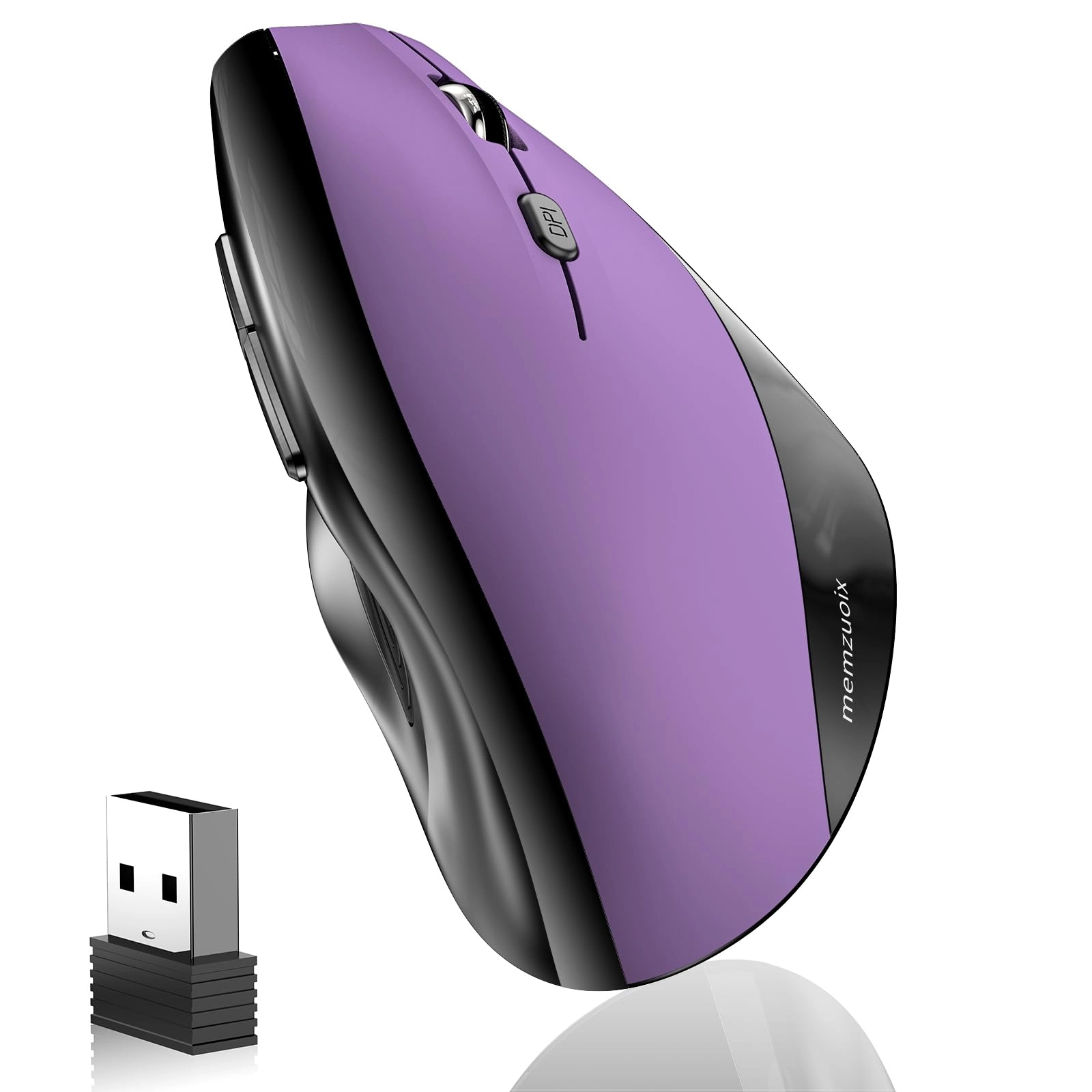
memzuoix Ergonomic Mouse - Wireless

memzuoix Ergonomic Mouse - Wireless

AED
5771
28 offers
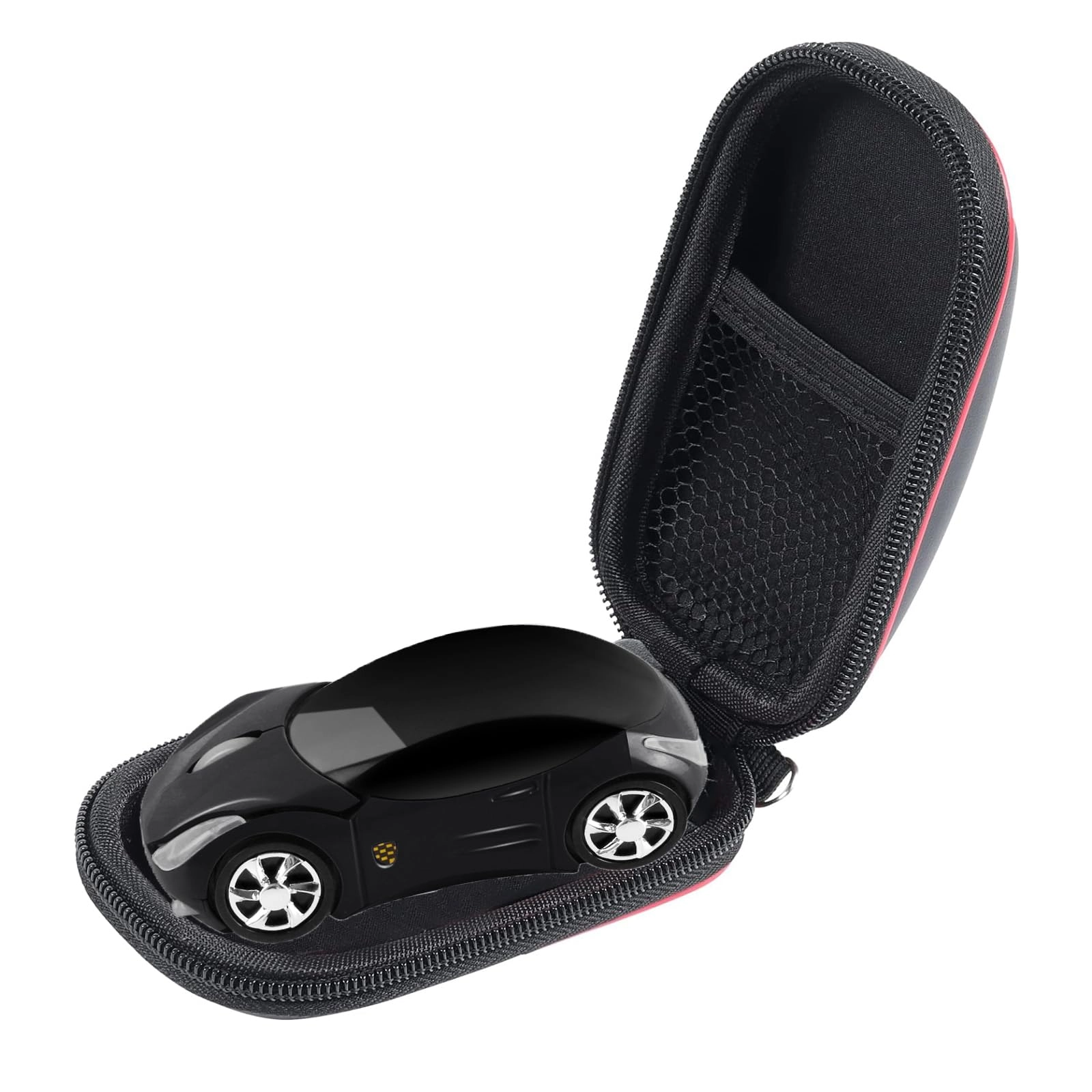
ECOiNVA Roadster Sports Car Shape Mouse - Wireless

ECOiNVA Roadster Sports Car Shape Mouse - Wireless

AED
5072
25 offers

More from Generic

See all
Generic Bravo Team (VR) with Aim Controller

Generic Bravo Team (VR) with Aim Controller

Unavailable
1 offer
Generic M808 Storm Pro Gaming Mouse - Wireless

Generic M808 Storm Pro Gaming Mouse - Wireless

AED
11700
1 offer
Generic F6 V4.0

Generic F6 V4.0

AED
4426
1 offer
Generic P47L - 4.7-inch 4GB

Generic P47L - 4.7-inch 4GB

Unavailable
1 offer
Generic Generujveibf8lt - 1

Generic Generujveibf8lt - 1

AED
4633
0 offers
Generic Core Drill Machine

Generic Core Drill Machine

AED
81 50332
0 offers
Generic Portable Mini Washing Machine

Generic Portable Mini Washing Machine

AED
5900
112 offers
Generic qc2enpowga - 6-inch 8GB

Generic qc2enpowga - 6-inch 8GB

AED
27462
7 offers
Generic Y65 8GB

Generic Y65 8GB

Unavailable
2 offers
Generic Epic Gift Card - 600 AED

Generic Epic Gift Card - 600 AED

AED
60000
1 offer
Loading...
Loading...
Loading...
Loading...
Loading...
Loading...
Loading...
Loading...
Loading...
Loading...
Loading...
Loading...
Loading...
Loading...
Loading...
Loading...
Loading...
Loading...
Loading...
Loading...
Loading...
Loading...
Loading...
Loading...
Loading...
Loading...
Loading...
Loading...
Loading...
Loading...
Loading...
Loading...
Loading...
Loading...
Loading...
Loading...
Loading...
Loading...
Loading...
Loading...
Loading...
Loading...
Loading...
Loading...
Loading...