Buy
Review: Solidly built, daily driver mini PC with loads of
connectivity options that simply works. - Bought this to replace
my wife's non-windows 11 upgradable PC (well, we all know it can
run Win11 fine, but, thanks to a certain large software company
who makes operating systems it is deemed not worthy of their
latest-and-greatest release). Anyway, I have a bit of a thing for
mini-PCs at the moment, and if you are looking for a daily driver
for surfing, web-based stuff, office / meeting apps, watching
streaming stuff and pretty much anything else up to and including
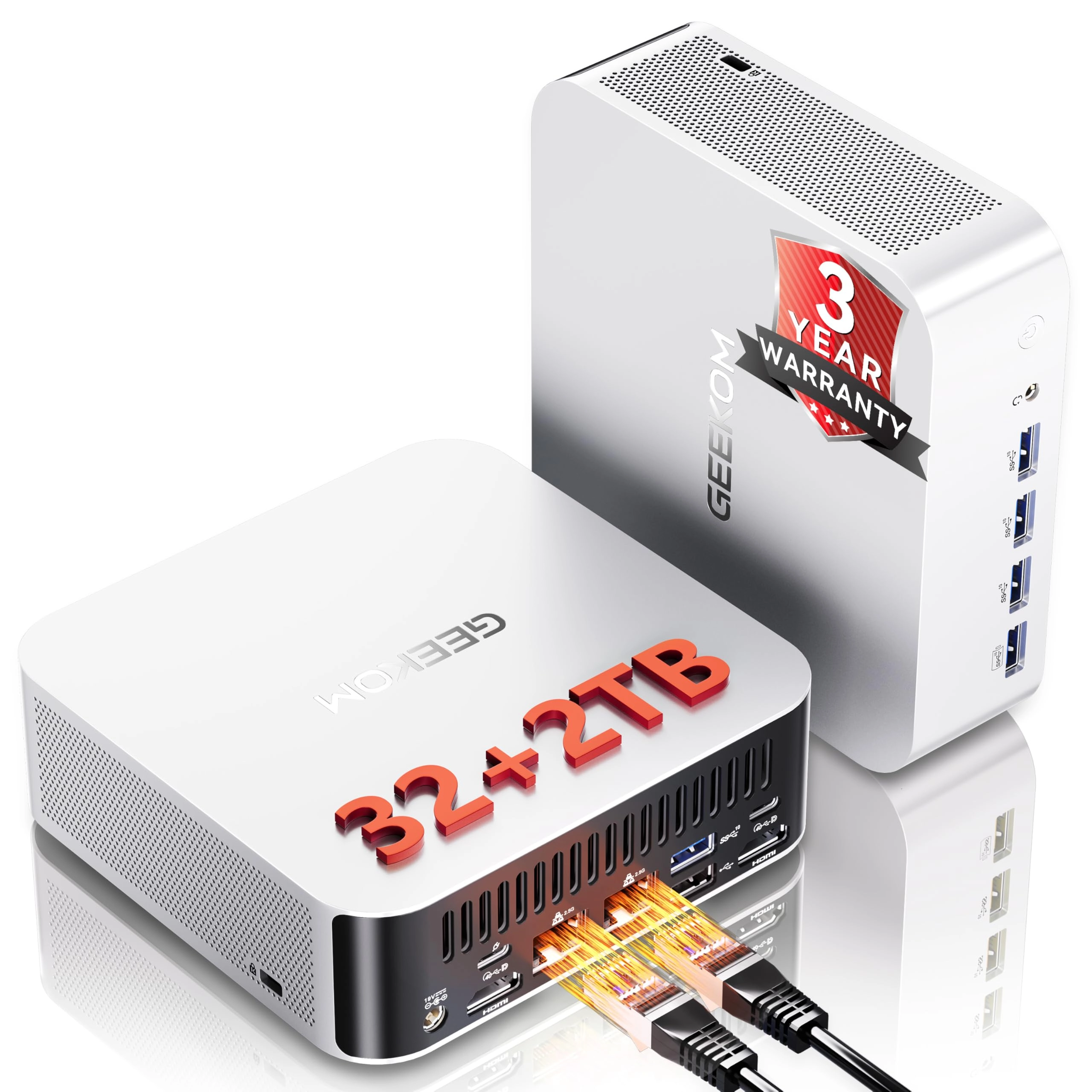
light duty video / image editing then something like the Geekom
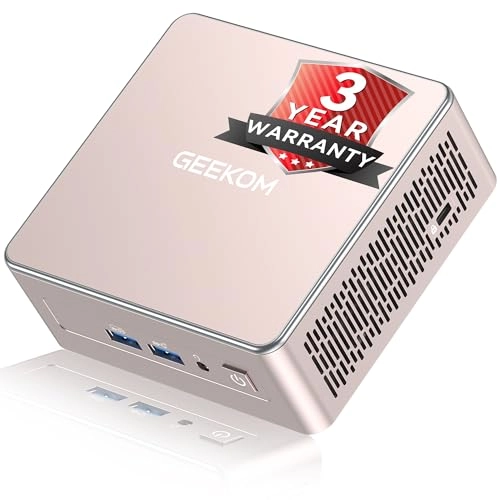
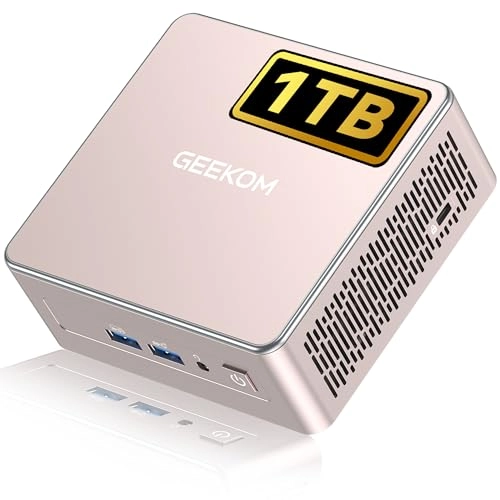
A5 will suit you down to the ground. This particular box comes
with an AMD Ryzen 5 7430U, 16GB DDR4 RAM (max of 64GB installable
in the two slots) & 512GB NVMe SSD, Vega 8 Graphics, Window 11
Pro, WiFi 6, BT 5.2 a bunch of USB 3 & 2 ports and also 2x USB-C
that you can output video from (theoretically this thing can
drive 4 displays, I've done 2 quite happily using the HDMI
ports). It also has an RJ45 ethernet port for wired connections.
It can also take an additional M.2 NVMe (2242) SSD OR 2.5 inch
SATA SSD alongside the full-length 2280 NVMe boot drive. While
not the most powerful CPU the Ryzen 5 7430U (laptop CPU) is 6
cores / 12 threads and can handle pretty much whatever you need
it to do (loads of chrome tabs? bit of streaming? working? it
barely heats up and I have yet to hear the fan). One benefit is
that it only draws around 15W when doing general things so you
can literally leave it running all day and not pay a fortune for
the electricity. It's easy to open and add the extra drives or
replace / upgrade the RAM 4 screws and you're done. 5 if you
include the NVMe lock screw. The whole unit is tiny and is quite
hefty and feels very solid. And from a noise point of view
effectively silent. If you stick it on performance mode and then
make it render video files etc then you'll get fan noise like any
other small machine or laptop, but other than that, you don't
know it's there. Installation tip: If you don't want to use or
don't have a MS account, when you go through the set up DO NOT
connect it to your network via wire or wireless, use the local /
offline account option and get into the desktop. Once there, you
can then run windows update to get everything up to the current
version. You can then log in if you want to. It will of course
nag you constantly and try and blackmail you into using your MS
account, but there really is no need to, it works perfectly well
without it. A surprisingly well built and solid feeling little
box, that if you get when on offer is excellent value for money
and also slightly upgradable in terms of storage and RAM. Lots of
connectivity so likely will suit all your peripherals. Well worth
the purchase. Incidentally, the old pc? Currently turning it into
a Linux-based media box to stick down on the floor by the TV so
we can use it to enhance the no so smart goggle box on the living
room wall.
Review: The perfect computer to manage my electronic workbench! -
I bought this mini PC to manage my USB oscilloscope and a couple
of other instruments on my electronic workbench. I did not want
to connect test instruments that may be connected to high voltage
sources to my my main workstation. I installed Windows 10
enterprise IoT 2021 LTSC that is supported by Microsoft until
2032. The installer (and Windows update) could not find the wifi
driver. I sent an email to Geekom support and had a quick
response pointing me at the downloads section on their website
(which I should have looked at first). The PC works brilliantly
along with a cheap 14 inch touch screen portable monitor. The
availability of displayport over the usbc connection makes it a
single-cable interface to the monitor for power, display and
touch! The system is very responsive, and runs silently. I
stopped using Apple Macs once they stopped being upgradable.
Geekom have made it easy to upgrade memory, storage and even the
bluetooth/wifi card. It also has space for an additional disk. I
would have preferred a black box instead of the shiny gold, but
it runs 24/7 out of sight! It would make an excellent media PC or
desktop for most day-to-day use!