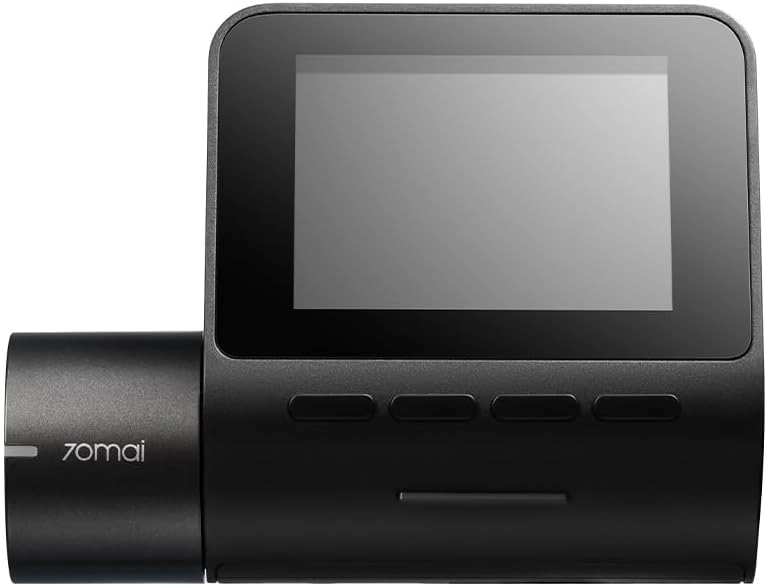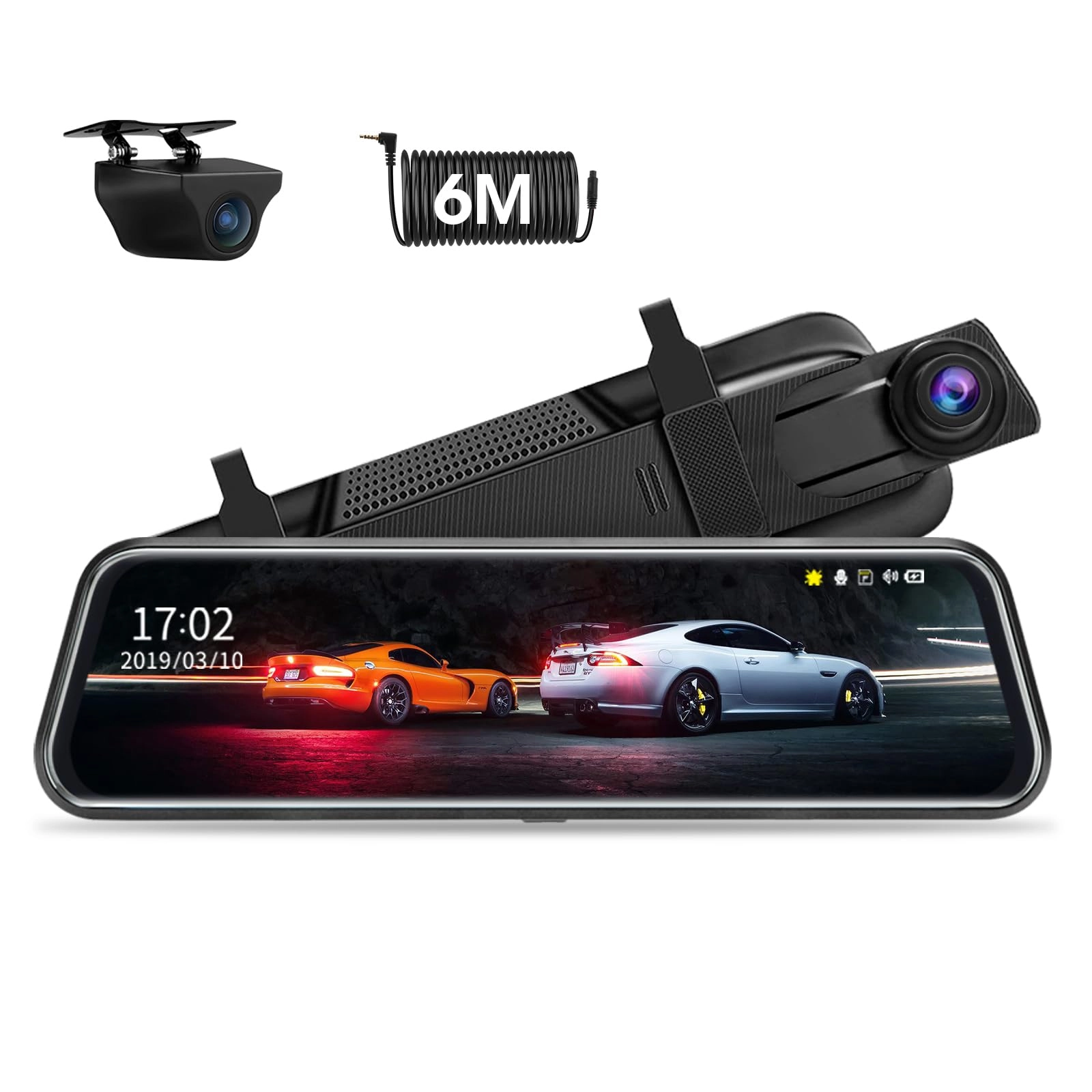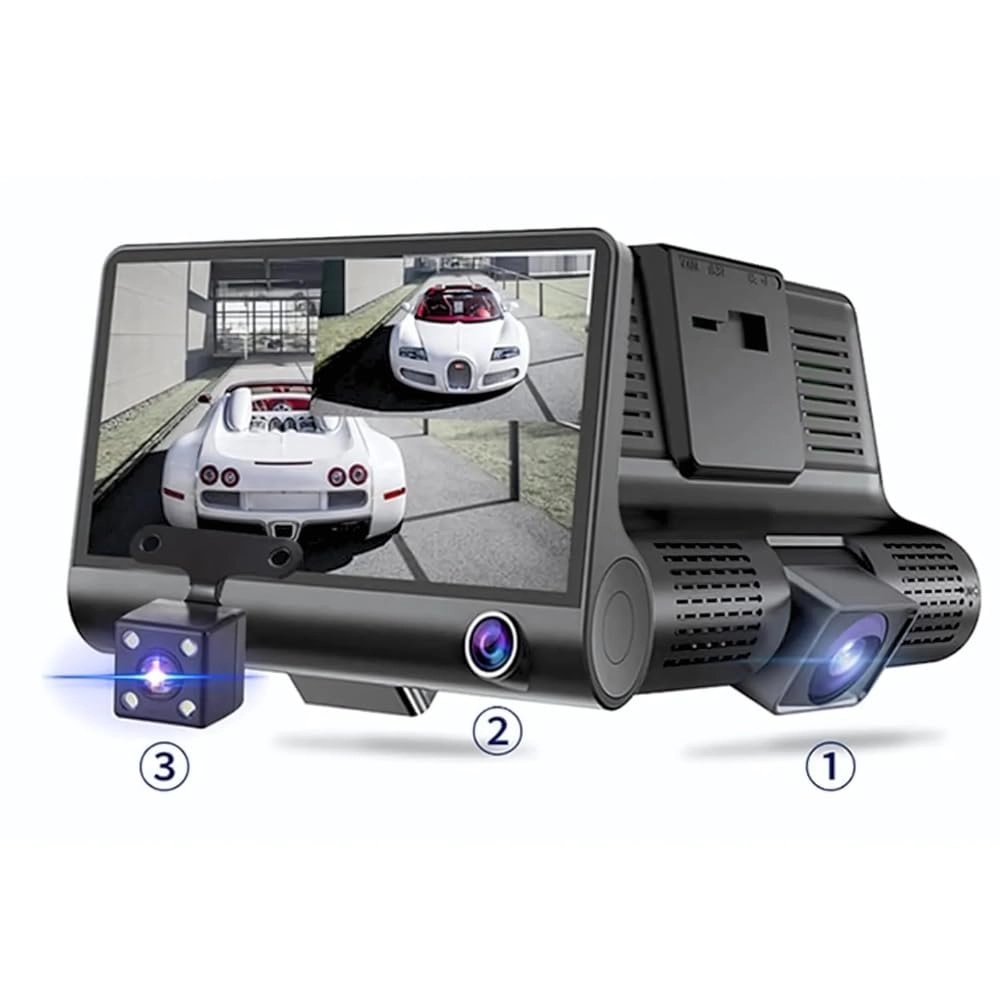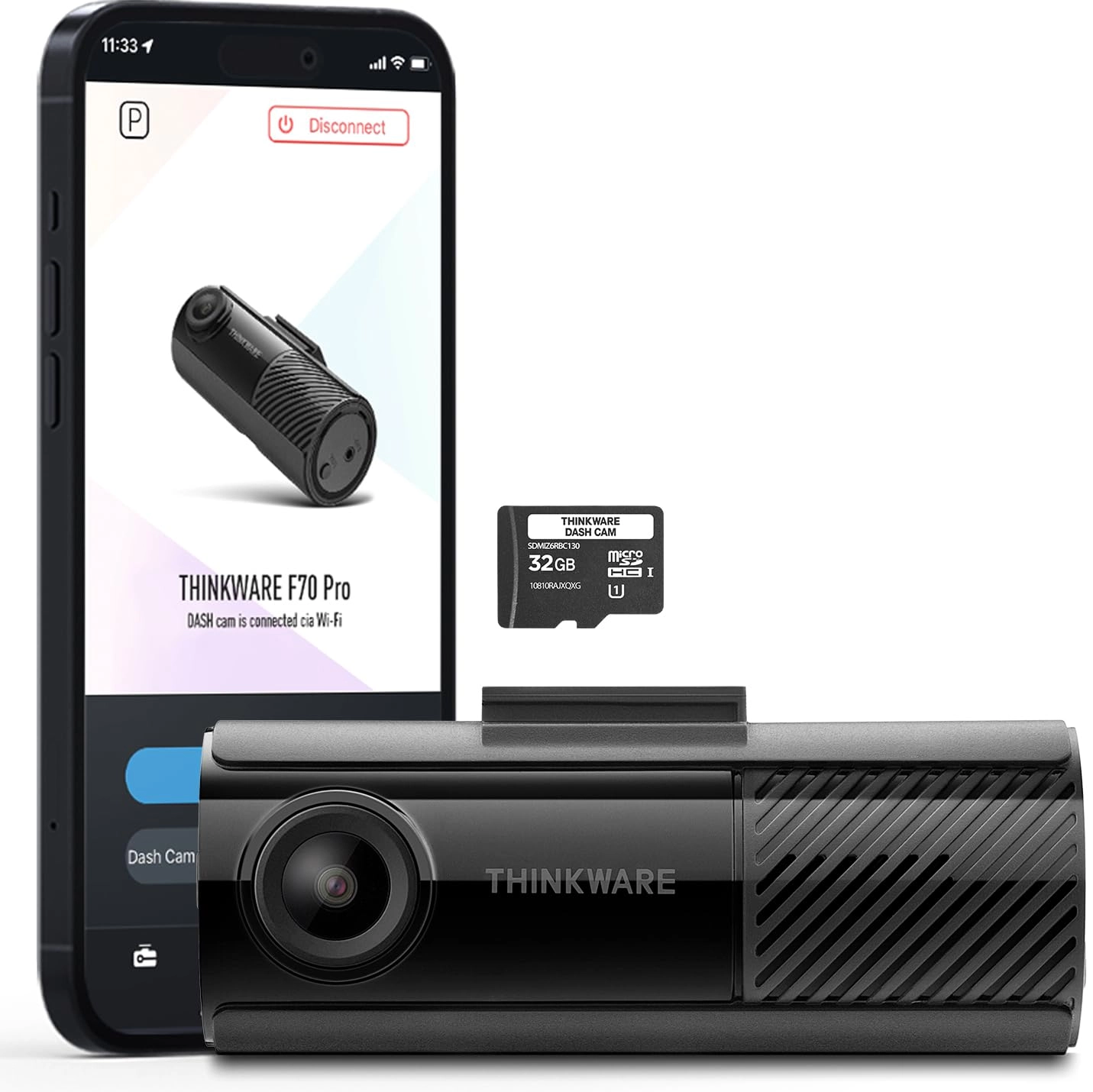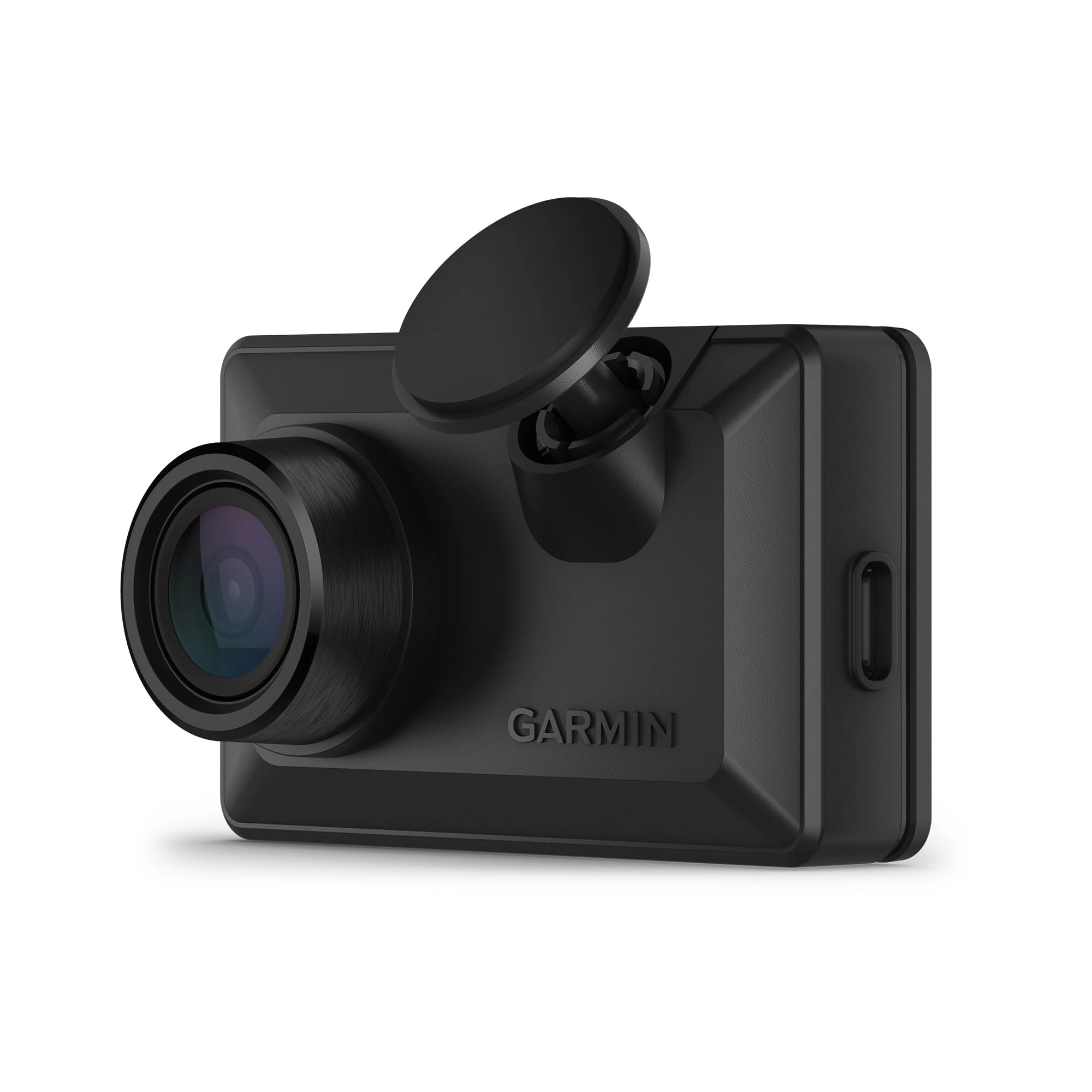
Stay in the clear with the voice-controlled Garmin Dash Cam™ X110
dash camera. It records sharp high-definition 1080p video with a
wide 140-degree field of view and automatically saves video of
detected incidents. This compact dash camera allows you to review
captured video clearly on an easy-to-see 2.4” LCD display. The
built-in Garmin Clarity™ polarizer reduces windshield glare for a
clear view. Plus, Garmin Clarity HDR optics enable the camera to
capture crisp details, day and night. With a paid Vault
subscription and an active Wi-Fi® network connection, the secure
online Vault automatically stores important saved video clips so
you can easily view and share with the Garmin Drive™ smartphone
app. Voice control lets you use spoken commands in English,
German, French, Spanish, Italian and Swedish to save video,
start/stop audio recordings and more. Some jurisdictions regulate
or prohibit use of this device.
Review: Great Little Forward-Facing Dashcam (at least for me...)
- What people want from a dashcam varies, so this cam may not be
right for people with different needs. I wanted a cam that was
inexpensive, reliable, can be ignored 99.99% of the time,
included GPS (for time, location, and speed tagging of the
video), has available options for clean and simple powering
(check out Dongar for this), and records audio and video with the
clarity I need. The X110 meets all those requirements, plus I
have other Garmin devices, so I'm familiar with their products.
What I don't need is resolution fine enough to read license
plates (plenty of 4K cams struggle with this), I just need
resolution good enough to document accidents and incidents. 4K
would be nice, but isn't worth an additional $200 for me. If you
need the license plate, you can call it out and have it recorded
on audio. Night vision is good enough for my needs. While there
are some drawbacks to the X110, there are either workarounds or
they're not important to me. Video review and downloading is such
an example, when using the Garmin Drive app, which is extremely
slow and clunky. If I need to review a video, I just pop out the
MicroSD (easily accessible from the bottom), and do it on my
computer, editing with VLC of FFMPEG if necessary. Takes a
fraction of the time compared to the app. I also don't need
Garmin's very expensive Vault cloud storage ($99 yearly, $9.99
monthly). If you don't need a screen, the Mini 3 might be a
cheaper option, but it lacks GPS (maybe useful as an additional
cam for interior or back-facing video/audio). Additional features
I like are the voice interface, (e.g. "OK, Garmin, record video"
for non-accident incidents), mount options, and very tiny size. I
appreciate the tiny size for if I'm pulled over by an LEO and I
want audio documentation of the interaction without the LEO's
awareness. This happens seamlessly with the X110 (just leave it
running in Park, or remember after turning off your engine to put
it in accessory mode to power the dashcam). My setup is the X110
($150), Dongar power adapter ($35) from the mirror, ($10) 32GB
V30 MicroSD card (I don't need days and days of recording), and
the Garmin suction cup mount ($25) for easy placement and
removal. About $220 total. Works for me. If you have different
requirements, check out other options. RE: SD card size: The X110
uses 0.131 GB for 2 min of video (3.93 GB/hr). If on average, you
drive 1.5 hr/day, and you want to have 3 days of rolling
temporary video, plus 2 hr of space for saved videos (6.5 hr
total), then you will need 6.5 * 3.93 = 25.5 GB of storage. So, a
32 GB card will be enough (it will actually give you about 8
hours in total). 64 GB = 16 hr (~2 weeks temp video), and 128GB =
32 hr (~4 weeks temp video). Adjust all figures for your needs.
At least for me, 99.9%+ of my driving is incident-free boredom,
even 3 days of temp video needed is a stretch. You could probably
do fine with a 16 GB card. Update: Installed another X110 in our
other car, using the Dongar power adapter. Even cleaner install
second time round. I've installed thousands of kinds of
electronic/computer devices, I have to say again, the initial
setup for this cam is extremely clunky, with various connectivity
issues, and a slow firmware update procedure. FWIW, if you get an
X110, make sure to install Garmin Express on your PC to
facilitate the firmware update. Go through the initial setup with
your phone and the X110. After complete, switch the X110 off and
remove the microSD. Using an adapter connect it to your PC.
Garmin Express will recognize it and go through a short setup.
You'll then see the banner telling you there's a firmware update.
Click through and download the update, but don't try to install
it. Exit Garmin Express, remove the microSD and reinstall it in
the X110 and power up. Now, upon starting, the X110 will install
the firmware update from the microSD, just wait until the install
is done and the X110 has restarted.
Review: Works perfectly - Awesome dash cam better than the last
model by far.