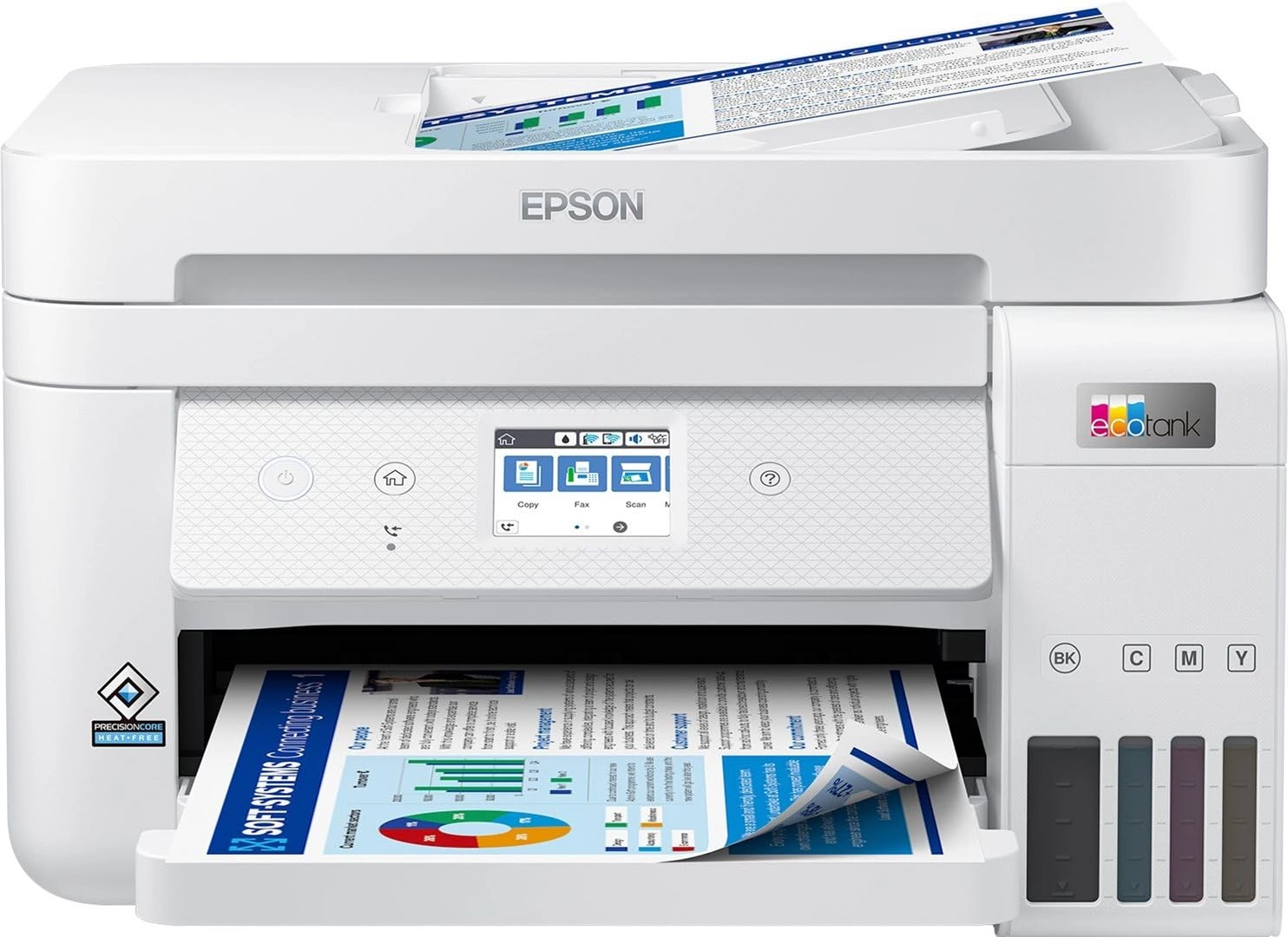
Epson EcoTank ET-2950 Ink Tank Printer | Busy Home Use | Wireless
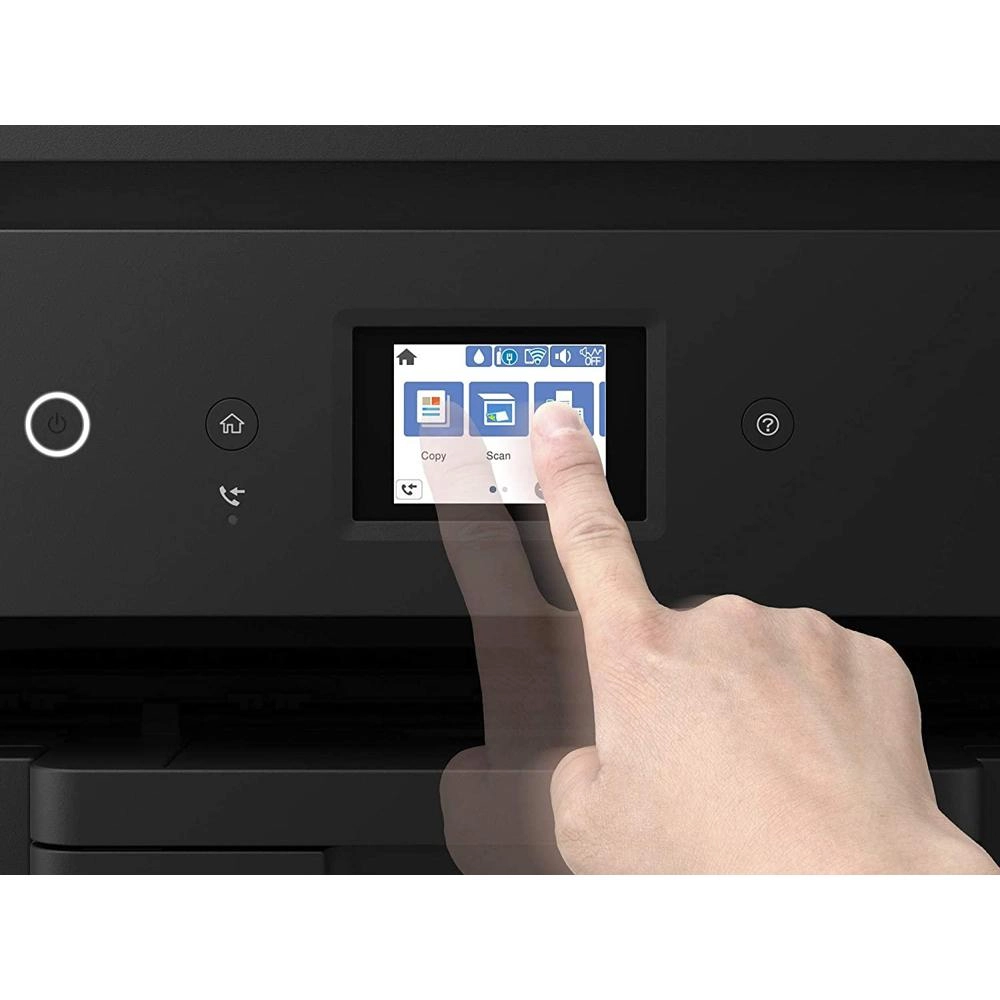
A4 | Print, Copy, Scan | 3.7cm LCD Screen | Double-Sided
Printing | Includes up to 3 Years of Ink : desertcart.co.uk:
Computers & Accessories
Review: Great printer - very cheap to run with excellent prints -
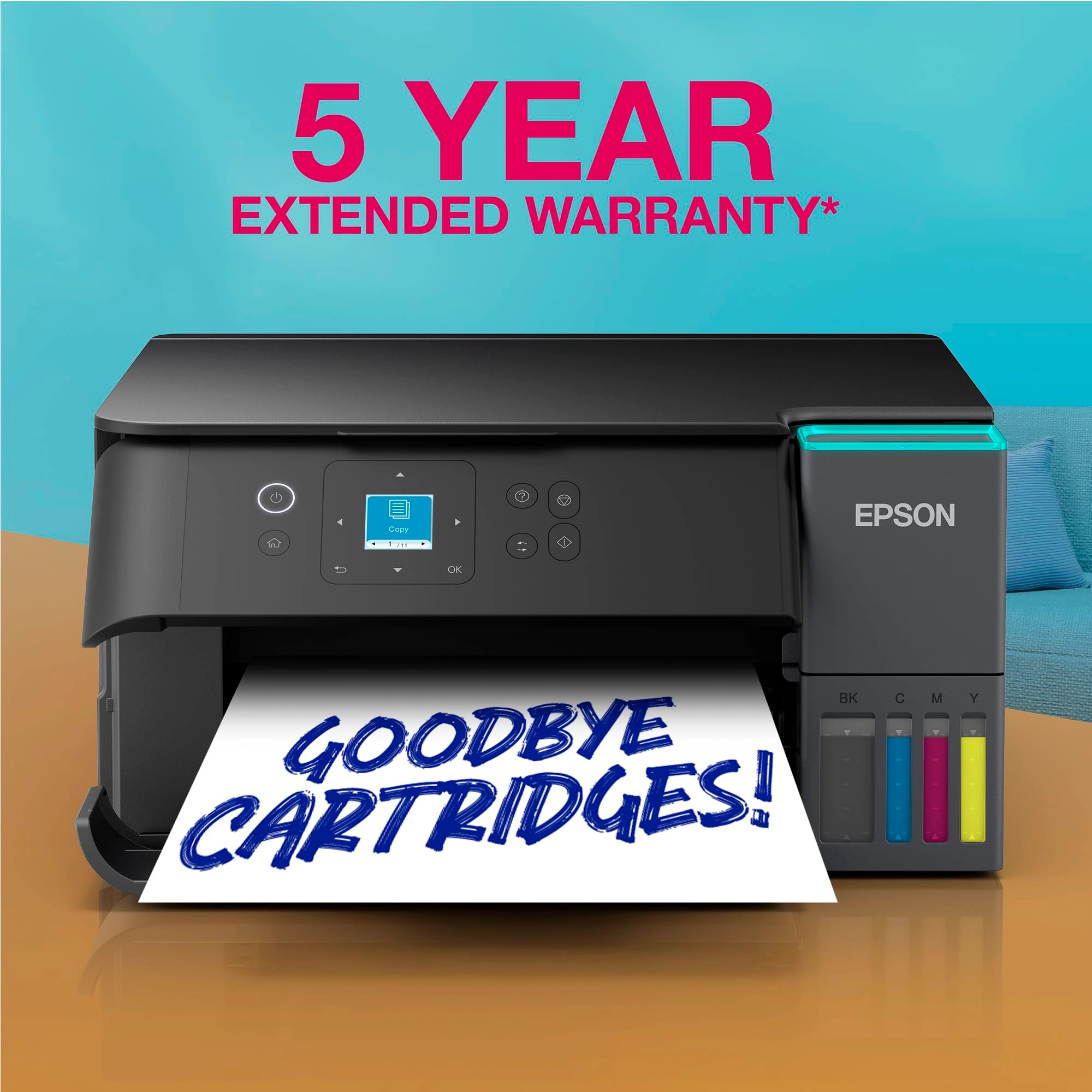
I bought this when on offer. Epson honoured the 5 year warranty
and the £30 cashback which was on offer at the time. Since buying
this I printed all my homemade Christmas cards on 250gsm card
(using Epson print profile, high quality, standard paper
setting). The colours were vibrant and no smudges or strange
marks. I have printed labels, documents and many other items
since and the ink quantity has hardly moved. It is not a duplex
printer but it is easy to manually do this. Not tried printing on
photo paper yet, so can't comment on that. It was a faff to set
up the network, but I found a video on YouTube which helped a
lot. I also connected via usb for the first initial driver set up
and downloaded the drivers etc from Epson. Setting up on the
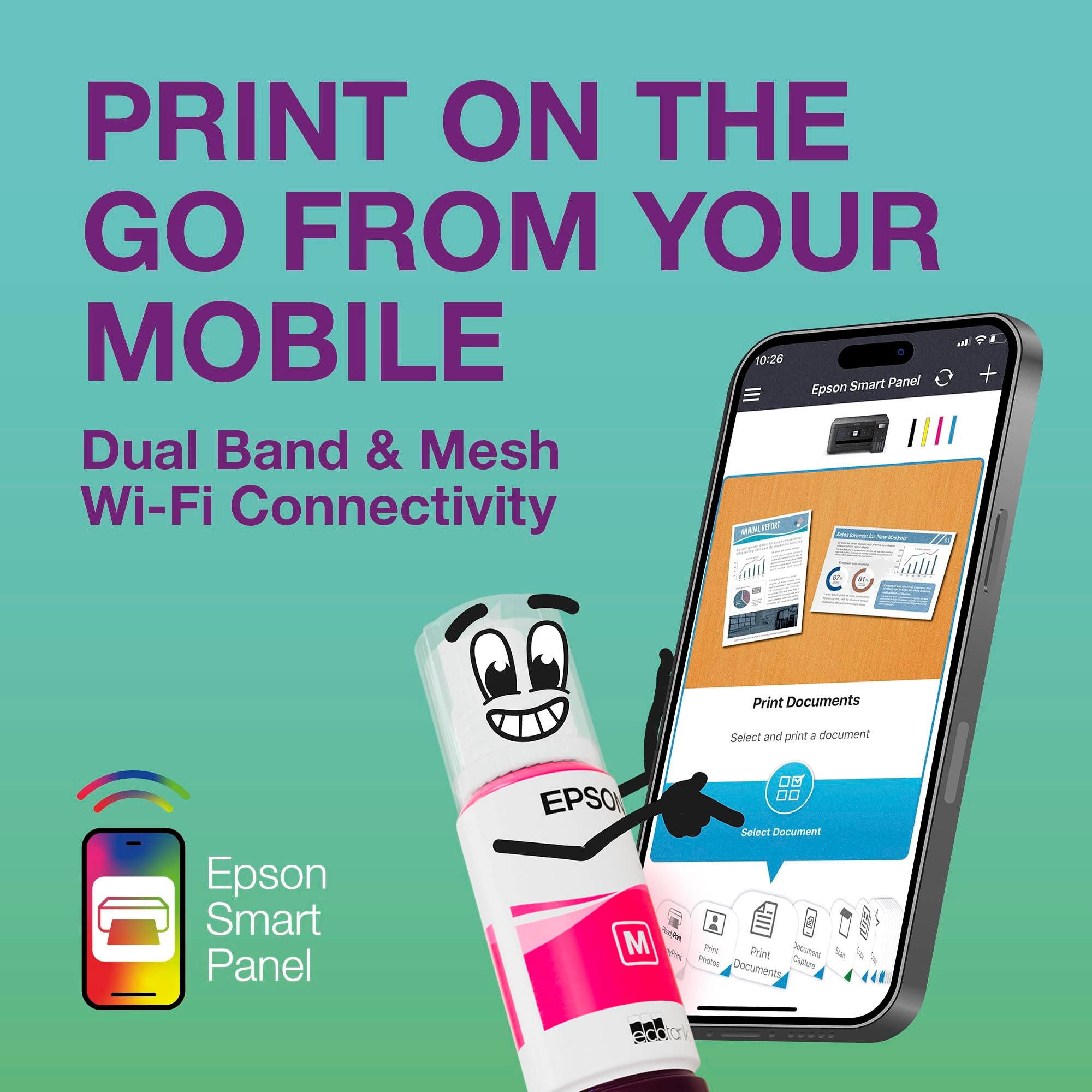
phone was easy, though. To keep the printheads clean and the ink
flowing you can also assign an email address to it so if on
holiday for over a week, you can send a print to it whilst away
(either directly or set up a timed email) without having to
connect to your phone. I really like this printer and seems to
cost pretty much nothing in ink for good quality prints. I would
recommend
Review: Pretty good all round printer with unkown extras on the
Epson site. - We decided to buy an ink tank printer as we'd
already wasted far too much money on cartridges. This one was
replacing a HP Envy 6032e. I didn't really consider going for a
HP ink tank printer as I've had 4 HP WiFi printers over the years
and all of them have suffered with WiFi issues (occasionally just
refuse to print over WiFi and require driver re-installs and
other time wasting fixes (which my HP accredited tech support Son
has had to deal with). My Granddaughter has an Epson WF printer
she uses for working from home and she told me it's been
faultless and advised me to go with Epson. At the time of
purchase the ET-2860 was £180 (annoyingly, 2 days after delivery
there was a voucher for £10 off that price). Installation via USB
is very easy, pretty much plug and play. Installation over WiFi
on a Windows PC was a little bit of a faff but nothing majorly
difficult. The PC was connected to the router via a physical
network cable, while trying to install the printer the software
kept saying it couldn't detect the printer. The suggestions to
fix it were a bit sparse. As the PC also has WiFi, I decided to
disconnect the network cable and try again with the PC connected
via WiFi. Problem fixed, the software now detected the printer
and installed it without any other issues. Once done, changing
all the printer settings etc was no different to pretty much all
other printers. Filling the ink tanks is quick and simple. The
one thing to watch out for is the fact the attachments on all the
bottles is the same so you can accidentally put the wrong colour
inks in the tanks, just make sure you double check you're putting
it in the right tank and you'll be fine. Print quality is pretty
good, text and diagrams etc are sharp. Photo's are pretty good
but it wouldn't match up to a printer aimed at high quality photo
printing. I printed a photo on some 240gsm semi-glossy paper, the
printer had no trouble with the papers weight (it's rated for up
to 300gsm) and the printed image was rather good. Colours weren't
quite a match for what was on the screen (not as vibrant) but
that was more likely to do with my monitors colour settings. Even
so, the photo still looked quite nice. I've no doubt some image
editing would improve the colours of the printed photo. The only
part of the photo that didn't look very good were scenes with
blocks of dark gradients (like a large body of water on a dull
day). It's didn't look bad and from from more than a foot away
you probably wouldn't even notice. The scanner is OK, much like
the scanner on any other printer these days. Easily good enough
for copying documents and photo's with good accuracy. Like other
scanners, set the dpi to the higher settings and it will take a
quite while. After the printer was installed I was looking at the
features etc, Epson have 2 different sections on their site for
templates. I was surpised at how many they had and how varied
they were. All sorts of craft projects, birthday/etc cards, photo
frames, wrapping papers (obviously for small items with this
printer seeing as it's A4). I'm going to have lots of fun with
that as I do like making my own cards and things. If HP have
anything like that they don't go out of their way to make it easy
to find. Overall I'm very happy with the printer. The only things
it lacks which you would expect on printers in this price range
is a paper tray (which I prefer to rear tray feeding) and
automatic duplex. I'm not taking away any stars for those as I
knew that before buying. I did consider the ET-2850 as it does
have auto-duplex but it was £70 more and I don't need it enough
to warrant the the extra cost (the 2850 also still has rear
loading paper, if it also had a proper tray I may have bought it
- hope you're listening Epson, many people prefer a tray). My £70
HP 6032e that this replaced had both auto-duplex and a proper
paper tray, the only other real different between the HP and this
Epson is the ink takes so it is a large expense for a printer
that effectively has less features. Over time the Epson will of
course cost less as replacing the inks is massively cheaper (I
did have a HP Instant Ink subsription but paying per page rather
than how much ink you use only works out worthwhile if you're
covering the pages in ink, which I don't often do - especially as
we print a lot of A6 postage labels). Knowing the future ink cost
savings I think this is a worthwhile investment. My Son wants to
do sublimation printer and apparenty Epson EcoTank printers are
the best value for that too.