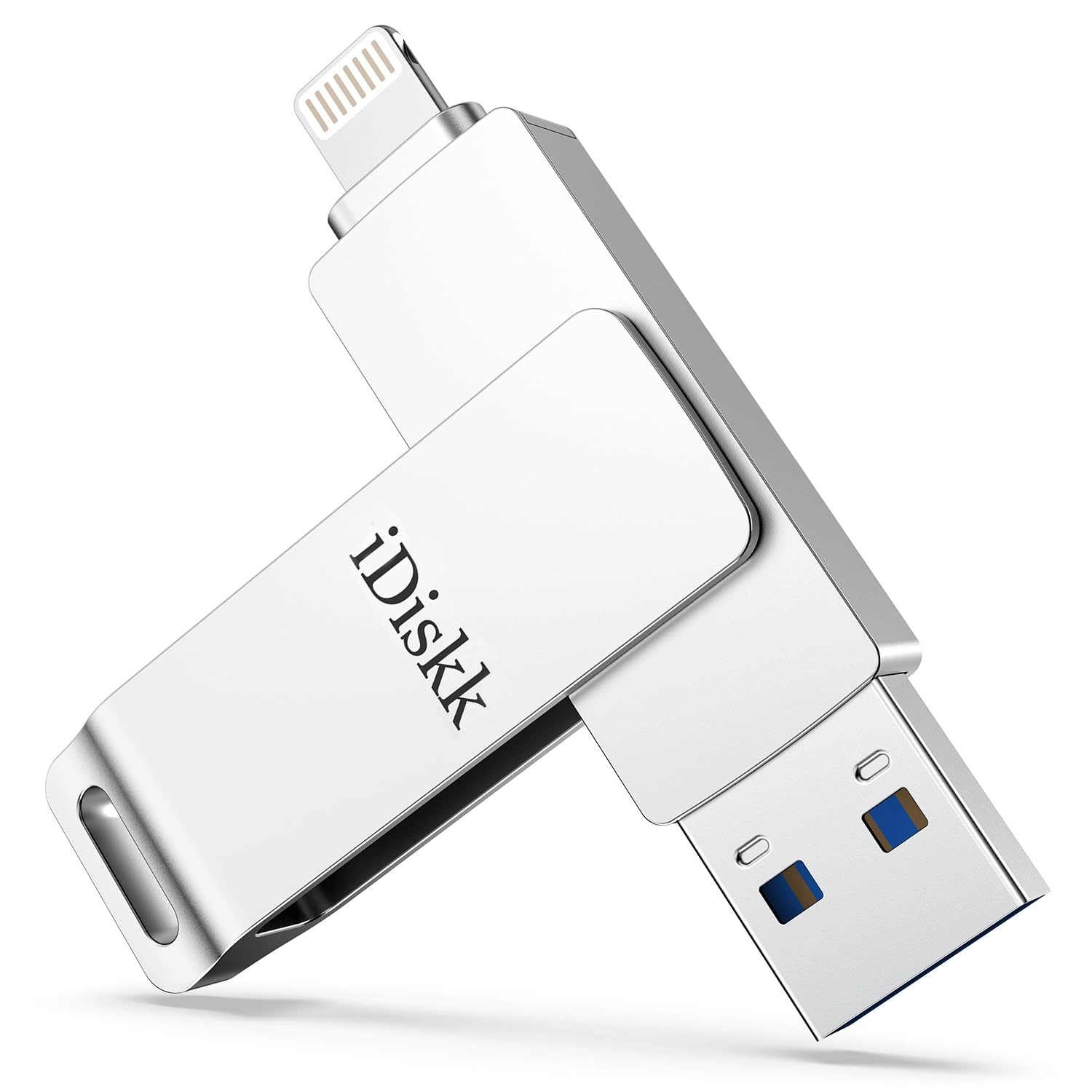
Are you tired of running out of storage on your iPhone, iPad, or Android device?
Are you have to reluctantly delete precious travel photos, 4K videos, important work documents, or favorite music just because your device’s memory is full?
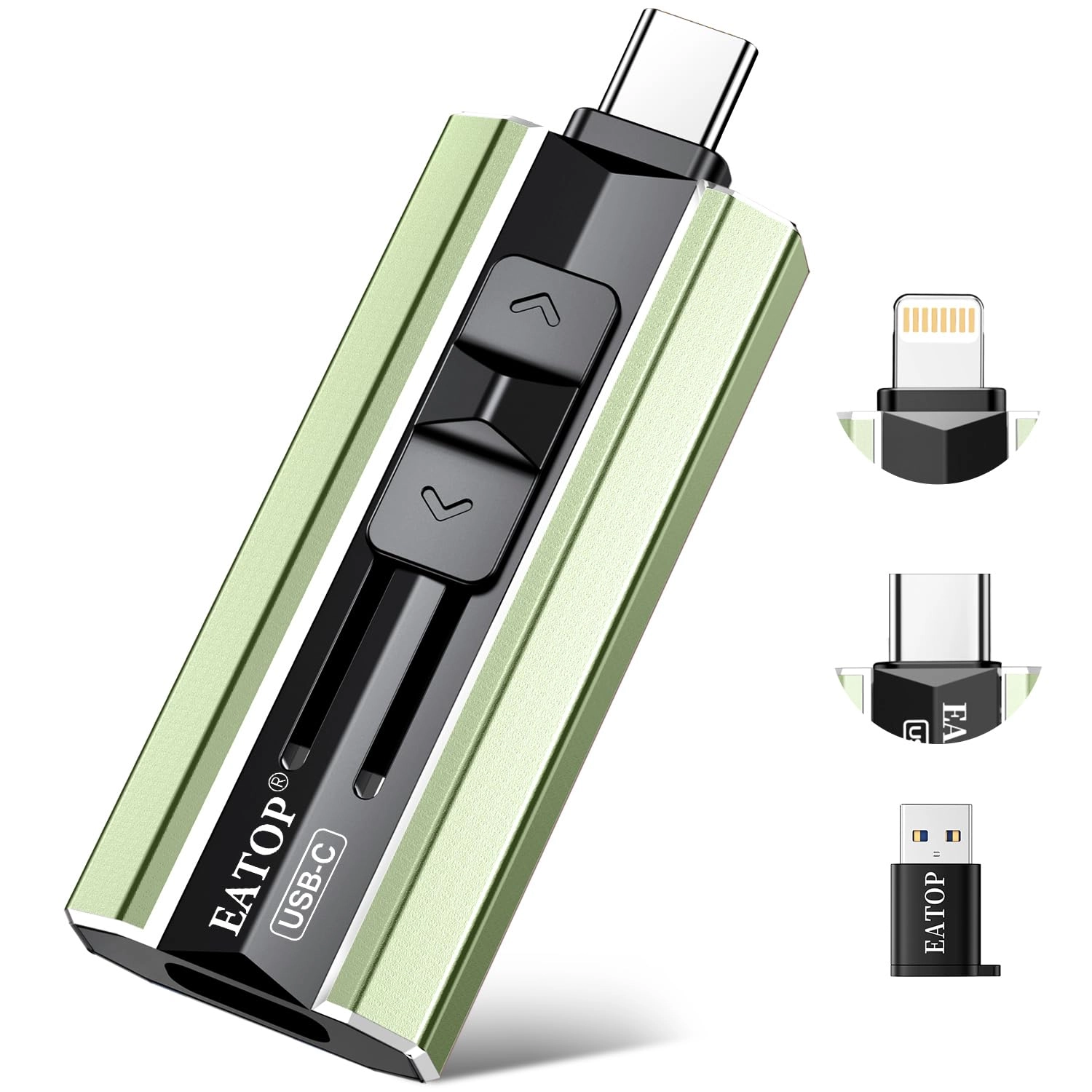
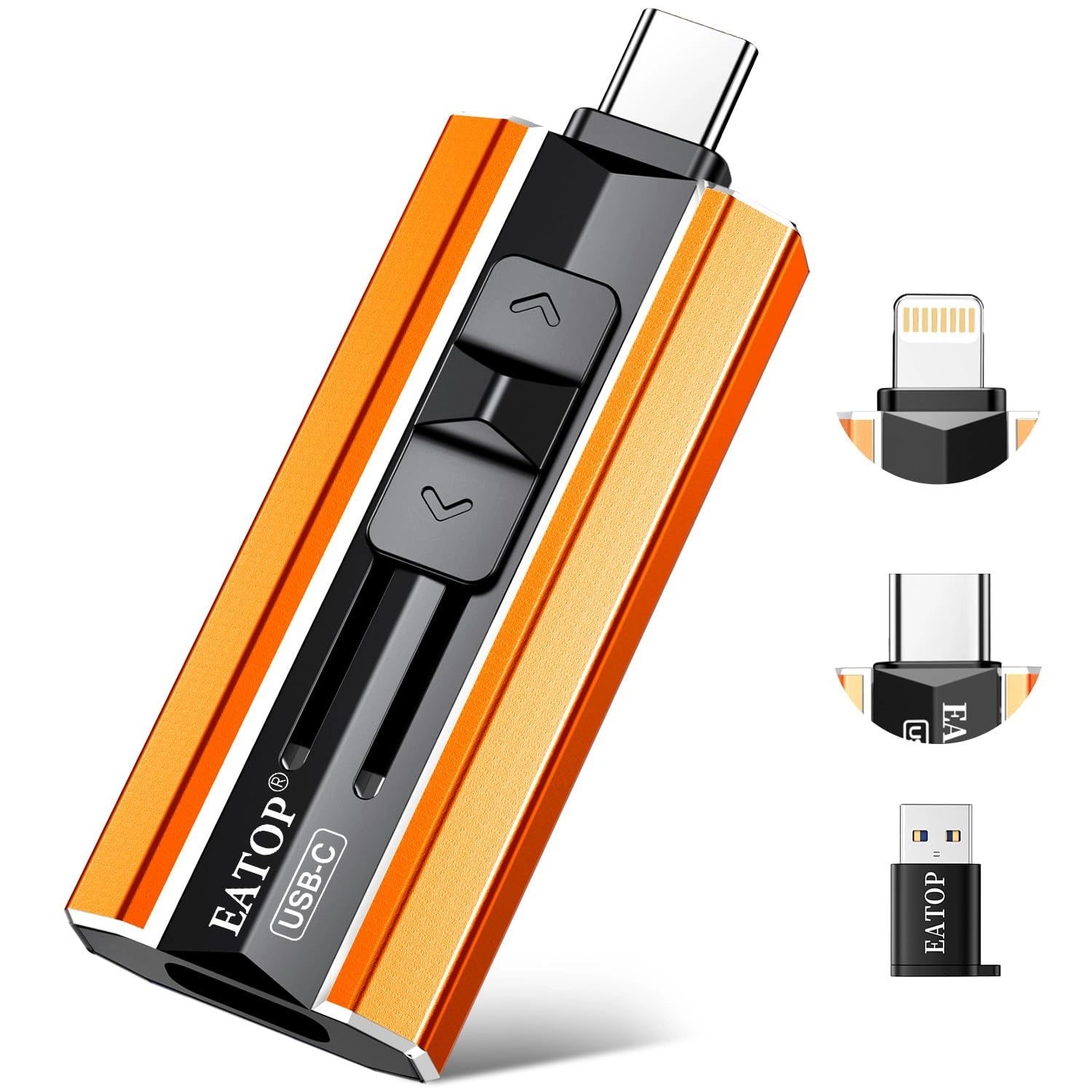
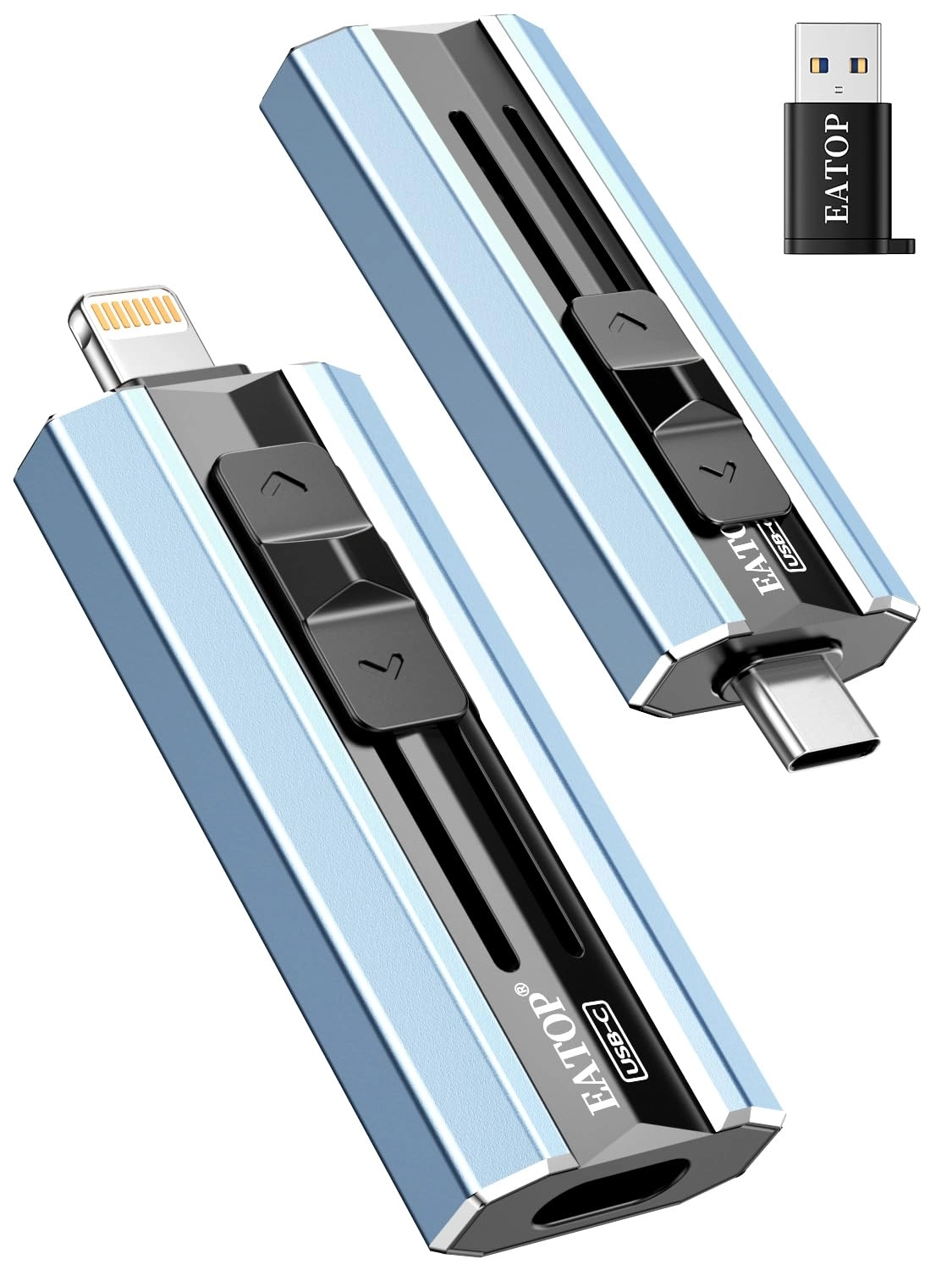
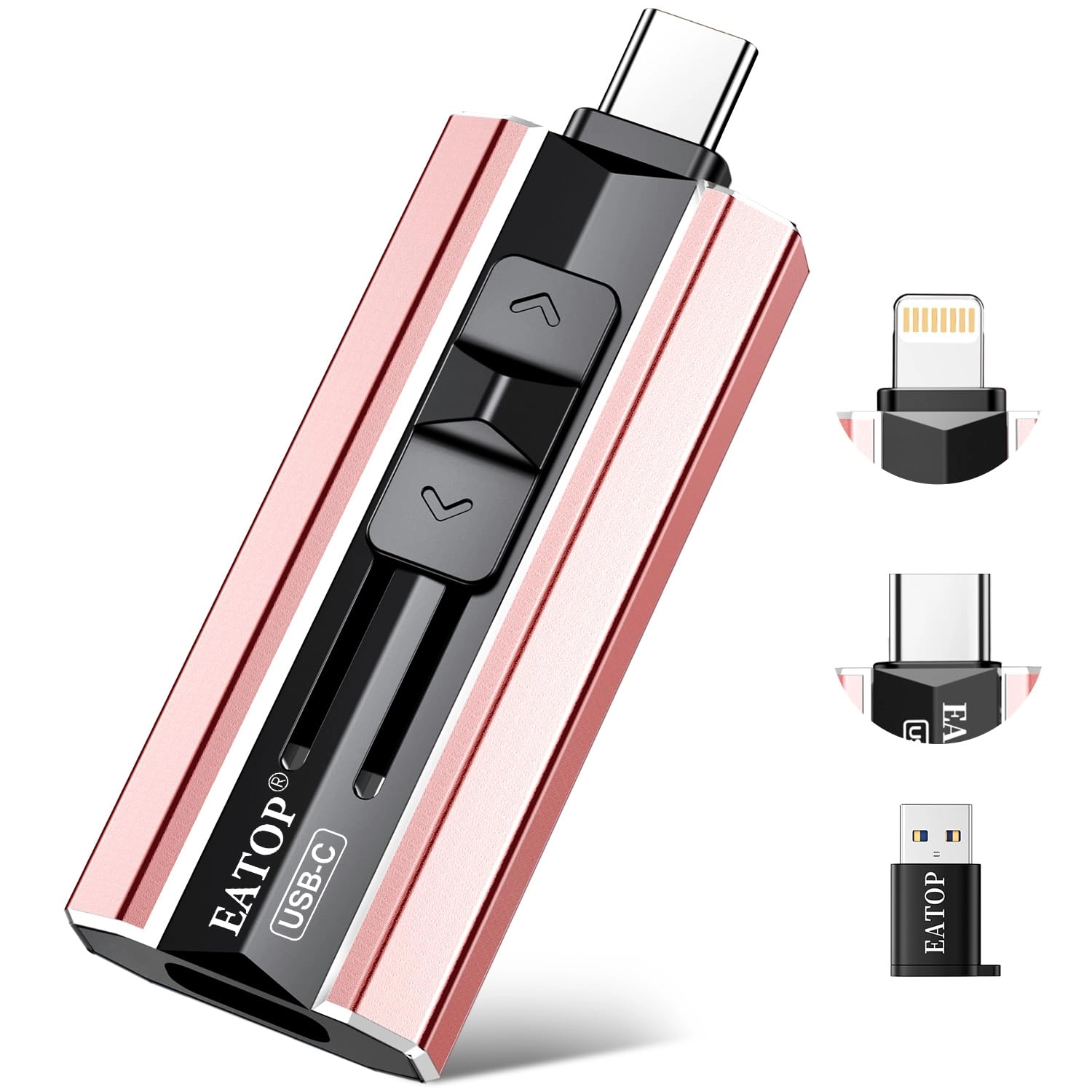
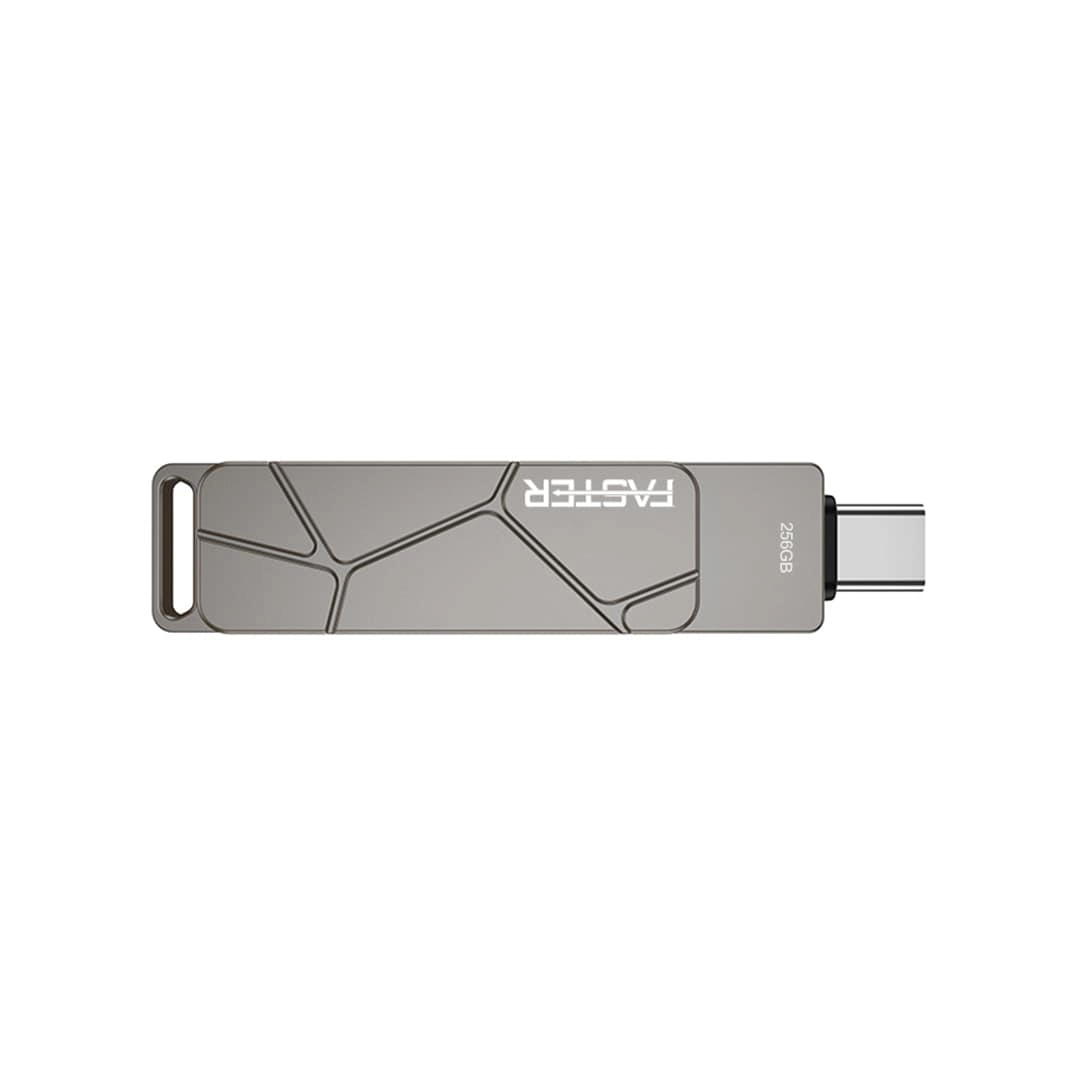
This Mini Dual-Interface Portable Flash Drive is here to solve your storage woes. No app download required, plug-and-play with 30MB/s high-speed transfers and universal compatibility—delivering a convenient, secure, high-capacity mobile storage solution tailored just for you!
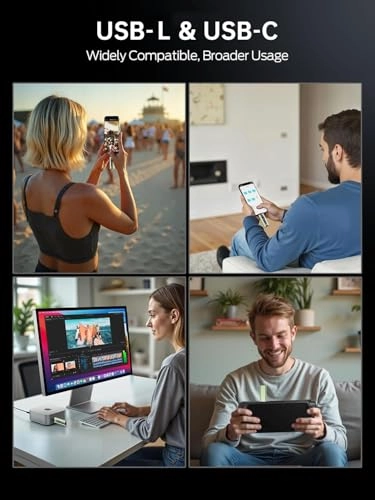
Built specifically for multi-device users, it features USB-C and USB-L dual ports, no extra adapters needed. It works seamlessly with all iPhone 17/16/15/14/13/12/11 series, plus Android smartphones, iPad Pro/Air, and Windows/Mac computers. Whether you’re shooting vlogs on your iPhone, storing photos on Android, designing on iPad, or transferring files between computers, just plug it in for instant cross-device data sharing. Say goodbye to "device isolation" and tedious steps—file transfers have never been faster or easier.
With 30MB/s high read/write speeds, large file transfers are ultra-efficient! A 1GB 4K video takes only about 30 seconds to transfer, ending the long waits of traditional storage. Back up travel photos to your computer on the go, sync camera shooting materials to your phone for quick editing, or access work documents across devices in seconds—boosting your daily productivity and workflow drastically. No more deleting cherished travel memories, your child’s growth moments, or frequently used apps. Keep your device clutter-free and enjoy unrestricted storage for daily use, travel, work, outdoor shooting, and more.
Safety and portability are top priorities too! Crafted with high-quality flash memory chips, it offers stable performance, resisting accidental shocks and collisions to fully protect your data from loss. No internet needed—whether camping outdoors, or working offline, you can store and access files anytime, anywhere with peace of mind. Its slim, compact, lightweight design fits easily into your pocket, wallet, or camera bag—effortless to carry, so you can take important files with you and expand storage on demand.
How to Transfer for iPhone & iPad?
Requires iOS 13+. Simply plug the drive into your iPhone/iPad, open the "Files" app, tap back to “Browse”, locate the drive named “Untitled”, then move photos, videos, and files to/from your device as needed.
How to Transfer for Android Phones? Android devices need OTG support. The drive will appear in the “File Manager” on most Android phones for easy file transfer.