Allware
Loading...
  • News
  • Price drops
  • New arrivals
  • Featured categories
  1. Computers & Peripherals
  2. Data Input Devices
  3. Mice
N3 Mouse - USB
N3 Mouse - USB
N3 Mouse - USB
N3 Mouse - USB
N3 Mouse - USB
N3 Mouse - USB
N3 Mouse - USB
N3 Mouse - USB
N3 Mouse - USB
N3 Mouse - USB
N3 Mouse - USB
N3 Mouse - USB
N3 Mouse - USB
N3 Mouse - USB
N3 Mouse - USB

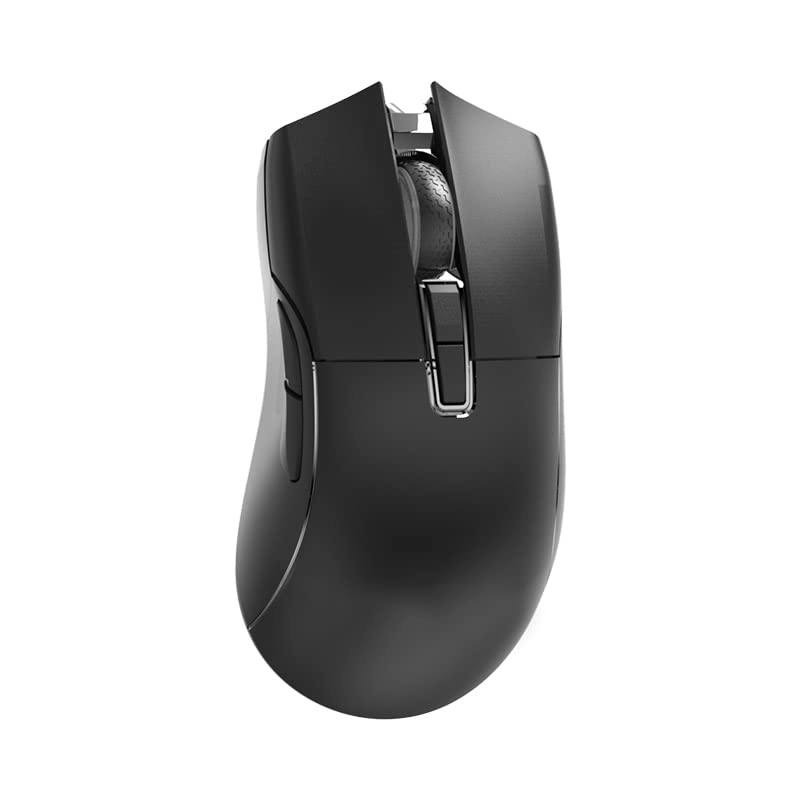
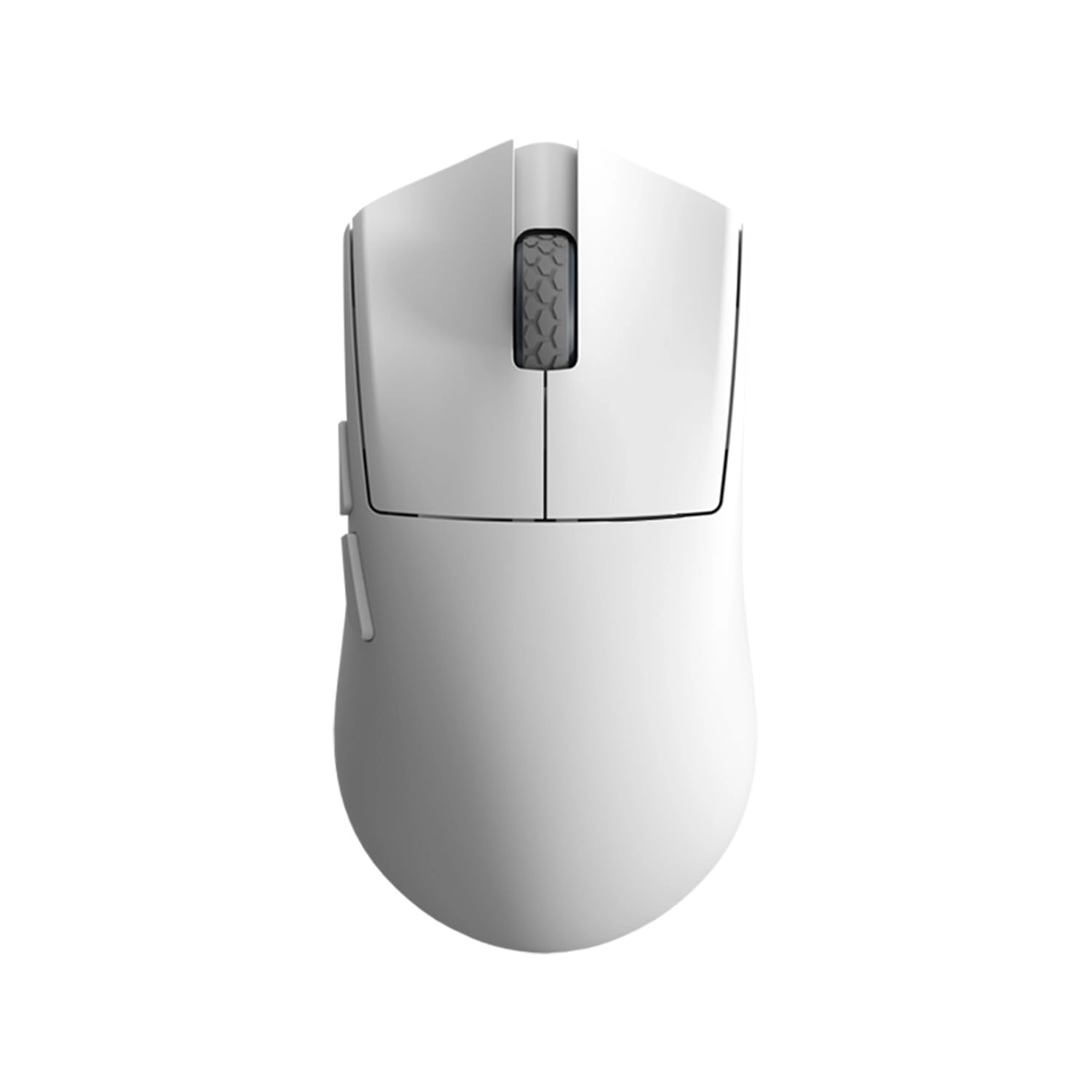
Darmoshark N3 Mouse - USB

Best offer
AED
24461

Key Features

  • Movement detection technology: Optical
  • Product colour: Black
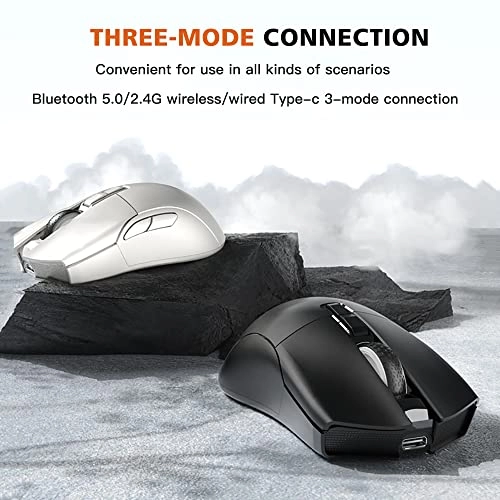
  • Connectivity technology: Bluetooth, USB
  • Number of buttons: 7buttons
  • Special features: Wireless
  • Batteries: 1 Lithium Ion batteries required. (included)
  • Offers
  • Price History
  • Specifications
  • Product Details
  • Review IconReviews

Specifications

Features

Special features
Wireless
Number of buttons
7 buttons
Connectivity technology
Bluetooth, USB
Product colour
Black
Movement detection technology
Optical

Technical details

Batteries
1 Lithium Ion batteries required. (included)

Product Details

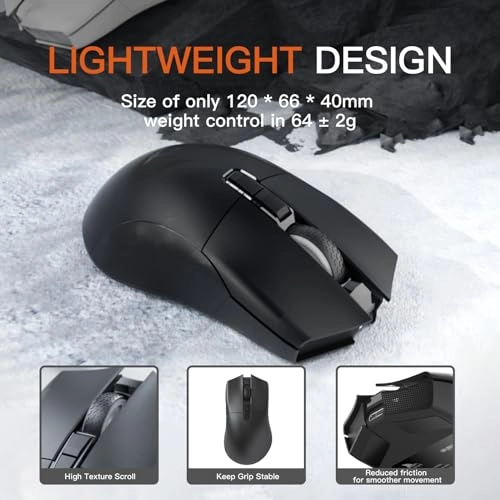
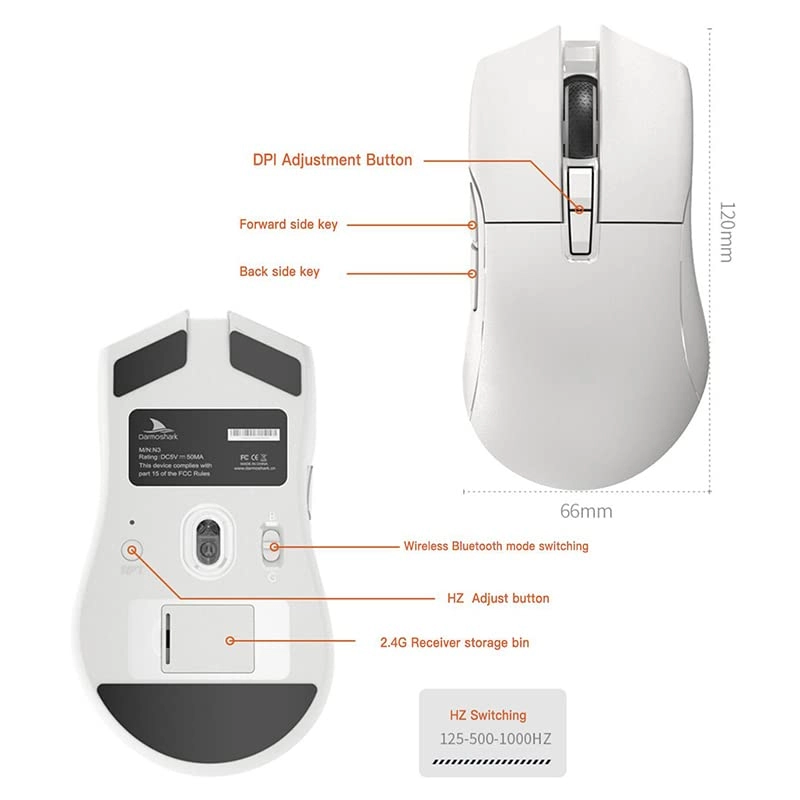
Specification: Brand: Darmoshark Product model: N3 Photoelectric IC: PAM3395 Lithium battery: 300mAh Maximum speed: 650IPS FPS graphics processing: 26,000 FPS Acceleration: 50G SPI: 8ms/2ms (default) /1ms Foot Patch: Teflon PTFE (Black) Interface: Gold plated USB2.0 Type-C DPI: 400 red, 800 blue (default), 1600 green, 3200 Purple, 4800 yellow DPI:26000DPI (driver Settings) Wired /2.4GHz: Red light 125HZ, blue light 500HZ, green 1000HZ Size: 123.50*66*40mm Driver installation: Only Windows is supported BT pag operation: Operating system: Cable and 2.4 G modes: WinXP/Windows 7 / doing/Win10 / Win11 / Macos BT mode: Win8/Win10/Win11/Macos BT pag operation: When the bottom three switches are turned to the B icon, press the left, middle and right keys at the same time, and the blue light of the roller position 、flashes, entering the pag state. You need to turn on your BT device and search for N3 Mouse before pag. After the connection is successful, the indicator is off. 2.4G pag operation: When the bottom three switches are switched to G icon, press the left, middle and right keys at the same time, and the green light of the roller position blinks, entering the pag state. The receiver needs to be plugged in. After the connection is successful, the indicator is off. (Note: The factory has been paired successfully, if 2.4G has no function, you can follow this step Wired mode: When inserting a Type-c data cable connection, the wired mode is preferred. Packing list: 1 * Mouse 1 *USB cable 1 *USB-TYPE-C converter 1 *User manual

Reviews

Loading...
Loading...
Loading...
Loading...
Loading...
Loading...
Loading...
Loading...
Loading...
Loading...
Loading...
Loading...
Loading...
Loading...
Loading...
Loading...
Loading...
Loading...
Loading...
Loading...
Loading...
Loading...
Loading...
Loading...
Loading...
Loading...
Loading...
Loading...
Loading...
Loading...
Loading...
Loading...
Loading...
Loading...
Loading...
Loading...
Loading...
Loading...
Loading...
Loading...
Loading...
Loading...
Loading...
Loading...
Loading...
Loading...
Loading...
Loading...
Loading...
Loading...
Loading...
Loading...
Loading...
Loading...
Loading...
Loading...
Loading...
Loading...
Loading...
Loading...
Loading...
Loading...
Loading...

Join our newsletter

Be the first to know about new arrivals, sales, and exclusive picks

Sign in to unlock newsletter access and stay in the loop

Allware
info@allware.com
+971522500911
World technology awards winner badge

Allware

  • About Us
  • Terms And Conditions
  • Privacy Policy
  • Contact Us

Partners

  • Why become a partner?
  • How to list your Online Shop?

Newsletter

  • Subscribe

Info

  • How Allware works
All Rights Reserved.
Please enable location access or select an emirate
-
00:00:00
Prayer timings

Offers (2)

Amazon logo

2 offers

From
AED
244

Darmoshark N3PRO 8K Wireless Gaming Mouse,Tri-Mode 2.4G/USB-C/Bluetooth Mouse Up to 26000DPI,PAW3395 Optical Sensor Lightweight 64g,7 programmable Button,Computer Mouse for Laptop,PC,Windows,Linux-B

Black
AED
24461

Price History

Price History Skeleton
Price History Shimmer Effect
Loading price history...

Similar Products

See all
-22%
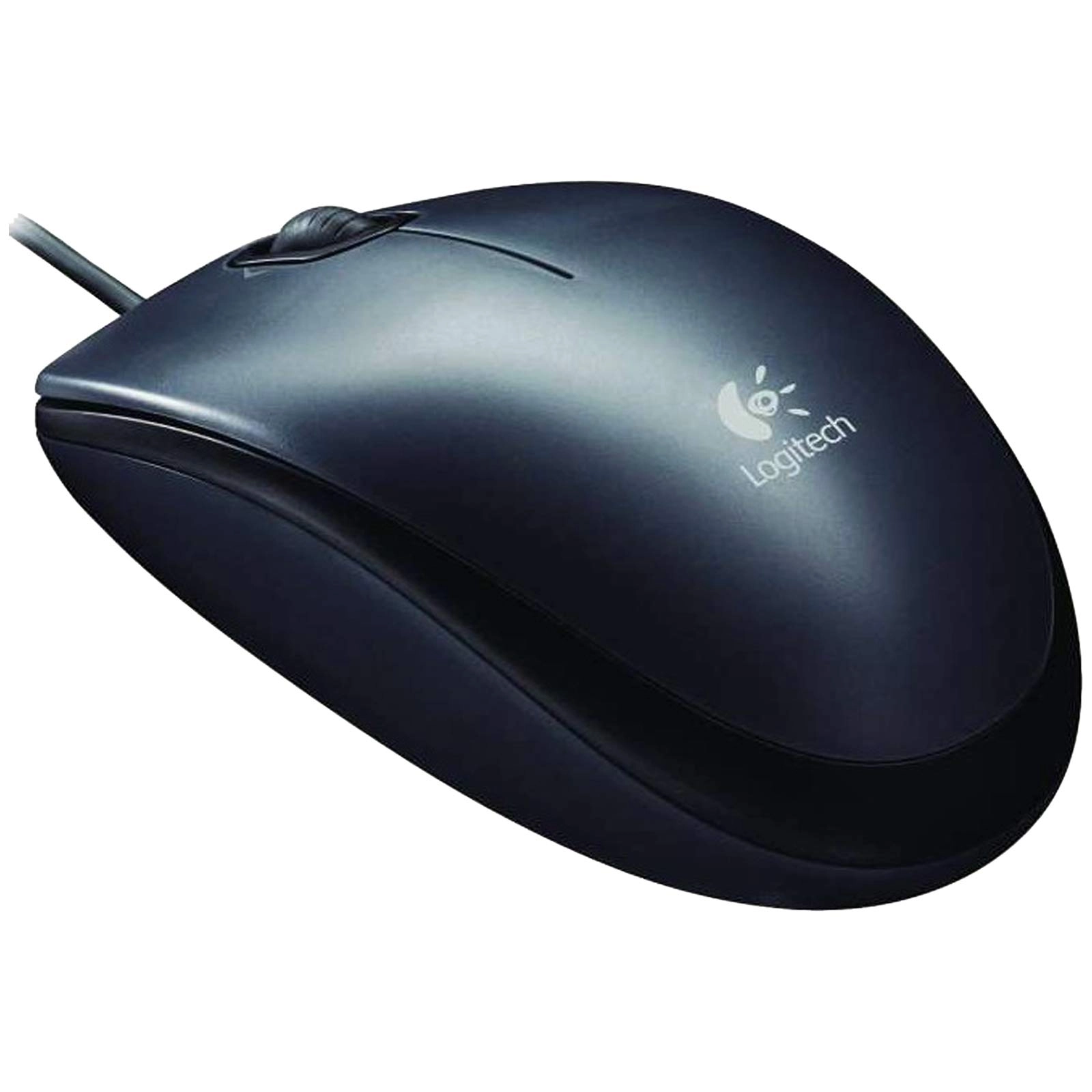
Logitech M196 Mouse - Bluetooth

Logitech M196 Mouse - Bluetooth

AED
5300
AED
4100
20 offers
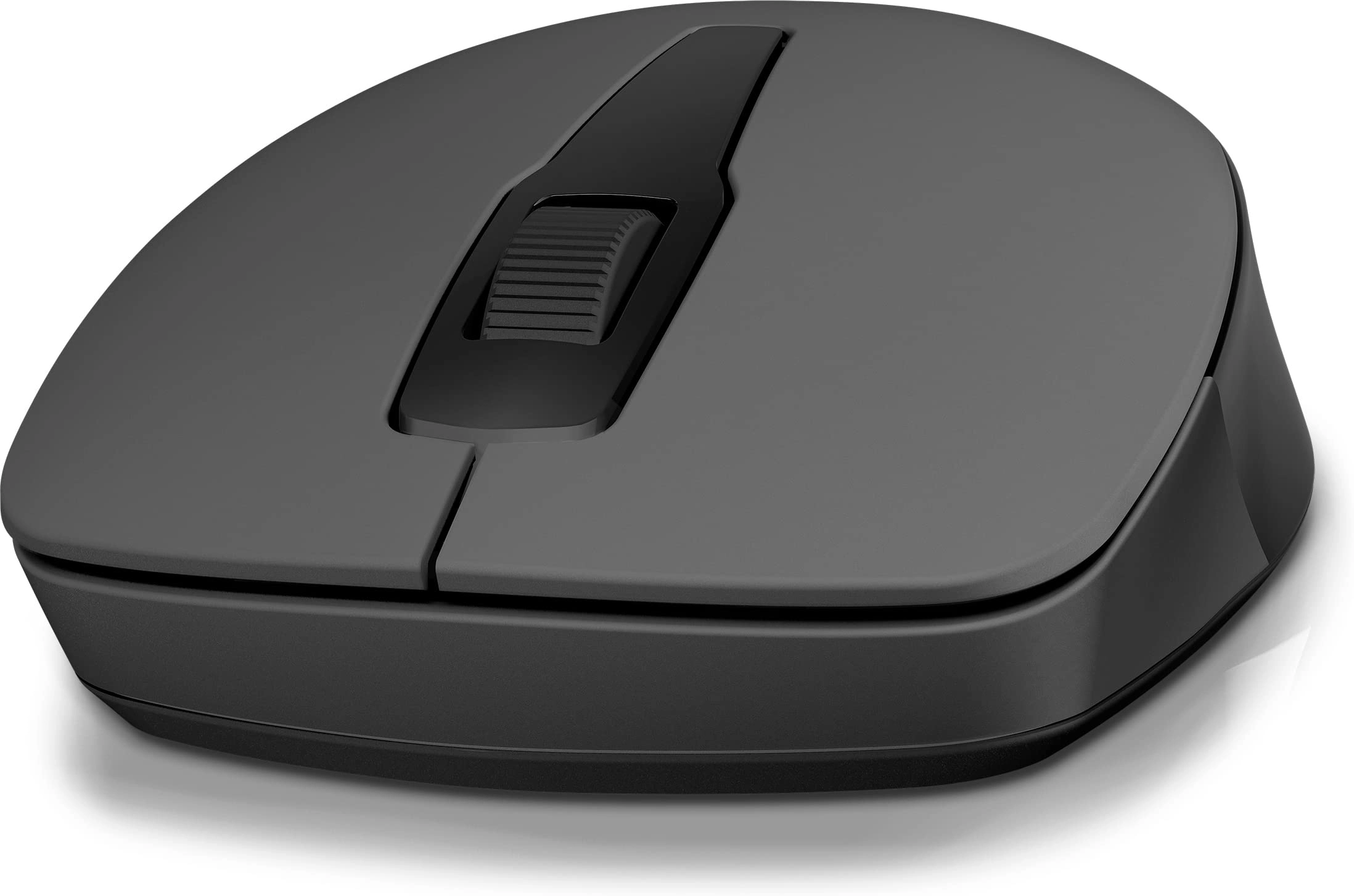
HP 150 Wireless Mouse - Wireless

HP 150 Wireless Mouse - Wireless

AED
3000
17 offers
-26%
Logitech M171 Mouse - Wireless

Logitech M171 Mouse - Wireless

AED
4500
AED
3300
32 offers
Logitech G502 X Gaming Mouse - USB

Logitech G502 X Gaming Mouse - USB

AED
17620
11 offers
Glorious PC Gaming Race Model O Gaming Mouse - USB

Glorious PC Gaming Race Model O Gaming Mouse - USB

AED
11966
18 offers
<1%
Rapoo M100 Mouse - Wireless/USB/Bluetooth

Rapoo M100 Mouse - Wireless/USB/Bluetooth

AED
4500
AED
4485
14 offers
Razer Viper V3 Pro Gaming Mouse - Bluetooth

Razer Viper V3 Pro Gaming Mouse - Bluetooth

AED
42900
13 offers
-6%
Logitech G305 LIGHTSPEED Gaming Mouse - Bluetooth

Logitech G305 LIGHTSPEED Gaming Mouse - Bluetooth

AED
16100
AED
15000
12 offers
Razer DeathAdder V3 Gaming Mouse - USB

Razer DeathAdder V3 Gaming Mouse - USB

AED
16667
6 offers
Logitech G203 HERO LightSync - USB

Logitech G203 HERO LightSync - USB

AED
7880
11 offers

More from Darmoshark

See all
Darmoshark N3 Mouse - USB

Darmoshark N3 Mouse - USB

AED
24461
2 offers
Darmoshark K5

Darmoshark K5

AED
19216
1 offer
Darmoshark N7MAX - Bluetooth

Darmoshark N7MAX - Bluetooth

AED
34484
1 offer
Darmoshark M3 Gaming Mouse - Tri-Mode

Darmoshark M3 Gaming Mouse - Tri-Mode

AED
20655
18 offers
Darmoshark N1 - USB

Darmoshark N1 - USB

AED
16359
1 offer
Darmoshark M2 Gaming Mouse - Bluetooth

Darmoshark M2 Gaming Mouse - Bluetooth

AED
58277
2 offers
Darmoshark M2PRO Gaming Mouse - Bluetooth

Darmoshark M2PRO Gaming Mouse - Bluetooth

AED
19167
10 offers
Darmoshark K3 Pro

Darmoshark K3 Pro

AED
21104
1 offer
Darmoshark EC75 - Wired

Darmoshark EC75 - Wired

AED
39556
1 offer
Darmoshark K2PRO - Wireless

Darmoshark K2PRO - Wireless

AED
12765
2 offers
Loading...
Loading...
Loading...
Loading...
Loading...
Loading...
Loading...
Loading...
Loading...
Loading...
Loading...
Loading...
Loading...
Loading...
Loading...
Loading...
Loading...
Loading...
Loading...
Loading...
Loading...
Loading...
Loading...
Loading...
Loading...
Loading...
Loading...
Loading...
Loading...
Loading...
Loading...
Loading...
Loading...
Loading...
Loading...
Loading...
Loading...
Loading...
Loading...
Loading...
Loading...
Loading...
Loading...
Loading...
Loading...