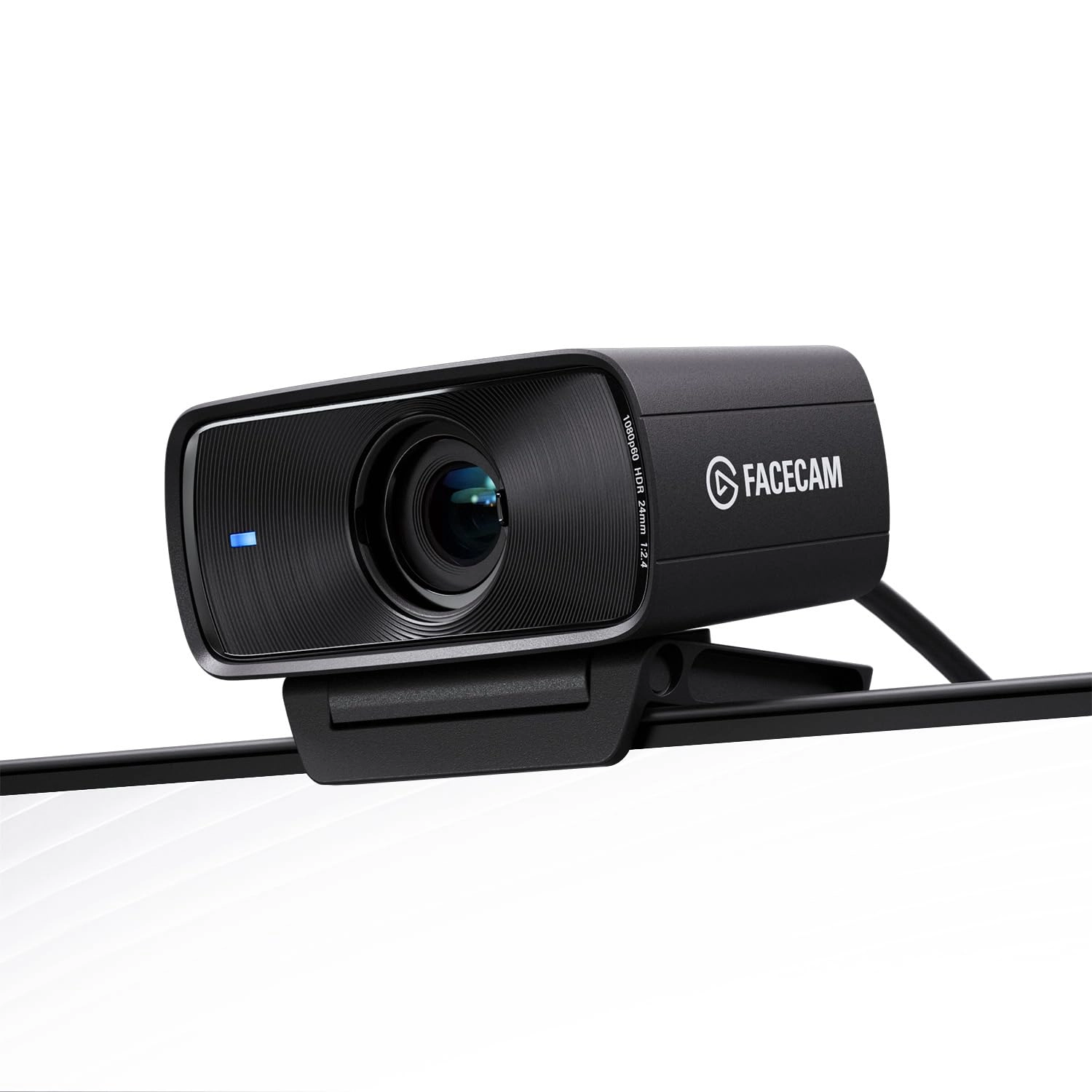
We think webcams should do more. With Facecam MK.2, you get not
only 1080p 60fps capture, but also uncompressed, HDR video in
lifelike detail and colors—even in low light. Its software,
Camera Hub, offers not just superficial settings, but instead
deep DSLR-style control such as ISO and shutter speed to
customize your image. Tech specs Supported resolutions
(uncompressed*): 1080p60, 1080p30, 720p120, 720p60, 720p30,
540p120, 540p60, 540p30 Optics: Elgato Prime Lens (fixed focus)
Focus range: 30–120 cm (11.8–47.2 in) Aperture: f/2.4 Focal
length: 24 mm (full-frame equivalent) Field of view: 84° Sensor:
SONY® STARVIS™ CMOS sensor 1/2.5"" Connection: USB Type C
Mounting point: 1/4-inch thread USB video class: UVC standard
v1.5 Dimensions: W 84 x H 38 x D 61 mm | 3.3 x 1.5 x 2.4 in
(without mount) Weight: 90 g | 0.2 lb (without mount), 136 g |
0.3 lb (with mount) *When connected by USB 3.0, otherwise MJPEG
System requirements Windows 10 (64-bit) or newer, Intel or AMD
CPU macOS 12 or newer, Intel or Apple CPU USB 3.0 Type A, USB 3.0
Type C (with adapter, not included) USB 2.0 Type A, USB 2.0 Type
C (with adapter, not included)
Review: Very nice mid-level cam - I've been using a Logitech
Streamcam since its release and have mostly liked it. It works
great in good conditions, but shifted to a more enclosed area
with very little natural lighting. And ever since doing that,
I've had trouble with it washing out the picture if there's
artificial light, or being too dark if there's not. I have a
mostly Elgato lighting set up (2 key lights and a light strip) as
well as a stream deck. The Logitech has never had good software,
but that wasn't a big deal until recently. Given the streamcam
was good enough. I am teach undergraduate and graduate students
almost entirely online, so I wasn't needing a professional setup,
just for meetings, zoom, and recording videos (using xsplit with
a small video of me in the corner of a presentation). Recently,
the lighting frustration bothered me more and more and I saw this
Mk.2 release. I decided to try it out and see if it was an
improvement. Yes, yes it was very much. While the lighting isn't
perfect, the overall quality is so much better I have no regrets
at all about shifting to a similar range alternative. The low
light works great, the overall image and recording is better, and
the software is far and away more user friendly. I can control
many functions through my stream deck, making for more dynamic
adjustments on the fly in presentations, online live sessions,
etc. Comes with a pretty thick 3.0 USB cable, but if you have a
USB C slot in your computer you're wanting to use you'll need to
buy your own. Which I did. But having only the 3.0 makes this
useable for even older setups.
Review: Excellent - This is a wonderful webcam. I'm coming from
the Razer Kiyo Pro and the Facecam mk2 is so much nicer to use.
The image quality seems to be comparable but the elagato has less
motion blur and far superior software. I've had constant issues
using razer's streaming products that don't seem to exist in the
elgato ecosystem. I'm very happy that I was finally able to
switch everything over. The camera is very easy to use and set
up. It's integration with obs is flawless and there is additional
camera control software from elgato that you can use if you'd
like. It is optional software and not required for use. This is
probably the best bang for the buck webcam you can get right now.
It's my favorite so far at least.