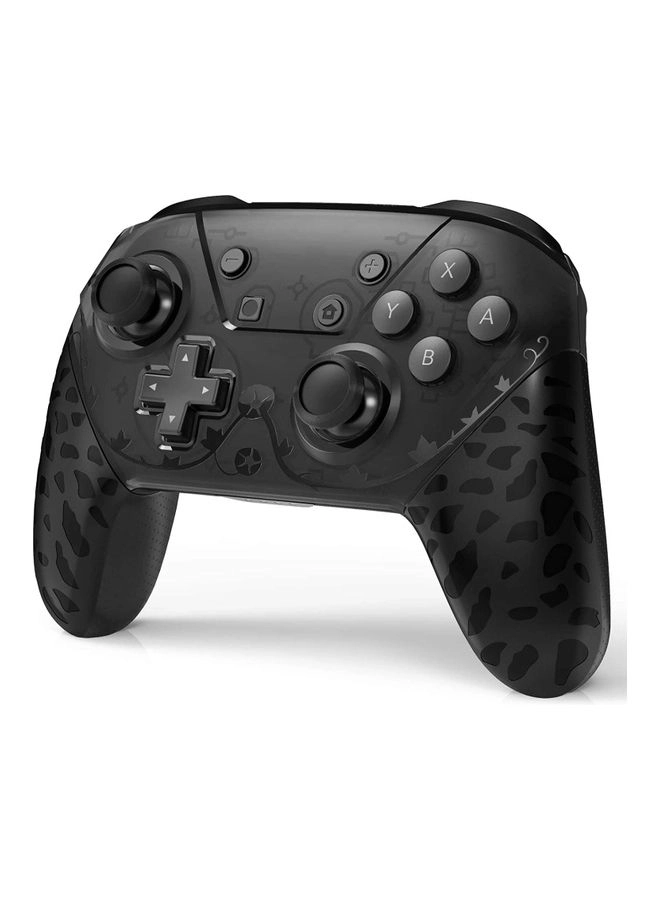
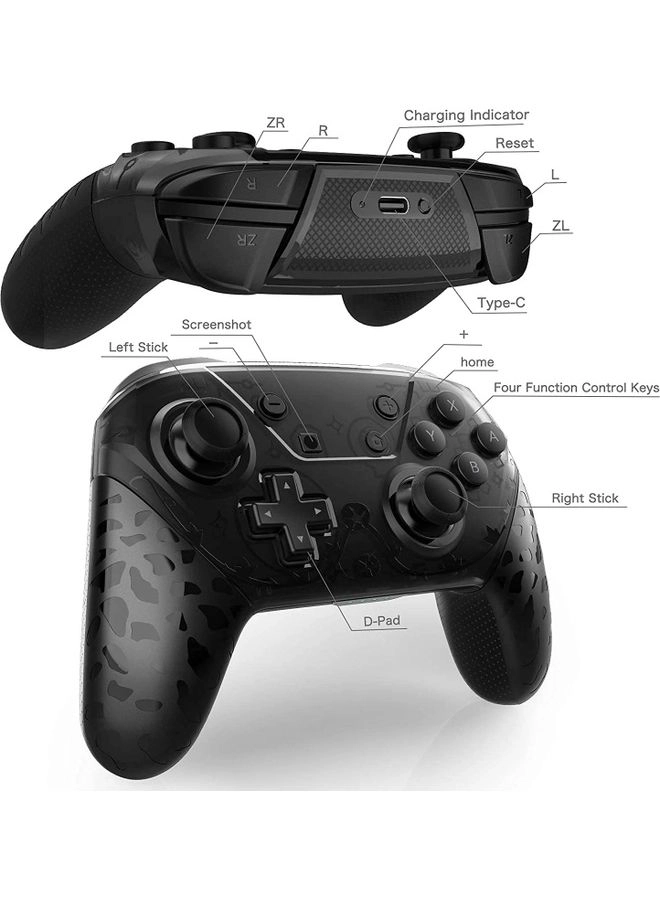
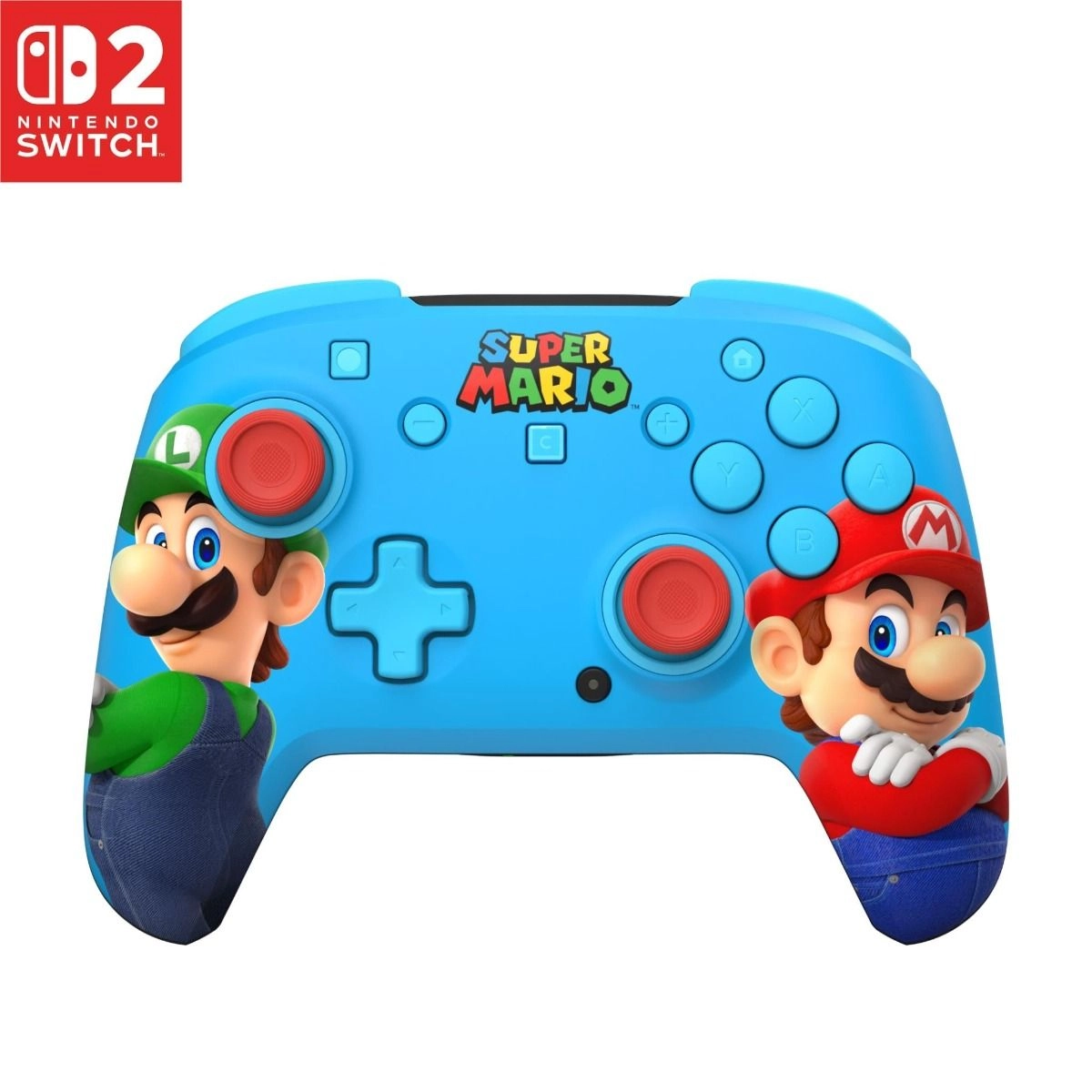
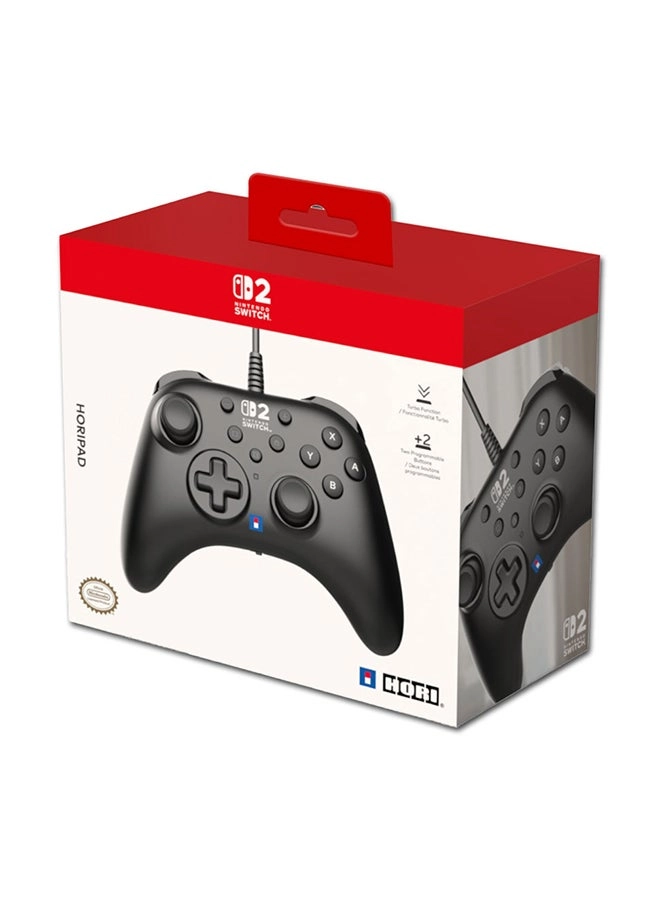
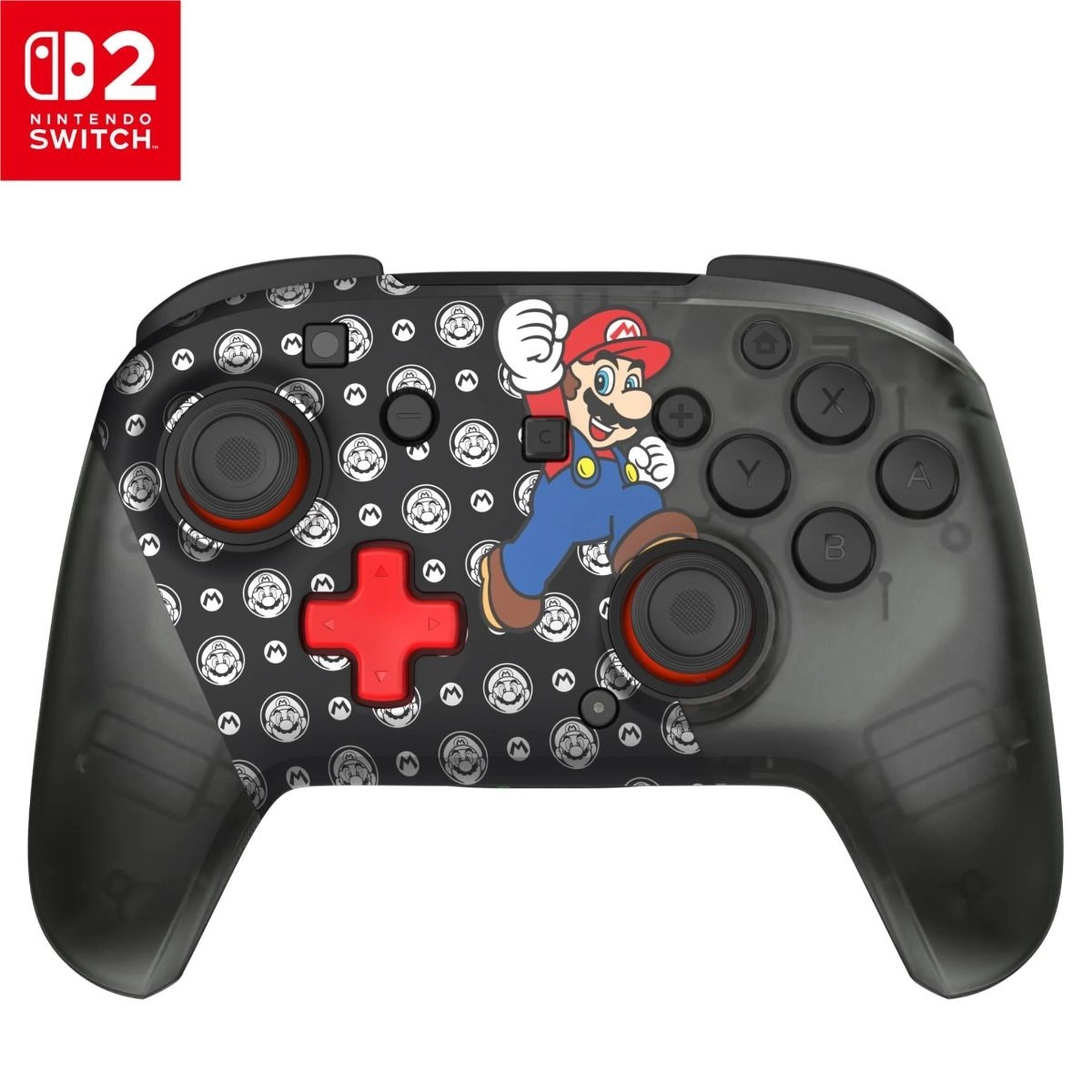
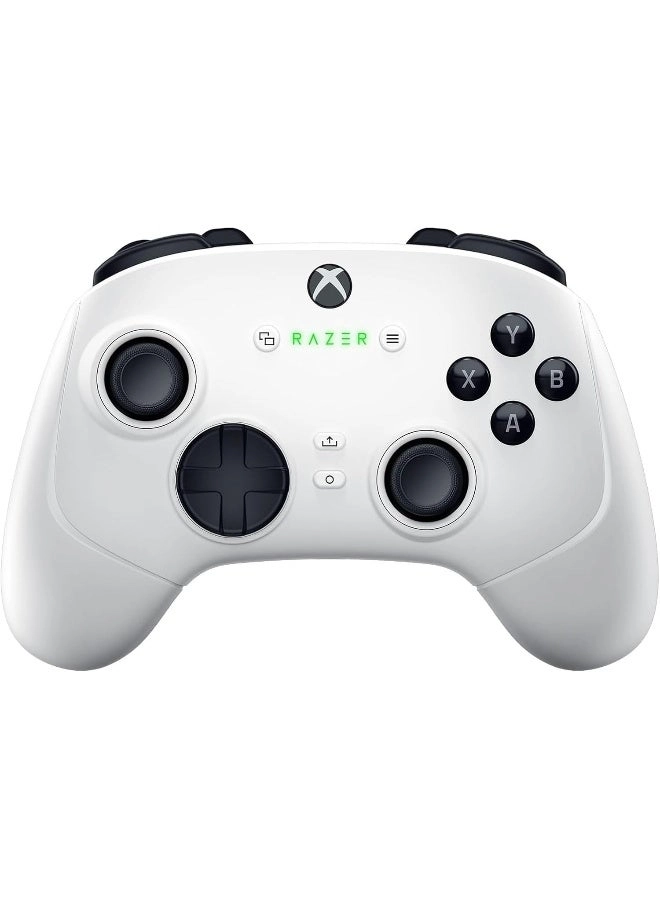
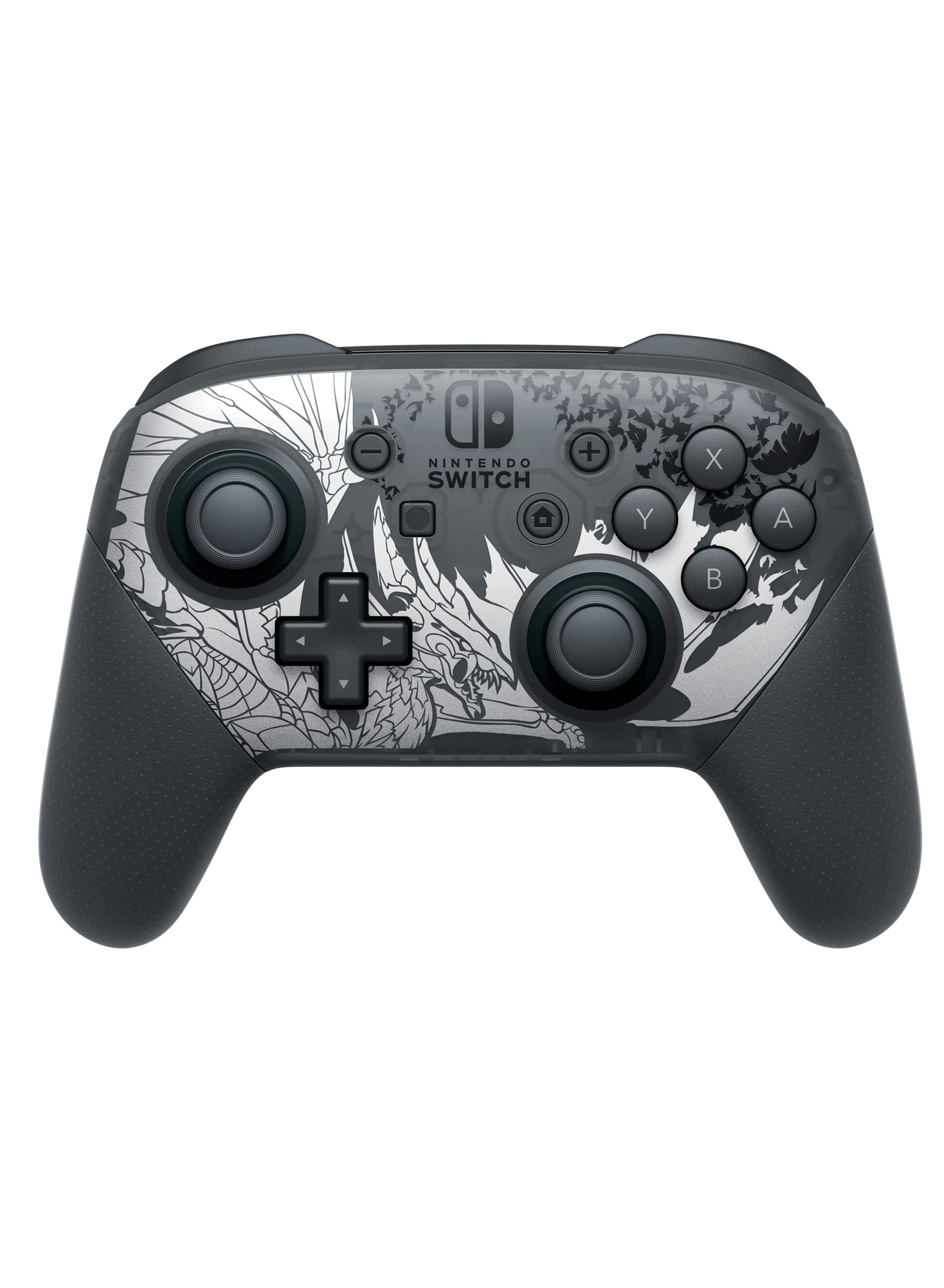
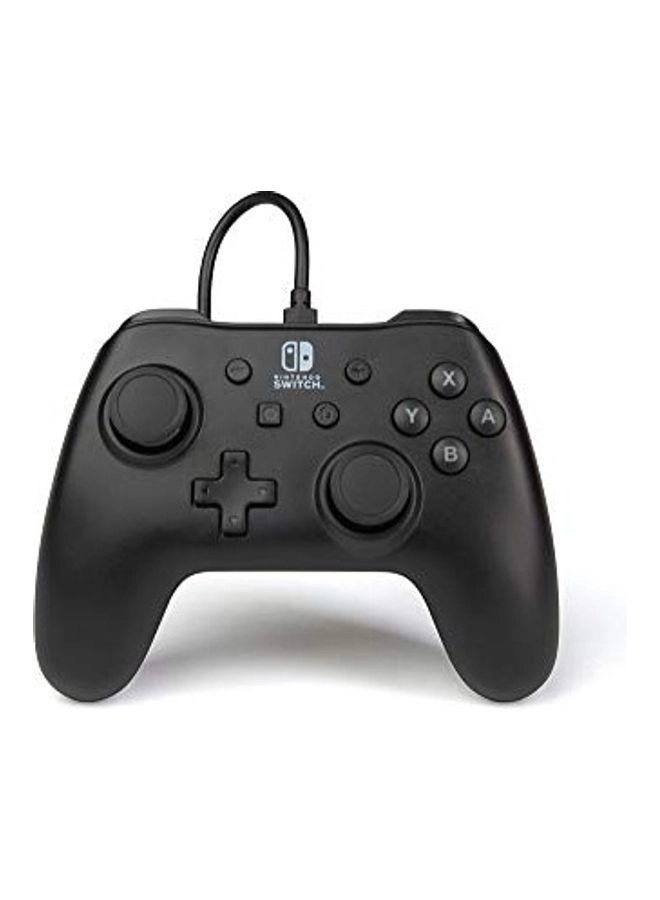
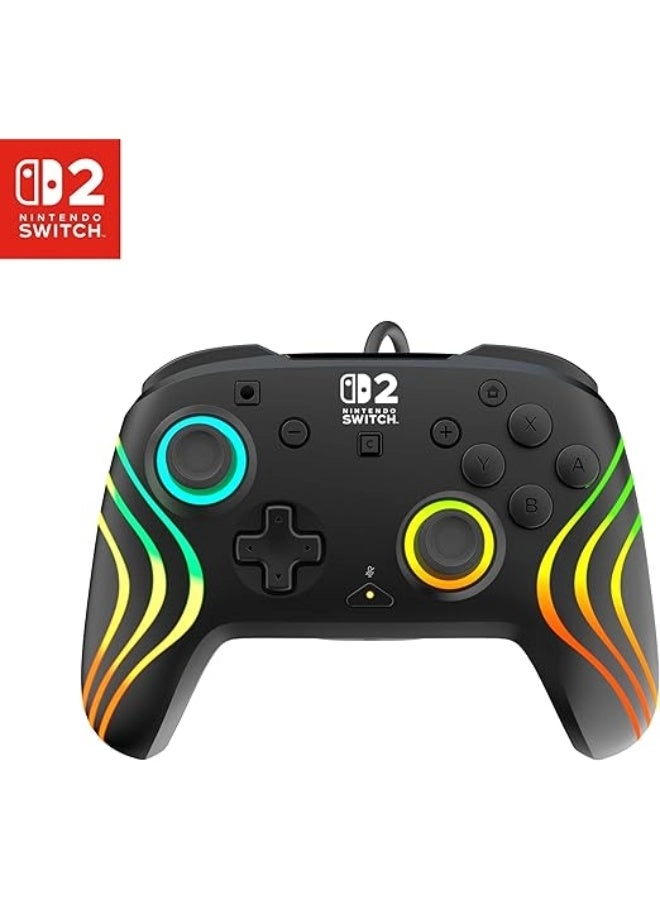
SWITCH Bluetooth handle operating instructions
1. Host settings
1 To connect a Bluetooth handle, the Controller Connection (Bluetooth) option of the host is On, or turn off Flight Mode;
2 On the main page, select Controllers->Change Grip/Order, so that the host is in the state of searching for Bluetooth devices. (This operation is not required for connection back)
3 Note: If it is difficult for the host to pair the controller, it may be that the host is connected to too many Bluetooth devices, and you need to manually clear the Bluetooth information (System Setting->Controllers and Sensors->DisConnect Controllers);
To
2. Handle pairing host
(1) Use a type-c data cable to connect the handle to the USB interface of the host base. When the channel LED is always on, unplug the data cable. The 4 LEDs are in the state of fast running lights, and the channel indicator corresponding to the successful connection is always on.
To
(2) When the handle is off, press and hold the Home button for 5 seconds to turn it on. The 4 LEDs are in the state of fast running water, and the channel indicator corresponding to a successful connection is always on. If there is no synchronization within 2.5 minutes, it will automatically sleep.
If the Bluetooth connection is successful, the corresponding channel indicator LED is always on (assigned by the Switch host)
Reviews
Loading...
Loading...
Loading...
Loading...
Loading...
Loading...
Loading...
Loading...
Loading...
Loading...
Loading...
Loading...
Loading...
Loading...
Loading...
Loading...
Loading...
Loading...
Loading...
Loading...
Loading...
Loading...
Loading...
Loading...
Loading...
Loading...
Loading...
Loading...
Loading...
Loading...
Loading...
Loading...
Loading...
Loading...
Loading...
Loading...
Loading...
Loading...
Loading...
Loading...
Loading...
Loading...
Loading...
Loading...
Loading...
Loading...
Loading...
Loading...
Loading...
Loading...
Loading...
Loading...
Loading...
Loading...
Loading...
Loading...
Loading...
Loading...
Loading...
Loading...
Loading...
Loading...
Loading...
Join our newsletter
Be the first to know about new arrivals, sales, and exclusive picks
Sign in to unlock newsletter access and stay in the loop