Allware
Loading...
  • News
  • Price drops
  • New arrivals
  • Featured categories
  1. Entertainment & Hobby
  2. Video Games & Consoles
  3. Portable Game Consoles
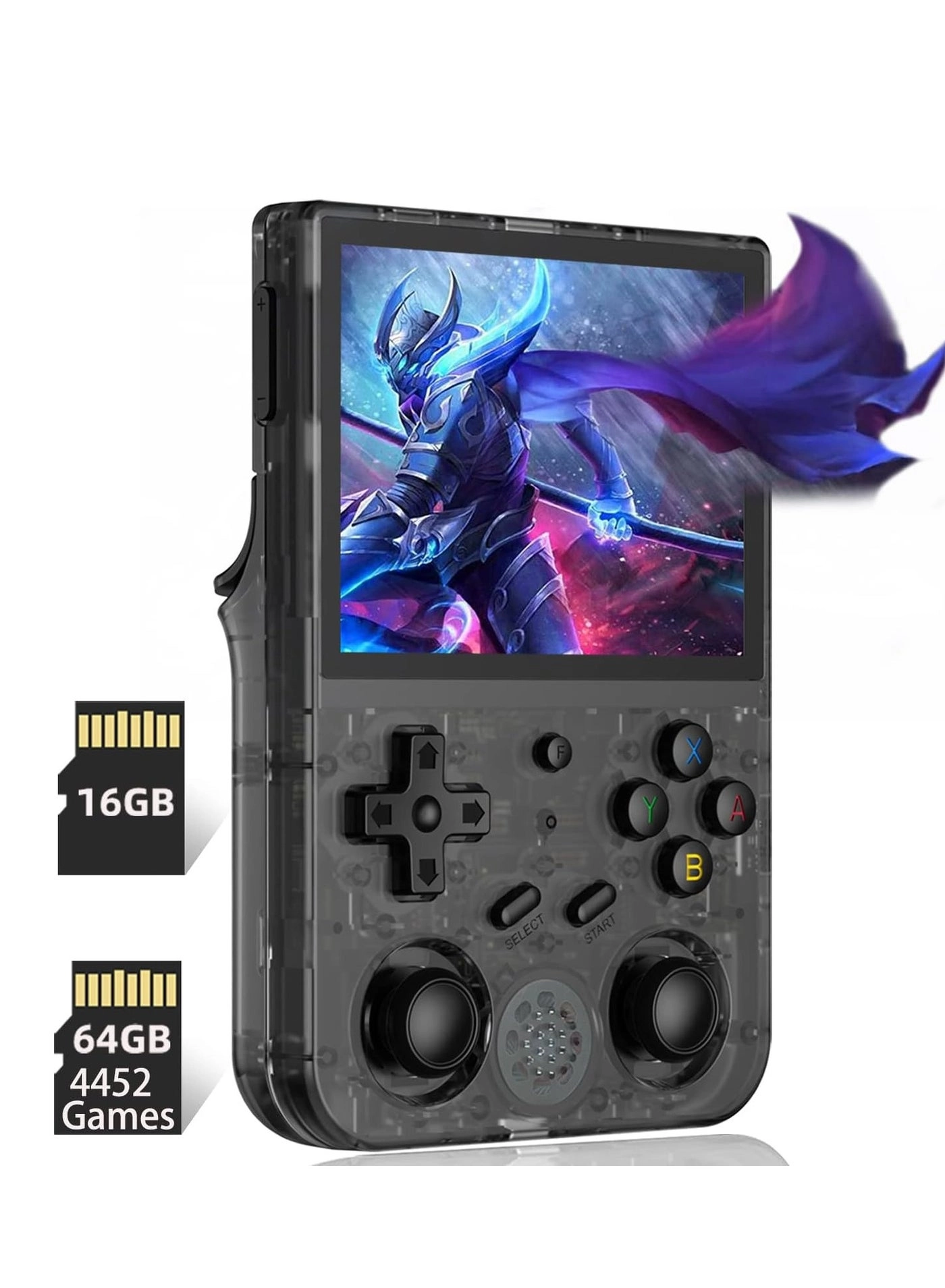
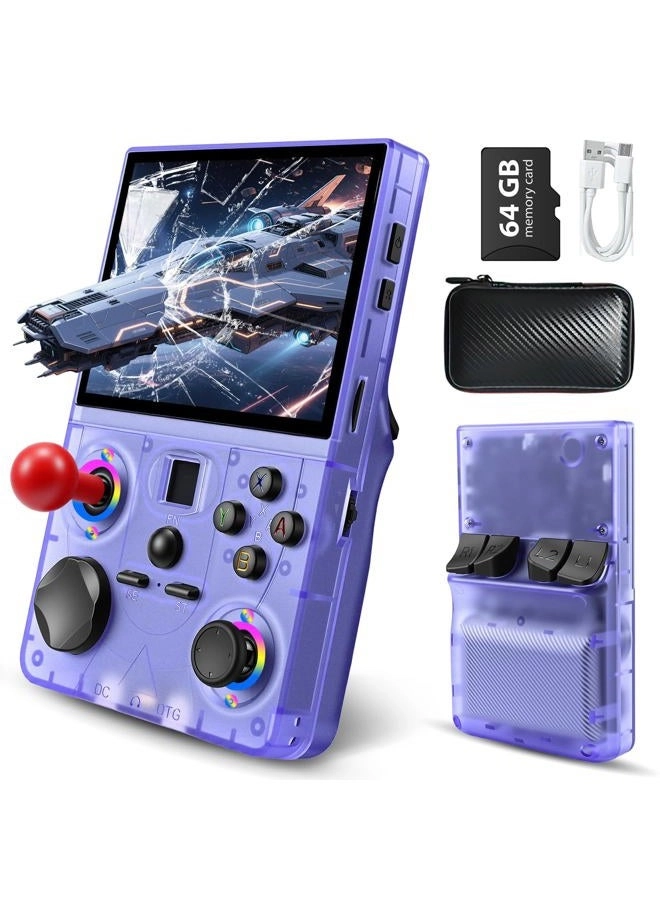
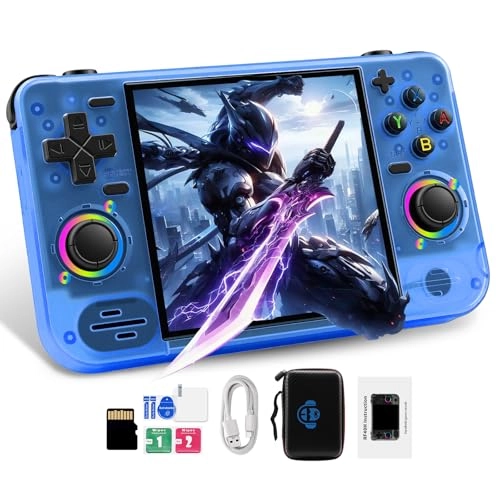
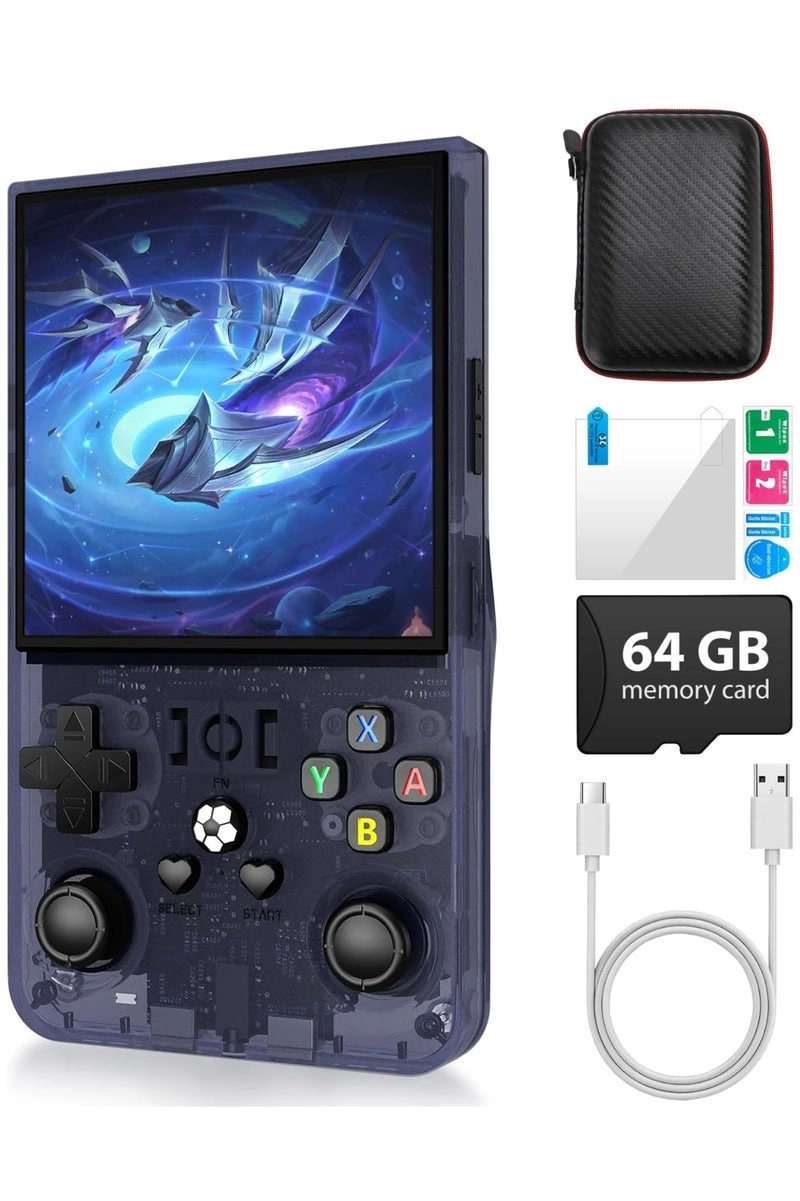
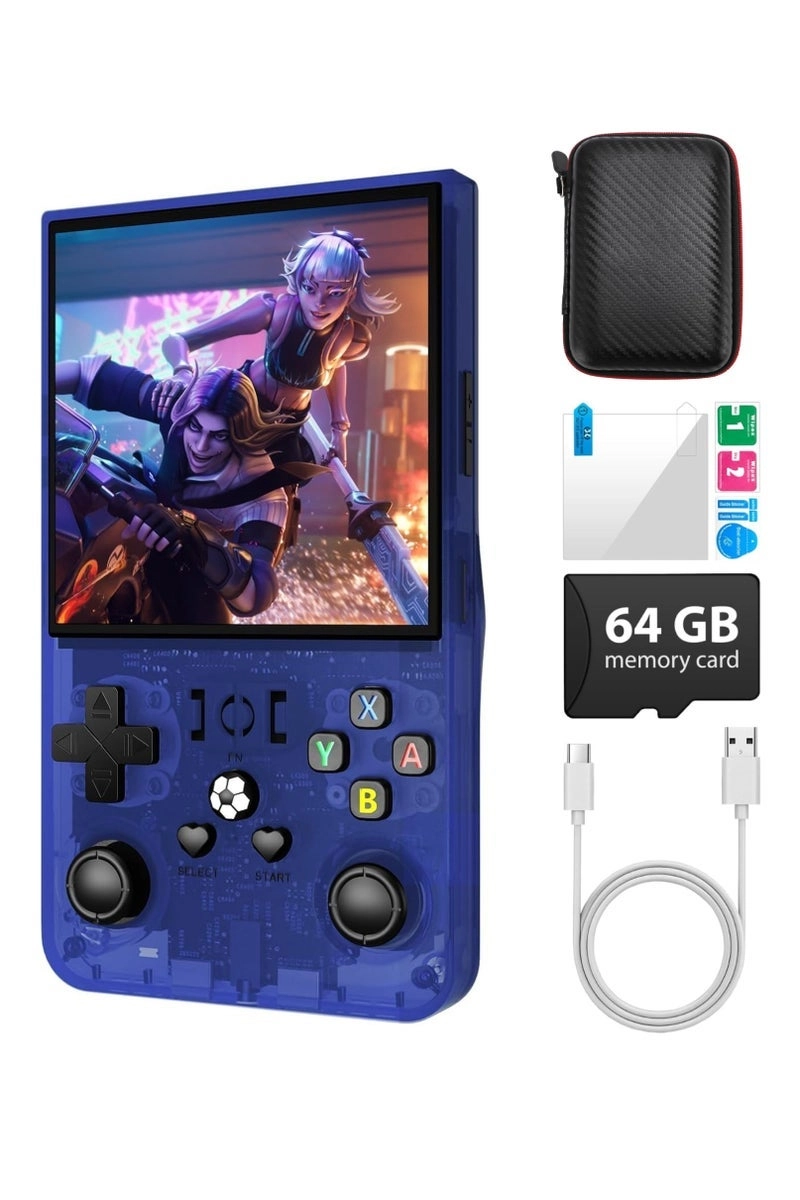
M15-P - 64GB
M15-P - 64GB
M15-P - 64GB
M15-P - 64GB
M15-P - 64GB
M15-P - 64GB

AQHH M15-P - 64GB

Best offer
AED
19300
AED
64300
-69%

Key Features

  • Colour name: White
  • Product colour: White
  • Platform: Linux
  • Offers
  • Price History
  • Specifications
  • Product Details
  • Review IconReviews
  • Community & Expert Opinions

Specifications

Features

Product colour
White
Colour name
White

Other features

Platform
Linux

Product Details

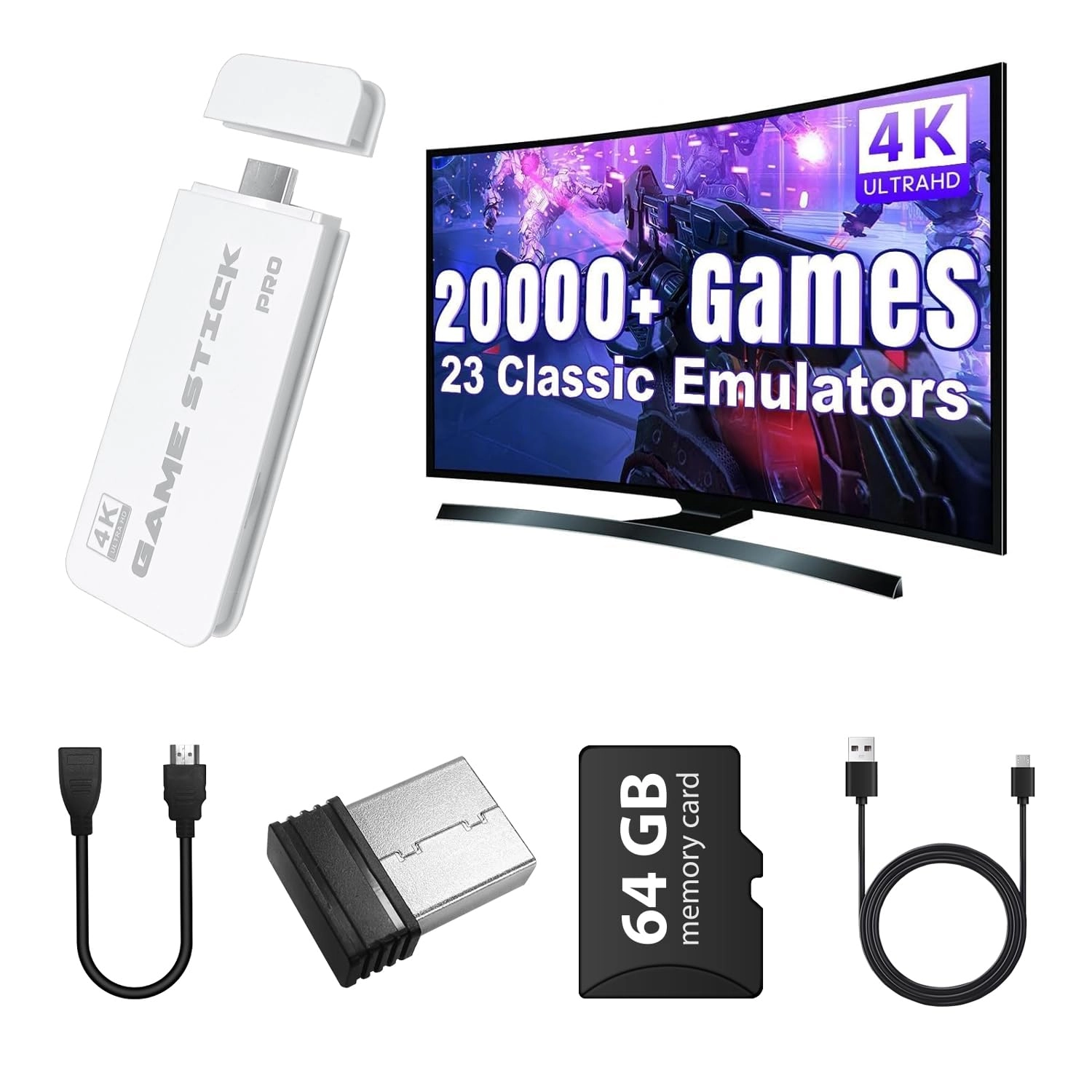
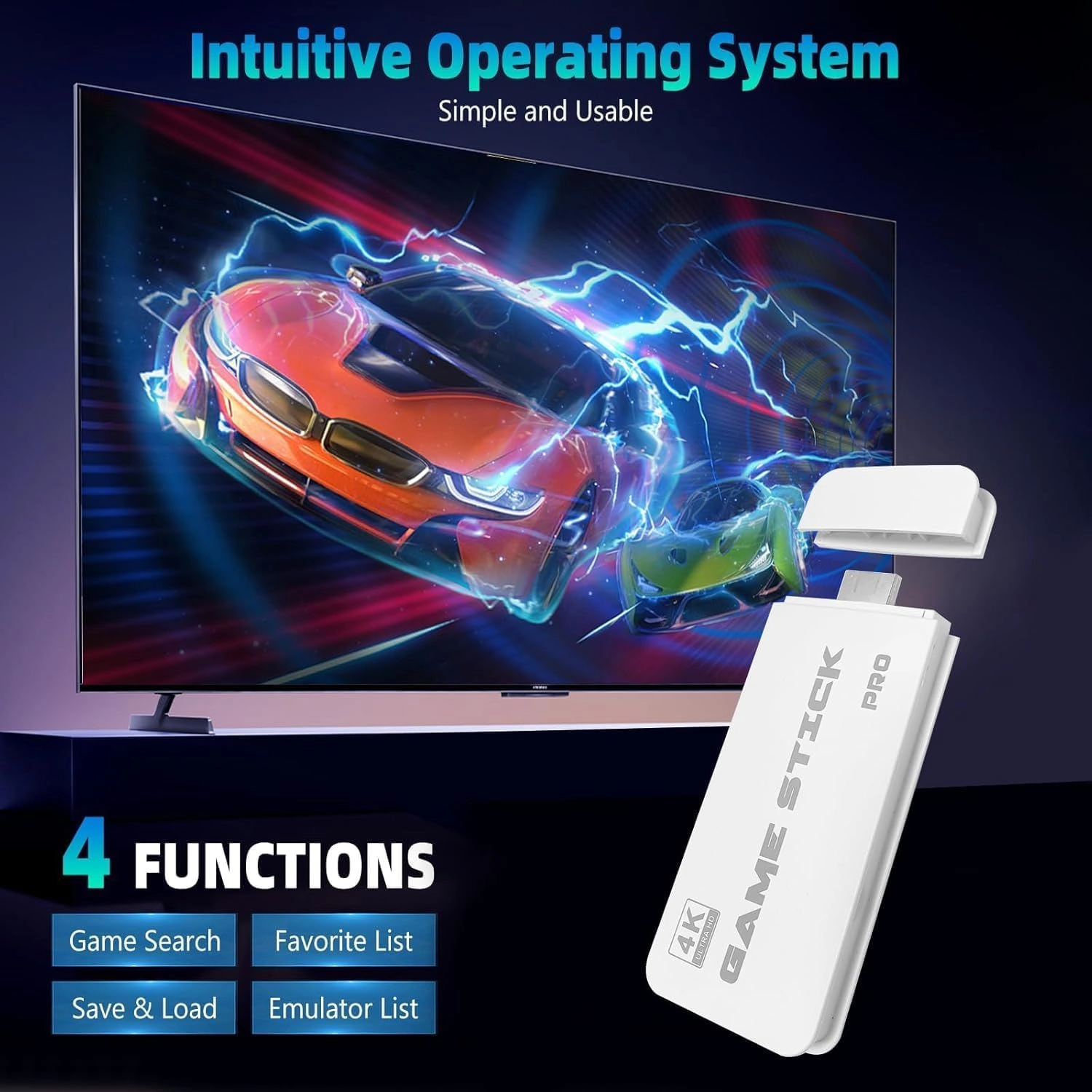
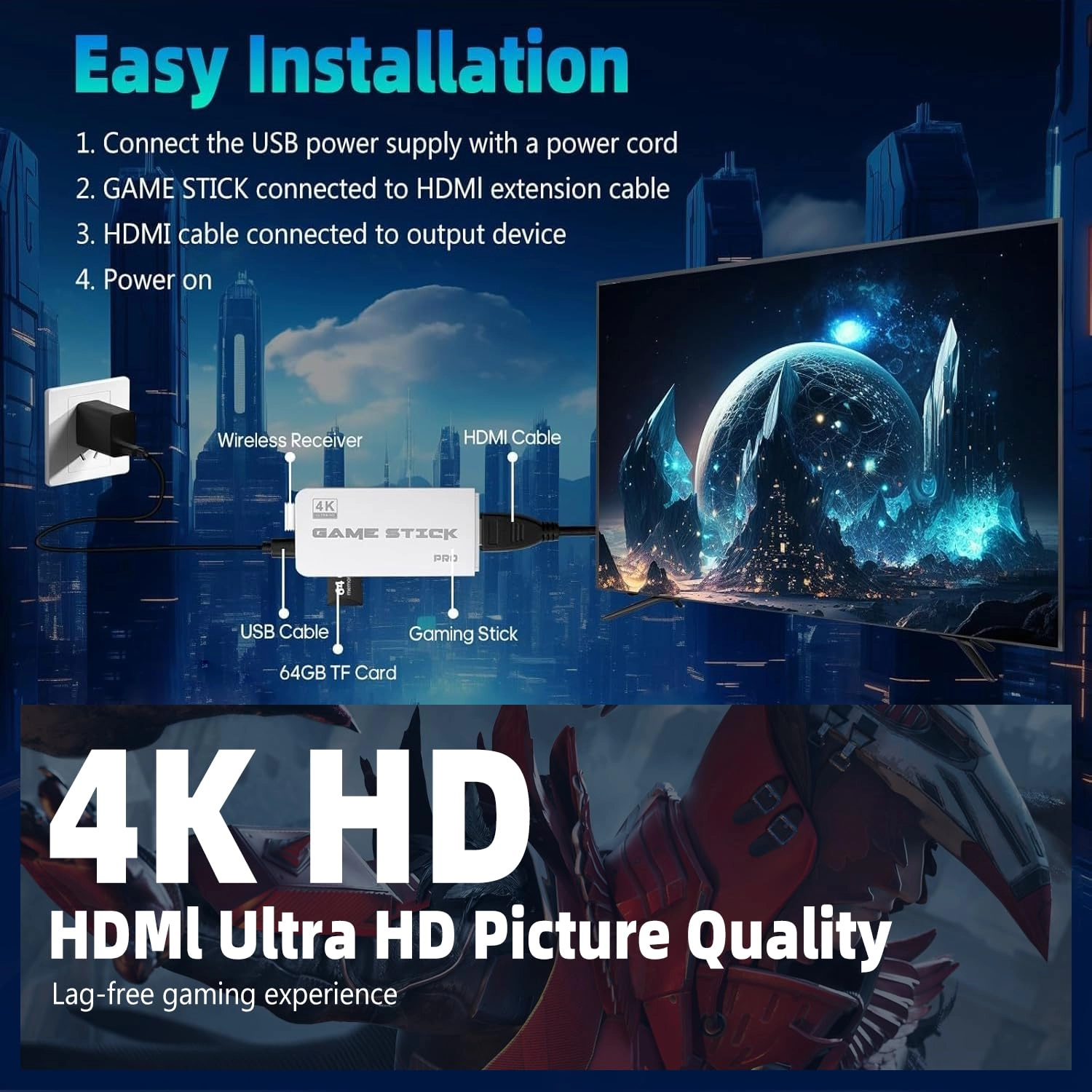
Easy to Connect to Your TVStep 1Connect to TV: Please use the HDMI extension cable provided to plug the retro video game console into your TV/Computer/projectors HDMI interface to ensure there is no blockage between the retro stick and the gamepads. And switch TV mode to HDMI mode.Note: If plug the retro stick directly into your TV/Computer/projectors HDMI interface without an HDMI extension cable, the controller signal will be poor and the retro stick will get clogged, resulting in gamepad non-working.Step 2Insert the Controller wireless receiver to the retro gaming stick, and make sure there is no blockage between the controller signal receiver and the gamepad.Note: If the wireless receiver is not plugged in properly, the retro stick will not be able to receive a signal, which will cause the gamepad doesn't work.Step 3Power Supply: Connect with a charging adapter (Not included) and the power will turn on automatically.Note: Please use a 5V/1A or higher power adapter to provide power to the retro stick. When retro gaming consoles don't work properly or games lag, a big reason is that the power is not available from the USB port. It is recommended to connect with the adapter of the phone charger, the power supply will be relatively stable. Please do not use the fast charger for power supply.Step 4Install 2 AAA batteries (Not included) on each gamepad and turn on the switch, you're ready to play.Trouble shootingIf the retro stick does not work, please follow these steps to check that the device is properly connected:1. Check whether the switch of the gamepad is in the ON state.2. Check whether the gamepad is lit red or green (red for player 1, green for player 2);3. Check whether the Bluetooth wireless receiver is well inserted into the retro stick;4. Check whether the stick lights up blue;5. If the connection is correct, the primary gamepad(player 1) is red and the secondary gamepad (player 2)is green.6. If the traffic lights are flashing at the same time, it means that the battery is low or the wireless receiver has not been successfully connected.(1) If the battery is low, replace the batteries of the gamepad.(2) If the Bluetooth wireless receiver connection is not successful, (may not be able to read the retro stick), please pull out the wireless receiver in the shutdown state and reinsert.Button DescriptionPress the SELECT key to enter the system settings: you can set language, sound effects.Press SELECT key +START key: When you hold down the two keys in the game at the same time to return to the main menu, choose to quit the game enter the qame menu interfacePress R1 and L1 to select the game modePress R2 to save your favorite game (a five-pointed star appears behind the game name indicating succesful collection, press R2 again to cancel the collection and the five-pointed star will disappear).If some games show "insert coin", press the "Select" button to continue playing.Make sure the switch of the gamepad is turned on and the power light is always on. Review: More than you can ever PLAY !!! - GREAT PRICE and have fun Review: Love - Love it .it has all the old game from snes and crash bandicoot plus castlevania

Reviews

Loading...
Loading...
Loading...
Loading...
Loading...
Loading...
Loading...
Loading...
Loading...
Loading...
Loading...
Loading...
Loading...
Loading...
Loading...
Loading...
Loading...
Loading...
Loading...
Loading...
Loading...
Loading...
Loading...
Loading...
Loading...
Loading...
Loading...
Loading...
Loading...
Loading...
Loading...
Loading...
Loading...
Loading...
Loading...
Loading...
Loading...
Loading...
Loading...
Loading...
Loading...
Loading...
Loading...
Loading...
Loading...
Loading...
Loading...
Loading...
Loading...
Loading...
Loading...
Loading...
Loading...
Loading...
Loading...
Loading...
Loading...
Loading...
Loading...
Loading...
Loading...
Loading...
Loading...

Join our newsletter

Be the first to know about new arrivals, sales, and exclusive picks

Sign in to unlock newsletter access and stay in the loop

Allware
info@allware.com
+971522500911
World technology awards winner badge

Allware

  • About Us
  • Terms And Conditions
  • Privacy Policy
  • Contact Us

Partners

  • Why become a partner?
  • How to list your Online Shop?

Newsletter

  • Subscribe

Info

  • How Allware works
All Rights Reserved.
Allware does not sell products. Prices shown are aggregated from verified merchants.
Please enable location access or select an emirate
-
00:00:00
Prayer timings

Offers (1)

desertcart logo

1 offer

From
AED
193

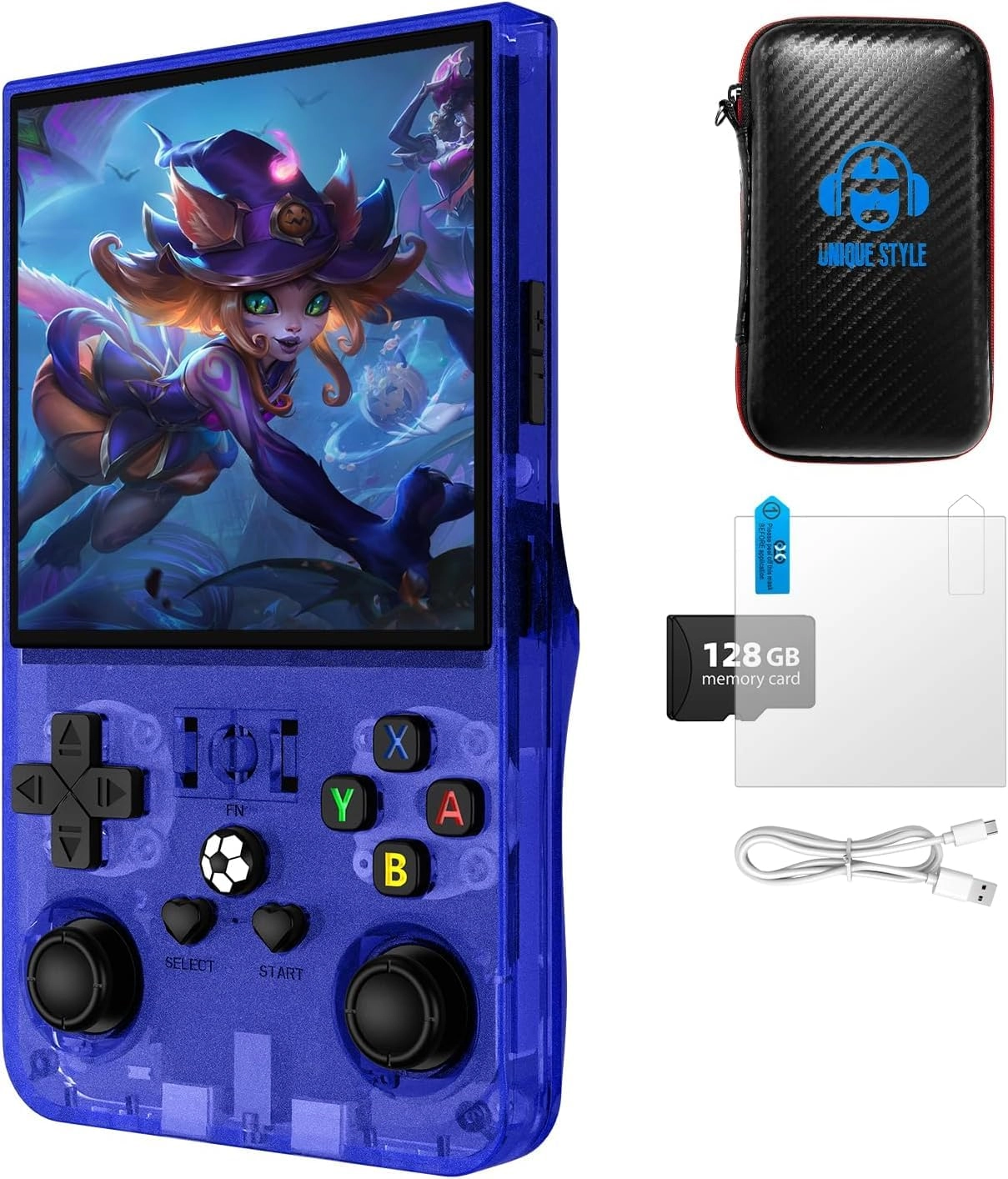
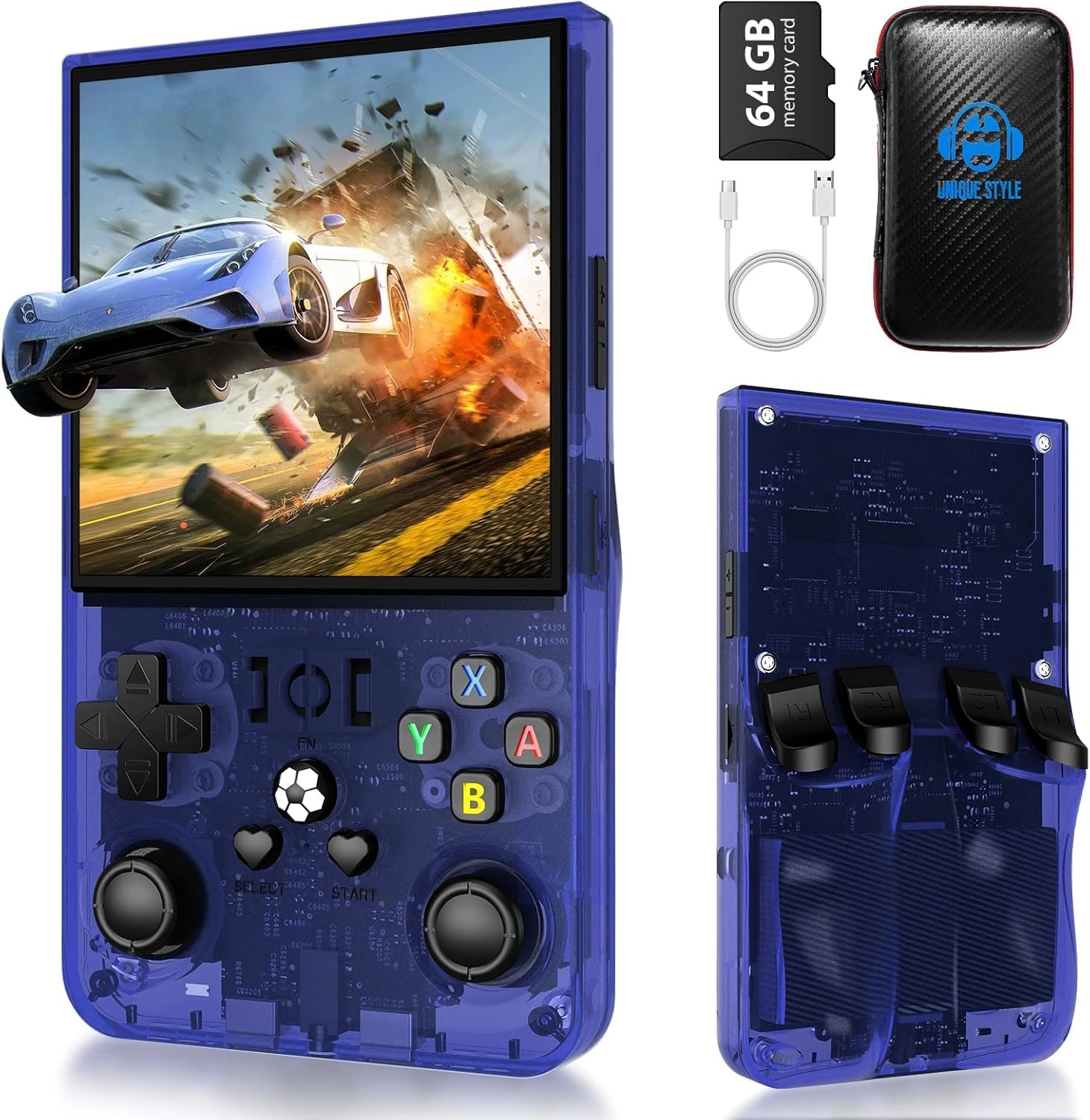
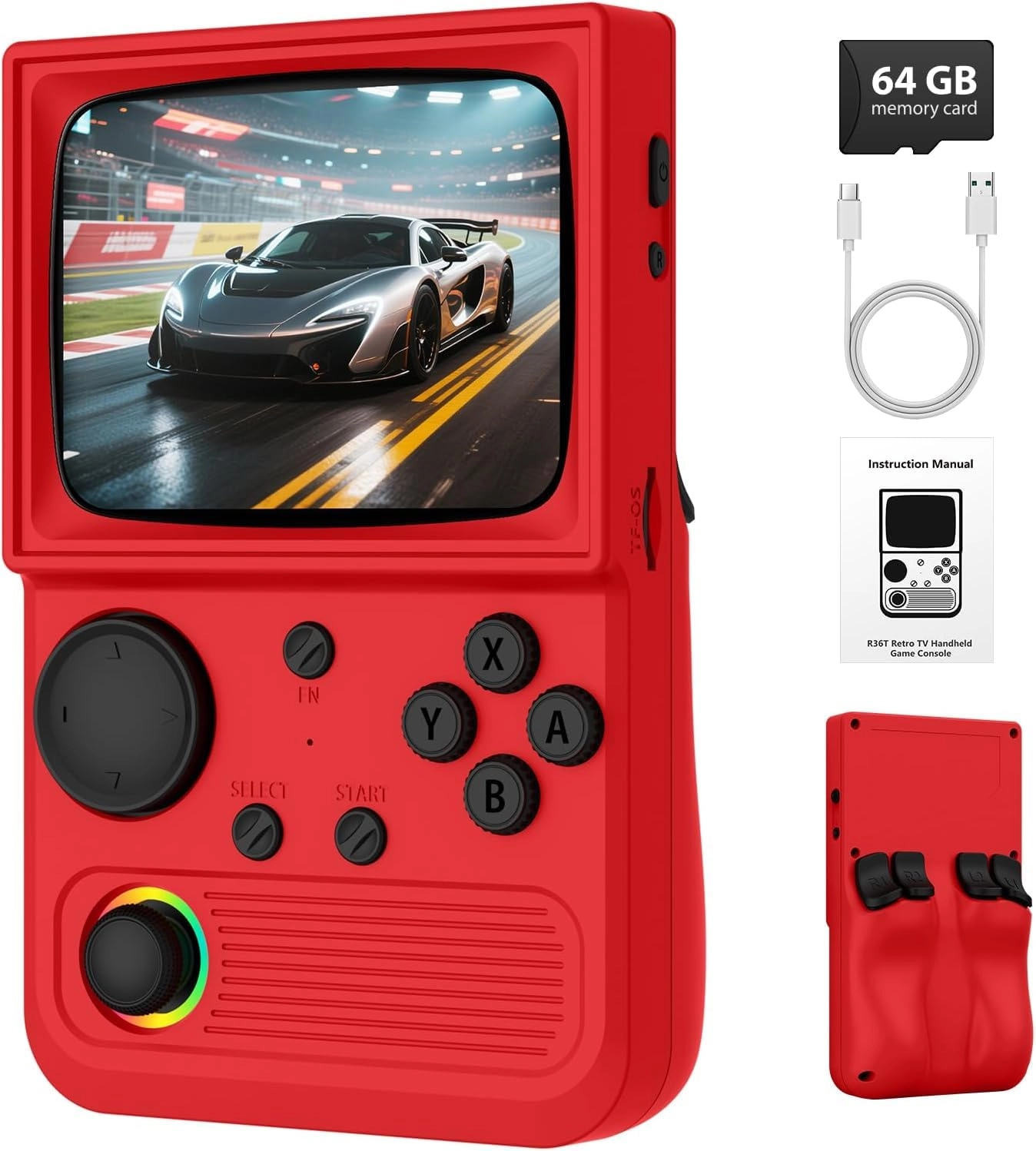
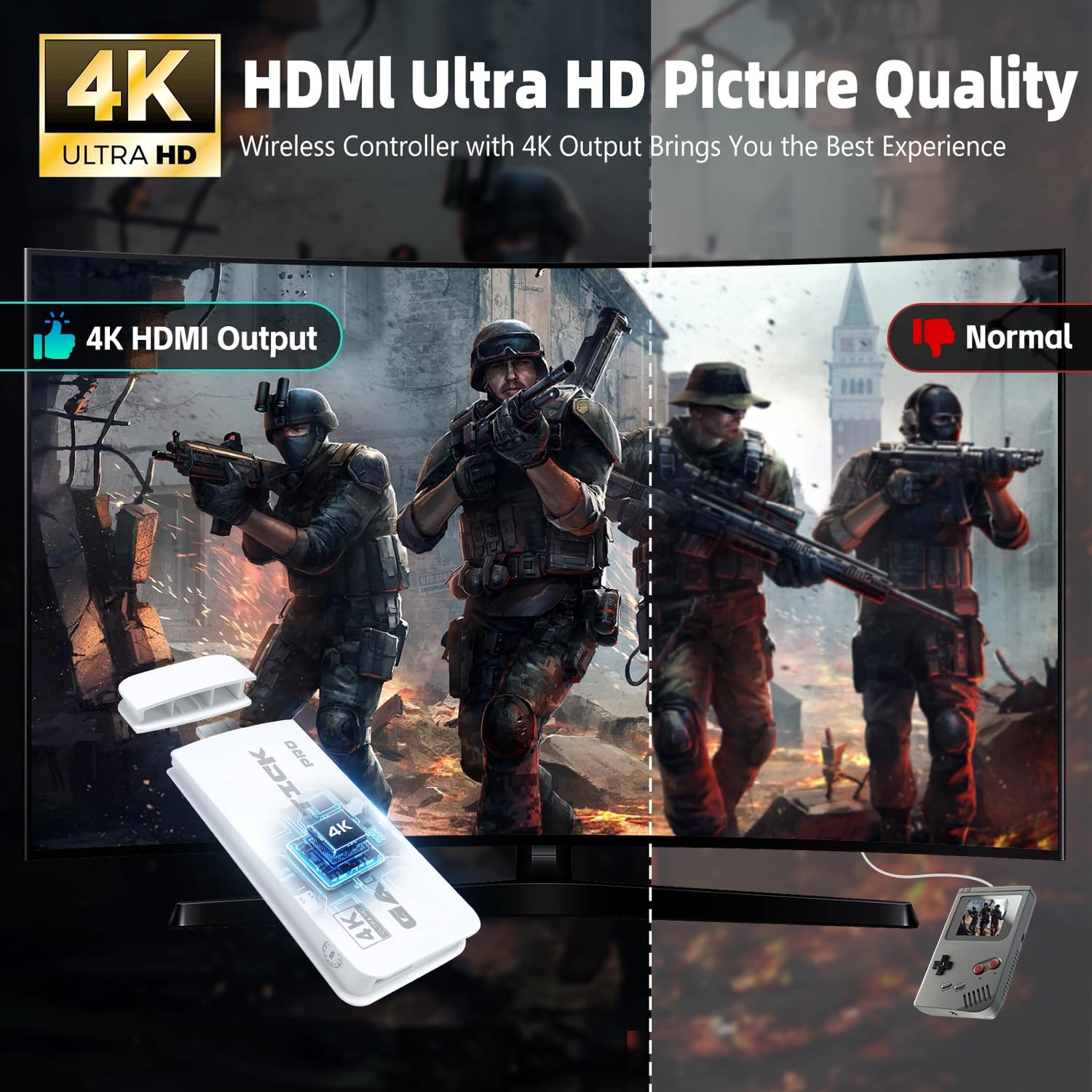
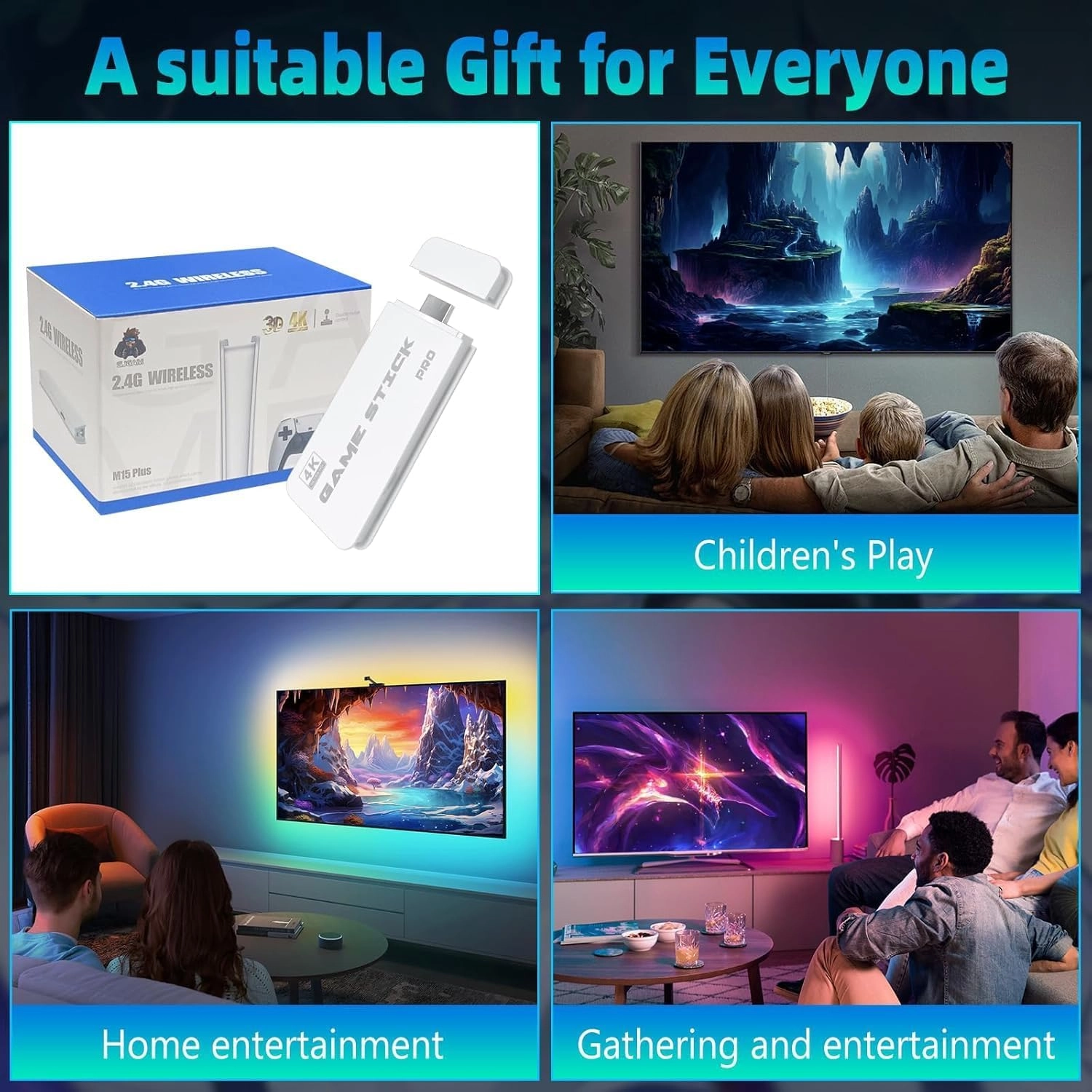
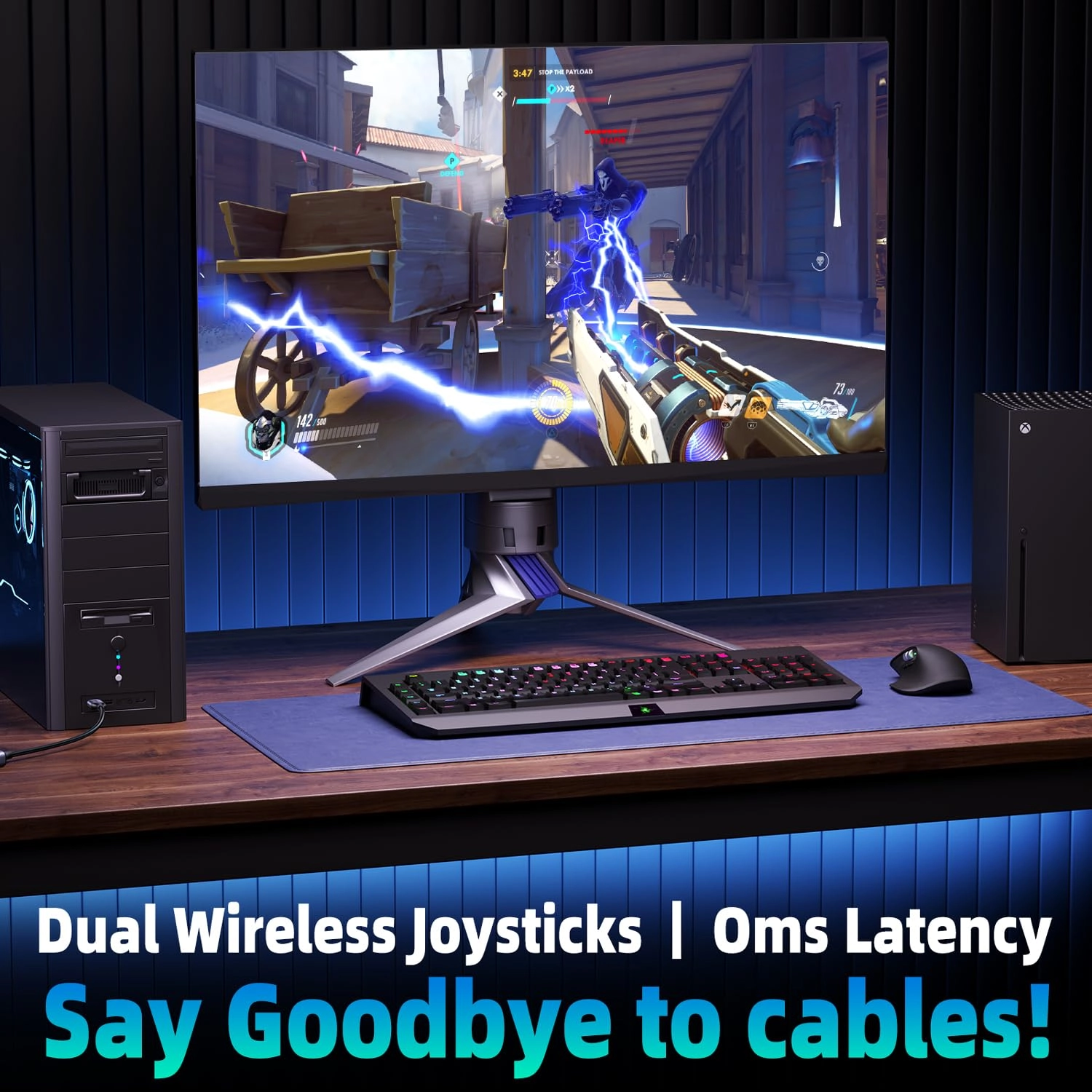
AQHH 2025 Retro Gaming Console, Retro Game Stick with 4K HDMI, Classic Video Games, Upgraded Dual 2.4G Wireless Controllers 64GB

LinuxWhite
AED
64300
-69%
AED
19300

Price History

Price History Skeleton
Price History Shimmer Effect
Loading price history...

Similar Products

See all
-75%
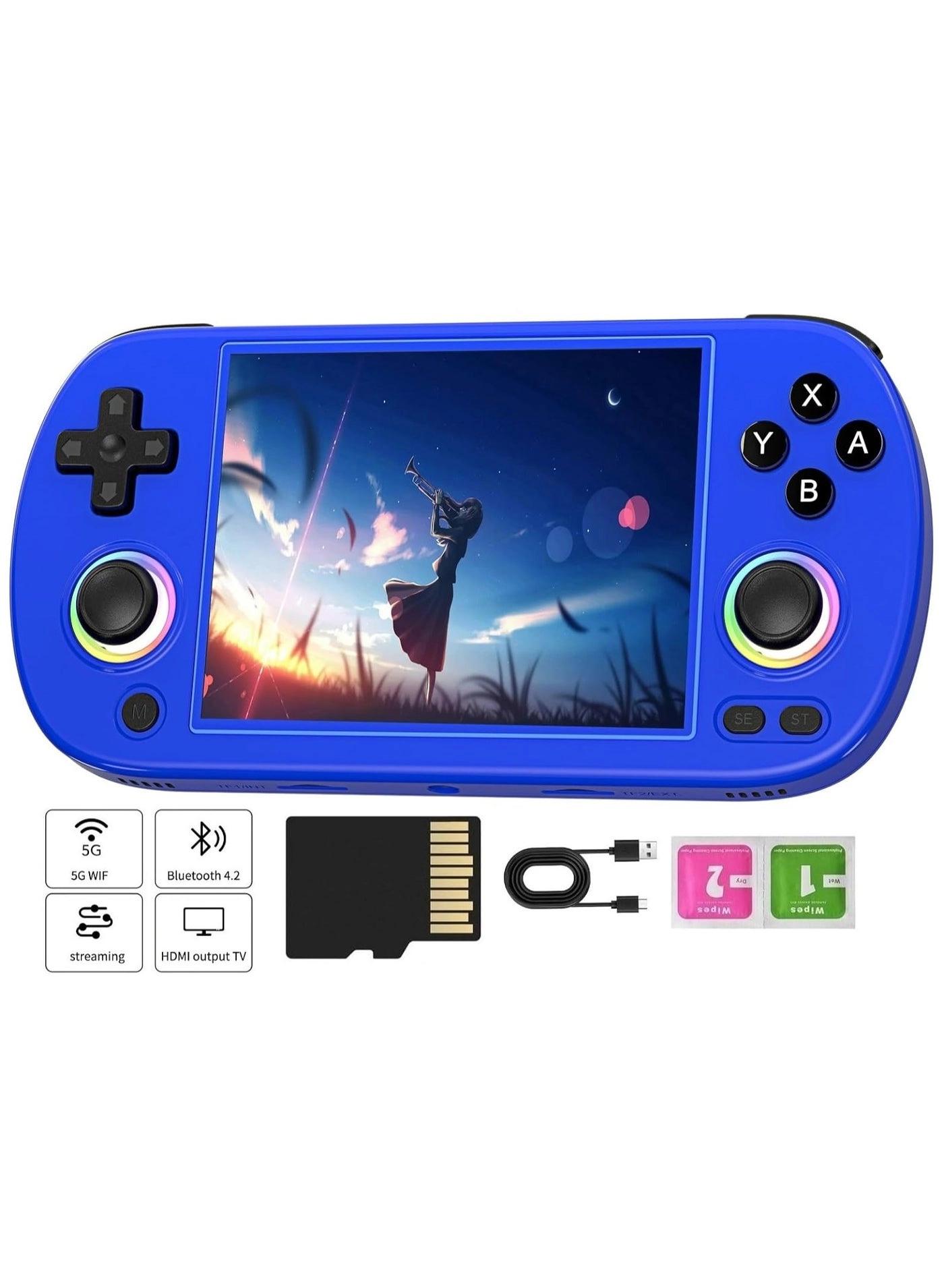
ANBERNIC RG35XX SP - 64GB

ANBERNIC RG35XX SP - 64GB

AED
52400
AED
12590
119 offers
-21%
ANBERNIC RG353V - 64GB

ANBERNIC RG353V - 64GB

AED
57372
AED
45200
17 offers
-53%
ANBERNIC RG351V - 64GB

ANBERNIC RG351V - 64GB

AED
32500
AED
15000
11 offers
-9%
EraVortx DC35V - 64GB

EraVortx DC35V - 64GB

AED
33400
AED
30100
4 offers
EraVortx RF40H - 64GB Gift Set

EraVortx RF40H - 64GB Gift Set

AED
38800
4 offers
JAJEEK R36 Max - 64GB

JAJEEK R36 Max - 64GB

AED
14300
26 offers
Tiger R36MAX - 64GB

Tiger R36MAX - 64GB

AED
14200
25 offers
ELTRAZONE w214 - 64GB

ELTRAZONE w214 - 64GB

AED
5900
23 offers
-12%
ANBERNIC RG40XX H - 64GB

ANBERNIC RG40XX H - 64GB

AED
39900
AED
35000
19 offers
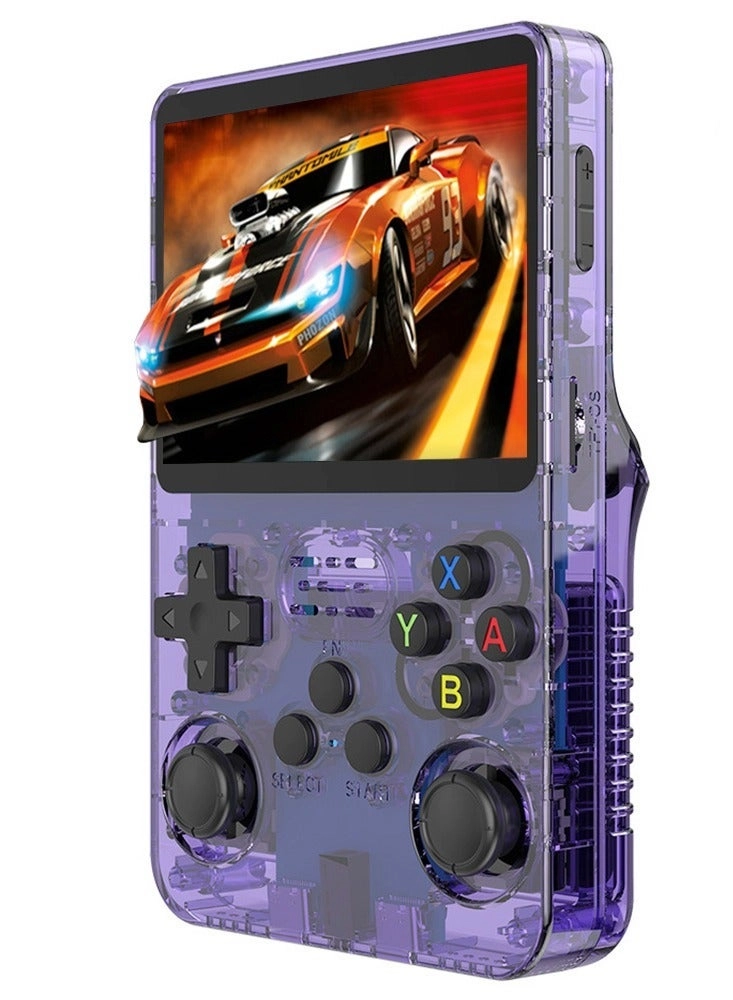
JAJEEK R36S - 64GB

JAJEEK R36S - 64GB

AED
6400
19 offers

More from AQHH

See all
AQHH CP-A55 - 128GB 10.1"

AQHH CP-A55 - 128GB 10.1"

AED
39000
3 offers
-69%
AQHH M15-P - 64GB

AQHH M15-P - 64GB

AED
64300
AED
19300
1 offer
AQHH PBDN-A75 - 256GB 11"

AQHH PBDN-A75 - 256GB 11"

AED
52818
1 offer
-27%
AQHH R36Max - 128GB

AQHH R36Max - 128GB

AED
55200
AED
39800
3 offers
-24%
AQHH R36Max - 64GB

AQHH R36Max - 64GB

AED
44200
AED
33200
6 offers
-9%
AQHH R36T - 64GB

AQHH R36T - 64GB

AED
33400
AED
30100
4 offers
Loading...
Loading...
Loading...
Loading...
Loading...
Loading...
Loading...
Loading...
Loading...
Loading...
Loading...
Loading...
Loading...
Loading...
Loading...
Loading...
Loading...
Loading...
Loading...
Loading...
Loading...
Loading...
Loading...
Loading...
Loading...
Loading...
Loading...
Loading...
Loading...
Loading...
Loading...
Loading...
Loading...
Loading...
Loading...
Loading...
Loading...
Loading...
Loading...
Loading...
Loading...
Loading...
Loading...
Loading...
Loading...