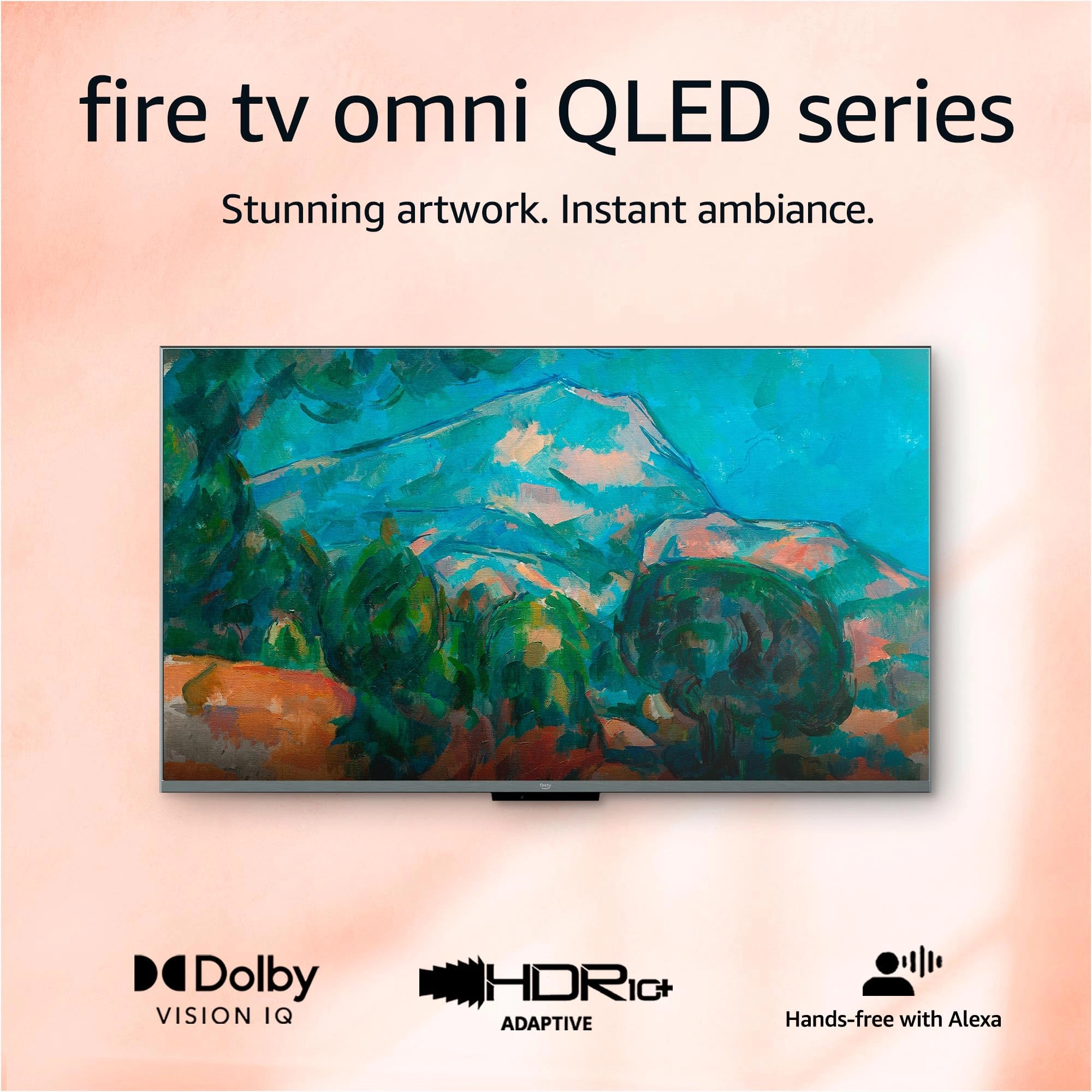
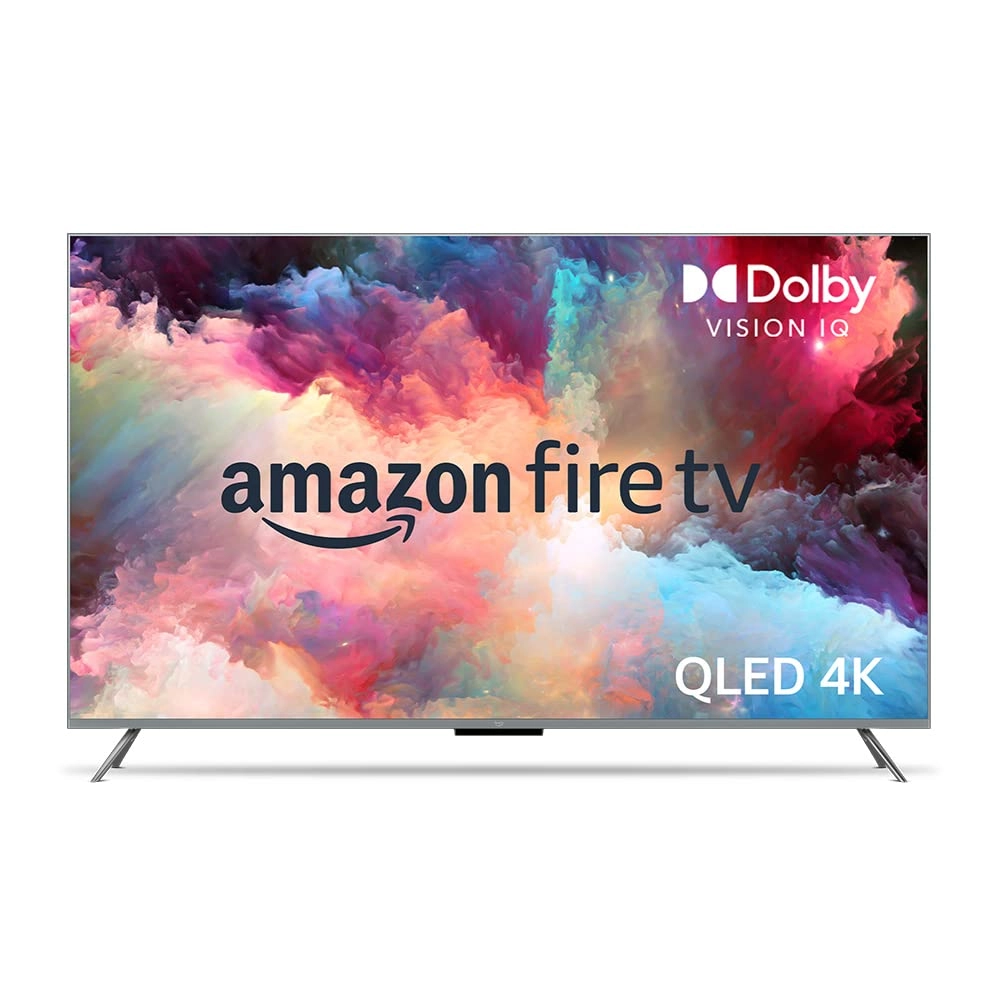
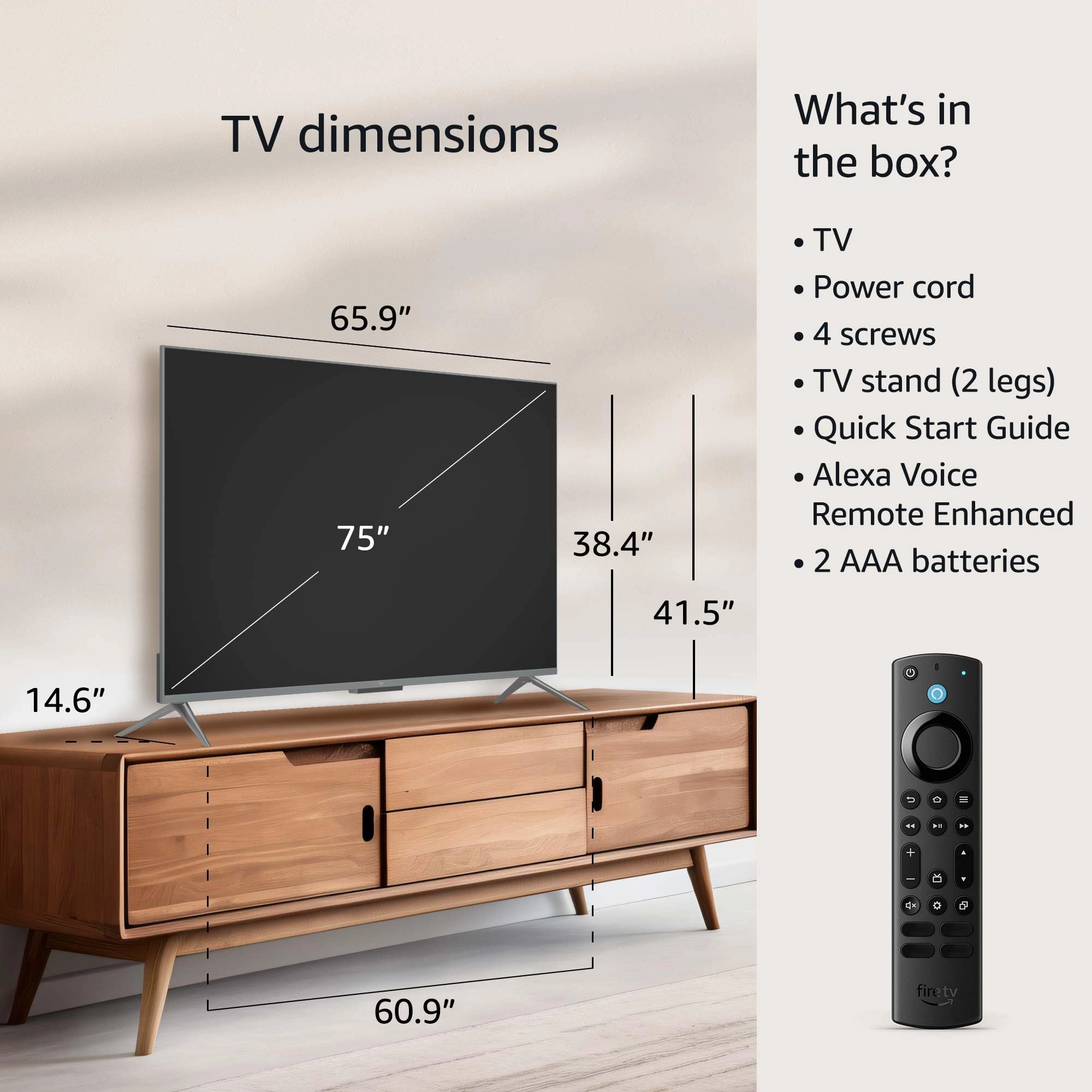
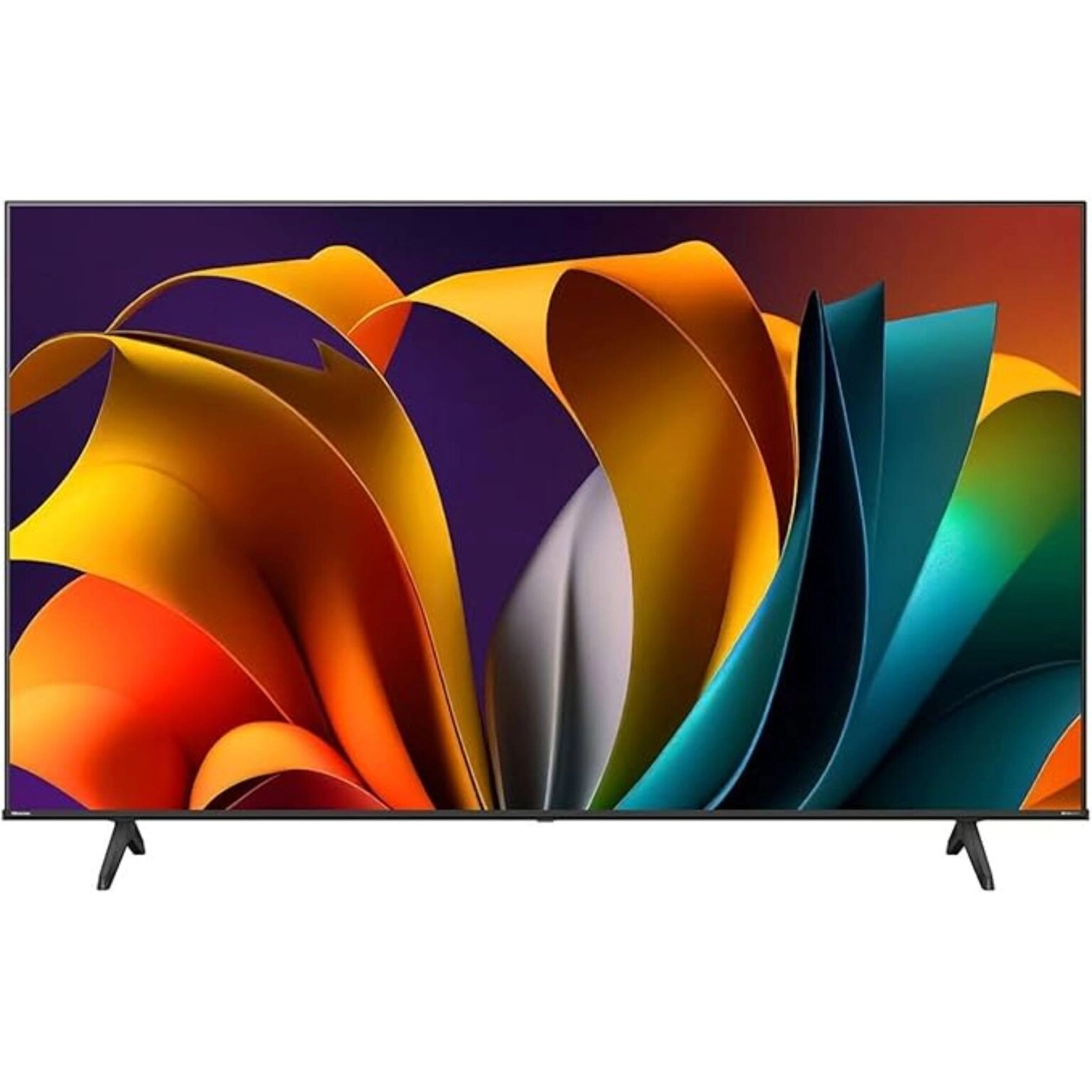
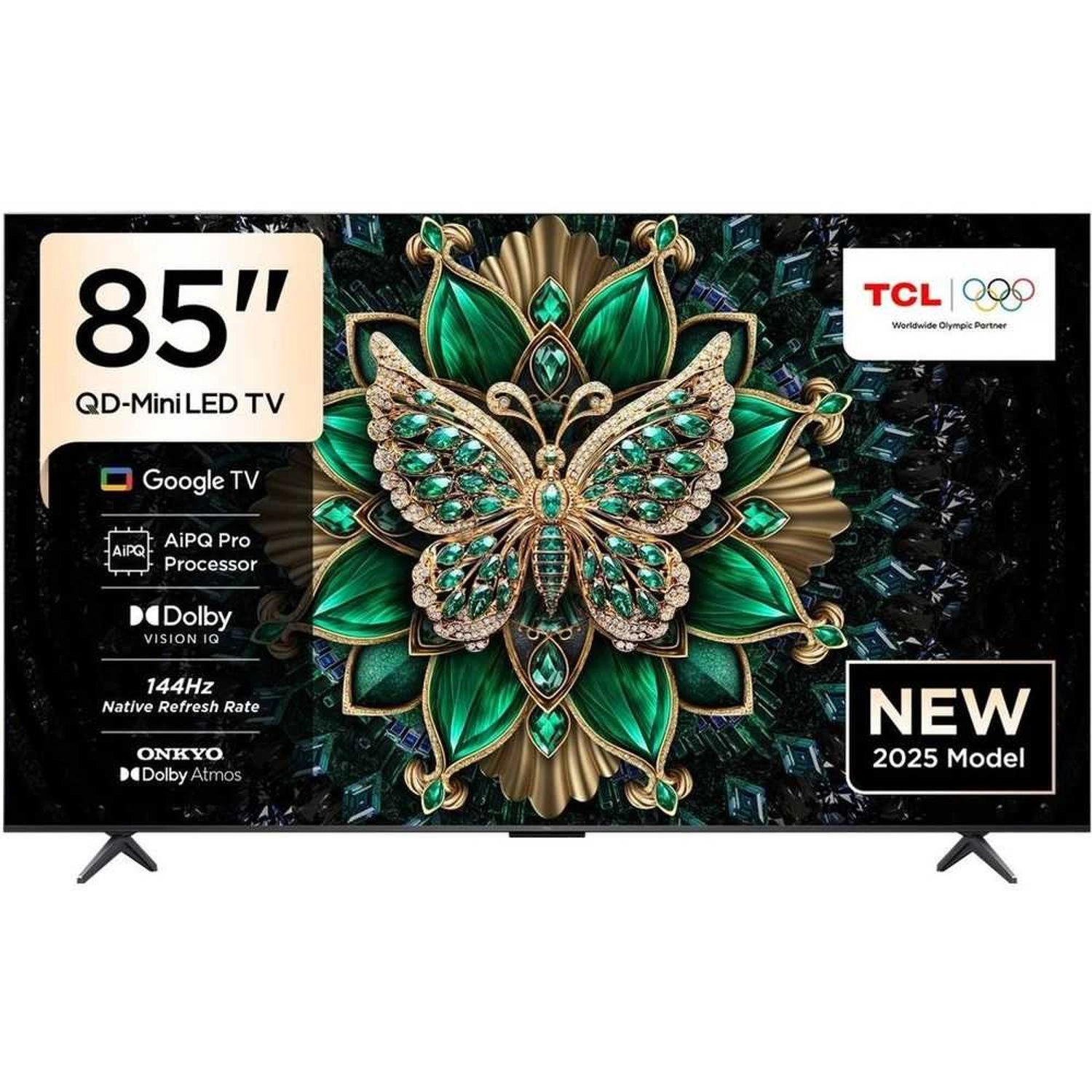
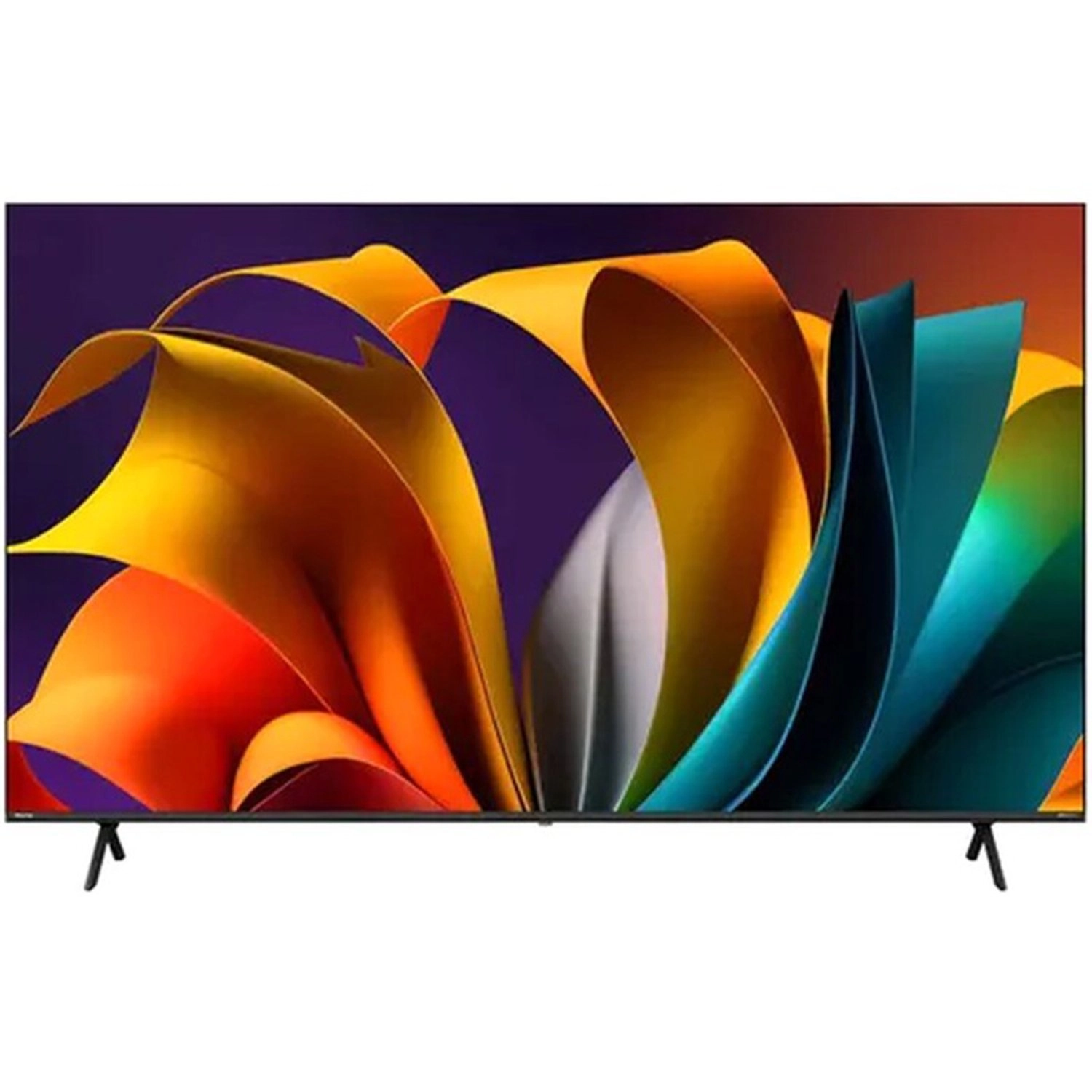
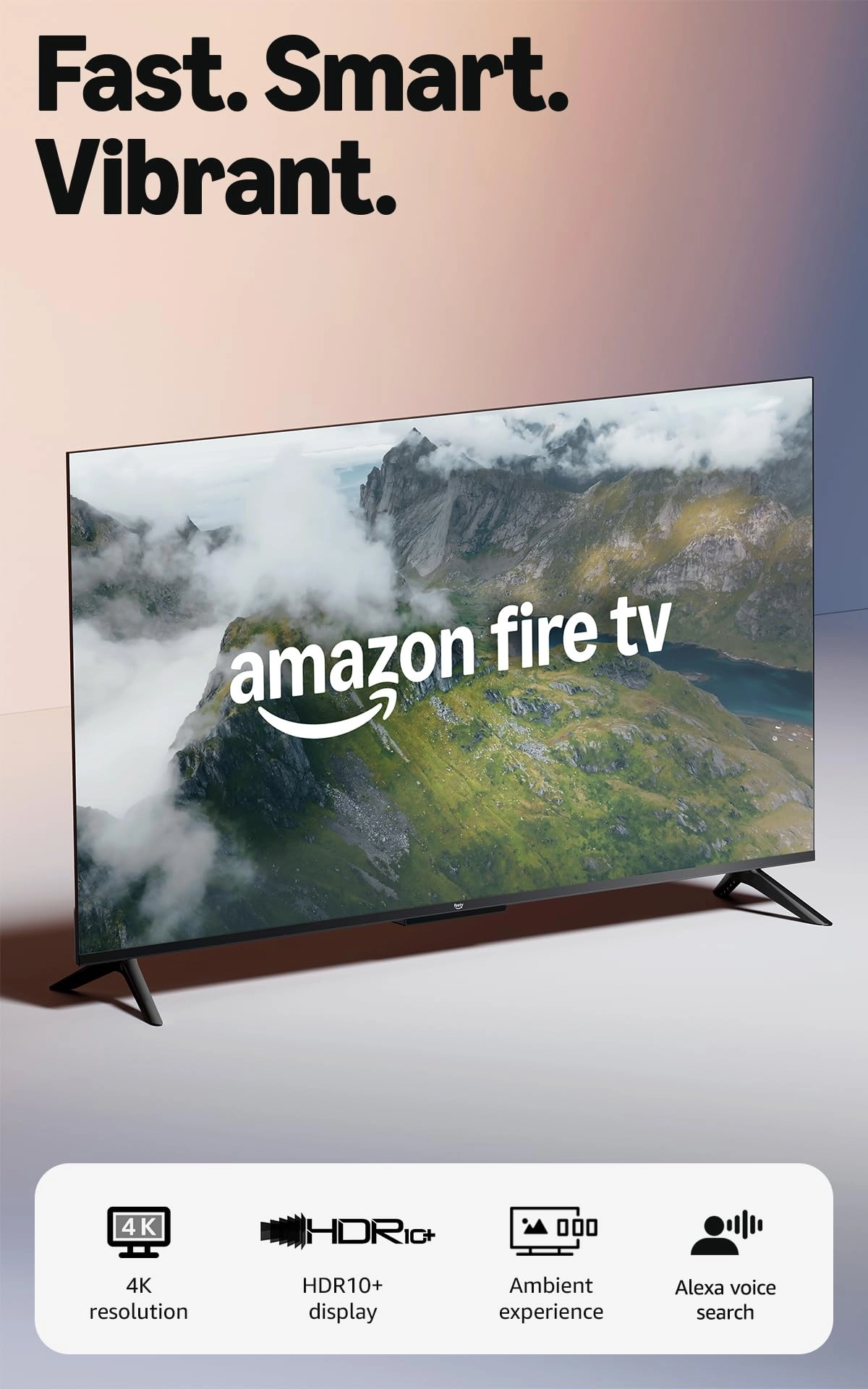
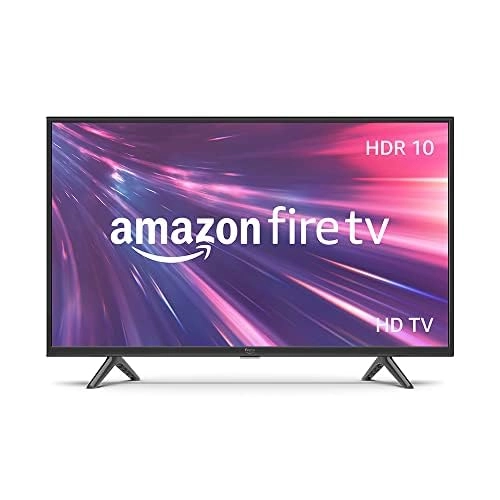
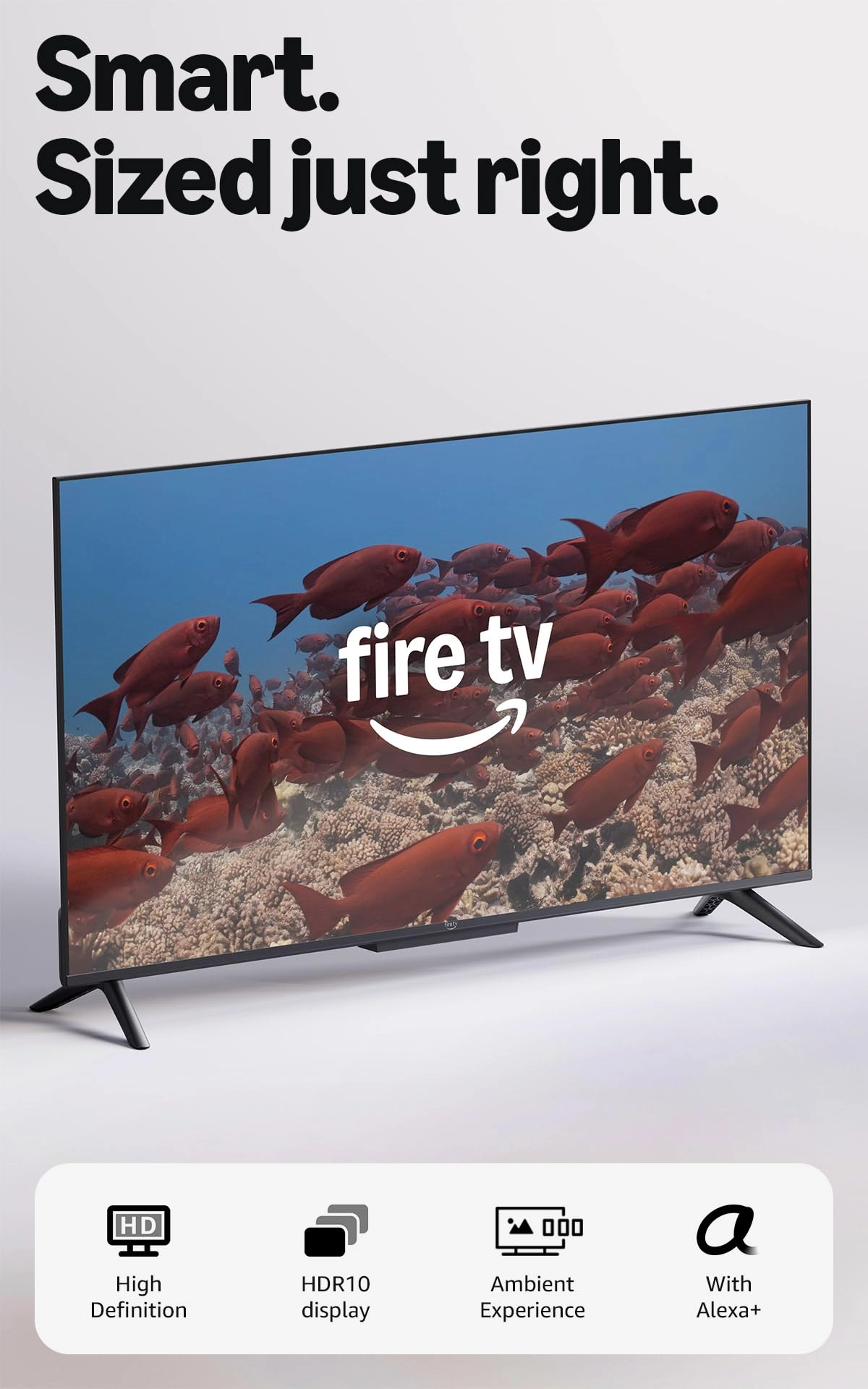
desertcart.com: desertcart Fire TV 75" Omni QLED Series 4K UHD
smart TV, Dolby Vision IQ, Fire TV Ambient Experience, local
dimming, hands-free with Alexa : Electronics
Review: Just What I Wanted - Great Fire TV for the price and
features. Picture and sound are both good on the 50” version that
still has local dimming. Some infrequent blooming but overall
another TV that proves less dimming zones isn’t a detriment with
proper processing. Peak brightness isn’t as high as more
expensive TV’s but is still noticeable with HDR content and very
acceptable at this price. HDR10, HDR10+, HLG and Dolby Vision IQ
all work well with good brightness range and color volume. Note:
no Dolby Atoms for sound. I knew this, my TV is wall mounted high
and tilted down slightly in a small bedroom and I have no need
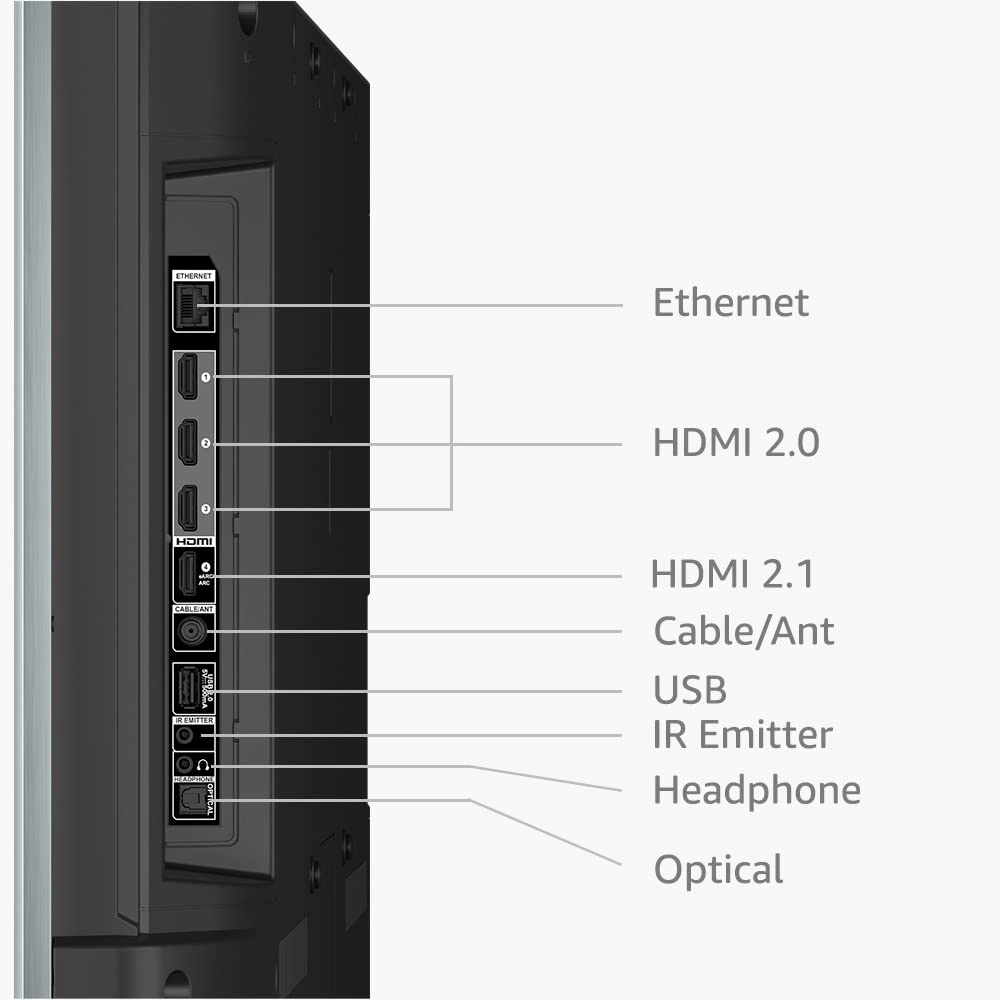
for a sound bar. NOTE: if using a sound bar with an optical
cable, try turning the TV speakers off AND changing the output to
PCM or Dolby Digital; and use HDMI 4 (ARC/eARC). This TV is a
great value for my application and the budget I set for it. I’m
just using the Fire TV interface and none of the HDMI inputs. So
I can’t speak on Hue, Contrast and Color issues others may see.
Out of the box, mine seems spot on and I currently have no want
or desire to go in and adjust any settings based on the content
from the various apps I’ve used. The interface isn’t as fast as
the Fire TV Cube 3 or Fire Stick 4K Max but still pretty good
overall. Note to new Fire TV users: the interface is slower when
updates are being downloaded and installed. Check the Device Info
for updates several times when first starting the TV. There will
be several updates: some very big ones and 2 to 3 more little
ones at the least. Keep checking back until it says that it’s
“up-to-date”. THEN start to really enjoy the interface. Also the
network connection and its QUALITY also plays a factor. This TV
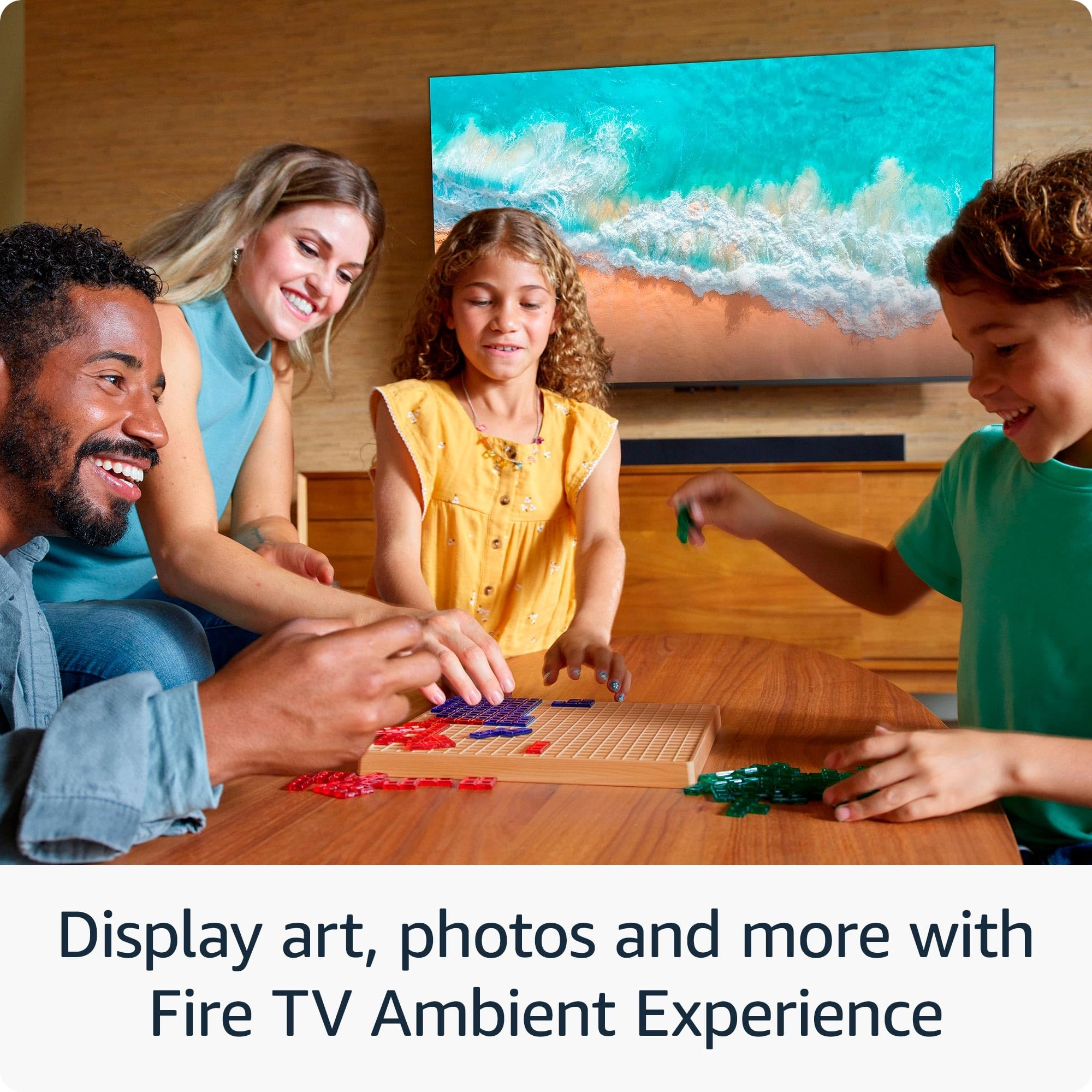
supports 2.4/5Ghz and wired (100Mbps). Ambient mode is great but
just remember what the TV tells you. The power button on the
remote TOGGLES between the Fire TV interface and ambient mode and
that long pressing it turns the TV off. No issues with any
widgets so far for me. Also, my TV easily recognizes when I enter
and exit the room. If you have other desertcart products nearby
that listen for “Alexa”, simply change the TV’s wake word to
Computer, desertcart or Echo. Absolutely no issues with this. 1.
I haven’t found any “inescapable” ads to get to content. You can
“click” on these shortcuts if you want but you can just user your
voice to search for titles instead. Like every other TV interface
or box, third party apps have their own interfaces, sign-ins,
ads, etc. that can’t be controlled by desertcart, Apple, Google,
TCL, etc. Third party apps also place their own ads onto the TV
platform they are on based on the deals they have in place. 2.
The Fire TV interface is anything but complex. You can set it up
anyway you want. Again, the various interfaces, profiles, etc. of
third party apps are completely independent from Fire TV and on
the makers of them and this would be the same on any other TV
platform. 3. YMMV on the interface. Third party crashes and bugs
are possible too. Third party interface issues need to be
reported to their makers. They manage the various versions of
their app across various platforms and sometimes they aren’t all
equal in performance or features offered by platform. 4. It
hasn’t quite been a decade for Apple to allow the removal of 1st
party apps (2016) but maybe desertcart will allow certain apps to
be deleted one day. But understand these devices are meant to
interface with and promote desertcart products and services
primarily. 5. The remote button press sounds can be turned off in
options for the main interface. Don’t know about the Alexa Home
Theater mode but if there isn’t a way, find out if there is one
and if not ask that it be implemented. 6. Again, out of the box
settings being what they may for everyone, at least there are
detailed picture settings available for the TV and all of its
inputs – all independent of one another to get things looking the
way you personally prefer.
Review: Great picture for the price if you have reasonable
expectations - The negative reviews are correct, out of the box
the picture has some noticeable issues. Once I was rid of the
dreaded soap opera effect and tweaked the color settings, I was
very happy. The picture on this TV beautiful and not too far off
from my 65" QLED LG (also required calibration and settings
changes out of the box). I'm not going to knock stars off for an
advertisement or two on the home screen because I knowingly
purchased an desertcart TV. If you don't want or like all things
desertcart then buy another brand. Anyone that owns a Kindle or
an Echo device knows the game. Back to the picture - be very wary
of installing the 3rd party apps that are available. I installed
one and lost my ability to change picture settings. The problem
went away once I removed it. On to the last complaint I've read
in the reviews. Honestly, unless you are shelling out thousands
for the best TV out there, you're going to see some lag. It's a
slower then my LG but not as bad as the Insignia I returned -
that was truly awful. I really like the ability to easily connect
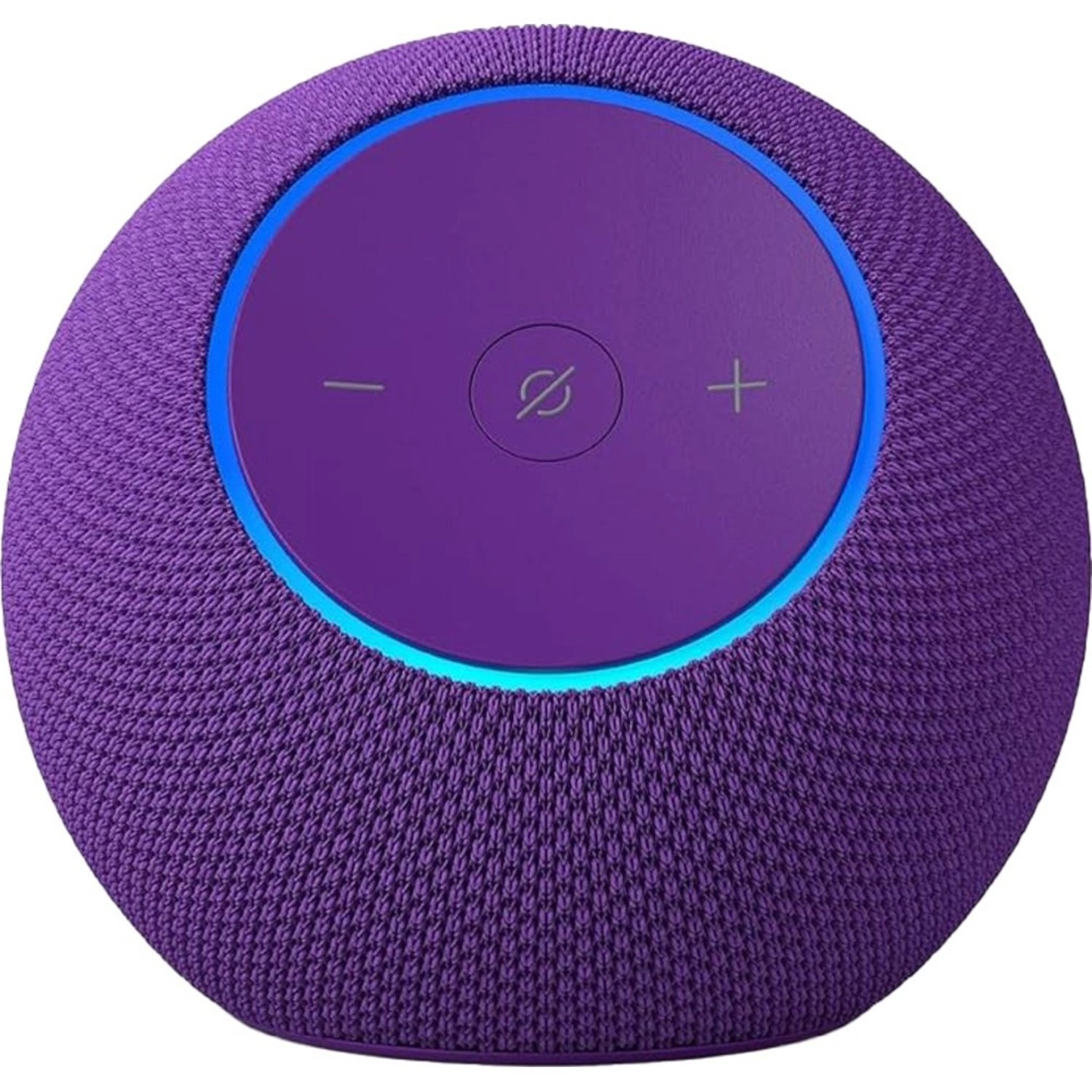
it to my new Echo Pops that sit on our night stands. Its nice to
hear sound next to me while I'm relaxing on the bed. If you are
connecting to multiple Echo devices, during the process the TV
will ask you if you would like to hear a sound preview - do it -
it's awesome I also like the functionality of voice control with
Alexa. If you purchase this TV, like to play with your tech and
have reasonable expectations, it's a great TV for the money. If
your standards won't budge, spend more or you won't be happy.