Allware
Loading...
  • News
  • Price drops
  • New arrivals
  • Featured categories
  1. Computers & Peripherals
  2. Data Input Devices
  3. Keyboards
12 Key Programmable Mechanical Keyboard - Wired

Marhynchus 12 Key Programmable Mechanical Keyboard - Wired

Best offer
AED
9055

Key Features

  • Product colour: Black/White
  • Weight: 243g
  • Offers
  • Price History
  • Specifications
  • Product Details
  • Review IconReviews

Specifications

Features

Product colour
Black/White

Weight & dimensions

Weight
243 g

Product Details

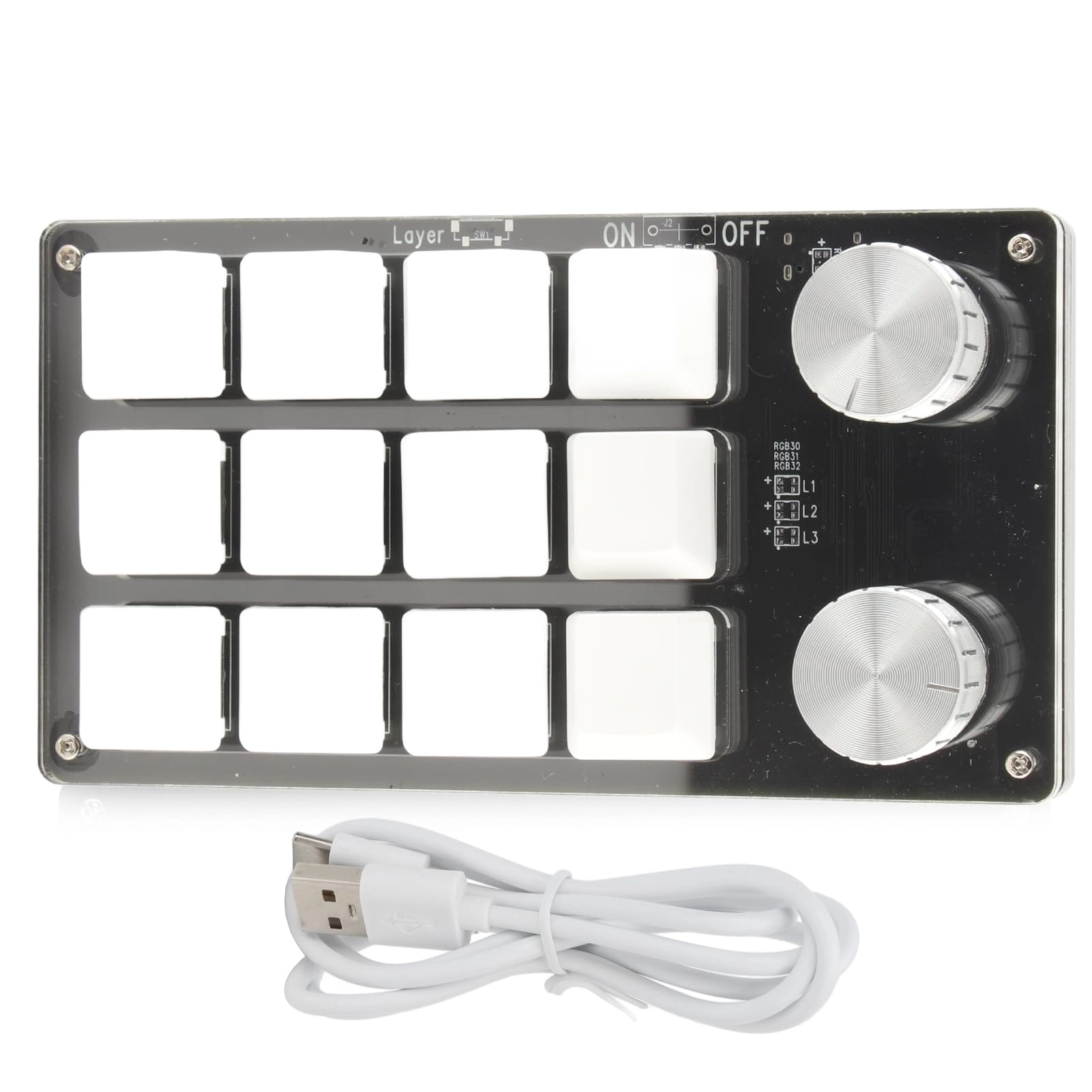
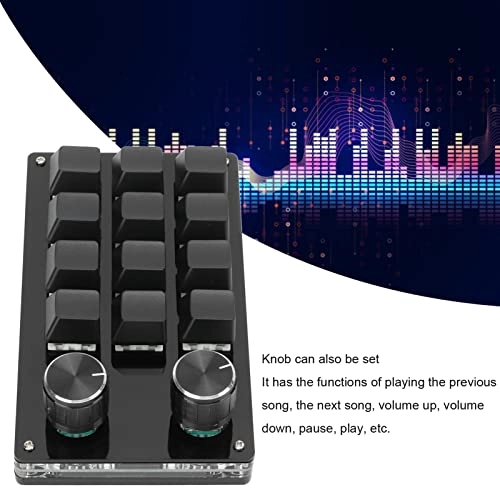
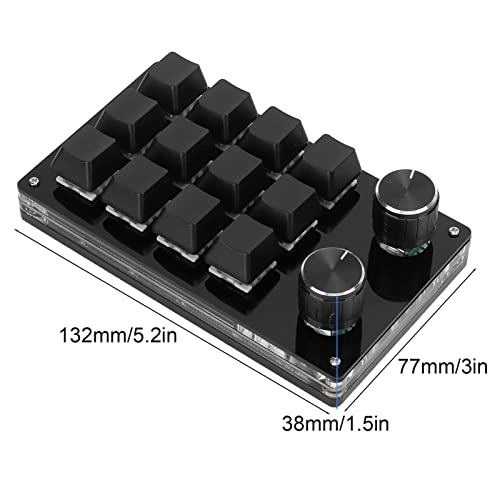
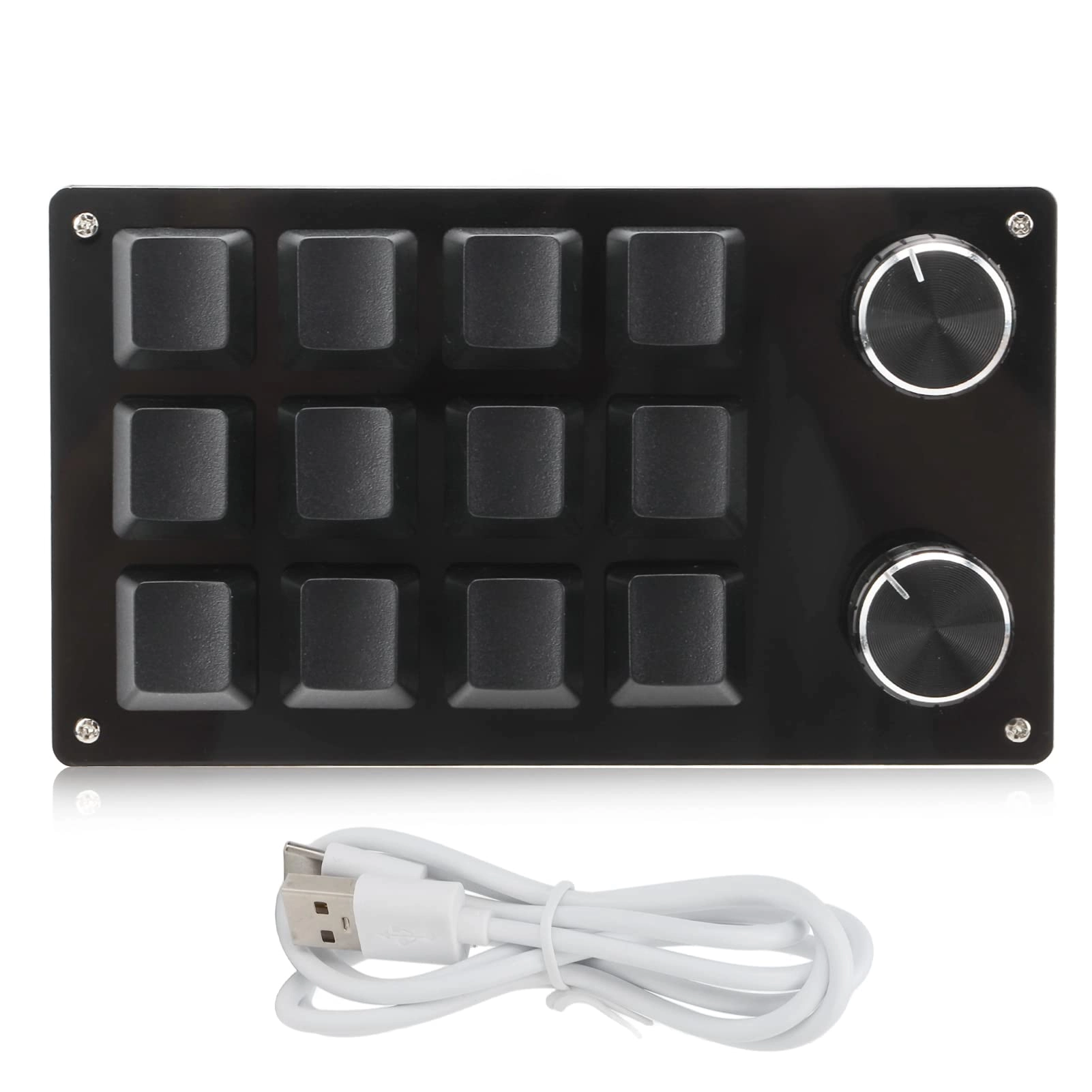
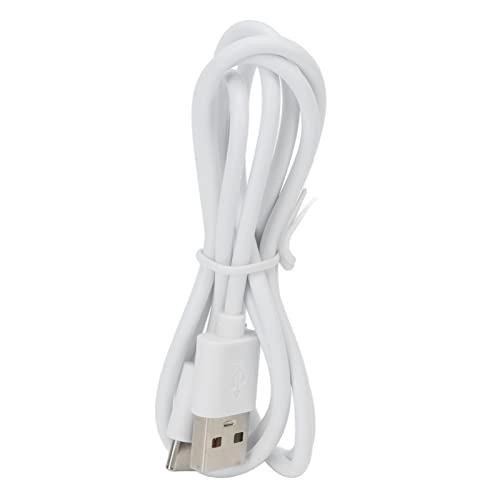
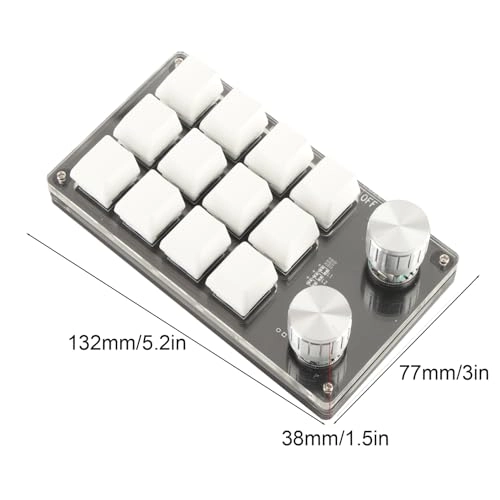
Spec: Item Type: Macro Mechanical Keyboard Material: Acrylic, PCB System Support: for VISTA, for , for OS X Button Life: Up to 50 Million Times Type: Dust Proof Green Shaft Quantity of Keys: 12 Keys Size: Approx. 132 x 77 x 38mm / 5.2 x 3 x 1.5in (L x W x H) Current and Voltage: DC 5V/1A Working Temperature: -10℃-50℃ Package List: 1 x Keyboard 1 x USB Cable How To Use: 1. Small keyboard, open the custom software on the computer. 2. On the custom software, click the "key setting area" or "Knob setting area" (yellow area) and then click the key key1‑key12 or any key of knob 1 or knob 2 (green area) to be set; If selected, it will appear red. 3. Click the function key corresponding to the simulated keyboard on the custom software, click download, prompting download success, the custom keypad can be used. For example, if you want to set small keyboard key 1 as the shortcut key of copy (Ctrl+C), click "Key Setting area" on the software, click "KEY1", then click Ctrl and C on the software simulation keyboard, click Download, and the message "download successful" is displayed. Common troubleshooting methods: Problem 1: When the keyboard is connected to the computer, there is no response or a message indicating that the device is running abnormally. Solution: Check whether the cable and interface are connected properly, and remove and reinsert them. Replace the USB port on the computer and plug it back in. Fault 2: The custom software cannot be opened after being downloaded. Solution: Check whether the antivirus software intercepts the operation and set it as a trusted file. Question 3: After connecting the computer, why is it always "a" when pressing a key or knob? Solution: Output a is the normal factory setting, please open the custom software to redefine the key function.

Reviews

Loading...
Loading...
Loading...
Loading...
Loading...
Loading...
Loading...
Loading...
Loading...
Loading...
Loading...
Loading...
Loading...
Loading...
Loading...
Loading...
Loading...
Loading...
Loading...
Loading...
Loading...
Loading...
Loading...
Loading...
Loading...
Loading...
Loading...
Loading...
Loading...
Loading...
Loading...
Loading...
Loading...
Loading...
Loading...
Loading...
Loading...
Loading...
Loading...
Loading...
Loading...
Loading...
Loading...
Loading...
Loading...
Loading...
Loading...
Loading...
Loading...
Loading...
Loading...
Loading...
Loading...
Loading...
Loading...
Loading...
Loading...
Loading...
Loading...
Loading...
Loading...
Loading...
Loading...

Join our newsletter

Be the first to know about new arrivals, sales, and exclusive picks

Sign in to unlock newsletter access and stay in the loop

Allware
info@allware.com
+971522500911
World technology awards winner badge

Allware

  • About Us
  • Terms And Conditions
  • Privacy Policy
  • Contact Us

Partners

  • Why become a partner?
  • How to list your Online Shop?

Newsletter

  • Subscribe

Info

  • How Allware works
All Rights Reserved.
Please enable location access or select an emirate
-
00:00:00
Prayer timings

Offers (2)

Amazon logo

2 offers

From
AED
90

Marhynchus 12 Key Programmable Mechanical Keyboard One Handed Mini Keypad with Adjustment Knob USB Plug Play for Office Gaming Music Media (Black White)

Black/White
AED
9055

Price History

Price History Skeleton
Price History Shimmer Effect
Loading price history...

Similar Products

See all
Porodo Mechanical Keyboard - US Wired

Porodo Mechanical Keyboard - US Wired

AED
7900
8 offers
Rock Pow 60% Wired Gaming Keyboard

Rock Pow 60% Wired Gaming Keyboard

AED
5900
35 offers
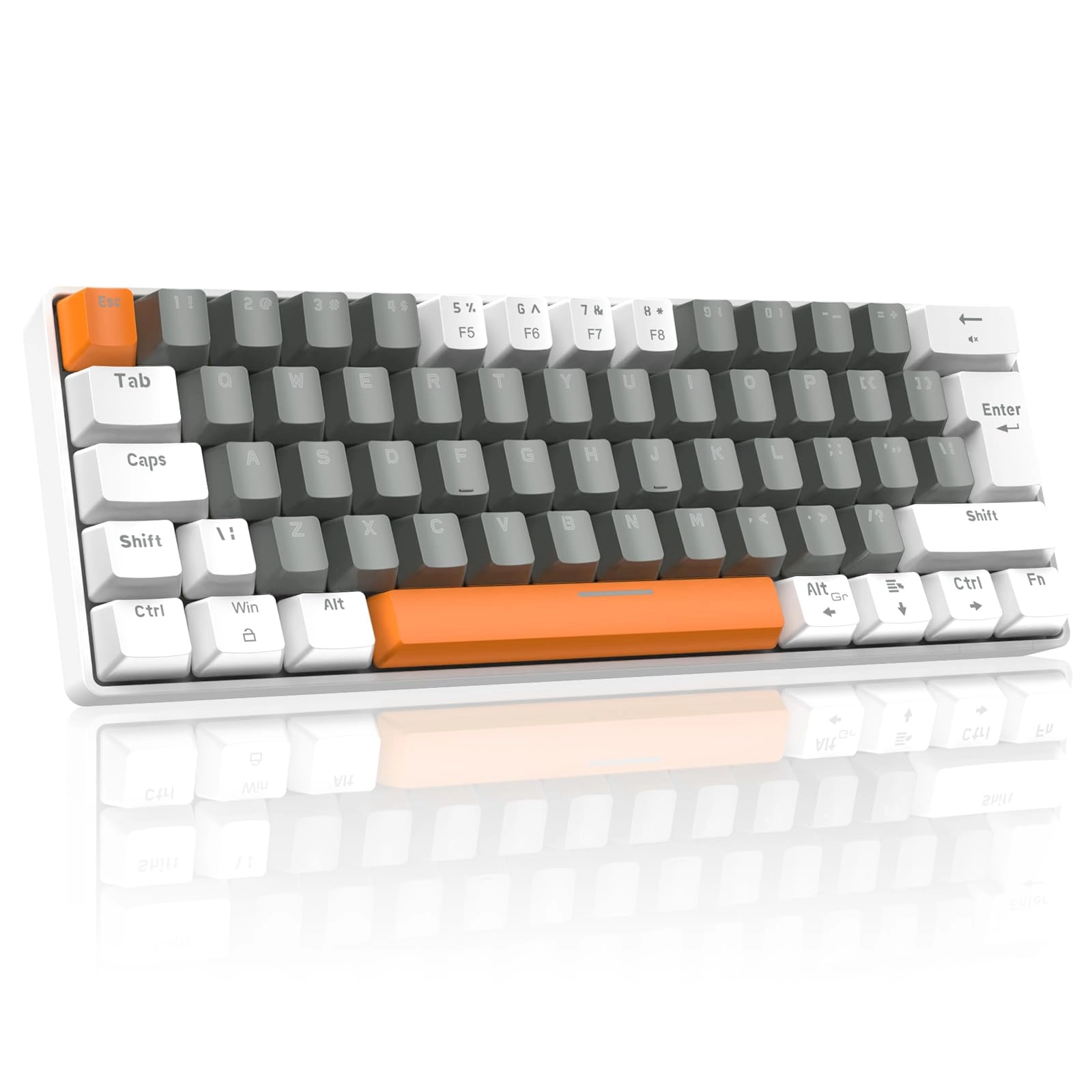
Porodo 61 Keys Pudding Mechanical Keyboard - EN/AR Wired

Porodo 61 Keys Pudding Mechanical Keyboard - EN/AR Wired

AED
4183
5 offers
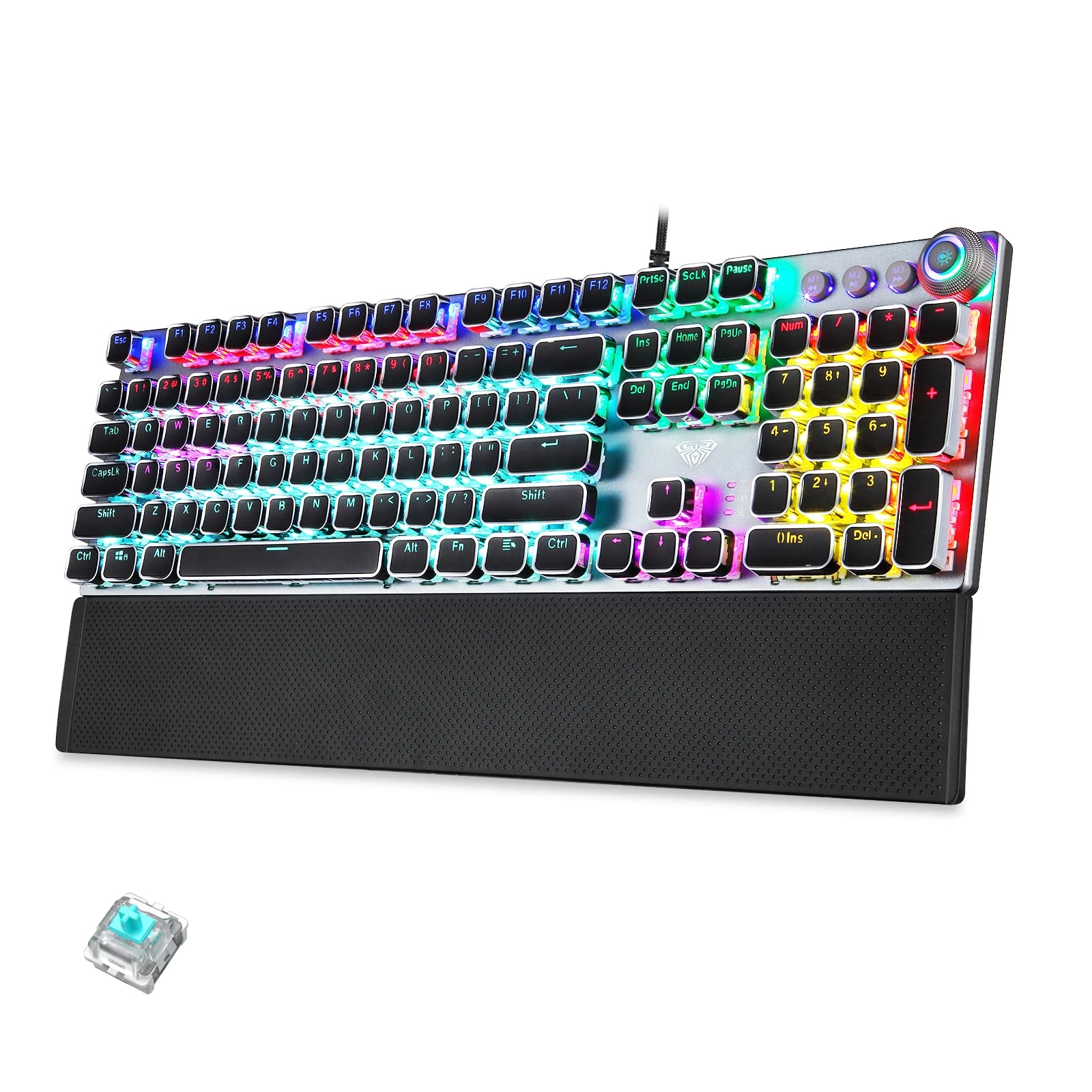
AULA F2088 - Wired

AULA F2088 - Wired

AED
18900
27 offers
-30%
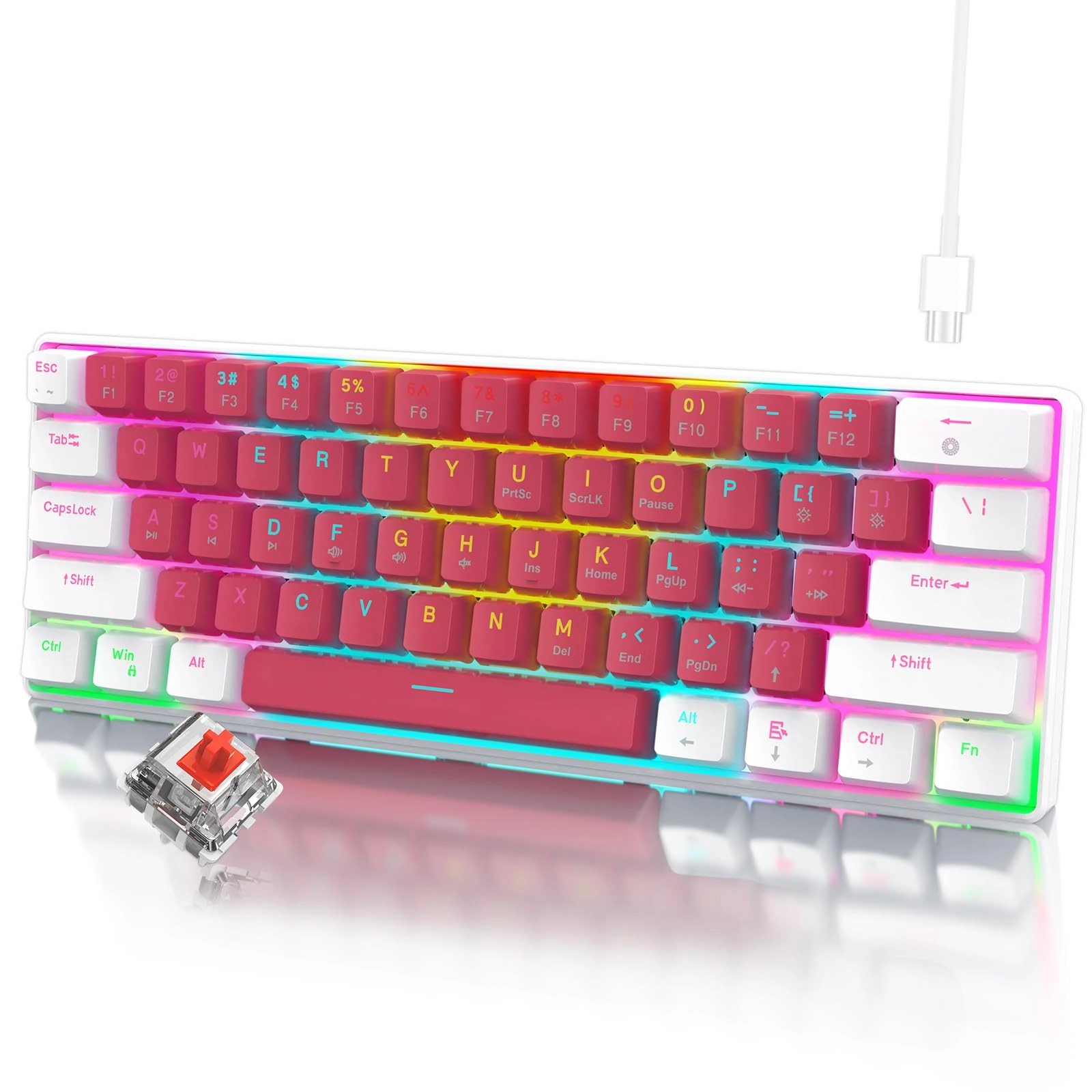
rayihni 60% Gaming Keyboard - Wired

rayihni 60% Gaming Keyboard - Wired

AED
20700
AED
14390
24 offers
-15%
Porodo Pudding Keycaps Transparent Mechanical Keyboard - EN Wired

Porodo Pudding Keycaps Transparent Mechanical Keyboard - EN Wired

AED
14900
AED
12600
4 offers
LexonElec Mechanical Gaming Keyboard - UK Wired

LexonElec Mechanical Gaming Keyboard - UK Wired

AED
17656
19 offers
-40%
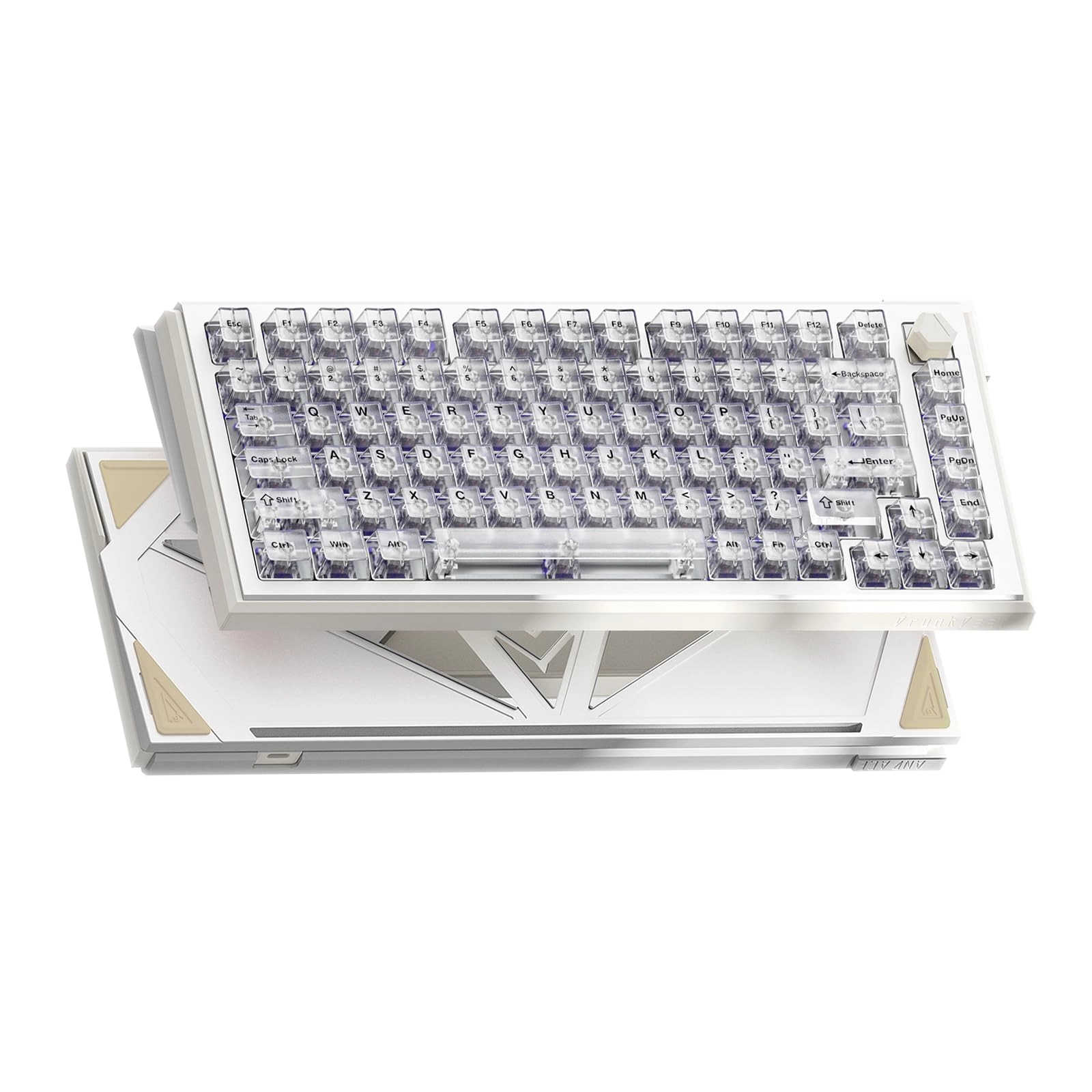
DrunkDeer A75 - TKL Wired

DrunkDeer A75 - TKL Wired

AED
51100
AED
30404
18 offers
-20%
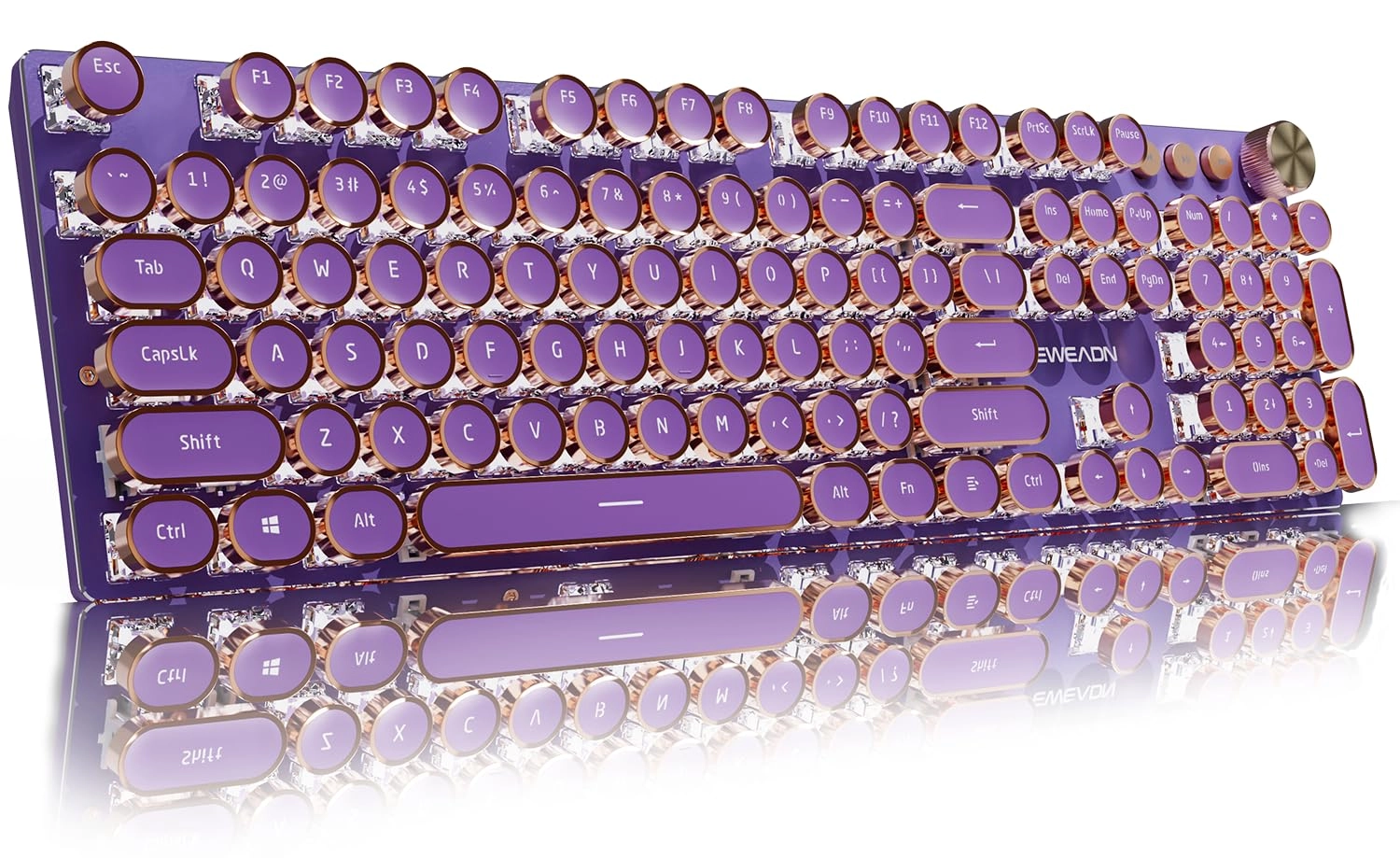
EWEADN V20 - Wired/Wireless

EWEADN V20 - Wired/Wireless

AED
13500
AED
10800
11 offers
-30%
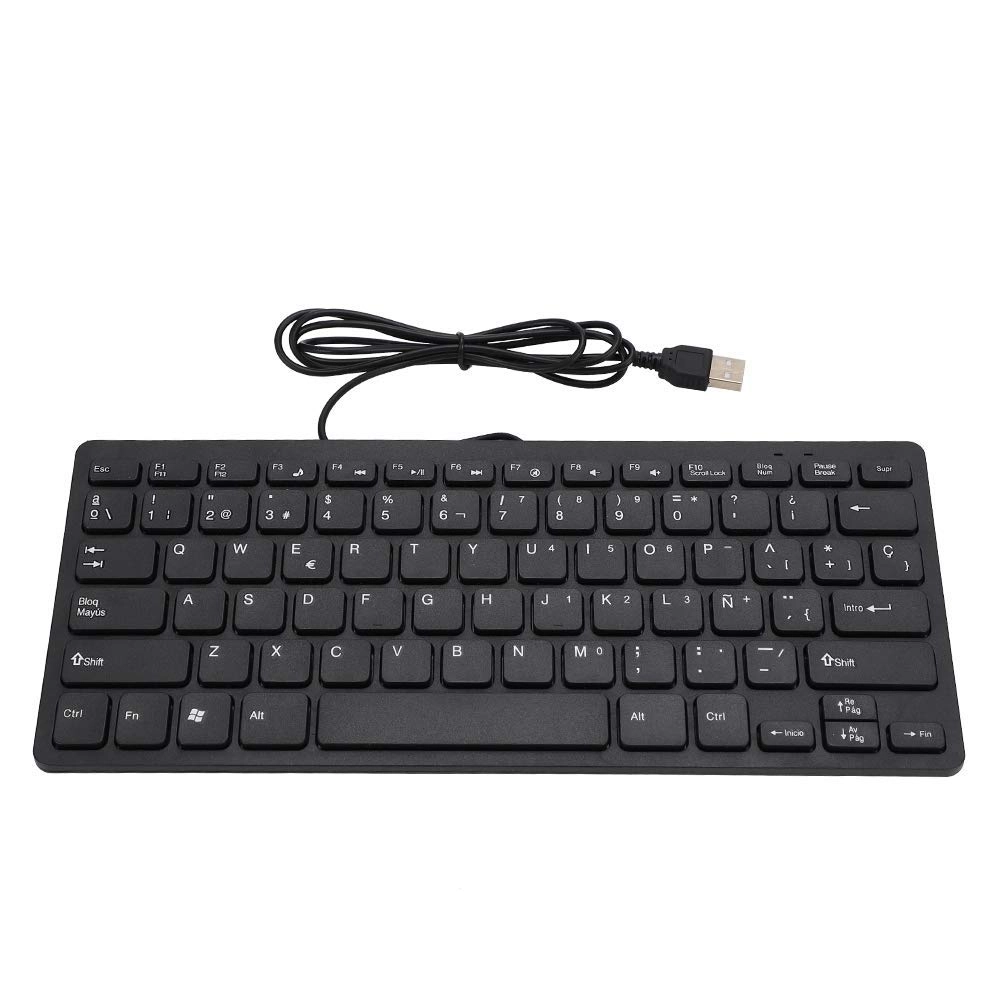
rayihni MINI USB SLIM 78 KEY - QWERTY Wired

rayihni MINI USB SLIM 78 KEY - QWERTY Wired

AED
16500
AED
11450
10 offers

More from Marhynchus

See all
Marhynchus Electric Drill

Marhynchus Electric Drill

AED
4103
1 offer
Marhynchus 12 Key Programmable Mechanical Keyboard - Wired

Marhynchus 12 Key Programmable Mechanical Keyboard - Wired

AED
9055
2 offers
Marhynchuscifhrx0veb-11 Wireless Headset

Marhynchuscifhrx0veb-11 Wireless Headset

AED
9487
1 offer
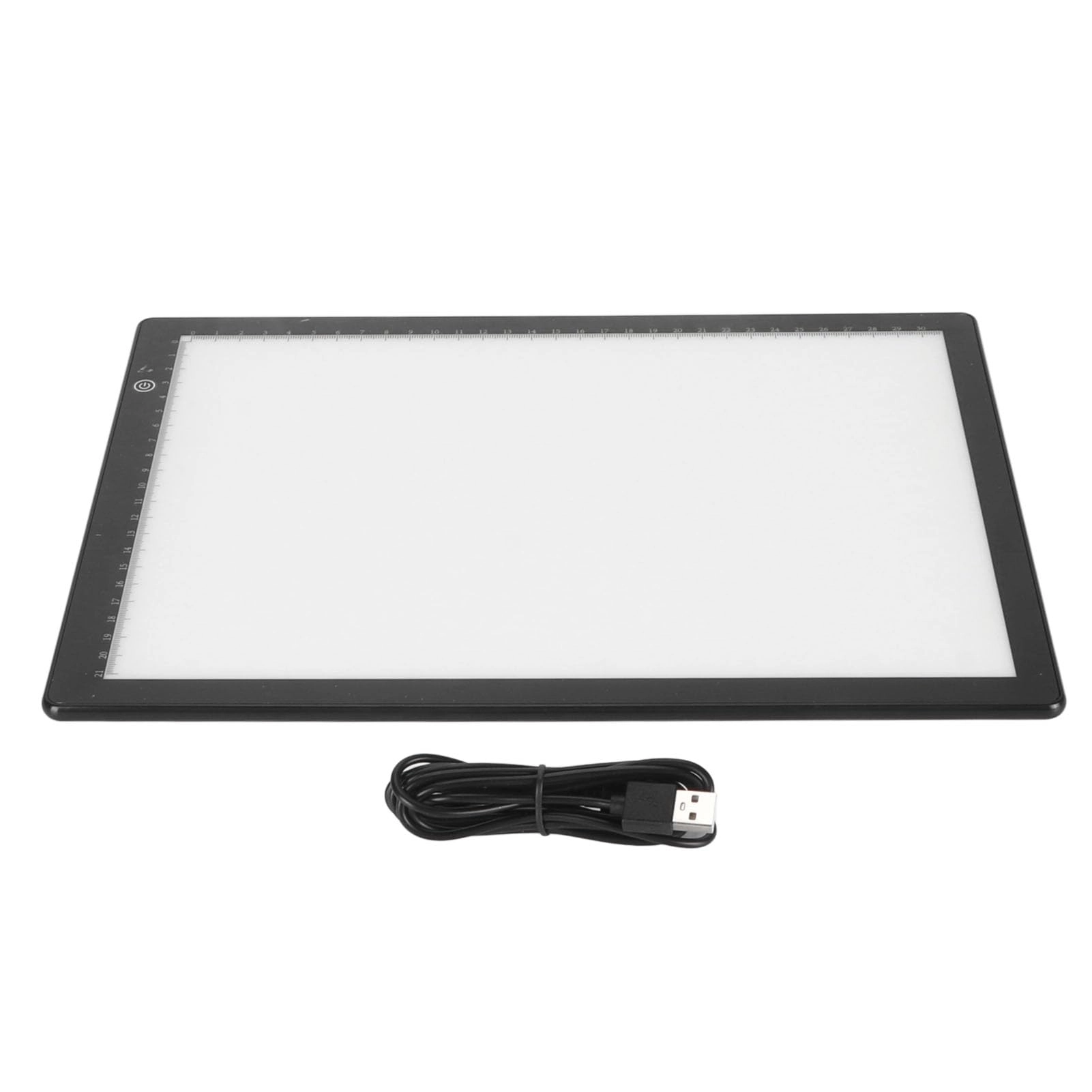
Marhynchus Ultra Slim Slide Viewer - 3 Brightness Modes USB Powered

Marhynchus Ultra Slim Slide Viewer - 3 Brightness Modes USB Powered

AED
7020
1 offer
Marhynchus Power AMP 2 - 2 Mini Channels Under 40W

Marhynchus Power AMP 2 - 2 Mini Channels Under 40W

AED
3980
1 offer
Marhynchus VI3WS96CQE - 150Mbps

Marhynchus VI3WS96CQE - 150Mbps

AED
5395
1 offer
Marhynchush8o0y7ua5d

Marhynchush8o0y7ua5d

AED
14314
1 offer
Marhynchus Prop Microphone Wireless Microphone

Marhynchus Prop Microphone Wireless Microphone

AED
2153
2 offers
Marhynchus Smart Translation Glasses - 138 Language Translation Blue Light Lens

Marhynchus Smart Translation Glasses - 138 Language Translation Blue Light Lens

AED
28030
2 offers
Marhynchus Mini Keyboard - USB Wired 3.6ft Cable

Marhynchus Mini Keyboard - USB Wired 3.6ft Cable

AED
4148
1 offer
Loading...
Loading...
Loading...
Loading...
Loading...
Loading...
Loading...
Loading...
Loading...
Loading...
Loading...
Loading...
Loading...
Loading...
Loading...
Loading...
Loading...
Loading...
Loading...
Loading...
Loading...
Loading...
Loading...
Loading...
Loading...
Loading...
Loading...
Loading...
Loading...
Loading...
Loading...
Loading...
Loading...
Loading...
Loading...
Loading...
Loading...
Loading...
Loading...
Loading...
Loading...
Loading...
Loading...
Loading...
Loading...