Effortless Control. Professional Precision.
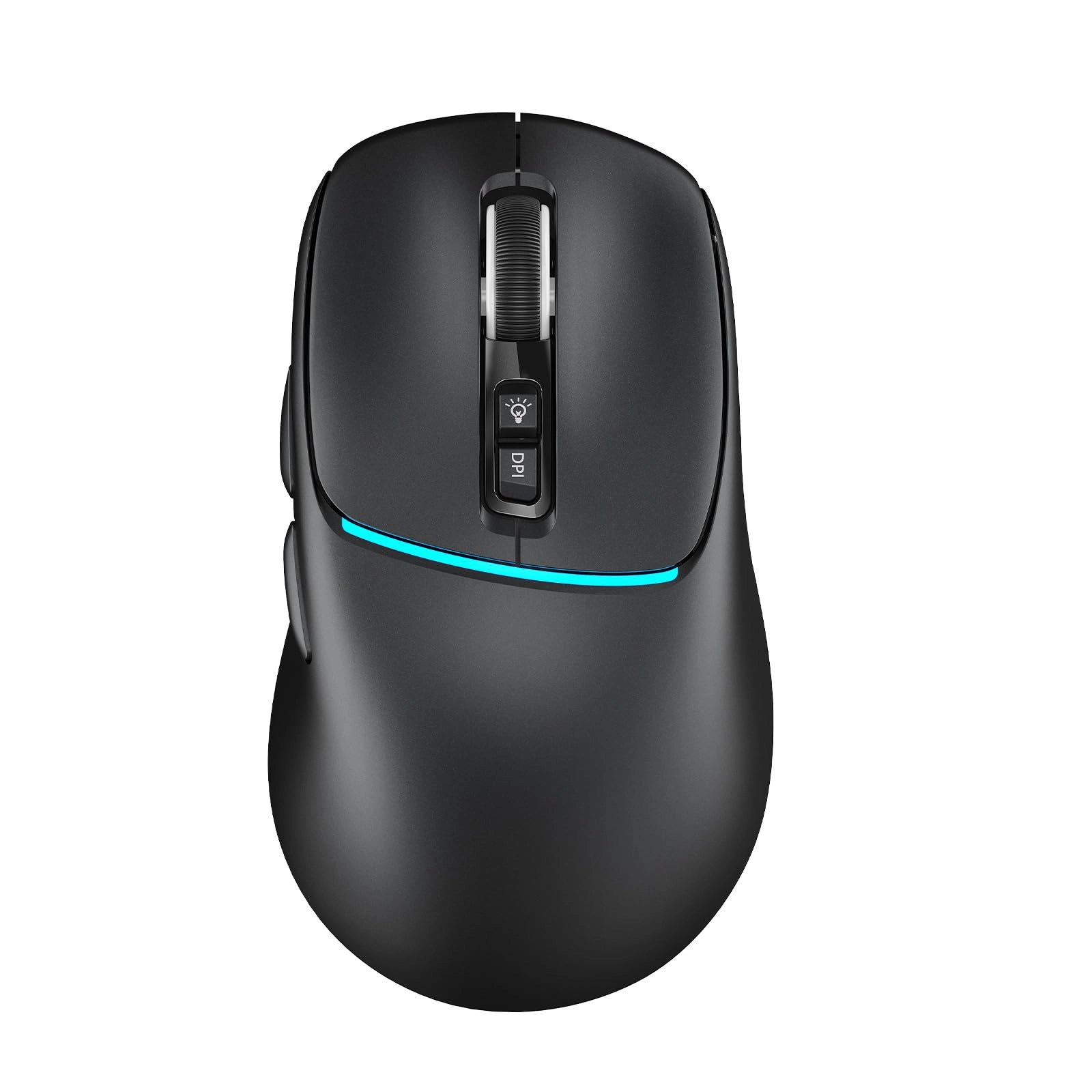
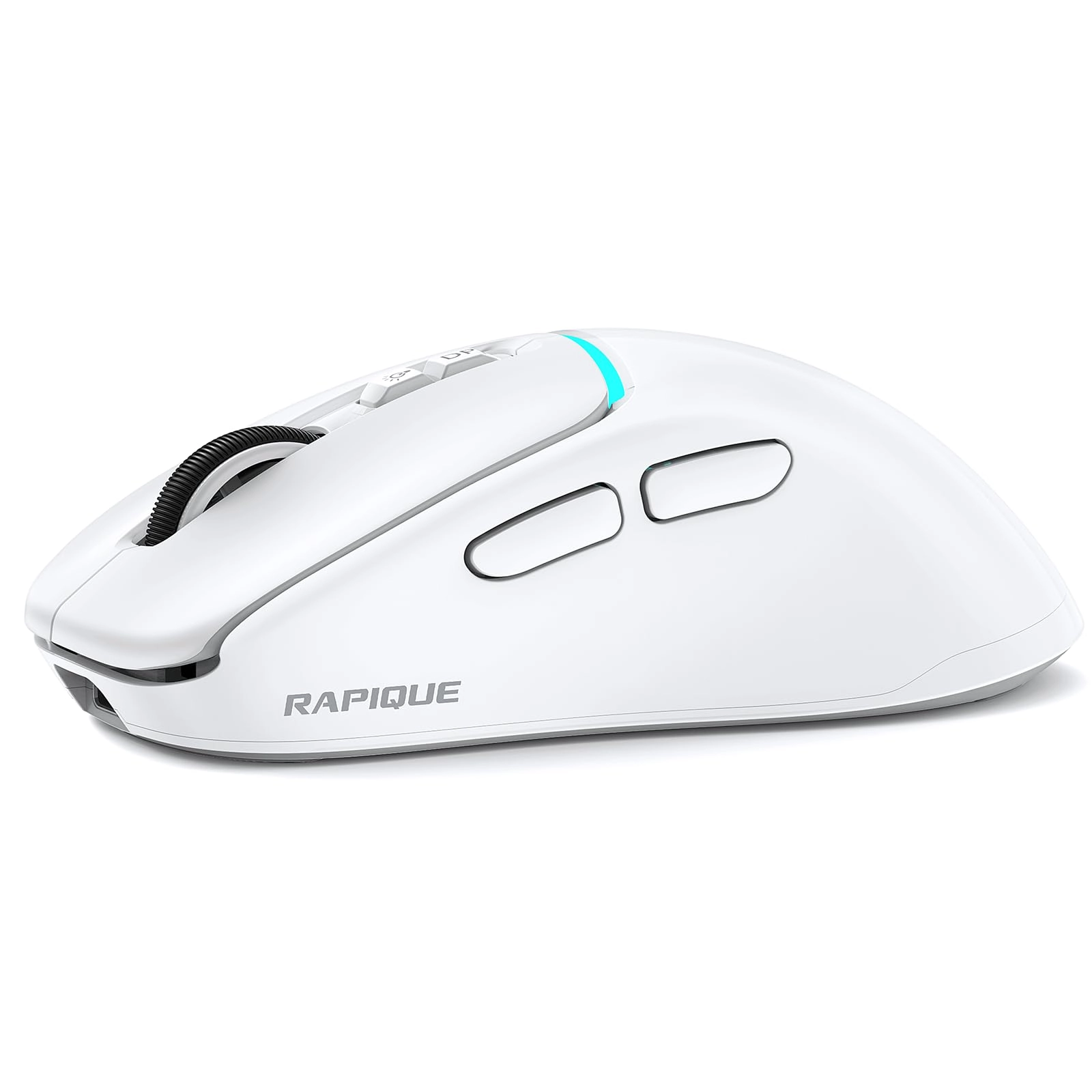
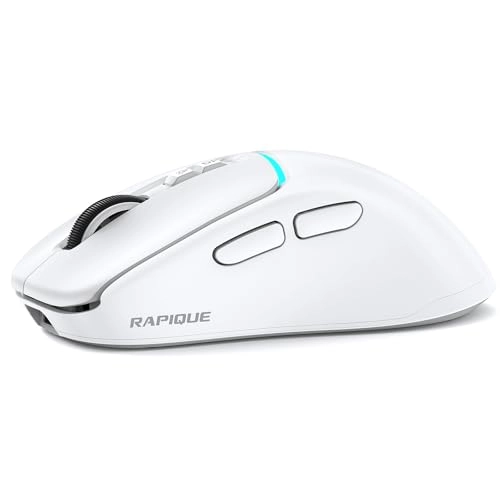
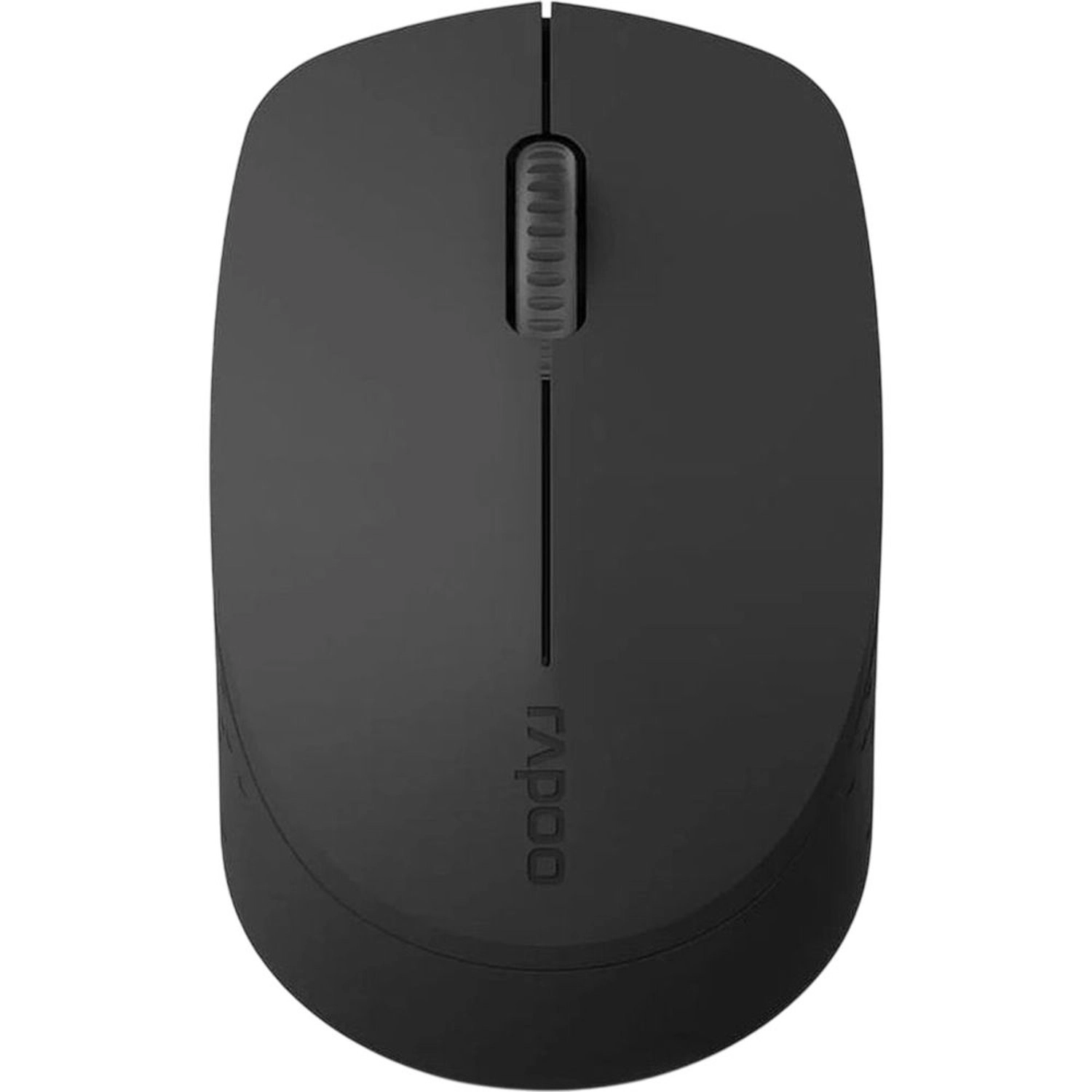
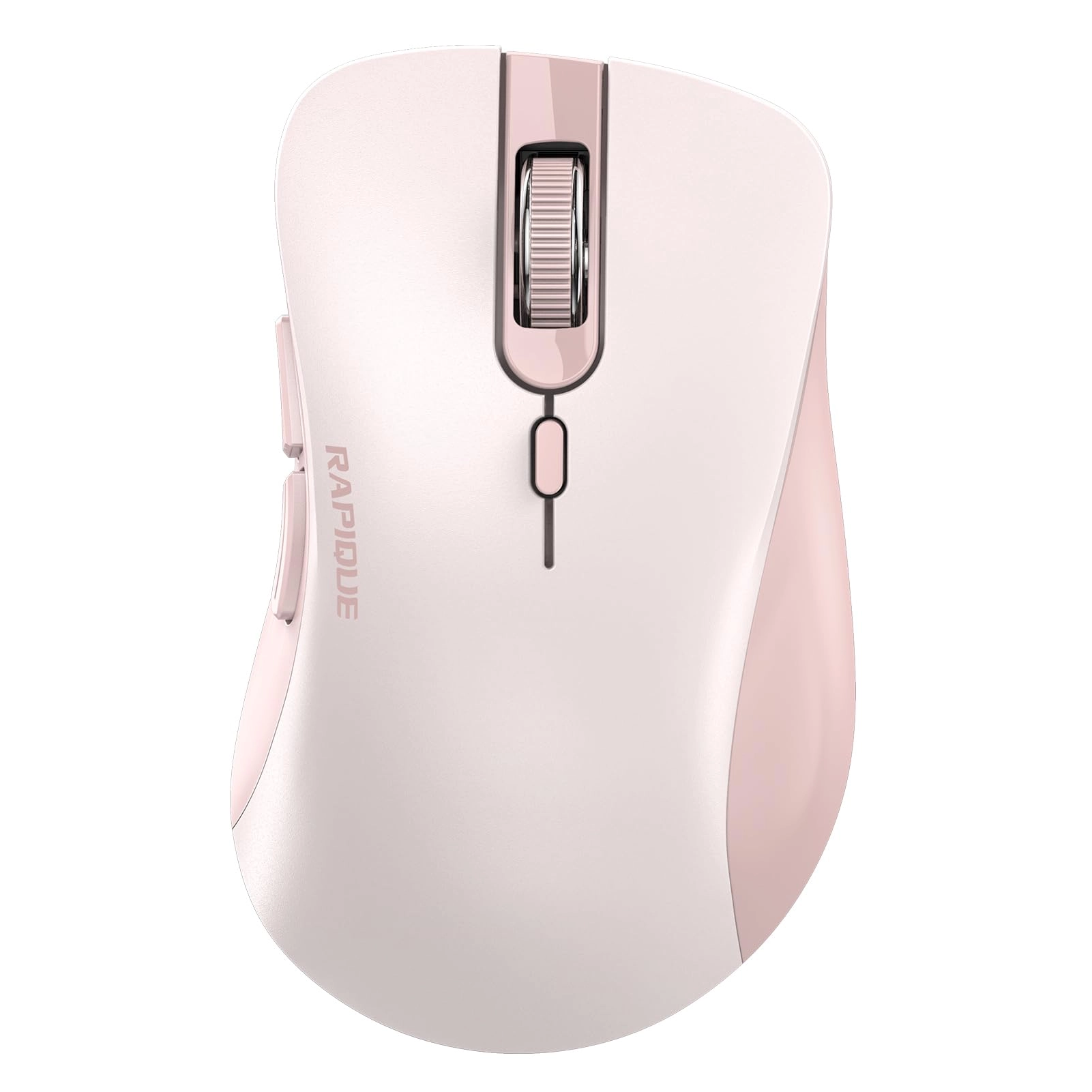
Upgrade your workflow with the RAPIQUE R108 Tri-Mode Wireless Mouse, designed for multitaskers, creators, and everyday users who demand seamless performance across multiple devices.
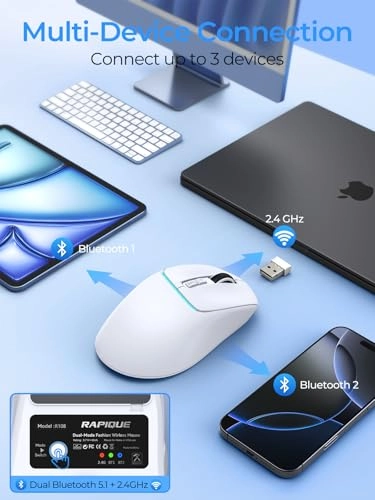
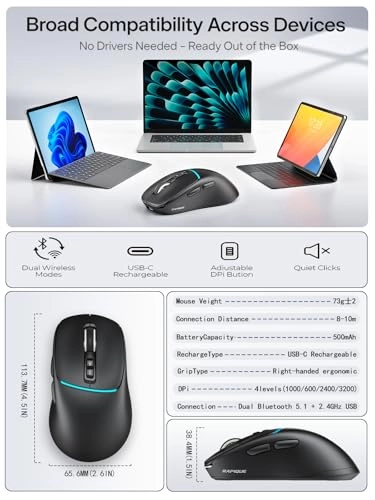
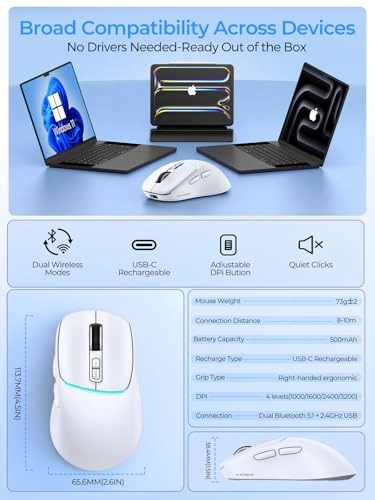
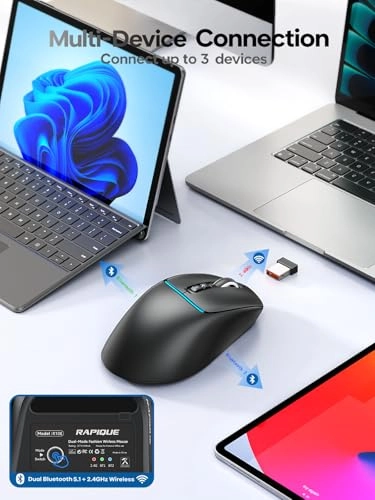
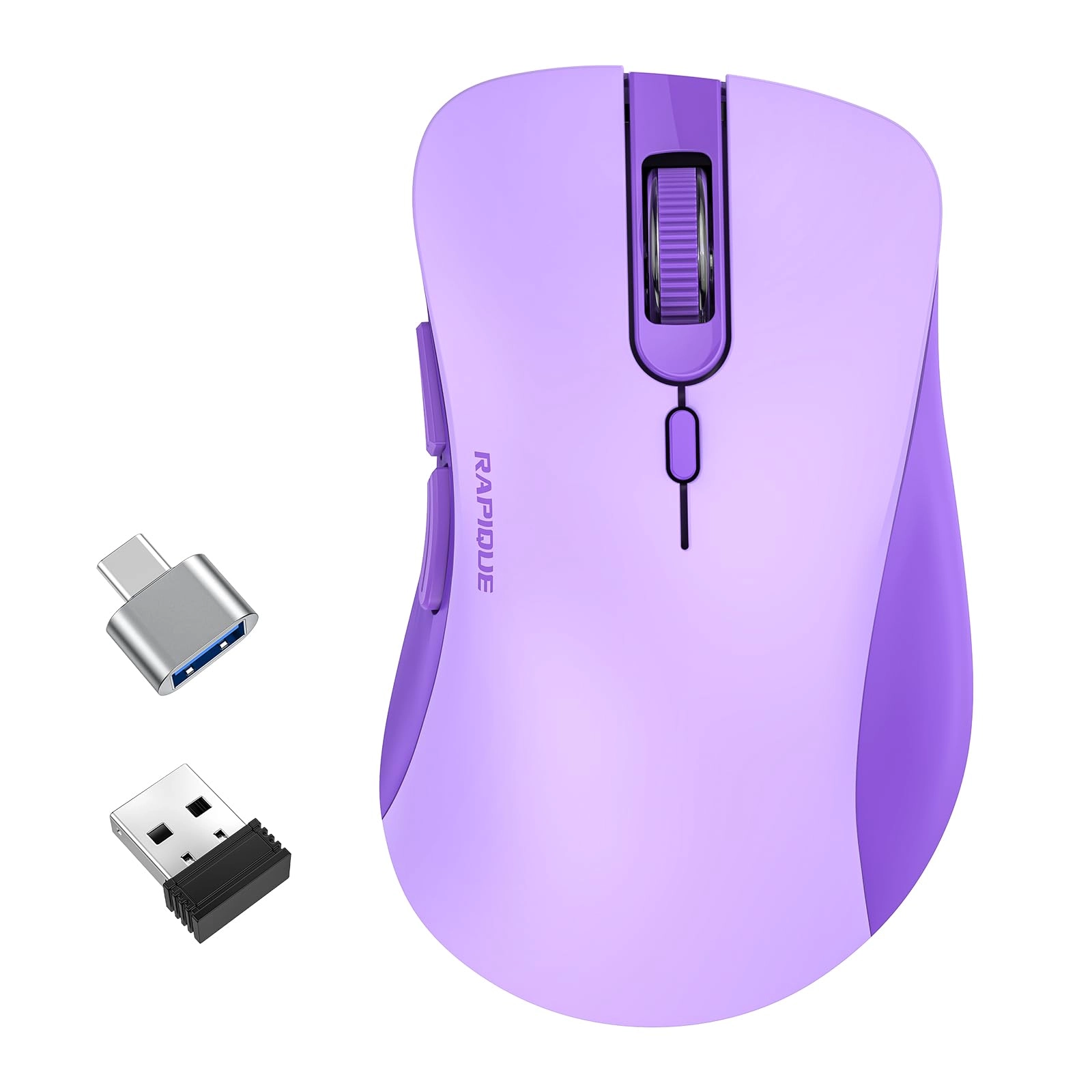
With dual Bluetooth channels and a 2.4GHz USB receiver, the R108 connects to up to 3 devices—perfect for switching between your laptop, desktop, and tablet with just one button. Whether you're moving between projects or presentations, it keeps your workflow smooth and efficient.
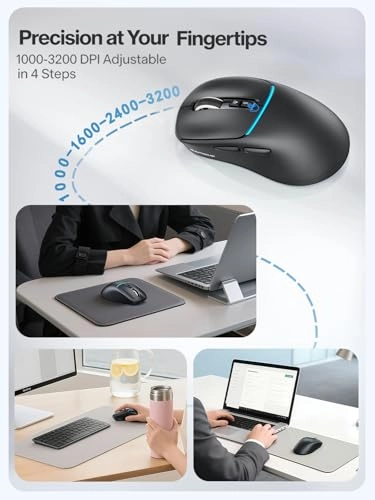
Fine-tune your experience with 4 adjustable DPI levels (1000/1600/2400/3200). Whether you're editing documents, browsing, or gaming, you'll always have the precision you need.
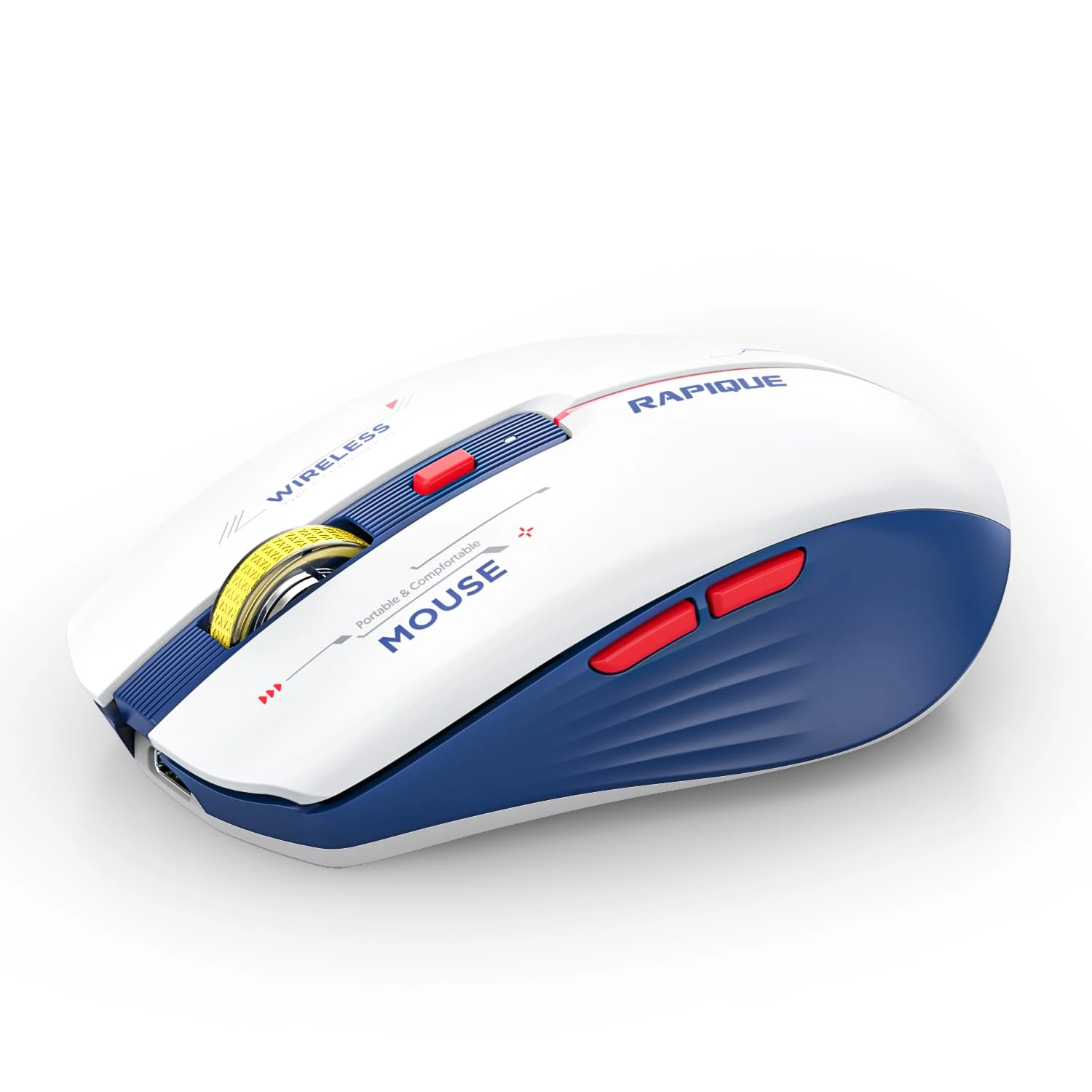
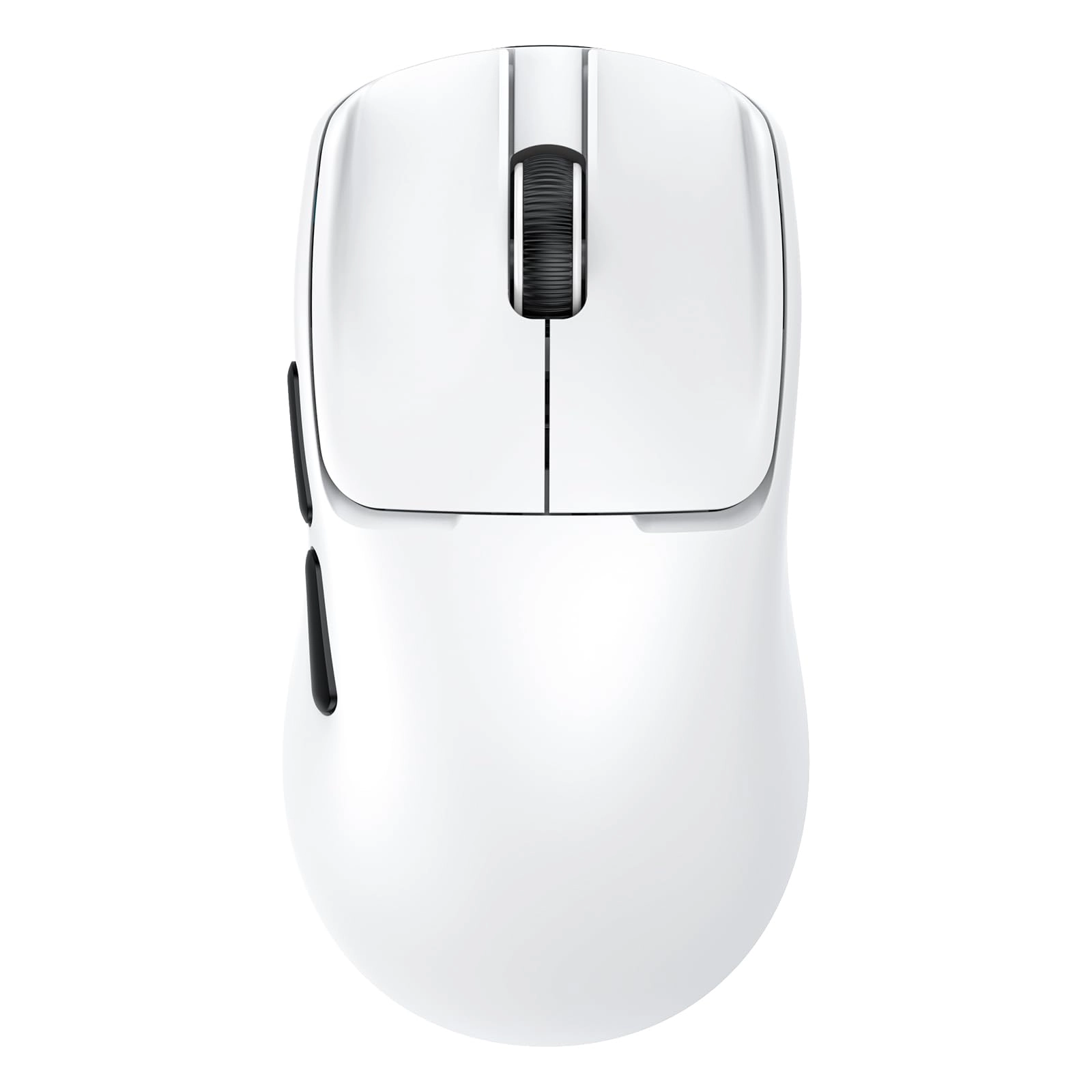
Built for long-term comfort, the ergonomic shape fits your right hand naturally, minimizing fatigue. The silent click buttons keep your environment distraction-free, while side navigation keys make multitasking even easier.
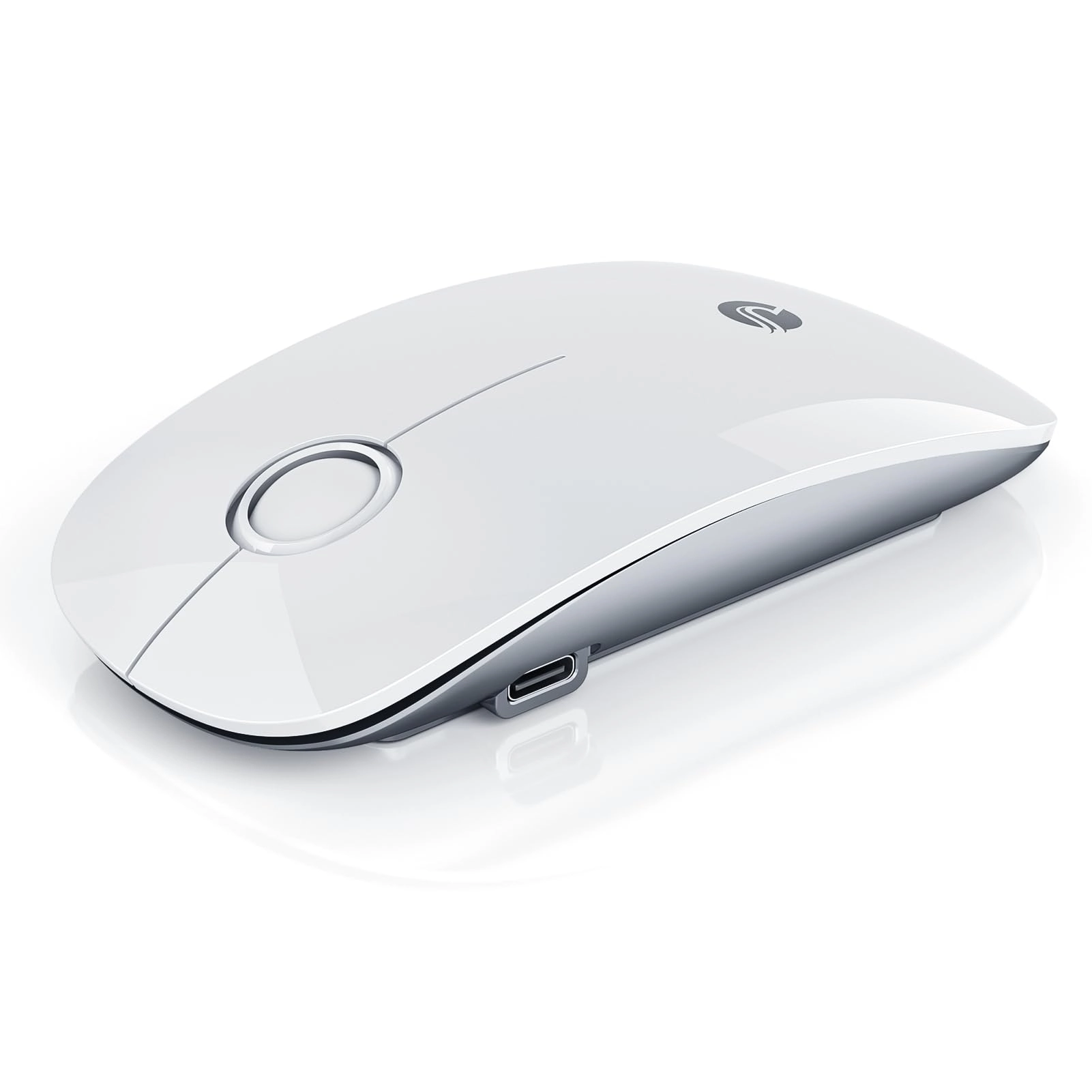
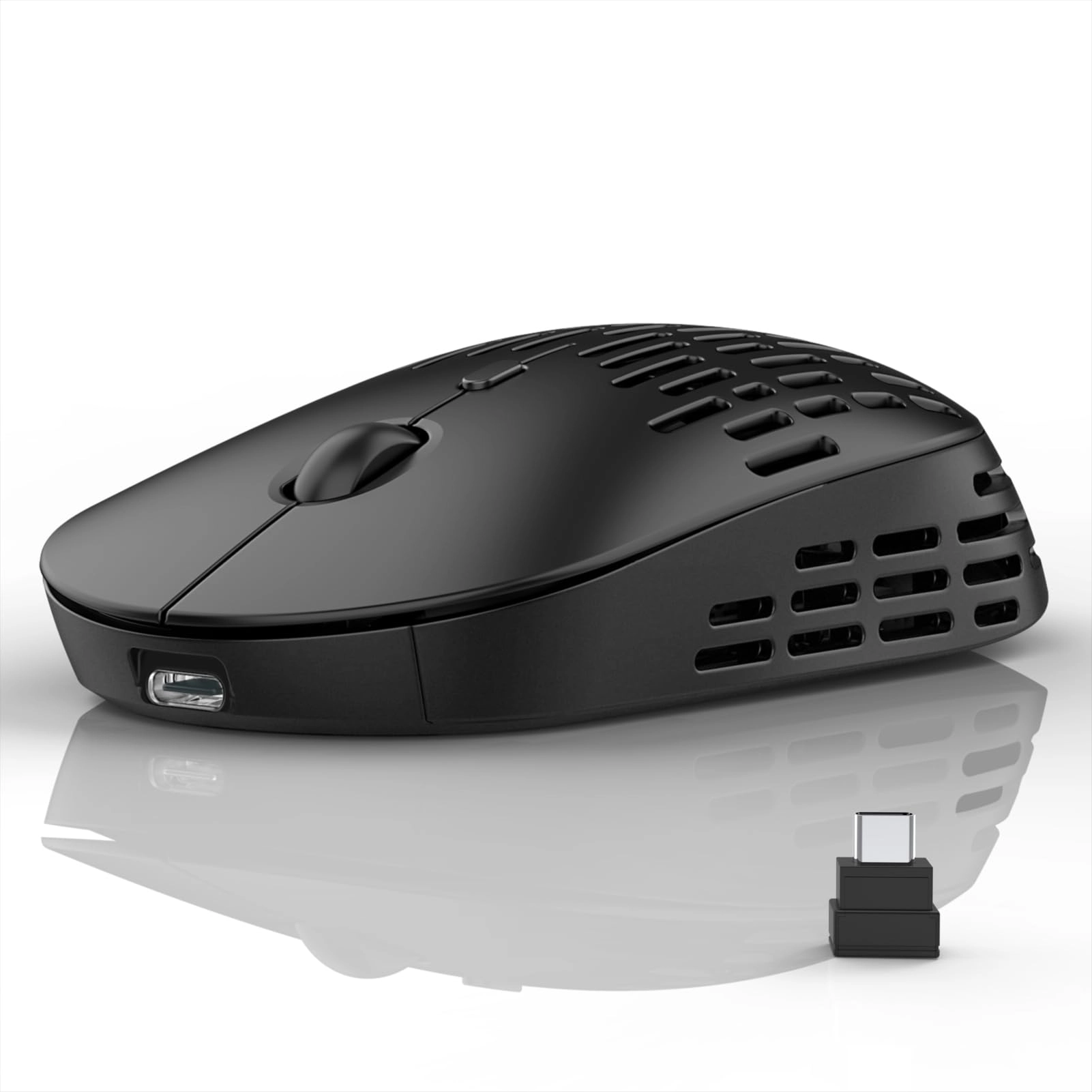
Powered by a USB-C rechargeable battery, the R108 offers fast charging and intelligent sleep mode, delivering weeks of use per charge. Plus, it’s packed with smart features like a DPI indicator, charging light, mode switch, and a receiver storage slot—making it as thoughtful as it is stylish.
Sleek, functional, and reliable, the R108 is your ideal wireless companion—at home, in the office, or on the move.
How to Use the RAPIQUE R108 Wireless Mouse
1. Charge Before First Use
Connect the included USB-C cable to fully charge your mouse. The charging indicator(red) will turn on during charging and turn off when complete.
2. Power On
Slide the power switch (located at the bottom) to the “ON” position.
3. Select Connection Mode
BT1 (Bluetooth 5.1) – For your primary device
BT2 (Bluetooth 5.1) – For your secondary device
2.4GHz Wireless – Plug the USB receiver (stored in the bottom slot) into your device
Press the mode button to cycle between BT1 → BT2 → 2.4G.
4. Pairing via Bluetooth
Activate Bluetooth on your device
Hold the mode button for 3 seconds until the indicator light flashes
Select “R108 Mouse” from your device’s Bluetooth list
5. Adjust DPI
Press the DPI button (on top) to switch between 1000 / 1600 / 2400 / 3200 DPI for your preferred cursor speed.
6. Power Saving
The R108 will enter sleep mode when idle. Click any button to wake it.
Tip:
This mouse is designed for right-hand ergonomic comfort and can connect to up to 3 devices simultaneously. Ideal for office, home, and travel use.