Allware
Loading...
  • News
  • Price drops
  • New arrivals
  • Featured categories
  1. Computers & Peripherals
  2. Data Input Devices
  3. Mice
Transparent Wireless Mouse - Bluetooth, USB

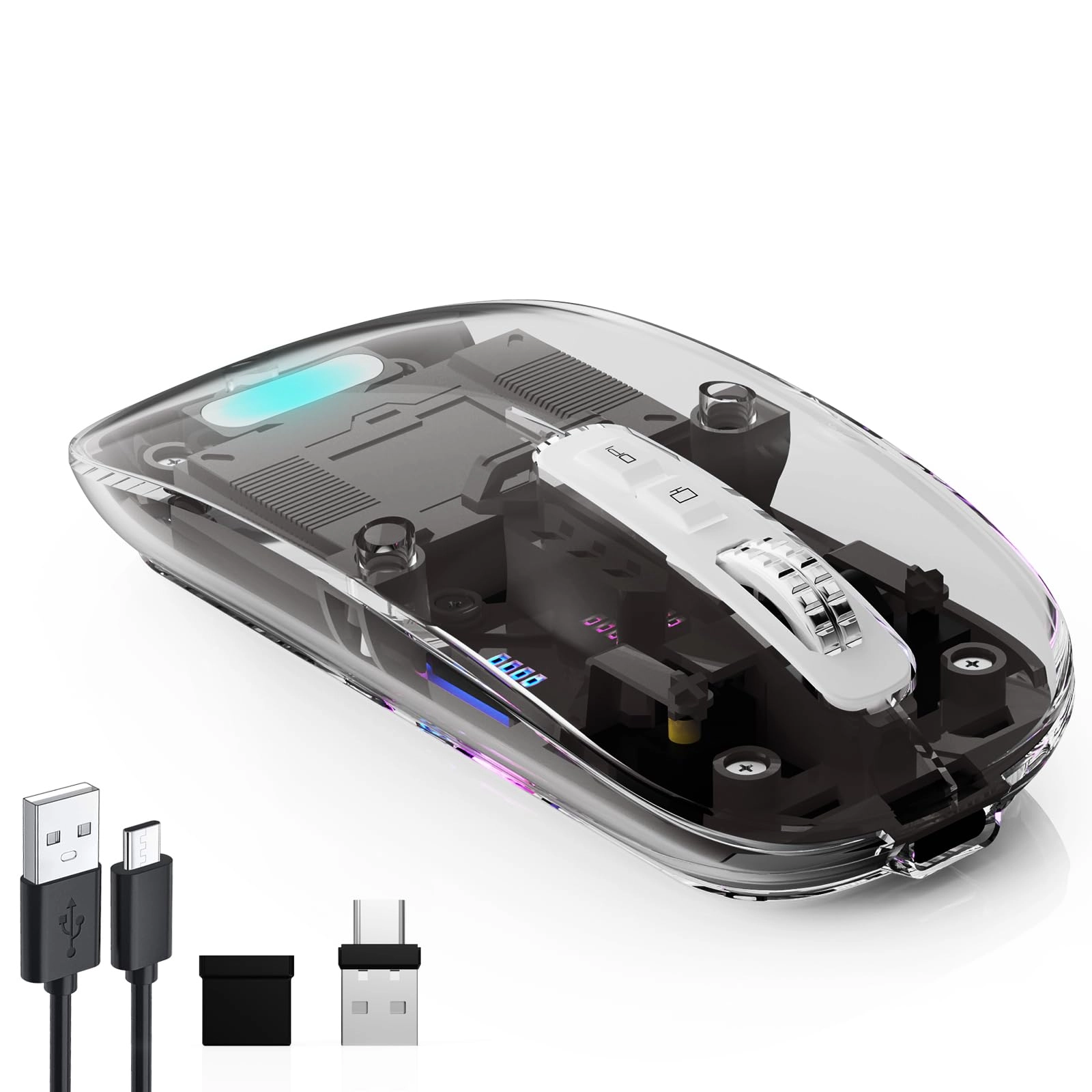
Vxeei Transparent Wireless Mouse - Bluetooth, USB

Best offer
AED
3900

Key Features

  • Movement detection technology: Optical
  • Product colour: Black
  • Connectivity technology: Bluetooth, USB
  • Product dimensions: 68 g
  • Special features: Portable, Transparent housing, Wireless
  • Batteries: 1 Lithium Polymer batteries required.
  • Offers
  • Price History
  • Specifications
  • Product Details
  • Review IconReviews

Specifications

Features

Special features
Portable, Transparent housing, Wireless
Connectivity technology
Bluetooth, USB
Product colour
Black
Movement detection technology
Optical

Weight & dimensions

Product dimensions
68 g

Technical details

Batteries
1 Lithium Polymer batteries required.

Product Details

2023 Latest Upgrade Dual Mode Wireless Mouse:Bluetooth and USB two connection methods basically meet various needs; the ergonomic design provides a comfortable use experience; the mouse has a stylish and simple appearance design, slim and lightweight-it can be carried around for office travel.

How to use it:

✔. 2.4Ghz Mode: Switch to "ON/OFF" button to right. And Plug the receiver into the USB port or type-c port of your computer, Then you can use the mouse in 2.4GHz Mode. Note: If your device just with type-c port, You can use the provided USB-C converter to connect to your device and provide 2.4GHz Mode normal use.

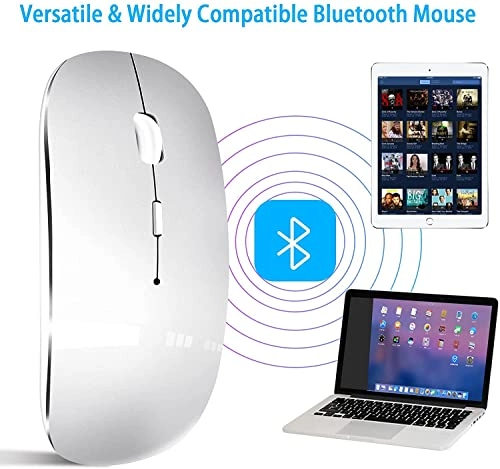
✔. Bluetooth Mode: Turn on the device's Bluetooth function. Switch to "ON/OFF" button to left. (Bluetooth mode). Search the product of Bluetooth and find “BT5.1 Mouse” to pair. Then you can use the mouse in Bluetooth Mode. Note: System Requirement: iPadOS 13 or later, iOS 13 or later, Windows 8/ 10 or later, Mac OS X 10.10 or later, Android 5.0 or later.

Package Included:

Wireless Mouse *1;

USB Receiver (In the battery compartment of the mouse) *1;

USB Charging Cable*1;

USB-C Adapter*1;

User Manual*1;

Note:

a. It's out of power if the mouse cursor moves slowly or stop moving. Please recharge it. Note: Please do not charge the mouse with mobile phone charger.

b. Please charge the mouse for 2 hours before the first time to use it. The blue light beside the scroll wheel will be on while charging, And then goes off when the mouse is fully charged.

c. Not all computers support two modes. For example, Win 7 system does not support Bluetooth mode.

Reviews

Loading...
Loading...
Loading...
Loading...
Loading...
Loading...
Loading...
Loading...
Loading...
Loading...
Loading...
Loading...
Loading...
Loading...
Loading...
Loading...
Loading...
Loading...
Loading...
Loading...
Loading...
Loading...
Loading...
Loading...
Loading...
Loading...
Loading...
Loading...
Loading...
Loading...
Loading...
Loading...
Loading...
Loading...
Loading...
Loading...
Loading...
Loading...
Loading...
Loading...
Loading...
Loading...
Loading...
Loading...
Loading...
Loading...
Loading...
Loading...
Loading...
Loading...
Loading...
Loading...
Loading...
Loading...
Loading...
Loading...
Loading...
Loading...
Loading...
Loading...
Loading...
Loading...
Loading...

Join our newsletter

Be the first to know about new arrivals, sales, and exclusive picks

Sign in to unlock newsletter access and stay in the loop

Allware
info@allware.com
+971522500911
World technology awards winner badge

Allware

  • About Us
  • Terms And Conditions
  • Privacy Policy
  • Contact Us

Partners

  • Why become a partner?
  • How to list your Online Shop?

Newsletter

  • Subscribe

Info

  • How Allware works
All Rights Reserved.
Please enable location access or select an emirate
-
00:00:00
Prayer timings

Product.Navigation.offersCount

Amazon logo

Product.OfferList.offerCount

From
AED
39

Vxeei Wireless Transparent Mouse for Computer,Bluetooth Mouse Rechargeale,Power Display,DPI,Shortcut,Tri-mode Bluetooth5.1(BT1+BT2) + 2.4GHz 2in1 Receiver(USB+USB-C)-Compatible with TypeC&USB Port Devices

Black
AED
3900

Price History

Price History Skeleton
Price History Shimmer Effect
Loading price history...

Similar Products

See all
-8%
Logitech PRO X SUPERLIGHT 2 Gaming Mouse - Wireless

Logitech PRO X SUPERLIGHT 2 Gaming Mouse - Wireless

AED
47450
AED
43450
ProductCard.offer
-50%
Logitech M190 Mouse - Wireless

Logitech M190 Mouse - Wireless

AED
7900
AED
3900
ProductCard.offer
-3%
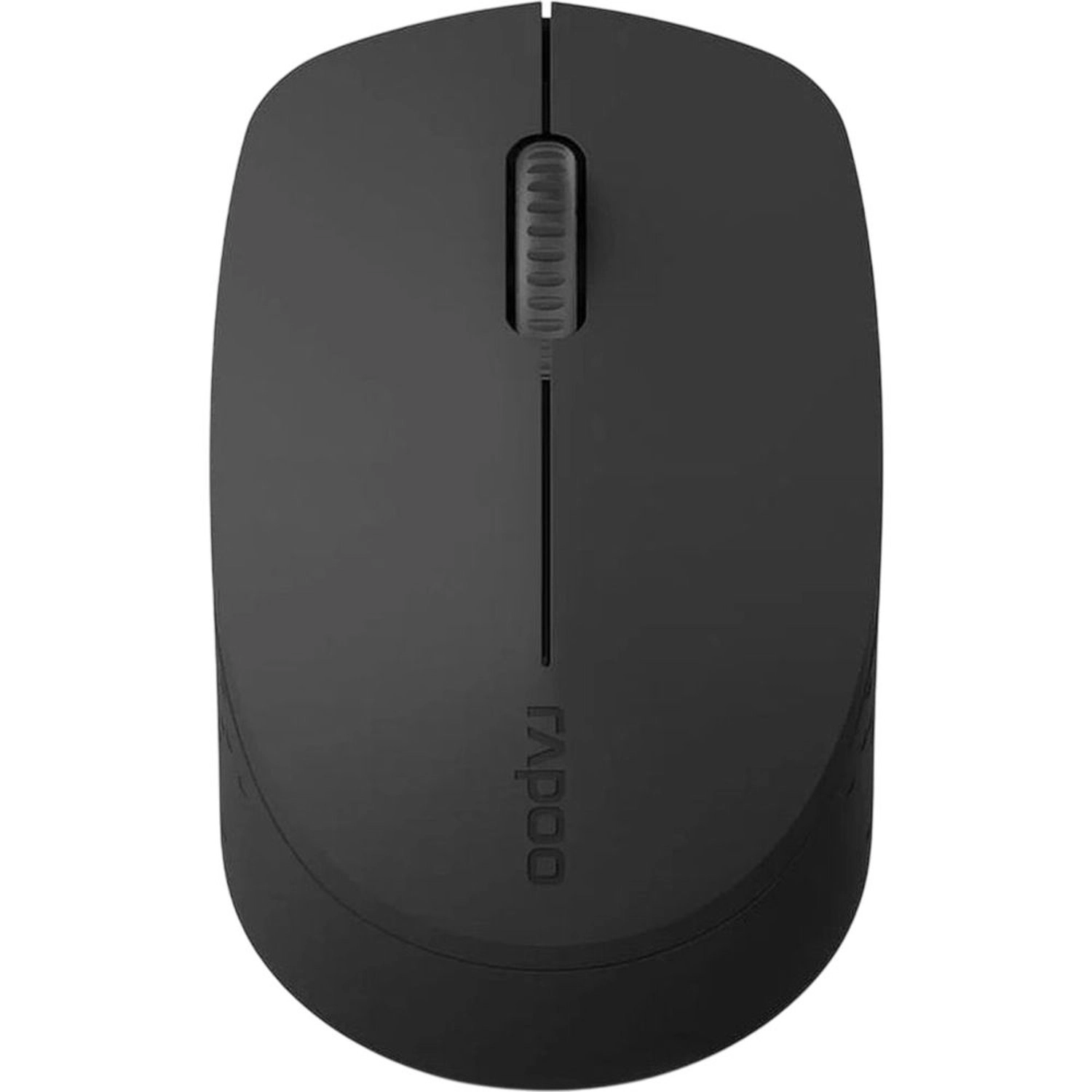
Rapoo M100 Mouse - Wireless/USB/Bluetooth

Rapoo M100 Mouse - Wireless/USB/Bluetooth

AED
4535
AED
4360
ProductCard.offer
Razer Orochi V2 Gaming Mouse - Bluetooth/Wireless

Razer Orochi V2 Gaming Mouse - Bluetooth/Wireless

AED
13068
ProductCard.offer
Razer Basilisk V3 Pro - Wireless

Razer Basilisk V3 Pro - Wireless

AED
38064
ProductCard.offer
Lenovo 540 USB-C Wireless Compact Mouse - USB

Lenovo 540 USB-C Wireless Compact Mouse - USB

AED
6500
ProductCard.offer
-40%
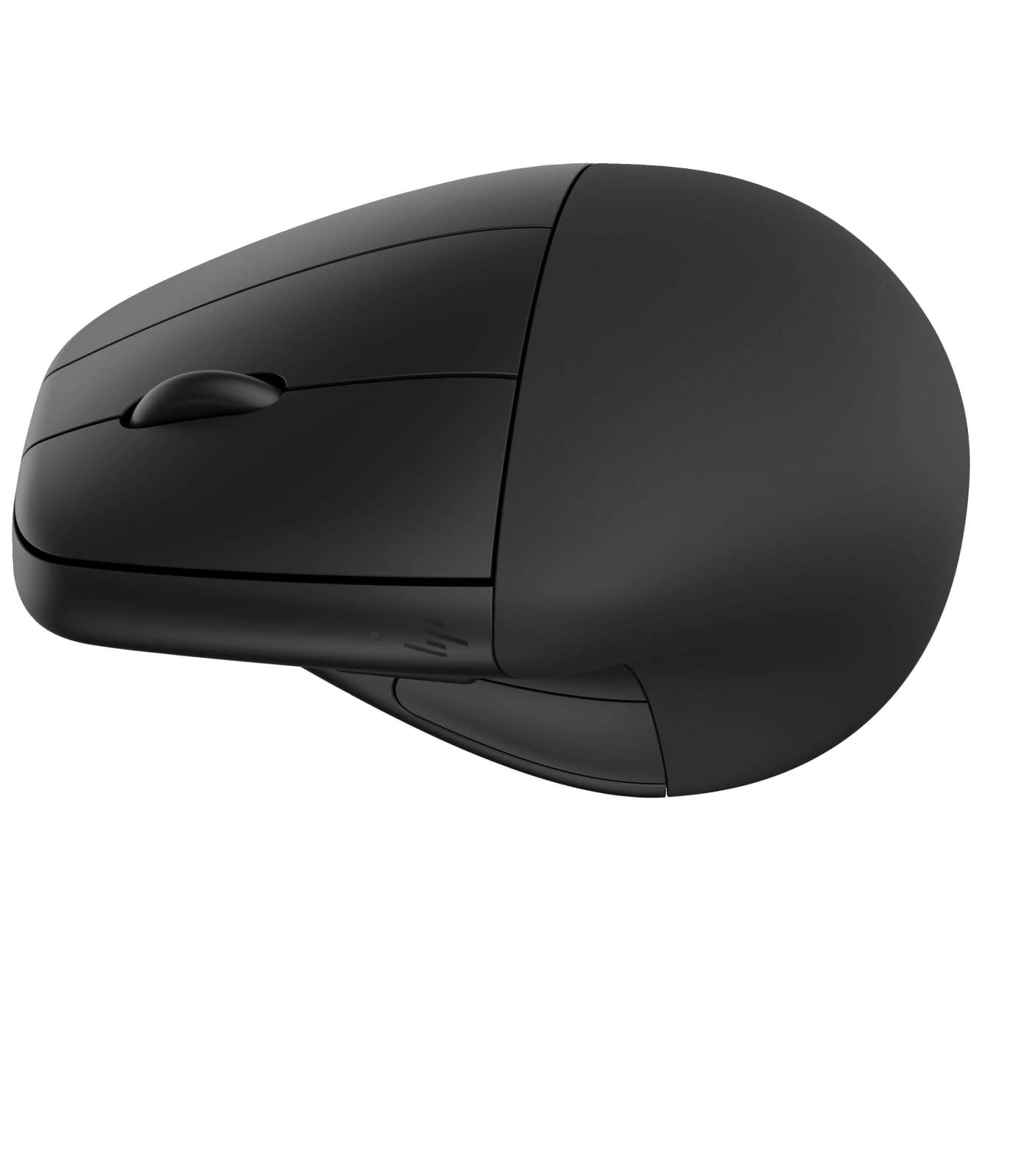
HP 920 Ergonomic Wireless Mouse - USB

HP 920 Ergonomic Wireless Mouse - USB

AED
45000
AED
27000
ProductCard.offer
ASUS ROG Gladius III Wireless AimPoint Gaming Mouse - Wireless

ASUS ROG Gladius III Wireless AimPoint Gaming Mouse - Wireless

AED
23065
ProductCard.offer
Xiaomi Wireless Mouse 3 - Wireless

Xiaomi Wireless Mouse 3 - Wireless

AED
3900
ProductCard.offer
-30%
Max & Max MXM-T901 Transparent Mouse - Wireless

Max & Max MXM-T901 Transparent Mouse - Wireless

AED
12900
AED
9000
ProductCard.offer

More from Vxeei

See all
Vxeei Transparent Wireless Mouse - Bluetooth, USB

Vxeei Transparent Wireless Mouse - Bluetooth, USB

AED
3900
ProductCard.offer
Loading...
Loading...
Loading...
Loading...
Loading...
Loading...
Loading...
Loading...
Loading...
Loading...
Loading...
Loading...
Loading...
Loading...
Loading...
Loading...
Loading...
Loading...
Loading...
Loading...
Loading...
Loading...
Loading...
Loading...
Loading...
Loading...
Loading...
Loading...
Loading...
Loading...
Loading...
Loading...
Loading...
Loading...
Loading...
Loading...
Loading...
Loading...
Loading...
Loading...
Loading...
Loading...
Loading...
Loading...
Loading...