★★★Why Choose Us?★★★
✅ Versatile 8-in-1 USB C Hub
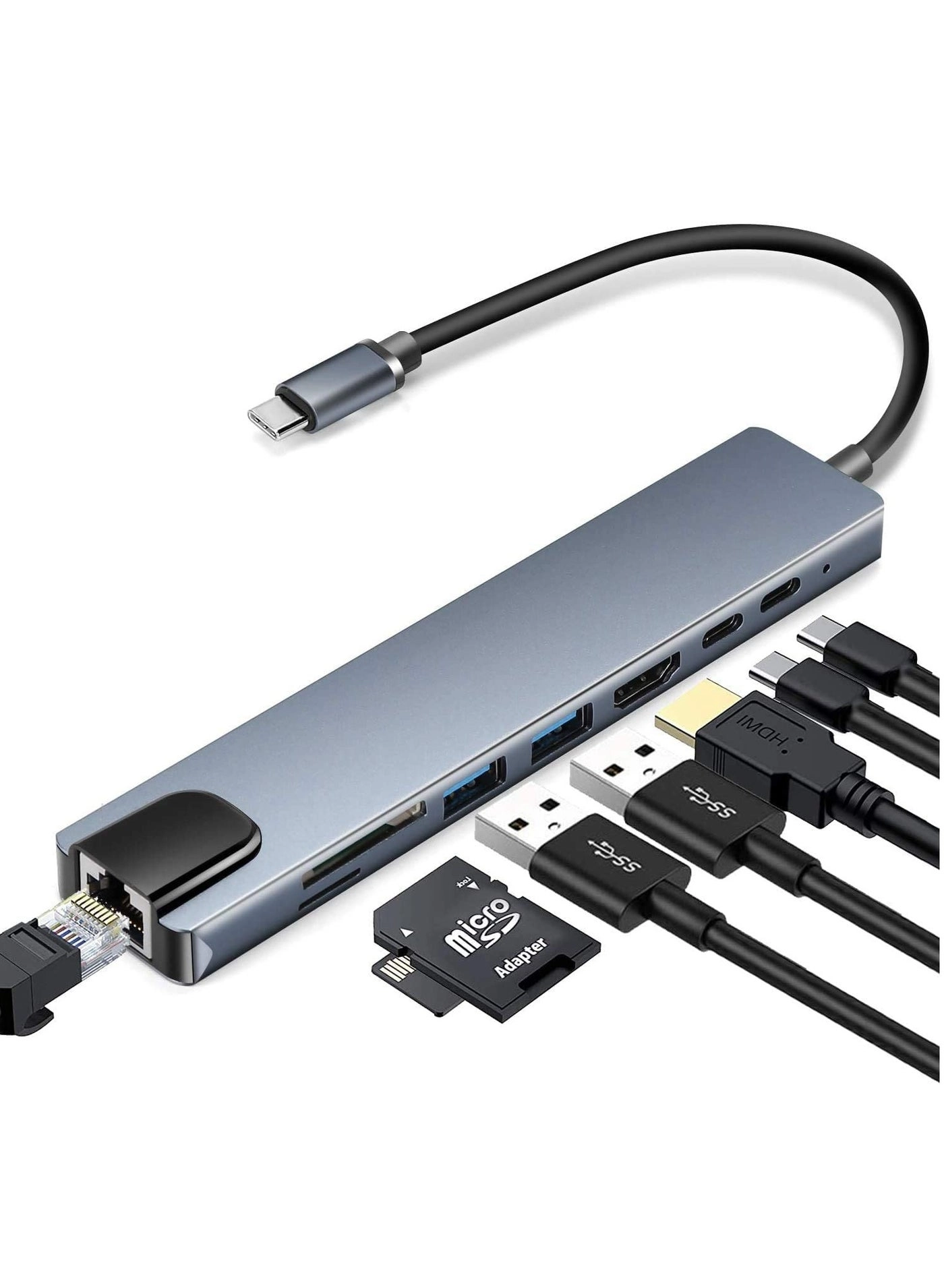
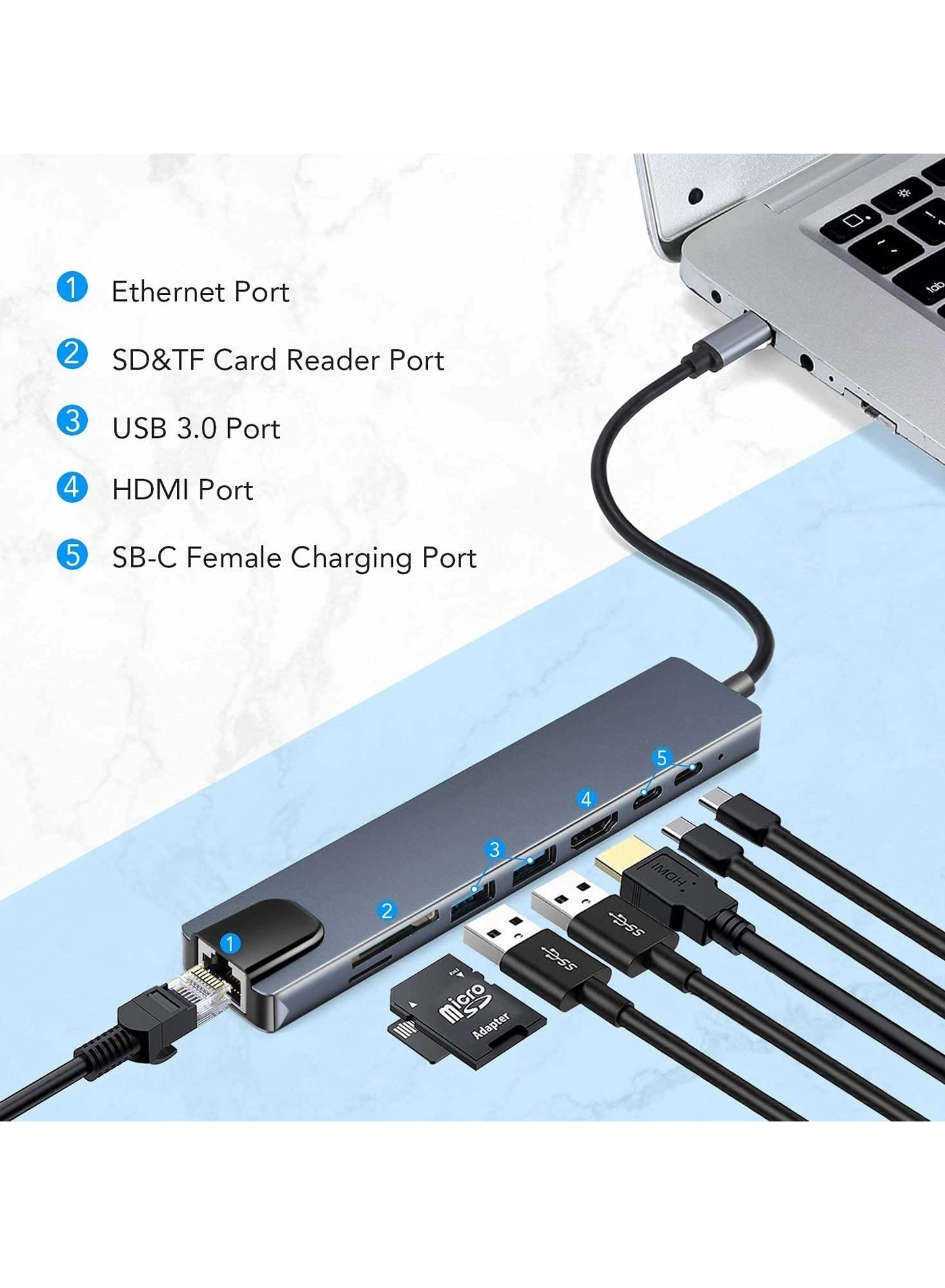
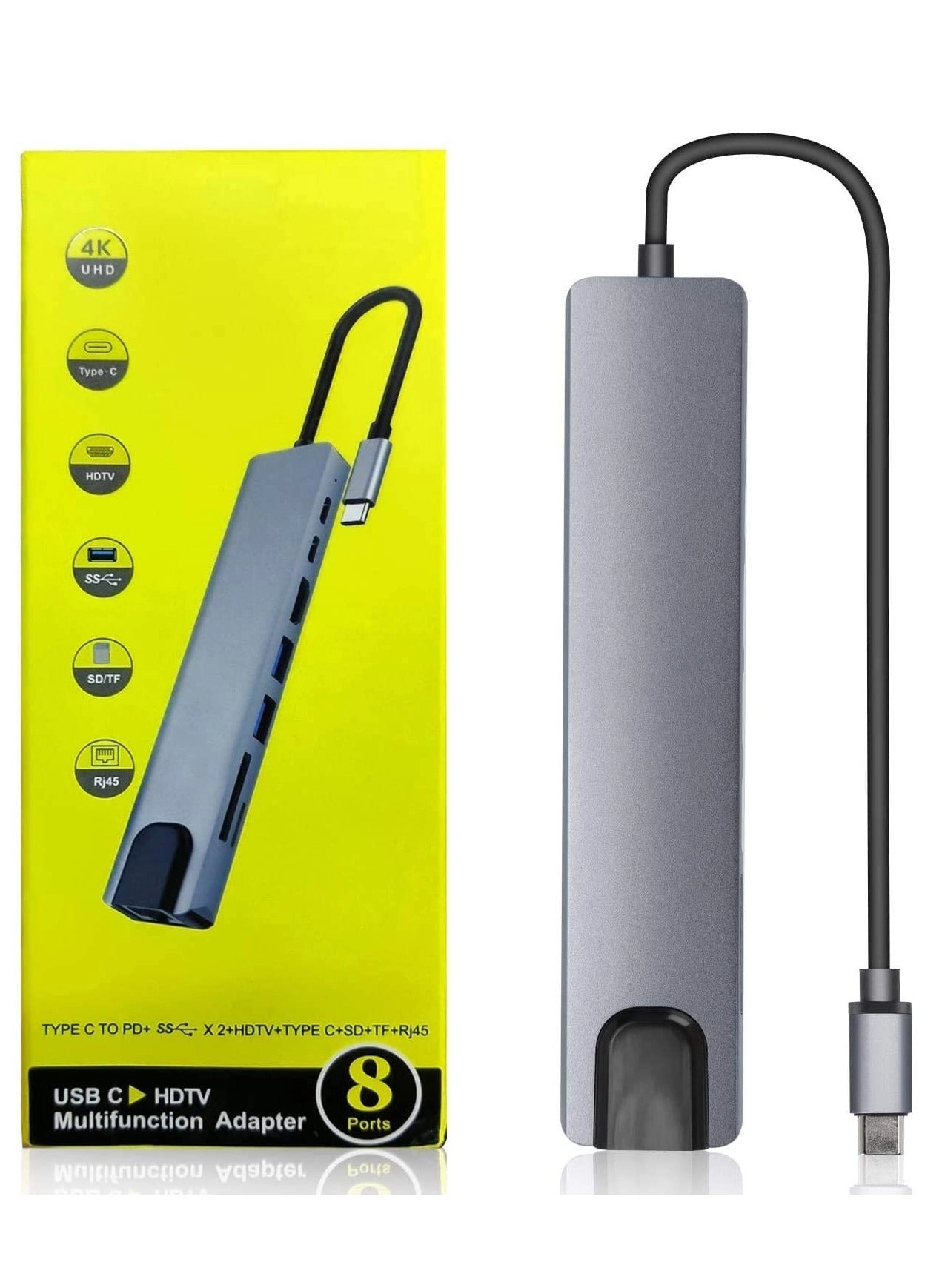
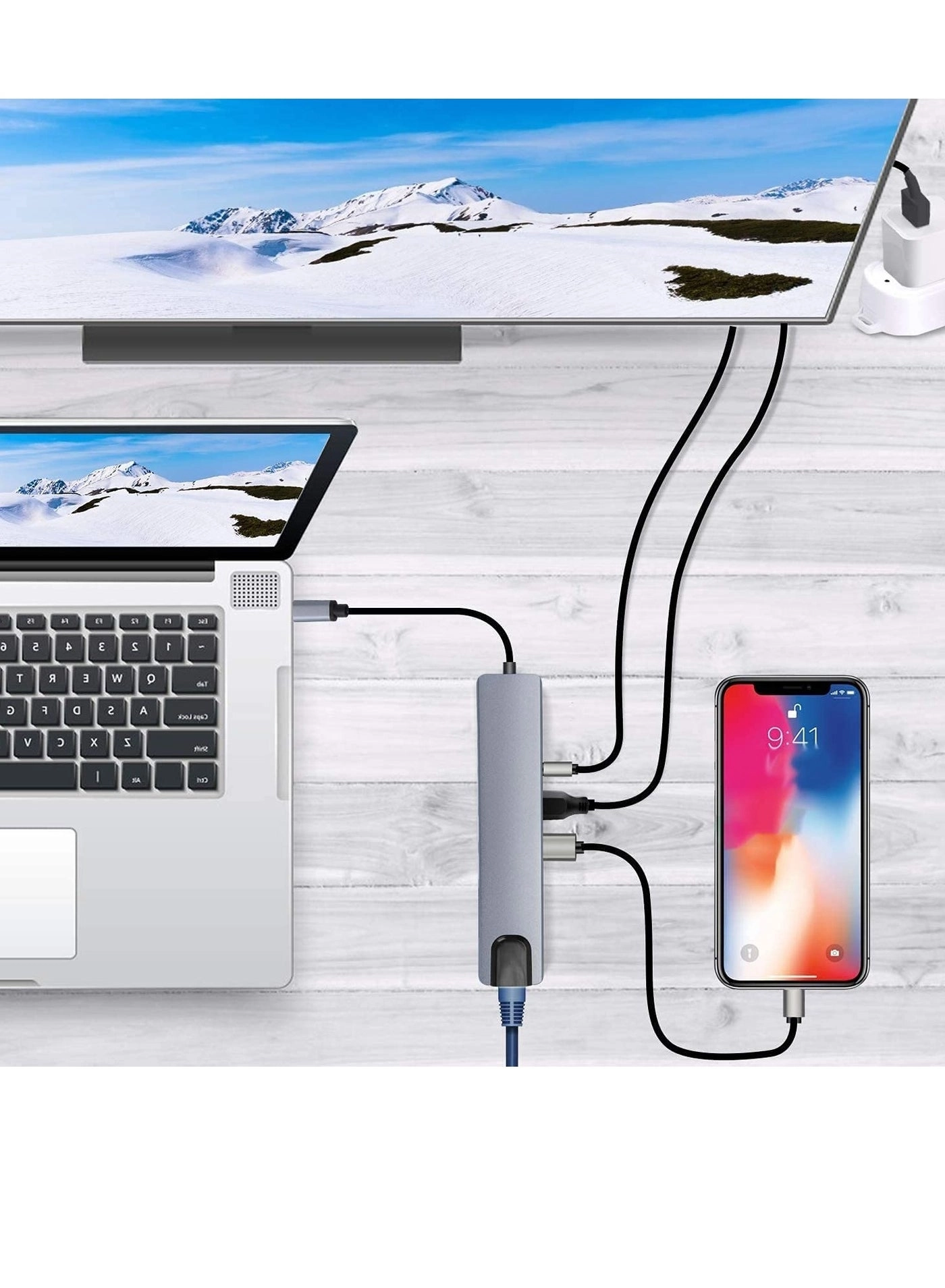
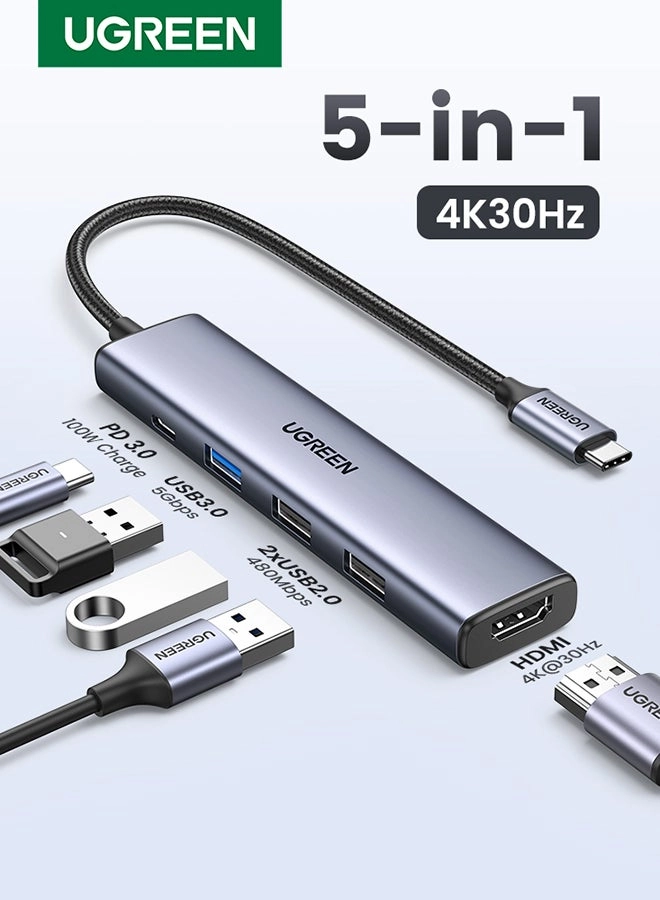
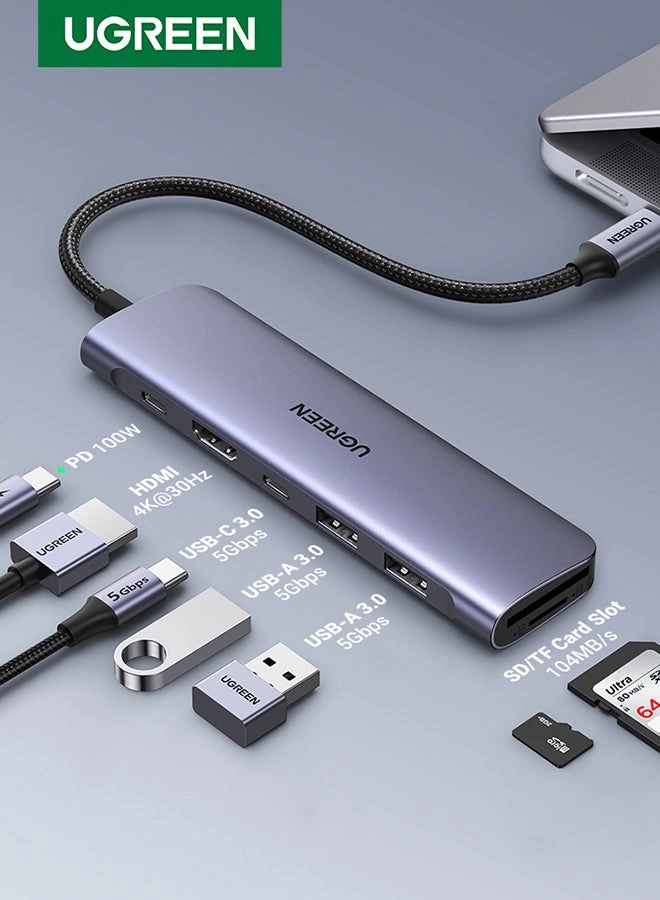
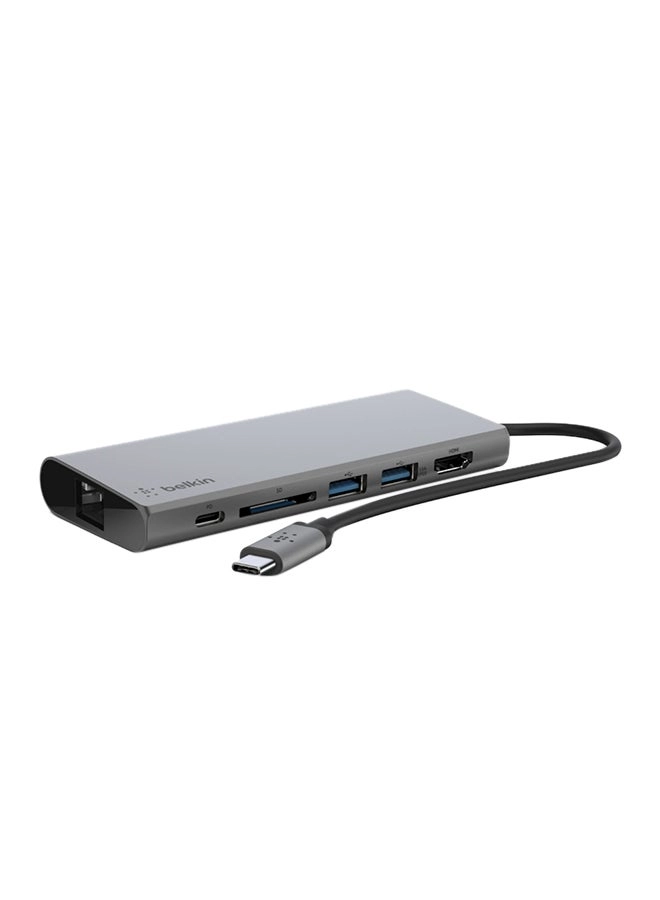
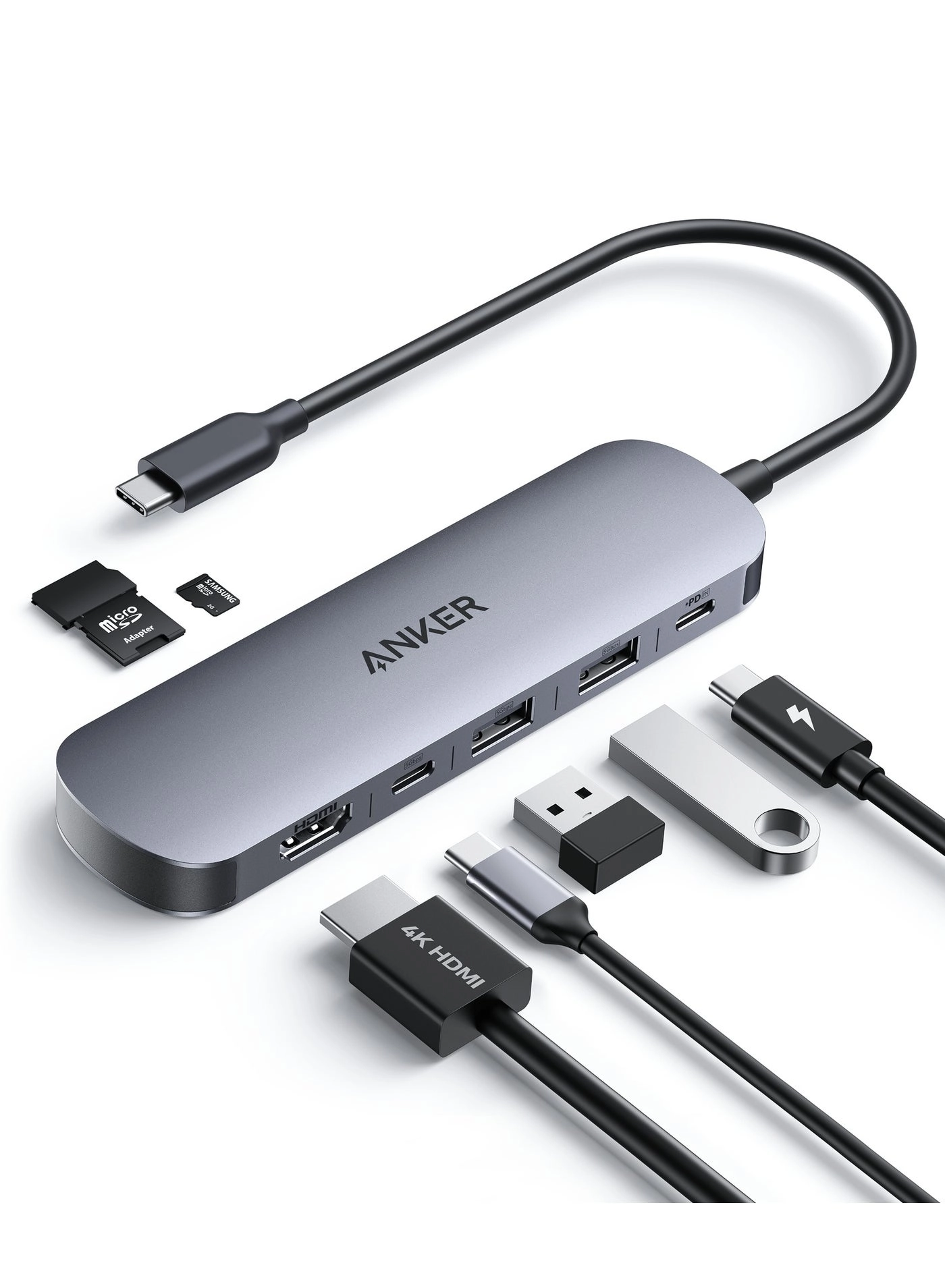
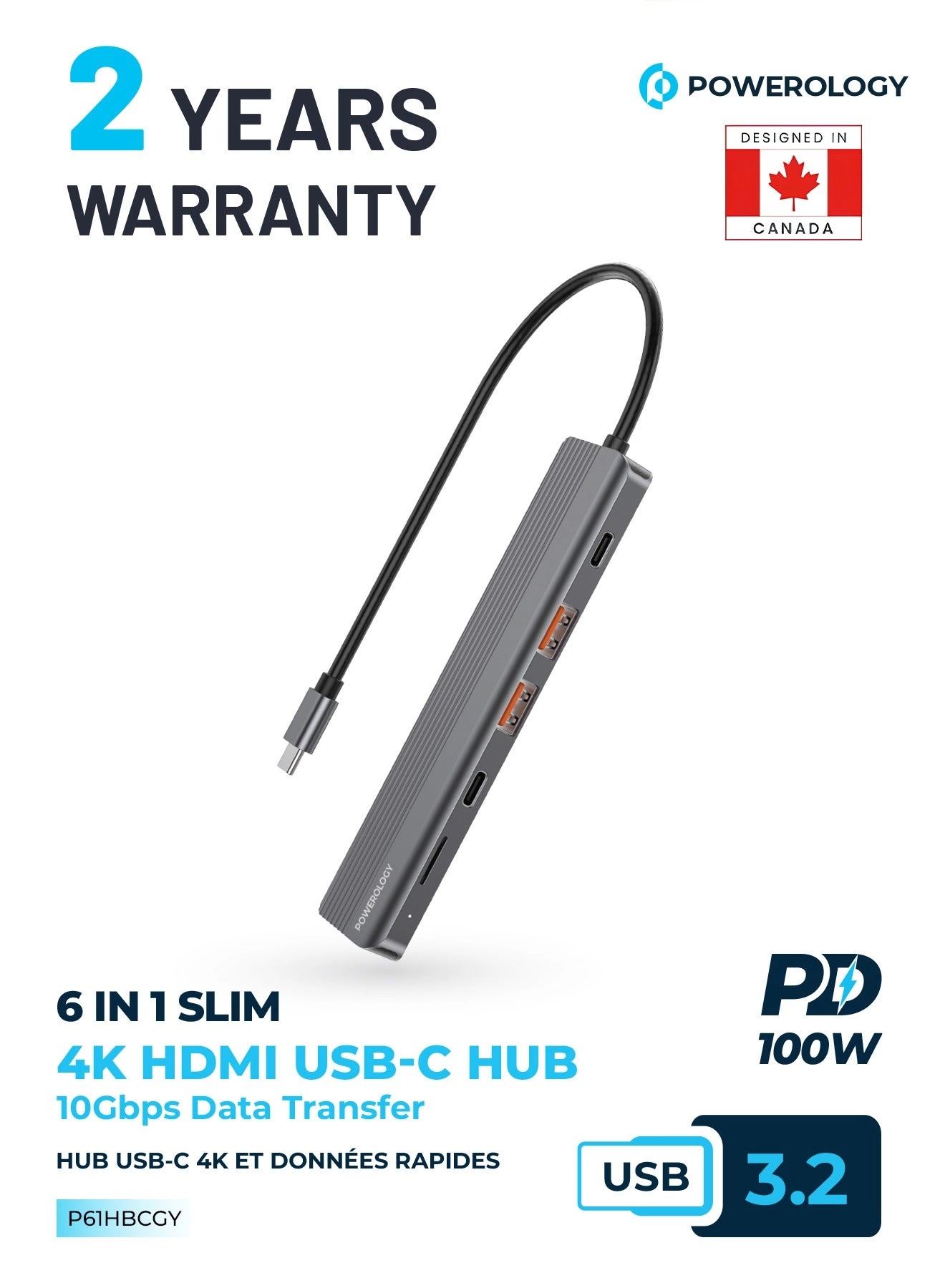
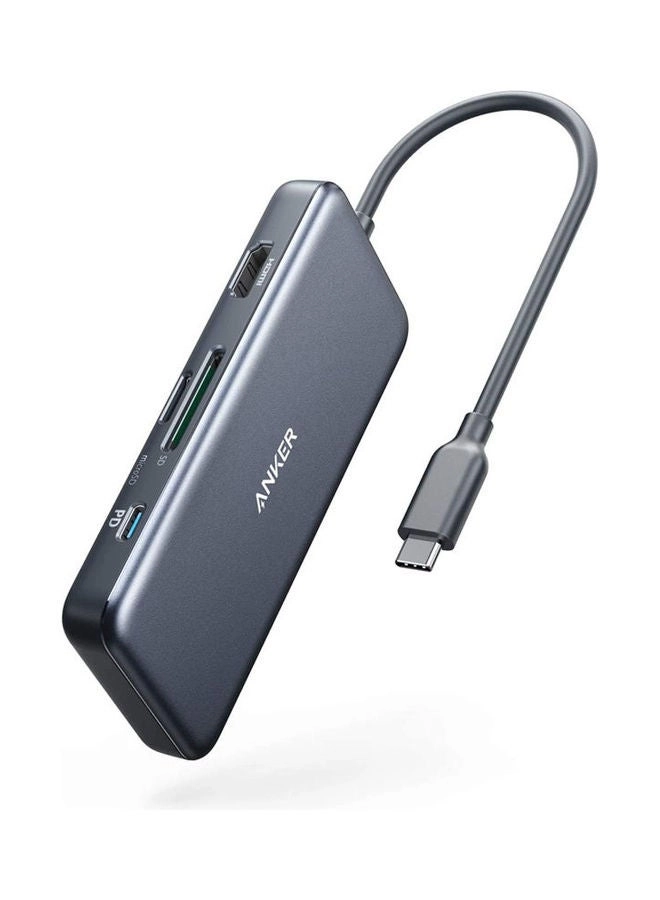
Our USB C 8-in-1 Hub Multiport Adapter is designed to expand your device's connectivity options significantly. With 4K HDMI video output, three USB 3.0 ports, an SD card reader, a Gigabit Ethernet port, and a PD charging port, this hub is perfect for anyone looking to enhance their workspace or entertainment setup.
✅ High-Speed Data Transfer
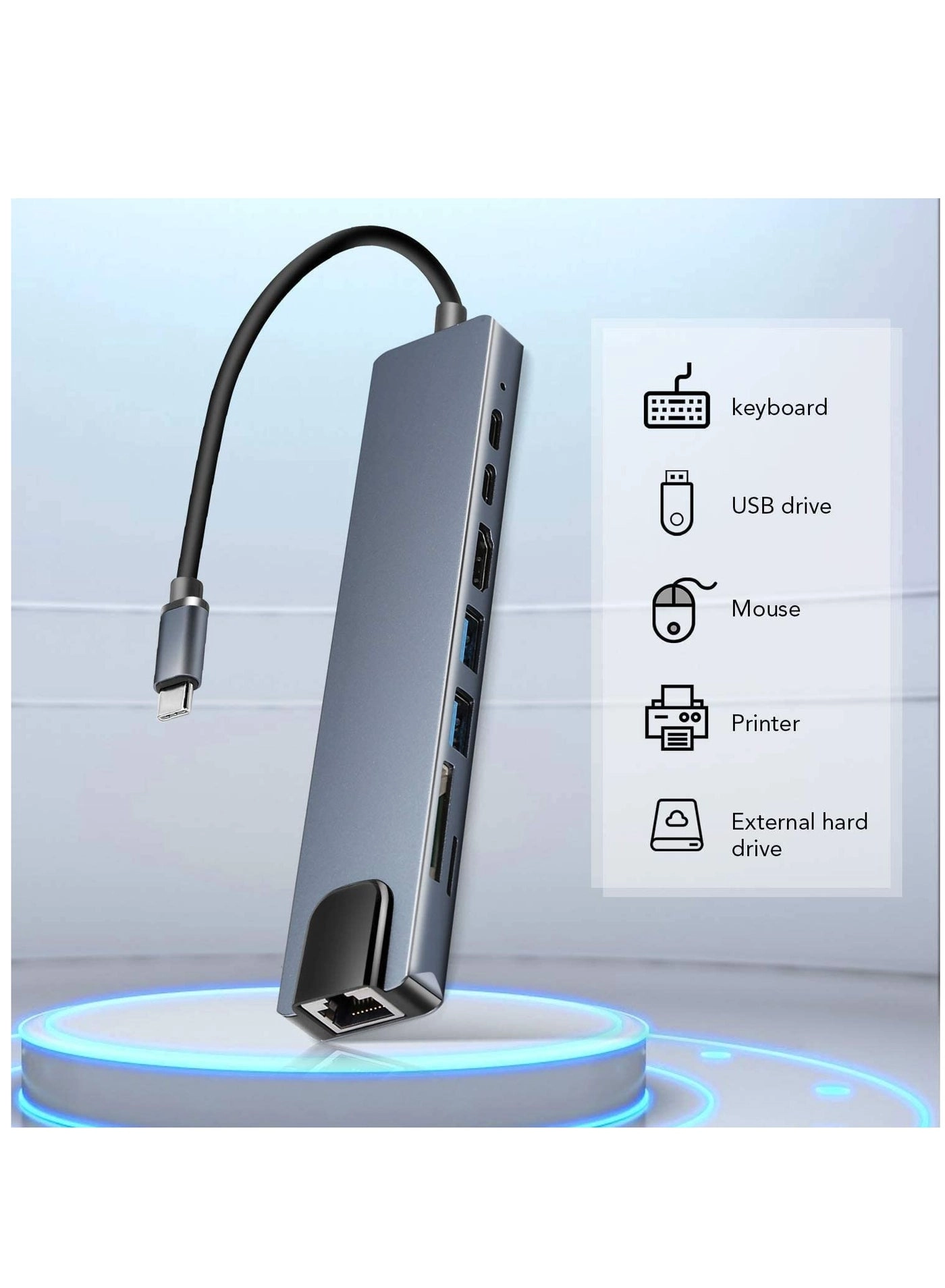
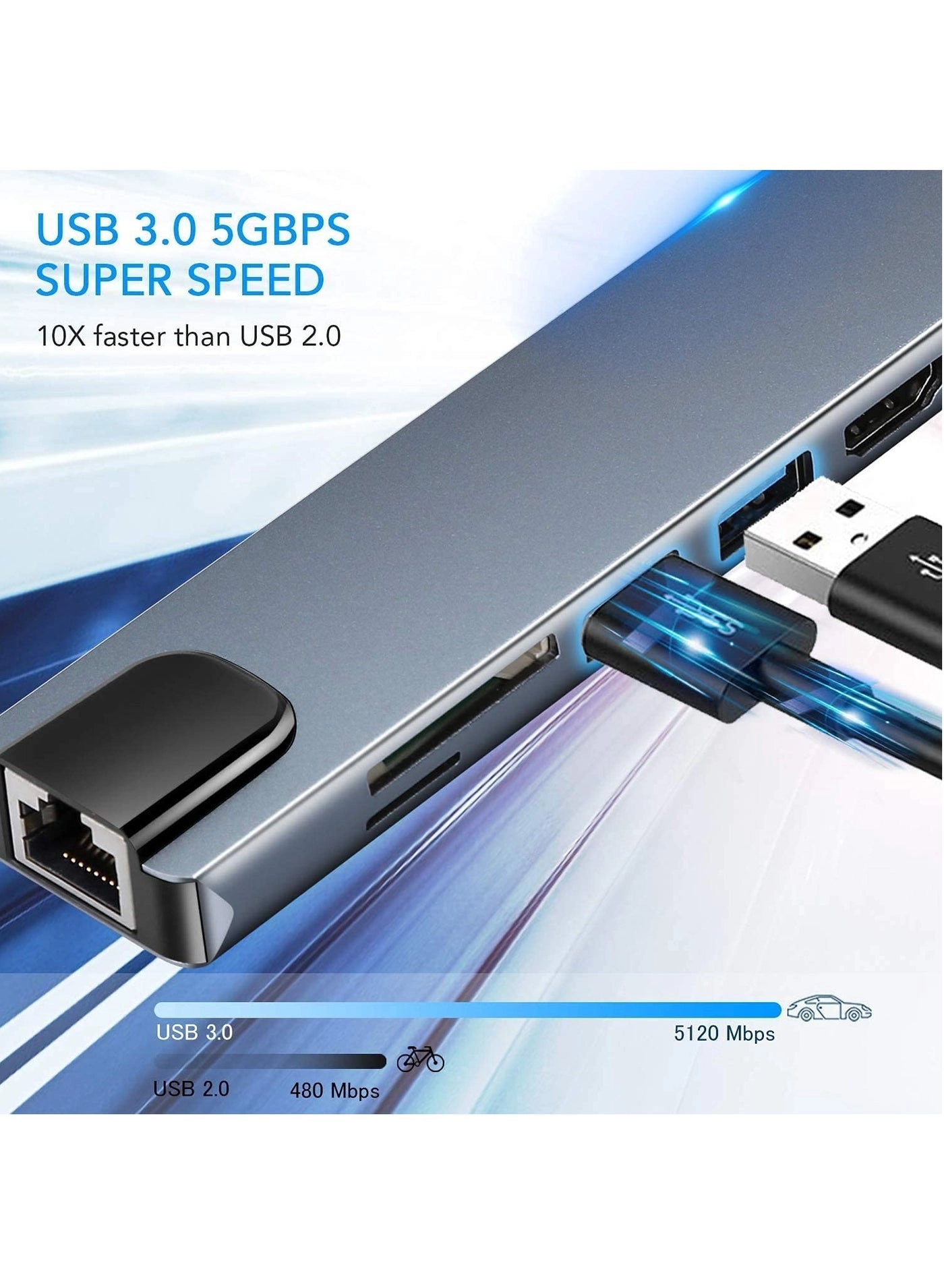
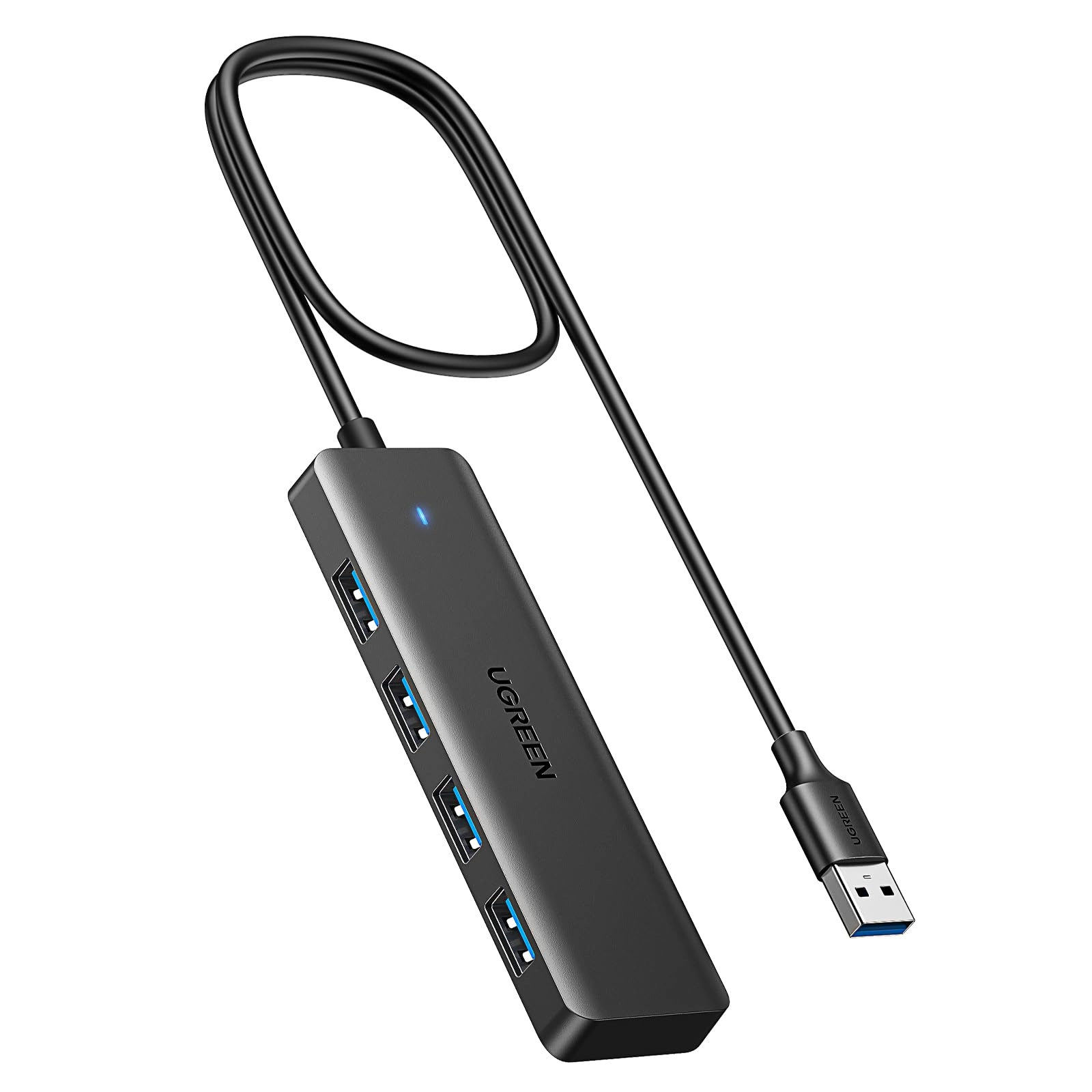
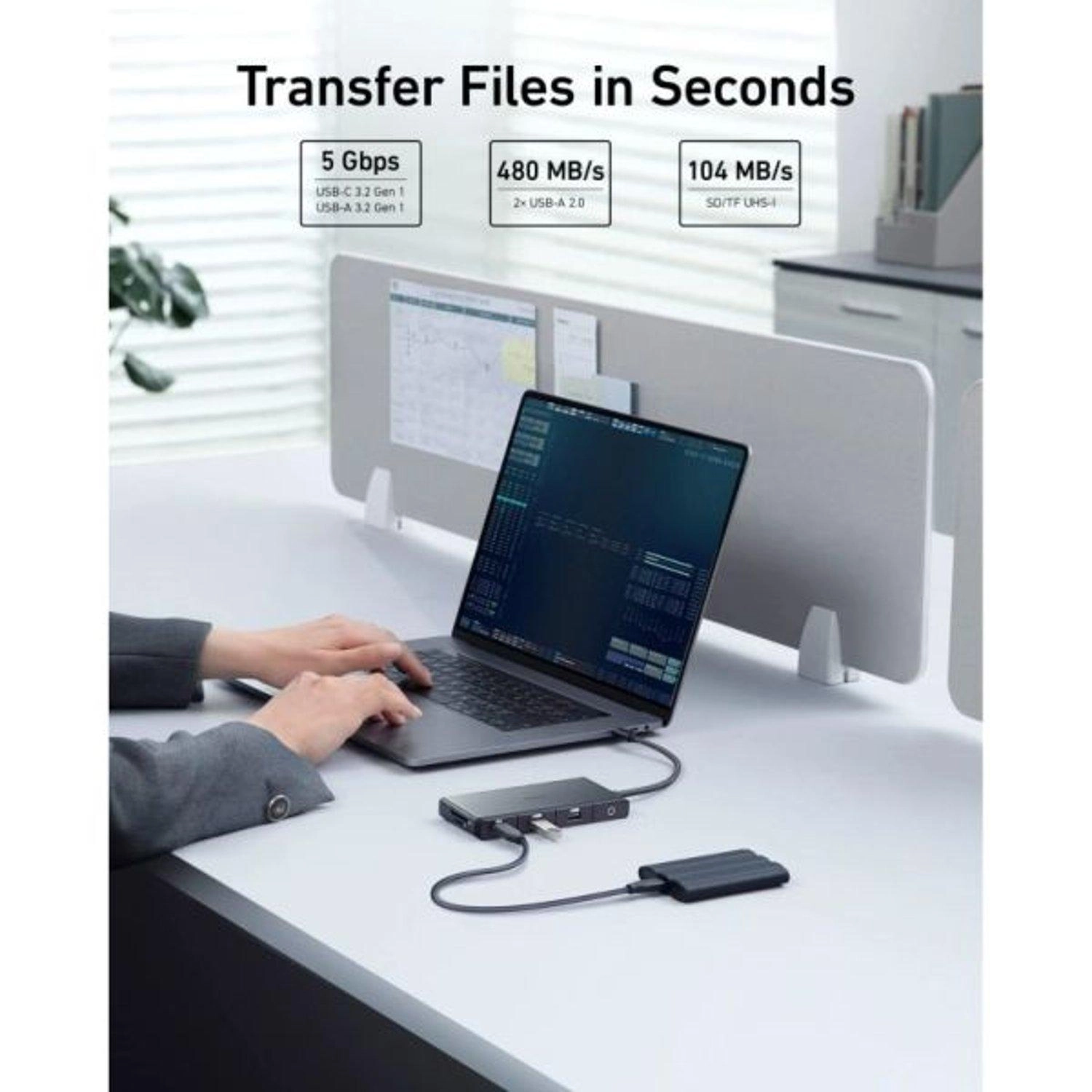
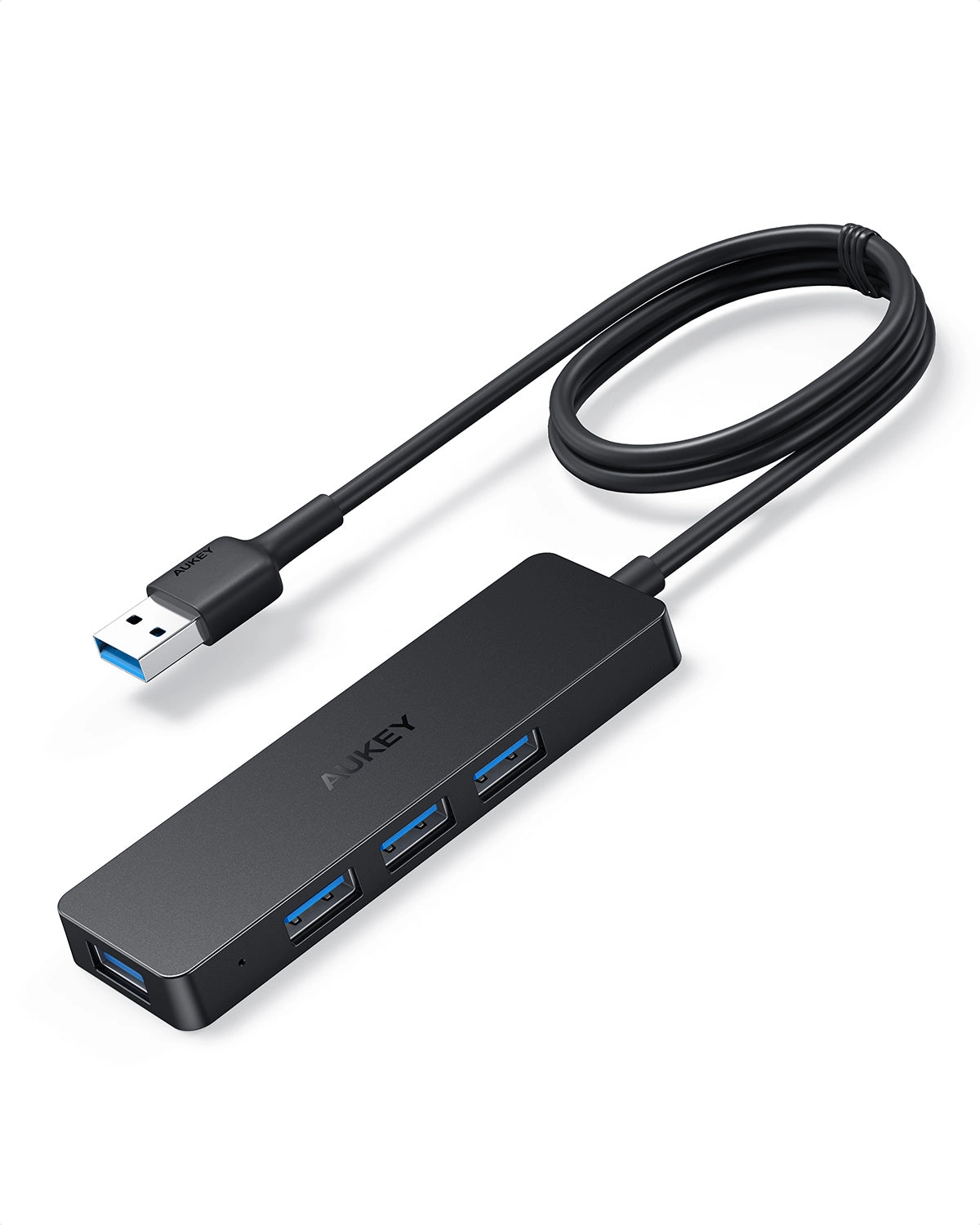
Equipped with three USB 3.0 ports, our hub allows you to connect various devices such as USB flash drives, hard drives, keyboards, and printers. Experience lightning-fast data transfer speeds, making it easy to access and share files quickly. The built-in SD and TF card slots provide seamless access to your photos and videos from universal SD and Micro SD cards.
✅ Reliable Gigabit Ethernet Connection
Say goodbye to unstable WiFi connections! Our hub features a Gigabit Ethernet port that ensures a stable and fast wired network connection, with speeds of up to 1000 Mbps. Perfect for streaming, gaming, or any online activity that requires a reliable internet connection.
✅ Broad Compatibility
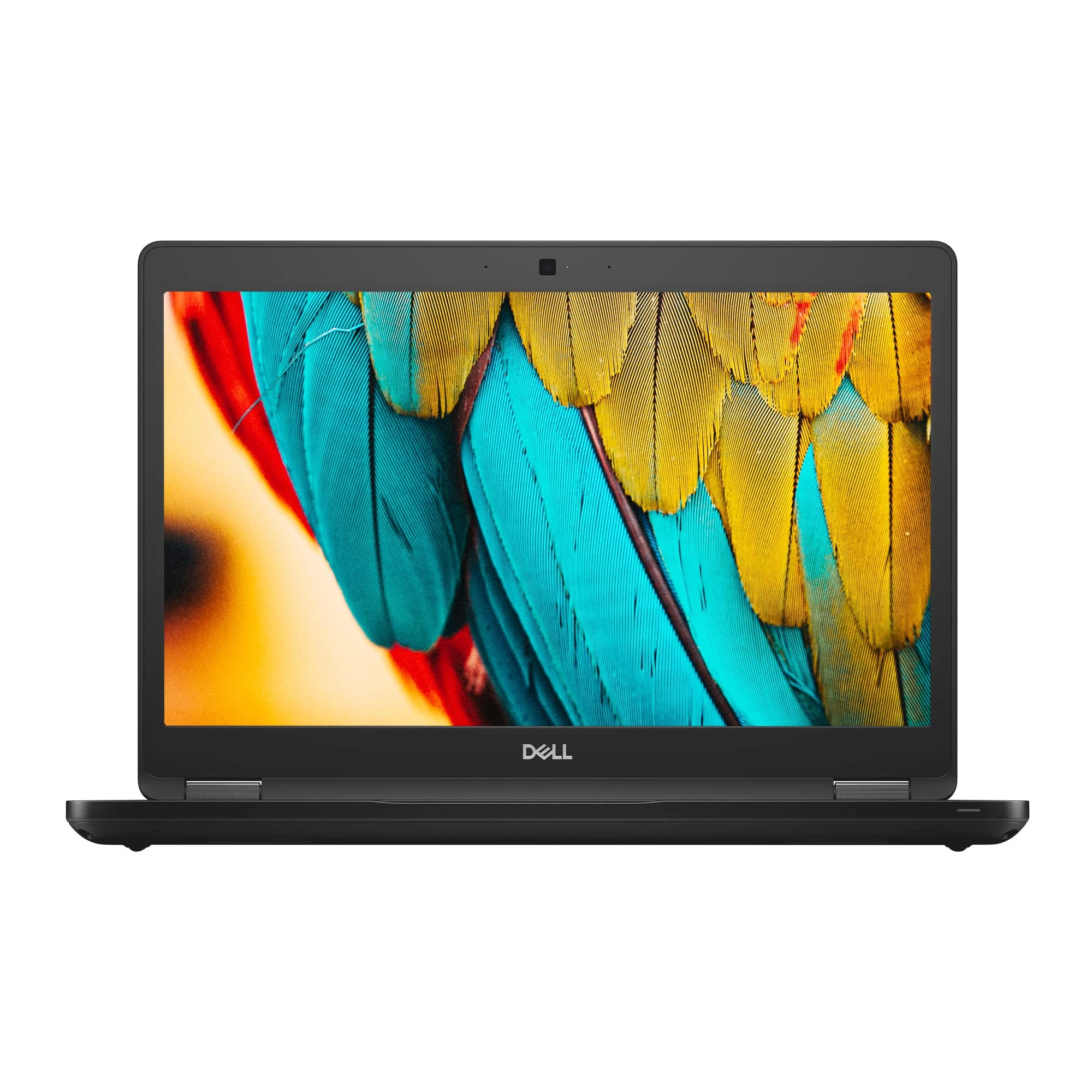
This USB C hub is compatible with a wide range of devices, including M1 MacBook Pro/Air (2021/2020/2019/2018/2017/2016), iPad Pro (2021/2020), iPad Air 4, iPad Mini 6, Google Chromebook, Dell XPS, Lenovo Yoga, HP Spectre, ASUS ZenBook 3, and more. No matter what device you use, our hub is designed to work seamlessly with it.
✅ Compact and Portable Design
Lightweight and easy to carry, our USB C hub is perfect for on-the-go professionals and students. Its sleek design fits easily into your bag, making it an ideal companion for travel, work, or home use. Enjoy the convenience of multiple ports without the bulk.
★★★Specifications★★★
Material: Durable Plastic
Dimensions: Compact and Lightweight
Ports: 1 x 4K HDMI, 3 x USB 3.0, 1 x SD Card Reader, 1 x TF Card Reader, 1 x Gigabit Ethernet, 1 x USB Type-C PD Charging Port
★★★What You Will Get★★★
1 * USB C 8-in-1 Hub Multiport Adapter
★★★Warm Notice★★★
Ensure your device supports USB-C functionality before use. For optimal performance, connect the hub to a power source when using multiple high-power devices.