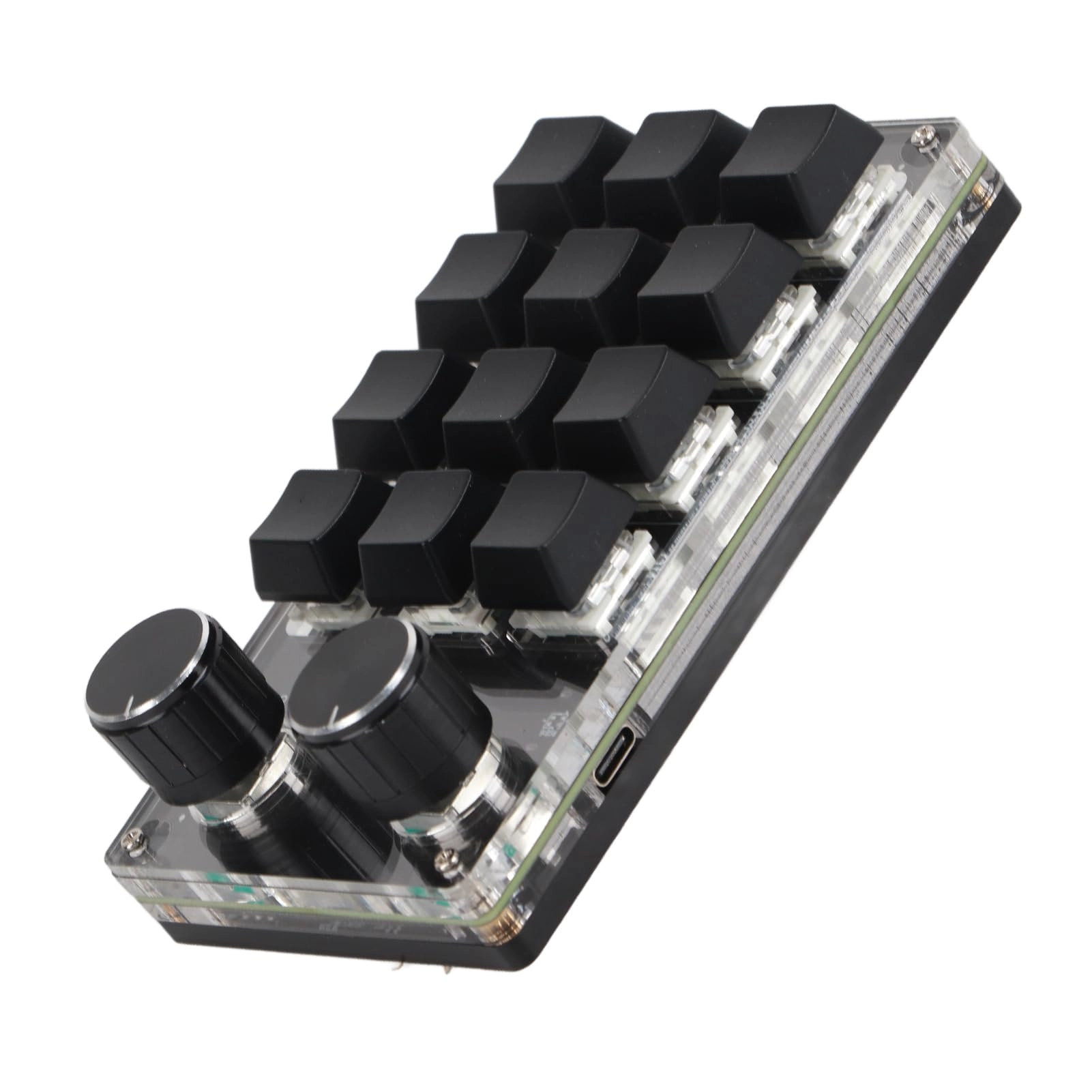
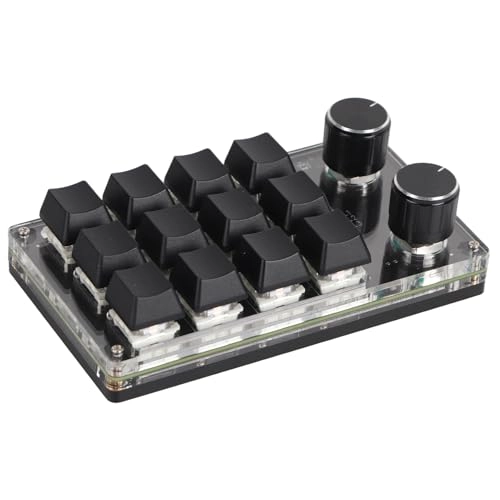
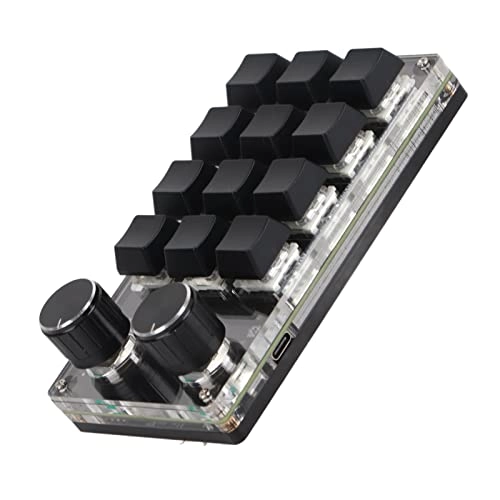
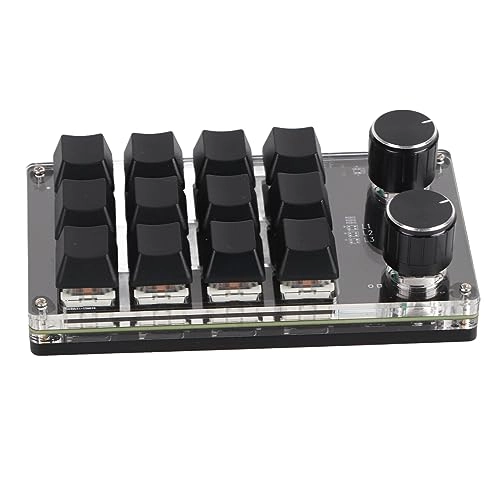
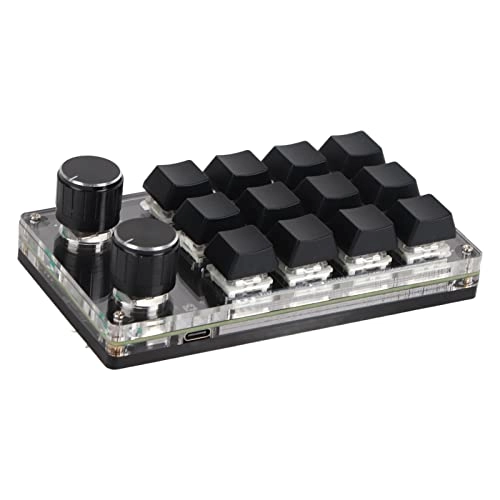
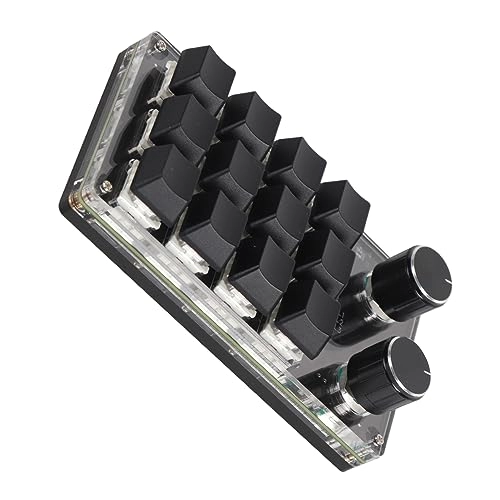
1. [ENDLESS CUSTOMIZATION] Customize your experience with this programmable macro keyboard with 12 keys and RGB lighting.
2. [MULTIFUNCTIONAL KNOB] Enjoy the convenience of a versatile knob that can be used for volume control, track control and more.
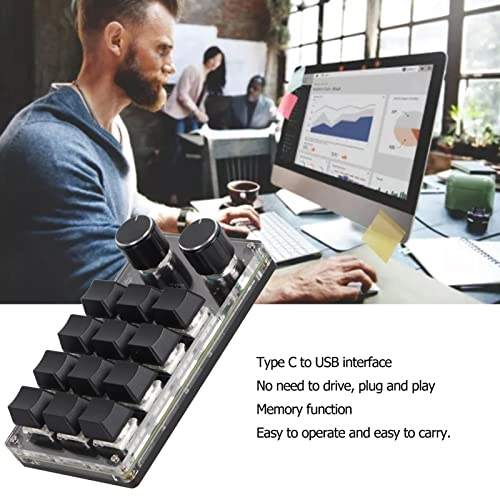
3. [PLUG AND PLAY] Simply connect this mini keyboard with the Type-C to USB interface for easy setup without the need for drivers.
4. [DURABLE DESIGN] Designed for Dura with a blue switch that can withstand up to 50 million keystrokes for long-lasting performance. Type: blue switch
Lights: RGB adjustment
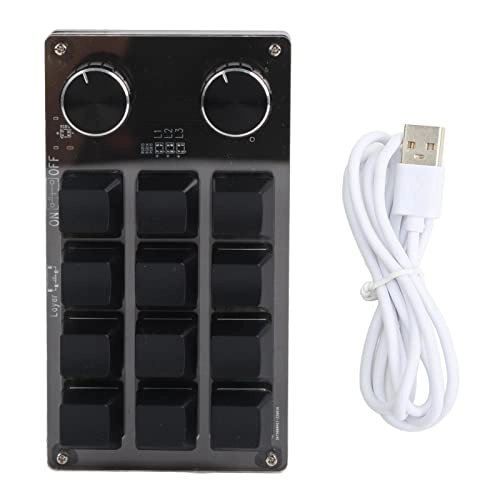
Keys: 12 keys
Product size: approx. 132 x 77 x 38mm/5.2 x 3.0 x 1.5 inches (L x W x H)
Current: DC 5V/1A
Operating temperature: -10℃-50℃
Usage: suitable for office, games, music, media, industrial control, laboratory, production line testing and other fields.
How to use:
1. Keyboard, open the custom software on the computer.
2. In the self-defined software, do (yellow area) in \"key configuration area\" or \"knob configuration area\" and then do on any key from KEY1 to KEY12 or knob 1 or knob 2 to configure (green area); shown in red when selected.
3. Click on the function key corresponding to the simulated keyboard in the custom software, click Download and it will tell you that the download was successful and that you can use our custom keyboard. For example, I want to set the keyboard KEY 1 as a shortcut key to copy (Ctrl+C). Do in \"key configuration area\" in the software, do \"key 1\" and then do in Ctrl and C on the software simulation keyboard, and then click Download to indicate that the download was successful.
Treatment of common failures:
Question 1: The keyboard connected to the computer does not respond or indicates that the computer is operating abnormally. Solution: Check if the line and interface have been connected and disconnect them again; Put the USB interface back on the computer and connect it again.
Question 2: After downloading the custom software, it cannot be opened. Solution: Check if the antivirus software intercepts the operation and set it as a reliable file.
Question 3: Why are all buttons or knobs \"A\" when you connect the computer? Solution: Output A is the normal factory setting, just open the custom software to redefine the key function.
Packing List:
1 x Programmable Keyboard Macro
1 x USB Cable
Notes:
1. This software can only run on the at the moment. Try downloading it from PC. No need to install the installation software and can be run directly after opening. After configuration, it will be automatically stored on the chain disk and then inserted into the systems that support the USB protocol, such as Os X, etc. ( note that antivirus software needs to be released for the first time and configured as a reliable file).
2. You can send a letter to customer service if you have problems with downloading software, and customer service will help you resolve software download issues.
Reviews
Loading...
Loading...
Loading...
Loading...
Loading...
Loading...
Loading...
Loading...
Loading...
Loading...
Loading...
Loading...
Loading...
Loading...
Loading...
Loading...
Loading...
Loading...
Loading...
Loading...
Loading...
Loading...
Loading...
Loading...
Loading...
Loading...
Loading...
Loading...
Loading...
Loading...
Loading...
Loading...
Loading...
Loading...
Loading...
Loading...
Loading...
Loading...
Loading...
Loading...
Loading...
Loading...
Loading...
Loading...
Loading...
Loading...
Loading...
Loading...
Loading...
Loading...
Loading...
Loading...
Loading...
Loading...
Loading...
Loading...
Loading...
Loading...
Loading...
Loading...
Loading...
Loading...
Loading...
Join our newsletter
Be the first to know about new arrivals, sales, and exclusive picks
Sign in to unlock newsletter access and stay in the loop