Details:
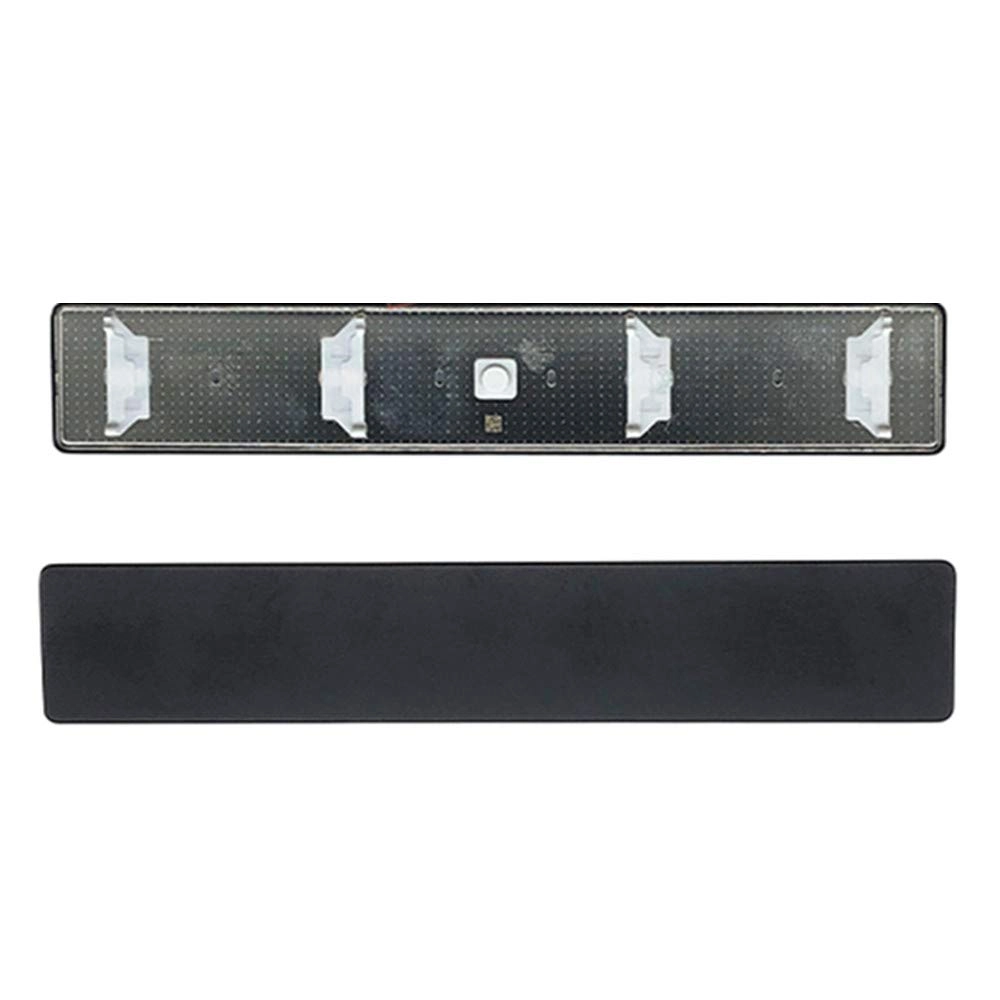
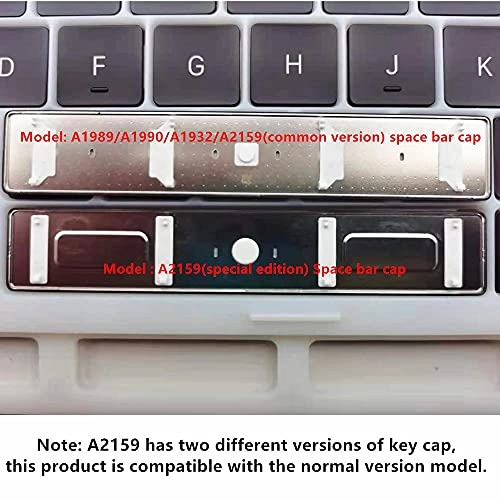
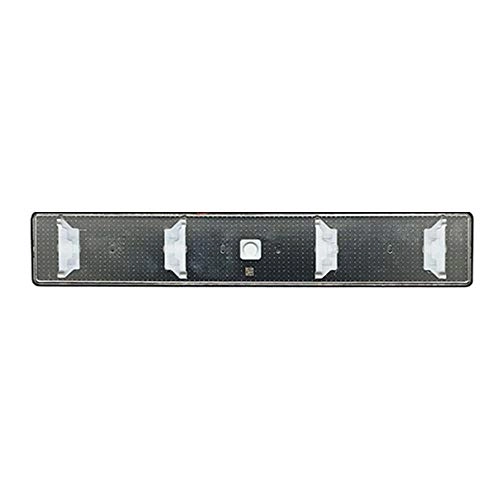
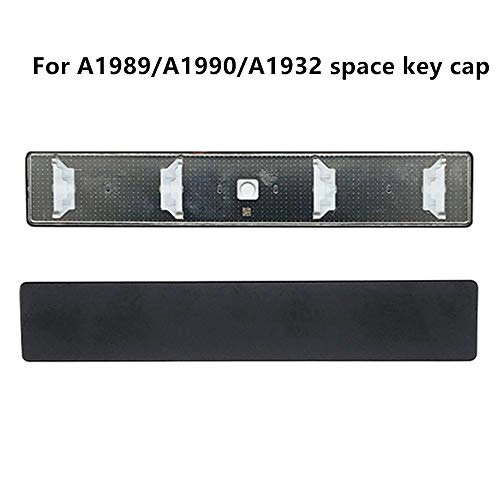
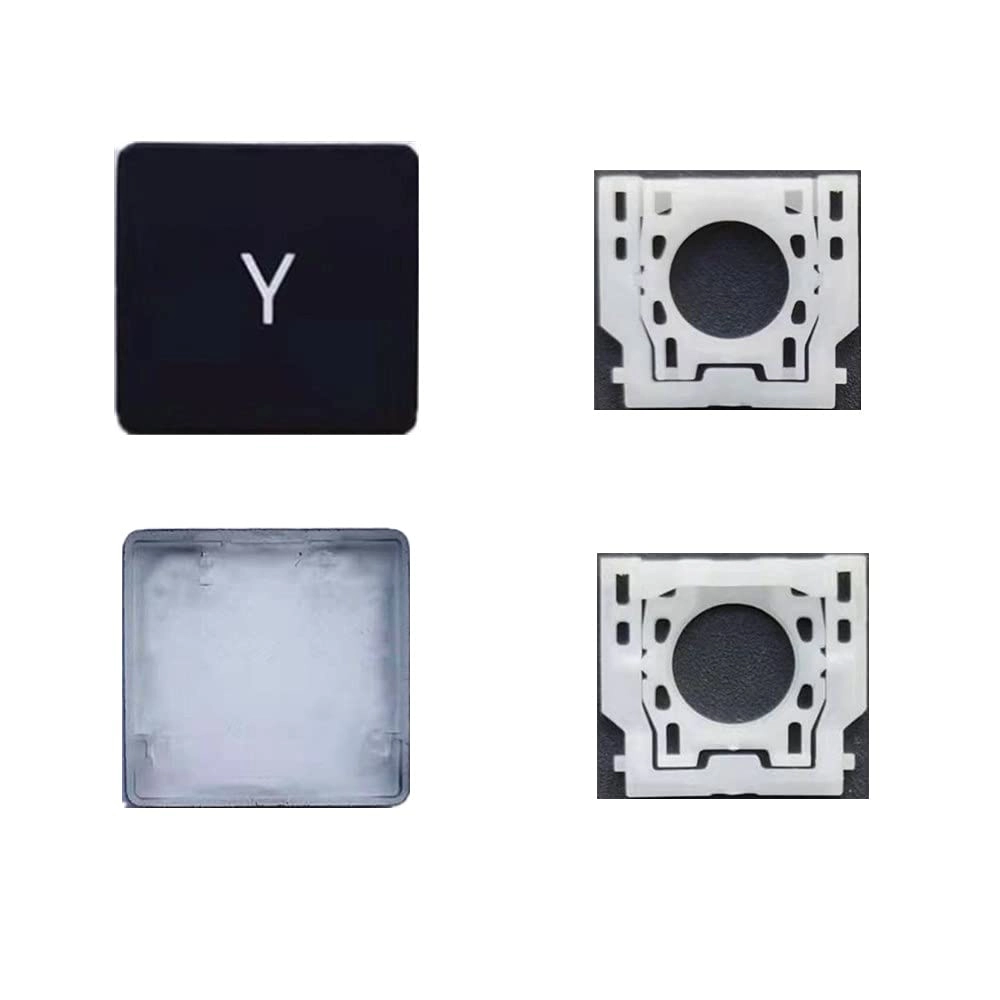
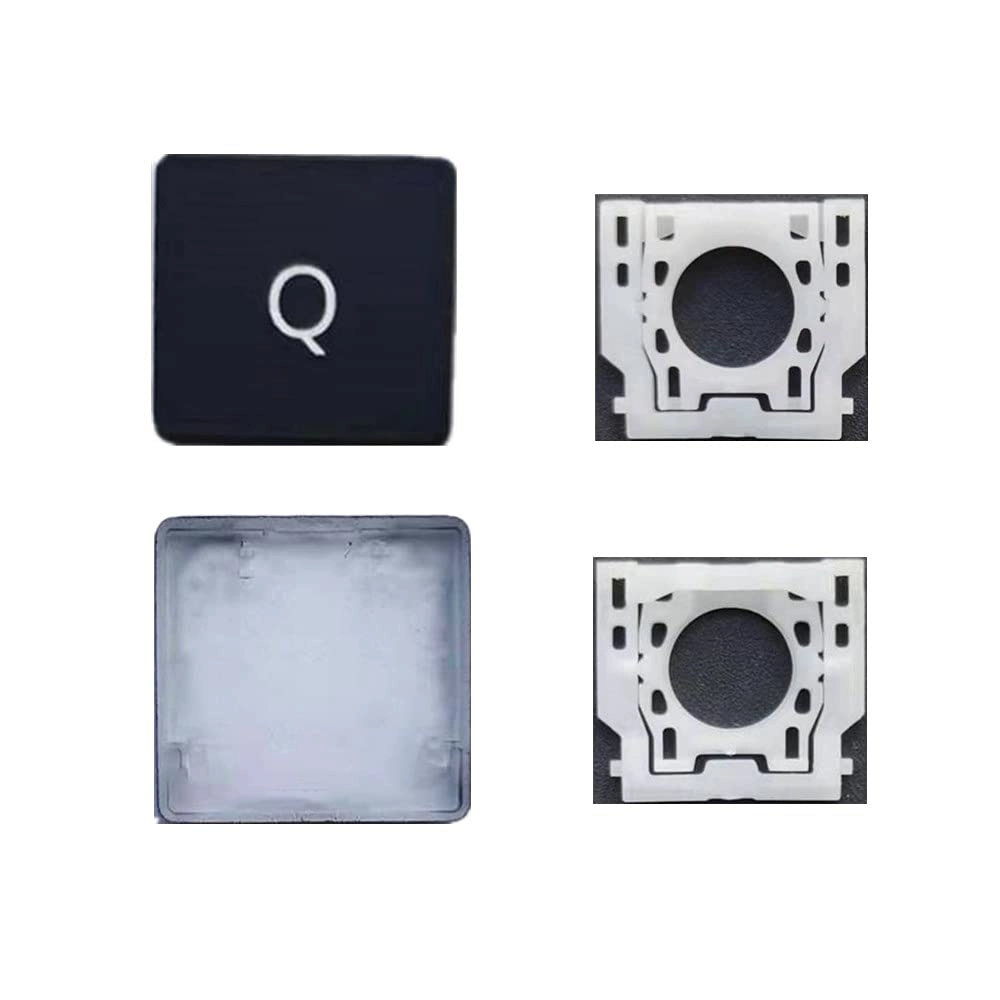
Applicable model: For MacBook Pro Retina A1989 A1990 2018-2019 Year & For MacBook Air A1932 2018-2019 Year
Installation tips:
1. When taking out the old spacebar cover, gently lift it from the upper left corner to the upper right corner (first release the top button), then take out the old spacebar cover;
2. If the white butterfly hinge is not damaged, when installing the space key cap, first aim at the buckle at the lower end of the key cap and then gently press the upper end.(Please do not press directly, it is easy to break the key cap or hinge);
3. If the white butterfly hinge is damaged, loosen the left (or right) clasp of the hinge first and then replace the new hinge
If you encounter difficulties, you can feel free to contact us in time, we have professional engineers to help you.
Pre-shipment test, 100% working well
Package includes:
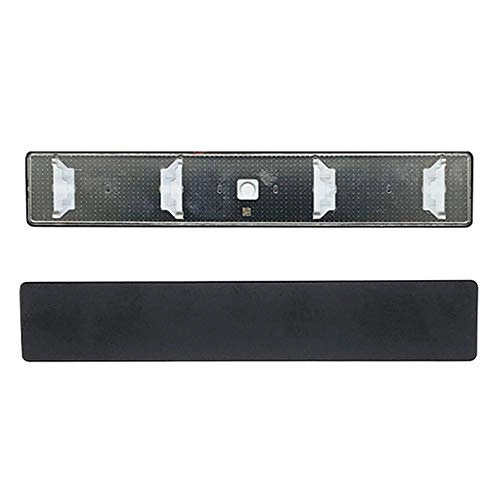
1 X spacebar key cap
Reviews
Loading...
Loading...
Loading...
Loading...
Loading...
Loading...
Loading...
Loading...
Loading...
Loading...
Loading...
Loading...
Loading...
Loading...
Loading...
Loading...
Loading...
Loading...
Loading...
Loading...
Loading...
Loading...
Loading...
Loading...
Loading...
Loading...
Loading...
Loading...
Loading...
Loading...
Loading...
Loading...
Loading...
Loading...
Loading...
Loading...
Loading...
Loading...
Loading...
Loading...
Loading...
Loading...
Loading...
Loading...
Loading...
Loading...
Loading...
Loading...
Loading...
Loading...
Loading...
Loading...
Loading...
Loading...
Loading...
Loading...
Loading...
Loading...
Loading...
Loading...
Loading...
Loading...
Loading...
Join our newsletter
Be the first to know about new arrivals, sales, and exclusive picks
Sign in to unlock newsletter access and stay in the loop