Allware
Loading...
  • News
  • Price drops
  • New arrivals
  • Featured categories
  1. AV & Photo
  2. Photo & Video Equipment
  3. Cameras & Camcorders
  4. Digital Cameras
45mu3fychs-11
45mu3fychs-11
45mu3fychs-11
45mu3fychs-11
45mu3fychs-11
45mu3fychs-11
45mu3fychs-11
45mu3fychs-11
45mu3fychs-11
45mu3fychs-11
45mu3fychs-11
45mu3fychs-11
45mu3fychs-11
45mu3fychs-11
45mu3fychs-11
45mu3fychs-11

XUMIUZIY 45mu3fychs-11

Best offer
AED
9870

Key Features

  • Product colour: White
  • Release date: 9/18/2025
  • Country of origin: China
  • Offers
  • Price History
  • Specifications
  • Product Details
  • Review IconReviews

Specifications

Features

Country of origin
China
Release date
September 18, 2025
Product colour
White

Product Details

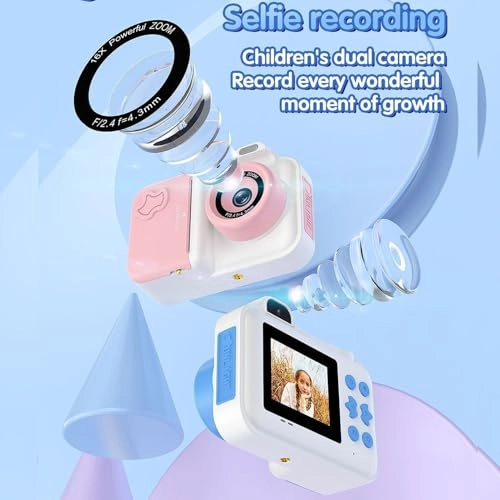
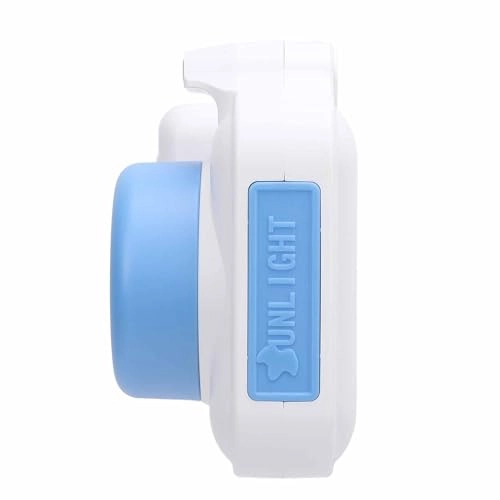
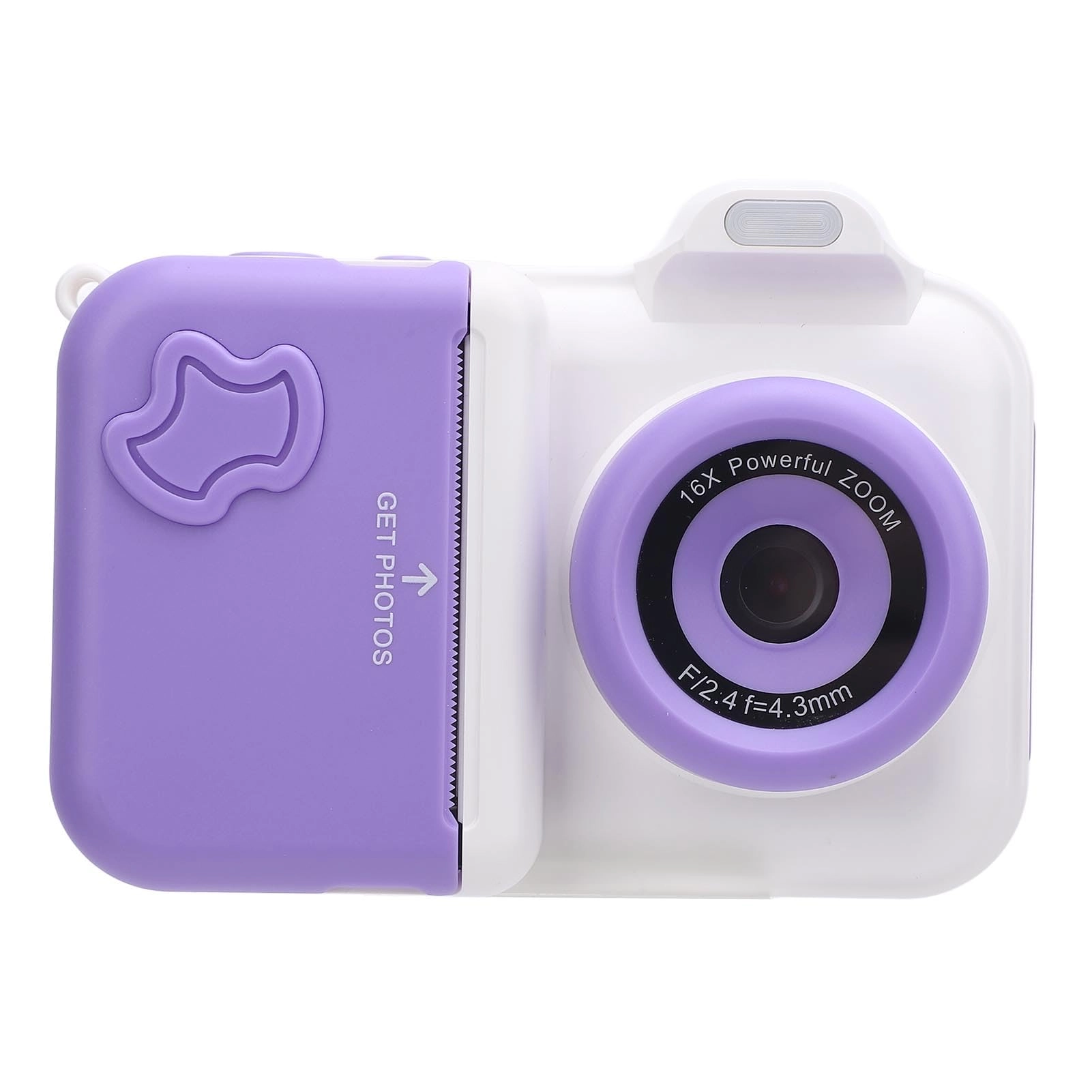
1. 2.4 Inch Display: It features a clear 2.4 inch display for easy photo viewing and manipulation. It allows for photo printing, providing the of seeing printed memories right away. 2. Integrated Flash: With a built in flash, this camera ensures your photos are vivid and distinct, even in low light settings. By providing ample lighting, it allows you to capture important moments without worrying about poor lighting conditions, offering flexibility in various environments. 3. Double Lens: It is equipped with both front and rear 1MP cameras, enabling regular photography and easy selfies. This double lens setup increases the camera's flexibility, letting users switch seamlessly between different photography modes. 4. 32GB Small Memory Card: Comes with a 32GB small memory card, offering ample storage to hold numerous photos and videos. It ensures you can capture a wealth of beautiful moments without running out of space. 5. Thermal Printing: The camera utilizes thermal printing technology, allowing for inkless photo printing on thermal paper. This method simplifies the printing process while being eco conscious. Specification: Item Type: Print Camera Material: ABS Weight: Approx. 535g / 18.9oz Storage Media: 32GB Small Memory Card, Ships with Small Memory Card (Installed) LCD Size: 2.4inch IPS HD Screen Pixel Range: Front and Rear Camera : 1MP Battery (Built in) : Li Battery 1300MAH Function: Photo Button and Interface Function Introduction: 1. Power button can be turned on off by long press; 2. Shutter Release Button 1) Confirm the key; 2) Tap this button to take photo or video in photo and video mode interface; Long press to switch front and rear lens; 3) Click to play and pause music in music interface; 4) Click to play and pause the video 3. Print Key 1) In the photo interface, click to open and close the print; (in the charging state, can not print) 2) In music interface, click to open and close the music list. 3) In video mode, tap to switch filters; 4) music interface click to switch to the next song 4. Click the Back Button to Return to the Previous Level. 5. Left Click 1) Selection key to left and up; 2) Under the photo interface, click to switch between continuous photography, timing, timing 5 Plus continuous taking, filter, effect, photo frame; long press to zoom ; 3) Under the video recording interface, short press to switch filters; 4) Music interface click to switch to the previous song. 6. Right Click 1) Right and down selection keys; 2) Under the photo interface, click to switch between continuous photography, timer, timer 5 Plus continuous photography, filter, effect, photo frame; long press to narrow the . 7. Album Key, Video or Photo Interface under the Main Interface, Click to Quickly Enter the Album Interface. 8. Menu Key 1) Under photo interface, click to open flash, fill light mode; 2) Under the video recording interface, click to open and close the fill light mode; 3) Under the Album and Music interface, tap to tap the Delete File function; 4) Under the main interface, tap to quickly enter the menu settings. 9. Charging Port 1) Interface type: Type C; 2) Used to connect to an external power source to charge the battery or provide working power; 3) Used to connect to a PC; when there is a memory card in the device, you can view files on a PC; when the device is not plugged in, the device is used as a PC camera. 10. Reset Button When the Machine has a Startup Screen, Abnormal Death, etc., a Poke with a Pin Hole Like Object will Force the Machine to Shut Down. 11. Print Outlet, Paper Cassette 1) Print photo thermal paper outlet; 2) Print paper placement. How to Use: Power Switch: Press and hold the Power Button for 2 seconds to turn the unit on or off. Package List: 1 x Print Camera (A Roll of Print Paper Installed) 4 Roll x Print Paper 1 x Charging Cable 1 x Lanyard 1 x Instruction Manual Note: When replacing the printing paper, do not use excessive force to avoid damaging the machine;

Reviews

Loading...
Loading...
Loading...
Loading...
Loading...
Loading...
Loading...
Loading...
Loading...
Loading...
Loading...
Loading...
Loading...
Loading...
Loading...
Loading...
Loading...
Loading...
Loading...
Loading...
Loading...
Loading...
Loading...
Loading...
Loading...
Loading...
Loading...
Loading...
Loading...
Loading...
Loading...
Loading...
Loading...
Loading...
Loading...
Loading...
Loading...
Loading...
Loading...
Loading...
Loading...
Loading...
Loading...
Loading...
Loading...
Loading...
Loading...
Loading...
Loading...
Loading...
Loading...
Loading...
Loading...
Loading...
Loading...
Loading...
Loading...
Loading...
Loading...
Loading...
Loading...
Loading...
Loading...

Join our newsletter

Be the first to know about new arrivals, sales, and exclusive picks

Sign in to unlock newsletter access and stay in the loop

Allware
info@allware.com
+971522500911
World technology awards winner badge

Allware

  • About Us
  • Terms And Conditions
  • Privacy Policy
  • Contact Us

Partners

  • Why become a partner?
  • How to list your Online Shop?

Newsletter

  • Subscribe

Info

  • How Allware works
All Rights Reserved.
Please enable location access or select an emirate
-
00:00:00
Prayer timings

Offers (2)

Amazon logo

2 offers

From
AED
98

XUMIUZIY Double Lens Print Camera, Portable Print Camera 1300MAH for Life Recording (Blue and White)

White
AED
9870

Price History

Price History Skeleton
Price History Shimmer Effect
Loading price history...

Similar Products

See all
Porodo Kids Flip Digital Camera PD-LFST014-PK

Porodo Kids Flip Digital Camera PD-LFST014-PK

AED
9000
3 offers
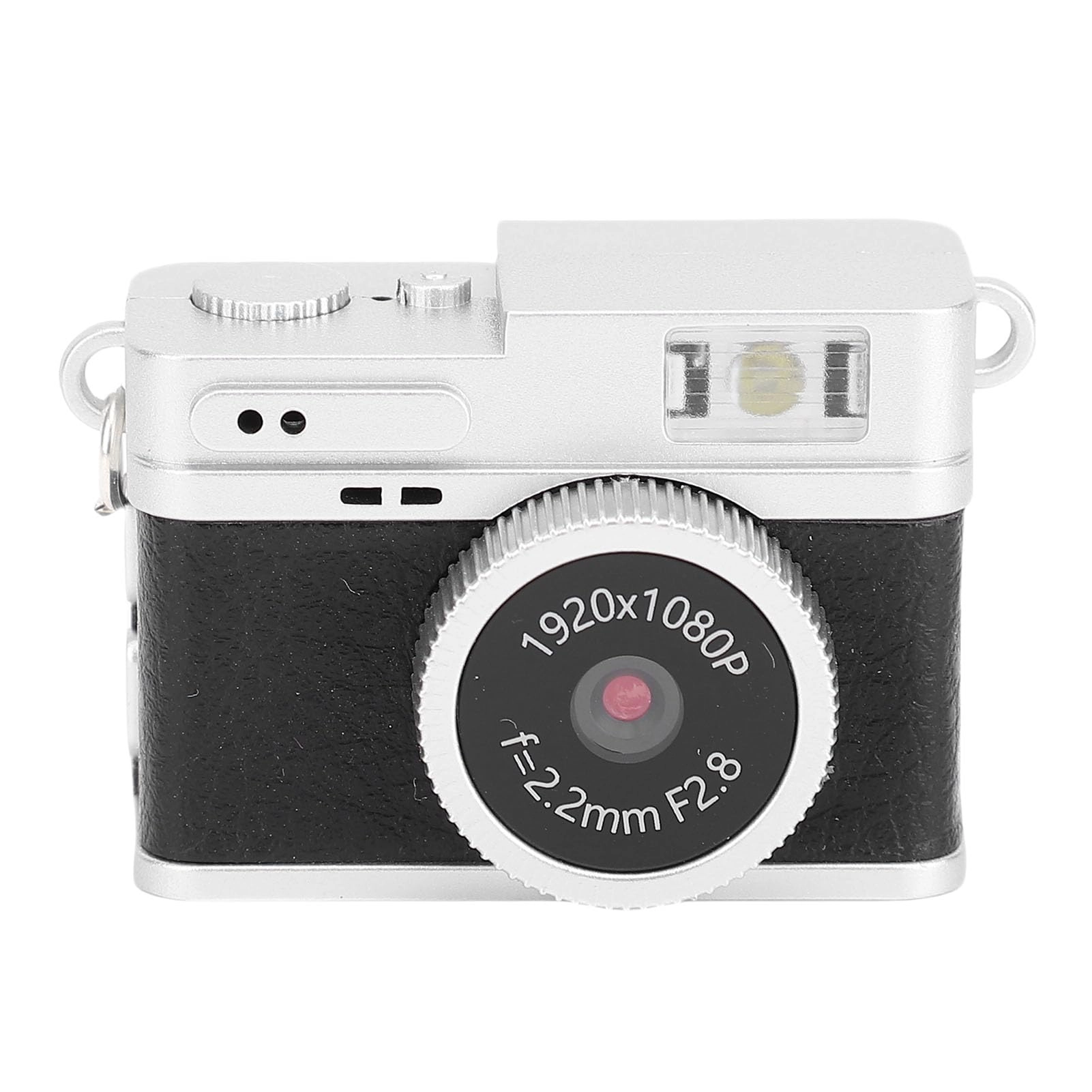
XUMIUZIY Mini Keychain Camera

XUMIUZIY Mini Keychain Camera

AED
7603
7 offers
Bewinner bw1z6pit3h-11

Bewinner bw1z6pit3h-11

AED
18660
6 offers
ASHATA ixw602mf31-11

ASHATA ixw602mf31-11

AED
10892
5 offers
Bewinner n21vws97hc-11

Bewinner n21vws97hc-11

AED
8615
5 offers
Denash f31k4sxtew-11

Denash f31k4sxtew-11

AED
17575
5 offers
Bewinner 52s0gx8bzc-11

Bewinner 52s0gx8bzc-11

AED
13238
5 offers
Fine Life Pro Kinderkamera

Fine Life Pro Kinderkamera

Unavailable
5 offers
YUEHISY0k6p5ihuy2-11

YUEHISY0k6p5ihuy2-11

AED
8608
4 offers
Jiawu soytx4g8we-11

Jiawu soytx4g8we-11

AED
32453
4 offers

More from XUMIUZIY

See all
XUMIUZIY 5G WiFi 6 Mobile Hotspot - 2.77Gbps WiFi 6

XUMIUZIY 5G WiFi 6 Mobile Hotspot - 2.77Gbps WiFi 6

AED
28825
1 offer
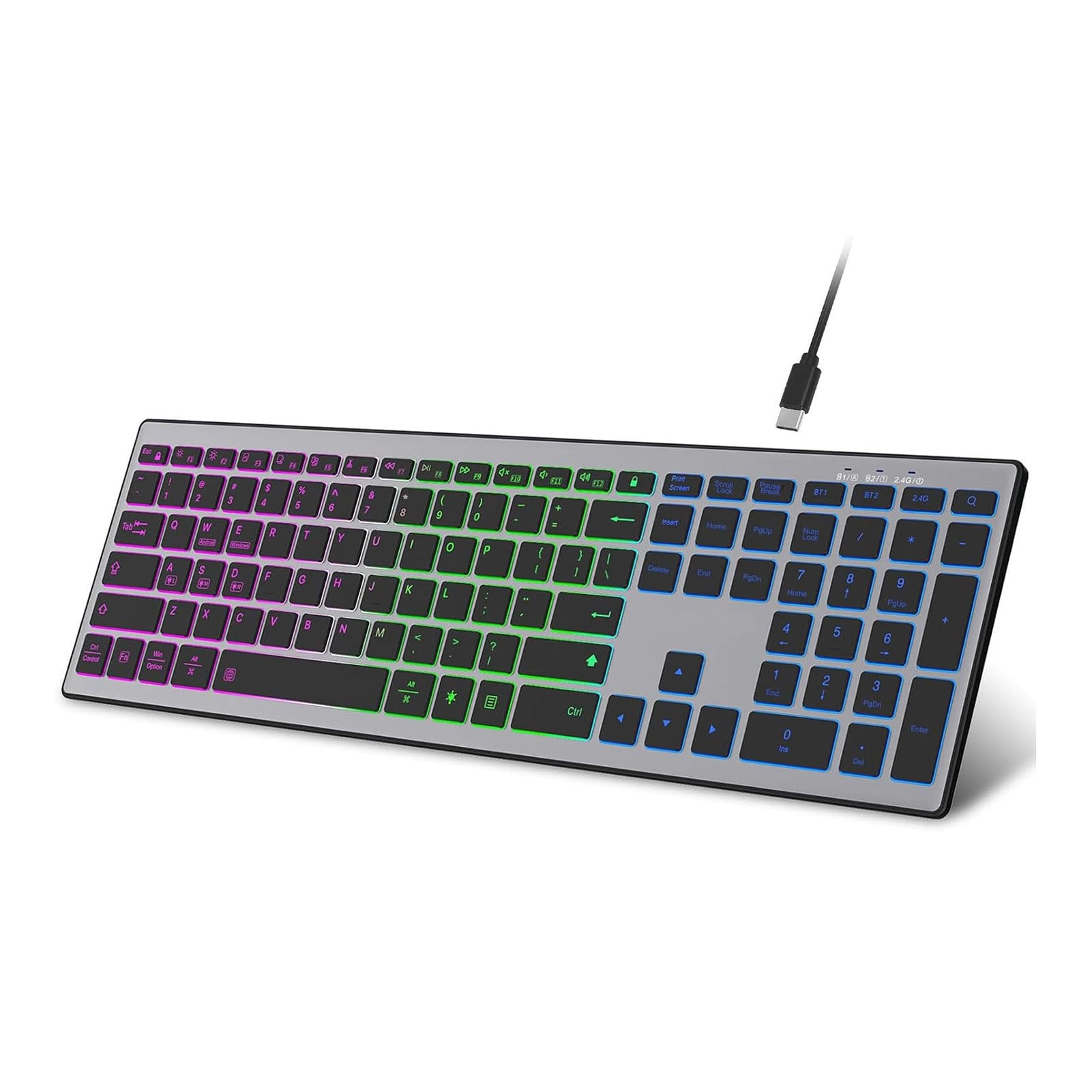
XUMIUZIY Ultra Slim Language Keyboard - AR/EN Wired

XUMIUZIY Ultra Slim Language Keyboard - AR/EN Wired

AED
4163
3 offers
XUMIUZIY Type 10

XUMIUZIY Type 10

AED
7320
1 offer
XUMIUZIY 12V 170° Backup Camera - Night vision 510(H) * 492(V) pixels

XUMIUZIY 12V 170° Backup Camera - Night vision 510(H) * 492(V) pixels

AED
2739
1 offer
XUMIUZIY tshr1aogb6-12

XUMIUZIY tshr1aogb6-12

AED
2852
1 offer
XUMIUZIY Portable Monitor - 15 Inches

XUMIUZIY Portable Monitor - 15 Inches

Unavailable
1 offer
XUMIUZIYow2giza9h4 USB Microphone

XUMIUZIYow2giza9h4 USB Microphone

AED
2142
18 offers
XUMIUZIY xgkmaizu2c-11 - DE Wired

XUMIUZIY xgkmaizu2c-11 - DE Wired

AED
8719
1 offer
XUMIUZIYu2i1hgq48o USB+3.5mm-Mini-Jack Microphone

XUMIUZIYu2i1hgq48o USB+3.5mm-Mini-Jack Microphone

AED
9445
3 offers
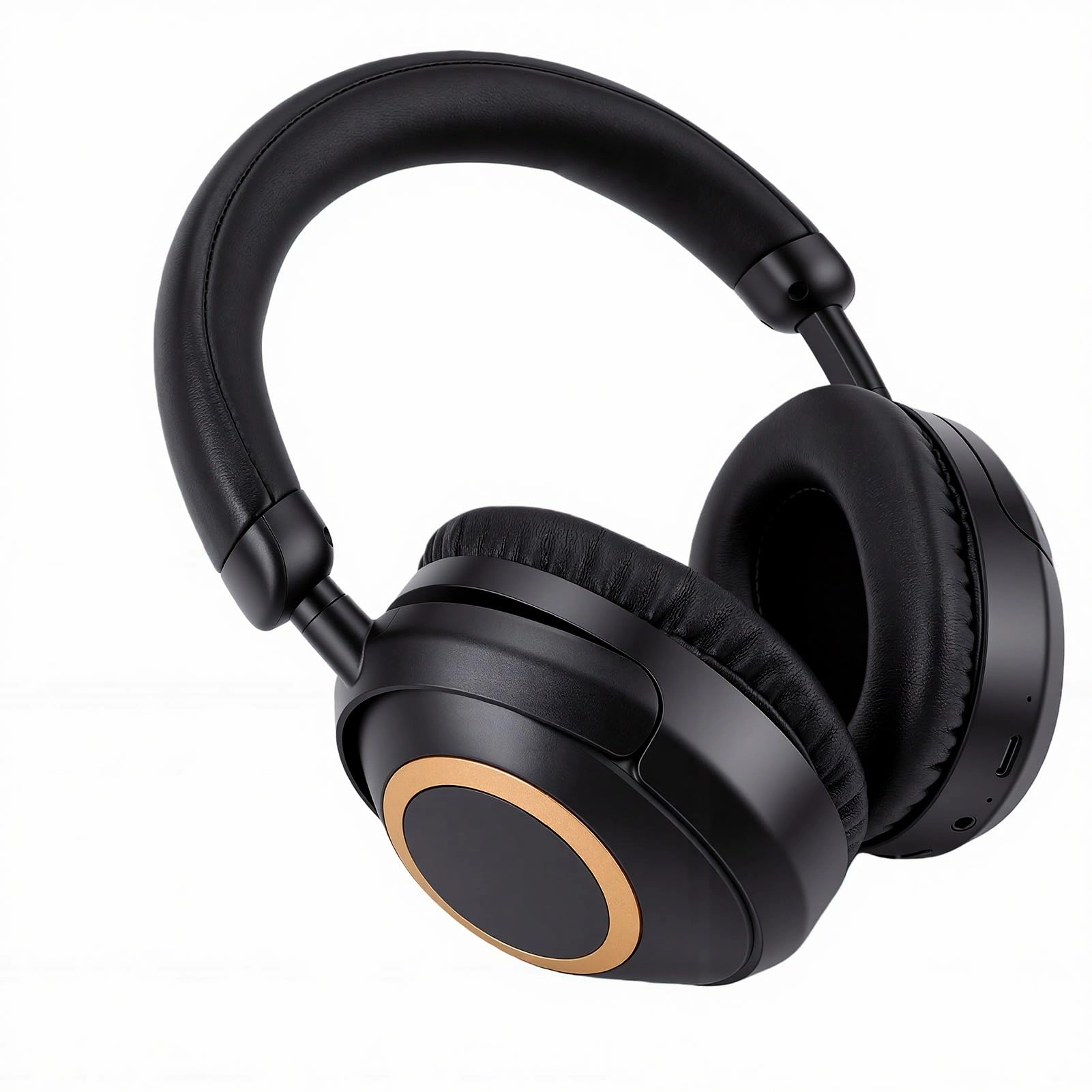
XUMIUZIY EK-MH7 Wireless Headset

XUMIUZIY EK-MH7 Wireless Headset

AED
4279
2 offers
Loading...
Loading...
Loading...
Loading...
Loading...
Loading...
Loading...
Loading...
Loading...
Loading...
Loading...
Loading...
Loading...
Loading...
Loading...
Loading...
Loading...
Loading...
Loading...
Loading...
Loading...
Loading...
Loading...
Loading...
Loading...
Loading...
Loading...
Loading...
Loading...
Loading...
Loading...
Loading...
Loading...
Loading...
Loading...
Loading...
Loading...
Loading...
Loading...
Loading...
Loading...
Loading...
Loading...
Loading...
Loading...