desertcart.com: XREAL 1S AR/XR Glasses, 500" Virtual Screen Smart
Glasses with 52° FOV, Native 3DoF, REAL 3D, Powered by X1 Chip,
Supports All USB-C DP Devices Including iPhone 17/16 and
Handhelds, like ROG/SteamDeck : Electronics
Review: Initial review. - This is just an early review as I just
received them. Pros: Feel Solid, and no creaking that I noticed.
Video quality. Better than expected as reviews had this as
average but, IMO, it looks great. The 3D works great. Plugging
into Samsung Galaxy Tab and Phone prompted to switch to DeX, so
no need for me to do manually. Gets bright. I know it doesn't get
as bright as others, but haven't had to go above 75% yet. Biggest
one...No need for extra software to get functionality. Neutral:
The programable shortcuts. Work with caveats. Hard plug vs
magnetic - I like this type of connection, but understand if
others prefer magnetic. Cons: The shortcuts. Some items I
programmed to the shortcuts don't work correctly. Might work
once, and then the next time you will choose and it will not do
its action and disconnect needing an unplug and plug back in.
Transparency programmed there also did not work for me but quick
to access anyway. Also, some items you might like to add to
shortcuts are not an option. Quicker options for screen size
would be nice unless I am just missing it. Xreal Neo not
available yet. Can't preorder any longer for the cheaper price.
It was very easy to setup and get working. Updated firmware from
Mac and then connected to 3 devices. Phone, Tablet, and Switch 2
(did not work, but was expected). I will change my review if I
have issues, but very pleased so far with my purchase. Waiting
for my next trip to enjoy these on the plane. Hoping to avoid
neck pain from looking down at my screen.
Review: SUPERB AR EXPERIENCE - I've been using the 1S with my
Switch 2 and so far it's been great 90% of the time. To get the
Switch 2 to work you need an additional dock accessory, and from
Xreal their solution is the Neo. I am however using Viture's Pro
Mobile Dock and so far they both mostly work great together
despite not being the same brand. Sometimes I'll need to unplug
and replug the cable from the Switch 2 to the Pro Mobile Dock for
the glasses to detect a signal. I'm not sure if the issue is the
glasses, the Switch 2, or the dock. I'm thinking it's probably a
bit of the each, but the experience has been exceptional and
smooth so I'm not complaining, well... at least not that much
anyway! If you're wondering, I opted for Viture's Pro Mobile Dock
because to me it just seems like the better product. I also
looked at RayNeo's dock, but ultimately chose Viture's because of
the ability to support two glasses output and 1 HDMI input.
There's also an accessory that can connect the dock to the Switch
2, but I just leave it off because it'll mean I have to remove
the Switch 2 protective case. Back to the glasses itself, the
image is clean! I also have the RayNeo Air 3S and I can say with
confidence that this Xreal 1S is significantly better. The real
question is, at the time of this writing, is the Xreal 1S worth
$250 more than the RayNeo Air 3S? I say yes and it depends. The
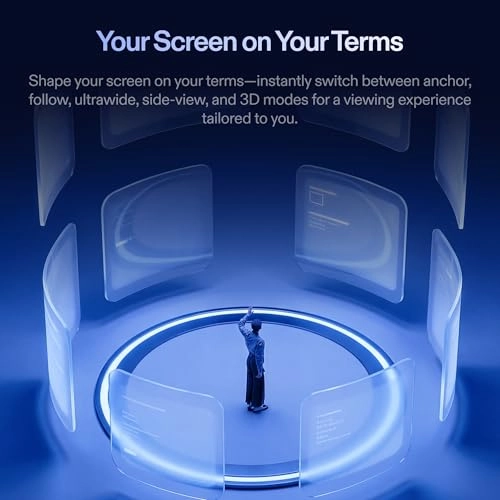
1S has a ton more options to change the image settings. You can
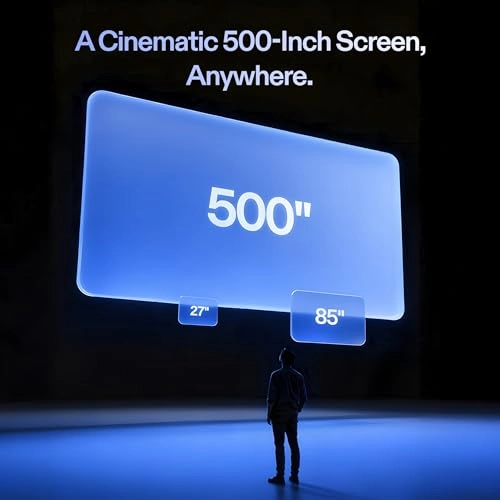
change the screen size, set the screen distance, set whether the
screen is a widescreen, anchored or stationary, and of course the
not-a-gimmick Real3D processing. All those features I've just
mentioned are non-existent on a more entry level model like the
Air 3S. The Air 3S has the essentials to a good AR experience, a
clean screen that's smooth. If you are wanting more features and
adjustments to your AR experience then it maybe worth the upgrade
to the medium-high glasses like this Xreal 1S. And even though
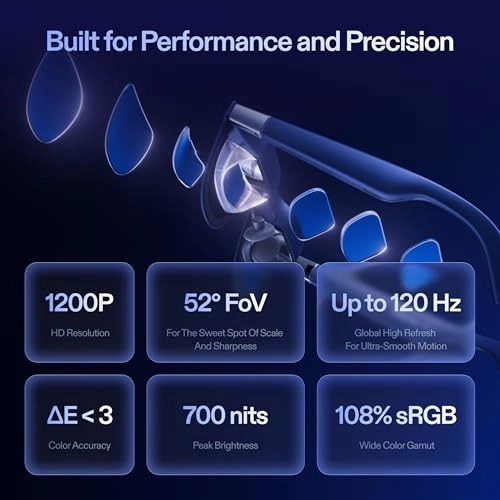
it's not much on paper, the 1080p to 1200p is quite significant.
Compared to my RayNeo Air 3S, this Xreal 1S is clearer and has
better color reproduction. And because the FOV is also wider, the
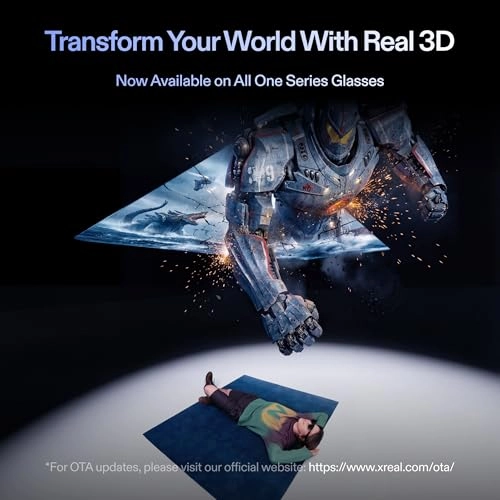
viewing experience feels more immersive. To me, the Real3D is a
game changer. I've always been into the whole 3D experience, but
like most people would agree it's always been finicky at best.
But holy smokes I can't believe how well this feature works, it's
like magic! Any content of your choice, just turn on the 3D
feature, and BOOM! The 3D experience that you've had in the past
now in your face through these glasses. The image isn't perfect
and does has some artifacts, but overall it's very good! When 3D
is enabled, the graphical fidelity takes a bit and becomes a bit
less clear more fuzzy, but for the 3D feature asa tradeoff, I can
accept it. Imagine your playing on your Switch 2, then with 3D
enabled, now the graphics looks like your handheld 3DS. Lol 😅
well maybe not that bad, but it's not too far off? I also have
been trying ultra-wide mode, which in the AR world takes a bit to
get used to, but after about an hour I caught on and was able to
be productive in my job. I've used it for a full work day so far
and can imagine myself using this full time moving forward. I
didn't experience any eye fatigue, the sound from conference
calls were clear, and clients on the other line didn't have any
complaints about the built-in microphone either! To me that's
super convenient, an oversized virtual monitor, excellent sound
ouptut, and acceptable microphone input all into one device that
fits into my pocket and face? Whoa this 1S is amazing! I'd argue
the 1S and it's competition of AR glasses are starting to be as
big of a disruption in the computing and tech industry like the
introduction of smart phones back in the late 2000s. It's
exciting and refreshing to see something that I'm interested in
while also being genuinely useful in work and fun in gaming! The
1S however is not perfect. Like other reviews I've read from this
and other manufacturer models (Viture Luma for example) the
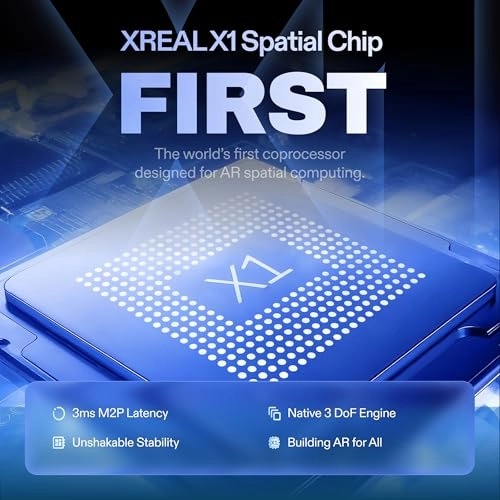
anchor mode is good, but would occasionally drift. It's not a
deal breaker, but more of a minor annoyance. Thankfully there's a
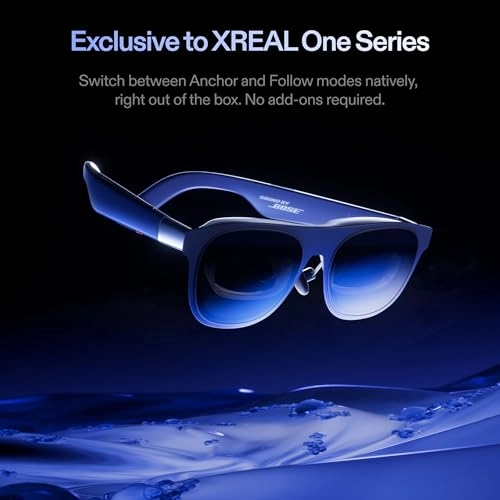
way to reposition, press and hold the main button then the screen
will center to where you're looking at. I'm not sure but I
imagine if you purchase the 6DOF upgrade, then maybe the drift
issue will be less likely to happen or eliminated altogether. In
addition, a minor annoyance that I'm noticing is that I
frequently have to go to the options and always change the
settings back to the way that I like it. Apparently there's no
way to save your settings so that the next time the glasses
device wakes it'll start with the same settings where you last
left it, but nope each time you boot the glasses it'll start with
the default loadouts. I hope they'll eventually come out with a
firmware update that'll at least allow users to create profiles
of settings so I won't have to keep on going through the settings
each time I use it. UPDATE: I learned that there's a "Quick"
button on the frame (single button on top-right arm) that you can
assign it different functions. There's 1 tap, 2 tap, and long
press. For each, you can assign something different for it to
toggle of which I opted for widescreen, REAL3D, and change sound
mode. It's been a lot more convenient versus having to navigate
the menu each time, but its still less than perfect and I would
still like for Xreal to allow us to save settings and not reset
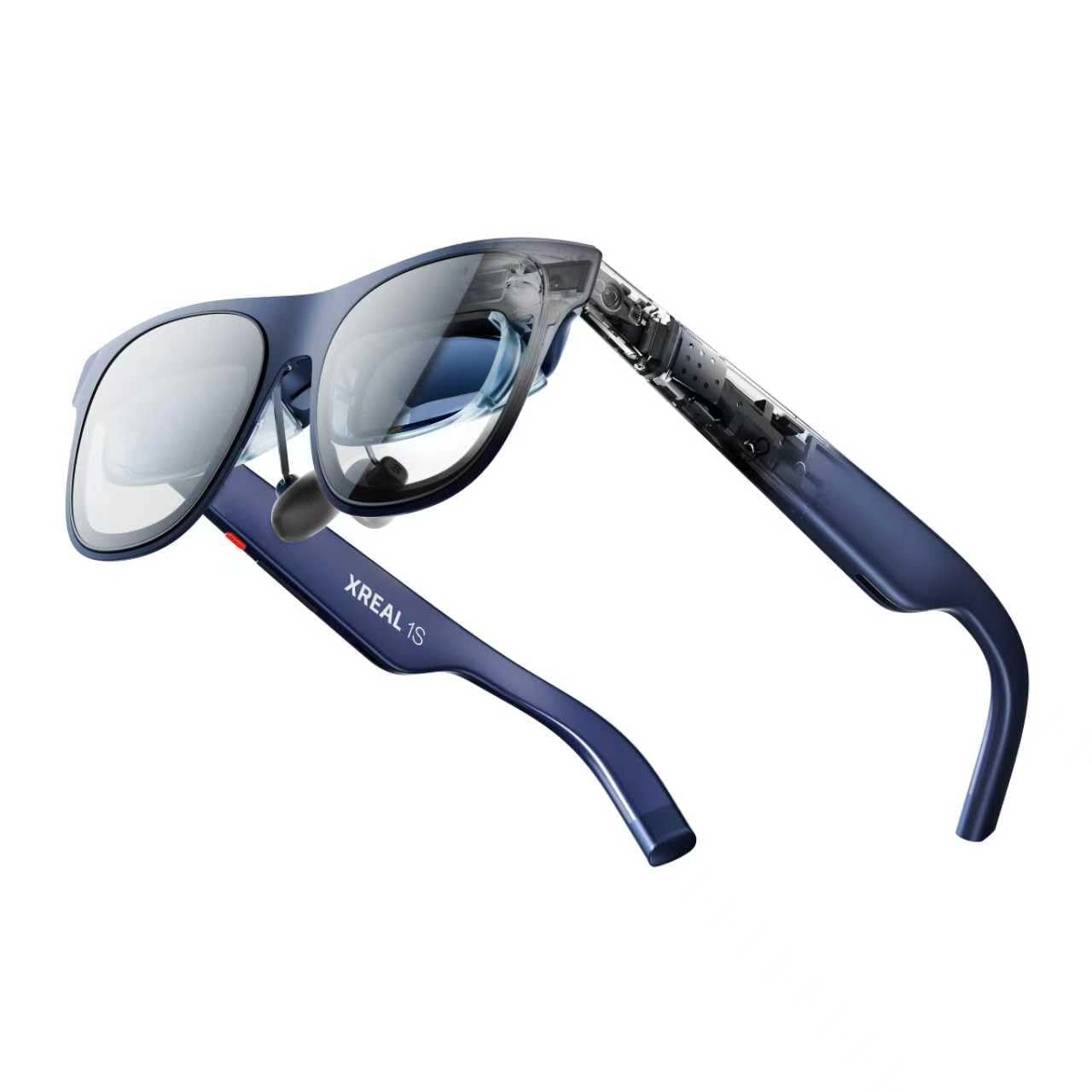
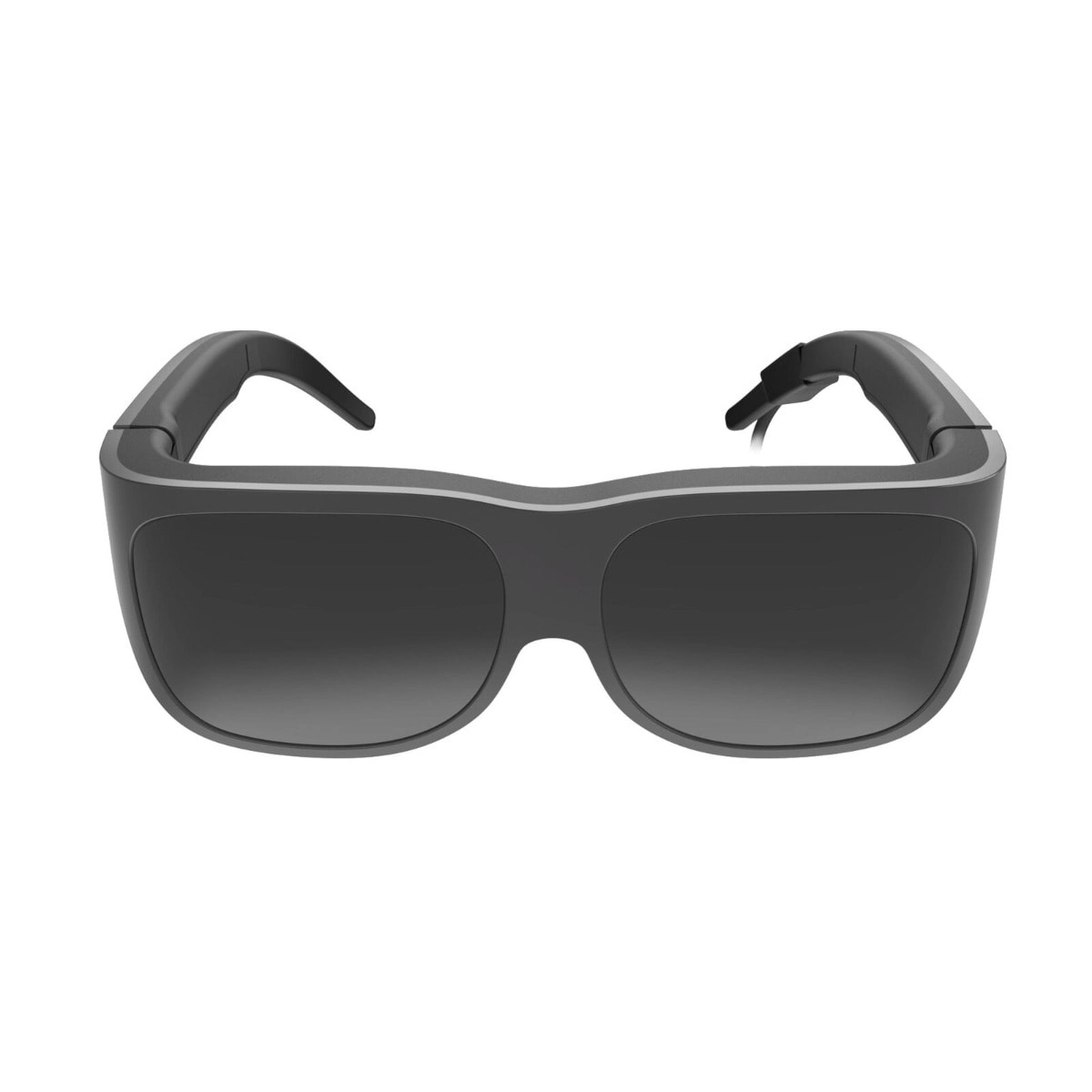
it every time. Overall, these glasses are SUPER nice. The frame
are metal and the general feels of the device feels feels very
durable and high quality. The cobolt blue blue looks terrific,
the buttons are responsive and the UI is pretty straightforward
to navigate through the settings. There are still some minor
drawbacks with the anchor drifts and settings not being saved,
but I'm hopeful those issues can be resolved in a couple of
patches. If you're considering AR glasses, these are an
investment worth considering that won't disappoint, highly
recommended!