How to Pair a Bluetooth Devic:
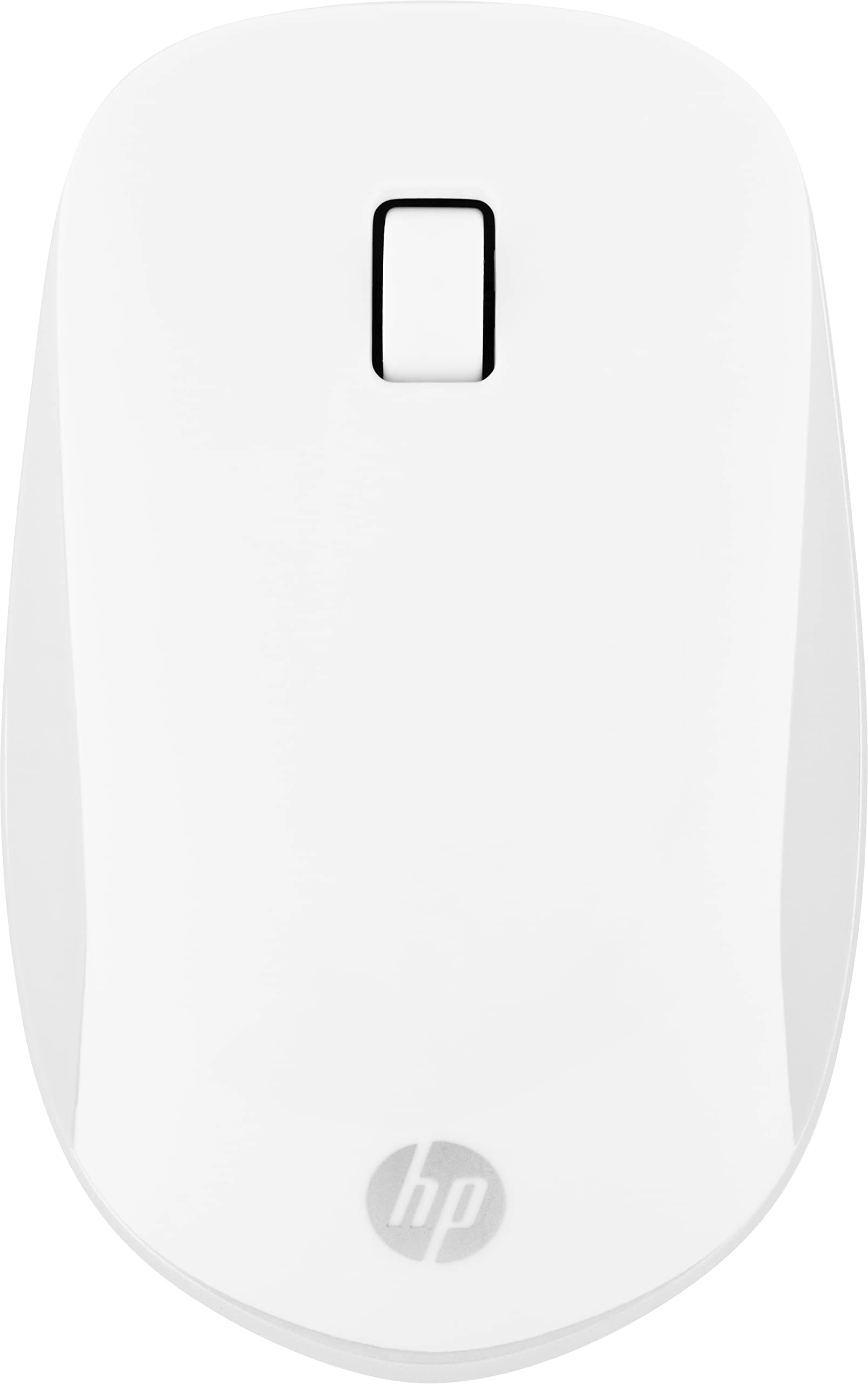
1. Put into the battery and make sure your MS272 mouse is turned on
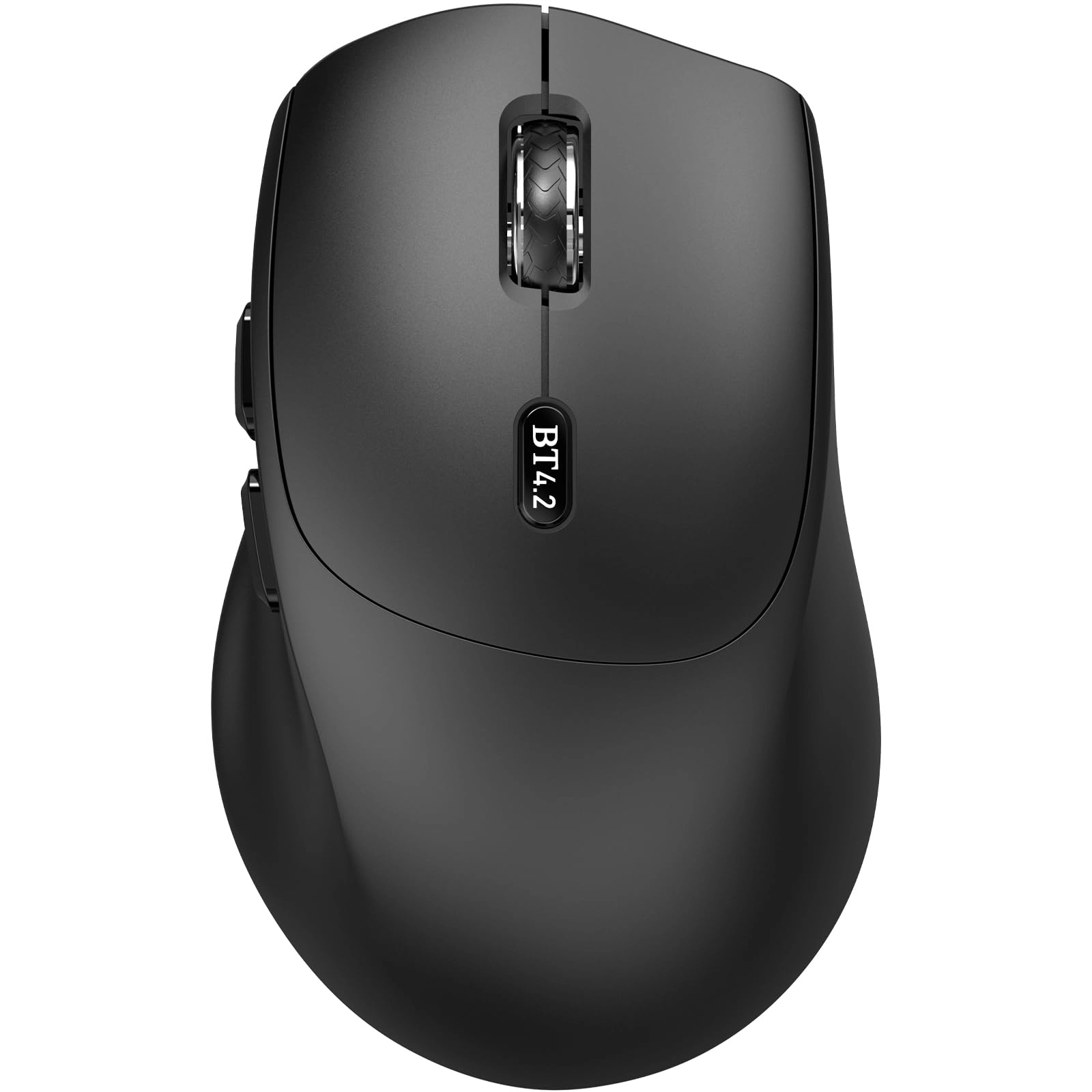
2. Press and hold the BT4.2 Bluetooth pairing button for 3 seconds (the LED will start to blink fast)
3. Open bluetooth settings or bluetooth device manager on your device and pair with "MS272 Mouse".
Note: If there are connection issues or if you need to re pair mouse, first delete the Bluetooth 'MS272 Mouse' and then re pair it
MS272 Bluetooth Mouse Parameters:
- Size: 112 x 69 x 42 mm
- Weight: 64g
- DPI: 1600
- Connection Style: Bluetooth 4.2
- Transmission Distance: ≤ 10m
- Power Supply: 1*AA battery (not included)
- Working current: ≤ 4.8mA
- Auto sleep mode: After the mouse rests for 3 seconds, it enters the first level sleep mode(current:0.14mA), and after 30 minutes of rest, it enters the second level sleep mode(current:43μA)
- Wake up Method: Moving or pressing any button
- Low Battery Alarm: Red indicator light on the scroll wheel flashing.
Requirements:
Your device has to support Bluetooth function
– Windows 8 or later
– Mac OS X 10.10 or later
– Android 5.0 or later
What's in box:
–Wireless Mouse
–User Manual
Excellent Customer Service:
The MS272 bluetooth mouse comes with a 12-month warranty. Any questions about products or services, you can leave us a message from the "contact seller" of your Amazon order, and we will reply you within 24 hours.
Requirement