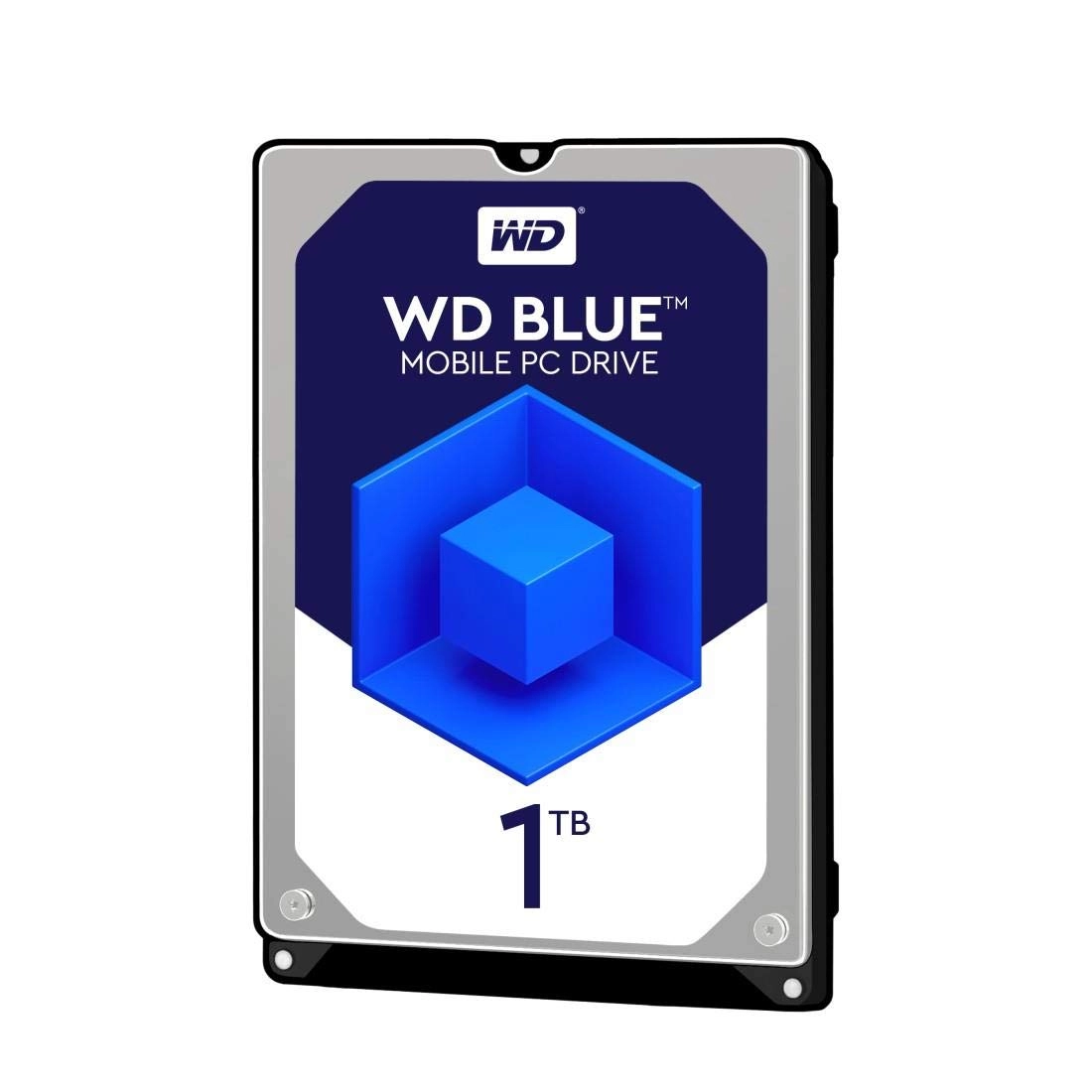
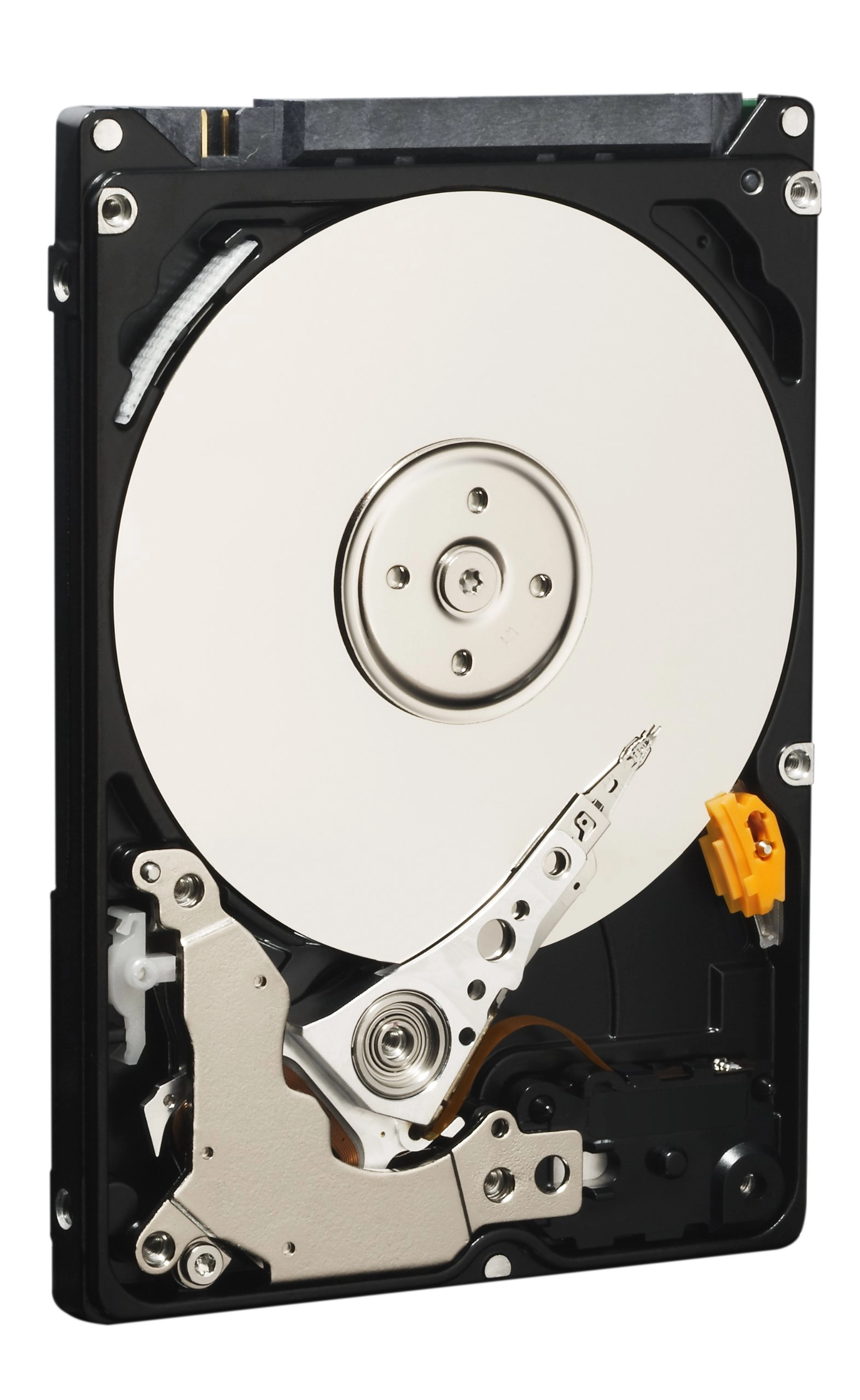
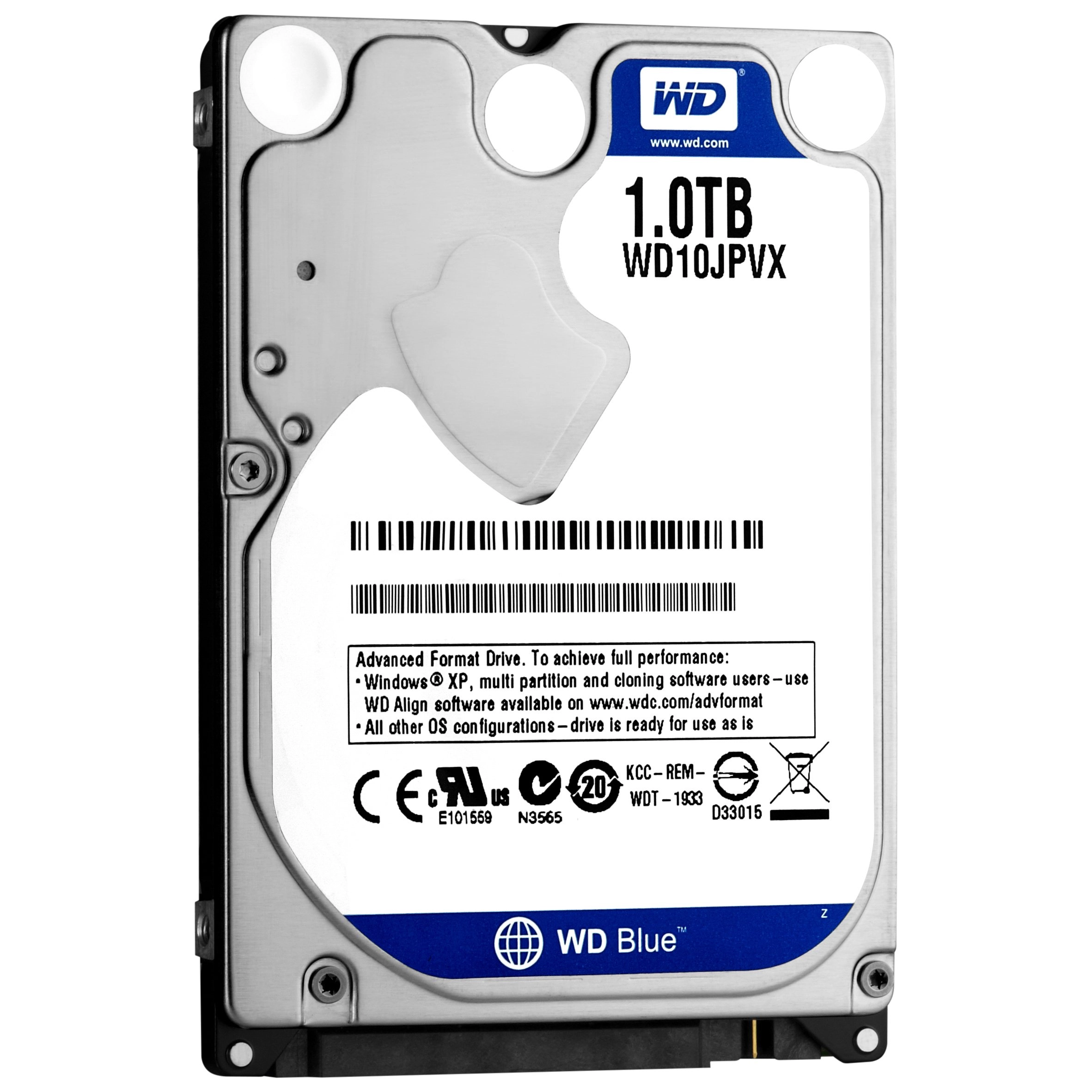
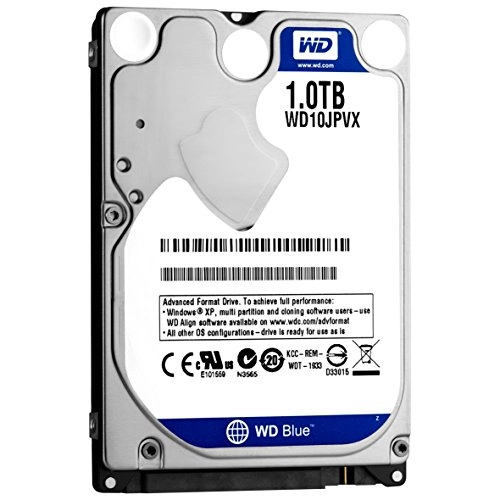
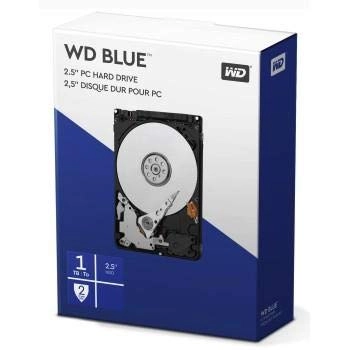
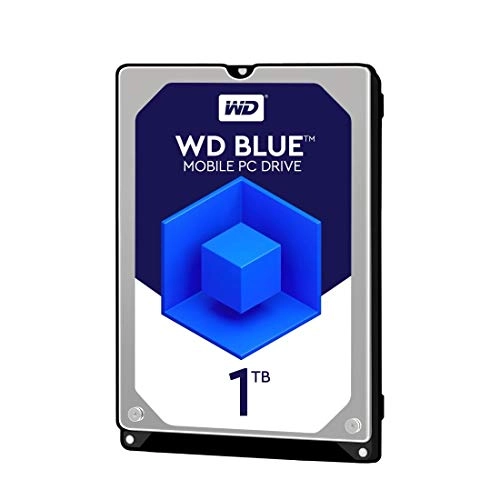
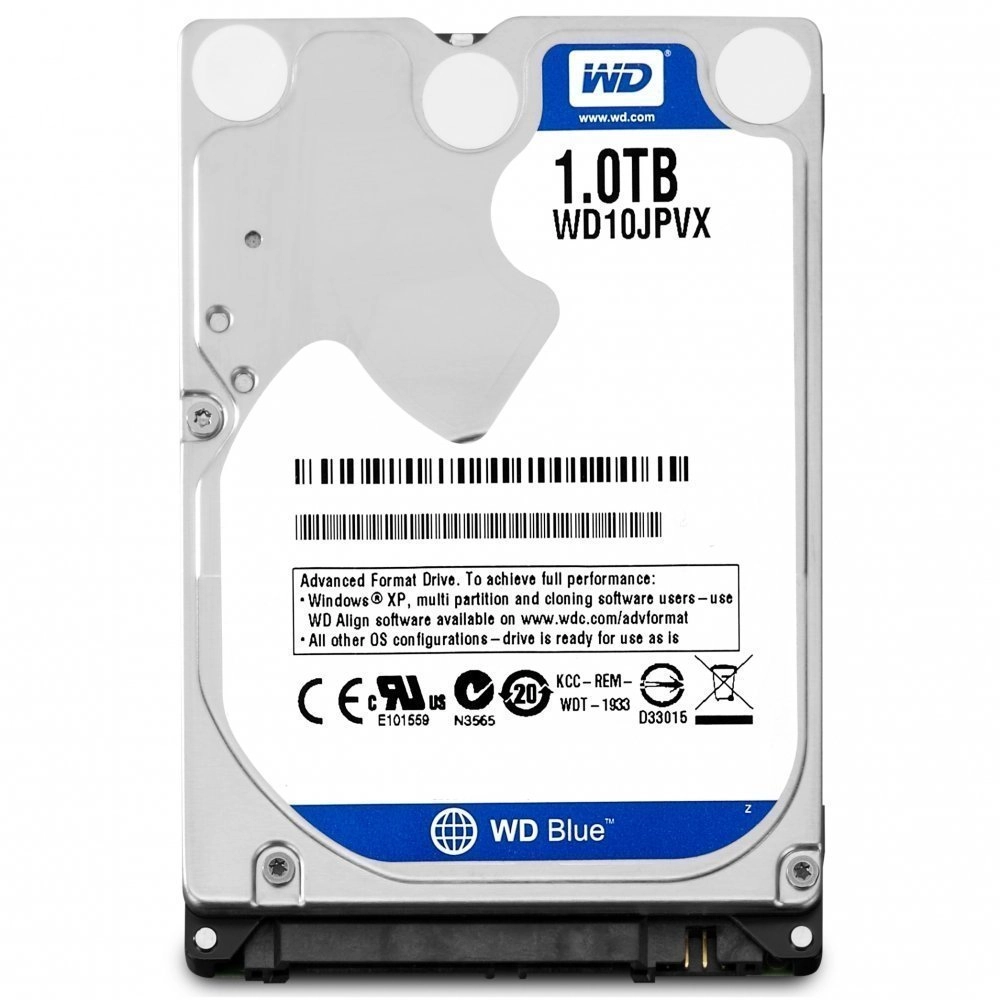
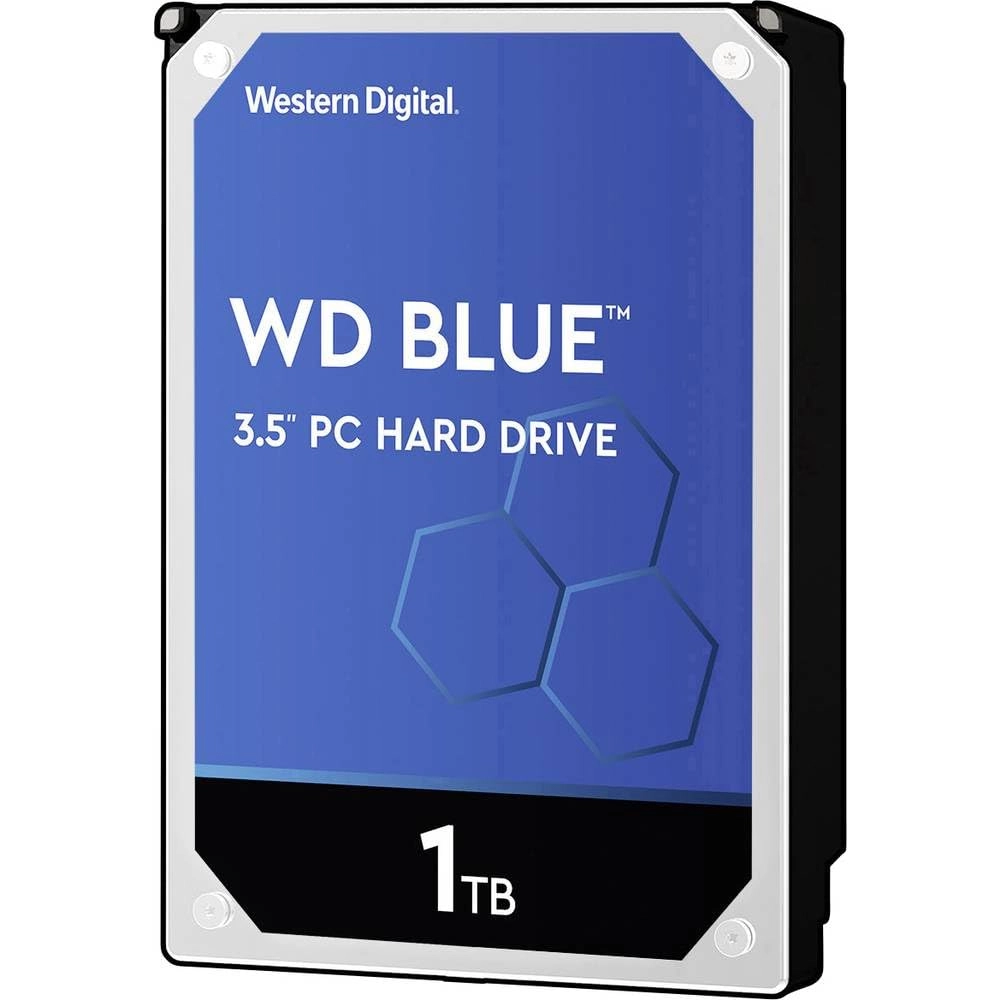
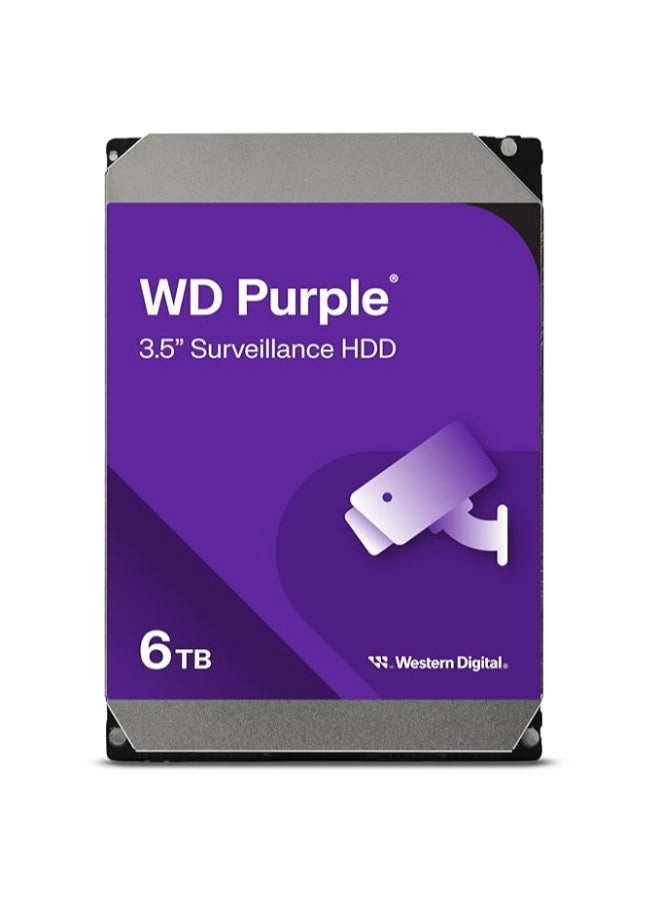
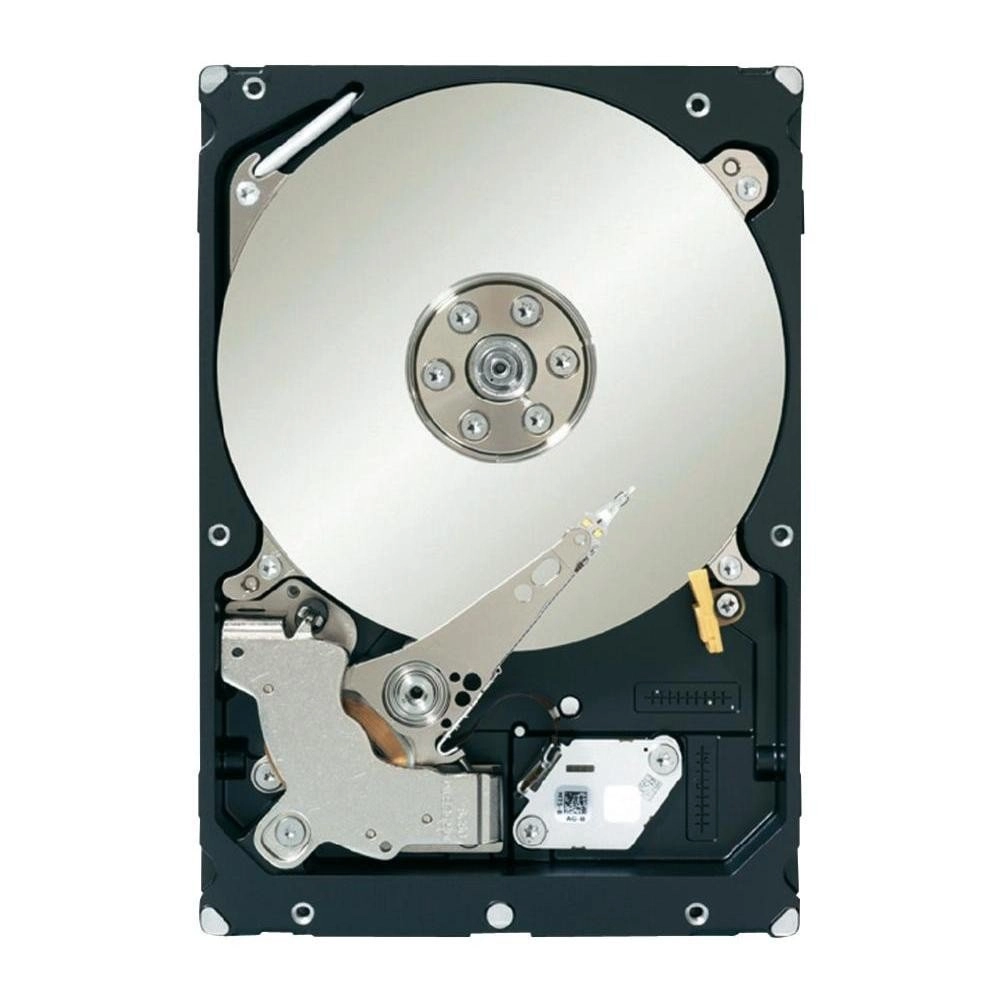
WD Laptop Mainstream Hard Drives – Solid performance and reliability for mobile computing.
WD Laptop mainstream hard drives deliver solid performance and reliability while providing you with all the space you need to hold your photos, music, videos and files. These drives are designed for use as primary drives in notebooks. With a range of capacities and cache sizes, there's sure to be a WD Laptop hard drive that's right for you.
Solid reliability.
WD Laptop mainstream hard drives are designed and manufactured with WD's award-winning technology. They provide solid performance and reliability for mobile computing.
Low power consumption.
State-of-the-art seeking algorithms and advanced power management features ensure low power consumption and long battery life.
d for compatibility.
We perform tests on hundreds of systems and a multitude of platforms in our FIT Lab so rest assured that our drives will work in your laptop.
Upgrading your drive is easy.
Seamlessly migrate your current system to your new WD drive using Acronis True Image WD Edition, available as a free download on the WD Support site. This software enables you to copy all your data to a new drive so you don't have to reinstall your operating system to get all the benefits of a new drive.
NoTouch Ramp Load technology.
The recording head never touches the disk media, ensuring significantly less wear to the recording head and media as well as better drive protection in transit.
WD quality.
Built to the highest standards of quality and reliability, these drives offer the features and capacity ideal for your everyday mobile computing needs.
The WD advantage.
We put our products through extensive Functional Integrity Testing (F.I.T.) prior to any product launch. On average, each new product goes through 600,000 hours of testing. WD also has a detailed Knowledge Base with more than 1,000 helpful articles. You can also call toll-free support 7 days per week in the U.S. and Canada. See the WD Support site for full details.
Recommended use.
WD Laptop hard drives are d and recommended for use in today's laptop computers for home and office use.*
*Business critical RAID environments – Please consider WD Network Hard Drives for all multi-bay consumer NAS environments with 1-5 bay chassis. For business critical RAID applications, please consider WD's enterprise hard drives that are specifically designed with RAID-specific, time-limited error recovery (TLER), are d extensively in 24x7 RAID applications, and include features like enhanced RAFF technology and thermal extended burn-in testing. WD Desktop Mainstream hard drives are not recommended for and are not warranted for use in RAID environments utilizing Enterprise HBAs and/or expanders and in multi-bay chassis, as they are not designed for, nor d in, these specific types of RAID applications.
Ideal for
- Everyday mobile computing
- Upgrading your laptop storage
- Office and web computing
- Replicating your old drive to the new drive when you upgrade
What's in the box
SATA hard drive
Compatibility
Windows 8, Windows 7, Windows Vista, Windows XP
Mac OS X Mountain Lion, Lion or Snow Leopard
Features at a glance
- Solid performance and reliability
- Free Acronis True Image WD Edition cloning software
- Low power consumption with cool and quiet operation
- High capacity up to 1 TB