Allware
Loading...
  • News
  • Price drops
  • New arrivals
  • Featured categories
  1. Computers & Peripherals
  2. Data Input Devices
  3. Mice
UXM030 - Bluetooth
UXM030 - Bluetooth
UXM030 - Bluetooth
UXM030 - Bluetooth
UXM030 - Bluetooth
UXM030 - Bluetooth
UXM030 - Bluetooth
UXM030 - Bluetooth
UXM030 - Bluetooth
UXM030 - Bluetooth
UXM030 - Bluetooth
UXM030 - Bluetooth
UXM030 - Bluetooth
UXM030 - Bluetooth
UXM030 - Bluetooth
UXM030 - Bluetooth
UXM030 - Bluetooth
UXM030 - Bluetooth
UXM030 - Bluetooth
UXM030 - Bluetooth
UXM030 - Bluetooth
UXM030 - Bluetooth
UXM030 - Bluetooth
UXM030 - Bluetooth
UXM030 - Bluetooth
UXM030 - Bluetooth
UXM030 - Bluetooth
UXM030 - Bluetooth
UXM030 - Bluetooth
UXM030 - Bluetooth
UXM030 - Bluetooth
UXM030 - Bluetooth
UXM030 - Bluetooth
UXM030 - Bluetooth
UXM030 - Bluetooth
UXM030 - Bluetooth
UXM030 - Bluetooth
UXM030 - Bluetooth
UXM030 - Bluetooth
UXM030 - Bluetooth
UXM030 - Bluetooth
UXM030 - Bluetooth
UXM030 - Bluetooth
UXM030 - Bluetooth
UXM030 - Bluetooth
UXM030 - Bluetooth
UXM030 - Bluetooth
UXM030 - Bluetooth
UXM030 - Bluetooth
UXM030 - Bluetooth
UXM030 - Bluetooth
UXM030 - Bluetooth
UXM030 - Bluetooth
UXM030 - Bluetooth
UXM030 - Bluetooth
UXM030 - Bluetooth
UXM030 - Bluetooth
UXM030 - Bluetooth
UXM030 - Bluetooth
UXM030 - Bluetooth
UXM030 - Bluetooth
UXM030 - Bluetooth
UXM030 - Bluetooth
UXM030 - Bluetooth
UXM030 - Bluetooth
UXM030 - Bluetooth
UXM030 - Bluetooth
UXM030 - Bluetooth
UXM030 - Bluetooth
UXM030 - Bluetooth
UXM030 - Bluetooth
UXM030 - Bluetooth
UXM030 - Bluetooth
UXM030 - Bluetooth
UXM030 - Bluetooth
UXM030 - Bluetooth
UXM030 - Bluetooth
UXM030 - Bluetooth
UXM030 - Bluetooth
UXM030 - Bluetooth
UXM030 - Bluetooth
UXM030 - Bluetooth
UXM030 - Bluetooth
UXM030 - Bluetooth
UXM030 - Bluetooth
UXM030 - Bluetooth
UXM030 - Bluetooth
UXM030 - Bluetooth
UXM030 - Bluetooth
UXM030 - Bluetooth
UXM030 - Bluetooth
UXM030 - Bluetooth
UXM030 - Bluetooth
UXM030 - Bluetooth
UXM030 - Bluetooth
UXM030 - Bluetooth
UXM030 - Bluetooth
UXM030 - Bluetooth
UXM030 - Bluetooth
UXM030 - Bluetooth
UXM030 - Bluetooth
UXM030 - Bluetooth
UXM030 - Bluetooth
UXM030 - Bluetooth
UXM030 - Bluetooth
UXM030 - Bluetooth
UXM030 - Bluetooth
UXM030 - Bluetooth
UXM030 - Bluetooth
UXM030 - Bluetooth
UXM030 - Bluetooth
UXM030 - Bluetooth
UXM030 - Bluetooth
UXM030 - Bluetooth
UXM030 - Bluetooth
UXM030 - Bluetooth
UXM030 - Bluetooth
UXM030 - Bluetooth
UXM030 - Bluetooth
UXM030 - Bluetooth
UXM030 - Bluetooth
UXM030 - Bluetooth
UXM030 - Bluetooth
UXM030 - Bluetooth
UXM030 - Bluetooth
UXM030 - Bluetooth
UXM030 - Bluetooth
UXM030 - Bluetooth
UXM030 - Bluetooth
UXM030 - Bluetooth
UXM030 - Bluetooth
UXM030 - Bluetooth
UXM030 - Bluetooth
UXM030 - Bluetooth
UXM030 - Bluetooth
UXM030 - Bluetooth
UXM030 - Bluetooth
UXM030 - Bluetooth
UXM030 - Bluetooth
UXM030 - Bluetooth
UXM030 - Bluetooth
UXM030 - Bluetooth
UXM030 - Bluetooth
UXM030 - Bluetooth
UXM030 - Bluetooth
UXM030 - Bluetooth
UXM030 - Bluetooth
UXM030 - Bluetooth
UXM030 - Bluetooth
UXM030 - Bluetooth
UXM030 - Bluetooth
UXM030 - Bluetooth
UXM030 - Bluetooth
UXM030 - Bluetooth
UXM030 - Bluetooth
UXM030 - Bluetooth
UXM030 - Bluetooth
UXM030 - Bluetooth
UXM030 - Bluetooth
UXM030 - Bluetooth
UXM030 - Bluetooth
UXM030 - Bluetooth
UXM030 - Bluetooth
UXM030 - Bluetooth
UXM030 - Bluetooth
UXM030 - Bluetooth
UXM030 - Bluetooth
UXM030 - Bluetooth
UXM030 - Bluetooth
UXM030 - Bluetooth
UXM030 - Bluetooth
UXM030 - Bluetooth
UXM030 - Bluetooth
UXM030 - Bluetooth
UXM030 - Bluetooth
UXM030 - Bluetooth
UXM030 - Bluetooth
UXM030 - Bluetooth
UXM030 - Bluetooth
UXM030 - Bluetooth
UXM030 - Bluetooth
UXM030 - Bluetooth
UXM030 - Bluetooth
UXM030 - Bluetooth
UXM030 - Bluetooth
UXM030 - Bluetooth
UXM030 - Bluetooth
UXM030 - Bluetooth
UXM030 - Bluetooth
UXM030 - Bluetooth
UXM030 - Bluetooth
UXM030 - Bluetooth
UXM030 - Bluetooth
UXM030 - Bluetooth
UXM030 - Bluetooth

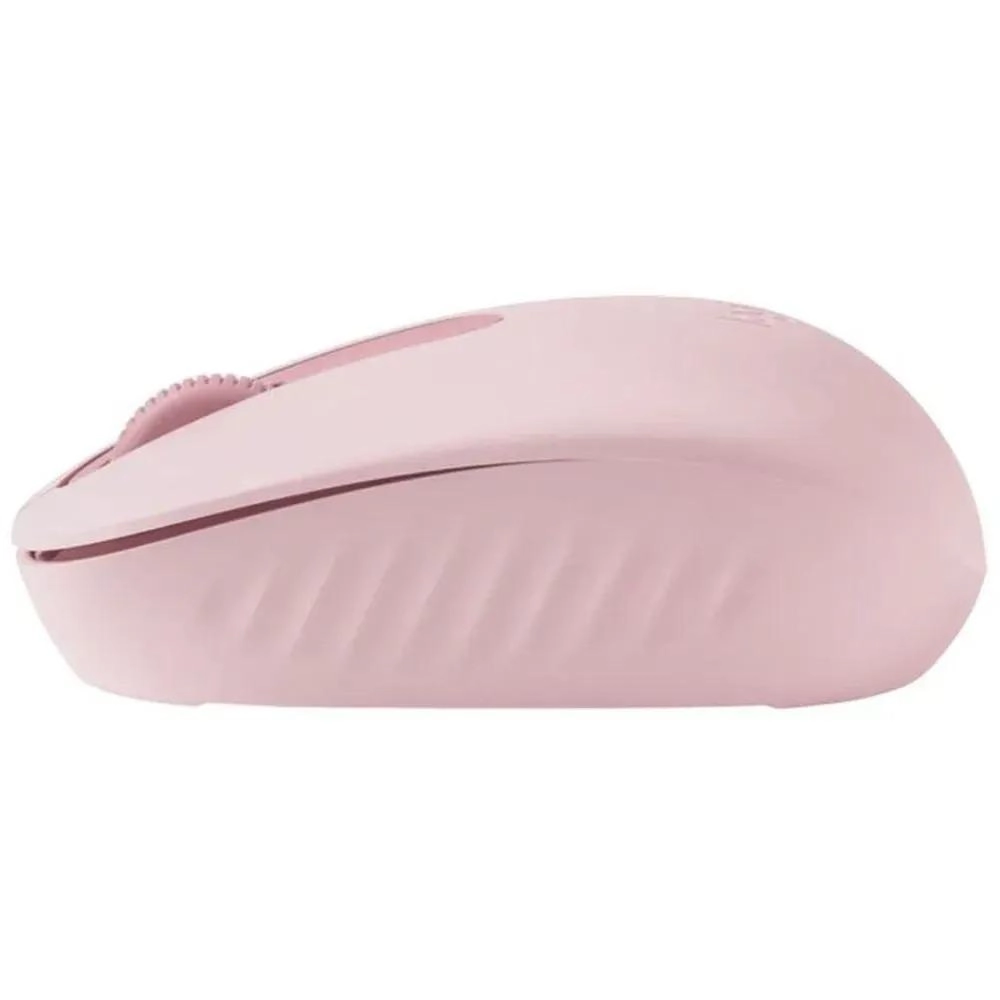
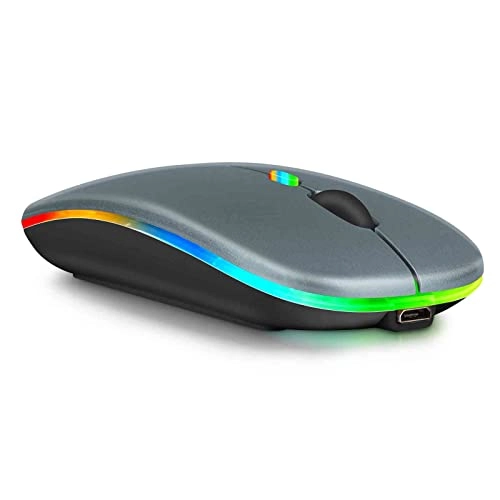
UrbanX UXM030 - Bluetooth

Unavailable

Key Features

  • Movement detection technology: Optical
  • Substance: Rubber
  • Power source: Battery Powered
  • Product colour: Black
  • Connectivity technology: Bluetooth
  • Product dimensions: 11.18 x 5.84 x 0.1 cm
  • Weight: 90.15148g
  • Number of buttons: 3buttons
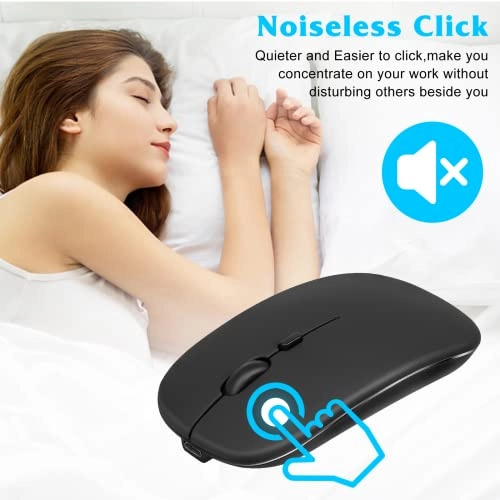
  • Special features: Ergonomic Design, Rechargeable, Soundless, Wireless
  • Material: Rubber
  • Batteries: 1 Lithium Ion batteries required. (included)
  • Offers
  • Price History
  • Specifications
  • Product Details
  • Review IconReviews

Specifications

Features

Material
Rubber
Special features
Ergonomic Design, Rechargeable, Soundless, Wireless
Number of buttons
3 buttons
Connectivity technology
Bluetooth
Product colour
Black
Movement detection technology
Optical
Substance
Rubber

Weight & dimensions

Weight
90.15 g
Product dimensions
11.18 x 5.84 x 0.1 cm

Power

Power source
Battery Powered

Technical details

Batteries
1 Lithium Ion batteries required. (included)

Product Details

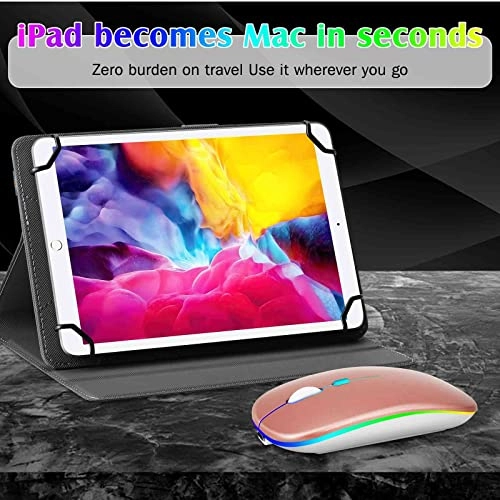
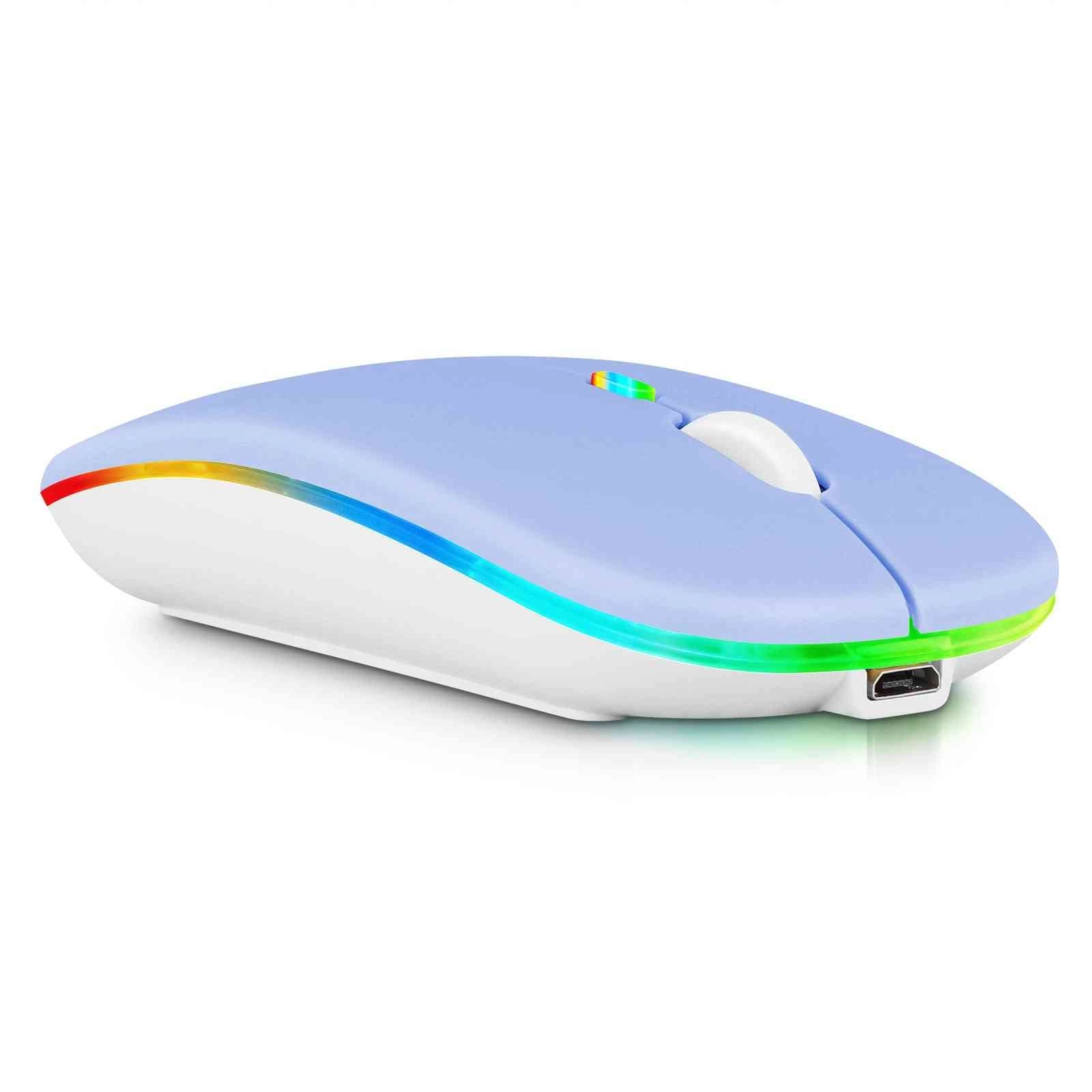
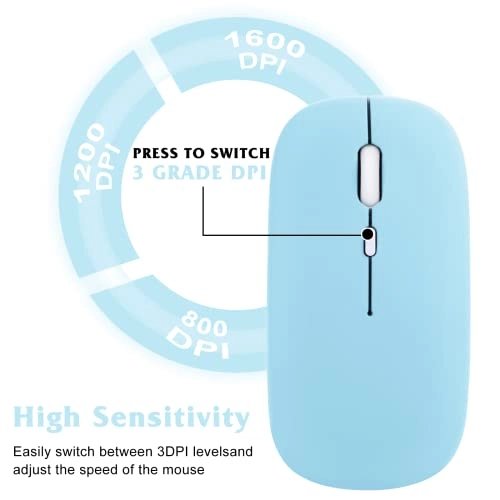
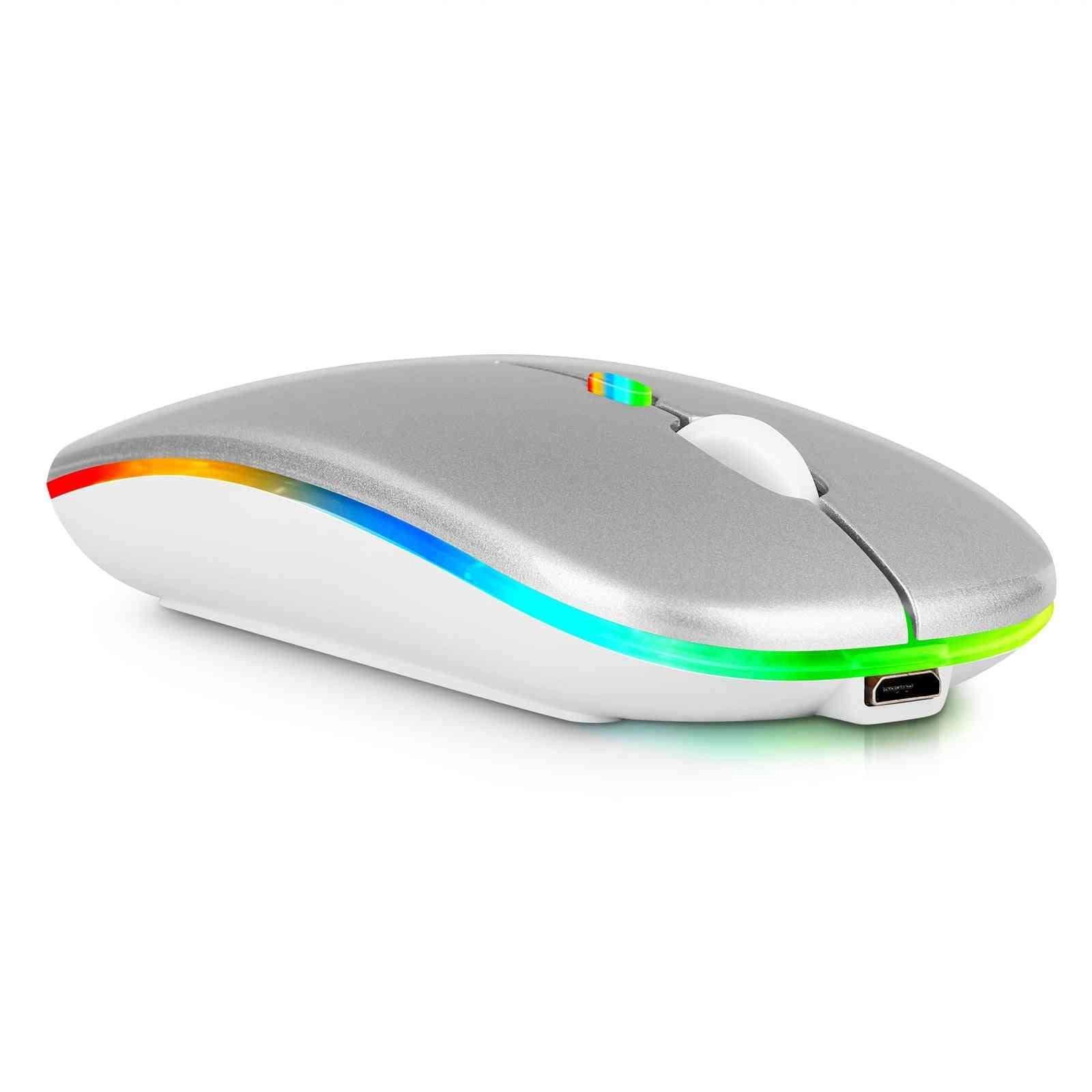
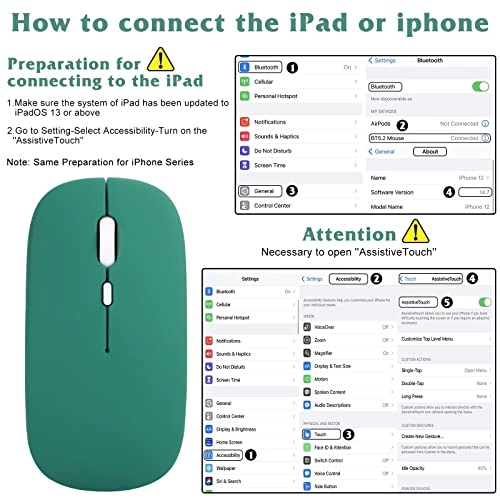
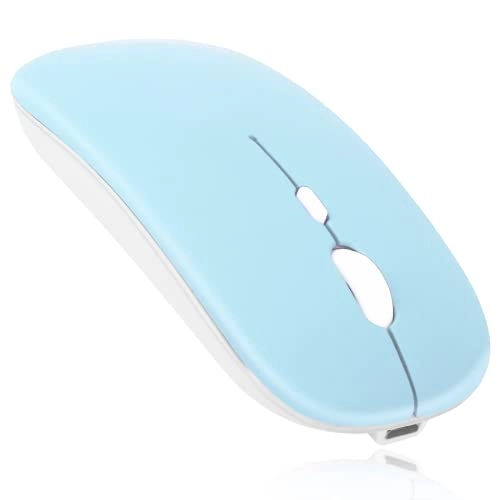
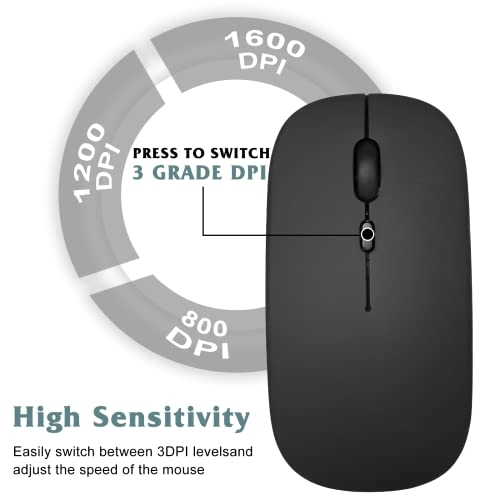
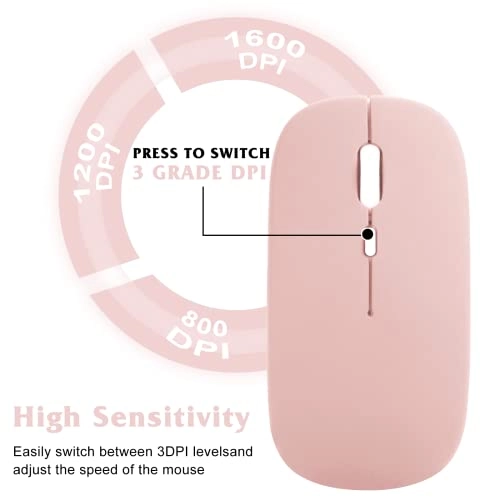
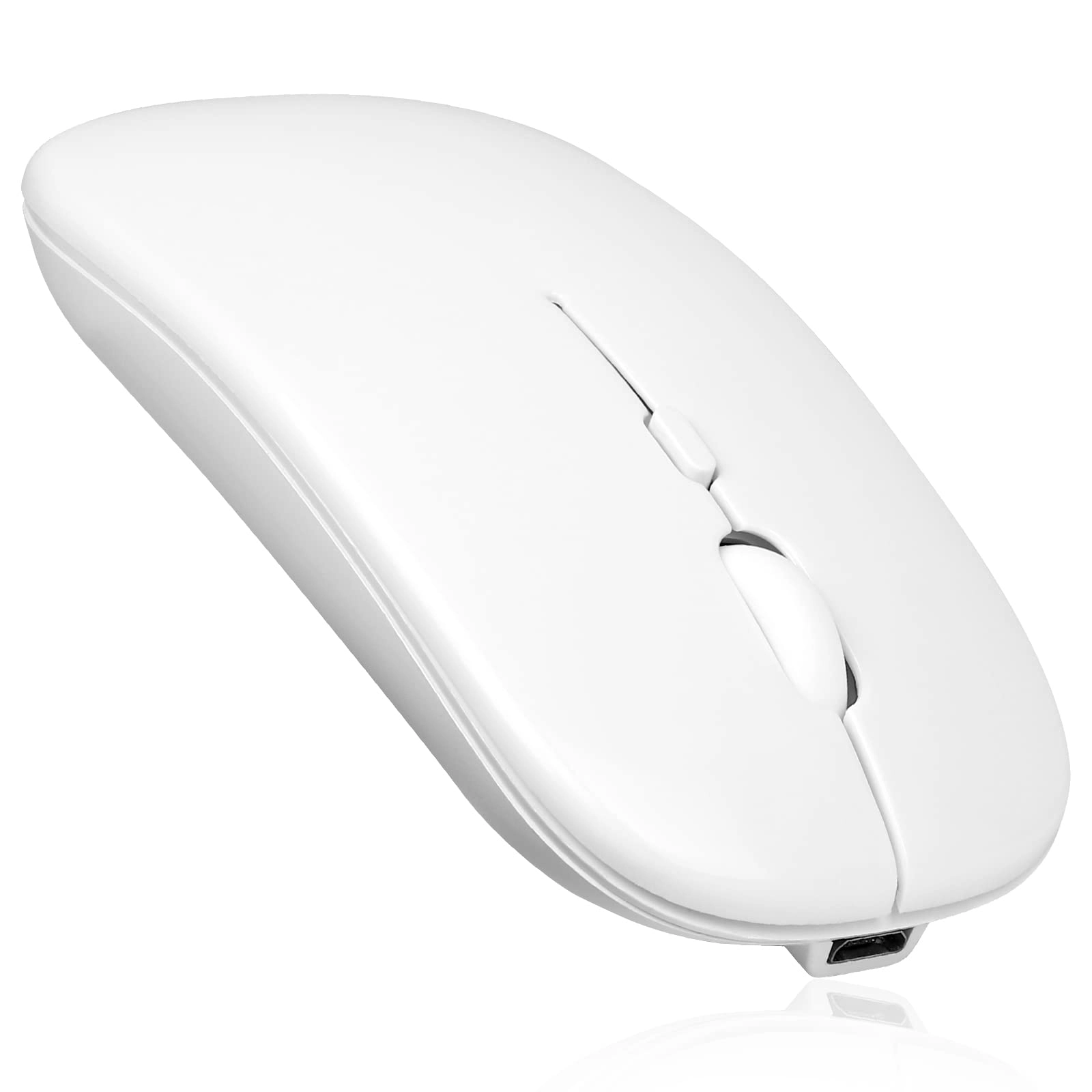
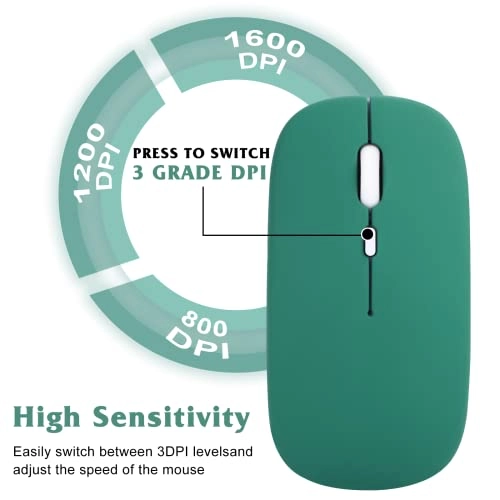
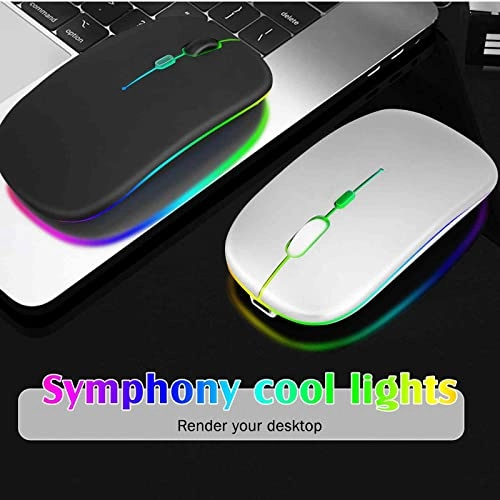
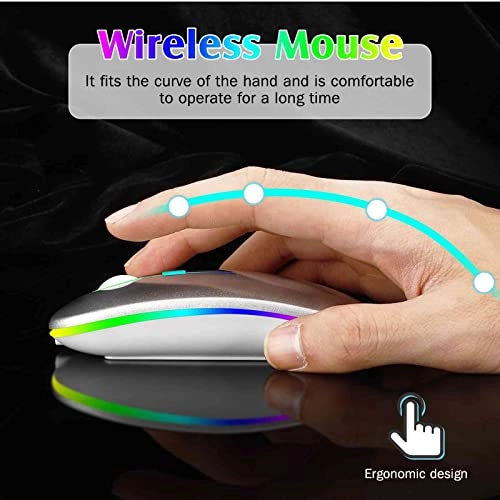
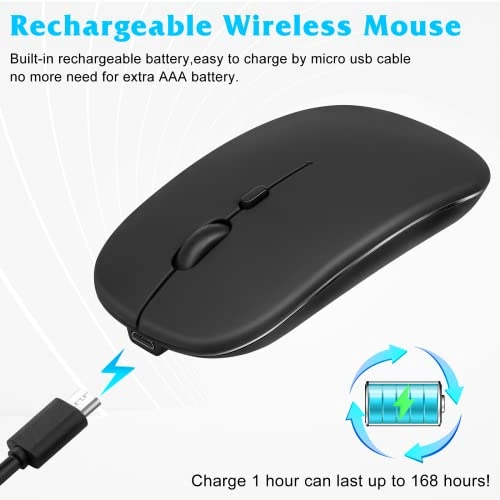
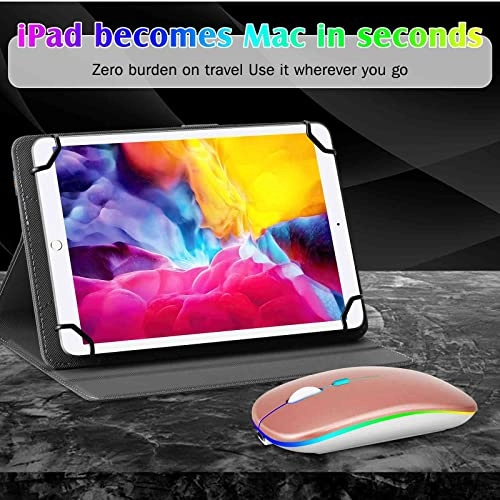
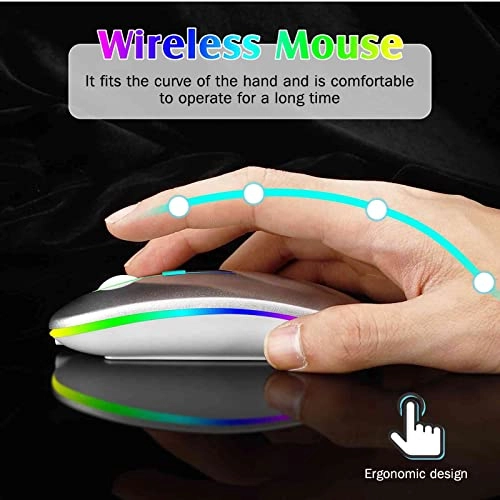
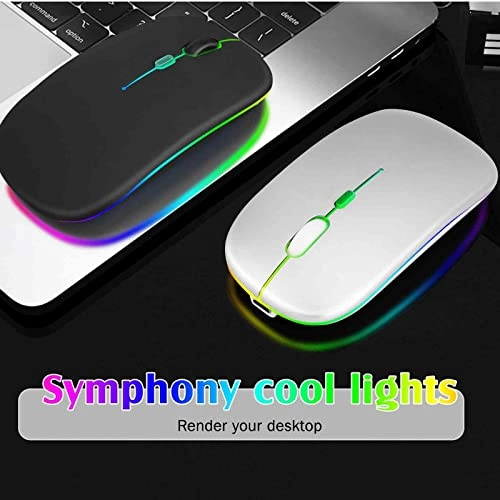
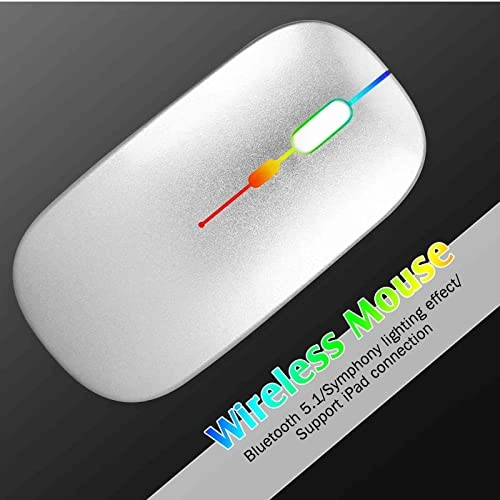
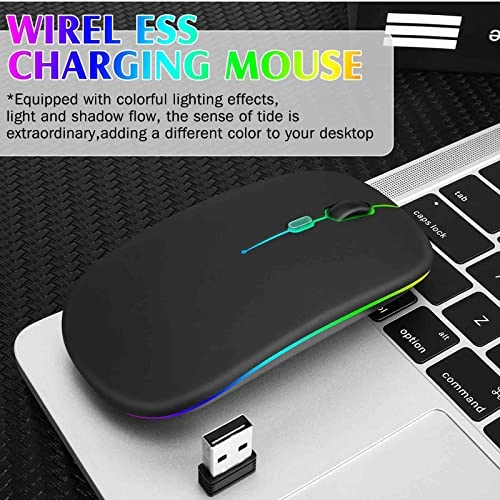
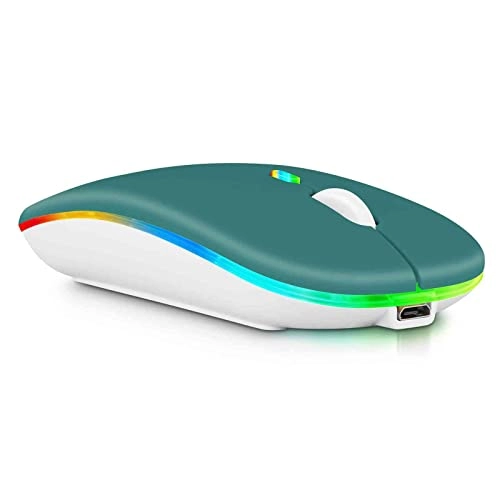
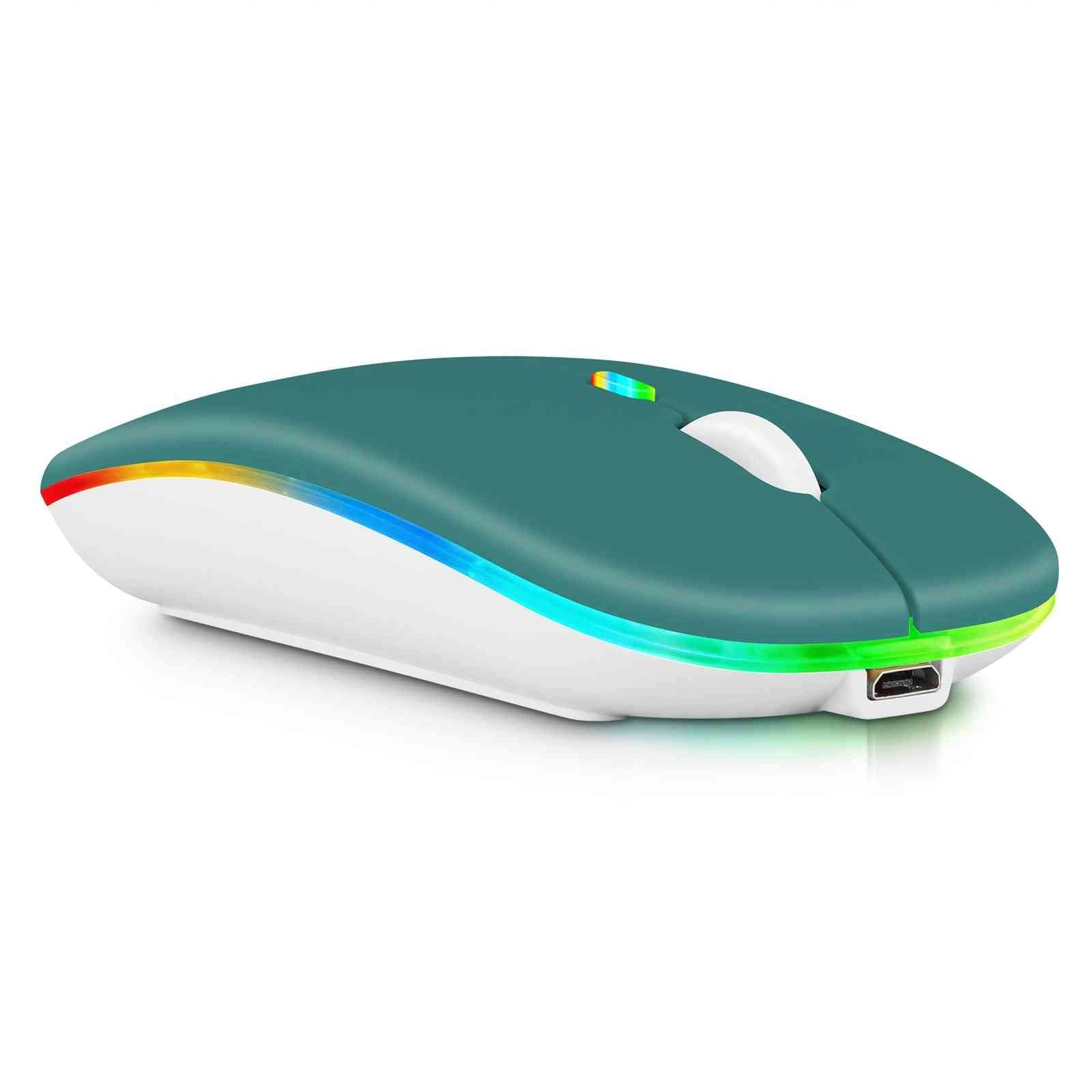
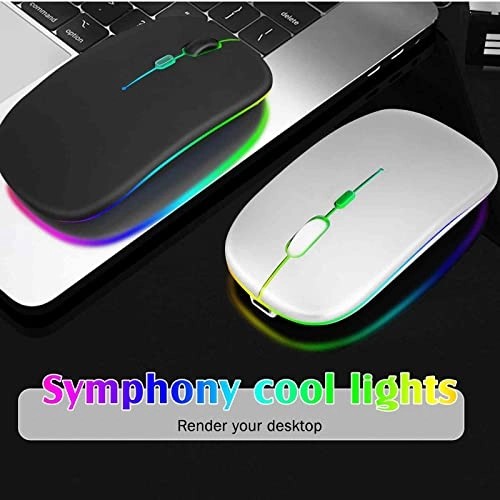
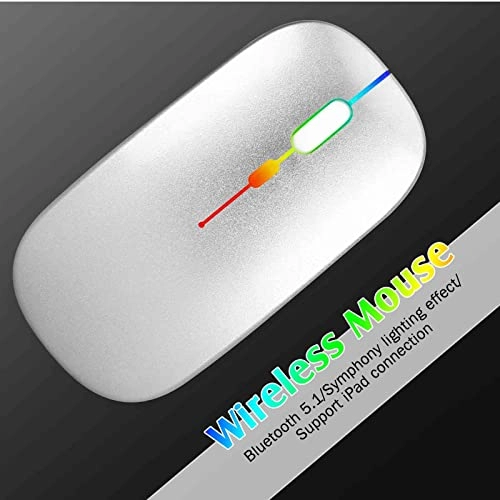
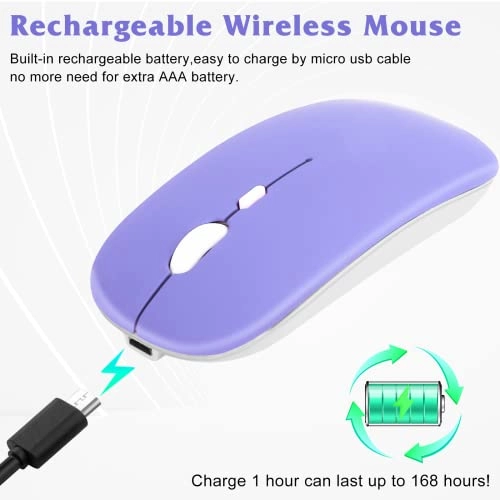
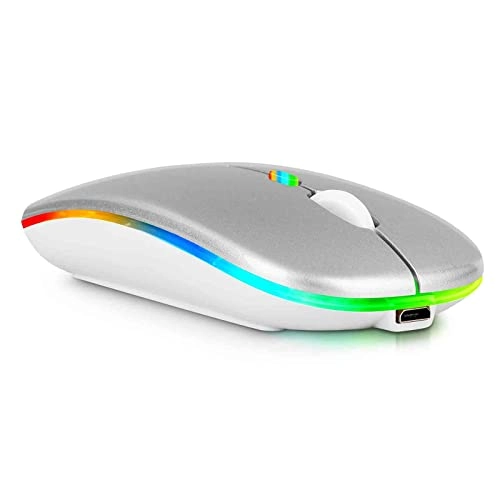
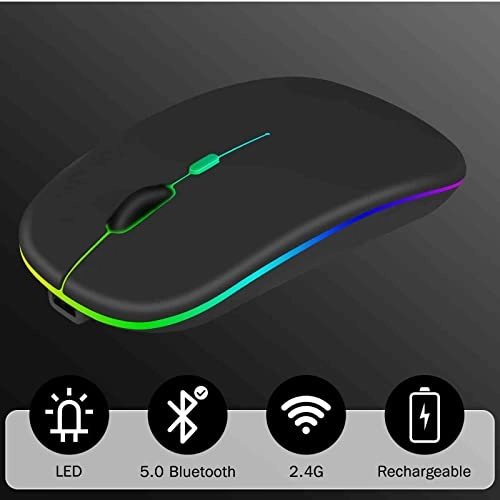
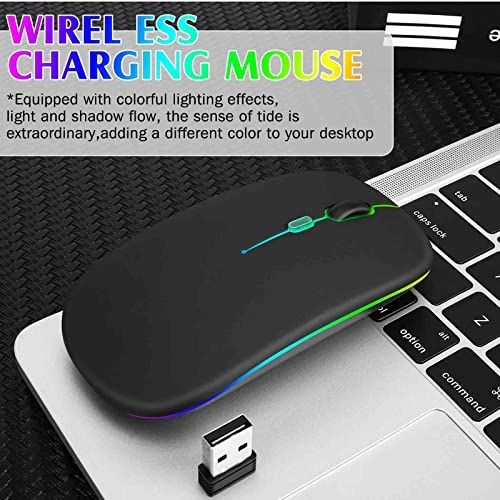
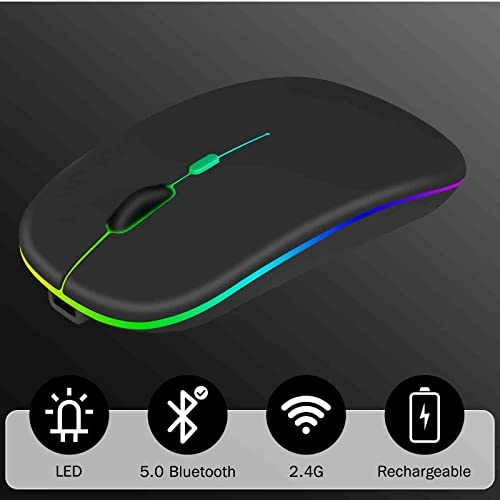
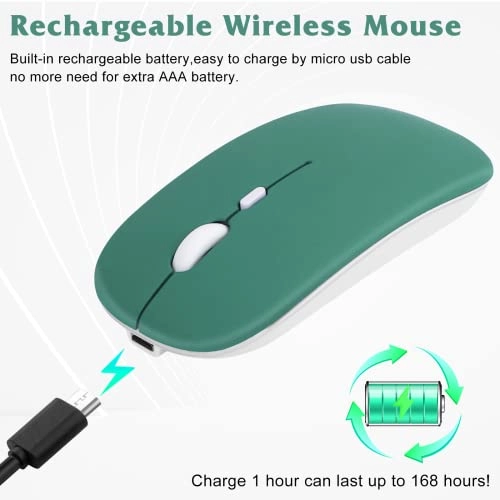
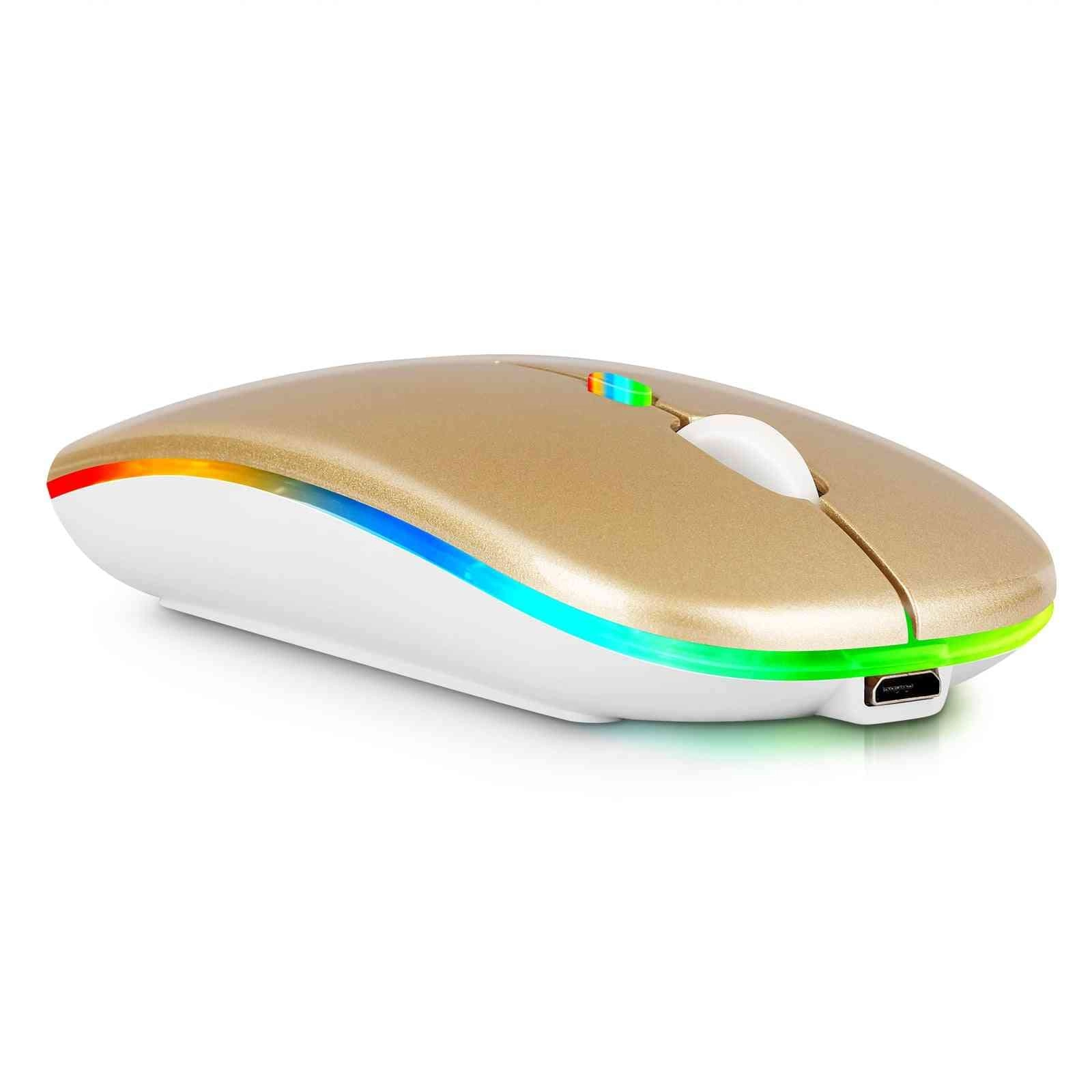
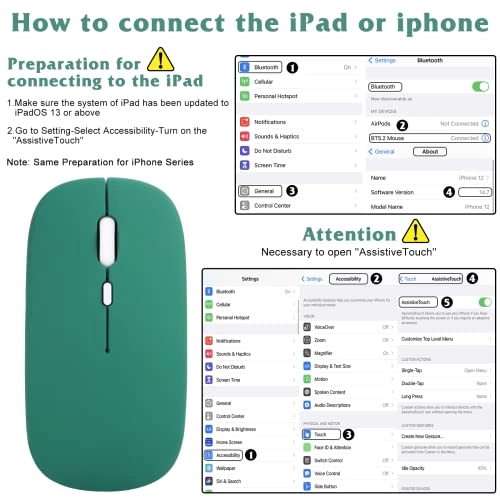
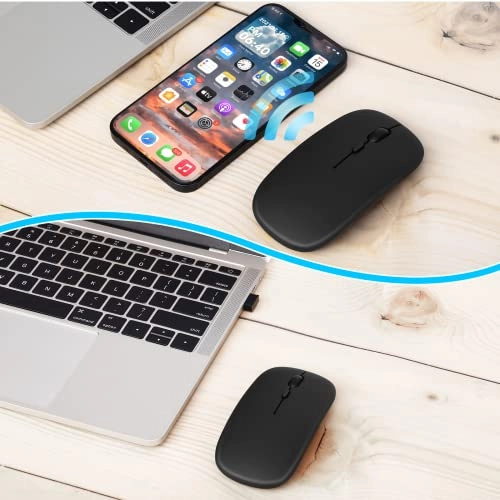
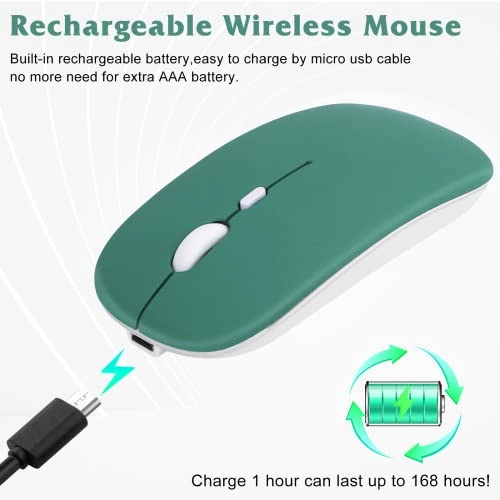
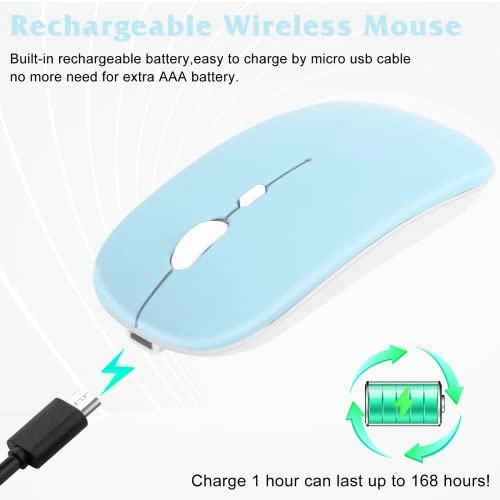
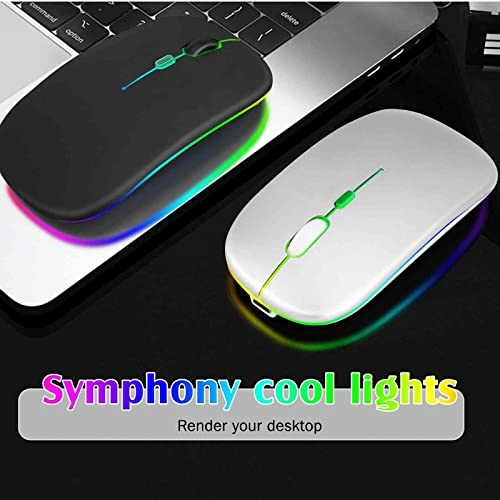
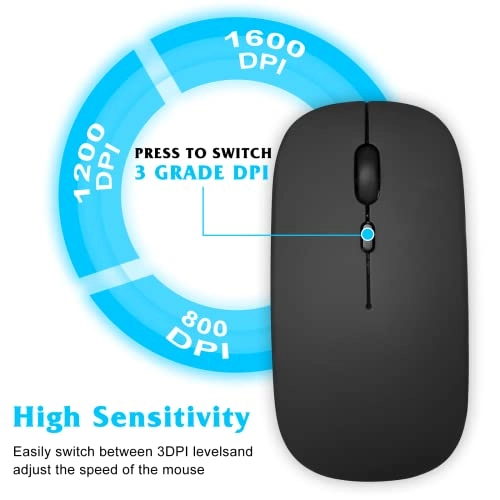
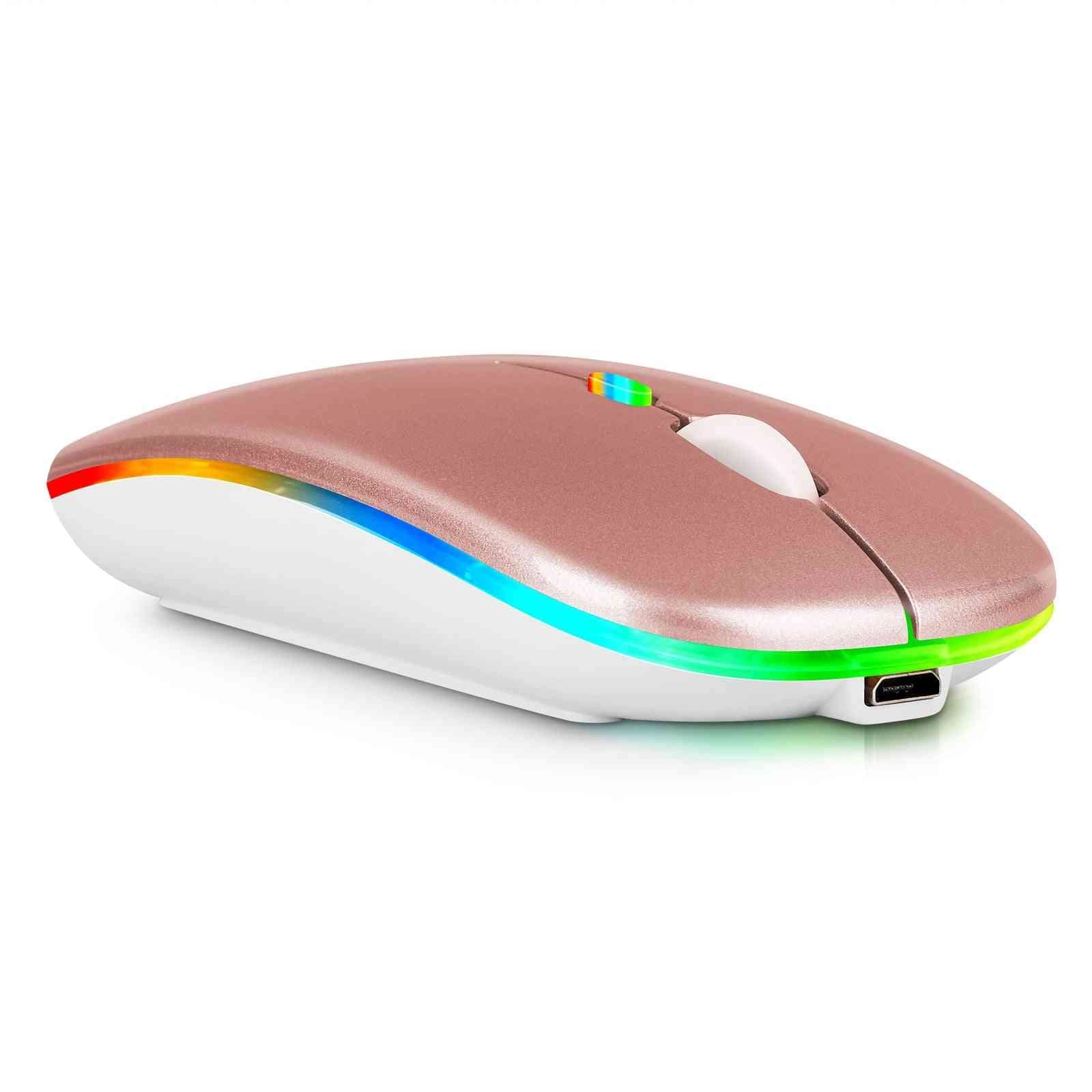
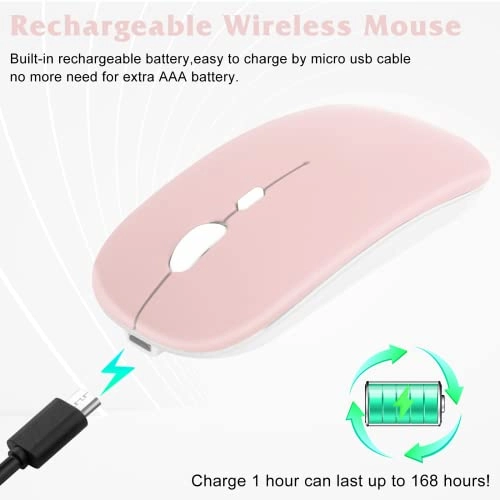
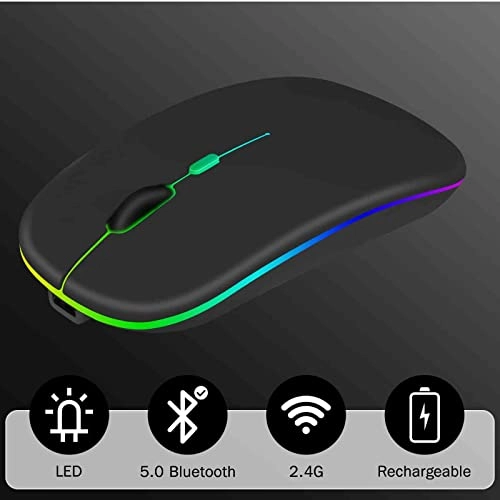
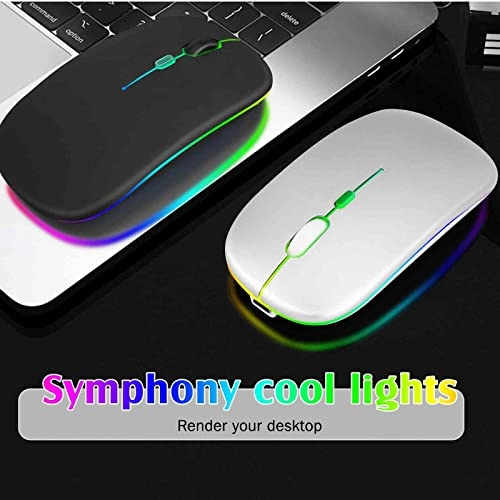
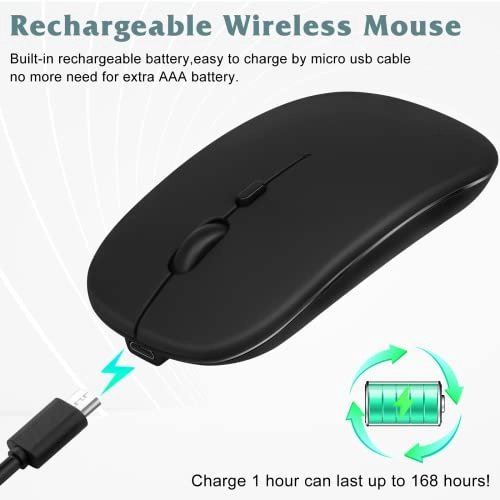
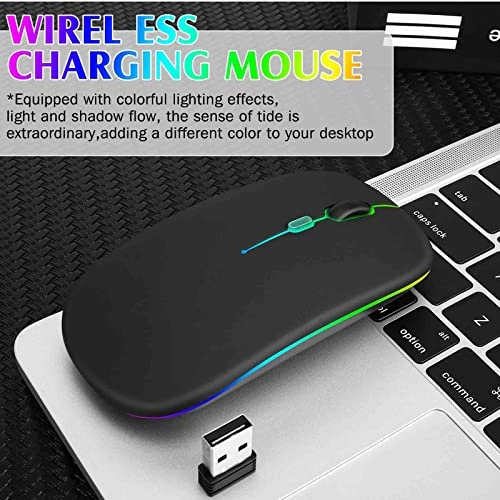
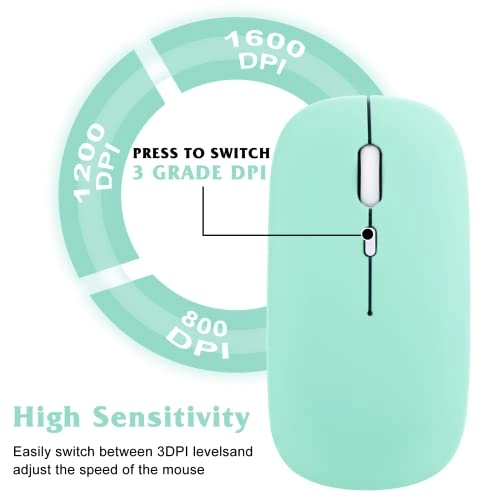
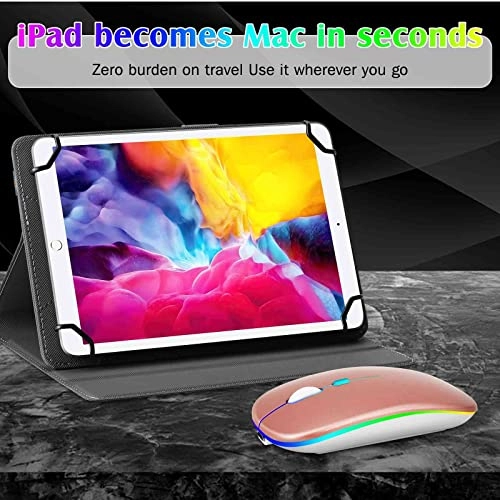
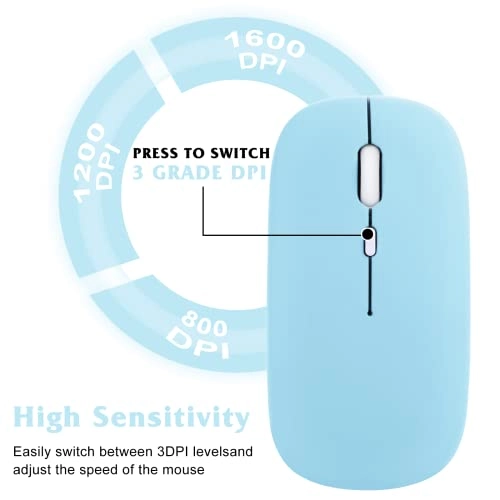
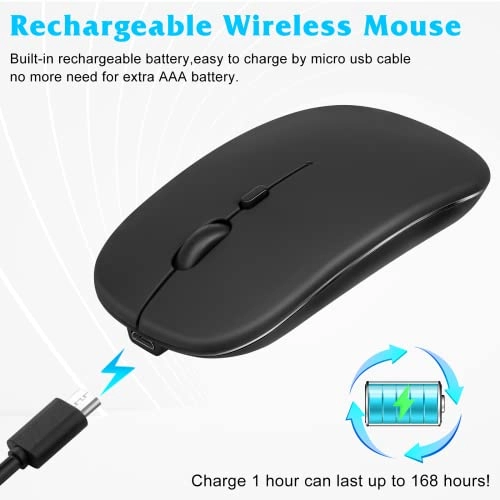
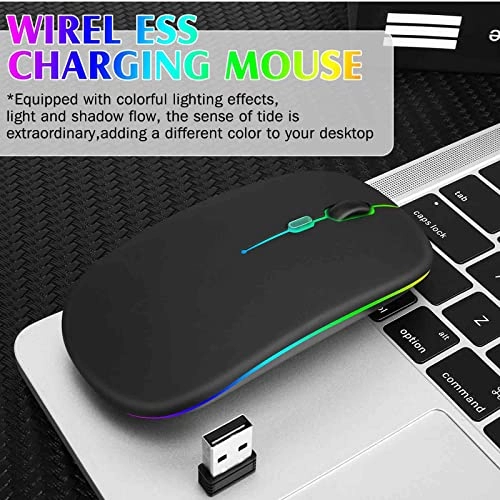
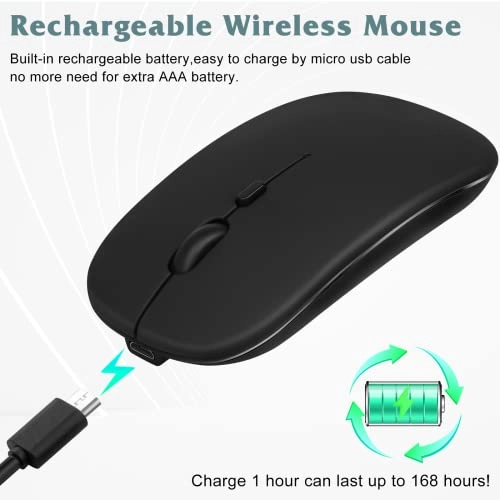
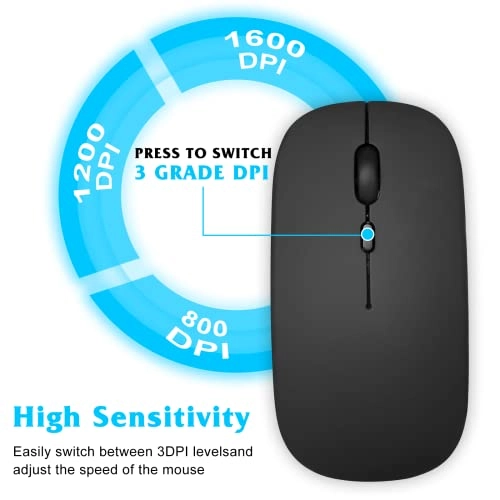
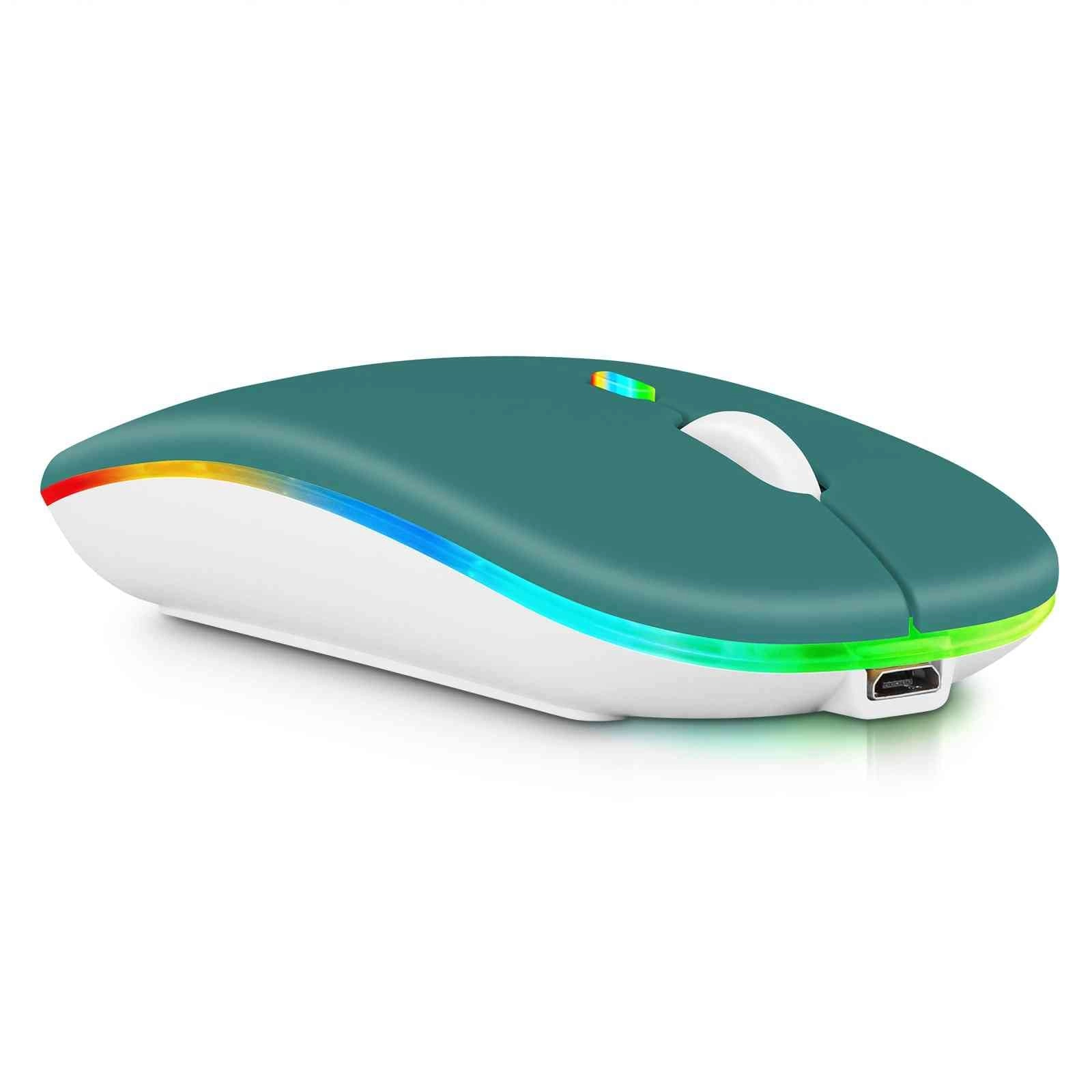
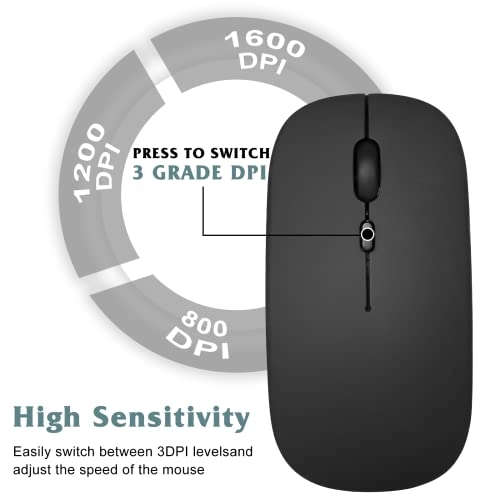
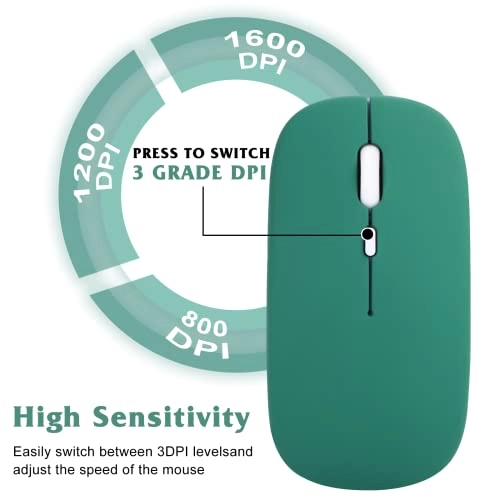
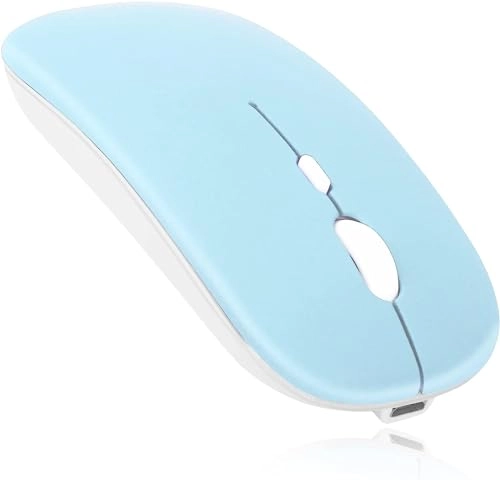
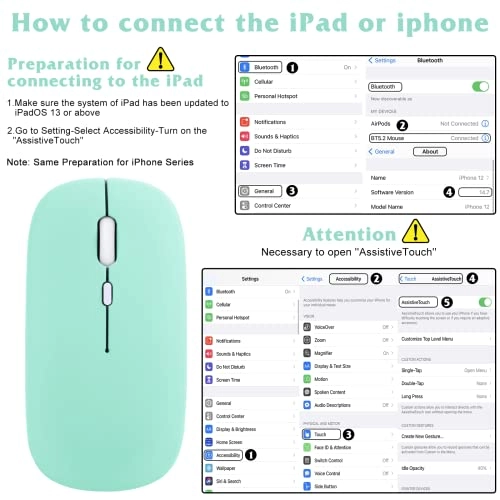
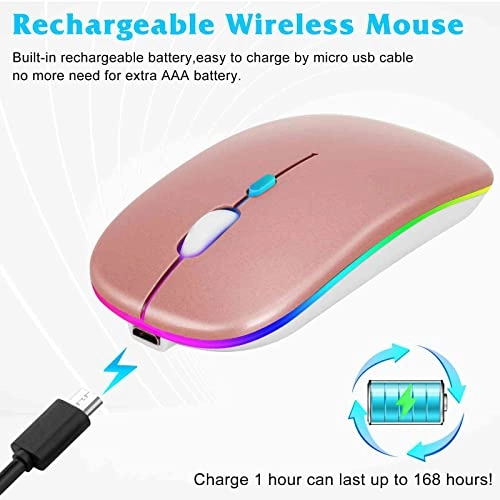
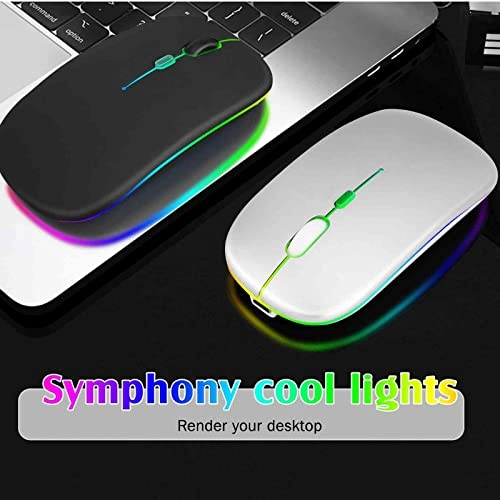
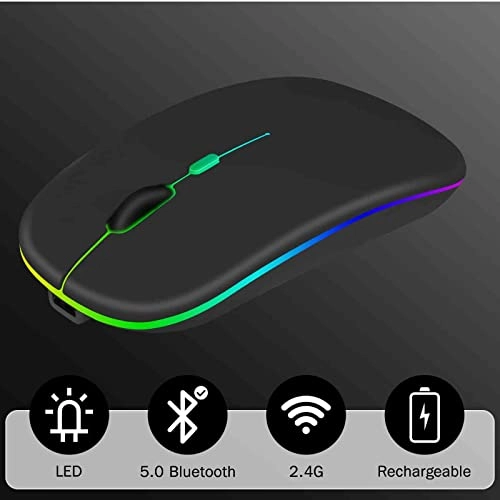
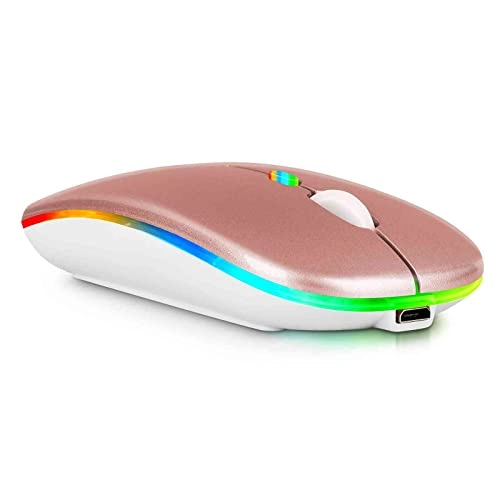
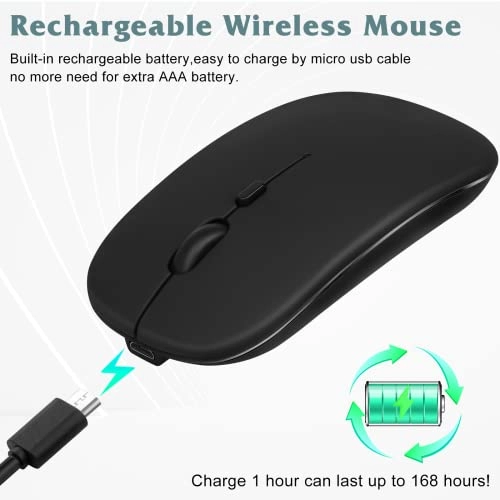
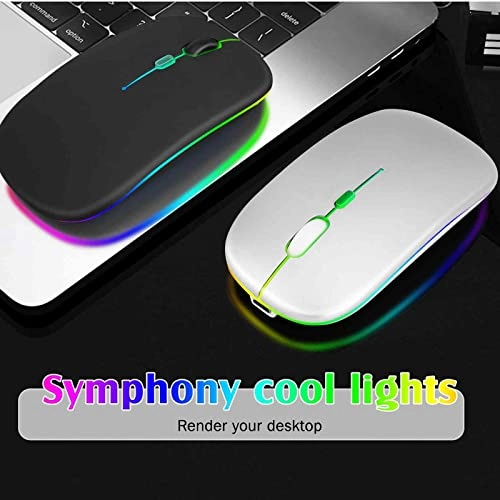
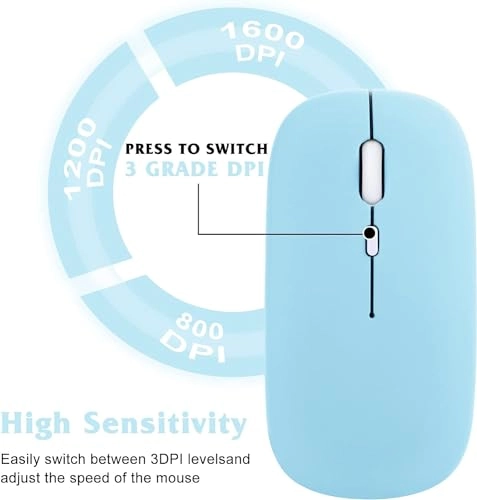
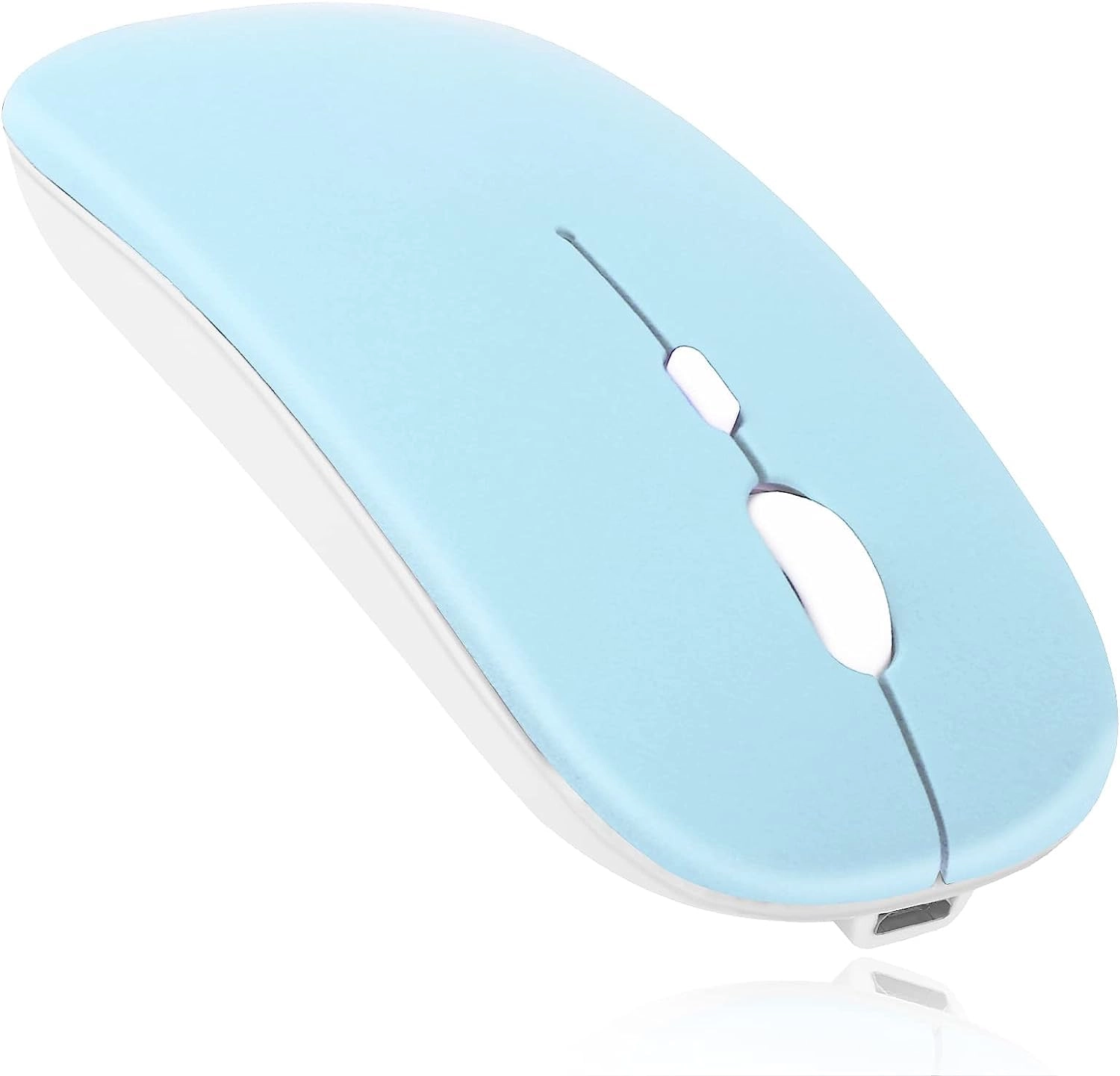
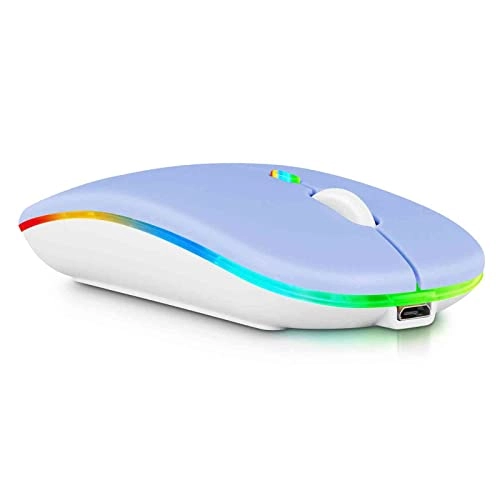
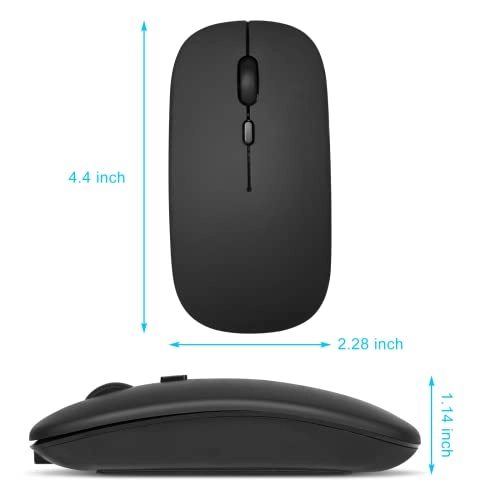
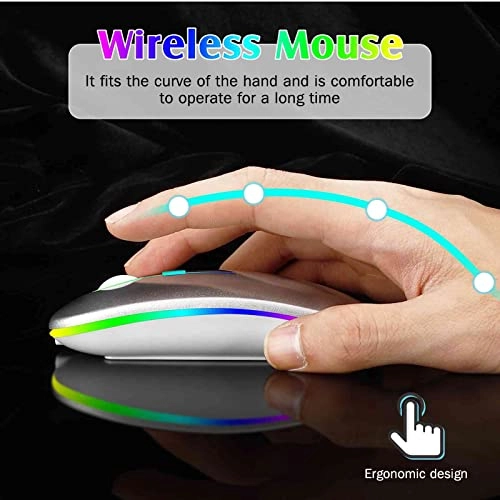
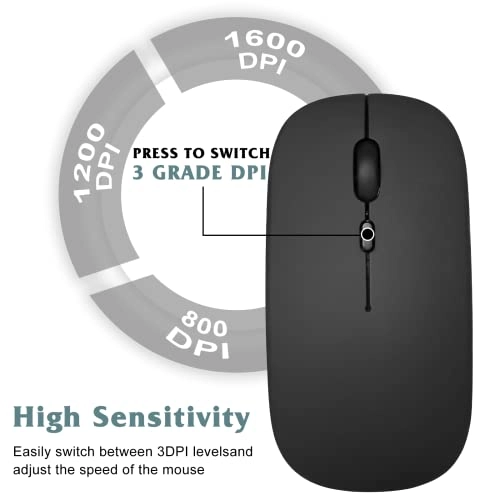
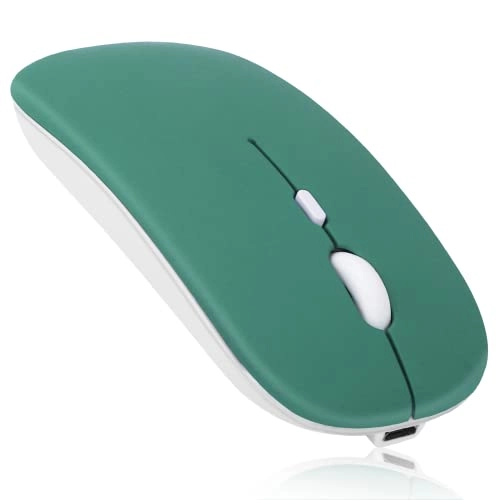
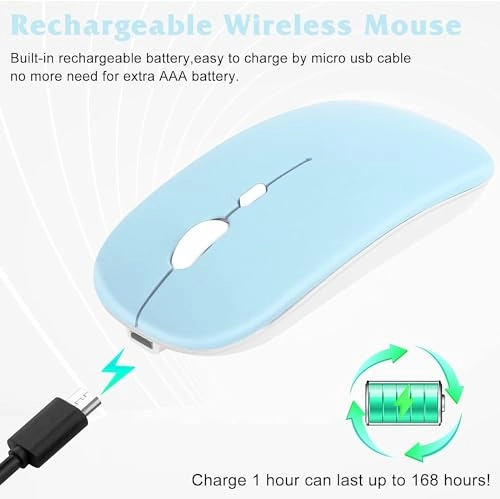
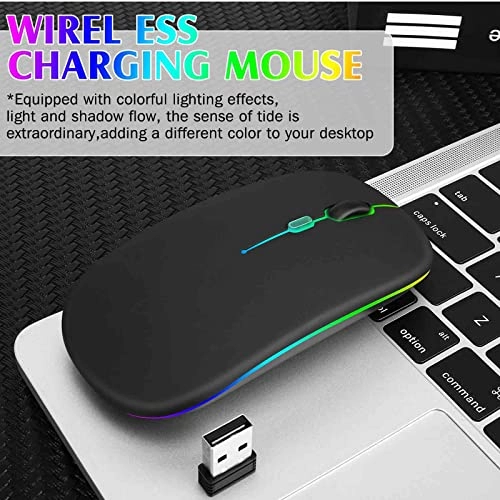
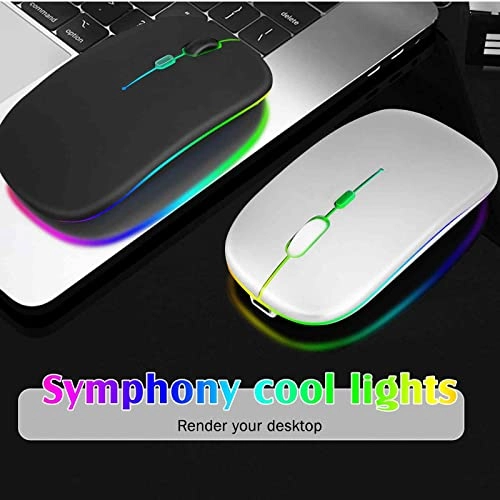
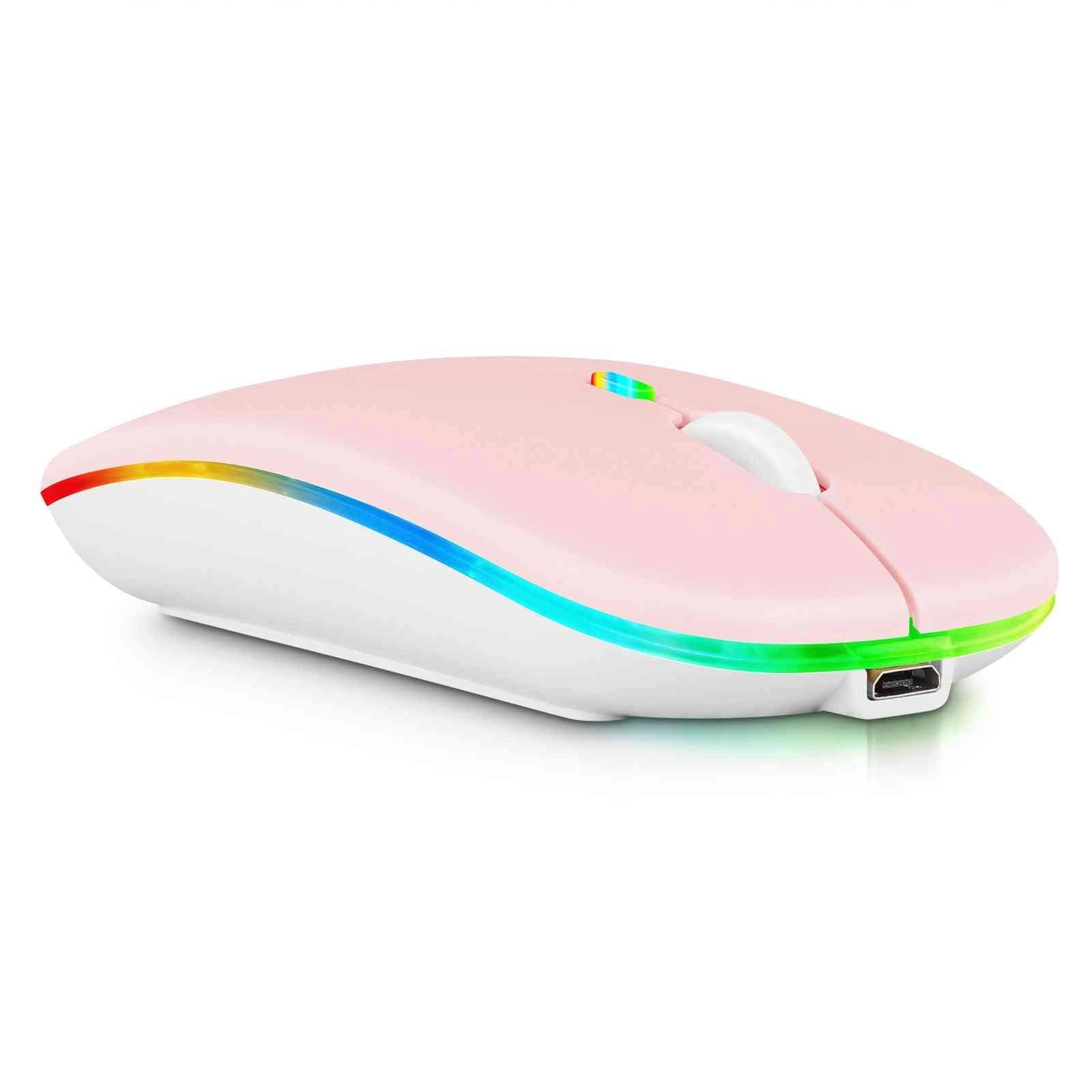
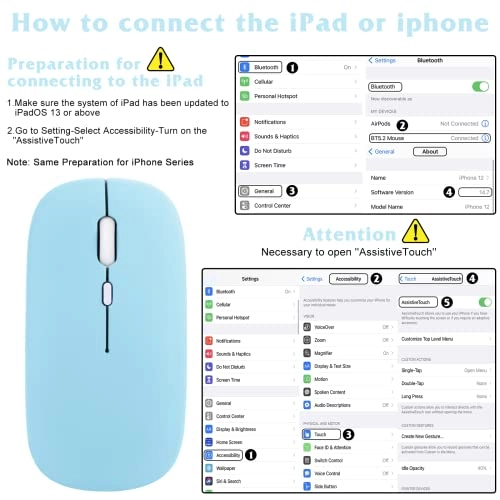
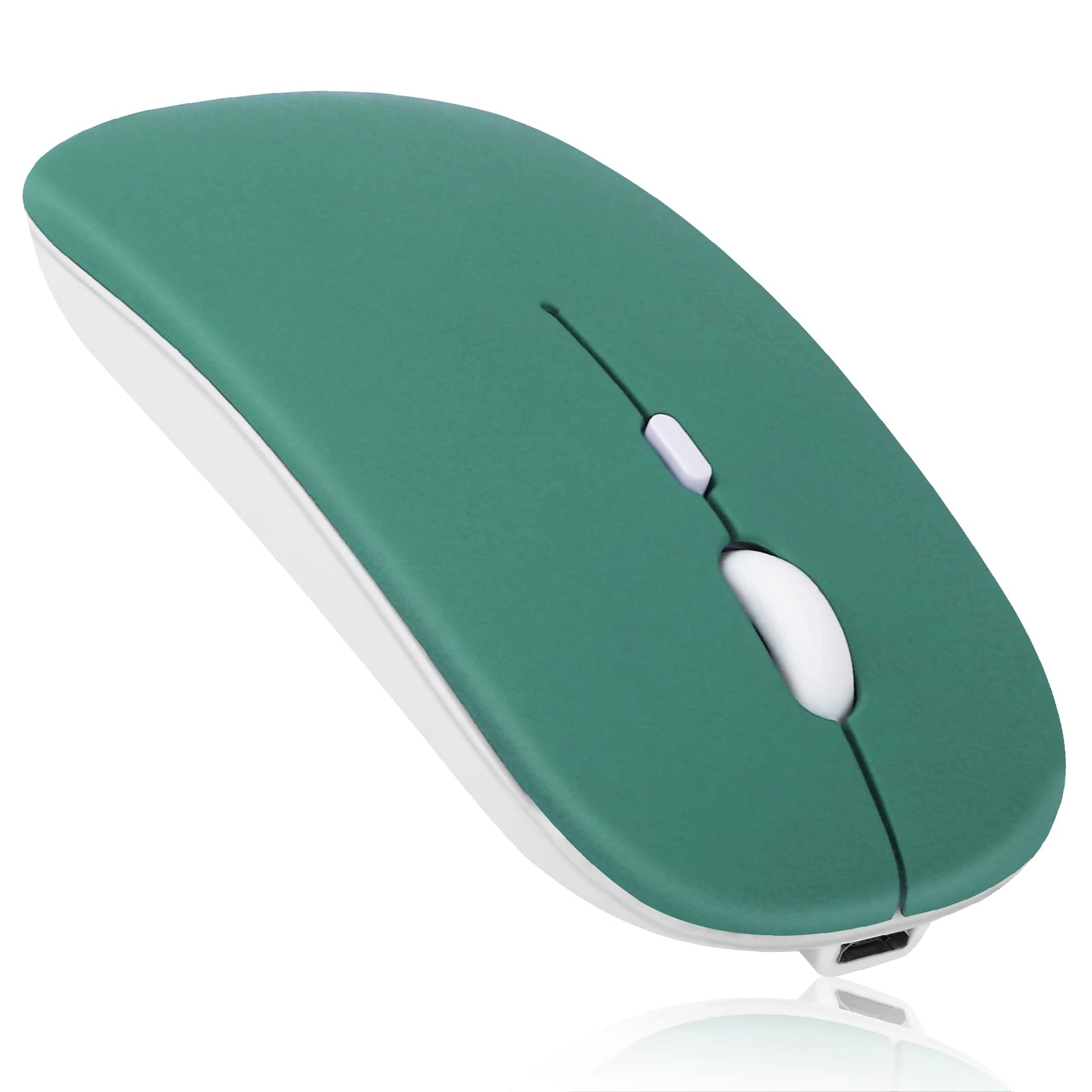
2.4GHz & Bluetooth Mouse, Rechargeable Wireless LED Mouse for Acer Iconia Talk S Designed for Laptop / PC / Mac / iPad pro / Computer / Tablet / Android RGB LED Baby Pink New RGB LED Wireless mouse design emits a soft gentle glow while being accurate and convenient for personal, gaming or business use. Supported systems: Designed for Windows Vista, Windows XP, Windows 7 / 8 / 10, Linux, Android, Mac OS X (compatible with IMAC one machine / MacBook / MacBook Air / Mac Mini, also compatible with MacBook pro / iPad / iPhone) * Bluetooth version: Bluetooth 5.0 * Photoelectric resolution: 3 adjustable DPI level (1000 / 1200 / 1600DPI) * Built in rechargeable battery: 1000mAh (lithium polymer battery, long cycle life) * Tracking system: optics * Number of keys: 4 (key) * Operating distance: 15 m * Size: 4.4 x 2.3 x 0.8 inches * Weight: 3.18 oz How to use the Bluetooth mouse: 1. Charge for 2 hours before first use, the blue light will be turned on when charging, the blue light is automatically turns off when fully charged. 2. When pairing turn on the Bluetooth mouse (switch to "on" position), press the black circle "Bluetooth connection button" More than 3 seconds. 3. Turn on the computer Bluetooth or pint the cursor toward the Bluetooth signal in the bottom right corner of the computer screen. Right click to select "add device", then the Bluetooth will enter the search state. (Note: Bluetooth normally has a Bluetooth logo in the lower right corner of the computer if it normally starts.) 4. Wait for the computer to search interface into the Bluetooth device, the Bluetooth computer can search a mouse shape icon or "Bluetooth Mouse", that is the Bluetooth mouse, and then click next to start the match, the pairing is successful mouse begin work. Note: * If your device does not have Bluetooth, you need to install the Bluetooth adapter first. * If you do not use the mouse for a long time, turn off the "ON / OFF" switch. 2.4Ghz & Bluetooth Rechargeable LED Optical Mouse

Reviews

Loading...
Loading...
Loading...
Loading...
Loading...
Loading...
Loading...
Loading...
Loading...
Loading...
Loading...
Loading...
Loading...
Loading...
Loading...
Loading...
Loading...
Loading...
Loading...
Loading...
Loading...
Loading...
Loading...
Loading...
Loading...
Loading...
Loading...
Loading...
Loading...
Loading...
Loading...
Loading...
Loading...
Loading...
Loading...
Loading...
Loading...
Loading...
Loading...
Loading...
Loading...
Loading...
Loading...
Loading...
Loading...
Loading...
Loading...
Loading...
Loading...
Loading...
Loading...
Loading...
Loading...
Loading...
Loading...
Loading...
Loading...
Loading...
Loading...
Loading...
Loading...
Loading...
Loading...

Join our newsletter

Be the first to know about new arrivals, sales, and exclusive picks

Sign in to unlock newsletter access and stay in the loop

Allware
info@allware.com
+971522500911
World technology awards winner badge

Allware

  • About Us
  • Terms And Conditions
  • Privacy Policy
  • Contact Us

Partners

  • Why become a partner?
  • How to list your Online Shop?

Newsletter

  • Subscribe

Info

  • How Allware works
All Rights Reserved.
Allware does not sell products. Prices shown are aggregated from verified merchants.
Please enable location access or select an emirate
-
00:00:00
Prayer timings

Offers (44)

Amazon logo

44 offers

From
AED
Infinity

UrbanX Bluetooth Rechargeable Mouse for DELL Precision 7000 7760 Laptop Bluetooth Wireless Mouse Designed for Laptop / PC / Mac / iPad Pro / Computer / Tablet / Android Midnight Black

Unavailable

Price History

Price History Skeleton
Price History Shimmer Effect
Loading price history...

Similar Products

See all
Logitech G305 LIGHTSPEED Gaming Mouse - Bluetooth

Logitech G305 LIGHTSPEED Gaming Mouse - Bluetooth

AED
15800
21 offers
-33%
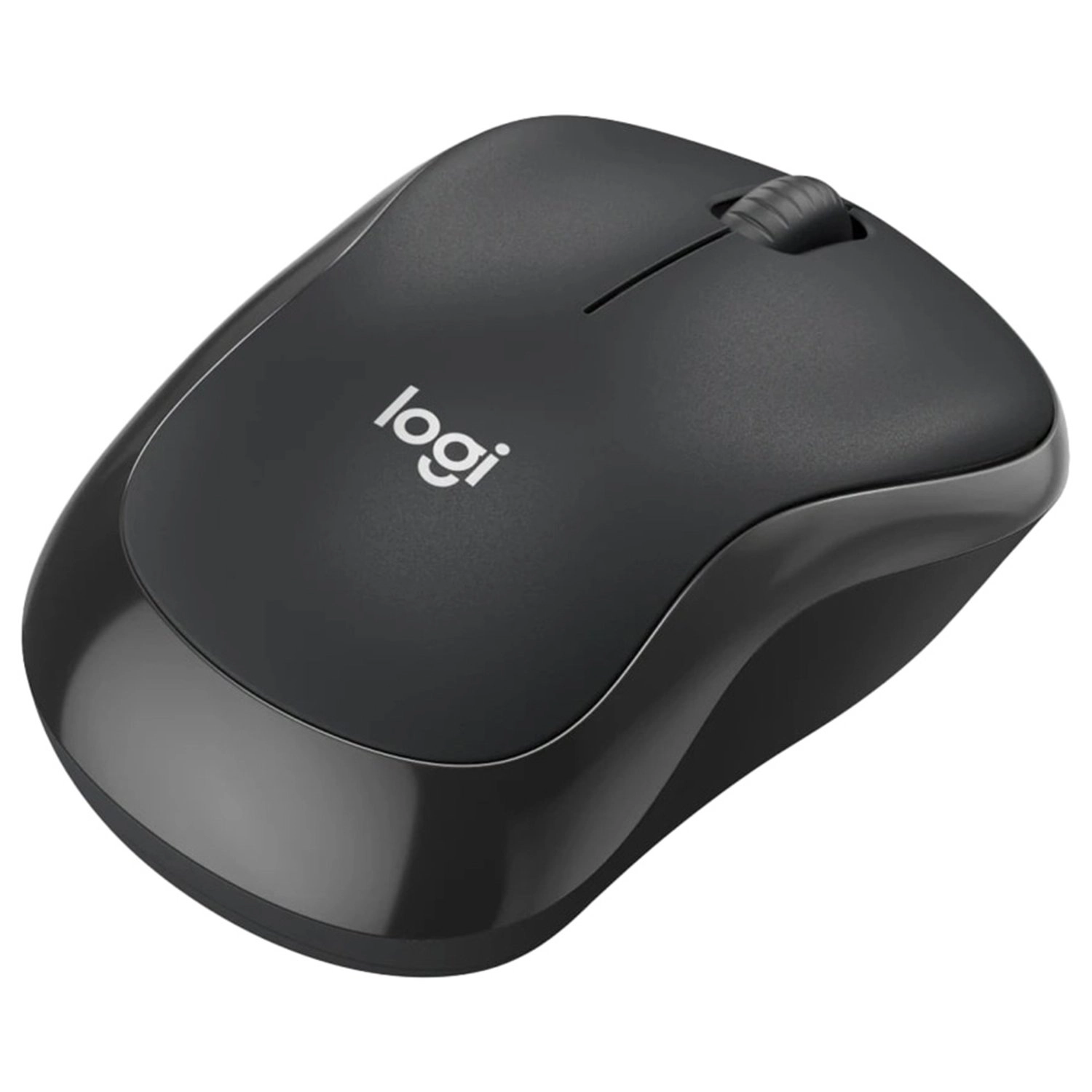
Logitech M196 Mouse - Bluetooth

Logitech M196 Mouse - Bluetooth

AED
5300
AED
3500
25 offers
-24%
Logitech M240 Silent Mouse - Bluetooth

Logitech M240 Silent Mouse - Bluetooth

AED
7500
AED
5700
24 offers
Razer Basilisk V3 Pro - Wireless

Razer Basilisk V3 Pro - Wireless

AED
34322
23 offers
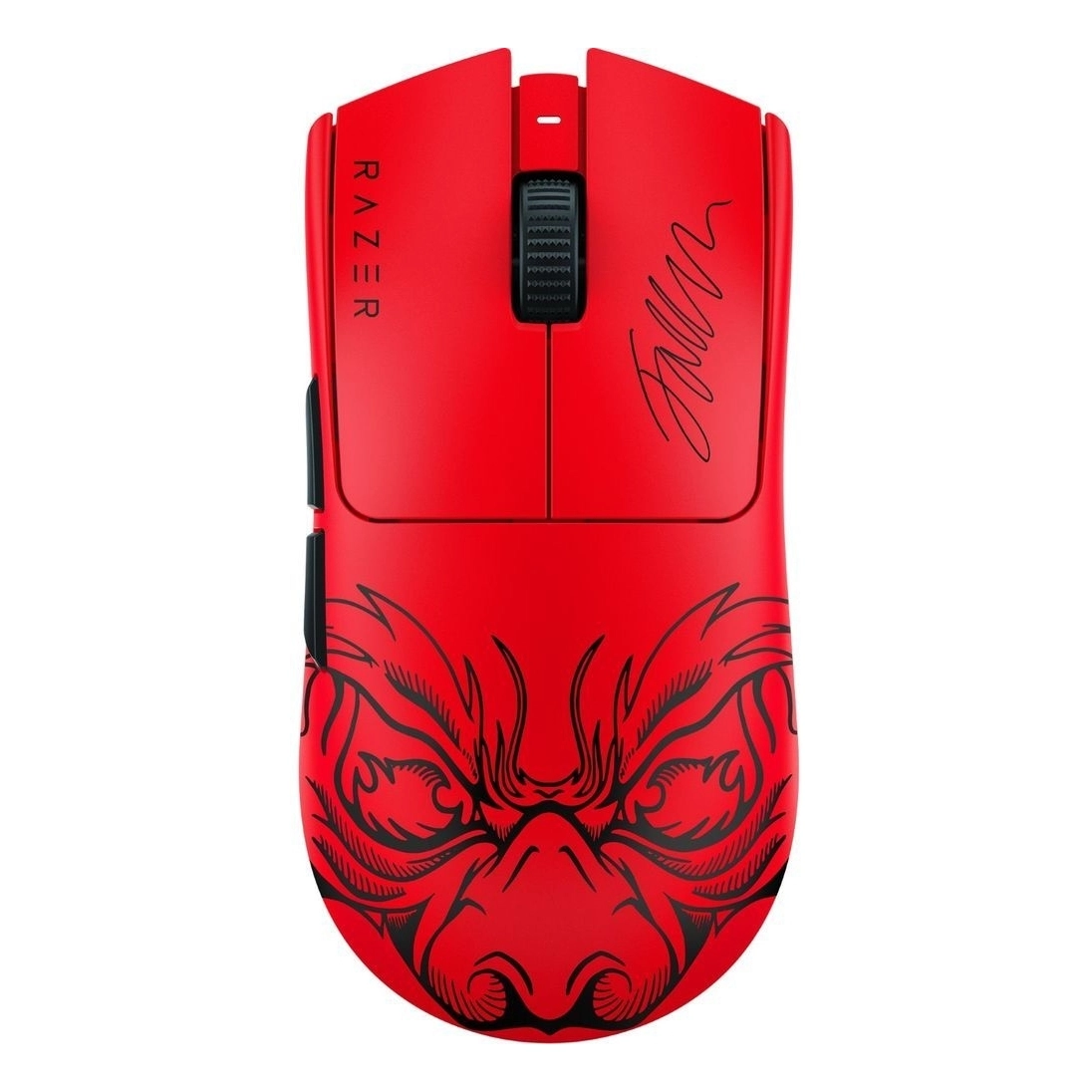
Razer Viper V3 Pro Gaming Mouse - Bluetooth

Razer Viper V3 Pro Gaming Mouse - Bluetooth

AED
40900
21 offers
Logitech MX Anywhere 3 - Bluetooth

Logitech MX Anywhere 3 - Bluetooth

AED
23900
12 offers
Logitech M170 Mouse - Wireless

Logitech M170 Mouse - Wireless

AED
3400
17 offers
-8%
HP 710 Rechargeable Silent Mouse - Bluetooth

HP 710 Rechargeable Silent Mouse - Bluetooth

AED
15097
AED
13879
5 offers
Razer Viper - Wired/Bluetooth

Razer Viper - Wired/Bluetooth

AED
14900
5 offers
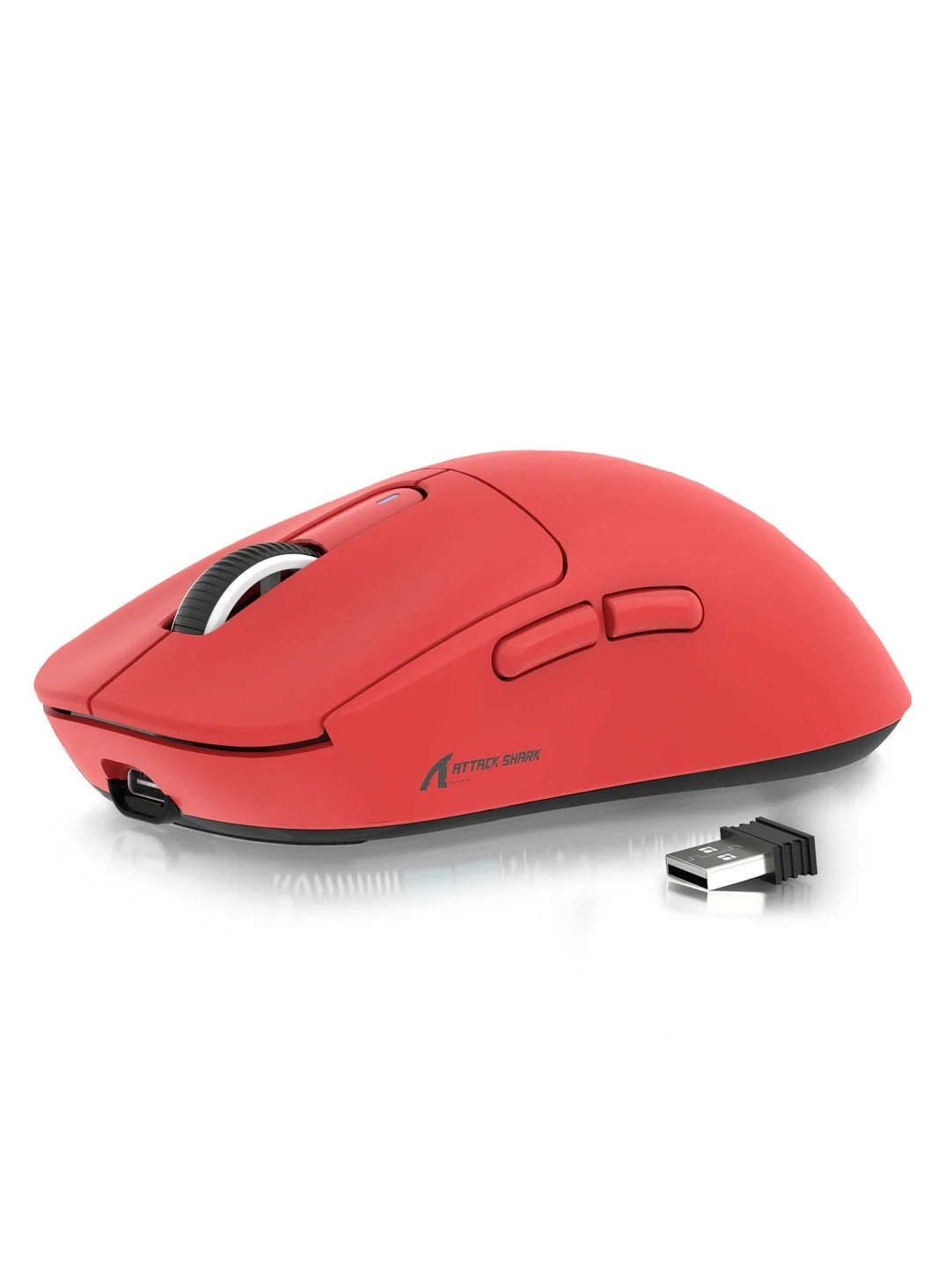
ATTACK SHARK X3 Gaming Mouse - Wireless

ATTACK SHARK X3 Gaming Mouse - Wireless

AED
11500
80 offers

More from UrbanX

See all
UrbanX Corded Stereo Headphones - Wired Headphone

UrbanX Corded Stereo Headphones - Wired Headphone

AED
5099
2 offers
UrbanX UXN35 Wireless Headphone

UrbanX UXN35 Wireless Headphone

Unavailable
1 offer
UrbanX R2 Wired Earbud

UrbanX R2 Wired Earbud

Unavailable
16 offers
UrbanX Tws 530 - Wireless Earbud

UrbanX Tws 530 - Wireless Earbud

AED
11600
1 offer
UrbanX UX EO-IC100BBEGUS Wired Headphone

UrbanX UX EO-IC100BBEGUS Wired Headphone

AED
6688
14 offers
UrbanX Street Buds Pro Wireless Earbud

UrbanX Street Buds Pro Wireless Earbud

Unavailable
2 offers
UrbanX 2.4GHz Rechargeable Wireless LED Mouse - Bluetooth

UrbanX 2.4GHz Rechargeable Wireless LED Mouse - Bluetooth

AED
12079
58 offers
UrbanX 680468011 Wired Headphone

UrbanX 680468011 Wired Headphone

AED
6099
5 offers
UrbanX KB030 - Wireless

UrbanX KB030 - Wireless

AED
3900
3 offers
UrbanX Street Buds Plus Wireless Earbud

UrbanX Street Buds Plus Wireless Earbud

Unavailable
2 offers
Loading...
Loading...
Loading...
Loading...
Loading...
Loading...
Loading...
Loading...
Loading...
Loading...
Loading...
Loading...
Loading...
Loading...
Loading...
Loading...
Loading...
Loading...
Loading...
Loading...
Loading...
Loading...
Loading...
Loading...
Loading...
Loading...
Loading...
Loading...
Loading...
Loading...
Loading...
Loading...
Loading...
Loading...
Loading...
Loading...
Loading...
Loading...
Loading...
Loading...
Loading...
Loading...
Loading...
Loading...
Loading...