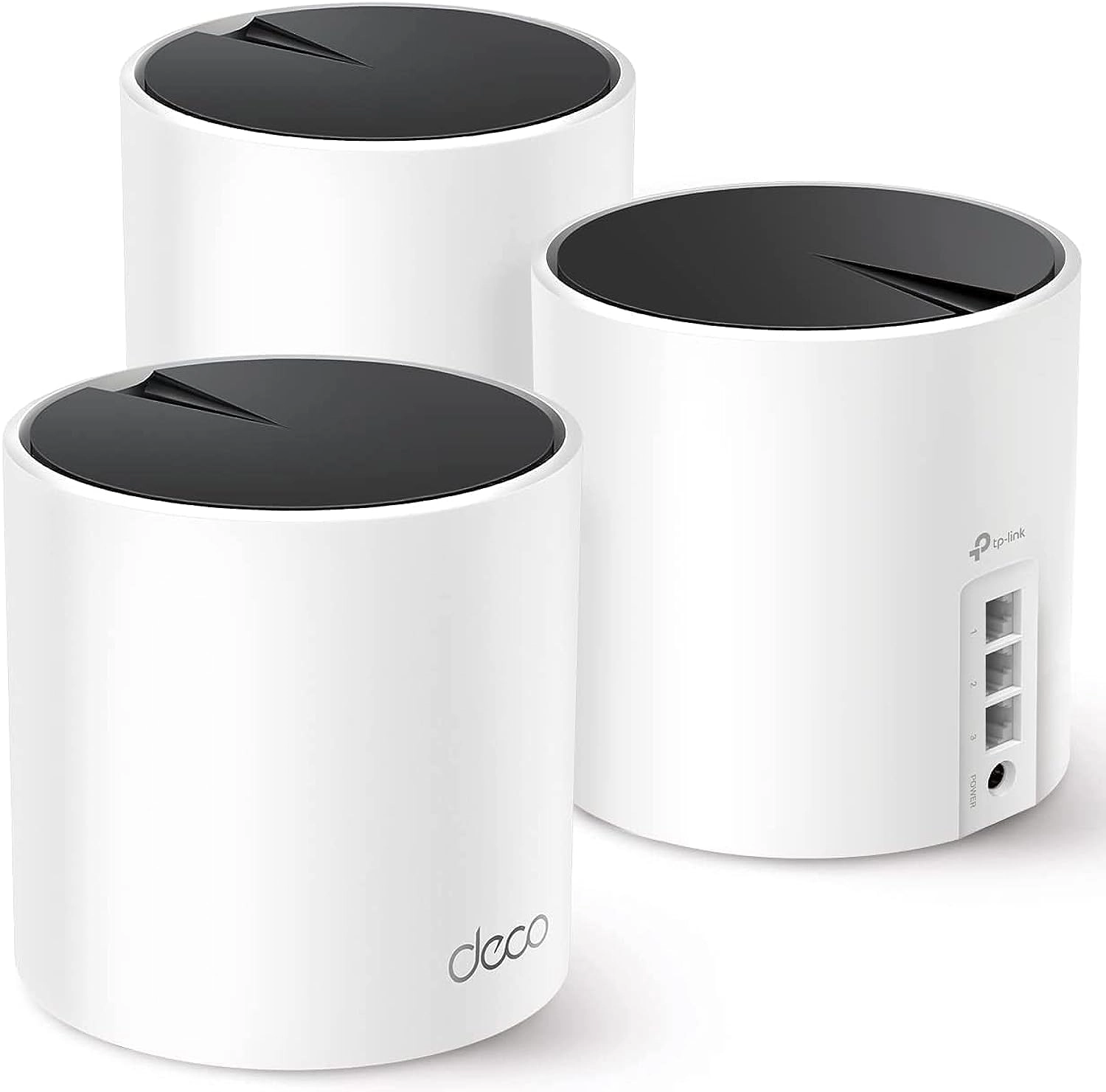
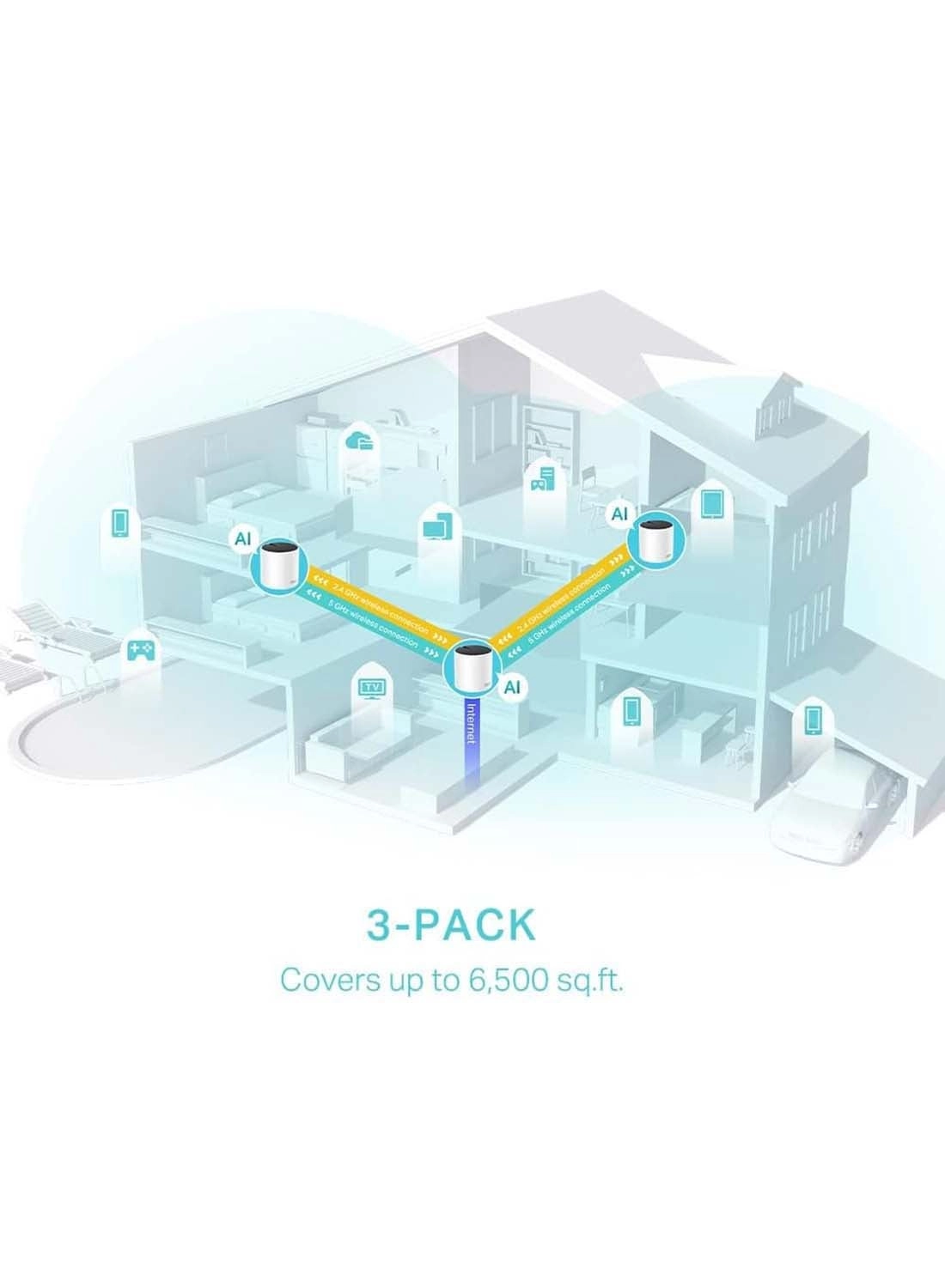
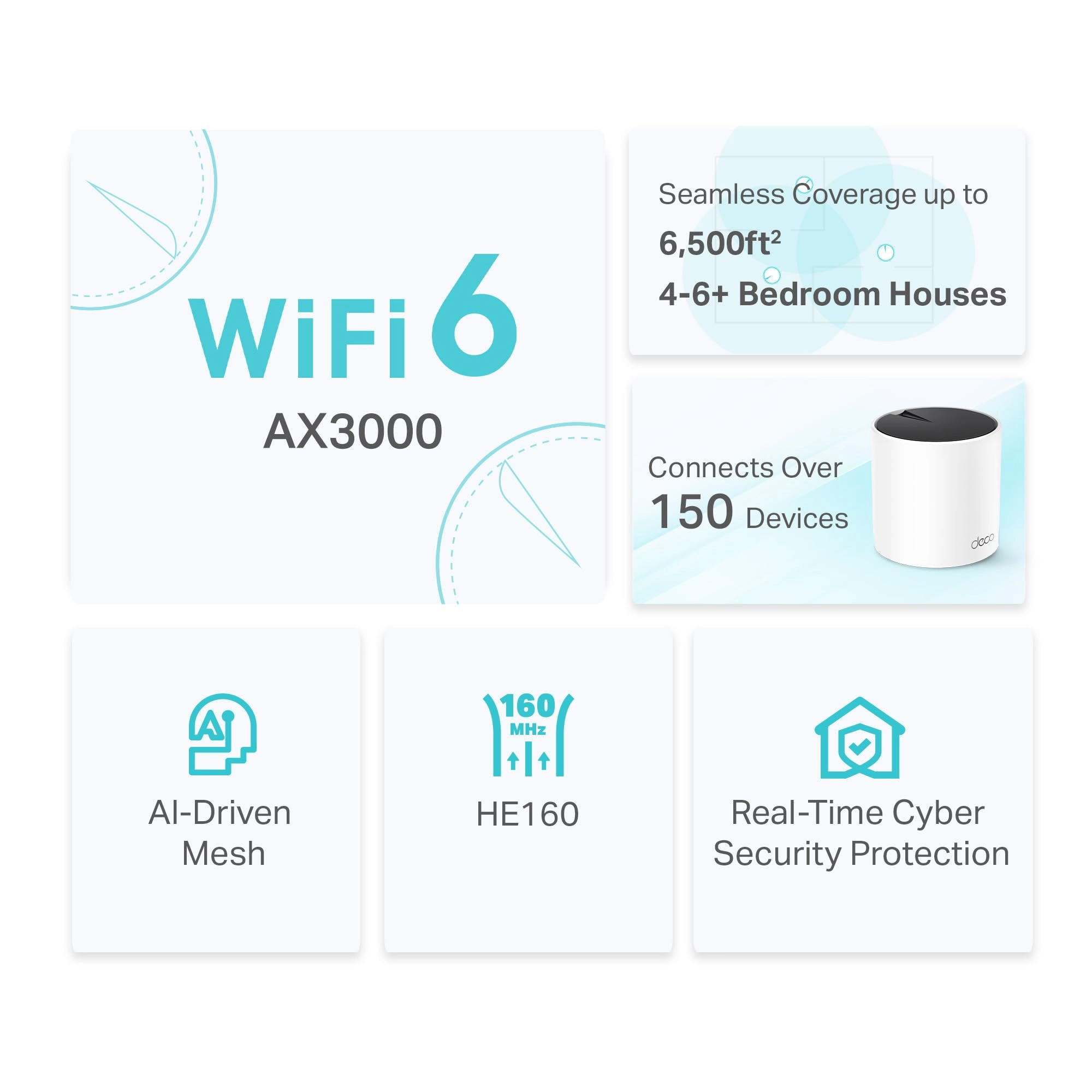
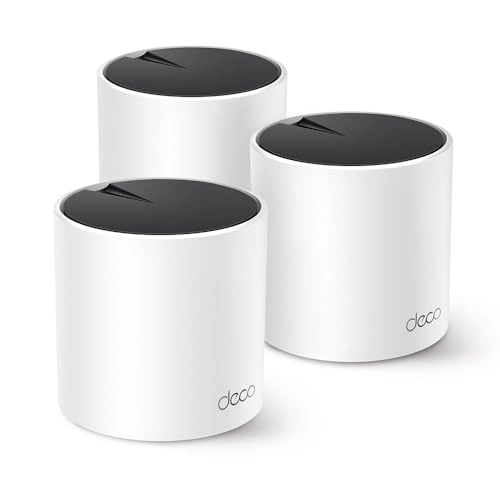
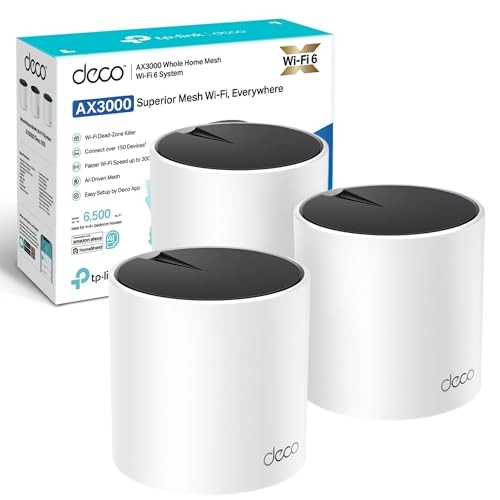
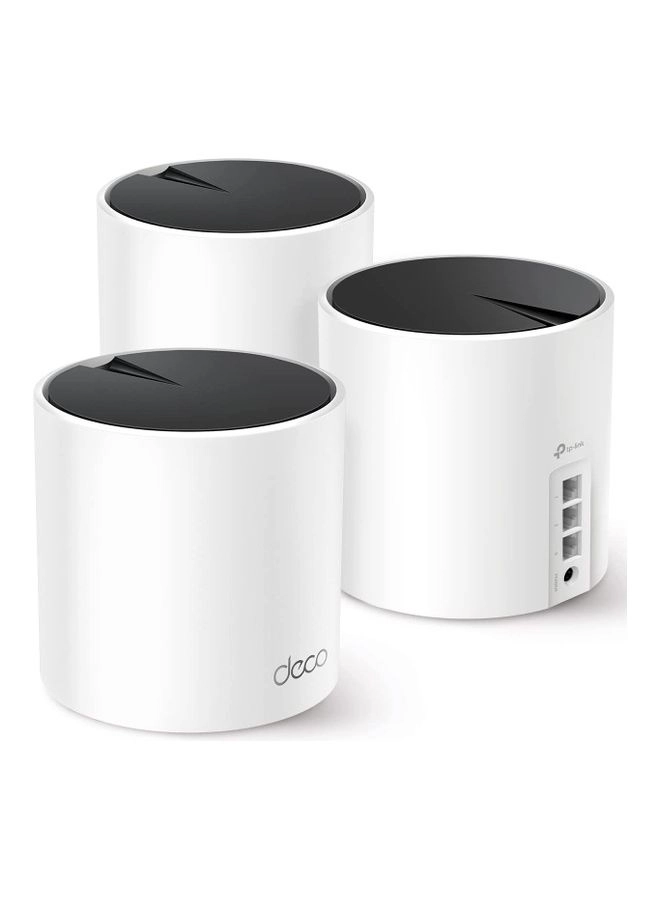
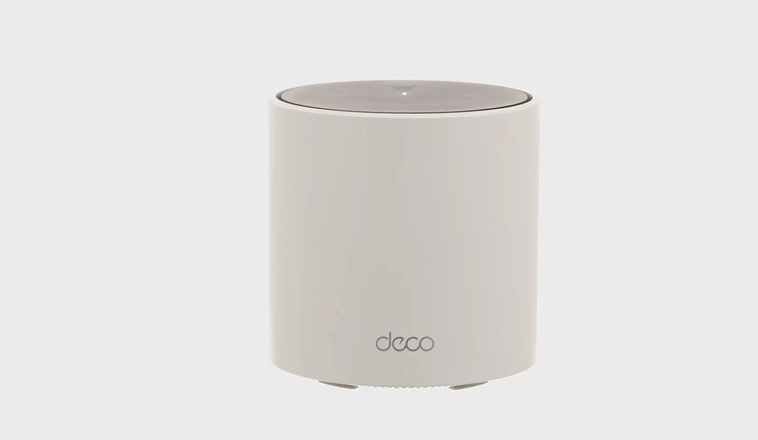
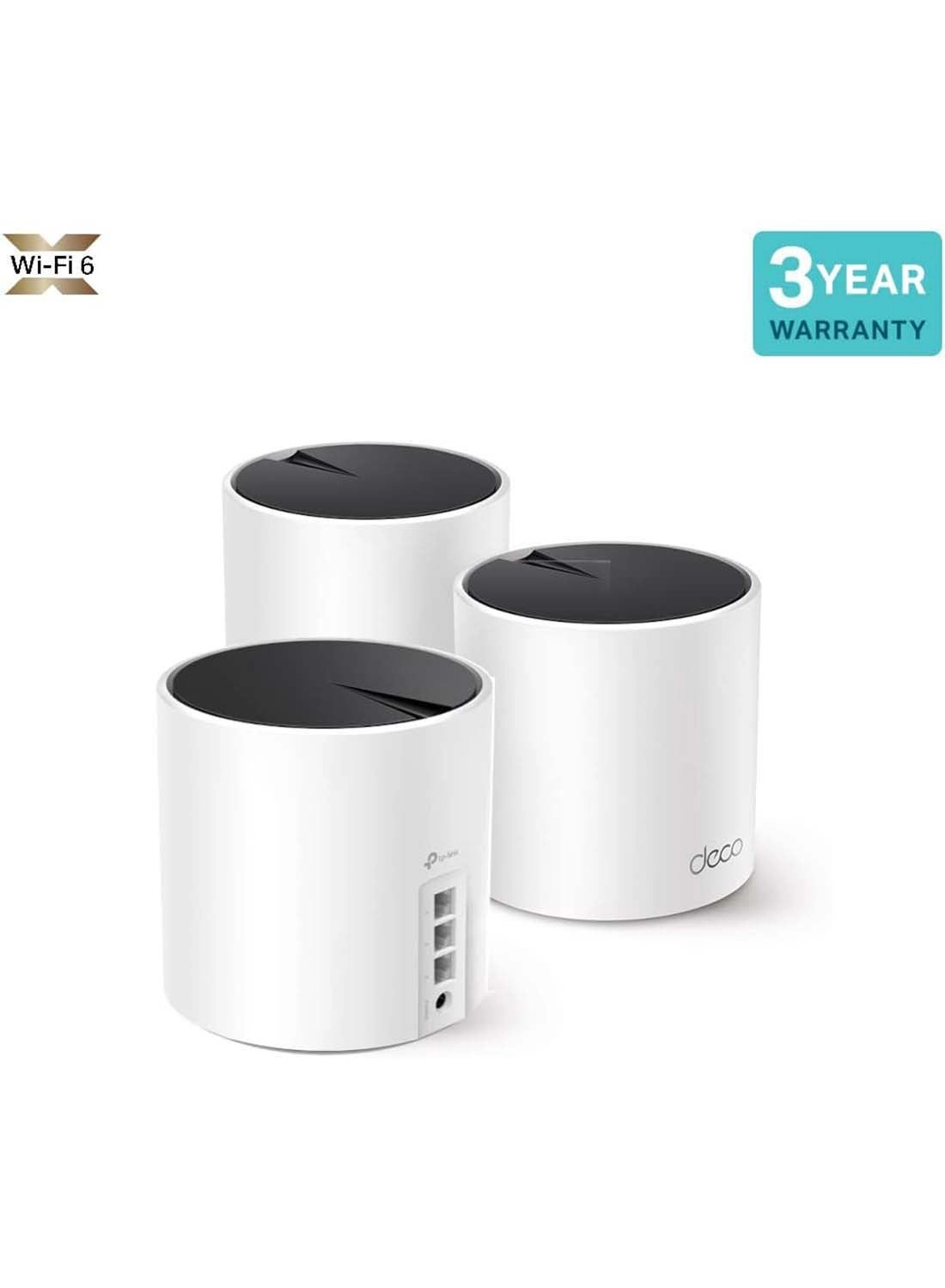
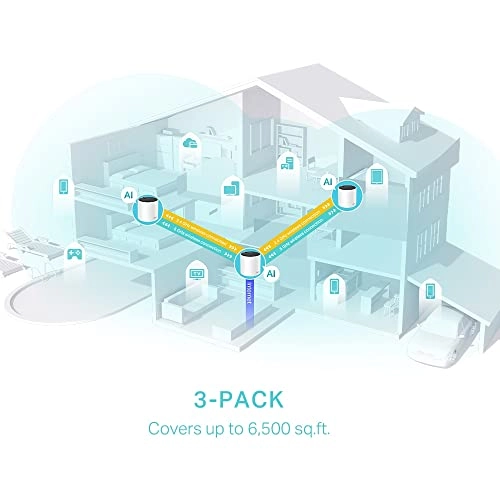
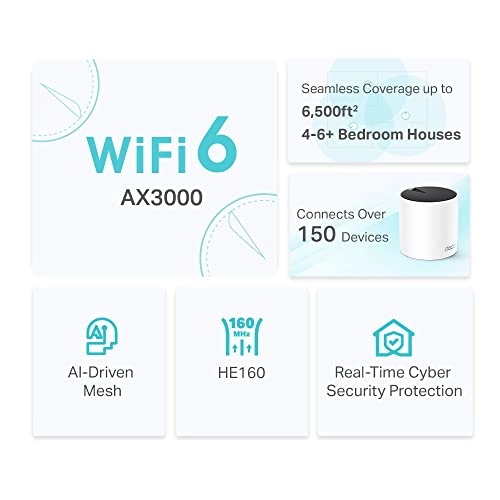
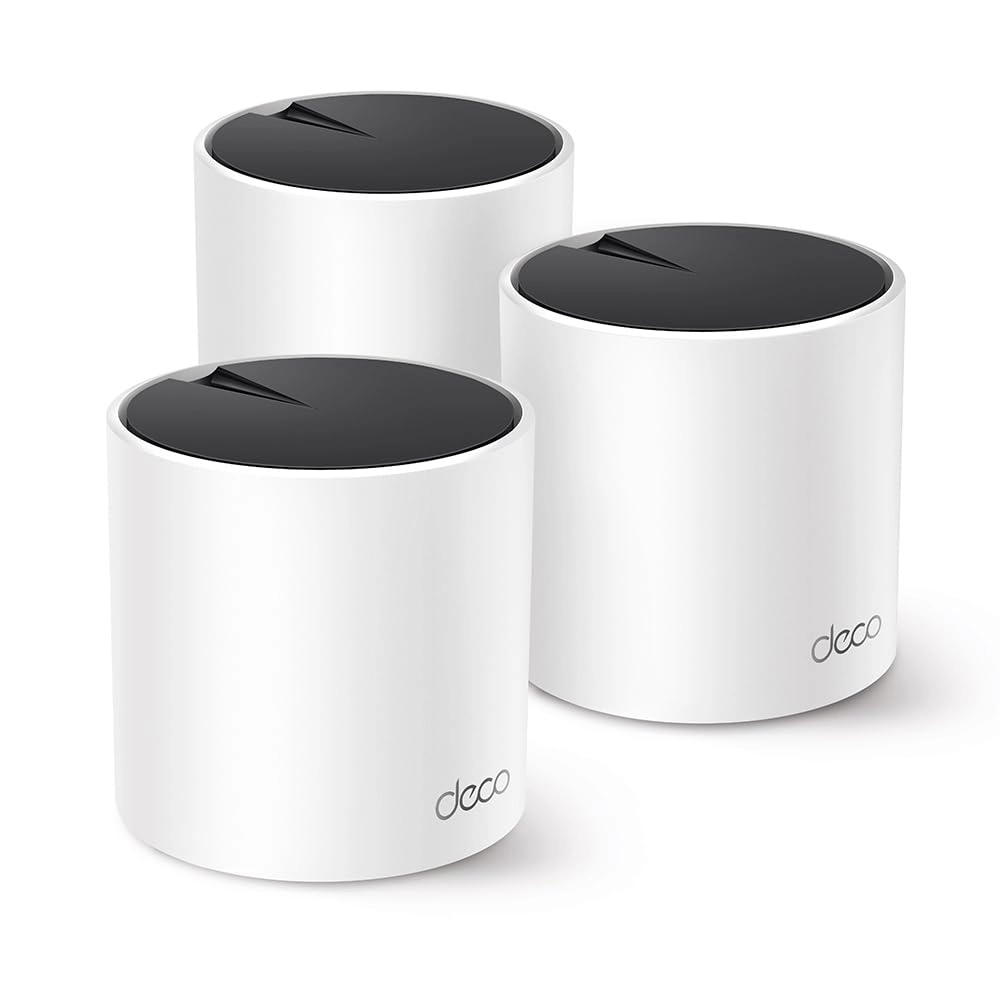
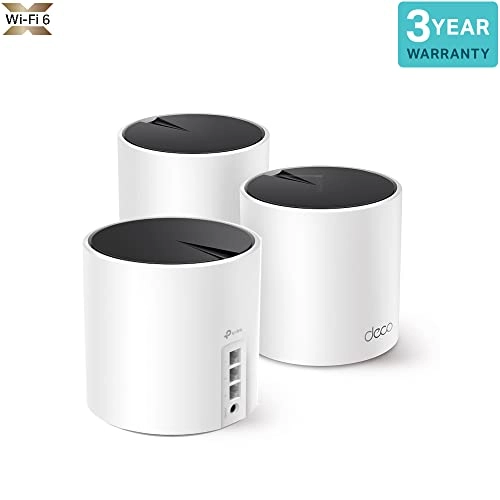
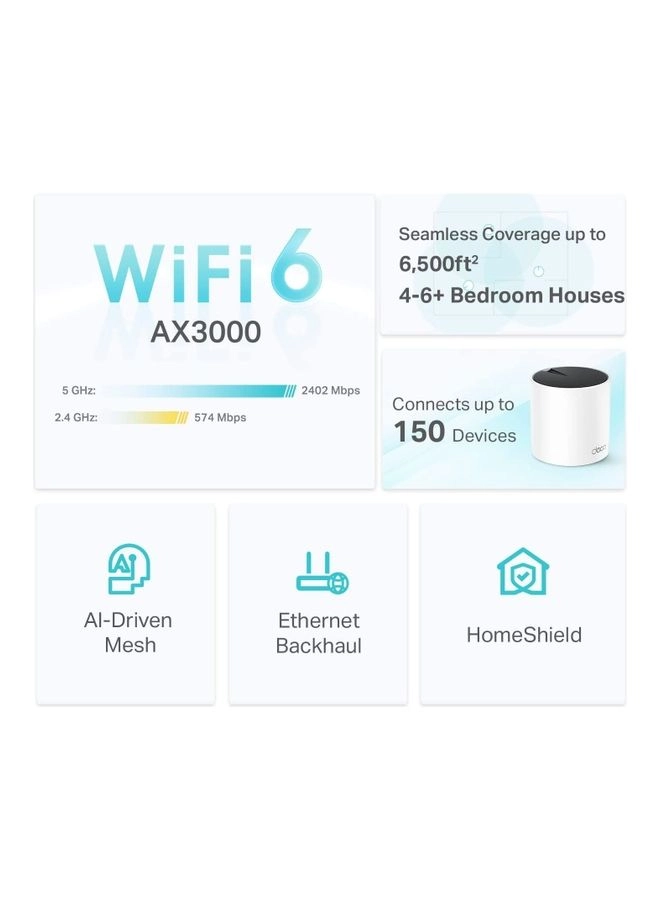
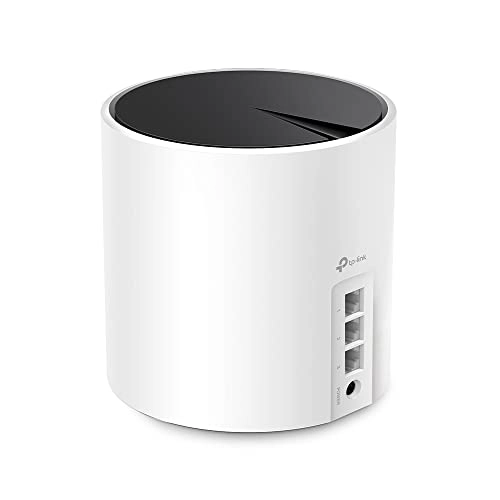
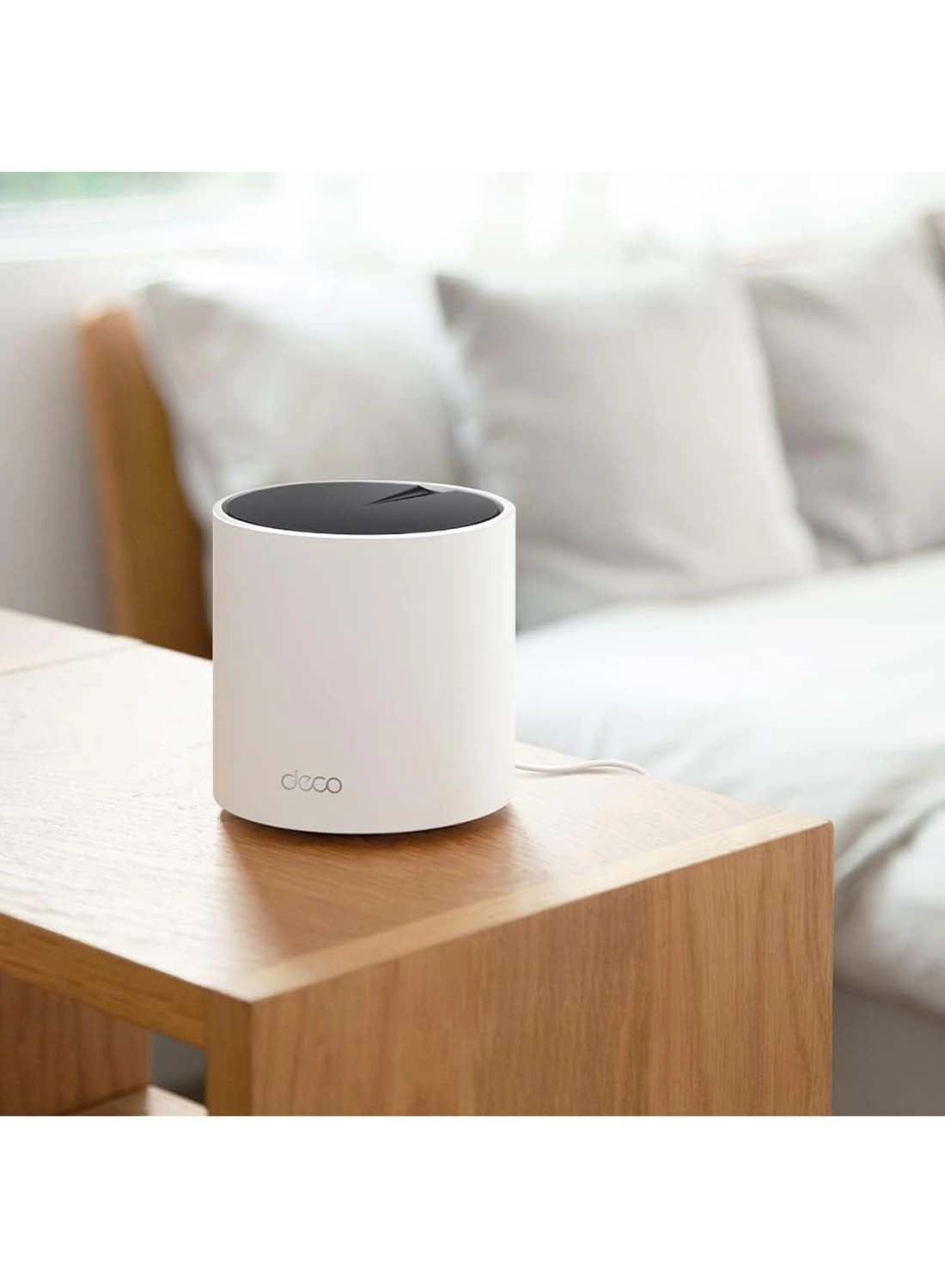
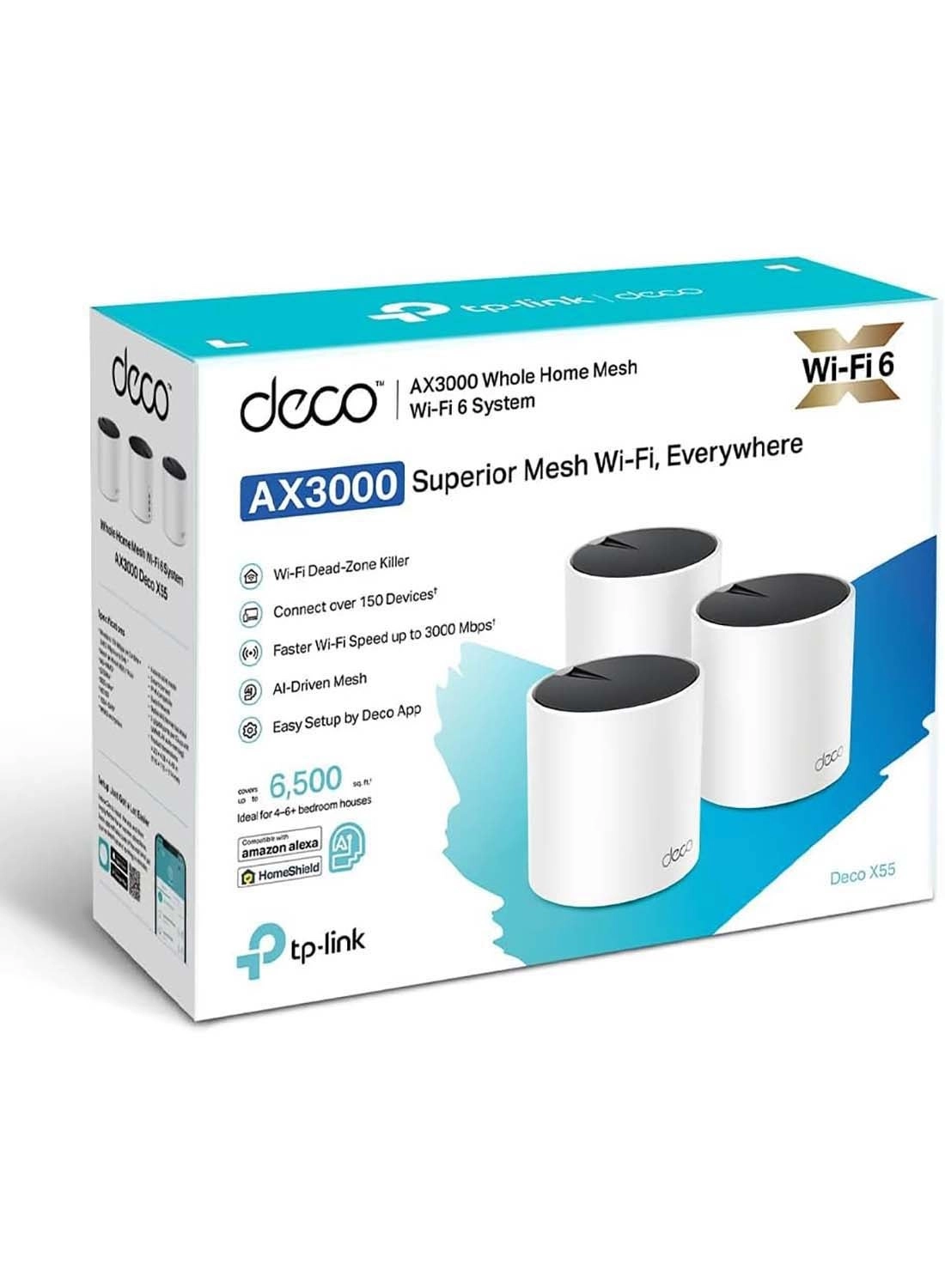
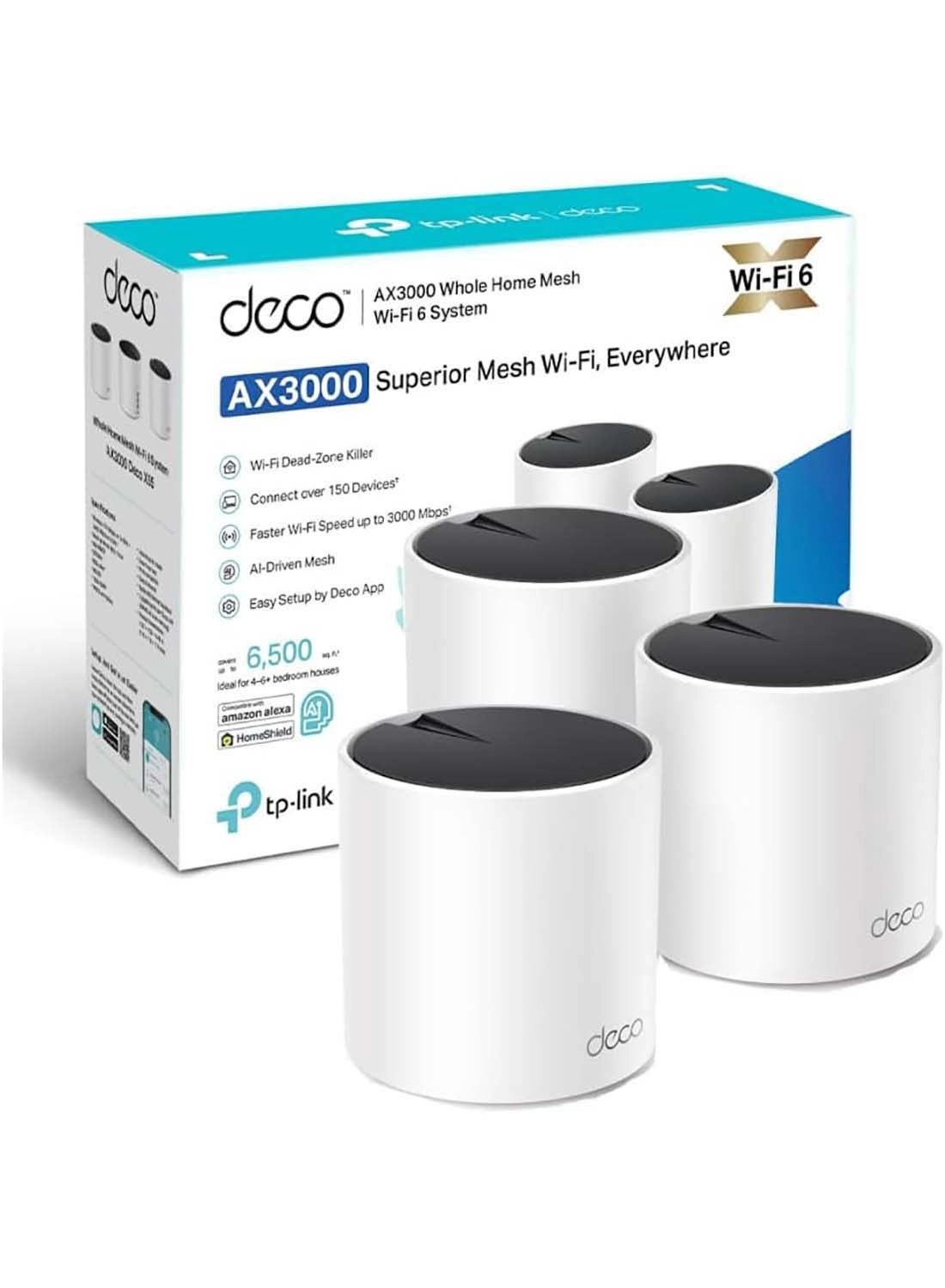
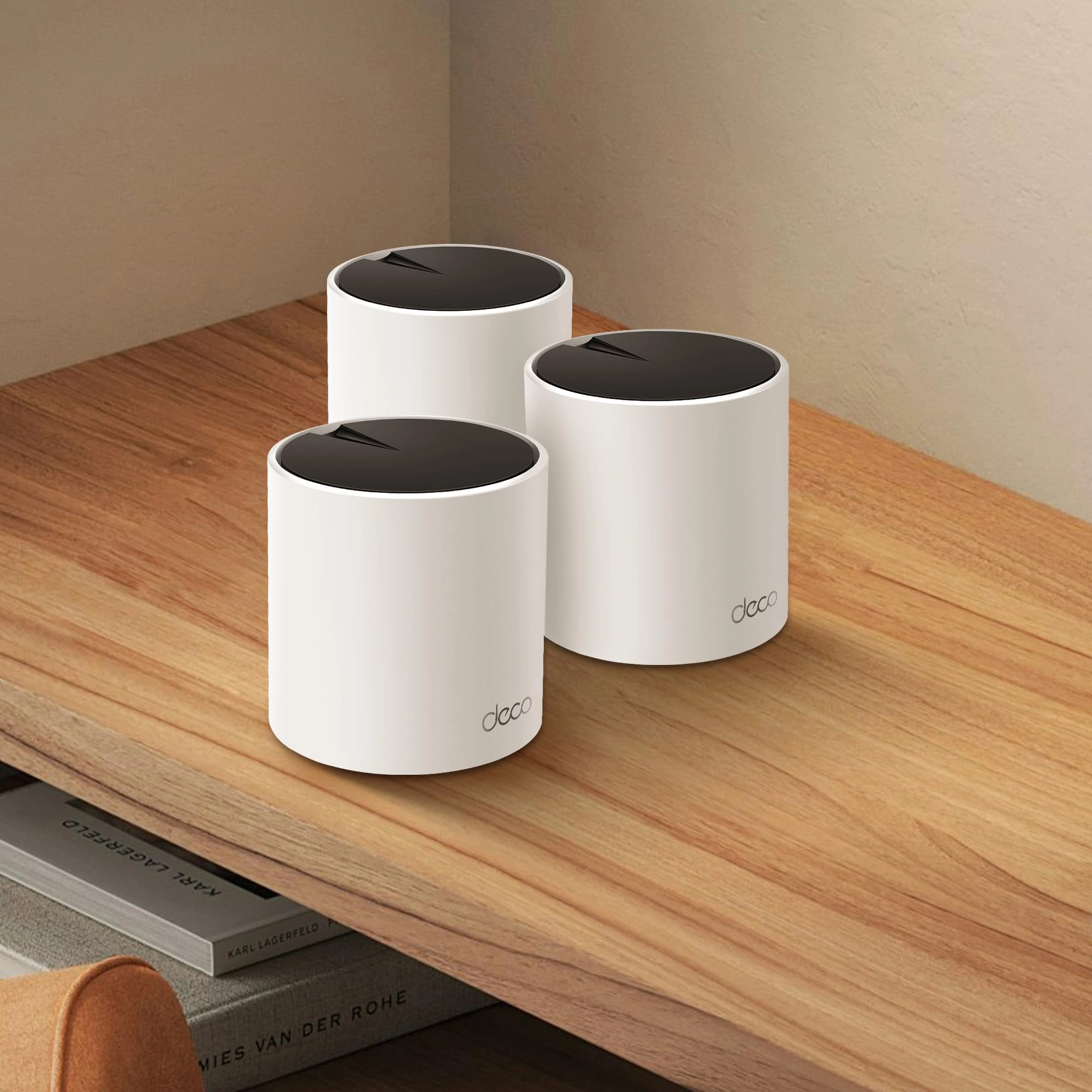
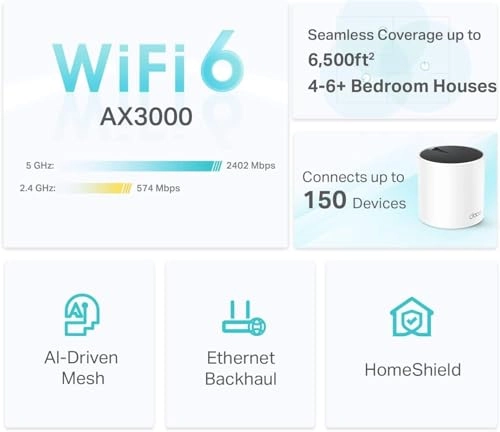
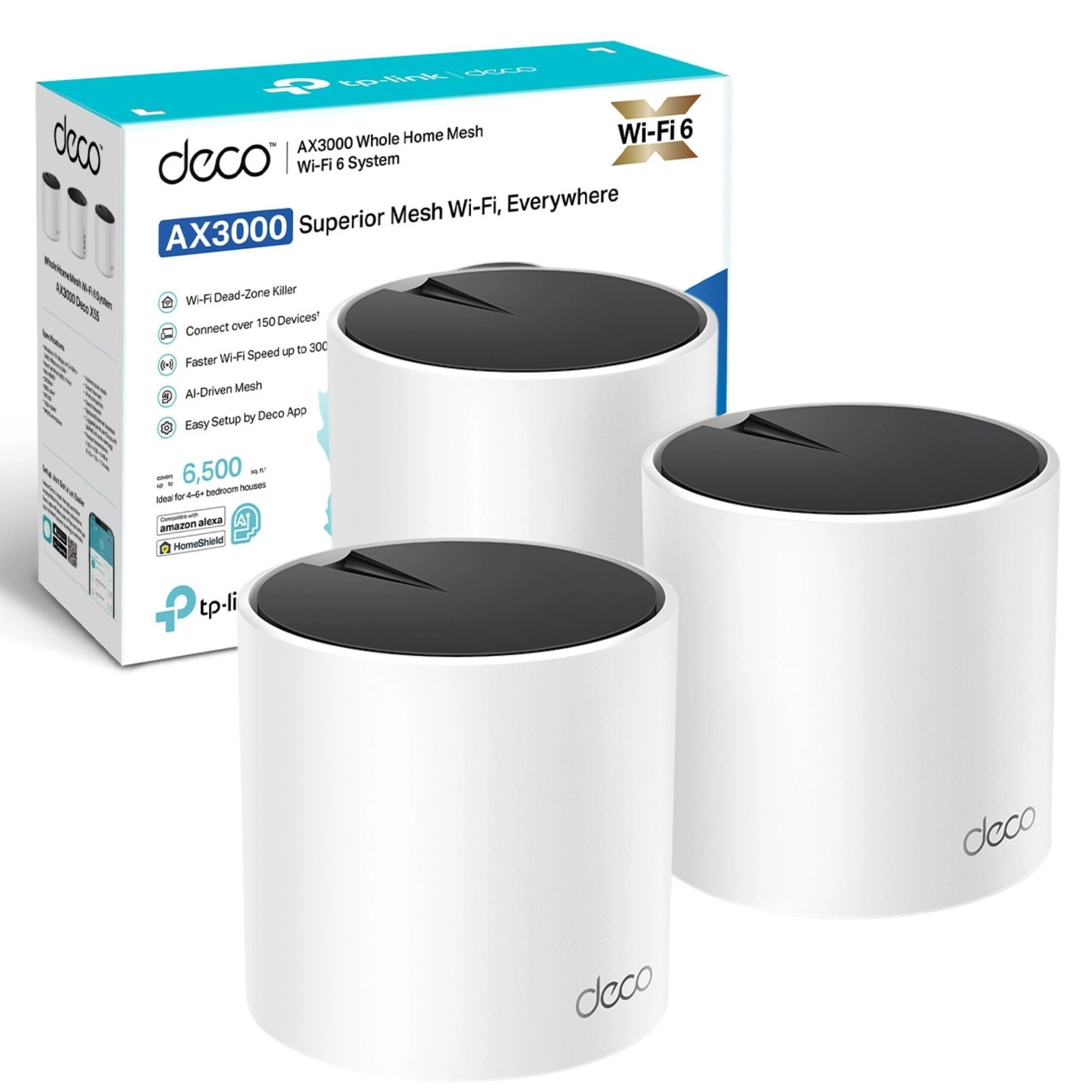
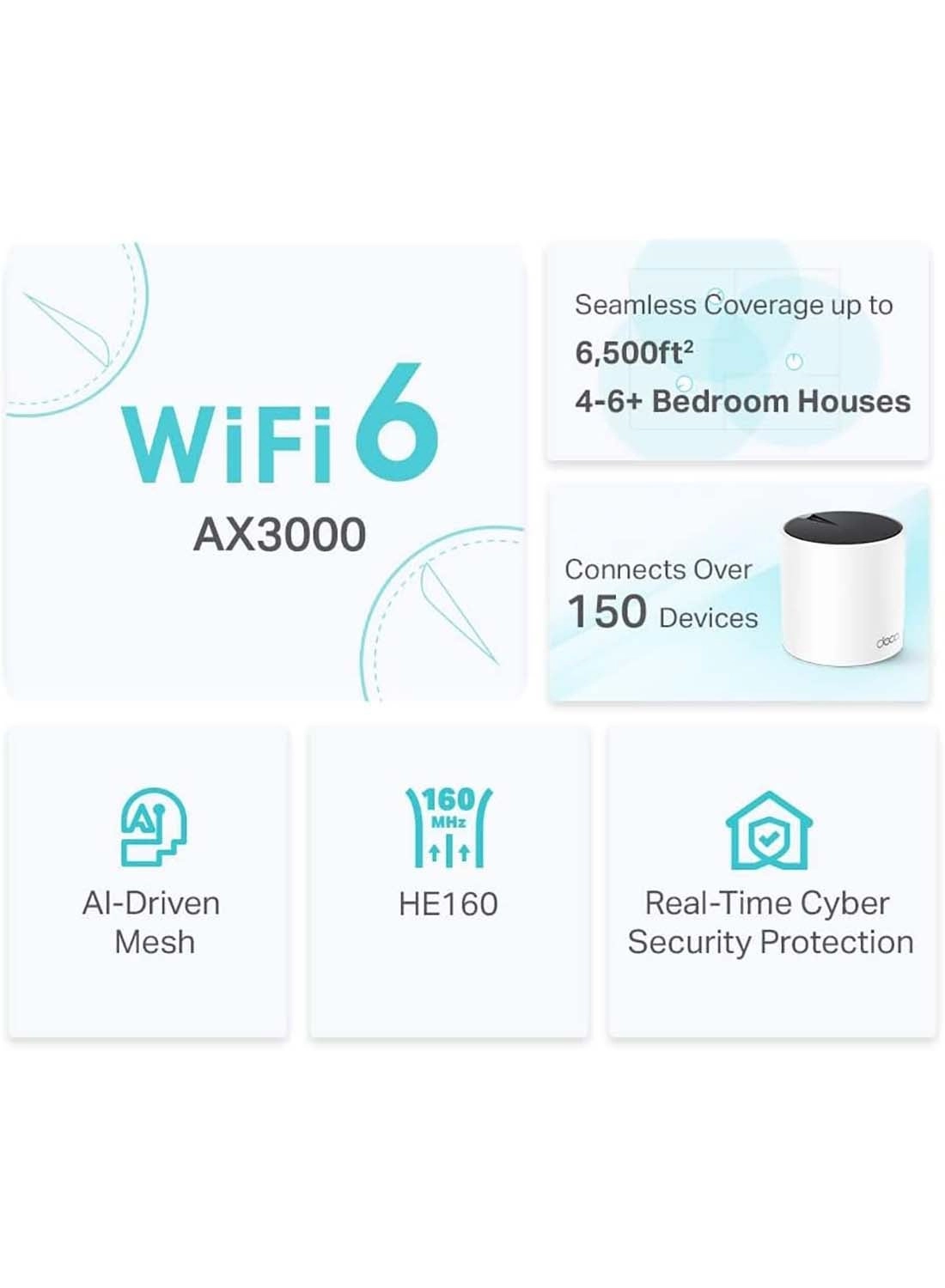
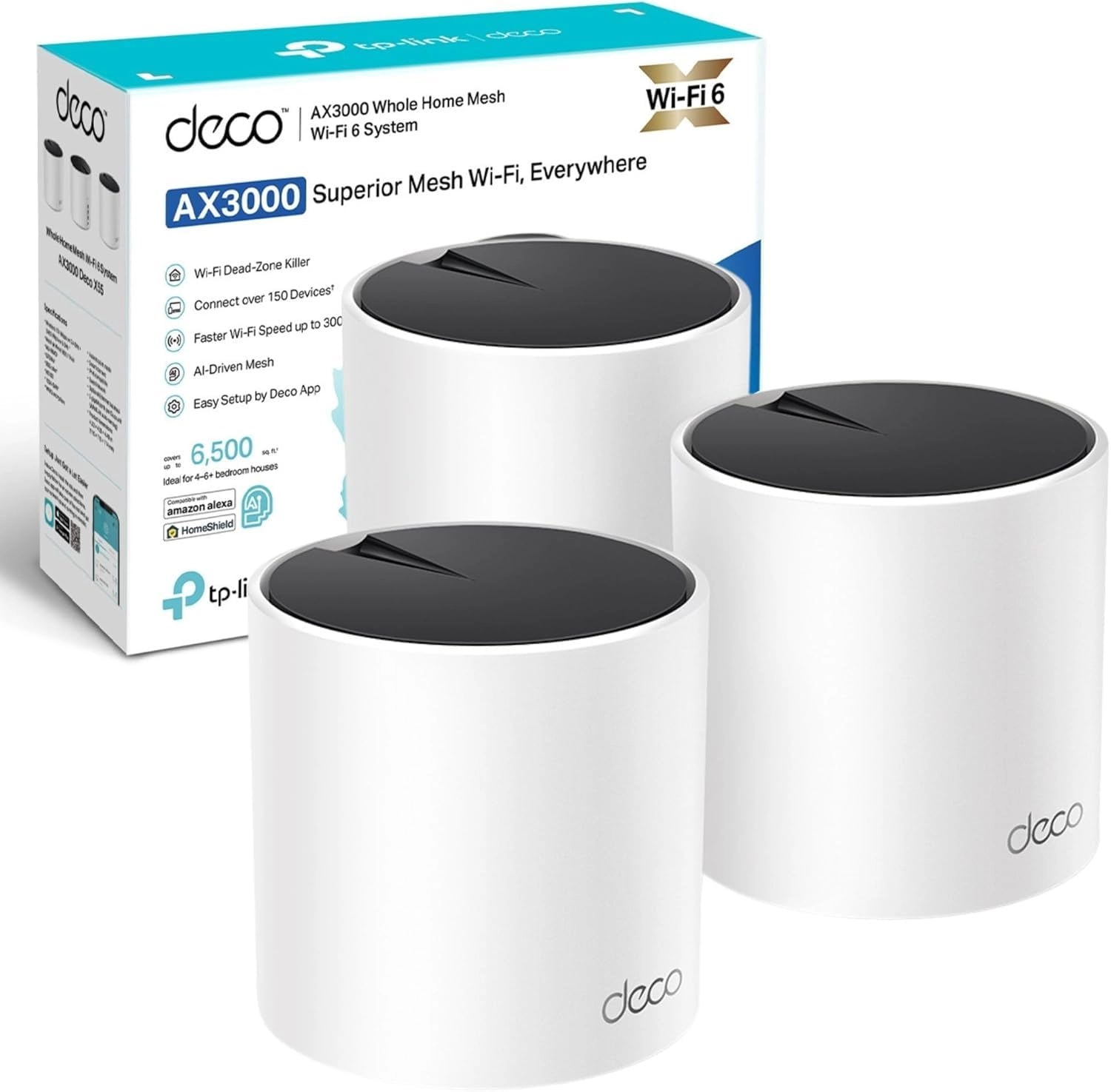
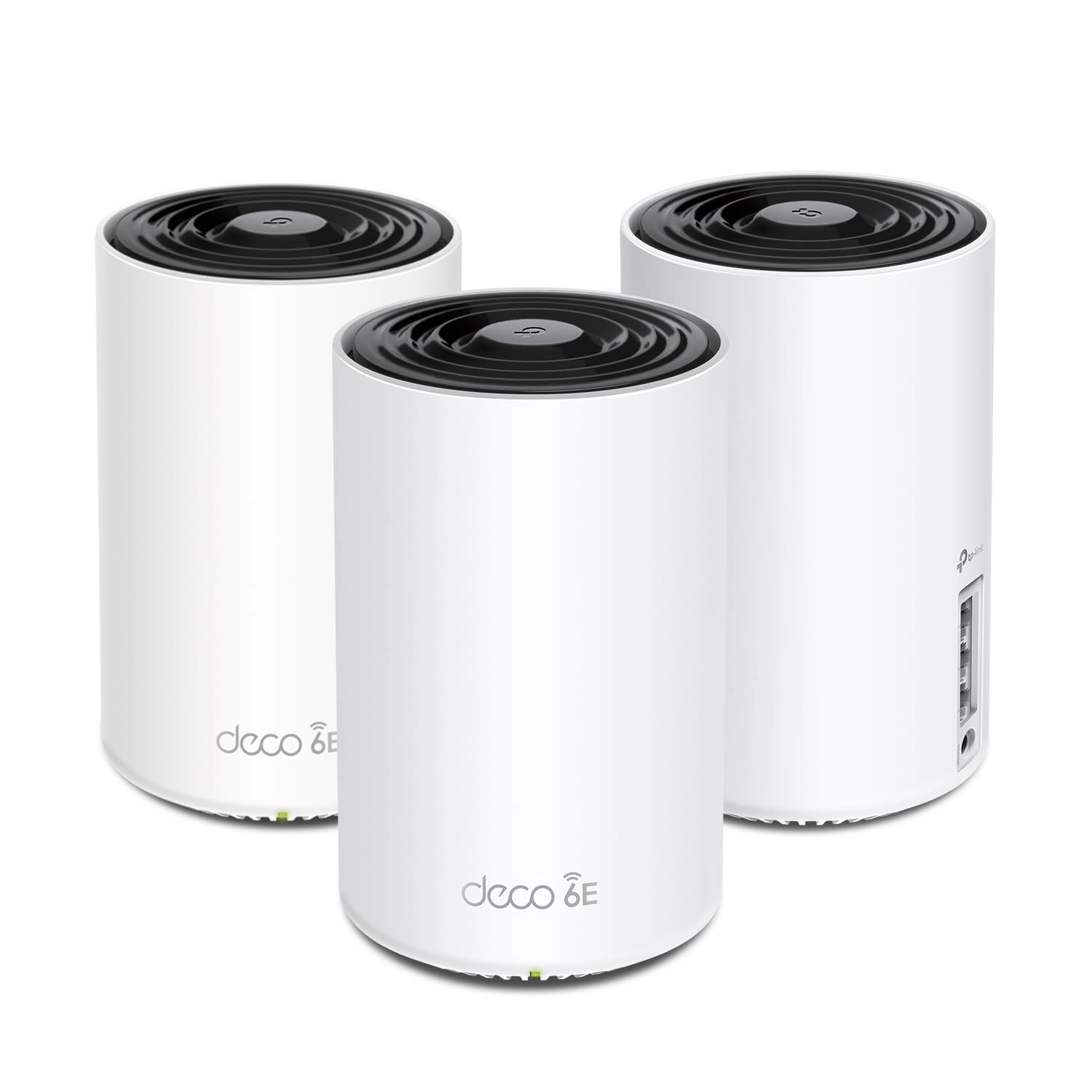
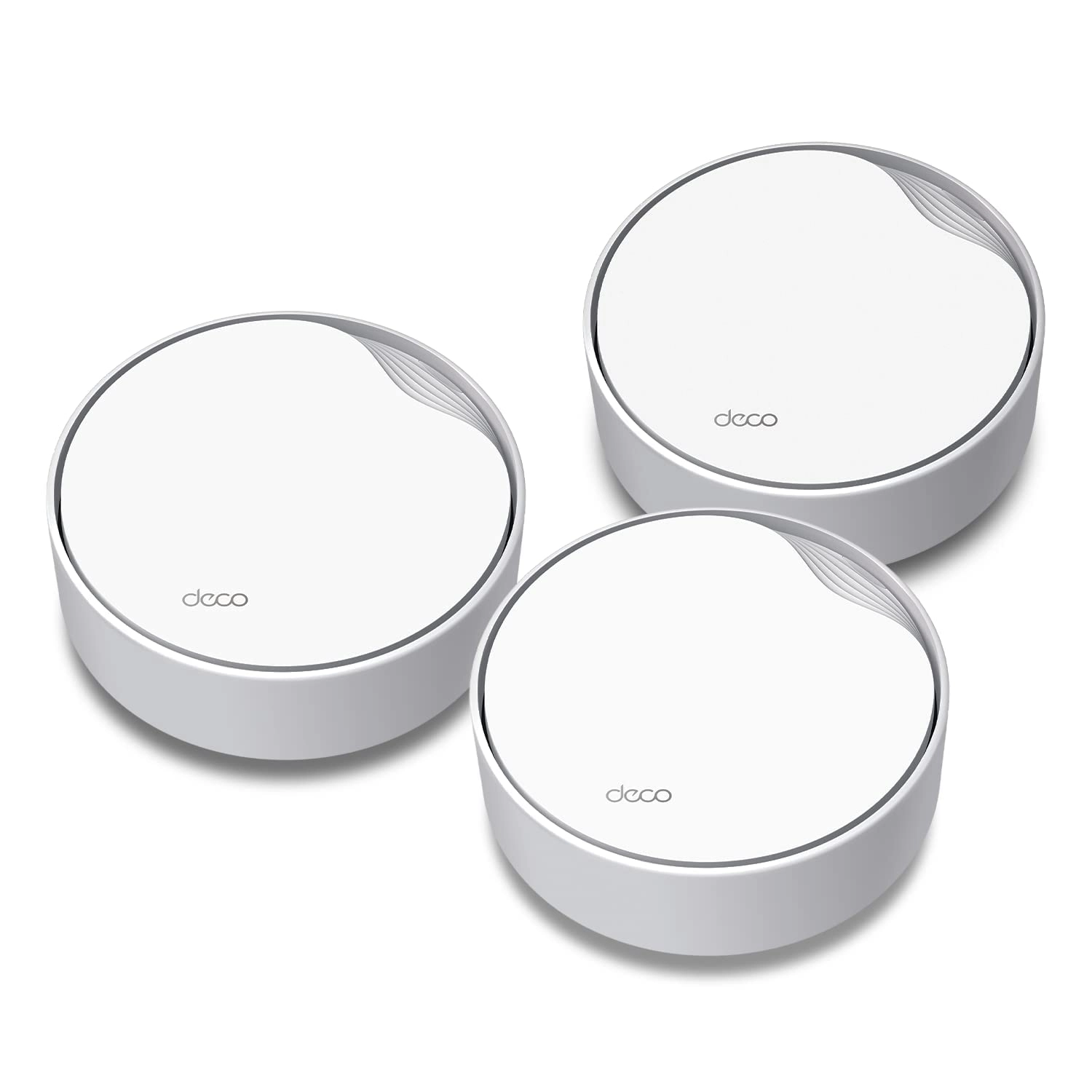
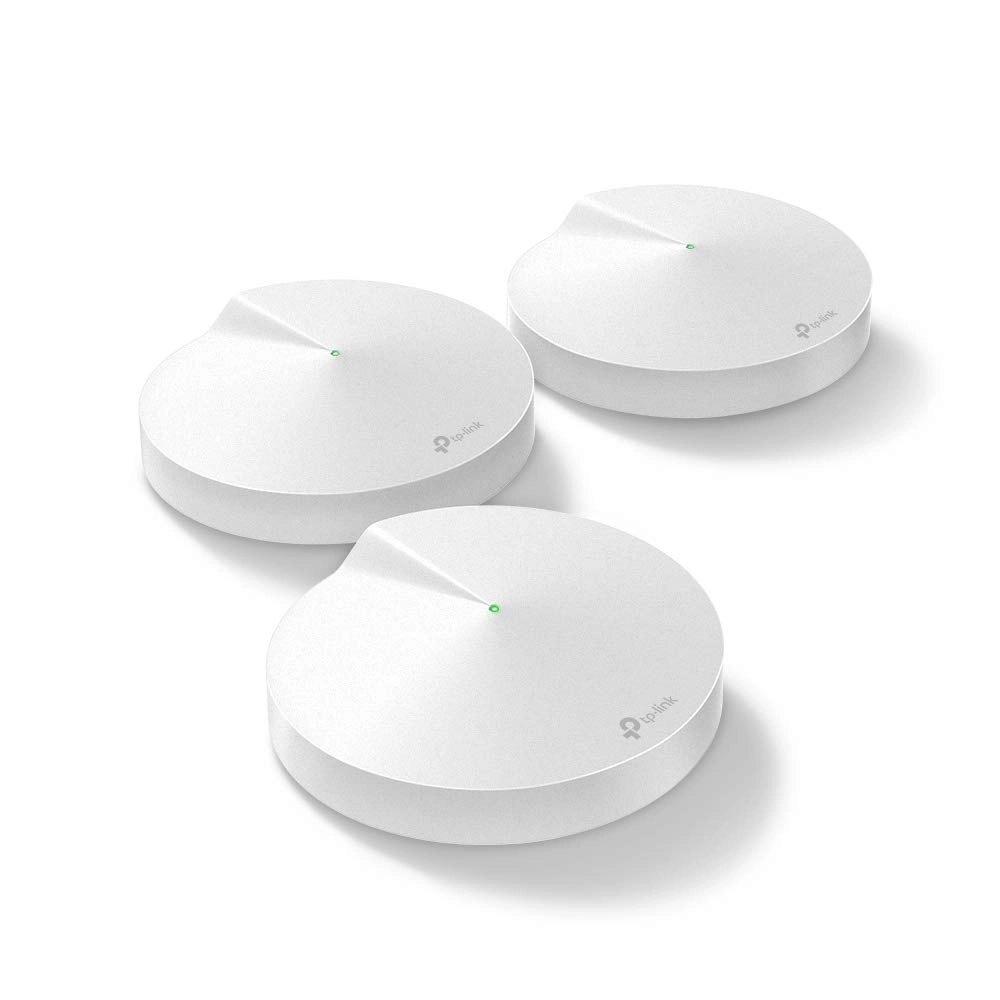
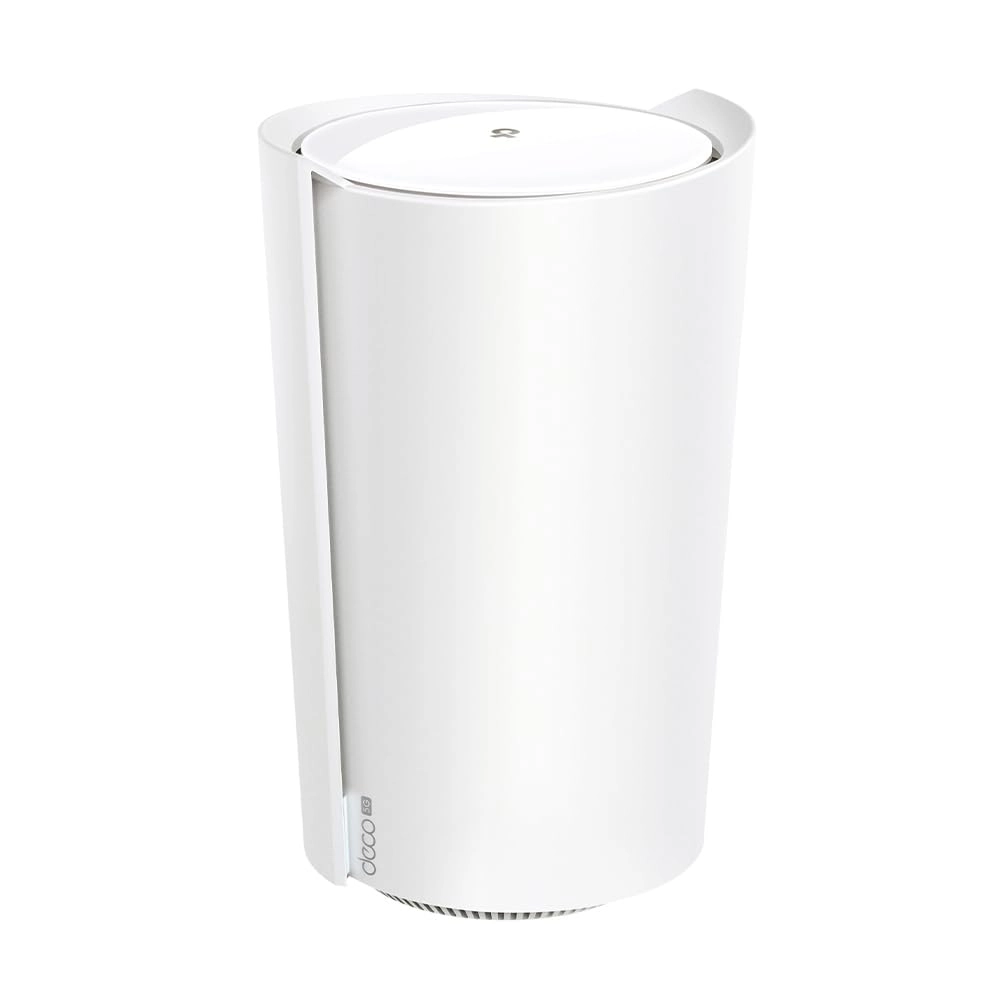
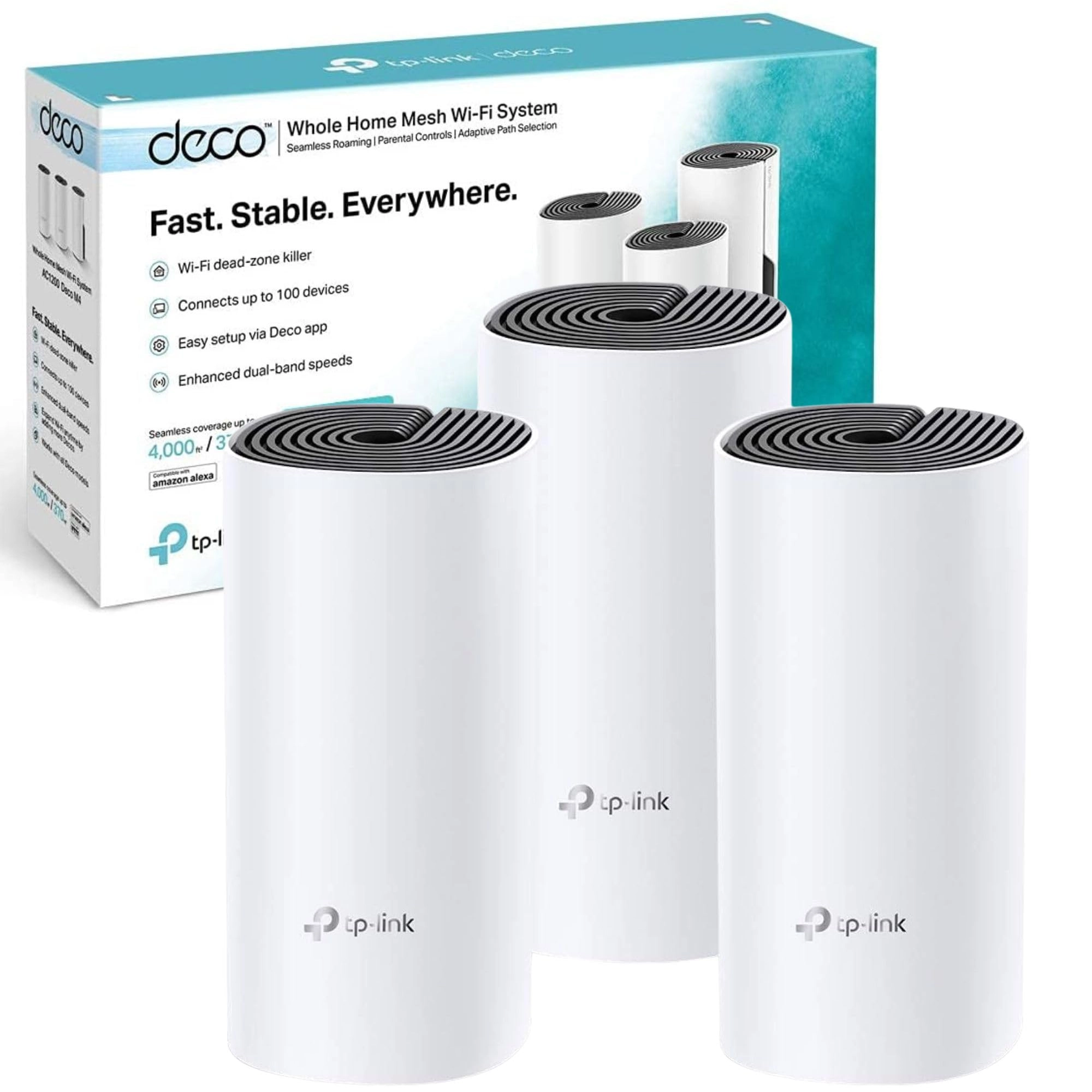
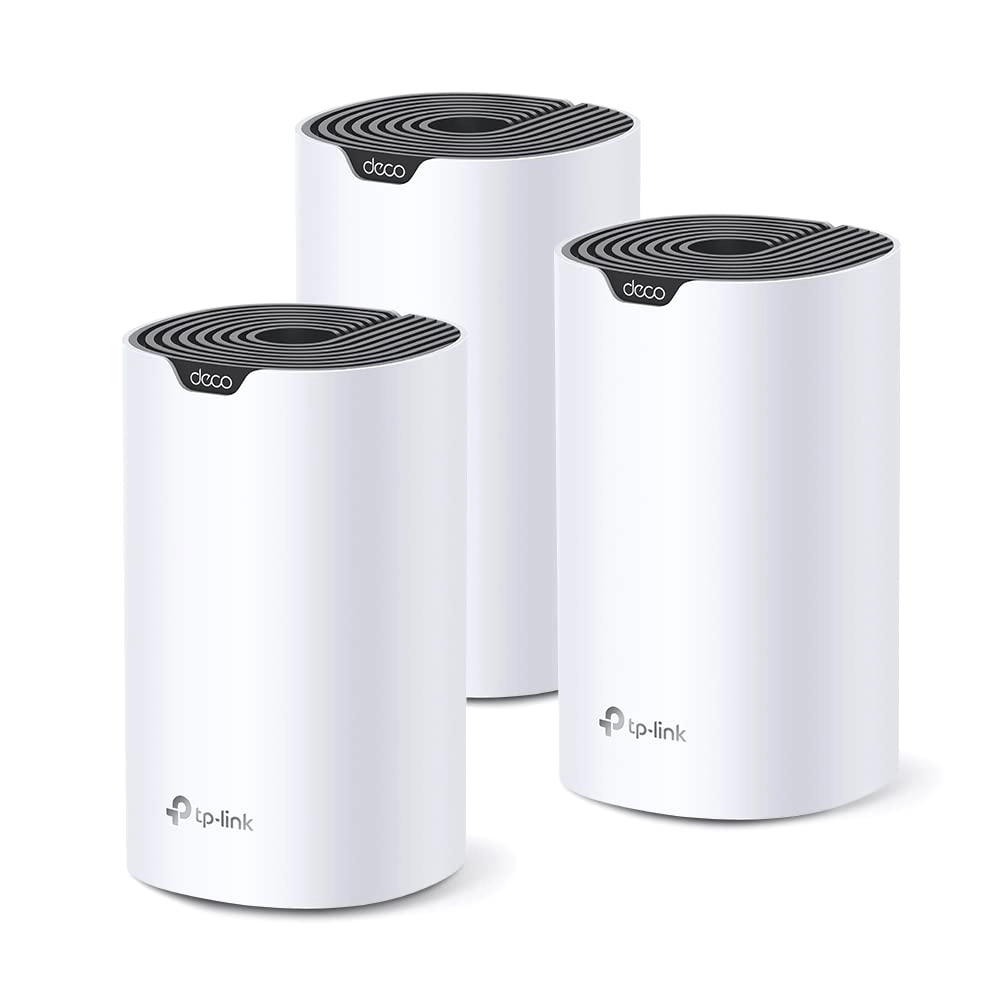
Experience seamless, high-speed WiFi coverage up to 6,500 sq ft
with this Deco X55 mesh system, powered by WiFi 6 for fast,
reliable connectivity for up to 150 devices.
Review: Finally getting the speeds I pay for - Well worth the
investment - Pros: - Dramatic improvement in speed test results
and reliability. - Great coverage: my WiFi now feels fast and I’m
finally getting close to the advertised speeds I pay for. - The
app lets you choose a preferred mesh for devices to connect to,
shows signal strength to each device, and download/upload speeds
in kbps. - Fairly easy to set up. It may take a while depending
on how awkward your WiFi provider/router is, how much you want to
test for optimal positions, and the time taken to familiarise
yourself with the detail-heavy app and its settings. For some, it
will be almost plug and play. - Lots of settings so you can make
personalised choices. There’s a huge amount of functionality,
right down to being able to turn the light off on the mesh. -
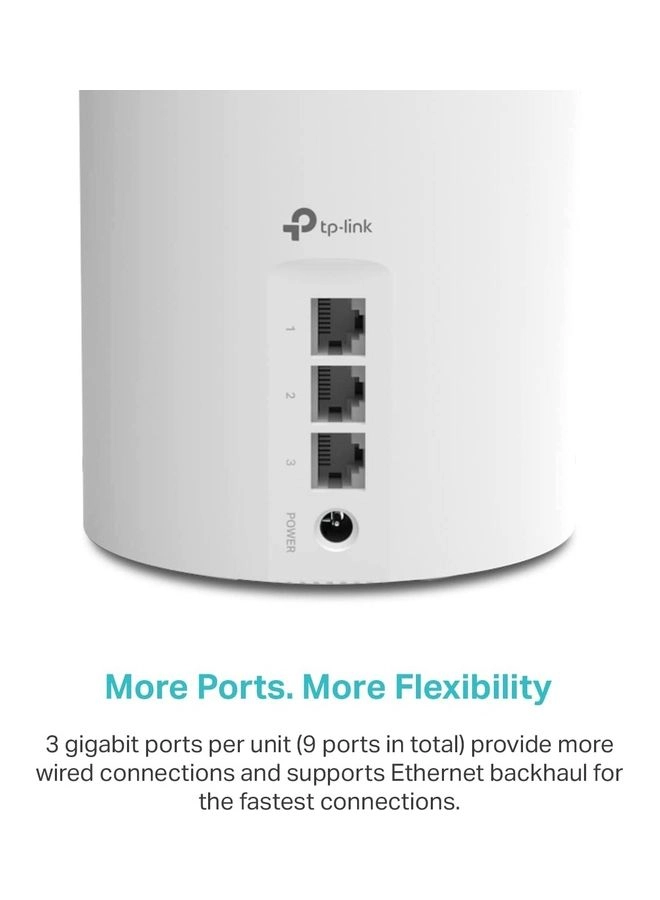
Lovely, premium design. - Lots of Ethernet ports. Cons: - I wish
there were clearer guidance during setup on testing for optimal
placement, or even a mode to help find the best signal. I spent
around an hour deciding whether to put the router in a room with
important WiFi-heavy devices (showing a medium 2-bar signal
strength) or in the hallway outside (showing a strong 3-bar
signal but further away from those devices). For me, the stronger
hallway position won. - The light colours can initially be
confusing in terms of what they mean or indicate during setup.
Worth noting: - If you try to name the new network the same SSID
as your existing one during setup, it asks you to rename the mesh
to something different, which feels counterintuitive if you want
devices to switch over smoothly. It doesn’t explain that you can
rename it back later after you’ve turned 2.4 GHz and 5 GHz WiFi
off on the original router. Overall: - Yes, it’s an expensive
investment, but in my view it’s better than paying more every
month for “faster” WiFi that you might never get the true benefit
of once you’re a bit further away from the router.
Review: Excellent Dead Spot Elimination - If you are looking to
upgrade your home network, the TP-Link Deco X55 WiFi 6 Mesh
System is a total game-changer. After struggling with
inconsistent speeds and frustrating "dead zones," this system has
completely transformed how I use the internet at home. Say
Goodbye to Dead Spots: The standout feature of the Deco X55 is
its ability to eliminate signal drops. Whether I’m in the
basement or the furthest corner of the upstairs bedroom, the
connection remains rock-solid. Unlike traditional extenders that
create separate networks and cut your speed in half, the X55 uses
AI-Driven Mesh technology to create one seamless network. This
means your devices automatically switch to the strongest node as
you move around, without you ever noticing a transition. Blazing
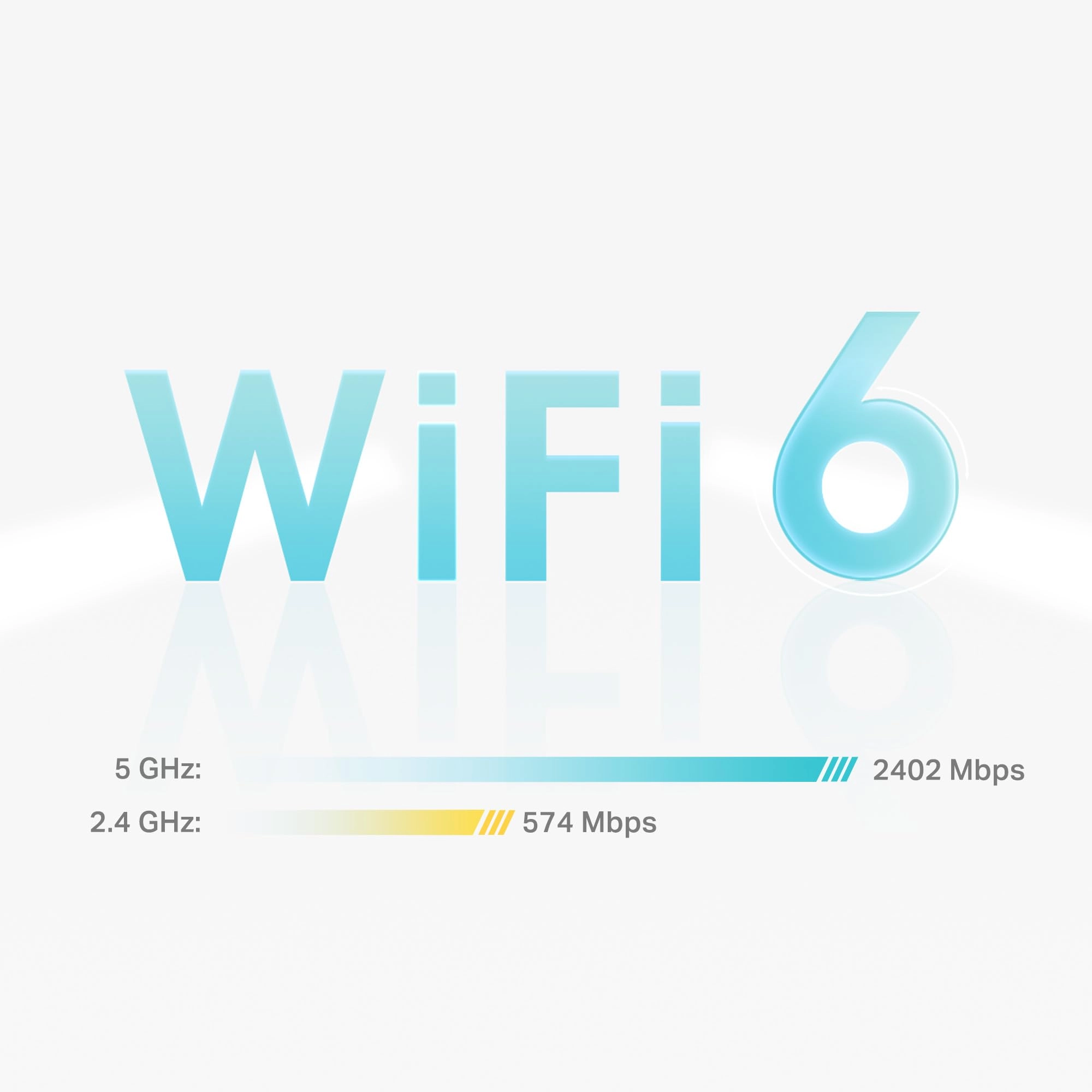
Speeds: With WiFi 6 technology, I’m finally getting the speeds I
actually pay for from my ISP, even on multiple devices
simultaneously. Massive Capacity: It handles over 150 devices.
Between smart home gadgets, gaming consoles, and work laptops,
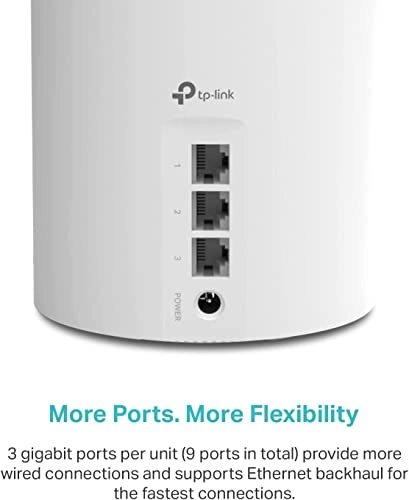
the network never feels congested. Wired Versatility: Each node
has three Gigabit Ethernet ports, which is perfect for hardwiring
a TV or PC for the most stable connection possible. Effortless
Setup The "Deco" app makes installation incredibly simple. It
walks you through the placement of each unit to ensure you get
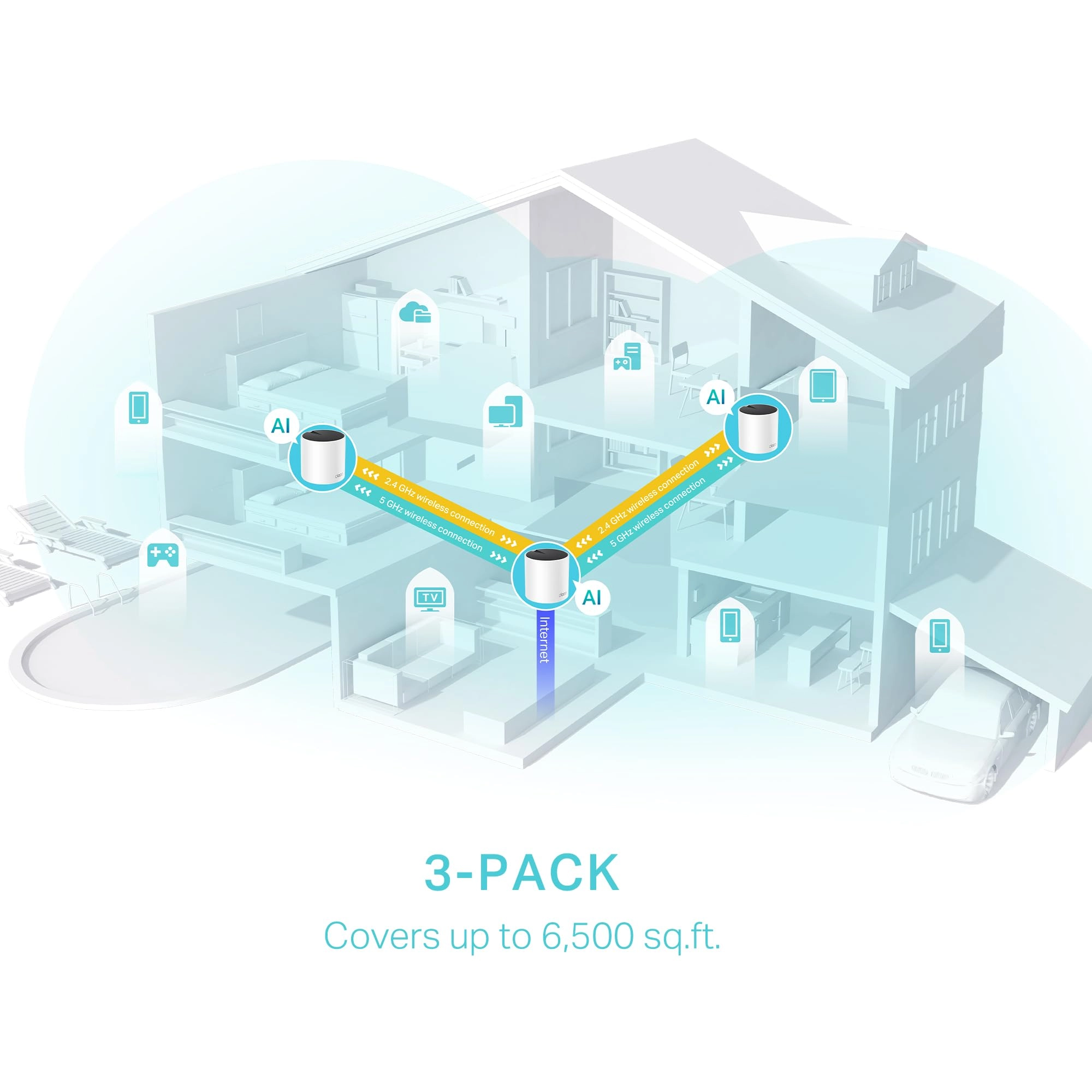
the best coverage. Within 15 minutes, my entire house—up to 6,500
sq. ft. with the 3-pack—was blanketed in high-speed WiFi. Final
Verdict: If you are tired of buffering and "WiFi dead zones," the
TP-Link Deco X55 is one of the best investments you can make for
your home. It’s reliable, fast, and remarkably easy to manage.