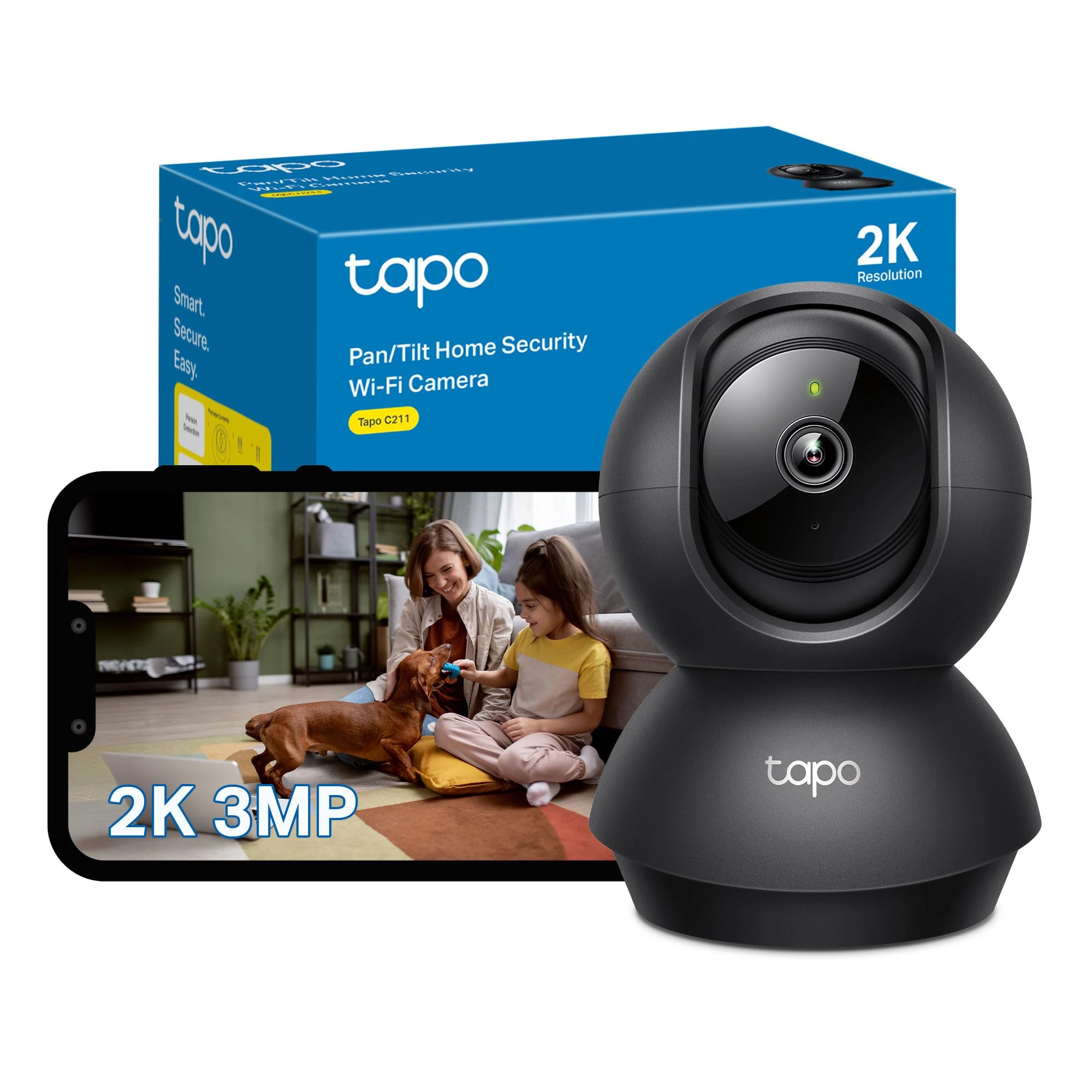
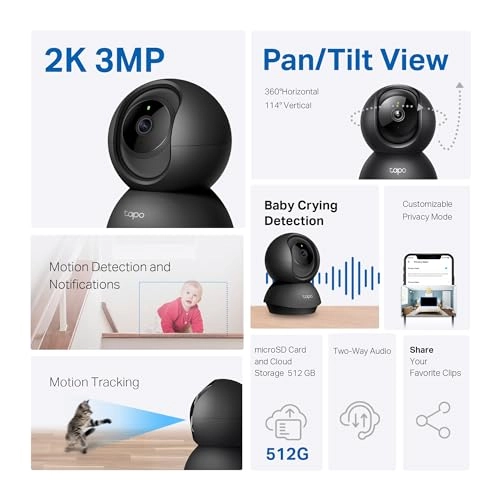
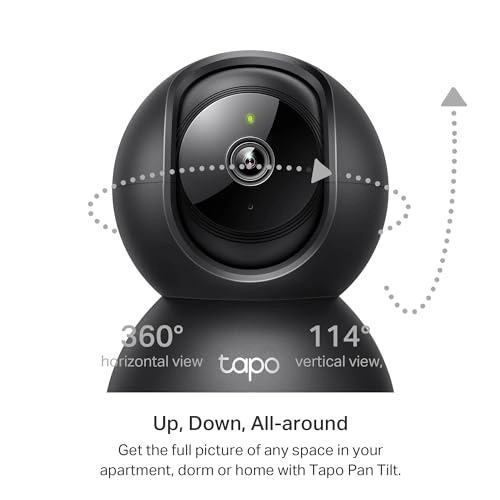
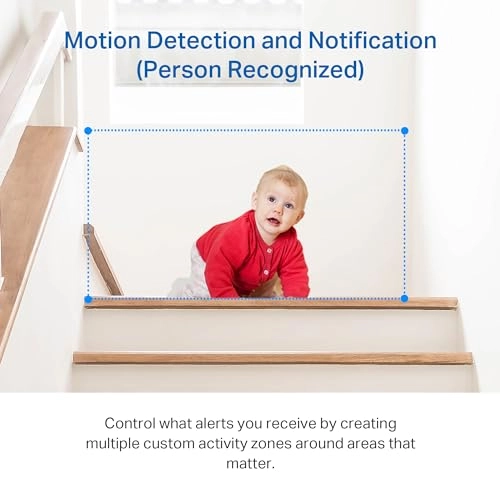
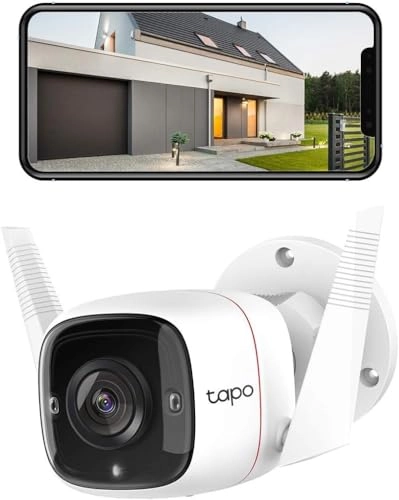
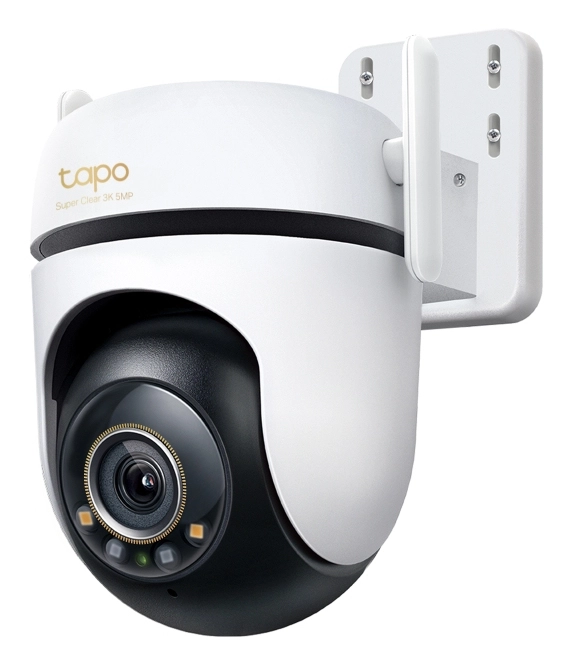
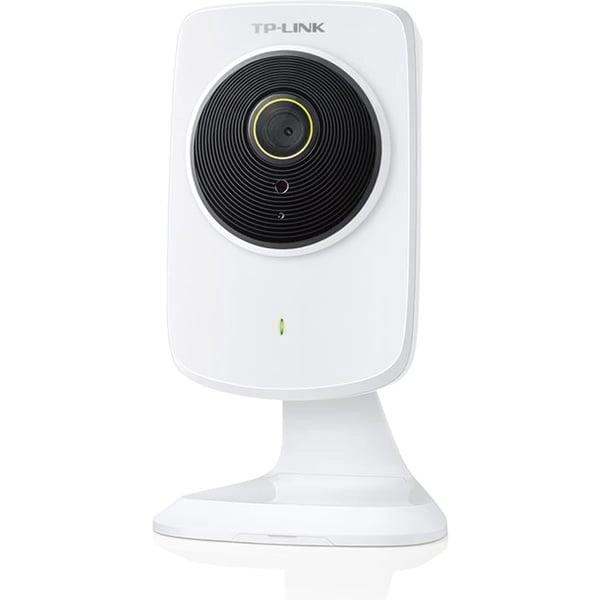
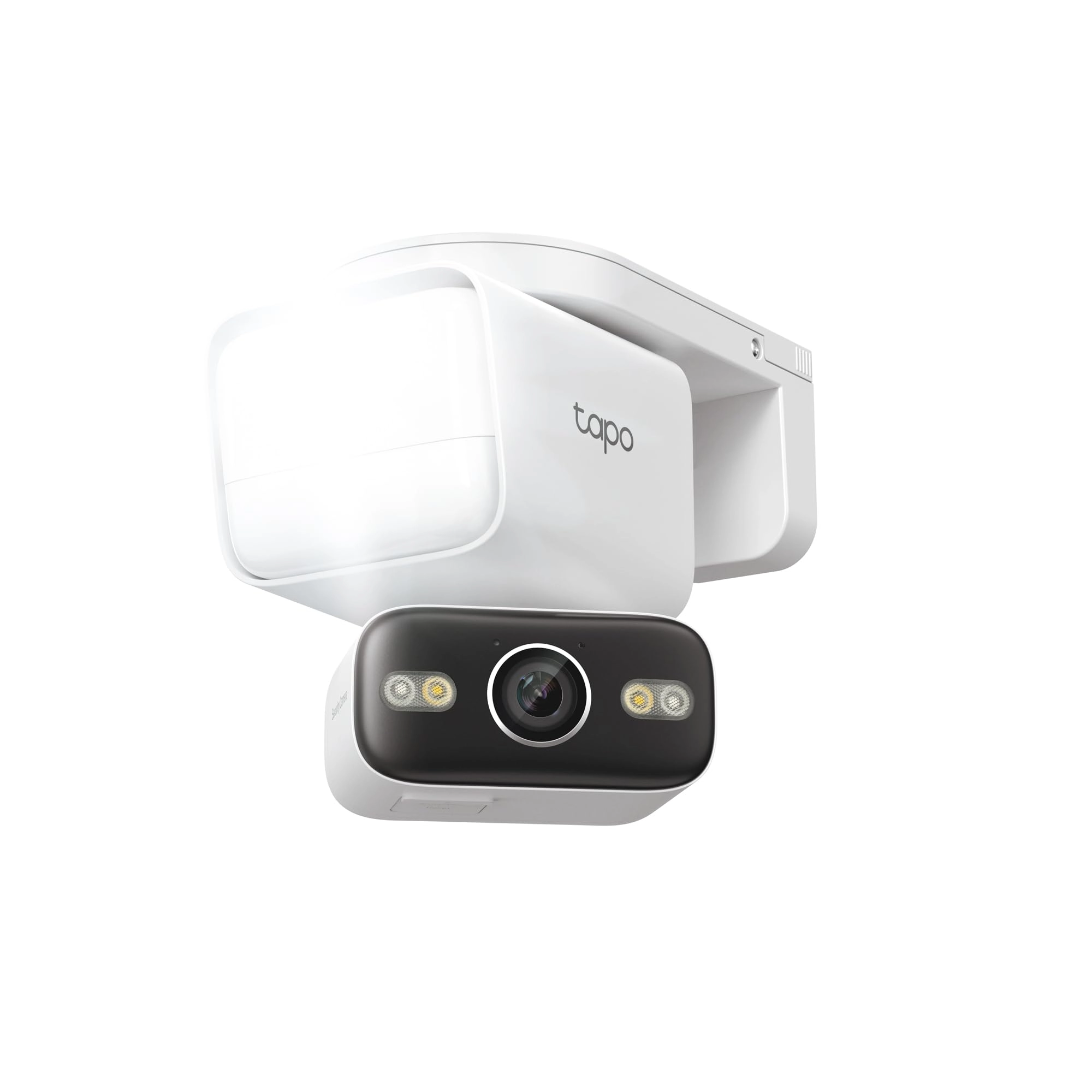
High-resolution 2K 3MP camera with 360-degree coverage, night
vision, and AI detection. Ideal for home security, pet
monitoring, and baby care without monthly fees.
Review: Pointed out a window & my thoughts as a Tapo long time
user - The C11 this camera is really nice to look at , the
Picture quality is excellent it really is, I was not expecting it
to look that sharp! Its extremely clean crisp picture But I’m
really used to using many C225’s the white one that’s about twice
the price of this. That is like this black camera but with a
white housing, I have a good feeling of them. This Black C211
looks really nice & it’s cheap & it’s very well made & no one can
say a bad word about the app it’s not clunky , it’s clean & easy
to operate & have a few hours of playing around on it. It will be
like writing a txt. It also never drops from the WiFi I have many
of my camera’s pointed out windows bar 1 , I have 3 C225’s & now
this C211 Black camera pointed out a window You can’t use the IR
for this as the inferred will bounce off the window & you will
get a glare so If you live in the town or an estate or in a city
, just leave it on day mode & the street lights will be more than
enough so you can view everything at night MY CON’s with this is
the features . So I’m used to getting Vehicle tracking & pet
tracking & break glass & Frames per second & HDR picture with the
2K quality.. which this camera doesn’t have To me it’s very basic
as in features, but it depends honestly on what you need the
camera for. I’m using them in a security way & I’ve one in the
sitting room, so if my house was broken into I have outside &
inside covered Now with this camera the Black C-211 you don’t get
vehicle tracking , nor can you set it to 15/20/25 or 30 Frames
per second, which matters as in the lower the less memory it will
use. But the higher means no motion blur even a car speeding past
I can read number plates This to me looks like it’s set to 30FPS
which I don’t mind I use 512Gb SD cards - imo use desertcart
basics or really if you can afford it get the SanDisc extreme pro
or ultra I can’t remember ( just make sure it’s class 10 V30 etc
) what the desertcart basics is.. the pro of the SanDisc is You
will get longer out of it, as in think about it - it’s recording
2K pictures at 30 frames every second over & over & then you loop
it & you do it again & again , so higher price SD card pays off
in the longer term But you will get years out of desertcart
Basics imo . Got off track. MY CON’s ARE - The features they are
no where near what you get in the camera that’s twice the price
it’s around €50 £47 pound. I want vehicle tracking & I want glass
break & I want to set up this section for pets , this part for
humans & this part for car’s etc & I want to be able to use 25FPS
in HDR .. all of which you can’t do with this. That’s on me I
thought they all came with that. So overall it’s amazing it’s
perfect for in your home looking after someone or yourself or
watching a pet or a security camera inside. But for pointing out
a window In my opinion but the C225 to get all the extras that
are so handy & made me a TAPO user for life Also the TAPO team
made me say ok , I’m not going with blink or anyone else bar
Tapo. I had 1 question a long time ago & they fixed it for me
there & then , so nice & understanding & kind & such a pleasure
to talk to. Also they call back ( txt email ) to ask is
everything going okay & check in. The TAPO Team & Staff as a
whole are amazing! If I did not own a more fancy Tapo camera
before this one I’d absolutely love it . BUT I’m used to all the
extra features & I love the HDR picture quality & I Love the
Vehicle Detection & picking a zone So I know someone pulling into
my car park- that’s my delivery or who was this at 2-30am .. they
are not bad con’s it’s an amazing indoor camera And the perfect
size & looks so nice in black I’m just used to the C-225 & hence
why I just bought another & will be giving this to my mum .. but
it’s an amazing bit of kit it’s just lacking a few of the more
expensive features, End on - I’d recommend it depending on your
needs, & yes it works perfectly out a window inverted you can
flip the picture which is amazing.. it’s just lacking a few
extras I’m used to. It’s really well made & at the price point &
this money it’s a bargain. If you want extra security I’d buy
more than 1 camera & use this one ( Black C-211 ) pointing in the
home in the kitchen bedroom baby pets older person etc etc & I’d
use the C225 out the window with all its features. I 100%
recommend it & im blown away by the picture quality it’s truly
amazing ! I’ll always use TP-Link Tapo for life now, lights smart
home for everything they build quality products!
Review: Upgrade on my old one- Fab Camera for multi use - I’ve
had 2 of these cameras previously and the old ones were quite
cheap but did last 3yrs so time for newer model and new cameras
and I didn’t hesitate to buy these again after having such good
quality first time. I’ve seen a lot of others cameras that are
much more expensive & often come with expensive subs. Tapo
cameras are so easy to use, set up & work out. I did mine myself!
You get step by step instructions on what to do via the Tapo App
stage by stage ( easy ans for dummies) and takes literally 5
mins! You do need micro memory cards for these so purchase a half
decent one. I had memory cards in old ones I simply inserted into
new cameras. You need to move the middle section up and you’ll
see where memory card slot is. You connect it to your wifi
following the prompts and it demonstrates on the screen what you
have to do to connect it to your wifi so be sure you know your
wifi password to hand! You’ll need that. Place it where you want
it and use the pan/ tilt on the app to place its fixed focus
where you want it. The picture quality is excellent and night
vision picture quality is very good. I use ours as a doggy cam so
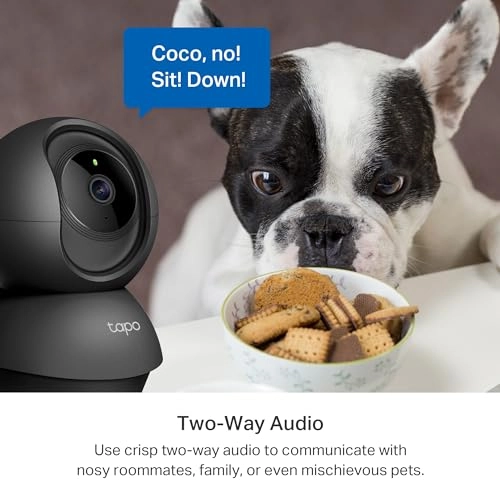
I keep an eye on my two spaniels when at work but you can talk
through the app to the the unit if you need to communicate with
someone in that room when you’re not there. I don’t talk to my
dogs as it would set them off looking for me lol There is a
‘privacy’ mode on the camera app ( you can name each room) and
the cam is displayed as ‘kitchen’ for example and has a screen
with camera 🎥 icon you can literally tap for privacy mode ⛔️
enabling you to turn off recording when you want privacy & this
is so easy to do! I’ve uploaded photos to show you the clarity of
images and it detects me and my dogs walking past the living
room. I’ve marked the photos to show. The + symbol I’ve circled,
adds another camera and you can have them side by side viewing
too.. Overall, a brilliant bit of kit for very little money and
would give the big boys a run for their £££. It does what it’s
intended for, very reliable and no issues at all. Simple to use.
I totally recommend this and I bought 2 on prime deal day!
Bargain! If you’re looking for something really simple, easy to
use, captures motion of everything (you can turn off
notifications for motion but it’s still records) then this is it.
If you want it to capture your back/ front garden/ driveway, you
can invert them upside down n fixings come with them to put them
on a ceiling. The leads are very very long to the plug so you’ll
be fine inverting on a ceiling n trunking the thin lead down a
wall etc .. Hope this helps you decide.