Allware
Loading...
  • News
  • Price drops
  • New arrivals
  • Featured categories
  1. Computers & Peripherals
  2. Computer Components
  3. Interface Components
  4. Interface Hubs
Lavalier Microphone
Lavalier Microphone
Lavalier Microphone
Lavalier Microphone
Lavalier Microphone
Lavalier Microphone
Lavalier Microphone
Lavalier Microphone

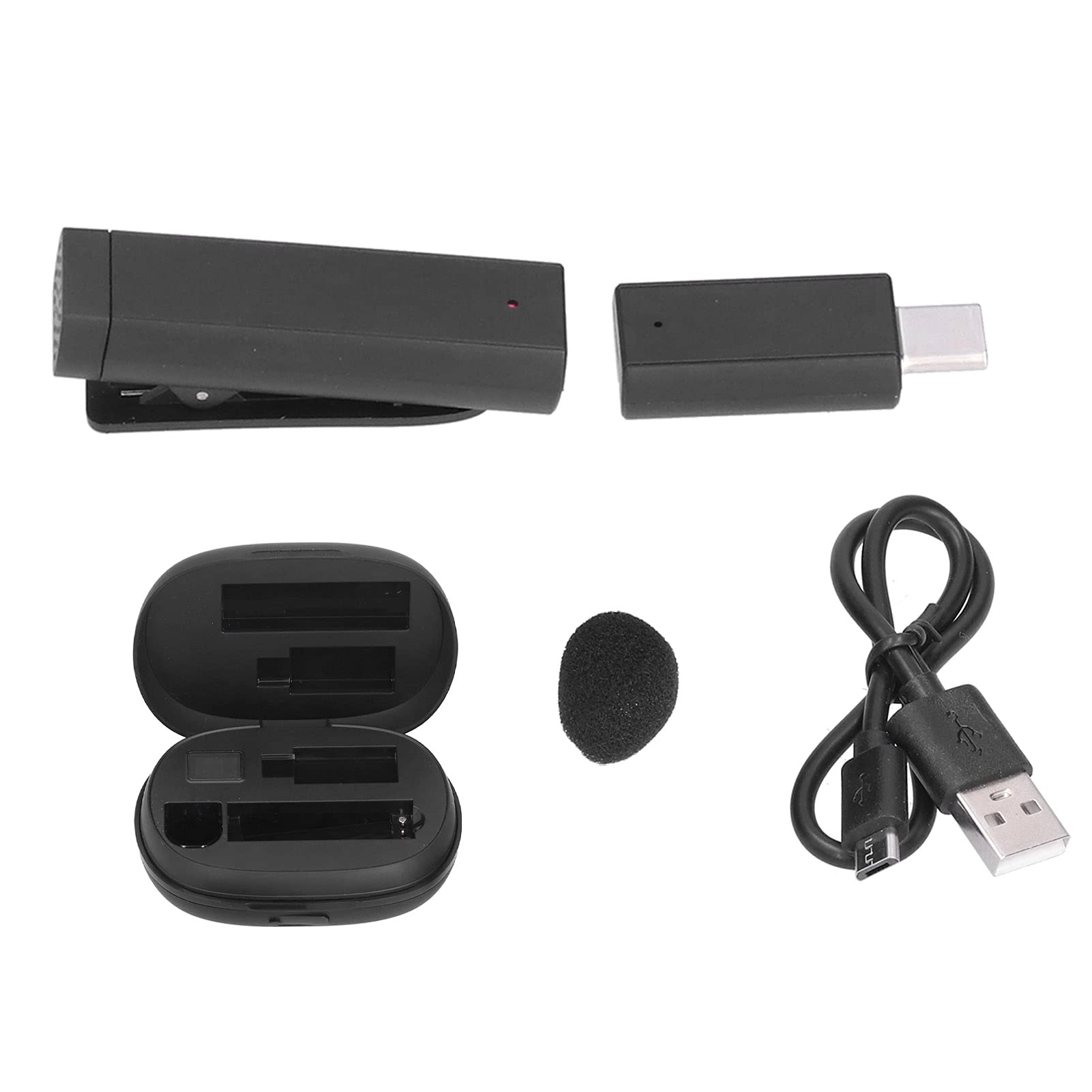
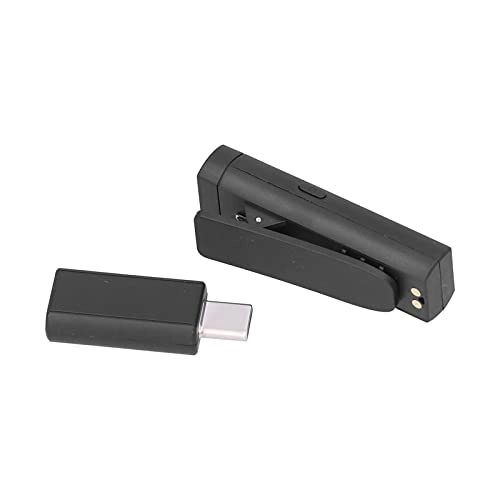
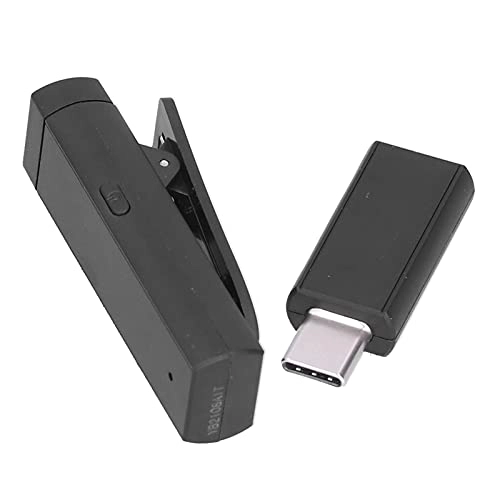
Torvex Lavalier Microphone

Best offer
AED
28199

Key Features

  • Country of origin: China
  • Offers
  • Price History
  • Specifications
  • Product Details
  • Review IconReviews
  • Community & Expert Opinions

Specifications

Features

Country of origin
China

Product Details

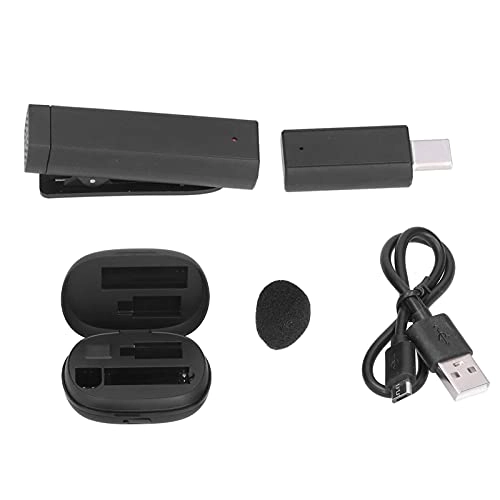
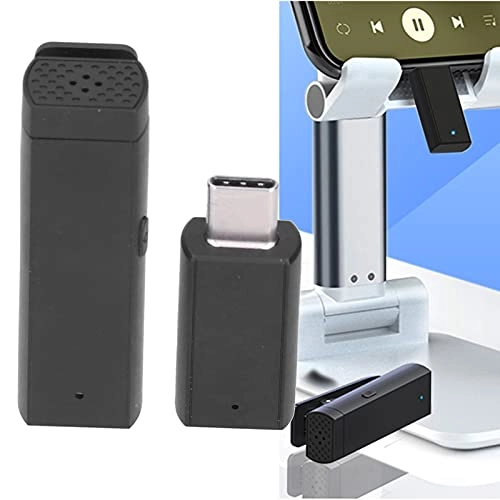
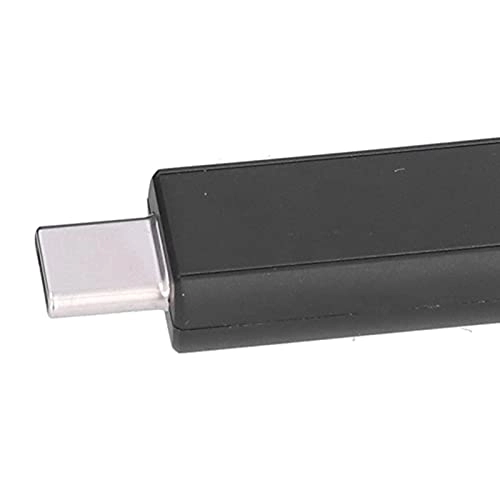
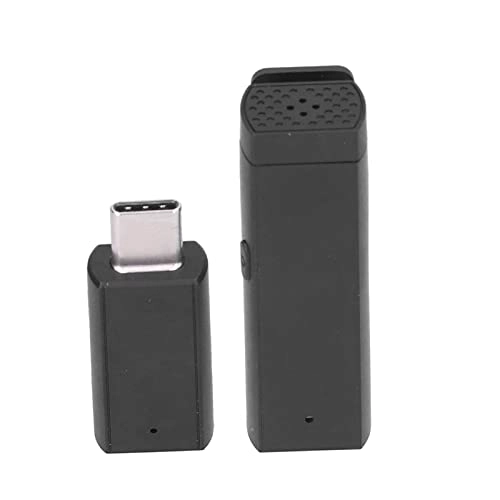
Item Type: Lavalier Microphone Material: ABS Weight: Approx. 219g / 7.7oz Wireless Transmission Frequency Band: 2.4Ghz Wireless Connection Distance: 10M Power Supply Mode: USB OTG 5V Power Supply Working Current: 22ma Charging Compartment Battery Capacity: 1200maH Battery Type: Lithium Battery Charging Current of Charging Compartment: DC-5V 1A (MAX) Mobile Power Bank Output Power: 1A at 5V 5W(MAX) Standby Current: 100uA Wireless Transmission Frequency Band: Bluetooth 5.0+2.4GhZ Microphone Audio Sampling Rate: 16KHZ Audio Delay: 30ms (2.4G Mode), 100ms (Bluetooth Direct Connection Mode) Sensitivity: -42db±1db ENC Spray Reduction: Double microphone standing waves forming noise reduction Signal To Noise Ratio: 56DB Battery Capacity: 55mah (Built In) Battery Type: Lithium Battery Charging Current: 50ma Working Time: 7-8h Bluetooth mode and mobile phone direct connection 1: Starting up, turn on and off, paired devices Insert the receiver into a device with a TYPE-C interface. The receiver's light is on to indicate that it has been turned on. 1: Power on: Long press the power button on the microphone, 2: Receiving end: Red and blue lights flash alternately to indicate successful startup, write terminal, and device connection Notice: 1. The mobile phone must have a TYPE C interface and OTG function to make the receiving work 2. Individual brand mobile phones (for OPPO, for ONE PLUS, for VIVO, etc.) are in the default state. The system OTG function is closed, it needs to be turned on in the system settings to make the receiving editor work 3. To connect for IOS mobile phone, you need to use for IOS to TYPE-C OTG conversion interface to use 4. To connect with PC, you need to use USB-A to TYPE-C loss interface for use 3: Connection between the microphone end and the receiving end: When the microphone end and the receiving end are

Reviews

Community & Expert Opinions
Loading...
Loading...
Loading...
Loading...
Loading...
Loading...
Loading...
Loading...
Loading...
Loading...
Loading...
Loading...
Loading...
Loading...
Loading...
Loading...
Loading...
Loading...
Loading...
Loading...
Loading...
Loading...
Loading...
Loading...
Loading...
Loading...
Loading...
Loading...
Loading...
Loading...
Loading...
Loading...
Loading...
Loading...
Loading...
Loading...
Loading...
Loading...
Loading...
Loading...
Loading...
Loading...
Loading...
Loading...
Loading...
Loading...
Loading...
Loading...
Loading...
Loading...
Loading...
Loading...
Loading...
Loading...

Join our newsletter

Be the first to know about new arrivals, sales, and exclusive picks

Sign in to unlock newsletter access and stay in the loop

Allware
info@allware.com
+971522500911
World technology awards winner badge

Allware

  • About Us
  • Terms And Conditions
  • Privacy Policy
  • Contact Us

Partners

  • Why become a partner?
  • How to list your Online Shop?

Newsletter

  • Subscribe

Info

  • How Allware works
All Rights Reserved.
Allware does not sell products. Prices shown are aggregated from verified merchants.
Please enable location access or select an emirate
-
00:00:00
Prayer timings

Offers (1)

Amazon logo

1 offer

From
AED
281

Torvex 流传输中断,正在等待完整消息… (Standard TYPEC interface)

AED
28199

Price History

Price History Skeleton
Price History Shimmer Effect
Loading price history...

More from Torvex

See all
Torvex Capacitor Tester - SMD LCD Display

Torvex Capacitor Tester - SMD LCD Display

AED
14359
1 offer
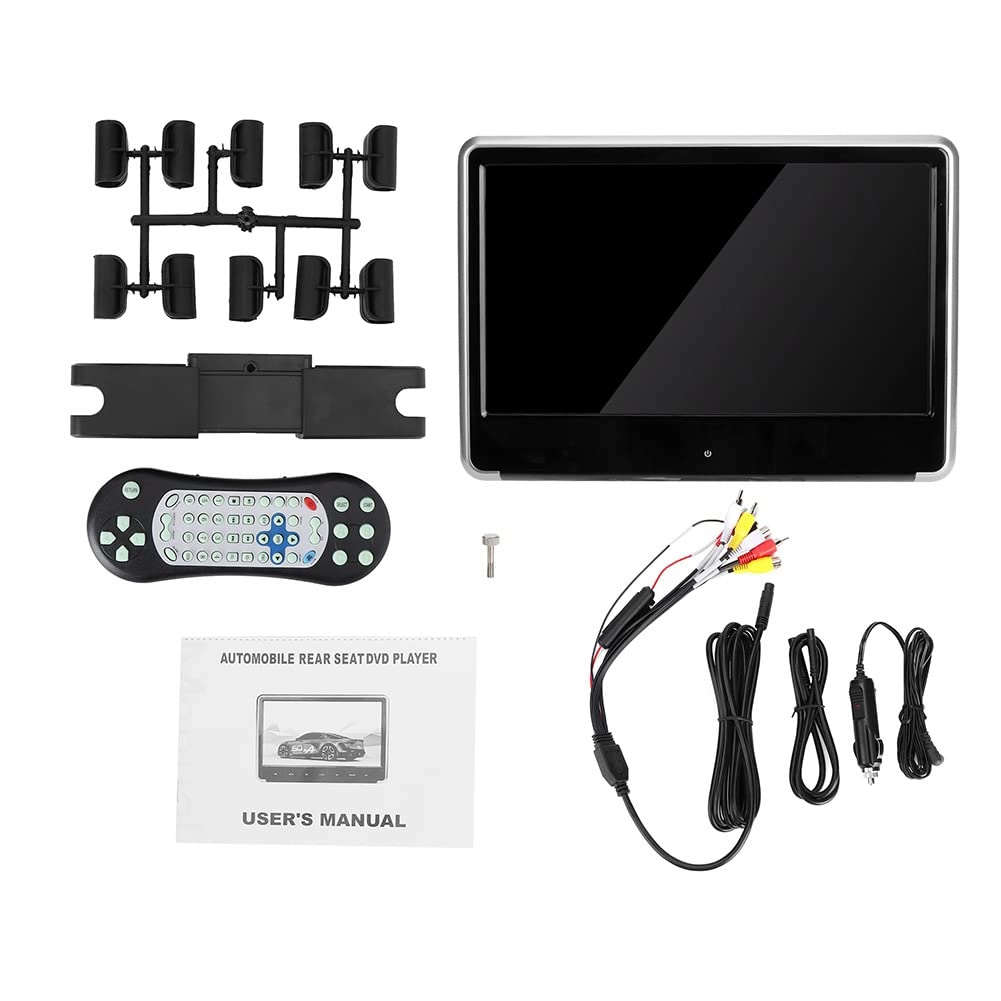
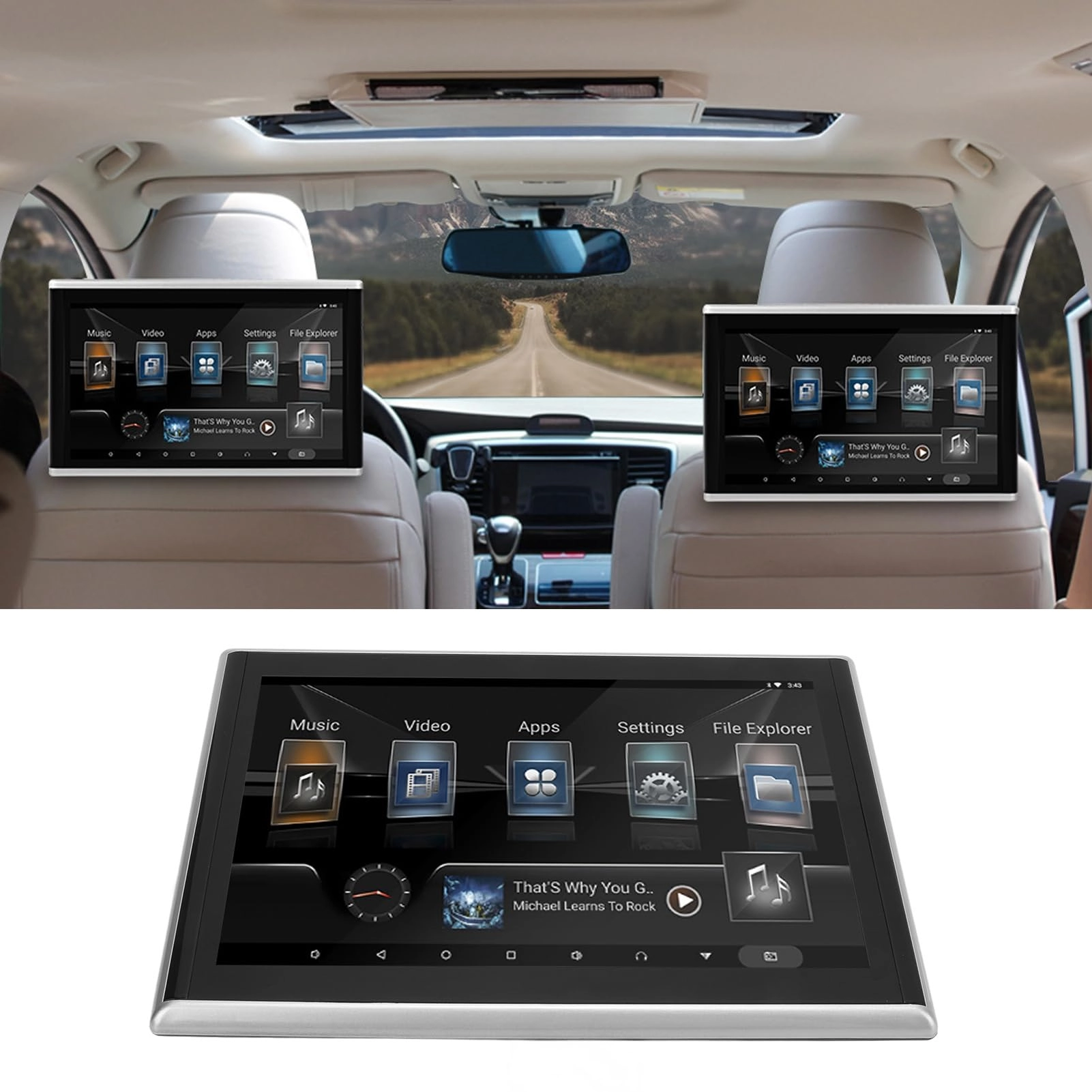
Torvex Headrest Monitor - 11.6in

Torvex Headrest Monitor - 11.6in

AED
1 20709
2 offers
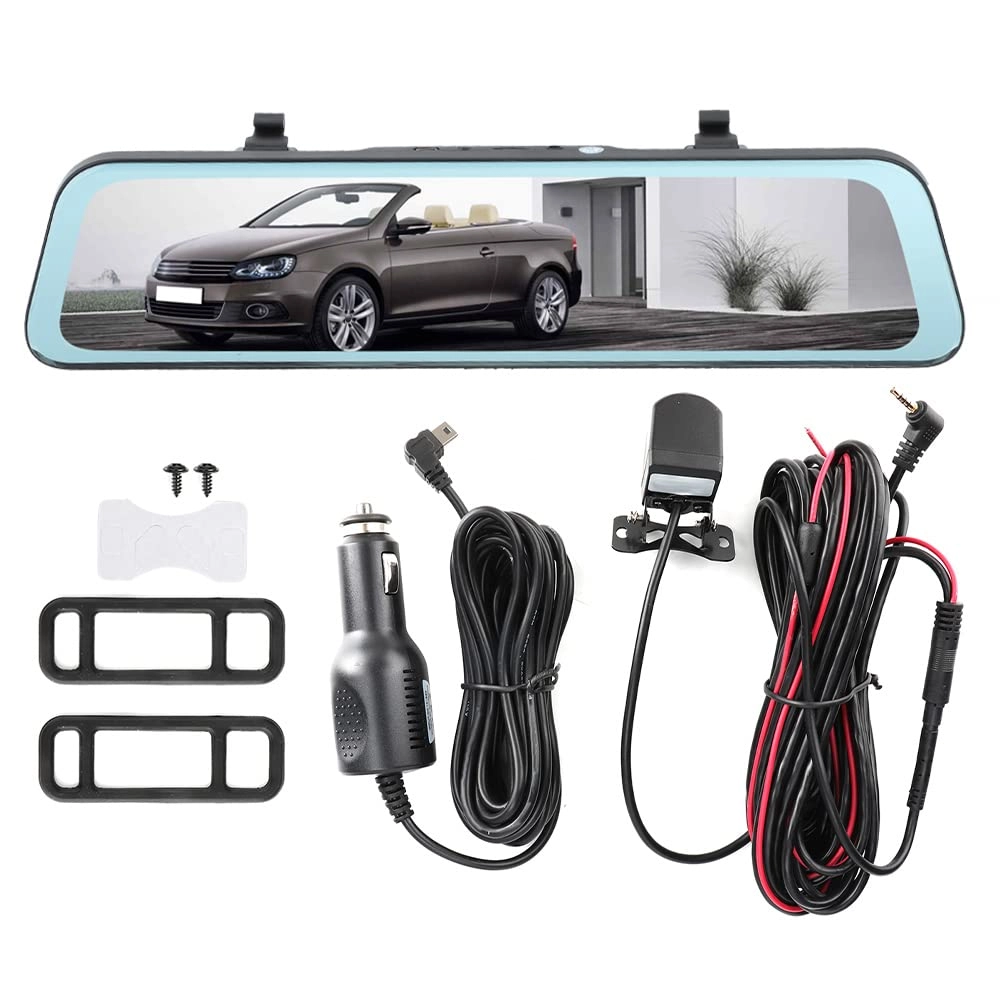
Torvex 3 Channel Dash Cam - 1080P

Torvex 3 Channel Dash Cam - 1080P

AED
17889
1 offer
Torvex q1sfx9hero - 9in

Torvex q1sfx9hero - 9in

Unavailable
1 offer
Torvex Backup Monitor - 1280x600

Torvex Backup Monitor - 1280x600

AED
39999
2 offers
Torvex kv9bp5w176 - 1920 x 1080P

Torvex kv9bp5w176 - 1920 x 1080P

AED
55559
1 offer
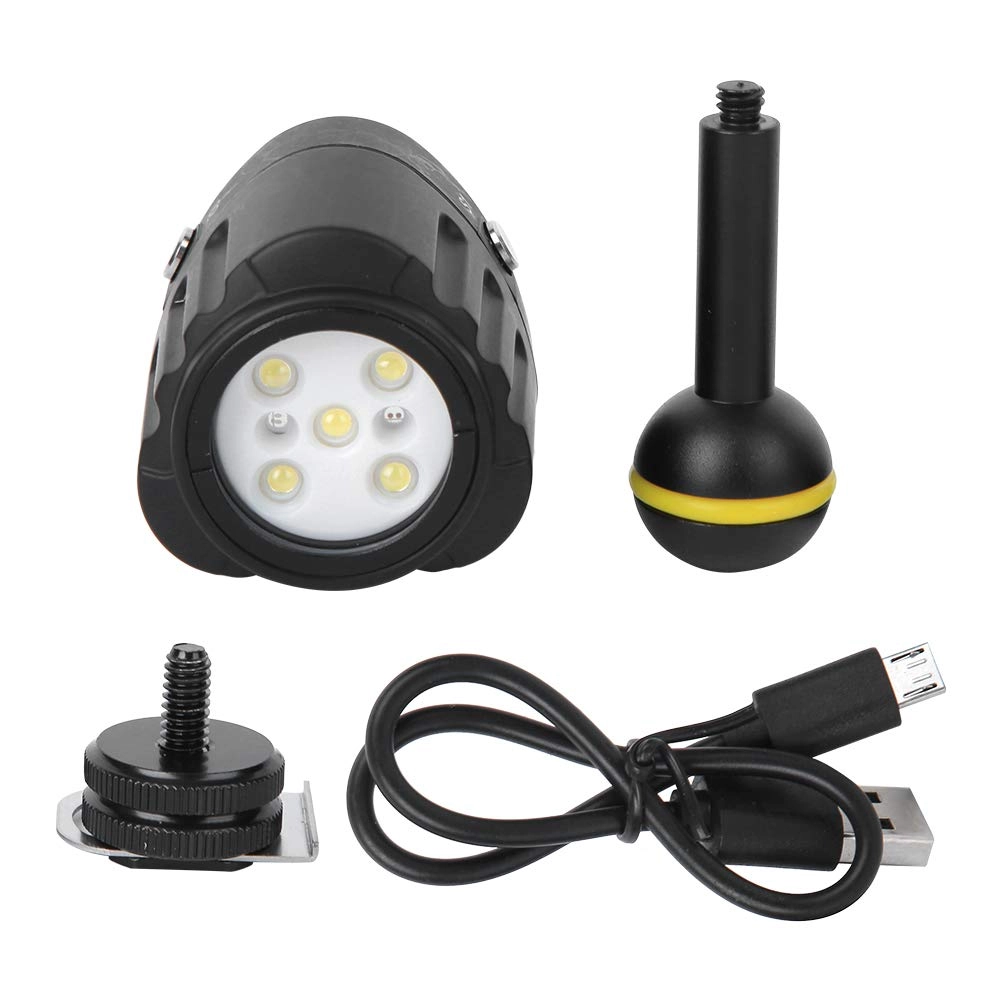
Torvex Dive Light

Torvex Dive Light

AED
31469
1 offer
Torvex 5nh7rska08

Torvex 5nh7rska08

AED
74659
1 offer
Torvex d1aw9mbr8h - Dual Lens 170 Degree G Sensor

Torvex d1aw9mbr8h - Dual Lens 170 Degree G Sensor

AED
52969
1 offer
Torvex v840yg6qx7 - 1920 x 1080P

Torvex v840yg6qx7 - 1920 x 1080P

AED
31819
1 offer
Loading...
Loading...
Loading...
Loading...
Loading...
Loading...
Loading...
Loading...
Loading...
Loading...
Loading...
Loading...
Loading...
Loading...
Loading...
Loading...
Loading...
Loading...
Loading...
Loading...
Loading...
Loading...
Loading...
Loading...
Loading...
Loading...
Loading...
Loading...
Loading...
Loading...
Loading...
Loading...
Loading...
Loading...
Loading...
Loading...
Loading...
Loading...
Loading...
Loading...
Loading...
Loading...
Loading...
Loading...
Loading...