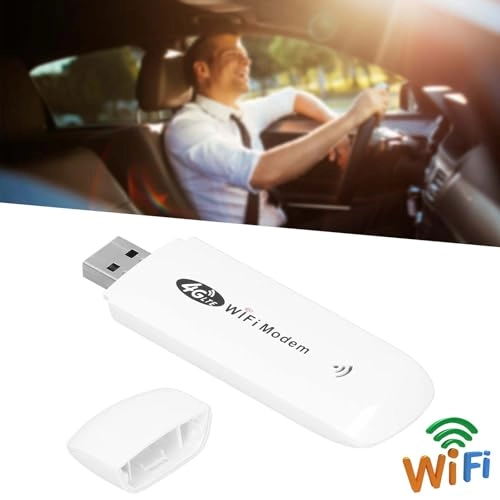
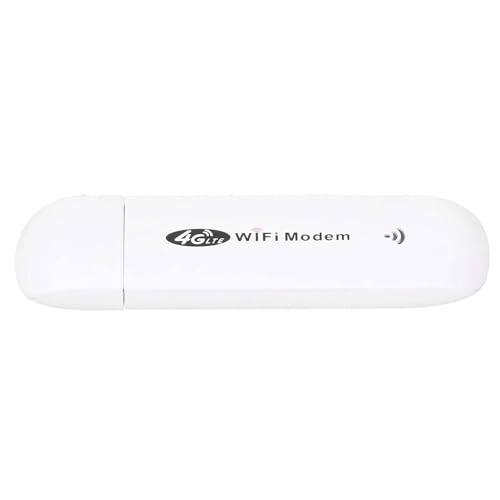
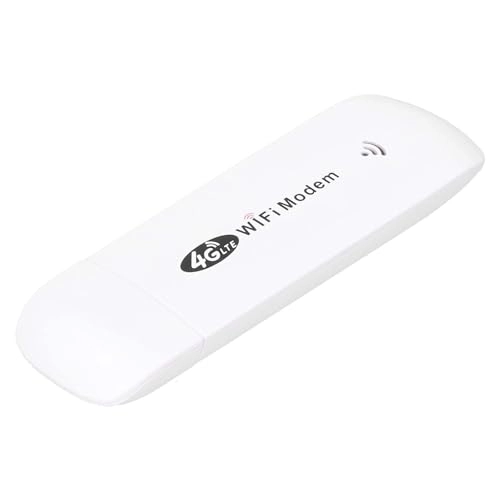
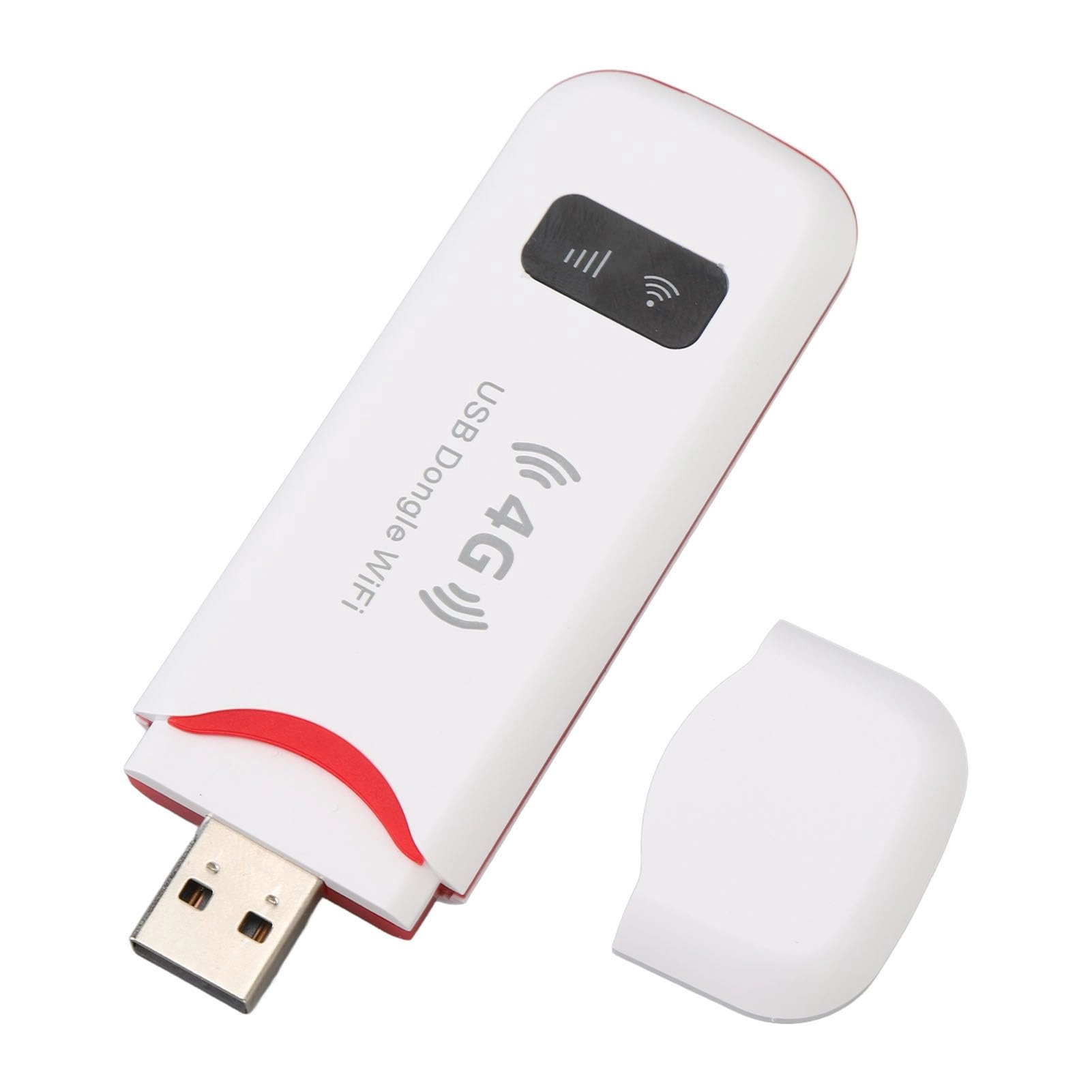
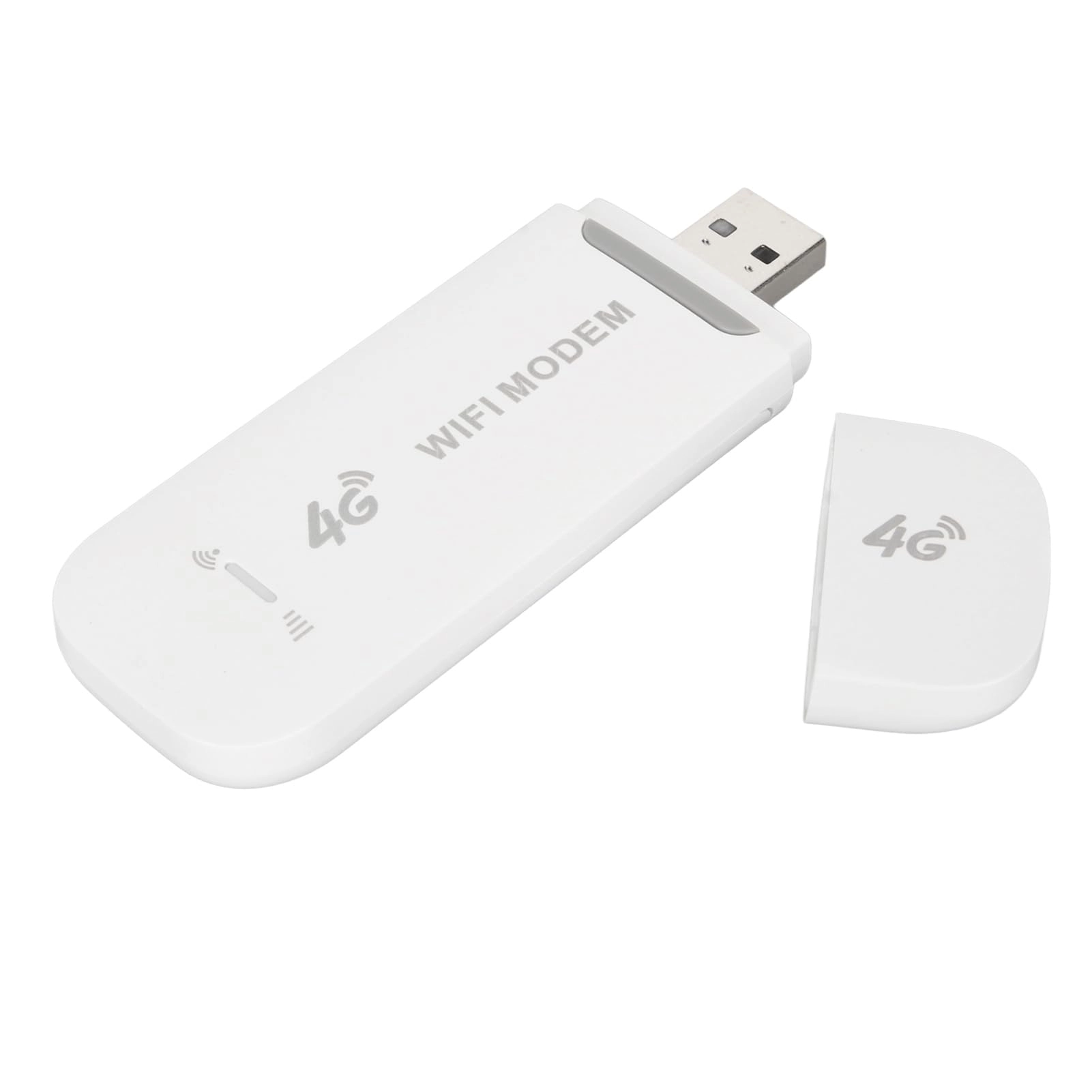
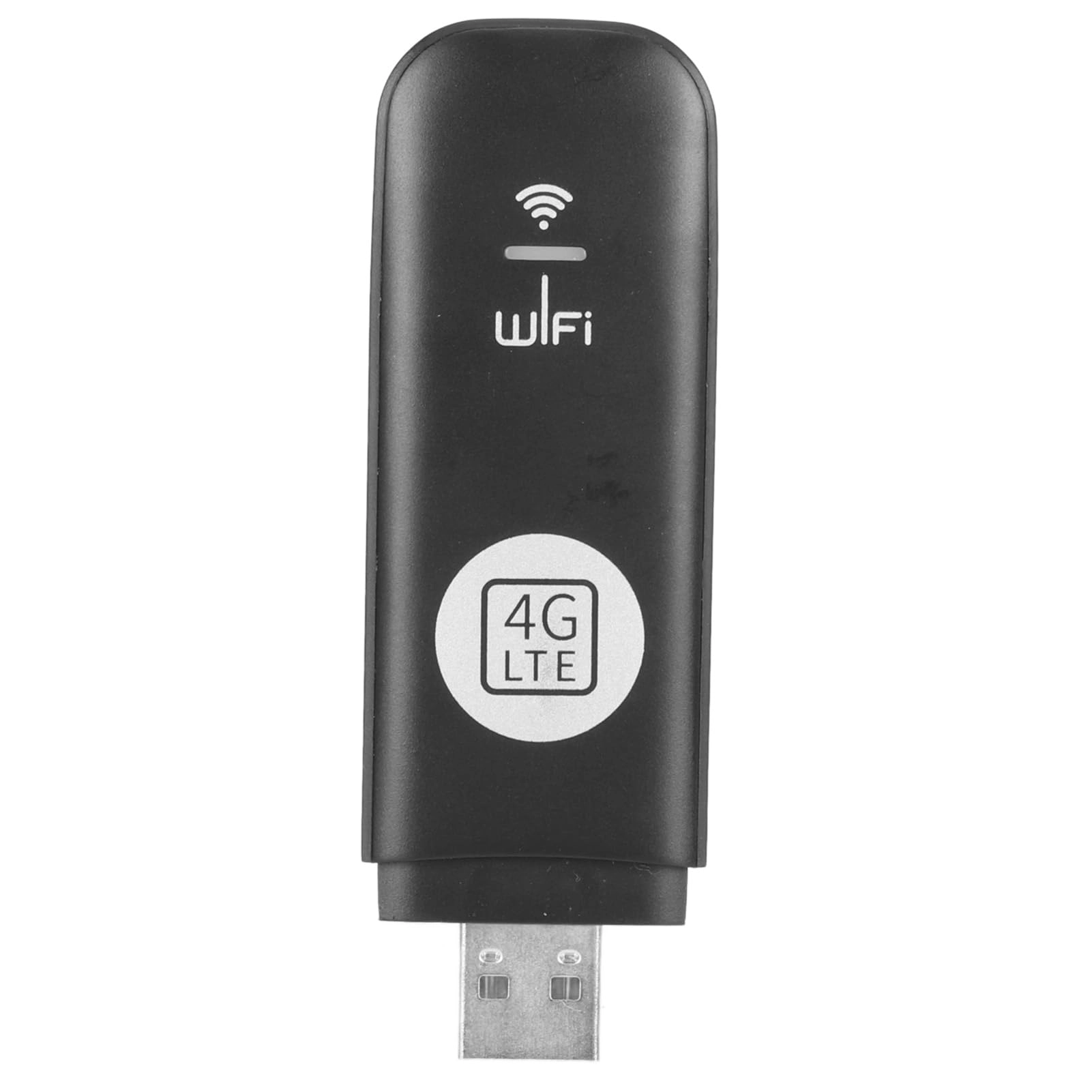
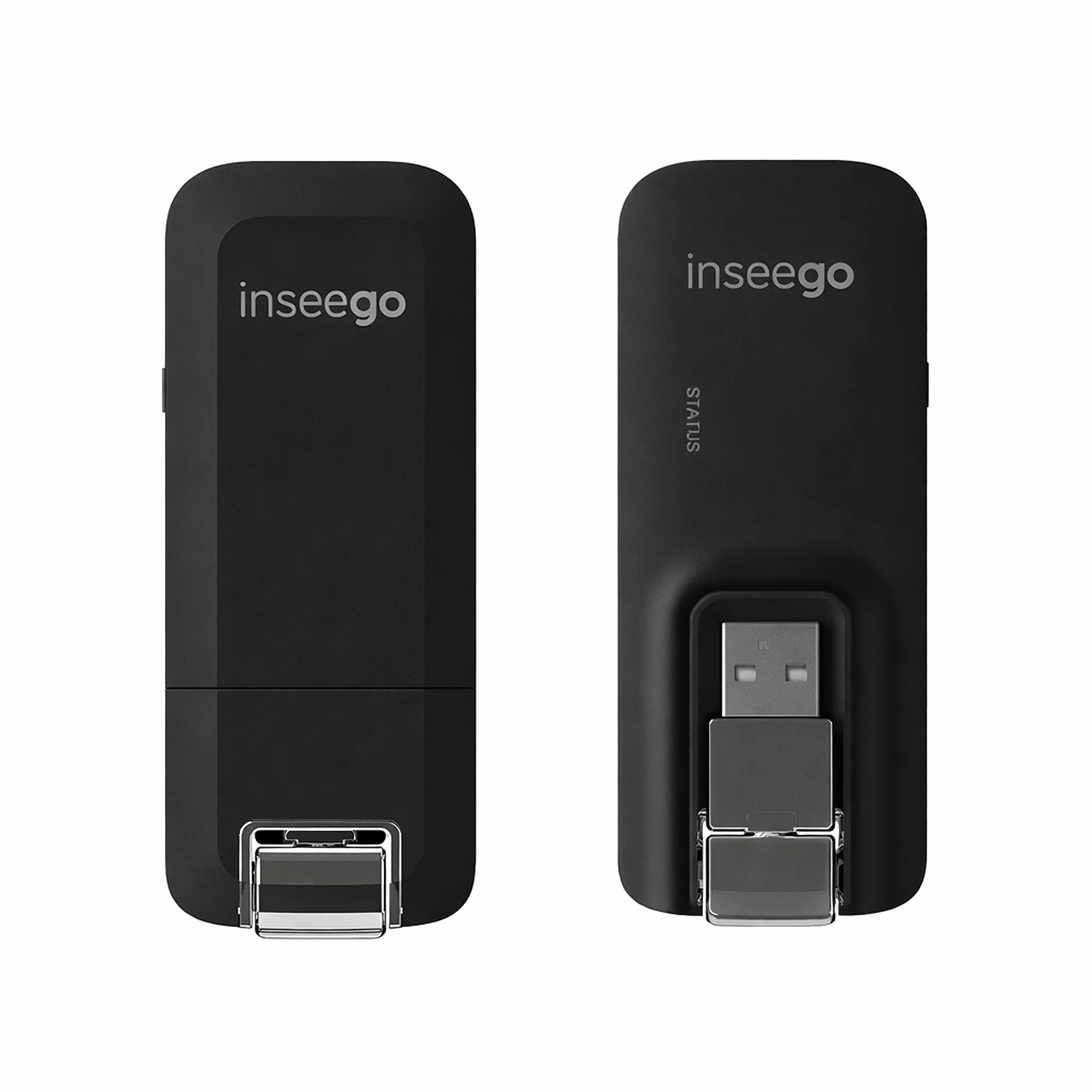
[FAST 4G LTE SPEED] Enjoy up to 150Mbps with this 4G LTE WiFi dongle modem, perfect for fast internet on the go
[PLUG AND PLAY] Equipped with a USB interface easy setup, no need for complicated installations
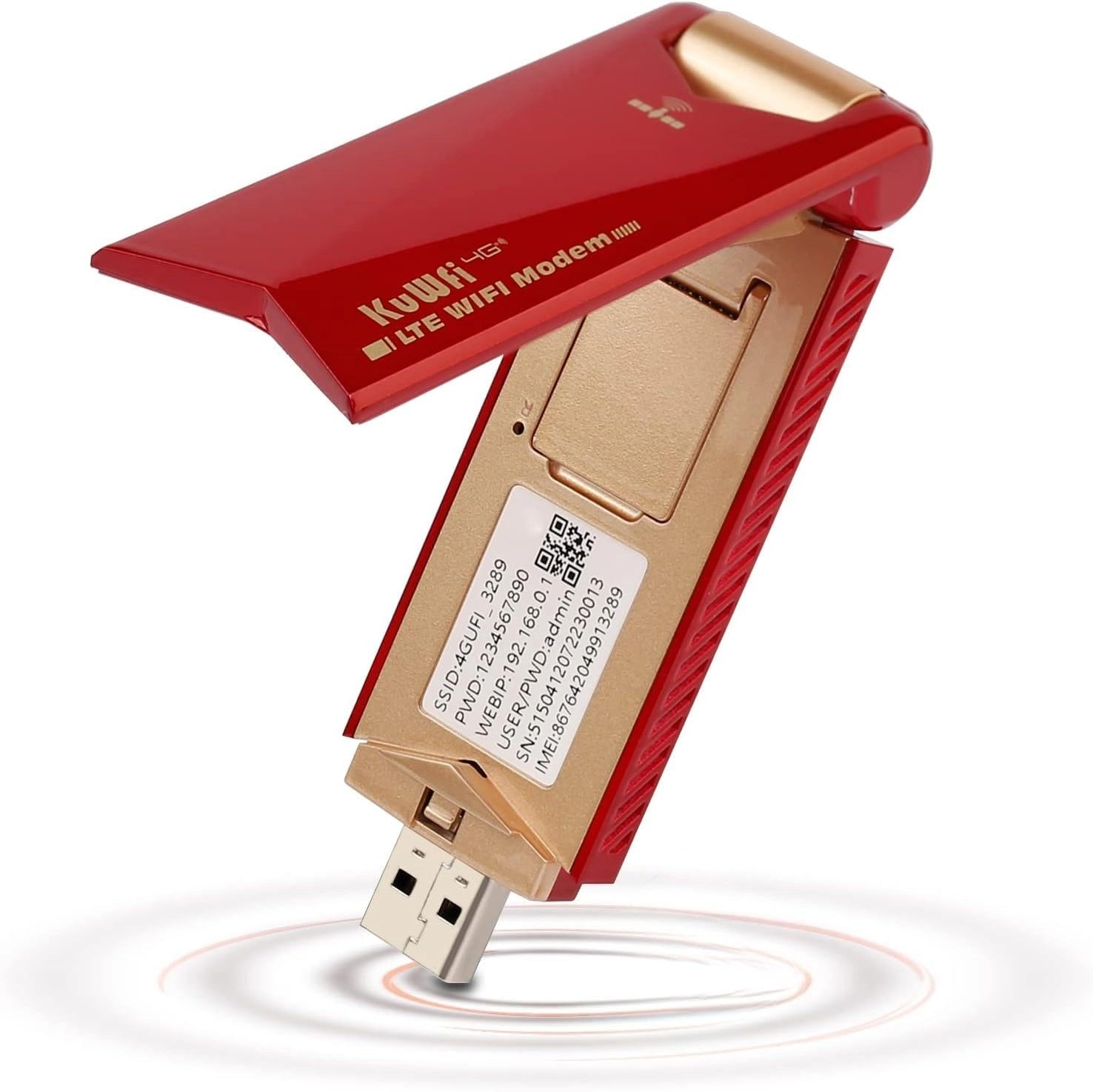
[SIM CARD SLOT] Simply insert a SIM card to use and share network hotspots, no need for broadband connection
[WIDE DEVICE COMPATIBILITY] Supports operating systems, OS X, and for versatile use.
[INTUITIVE LED DISPLAY] LED status indicator for easy monitoring of connection status
Technical specifications
Item type: WiFi modem dongle
Come to use
Prepare a SIM card, open the back cover of the dongle and insert the SIM card, close the back cover and insert the computer or a USB power port, search the MIFI SSID: 4G MIFI (UFI SSID: 4GUFI_) Do on Connect, enter the default password: 1234567890 and do OK.
For 7
Open Control Panel→Network & Internet→Network and Sharing Center→Connect to network and select the Wi-Fi point with the same SSID as this device to connect in the Wi-Fi list. Enter the correct Wi-Fi password, do OK and wait a few moments, when it appears connected next to Wi-Fi, it means that the connection is successful.
3. For phones
Tap Settings, tap the Wi-Fi switch to turn on Wi-Fi. In the WIFI list, select the WIFI compatible with your SSDI device, enter the correct WIFI password and go to Connect.