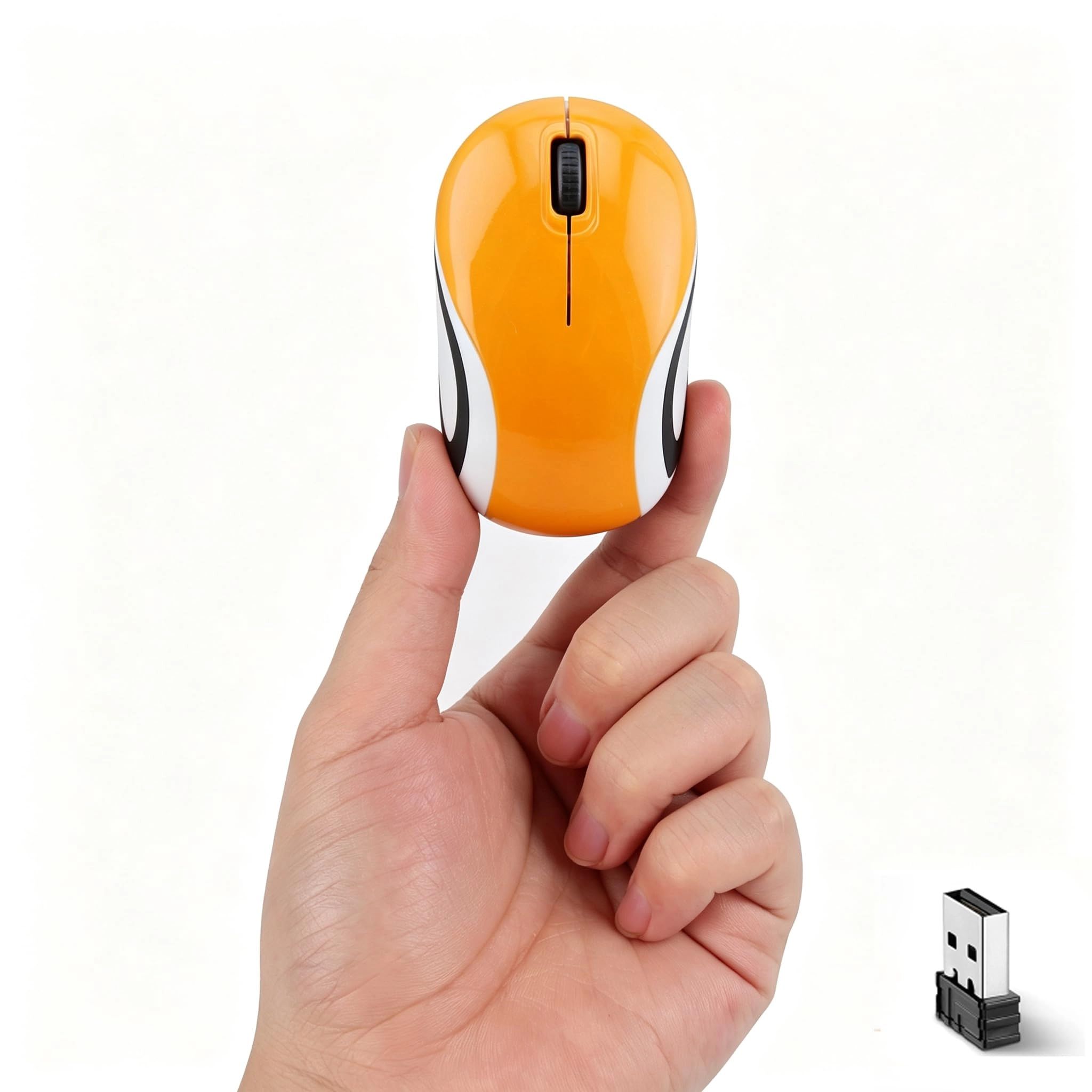
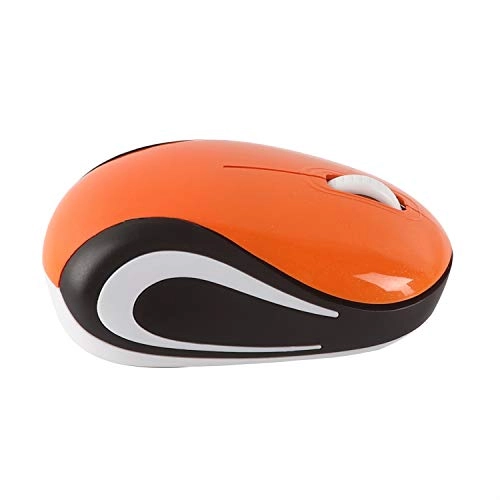
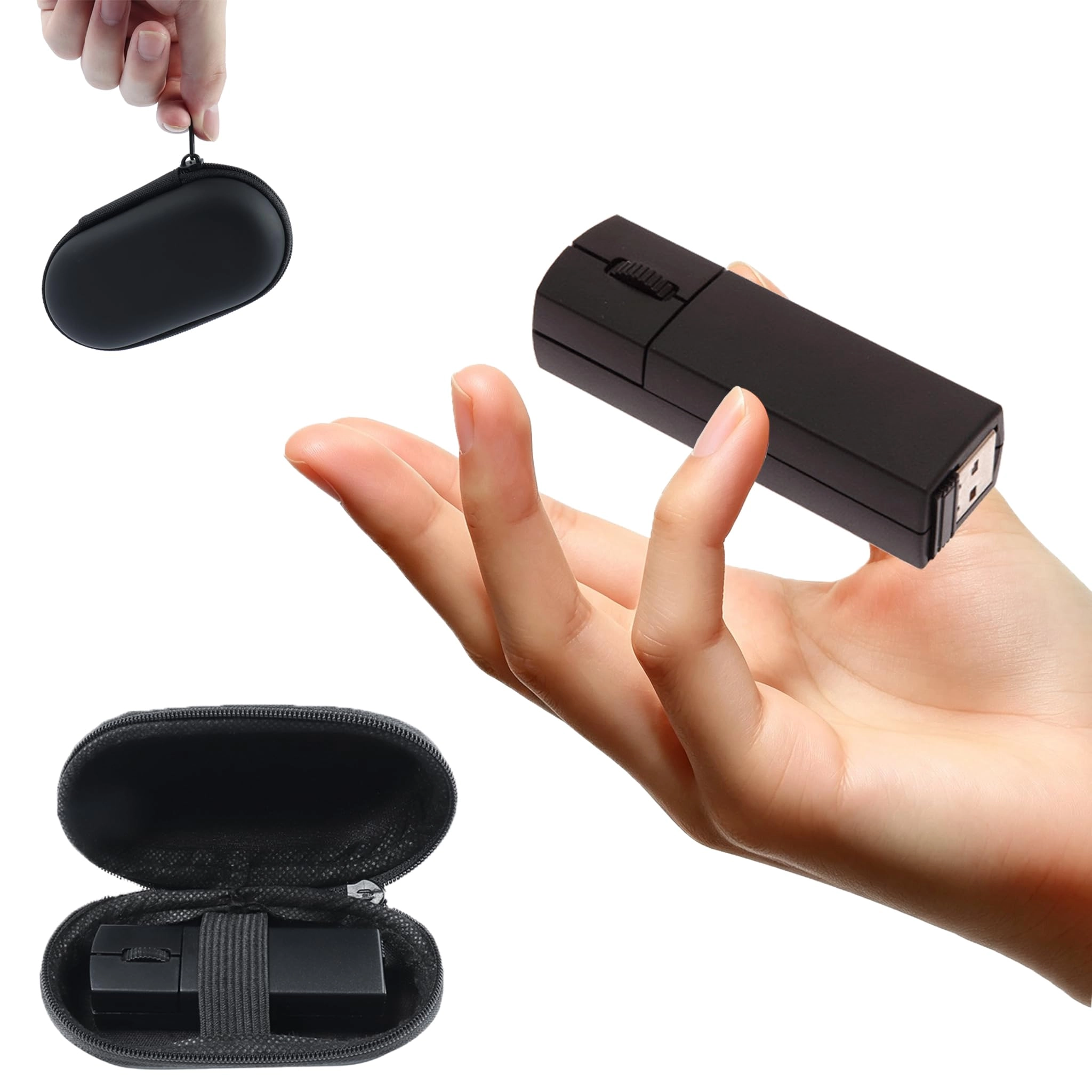
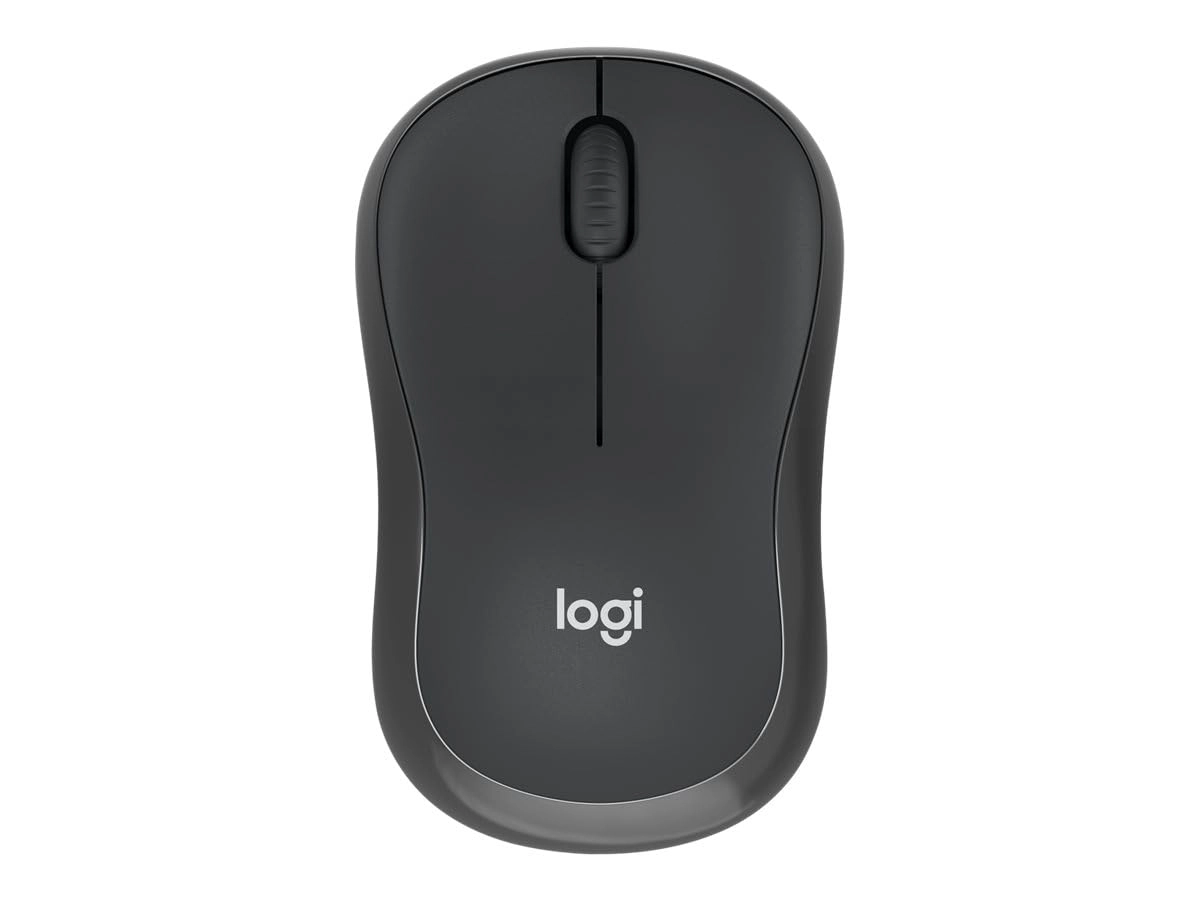
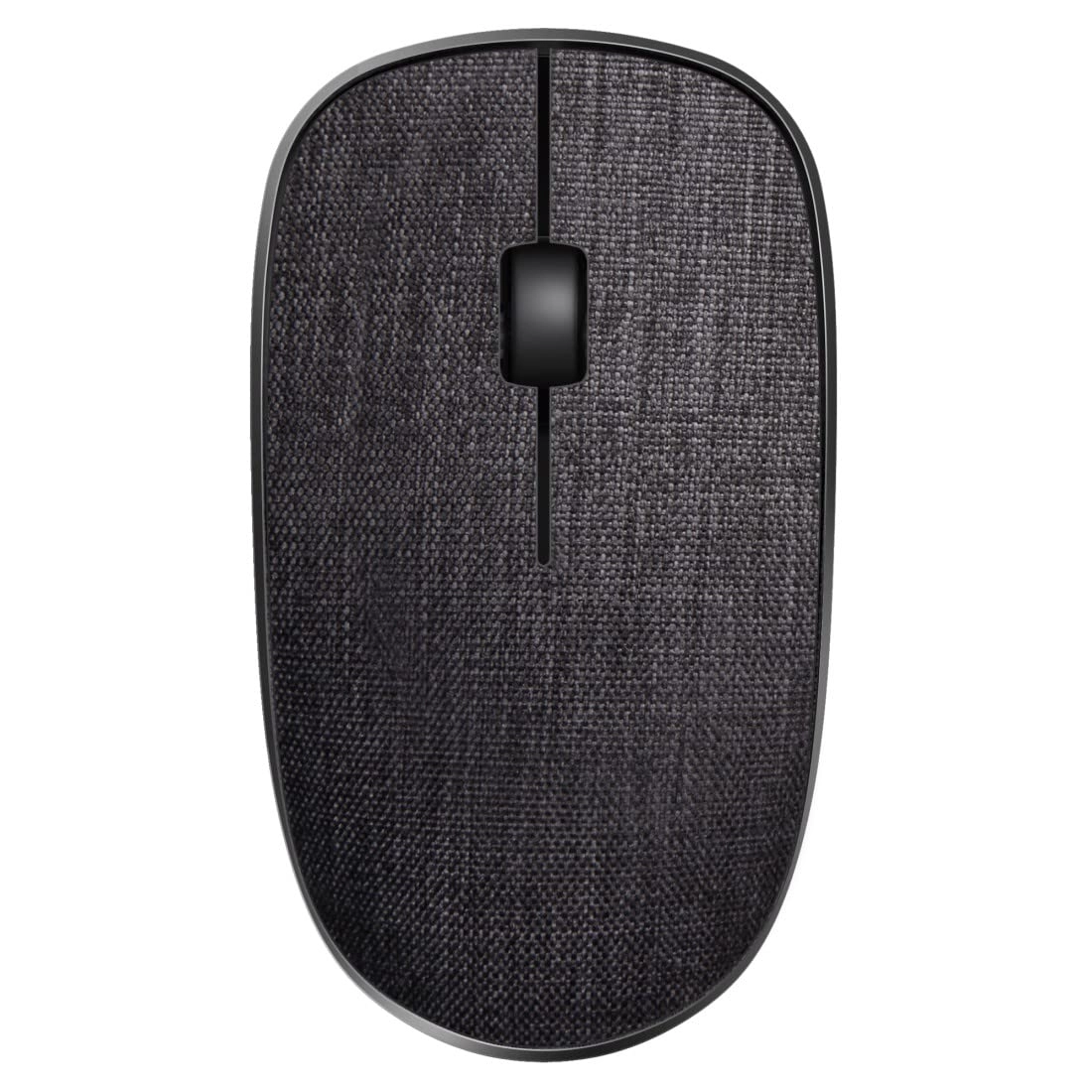
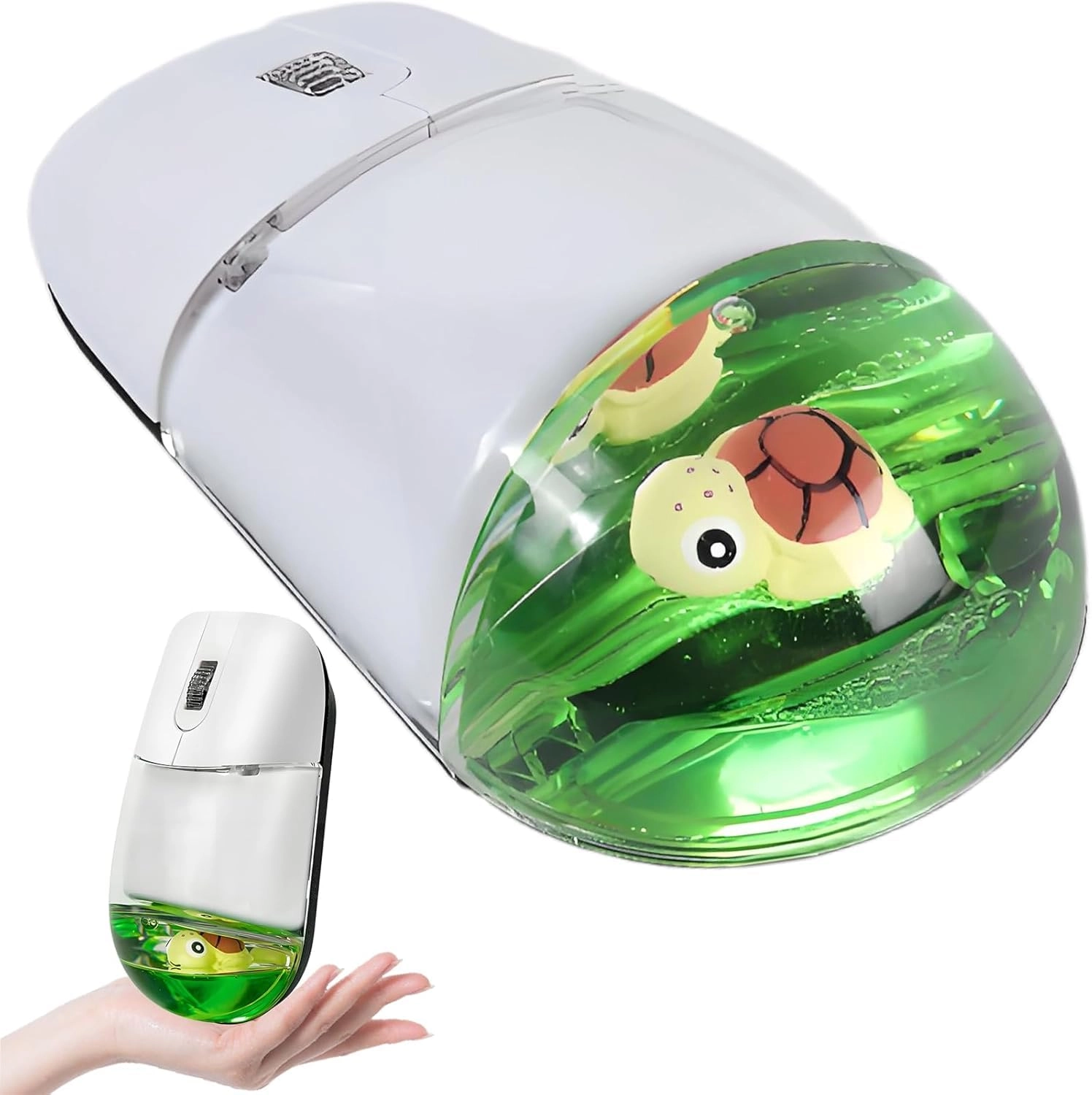
Page turning pen, air mouse 2 in 1, rechargeable mini 2.4G/Bluetooth three mode, suitable for conference, lecture, course, office, wedding, handheld mouse remote control
Connection method: three mode (BT5.1/BT4.0/2.4G)
Wireless reception range: 10 meters
Mouse DPI: 1200
Number of buttons: 3 buttons + scroll wheel
Mouse size: 8.2*2.6*2.2cm
Weight: 29g
Battery capacity: 300mAh
Power supply method: Type C
2.4G: Supports all devices with 2.4G interface. Connection method: Connect the receiver and turn on the power switch of the mouse to connect.
Bluetooth: Supports Windows8, Windows10, Android 5.0 and above, iOS13 and above, macOS X 10.10 and above.
Bluetooth 1 connection method: Turn on the power switch, press and hold the middle button of the scroll wheel for 5 seconds to start pairing. The blue light flashes slowly, the device searches for Bluetooth and then connects.
Bluetooth 2 connection method: Turn on the power switch, press and hold the middle button of the scroll wheel for 5 seconds to start pairing. The purple light flashes slowly, the device searches for Bluetooth and then connects.
*Supported on systems running iOS 13 and above;
*iOS turns off the mouse function by default. You need to set up iOS the first time you use it: Settings > Accessibility > Touch > Assistive Touch.
*Customize the functions of the three iOS mouse buttons: Settings > Accessibility > Touch > Assistive Touch > Device > BT5.1 Mouse > Buttons 1, 2 and 3.
Three mode mouse:
Turn on the power switch and press and hold the middle button of the scroll wheel for 5 seconds to switch between 3 devices.
Orange indicator light - 2.4G mode
Blue indicator light - Bluetooth 4.0 mode
Purple indicator light - Bluetooth 5.1 mode
Page turning pen function: After the mouse establishes the mode pairing connection, press and hold the left and right buttons for 8 seconds and the mouse becomes a page turning pen. Left button = page up, right button = page down, middle button = tab
Super energy saving:
Connect: If there is no operation, it will enter level 1 sleep immediately, level 2 sleep after 5 seconds, level 3 sleep after 1 minute, deep sleep after 10 minutes, the red light at the bottom turns off, and pressing the left and right buttons activates it.
Charging: red light when charging, green light when fully charged
Note: To extend the life of the mouse, do not use a quick charger. It is recommended to use the included Typec charging cable to charge via a computer, power bank or 5V charger. The charging time is about 2 hours and it can be used normally for about
15 days. The red light on the scroll wheel will flash to indicate that the battery is low.