desertcart.com: (Upgraded Version) Wireless Headset, Bluetooth
Headset with Noise Cancelling Microphone, Best Headphones with
Mic Mute & USB Dongle for PC/Computer/Laptop/Cell Phones/Remote
Work/Call Center : Electronics
Review: An Excellent Desktop Companion; Great For Office Use -
I've been a long time user of this company's headphones, having a
couple I use for mobile use while on the road. As I have had
nothing but great experiences with them on the road, I took a
shot at a set for my home office. I am in a lot of Zoom meetings,
and prior to my wife working from home, I could let those
meetings go on through my external soundbar. But when she took up
residence in the room next to me, I needed some headphones. Thus
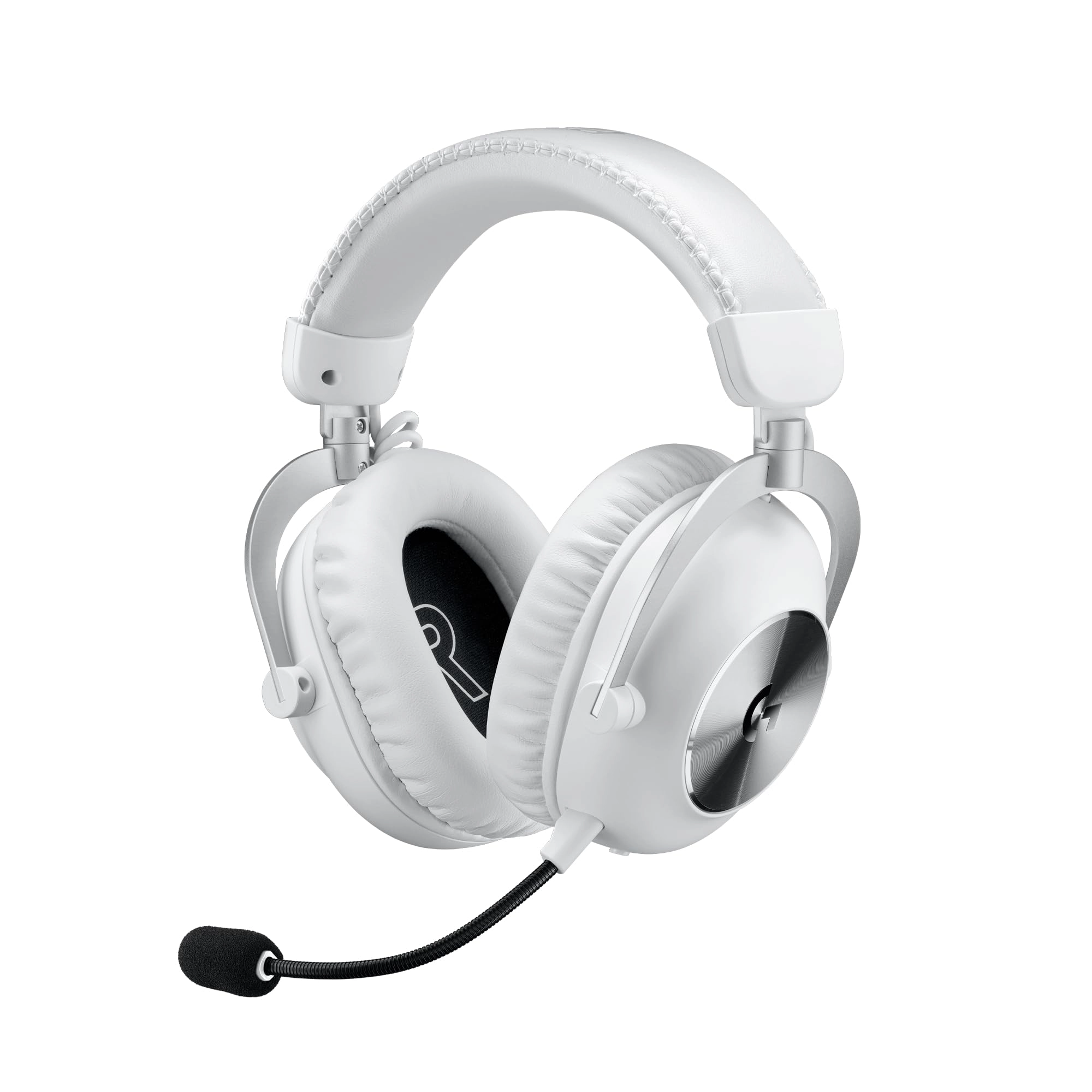
came this set; it appealed to me cause it was over both ears and
still had the mic built in. I am comfortable with this setup,
again, using another set that only covers one ear on the road.
But seeing as I needed less situational awareness in my office
(and drown out the occasional cat hollar), I thought a two-eared,
mic'd set would be perfect! And you know what, it is! I've put
nearly two weeks into these, wearing them sometimes for an hour
or more at a time. The headphones are super cushy, resting
comfortably on my ears. The sound is great as well! Obviously
does much better this way than on the soundbar as the sound if
focused on my ears. It was an easy bluetooth setup, pretty much
"plug n play" in the way bluetooth should be. I haven't received
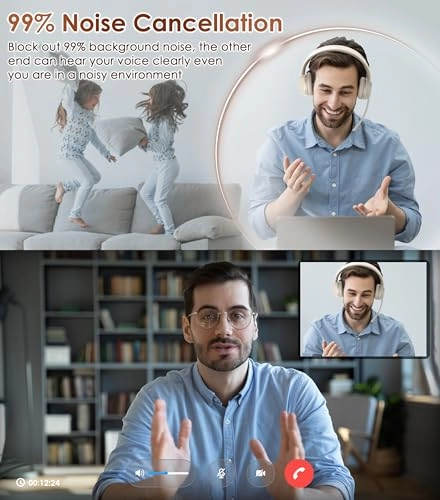
complaints about MY sound on the other end either; I apparently
sound just fine to the folks on the other end. Always a good
thing and easy to forget about when thinking about how good one
of these are; what do I sound like on the other end! So with no
complaints or issues from those folks, I'd say we got a win
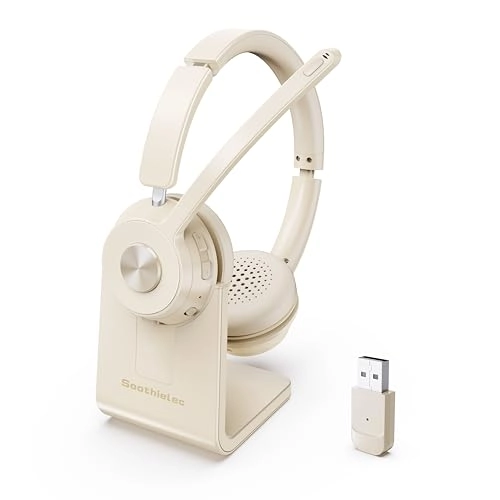
there! Personally, I like the charger stand! There are options
for USB-C charging as well if the stand isn't your thing. I kinda
like it cause it looks better than just lying on a surface
attached to the C-cord. As for the stand, it sits in there nicely
as the headphone as a little grove the makes it easy to set it on
the charger. But for travel, and I've taken it with me once, it's
nice to have the USB-C option as taking the stand obviously isn't
a great option. A quick note on travel; I have used this on the
road once to try it on the phone. While it works great and sounds
amazing, I'm not a fan of both ears being covered on the road.
That's a personal preference, not a bang against the headset. I
just like to have one ear open on the road. But if that's not a
big deal to you, these would be great for mobile use on the
phones as well. For me, this purchase was inspired for the need
to be in meetings in my home office while my wife was newly
working for home so she didn't have to be bothered with me
yapping away with my crew! Bottom line, great headset! They've
always been good headsets, the mobile ones I swear by and now I
have a pair that can be home that I will also swear by! Great
quality for the money, and if they're anything like the mobiles
ones I already use, these will probably last me a while, even
more so since I'm not taking them into the crazy weather I do!
Haha
Review: Outstanding Crystal Clear Headset - The first thing you
will notice about the SoothieLec Noise Canceling Bluetooth
Headset is the retail packaging – a very attractive box. Upon
opening the box, you will find a 12-page instruction manual
sitting atop the headset, the docking stand and a Bluetooth
adapter (dongle) situated in a nice form-fitting plastic insert,
which helps protect the equipment from the rigors of
transportation. Beneath the plastic tray, you will find both a
USB 3.0 charging cable and a 3.5mm Audio Cable. The manual is
very well written with very clear illustrations and proper
English. This comprehensive manual has sections on Basic
Operation; Bluetooth Pairing and Connection (for both phone and
PC); How to restore factory settings; How to fix microphone
issues; How to connect with two devices; descriptions of the
various LED indicators; using Voice Prompt; Charging; and Product
Specifications. The manual is an easy and pleasant read. The
first thing after unpacking is to charge the headset. The manual
says that it takes about 2 hrs to fully charge, and a charging
status LED turns from red while charging to blue once fully
charged and ready for use. You have the option of connecting the
charging cable to the docking stand or directly to the headset –
a nice option to have so that you are not forced into using the
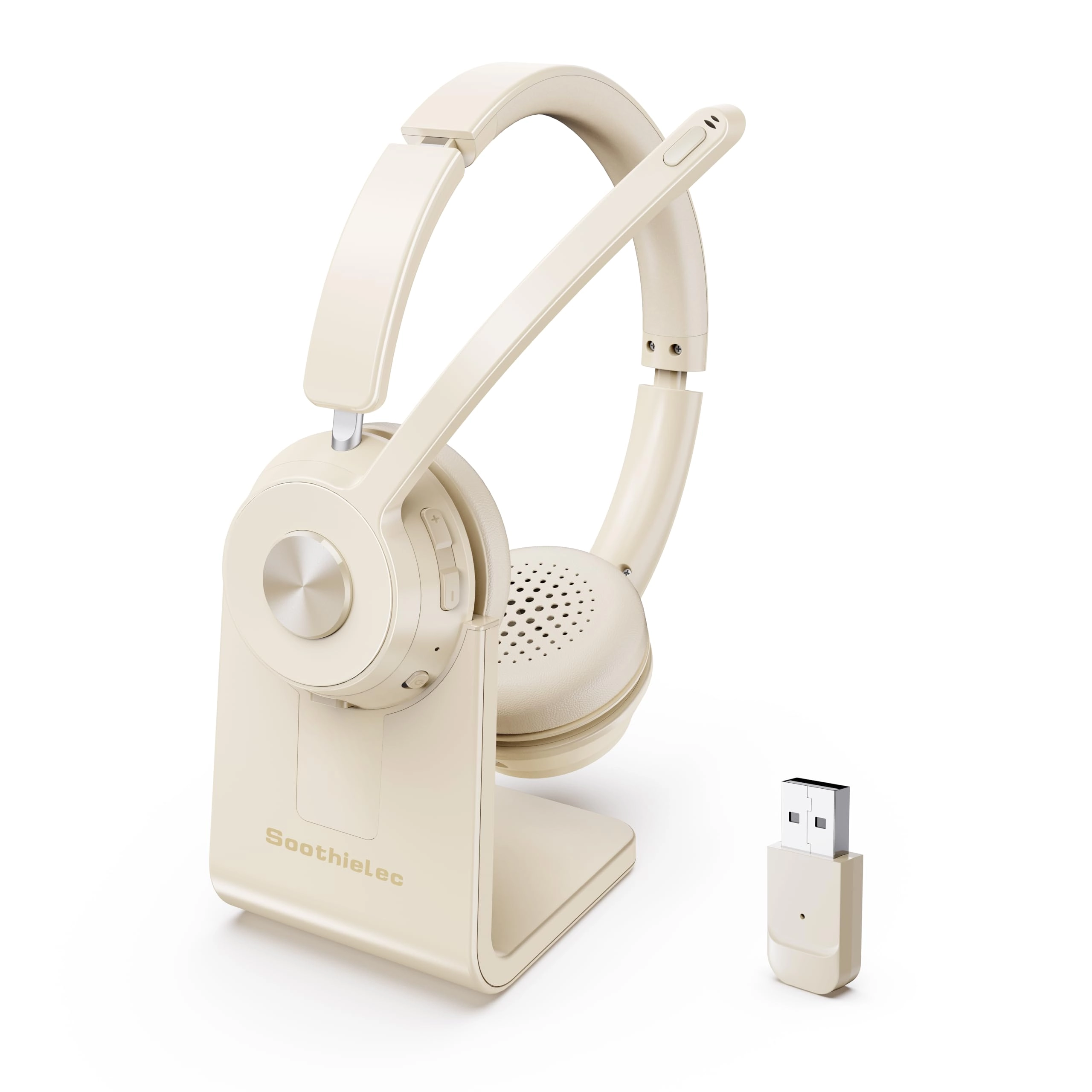
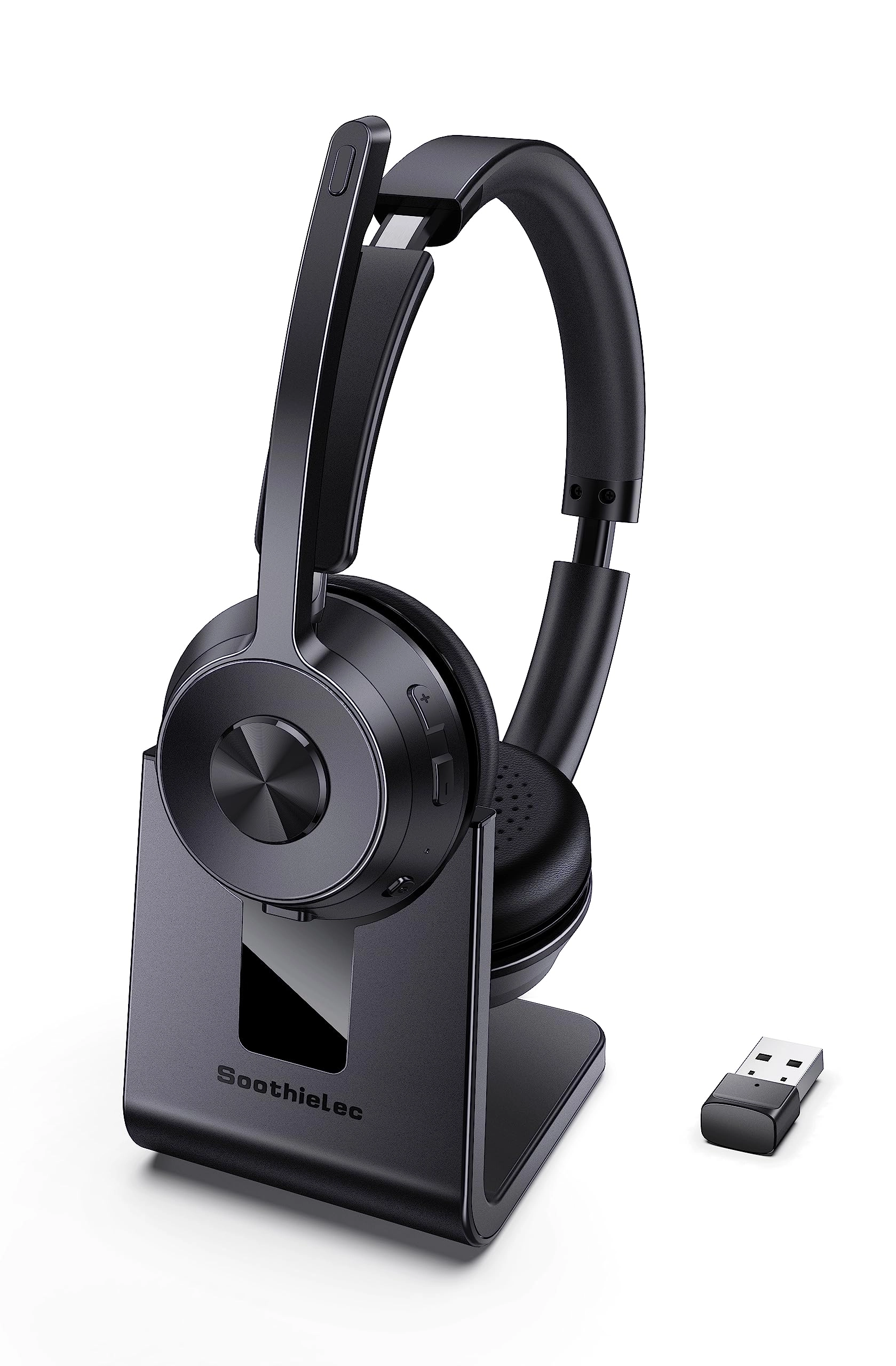
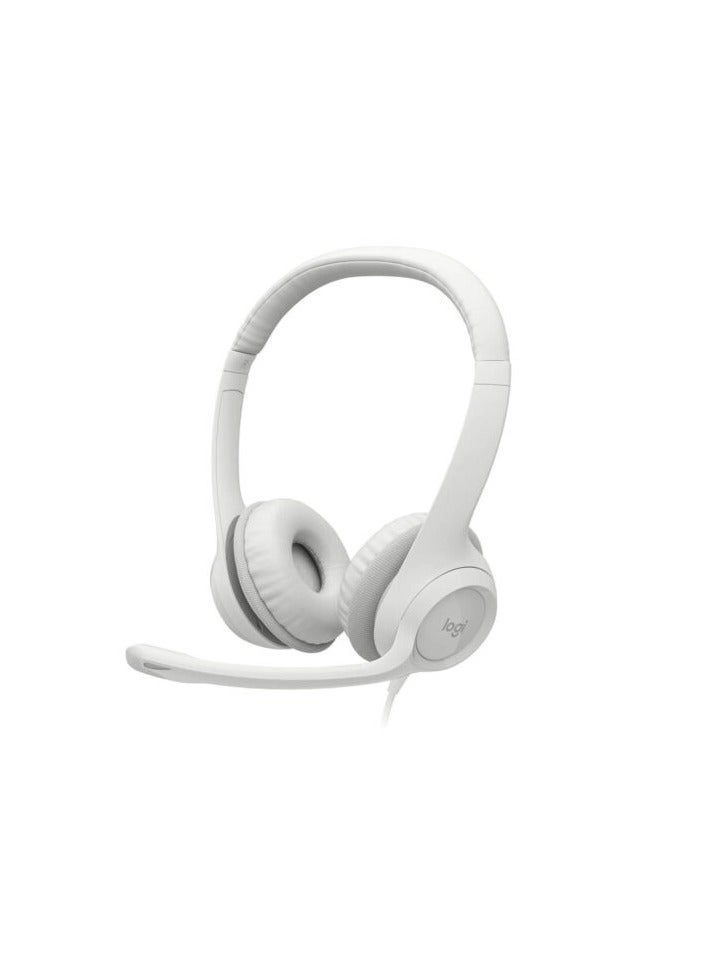
docking station if you don’t want to! The left earpiece has the
various controls: Mute Button at the distal end of the microphone
arm; a multi-function button (MFB); Volume + and -; ON/OFF
Switch; and a USB-C charging port as well as the LED indicators
for charging status. The right earpiece has a 3.5mm audio jack.
If you wish to connect the USB charging cable to the docking
stand, there is a USB C port on the stand base. The base has
non-slip feet, feels solid, and is made such that it will not
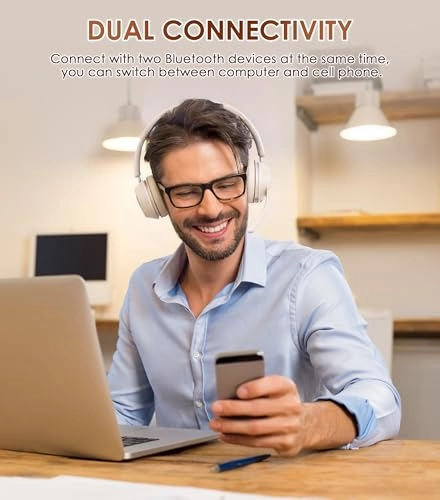
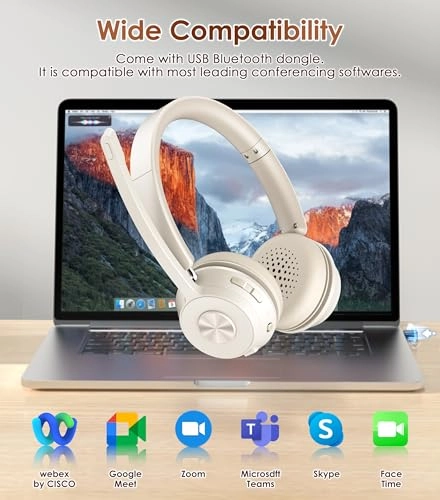
easily tip over while holding the headset. My Dell desktop system
has Bluetooth built-in, but did not find the SoothieLec headset,
so I had to use the included Bluetooth dongle, which was
instantly recognized by Windows 11 Pro and connected the headset.
The headset feels extraordinarily good! The earpieces are padded
very well so should not hurt your ears during prolonged use. But
the greatest thing is the sound quality: a very good range of
volume while maintaining a deep, rich tone. All-in-all, I found
the SoothieLec Noise Canceling Bluetooth Headset to be well made,
with great sound quality and a comfortable headset and a very
good value for the price. Highly recommended!