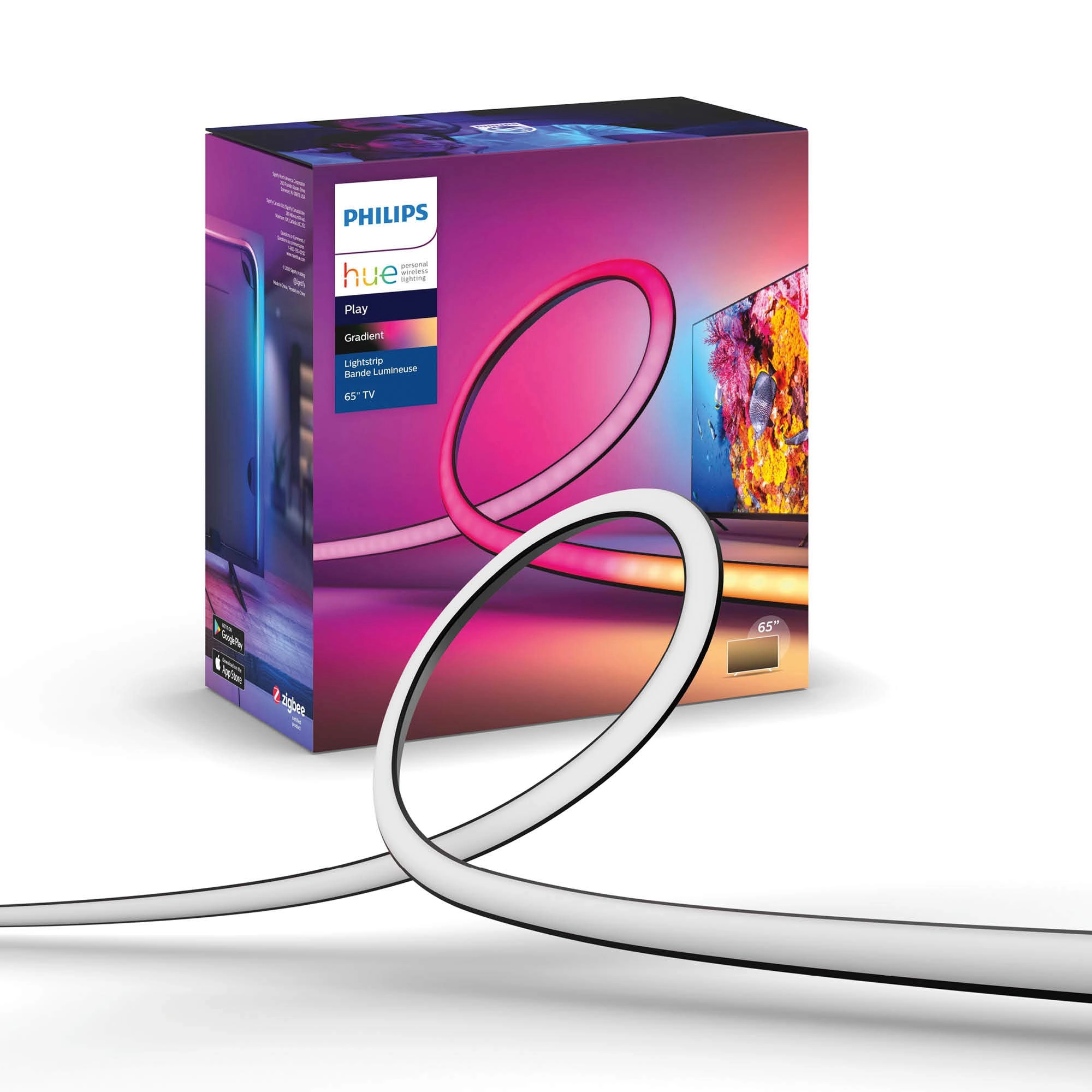
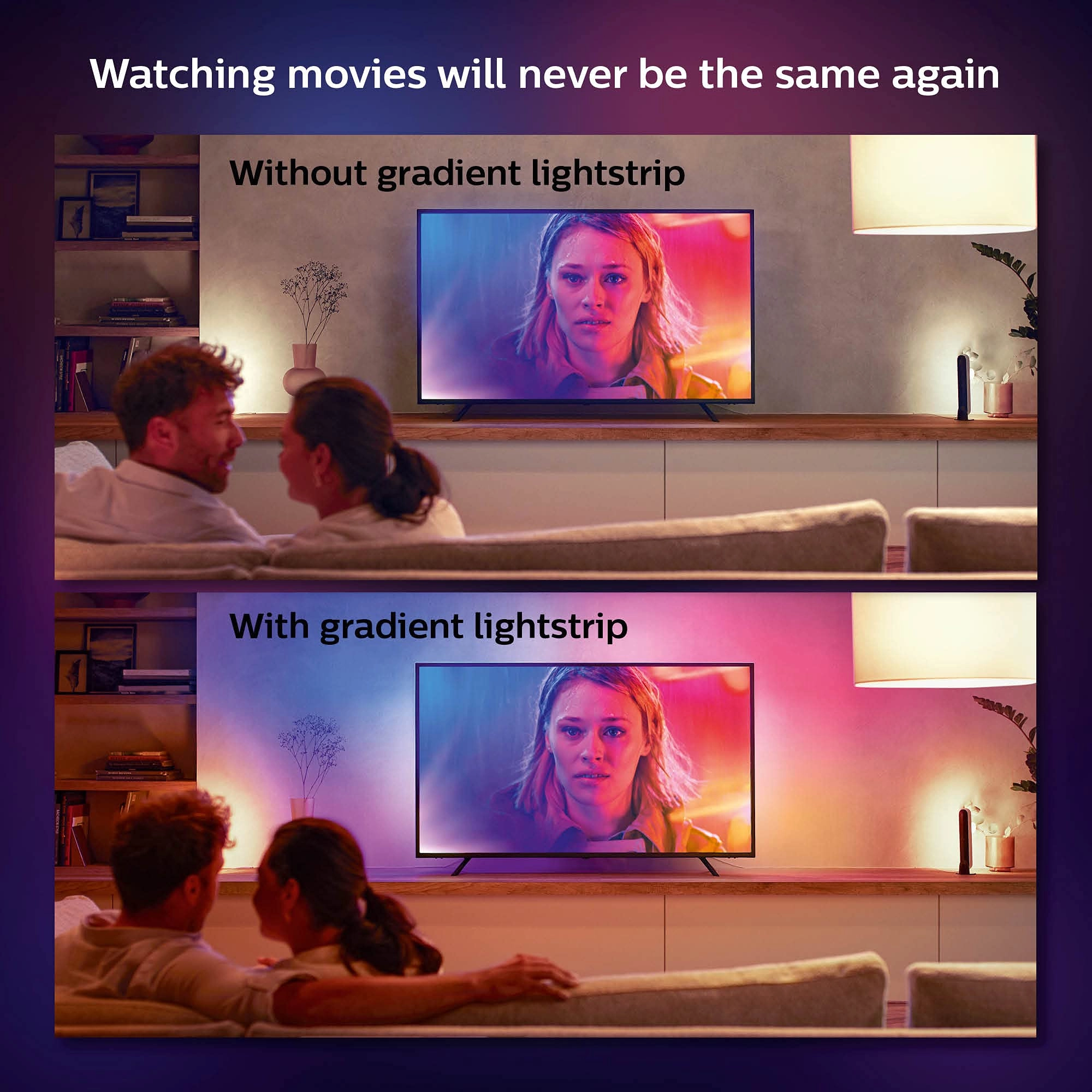
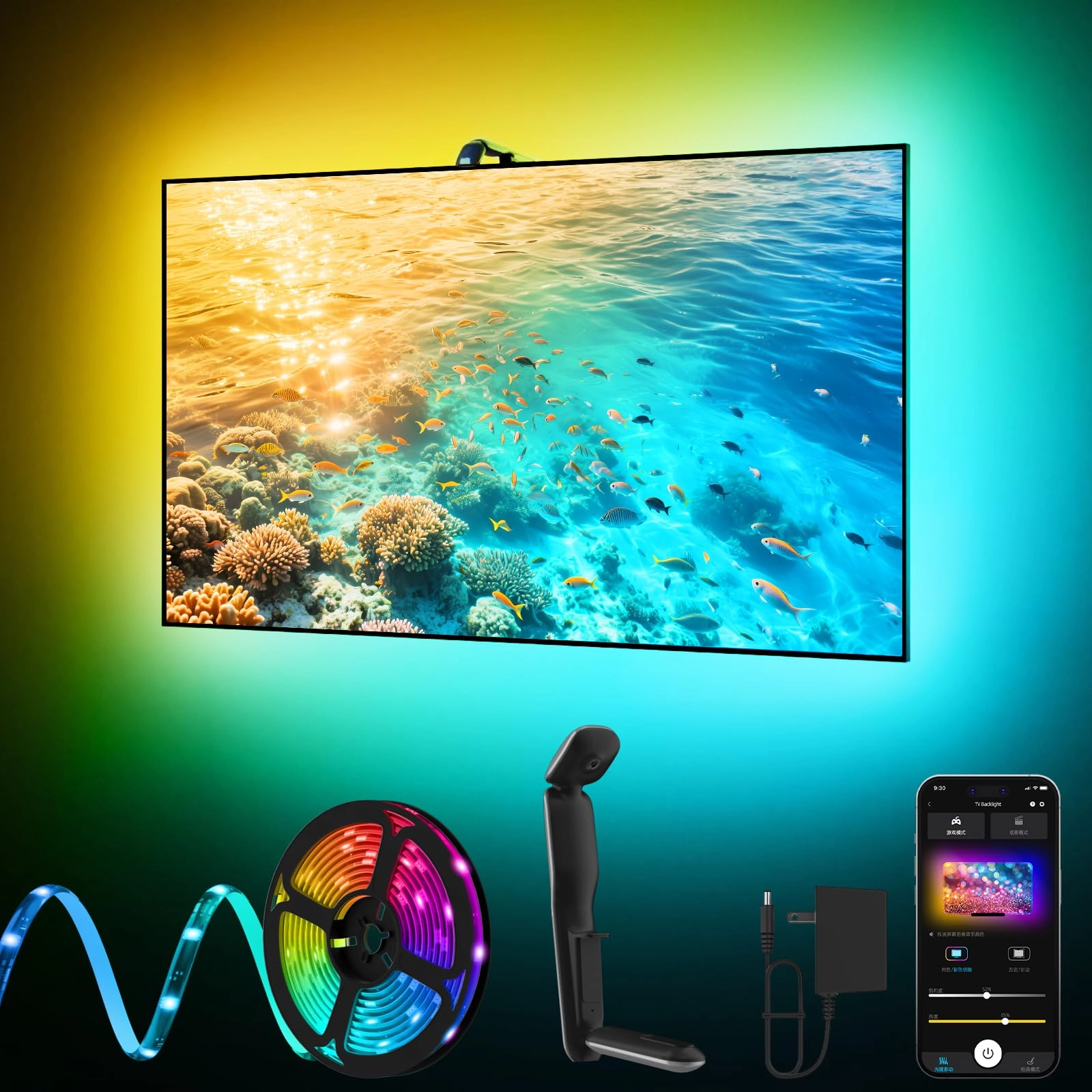
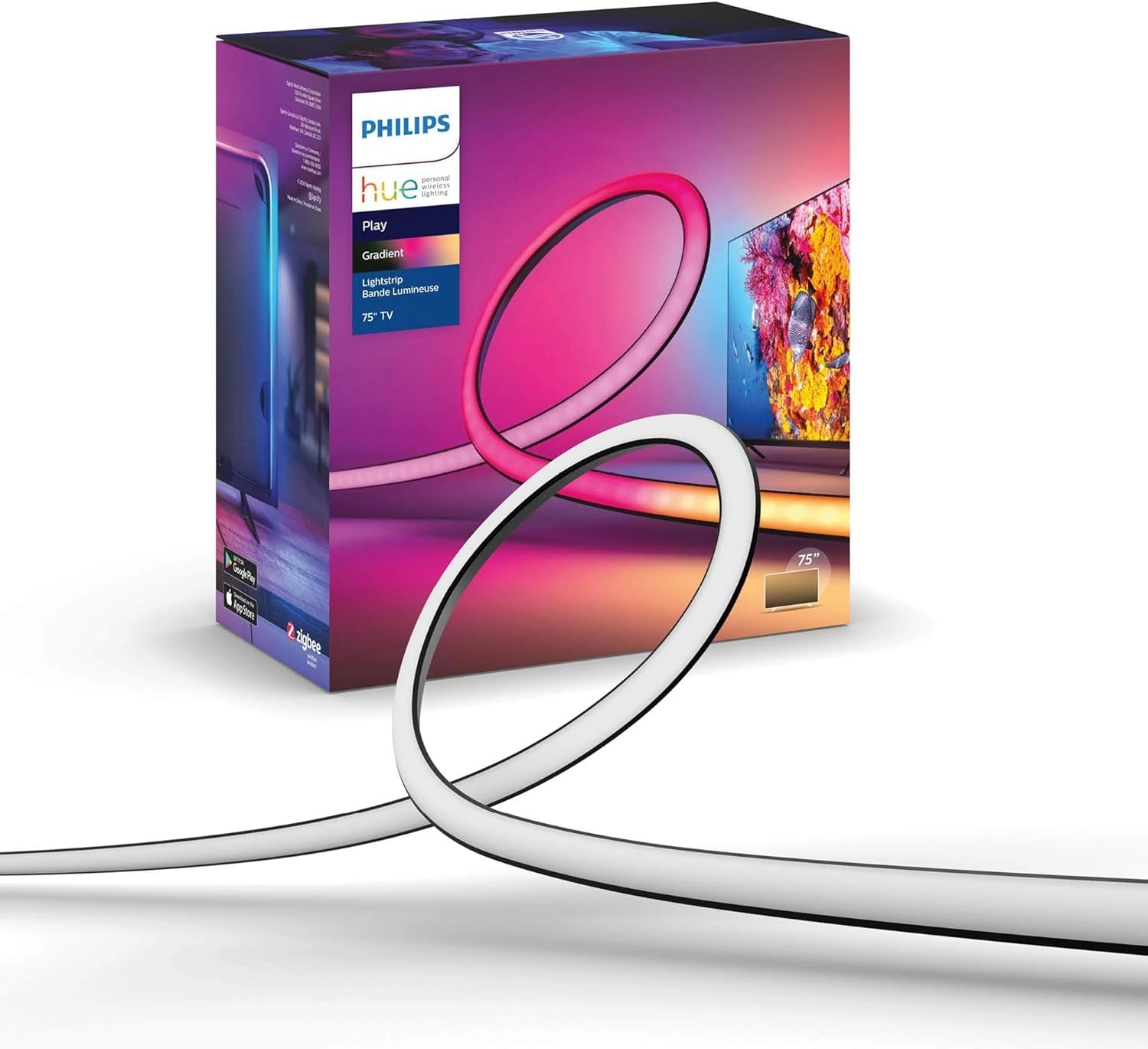
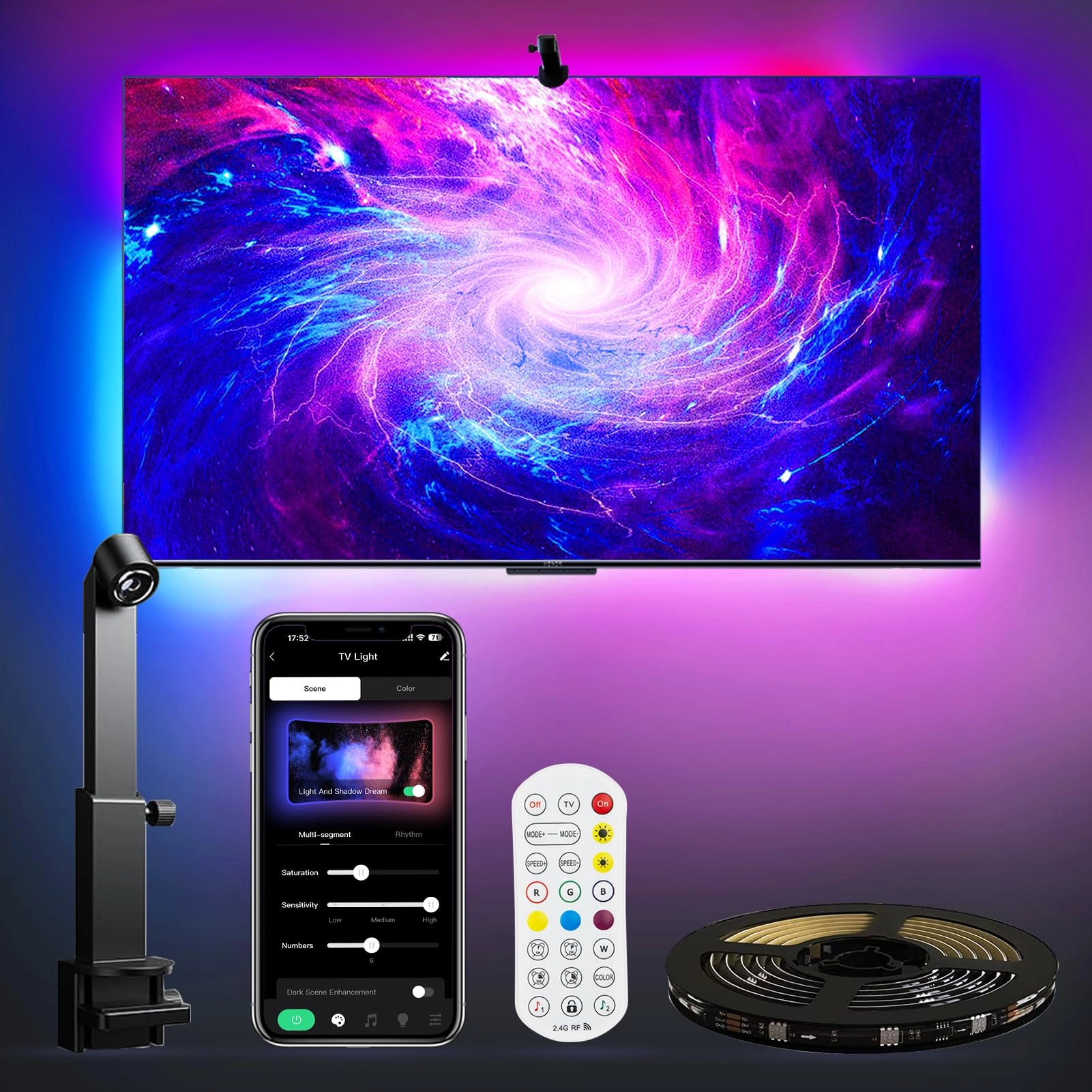
Transform your setup with the Philips Hue Play Gradient 65" Smart
TV Light StripBring immersive lighting to your TV with vibrant,
color-changing LED lights that sync with your TV, music, and
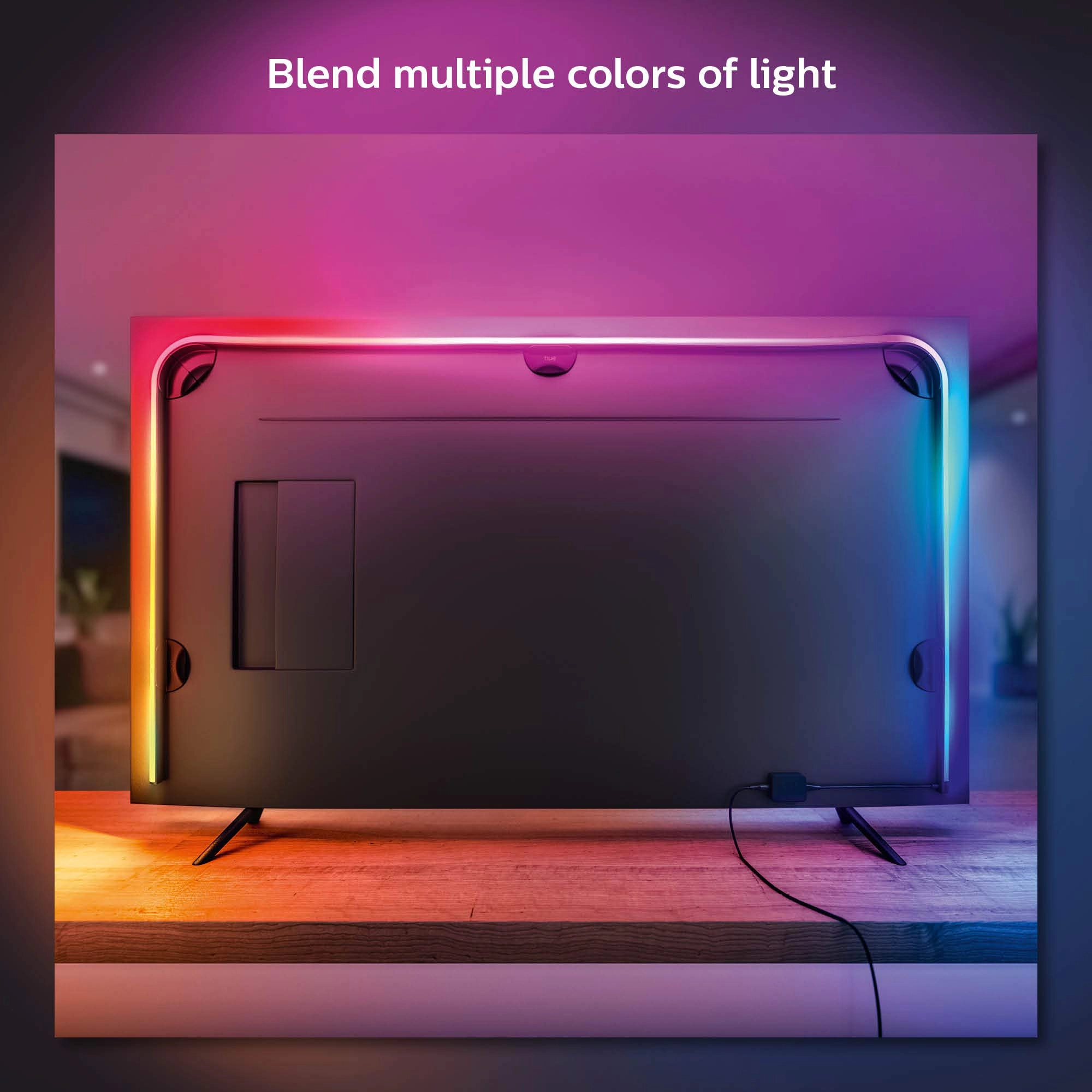
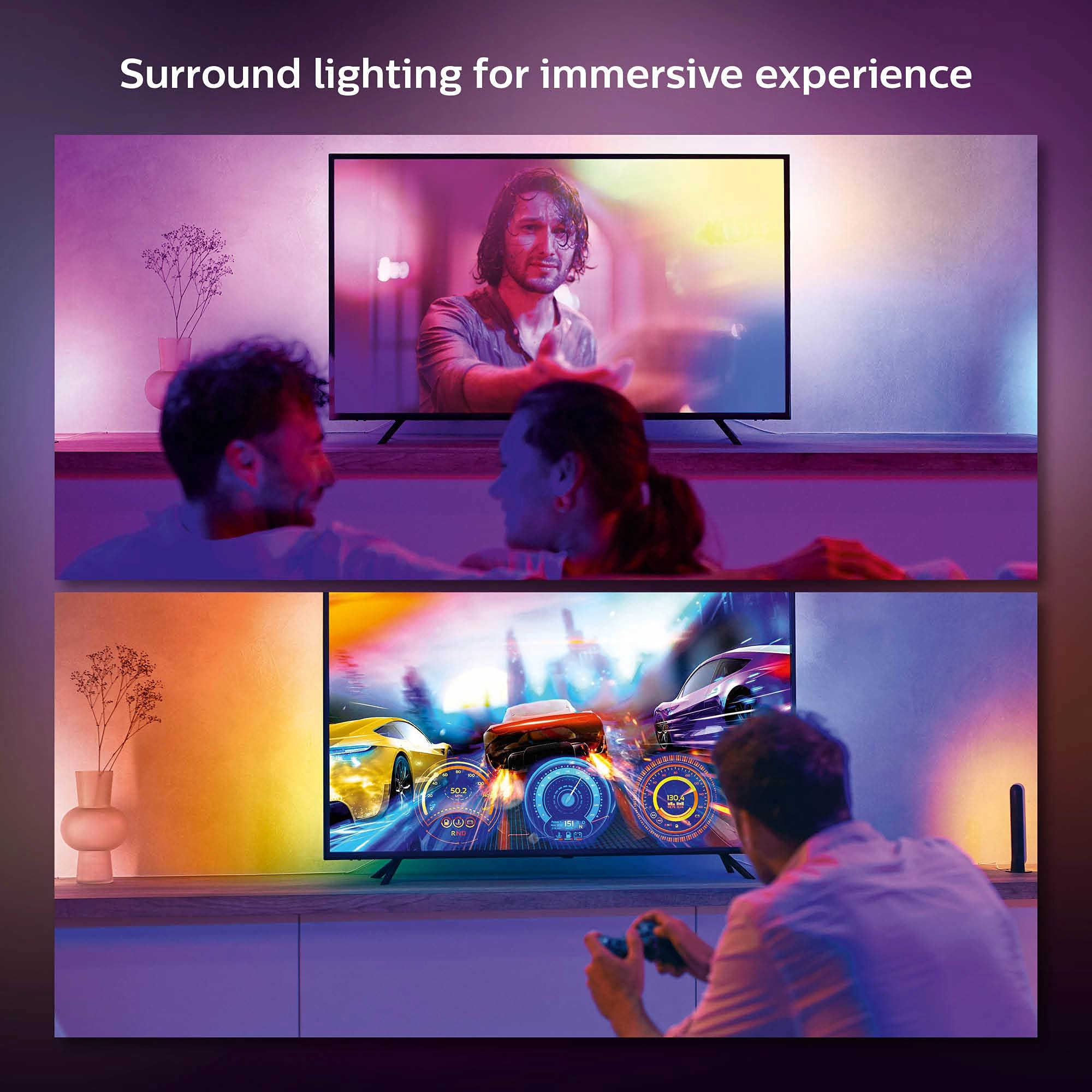
games. The TV backlight allows you to blend multiple colors of
light, creating surround lighting for an immersive experience.
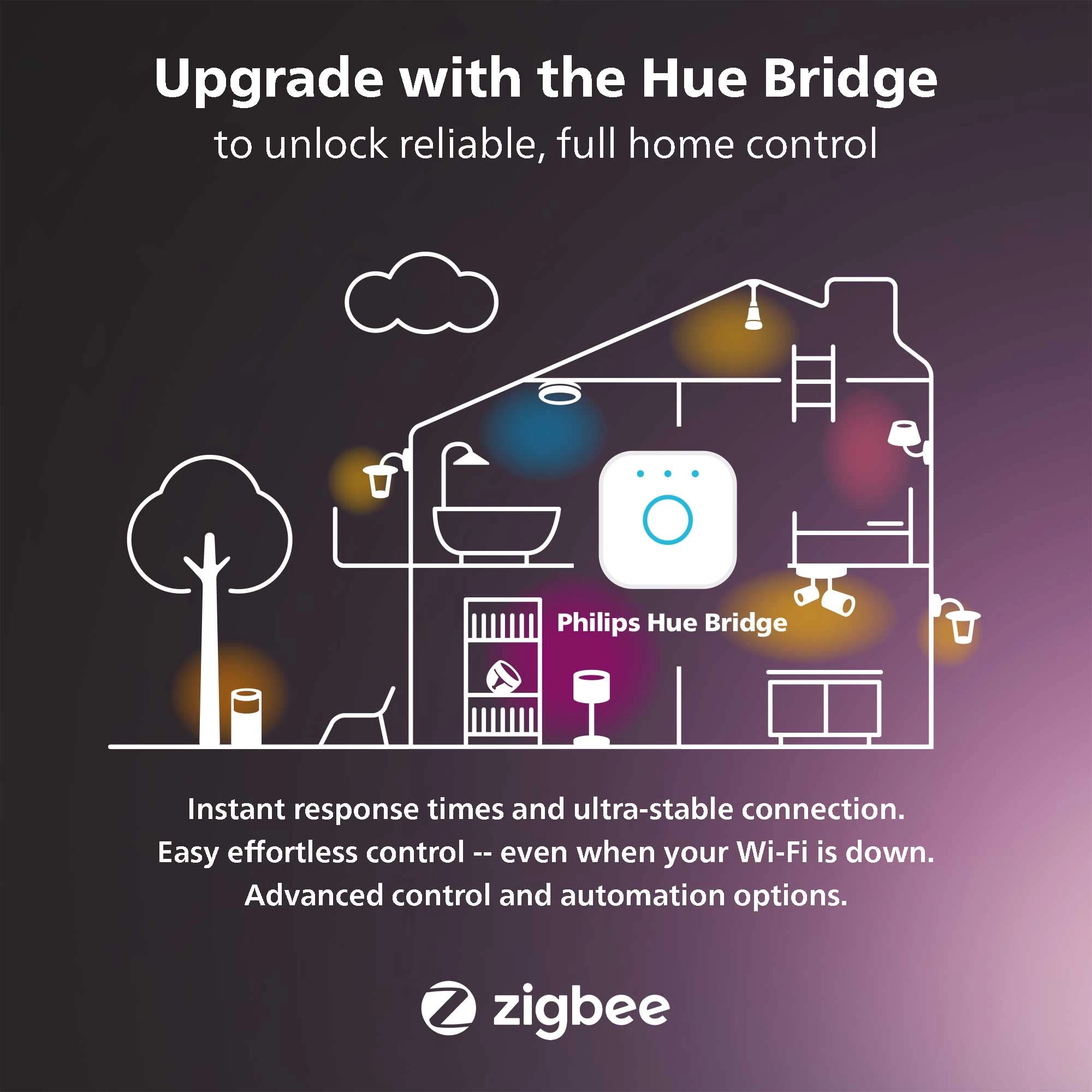
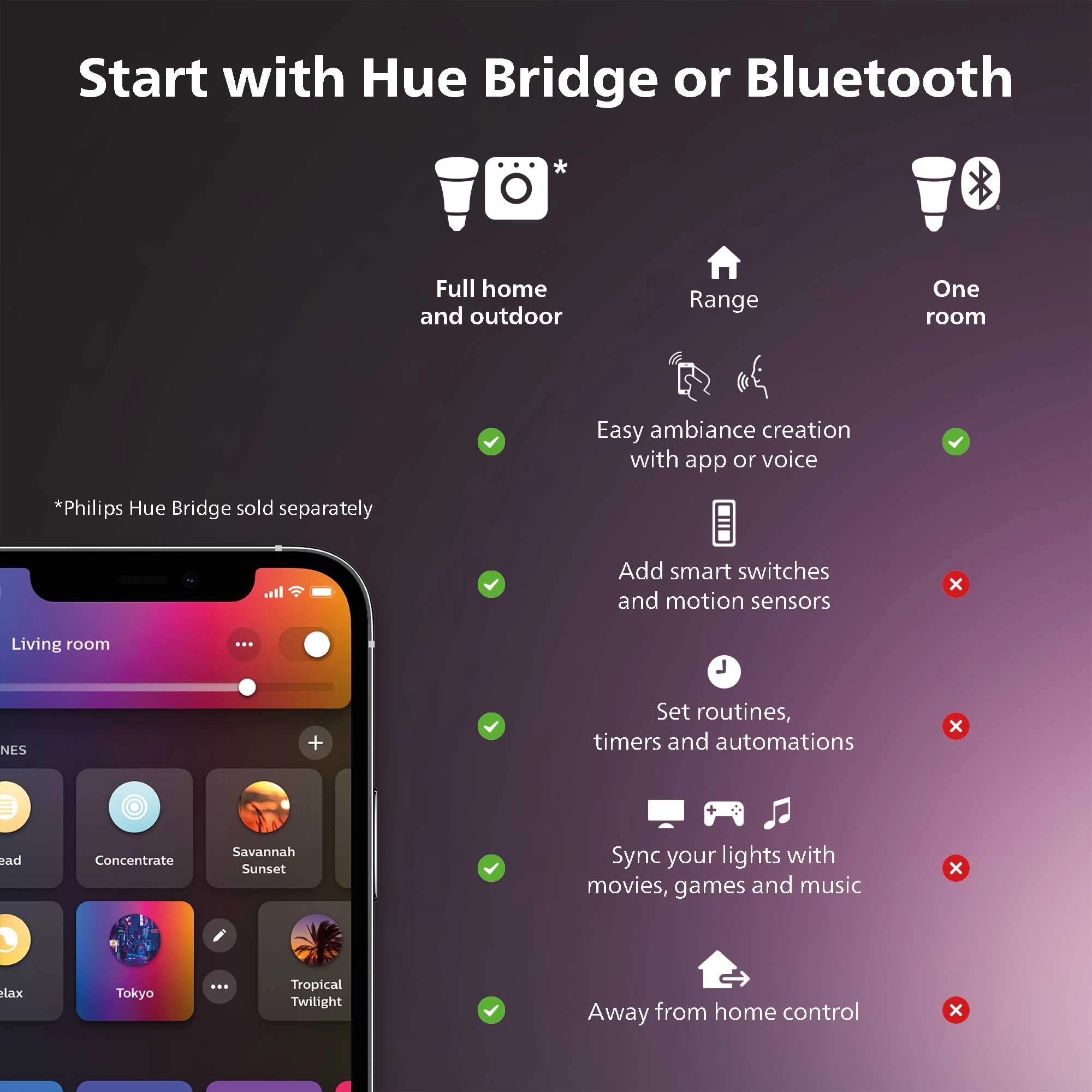
Requires the Hue bridge and Hue sync box (both sold
separately).Immersive color blending for TV, music, and
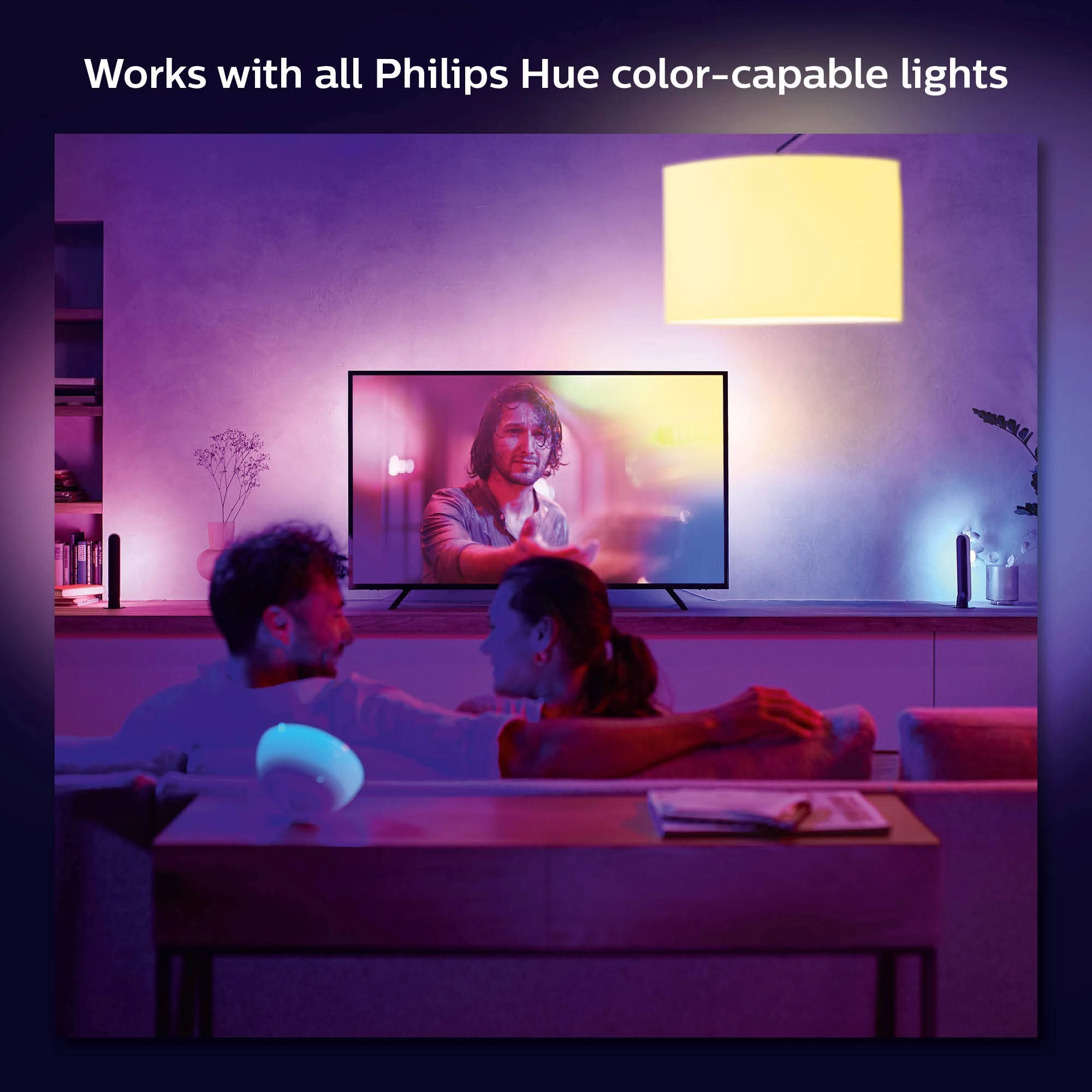
gamingChoose from millions of color options with the LED color
changing lights that react to the content on your screen. Easy
ambiance creation with the Hue app or voice. White and Color
Ambiance 65" TV smart LED strip lights with mounting brackets
designed for use on 65-inch TVs; perfect for immersive gaming and
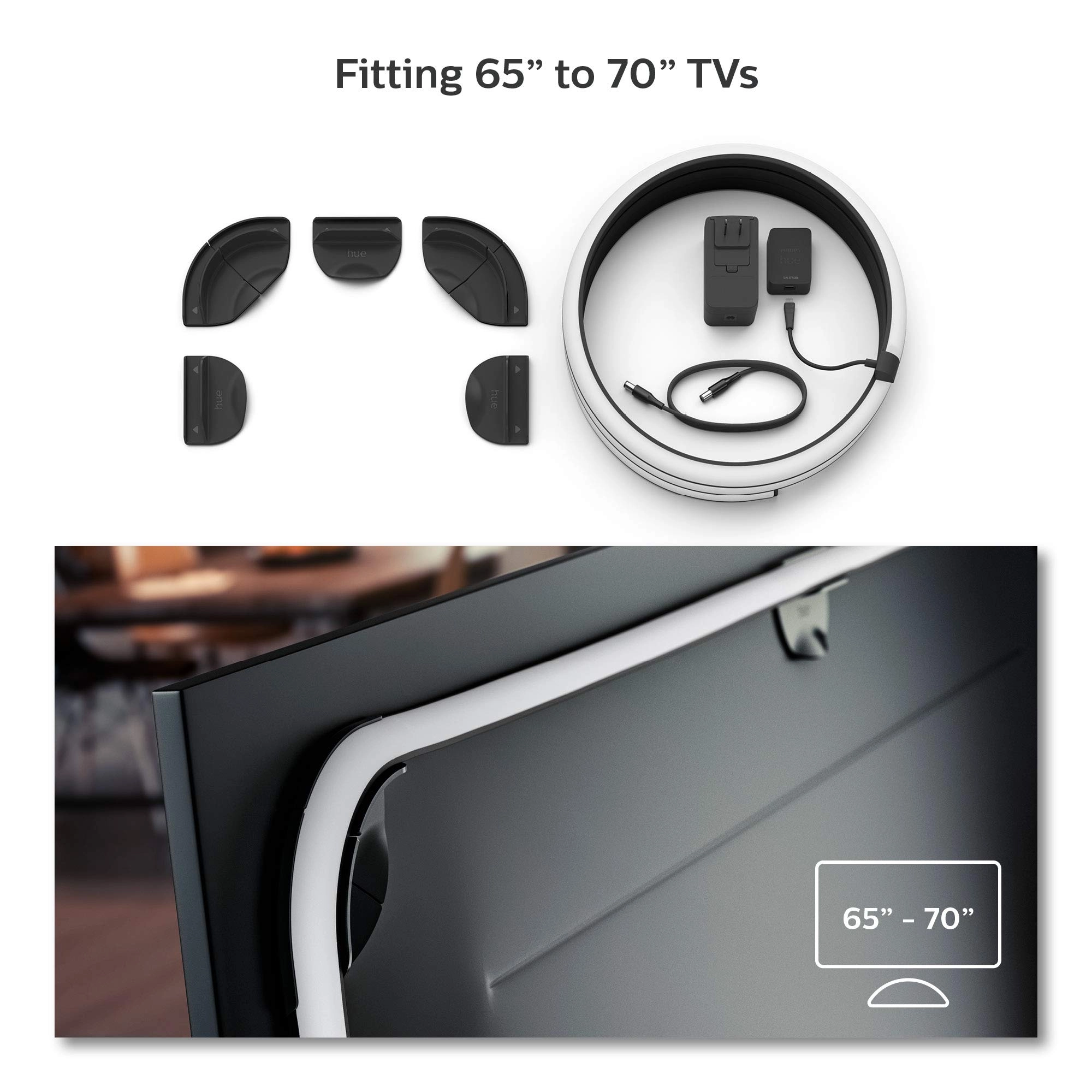
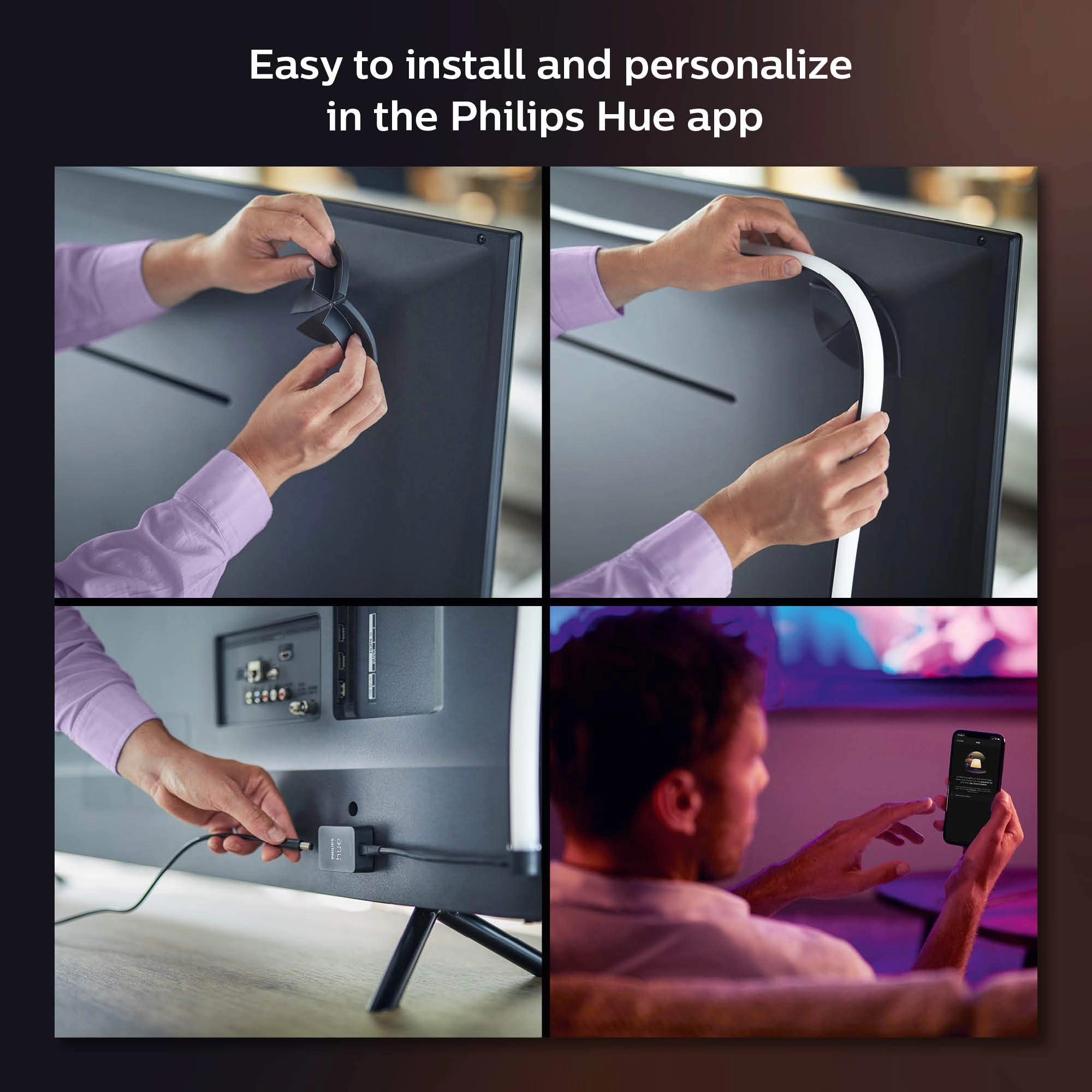
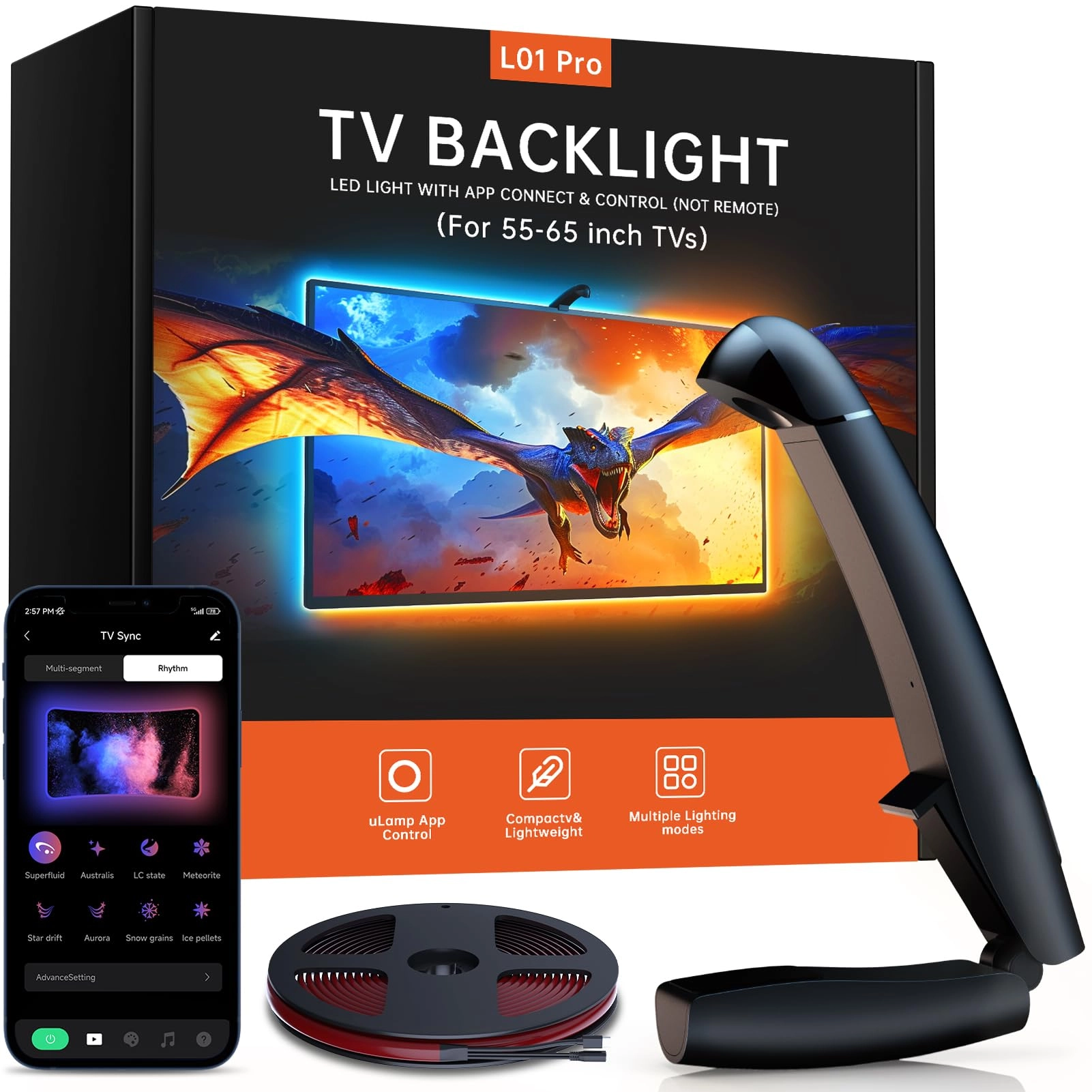
TV watching experiences.Easy installationAttach the lightstrip to
the back of your TV using the included mounts, which bend easily
around corners. Connect it to your Philips Hue Bridge and Hue
Sync Box to enable syncing with your entertainment.Key
Benefits:Requires Philips Hue Bridge and Hue Sync Box (sold
separately)Multi-color gradient lighting that matches on-screen
contentMillions of colors plus warm-to-cool white lightControl
with voice or appVoltage: 120V
Review: It’s always a party with these lights. - Great lights.
Makes movies and anything you’re watching better. Try watching
The Force Awakens when Kylo Ren is fighting Rey and they’re
dueling it out with light sabers. Or, if you’re a raver like me,
open up YouTube and search for a DJ set and watch the lights go
crazy (in an awesome way). Lights are insanely easy to install.
Find the center at the top of your TV, take the center black clip
and peel back the adhesive and attach it to the top center at the
border of the tv. Then just stick on the remaining clips. I also
bought the hue light bulbs and I can now have a full-on dance
party. Tis all 🤷🏻♂️
Review: What you probably don’t know… - It does what you expect.
On top of the Gradient Lightstrip for my TV, I also bought the
play bars. You can isolate each light into individual colors. If
you’re not new to the LED scene, then know you should be familiar
with setting scenes with the app. When everything arrived, I
immediately started setting up. The first problem I had was
connecting the bridge to the internet. The first two lights came
on but not the third. Without being connected to the internet, I
can’t access the bridge with the app or move on with the rest of
the installation. The solution to that, was that I plugged the
network cable it came with from the bridge to the splitter I
have. Come to find out, the bridge doesn’t work with splitters.
Technically, the protocol doesn’t allow for it. You have to
directly connect it to the router. I have a 70 inch Samsung Smart
TV. I bought the 65” light strip. After setting up all the
lights, the bridge, and the sync box, I was excited to play
something colorful like Avatar or Spiderman(across the
spiderverse). So, having smart tv and all I had to do was press
the Netflix button on my remote and it brings me to the TV
app(There’s a reason I say that) BUT, starting a movie, the
lights just dimmed to the lowest white light and they were not
synced to what was being shown on screen. The app kept showing me
that nothing was connected to the sync box. I of course didn’t
understand if I connect my tv to the box. After hours of
research, I’ve done everything I could from getting different
HDMI cables, to switching ends, to factory resetting the sync
box, to seeing if my tv needed to be updated. I was afraid I
bought a defective sync box. My last last thing to try was to
call customer support. Surprisingly, after dialing the number,
less than 5 minutes, I was on the phone with someone, which is
impressive. Come to find out… to have lights sync, you can’t use
it with TV Applications. You have to have a second source such as
a PlayStation, Xbox, Firestick and so on. After learning that, I
connected my PlayStation to the sync box, went to a YouTube video
and it worked. So if you’re having this same issue, hopefully I
was able to help someone out. Looking it up, I wasn’t the only
one stumped with this same problem. All in all, after I got it to
work, it’s amazing! The lights on top of a surround sound system,
you don’t have to go to the movies anymore. You have an enhanced
theater right in front of you. If you’re not watching TV, you can
still work the lights with the app and either set a scene or
choose whatever color(s) you prefer. It’s expensive for no
reason. But you get what you pay for and that’s quality. You
won’t be disappointed. P.S. The Bridge, Sync Box, and the Lights
all use a big box plug. The blocky ones. So I had to utilize
another power strip to get everything plugged in and working on
top of everything I already had plugged.