Bluetooth 5.0 & Auto Pairing
The latest Bluetooth 5.0 chipset brings a highly efficient, stable and reliable transmission, making sure you enjoy music, videos and calls without latency.
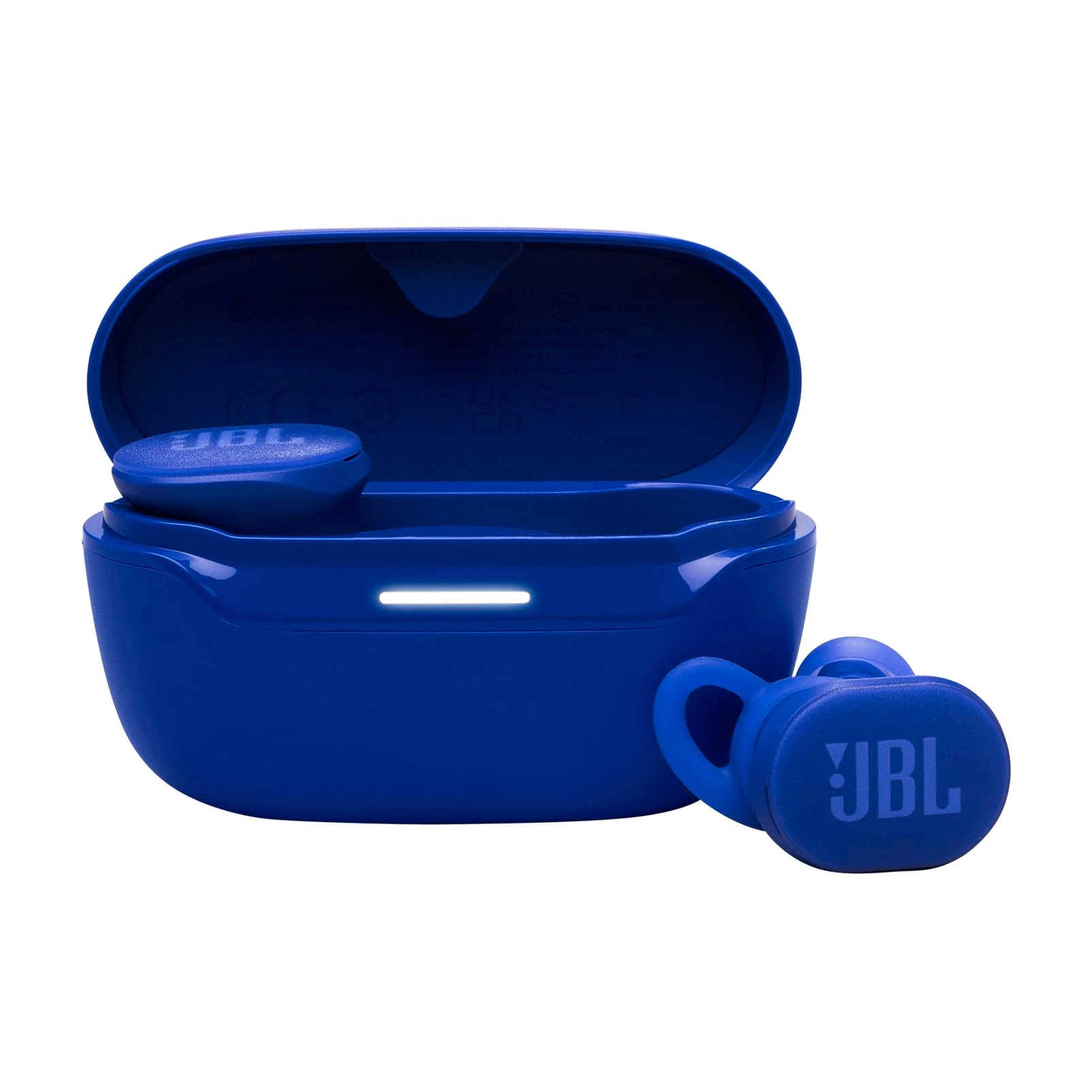
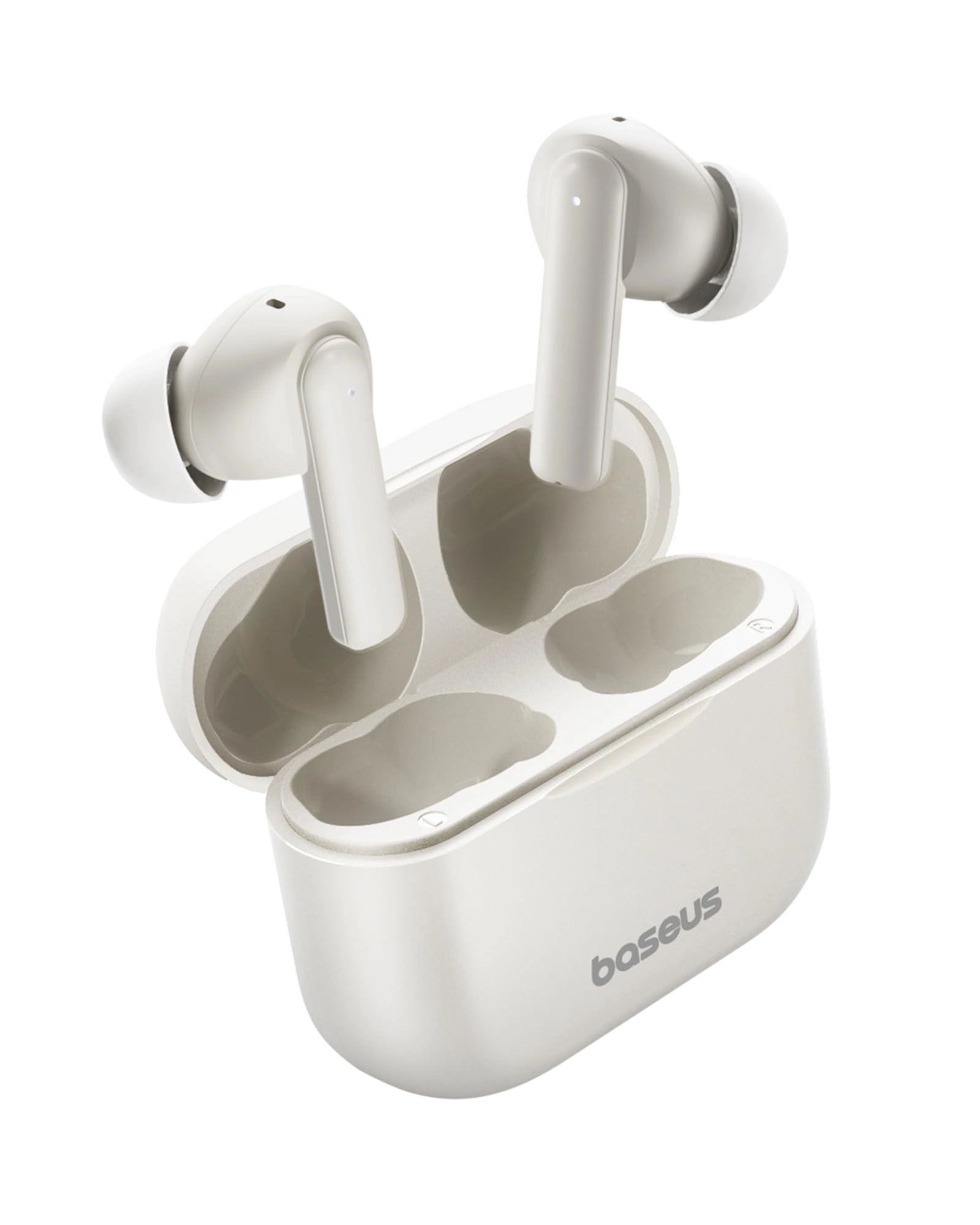
Once you take out the Bluetooth earbuds from charging box, they will turn on and enter pairing mode automatically.
Quick Guide to Touch Control
Play/Pause: Tap the touch bar to pause and tap it again to play when you're listening to music.
Ignore Call: Hold touch bar for 2 seconds to ignore an incoming call.
Answer Call: Tap touch bar to answer an incoming call and tap it again to hang up.
Activate Voice Assistant: Press the touch bar for 2 seconds to activate voice assistant when standby, such as Siri and Google Assistant.
USB Type-C
Coming with Type-C charging cable, all for your convenience and efficiency.
Quick Guide to Pair
For Bluetooth connection problems, for example, only one earphone is working or cannot connect two headphones to your device, please follow the below steps:
1. Put both earphones back into charging case;
2. Take the right earphone out of the case;
3. Press touch bar for 1 second, you will hear voice message “Power On”;
4. Hold it until you hear “Pairing” (the led flashes red/white alternatively); now pairing name “PowerPods” becomes available on your Bluetooth pairing list;
Note:
a. Language of Voice Message: English
b. The right earphone is the master earphone.
c. The earphones must have full authorization to your contacts history if you’d like to use it to make a phone call.
d. In Stereo Mode, the music of right earbud will not stop if you put the left earphone back into charging case. The music of left earbud stops only when you put the right earphone back into the case.