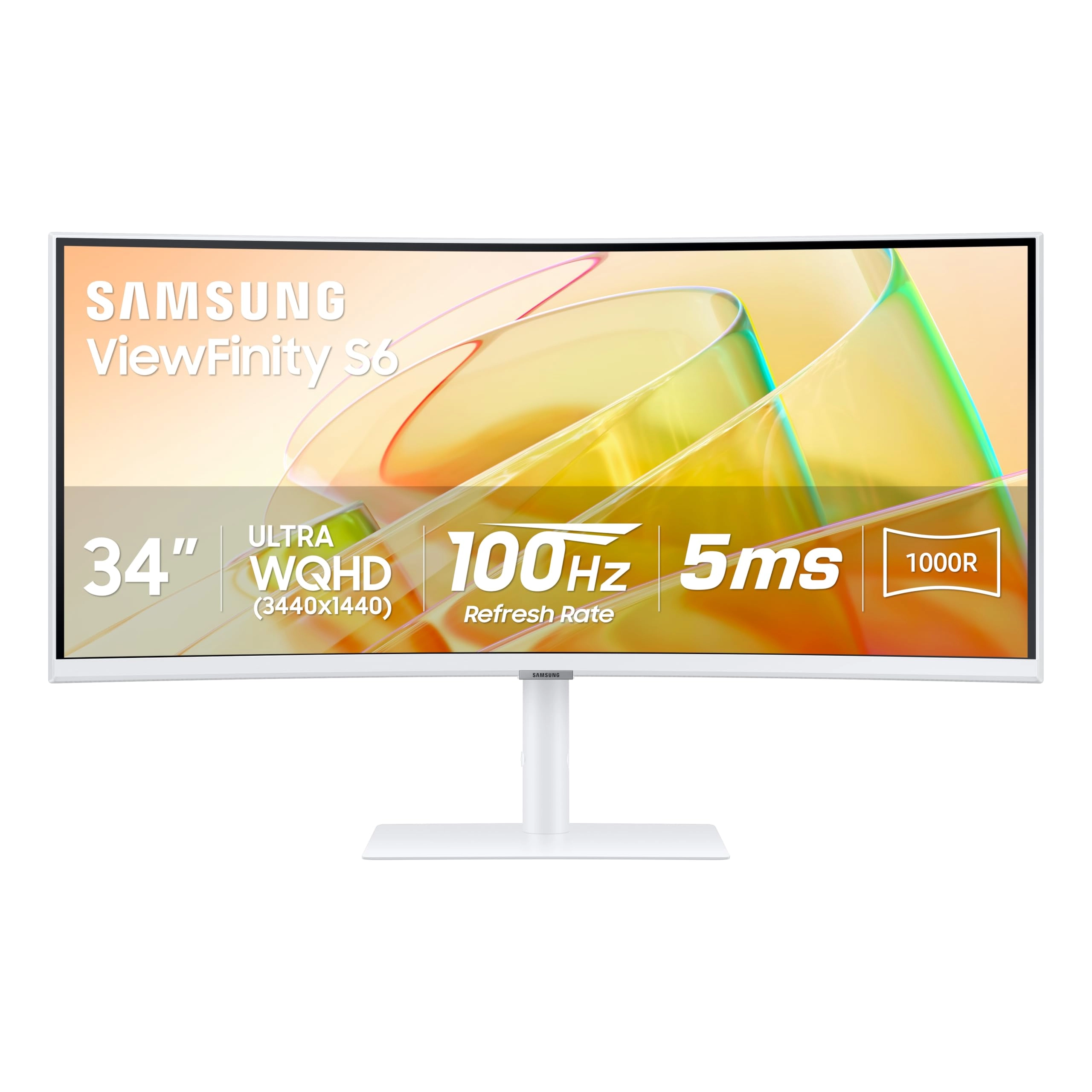
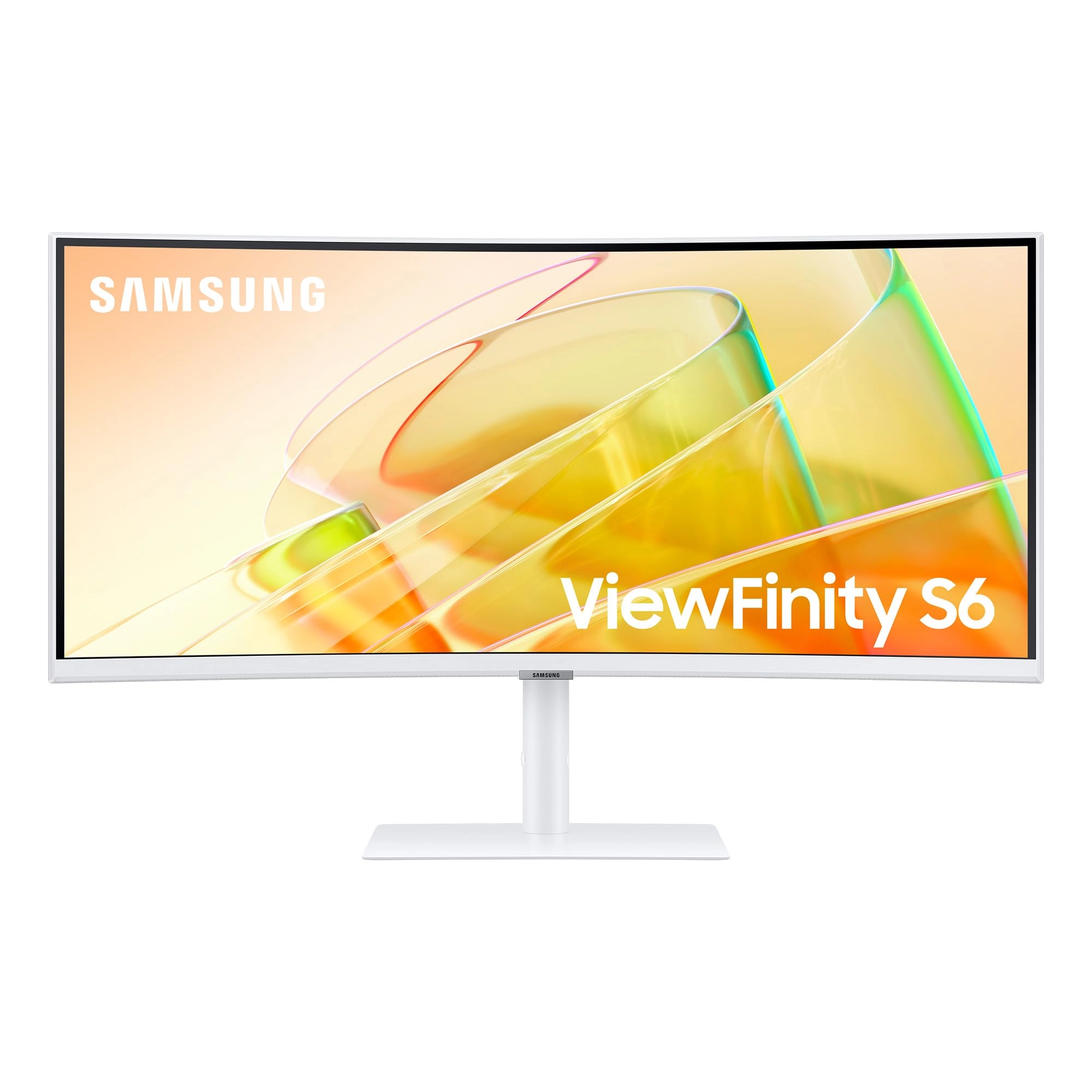
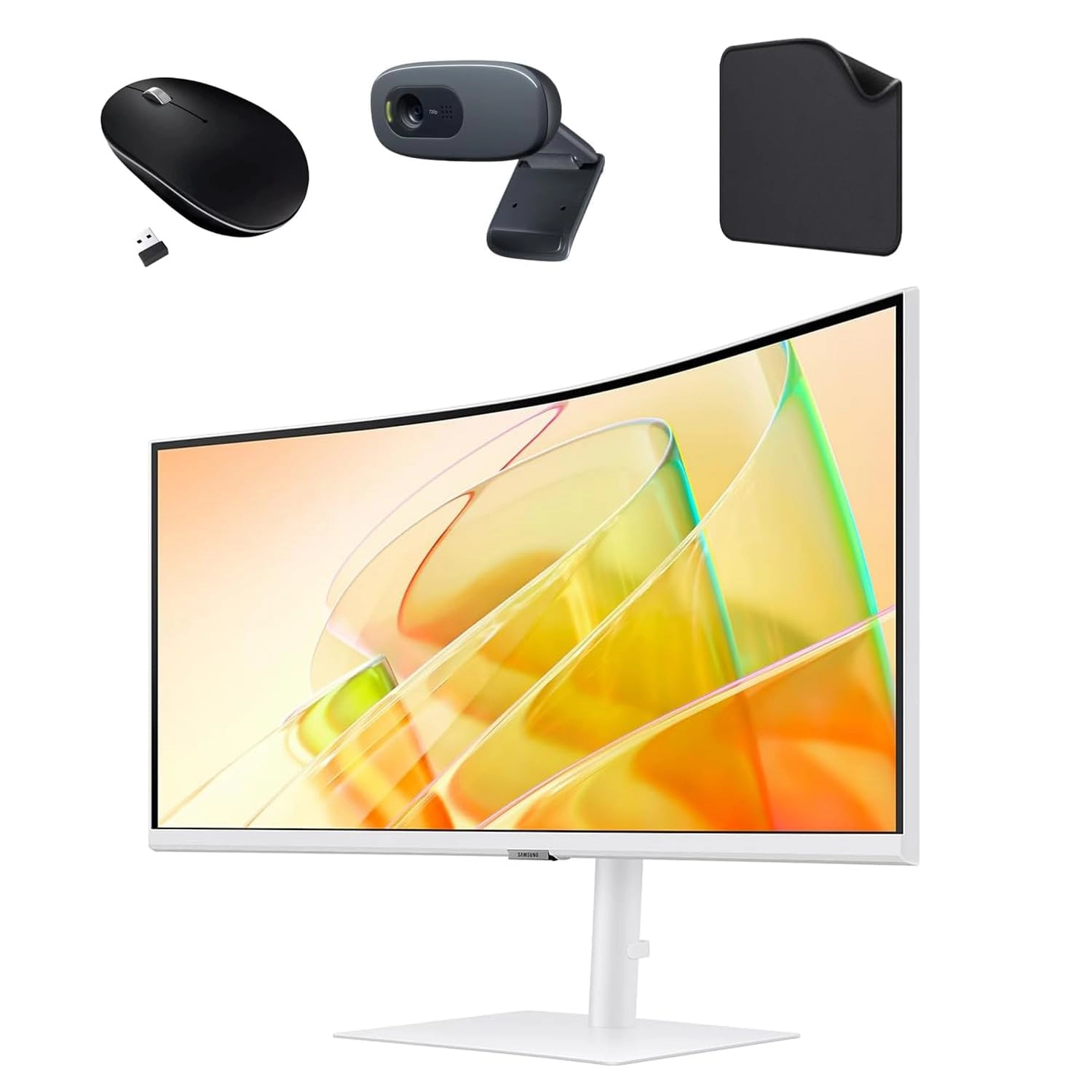
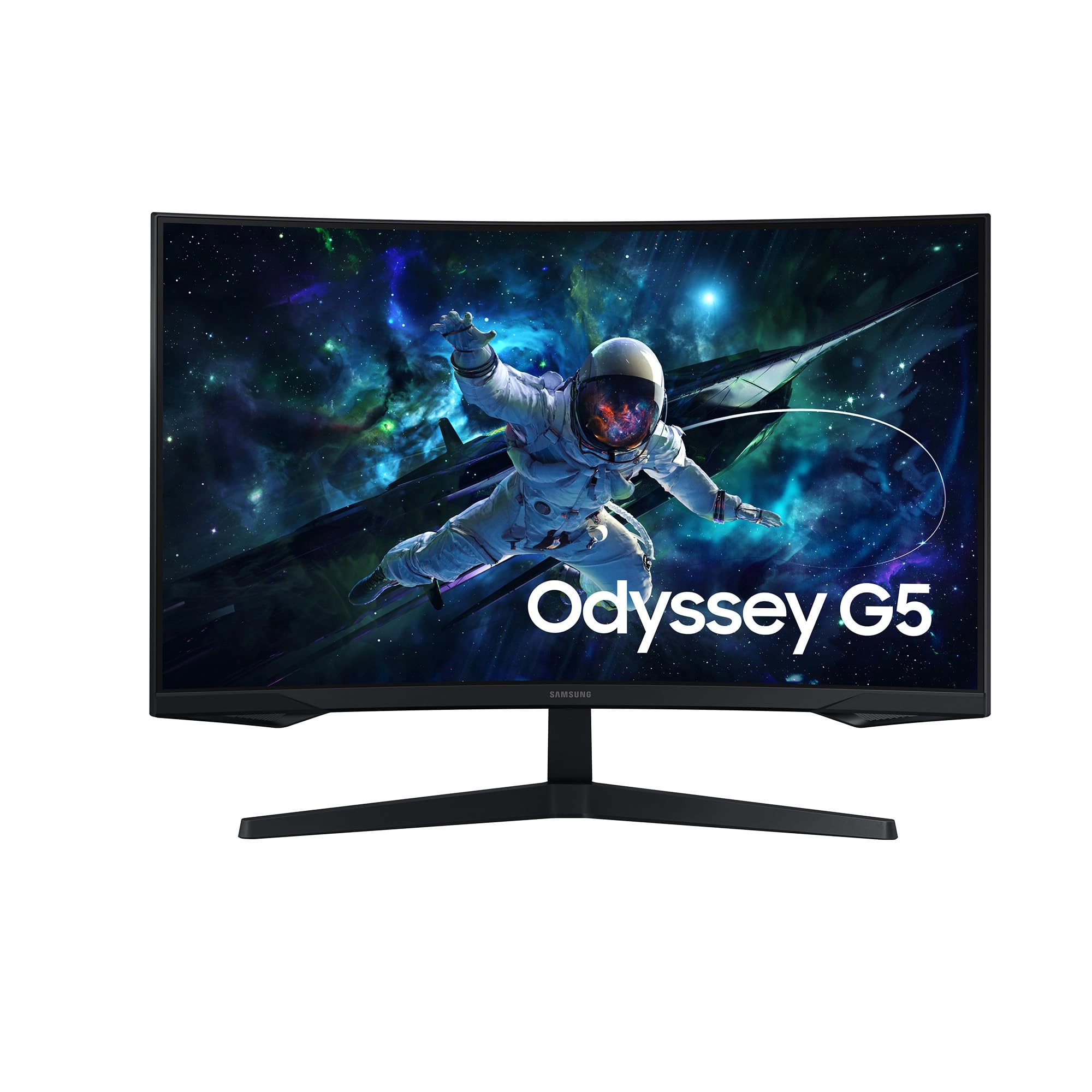
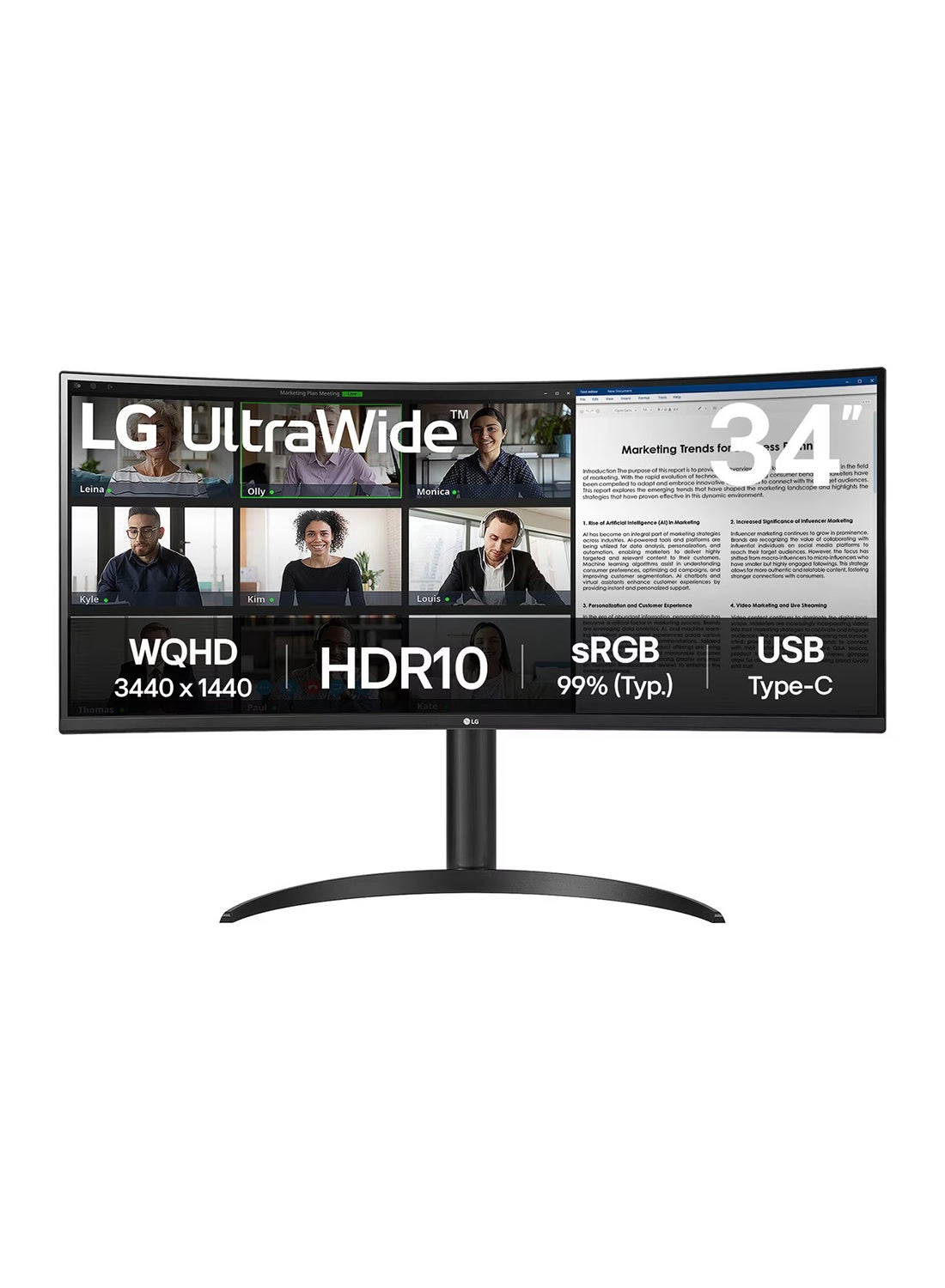
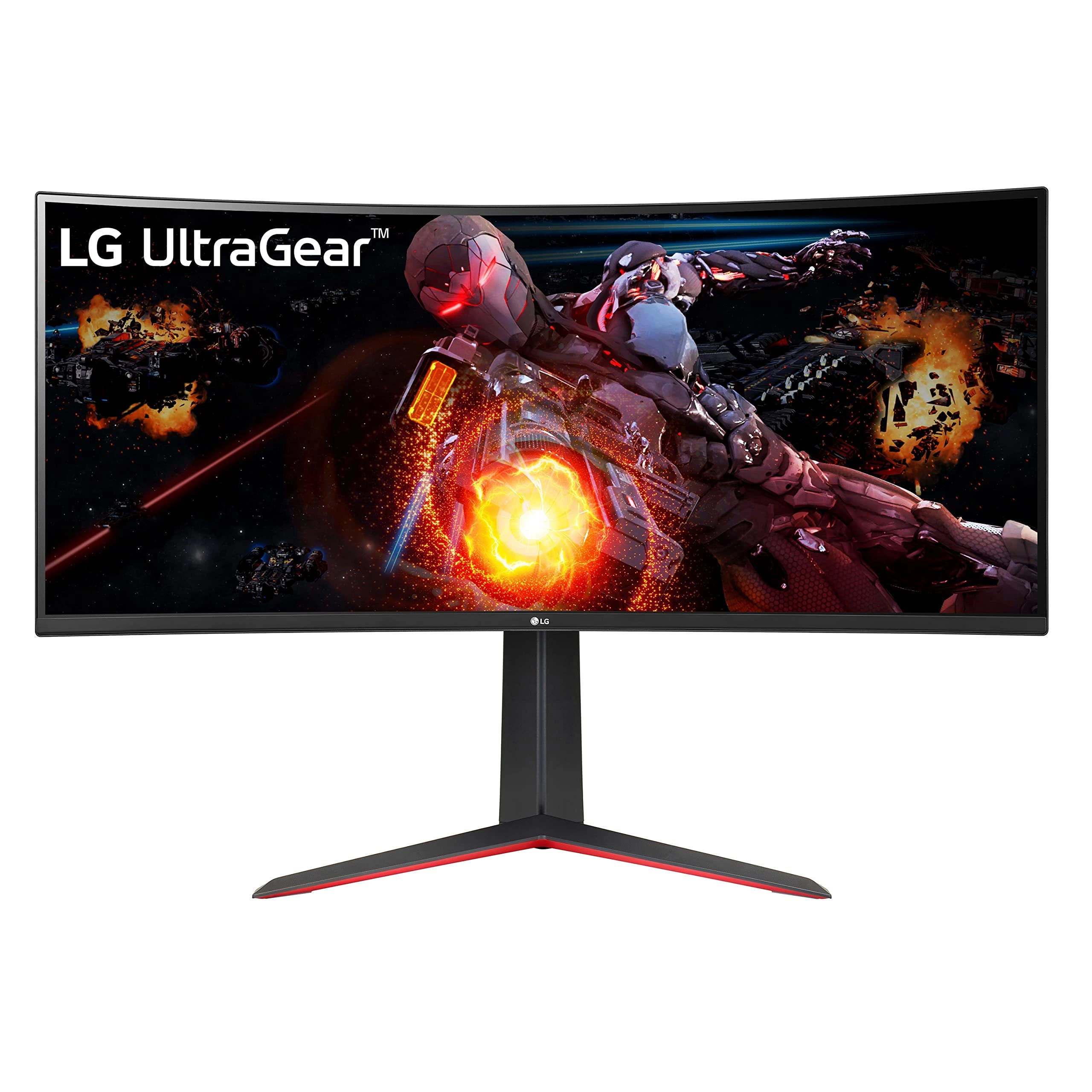
Samsung's Ultra-WQHD Monitor with a 34" 1000R curved display
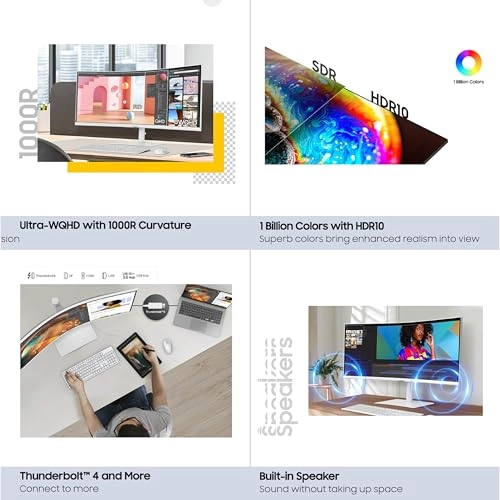
surrounds you with a 21:9 aspect ratio to maximize your screen's
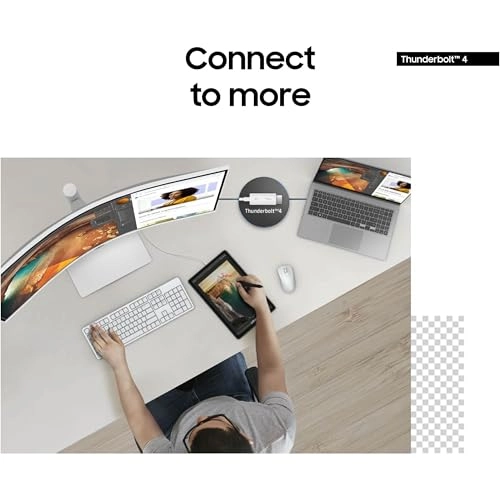
real estate. Featuring Thunderbolt™ 4 connectivity and multiple
ports, you can power your devices while transmitting data.
Experience 1 billion vivid colors with HDR10, providing near
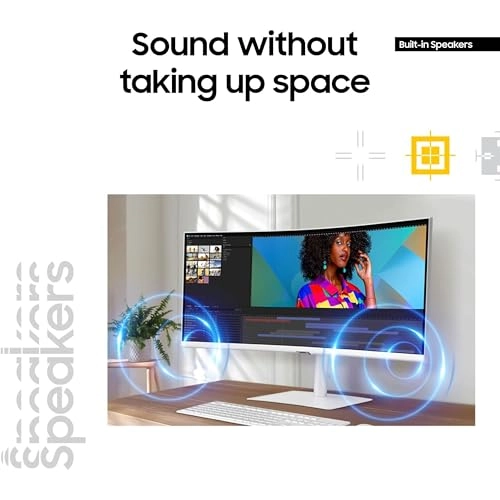
limitless hues, with darker darks and brighter brights. Built-in
speakers minimize connections and free up desk space, while 100Hz
refresh rate and AMD FreeSync™ keep the screen smooth across all
applications and diminish screen stuttering and image tearing.
With KVM Switch, Easy Setting Box, Picture-By-Picture, and
Picture-In-Picture, you can play games while connecting with
friends, watching movies, or working on projects. The
ergonomically designed height-adjustable monitor creates a
customized, comfortable environment in which to work and play,
and TÜV-certified technology reduces eye strain. *Screen image
simulated HDR mode must be activated through PC settings.
**Screen image simulated. AMD FreeSync™ support available only
when connected via HDMI or DisplayPort. ***100Hz refresh rate
unavailable in Picture-by-Picture mode. Requires the Easy Setting
Box program on each PC, available for download at samsung.com.
****Screen image simulated. Screen brightness does not adjust
when the surrounding lighting is greater than 200 lux.
Review: The perfect size at a perfect budget - The Samsung 34”
ViewFinity Monitor has transformed my home office setup, offering
not just functionality but also a visually pleasing workspace.
**Aesthetics:** The first thing you'll notice about this monitor
is its sleek, modern design. It boasts a clean, minimalistic look
with thin bezels that make the screen appear larger and more
immersive. The monitor's stand is both sturdy and elegant, with a
compact footprint that fits nicely into any workspace without
overwhelming it. The overall aesthetic is one that elevates the
look of your desk setup, making it a statement piece in any
office environment. **Display Quality:** The graphics and color
reproduction on this ViewFinity monitor are nothing short of
brilliant. With its Ultra-WQHD resolution (3440x1440), images are
crisp, and text is sharp, which is perfect for those long hours
of coding, designing, or reading. The colors are vibrant and
true-to-life, thanks to support for HDR10, which makes everything
from spreadsheets to movies look spectacular. Whether you're
editing photos or just browsing the web, the quality of the
display enhances every visual task. **Functionality:** This
monitor has completely changed how I approach working from home.
The wide aspect ratio provides ample screen real estate, allowing
me to multitask with ease; I can have multiple windows open side
by side without feeling cramped. The curved screen minimizes eye
strain and offers a more natural viewing experience, keeping you
focused for longer periods. The built-in features like Eye Saver
Mode for reducing blue light emissions are thoughtful additions
for those concerned with eye health during extended screen time.
**Connectivity and Ergonomics:** Equipped with multiple ports
including USB-C, HDMI, and DisplayPort, connectivity is
versatile. The height, tilt, and swivel adjustments allow for
ergonomic customization, which was a game-changer for my posture,
reducing neck strain significantly. **Performance:** For gaming
or video content, the monitor performs admirably with a smooth
refresh rate, although it's not primarily marketed as a gaming
monitor. However, for productivity and creative work, it excels.
**Conclusion:** The Samsung 34” ViewFinity Monitor is a
significant upgrade for anyone looking to enhance their
working-from-home experience with both style and substance. Its
brilliant graphics, ergonomic design, and aesthetic appeal have
redefined my expectations for what a monitor can offer in terms
of daily use. If you’re in the market for a monitor that looks as
good as it performs, this Samsung is a stellar choice.
Review: Excellent screen and beautiful monitor - Excellent, just
need it to have more HDMI inputs.