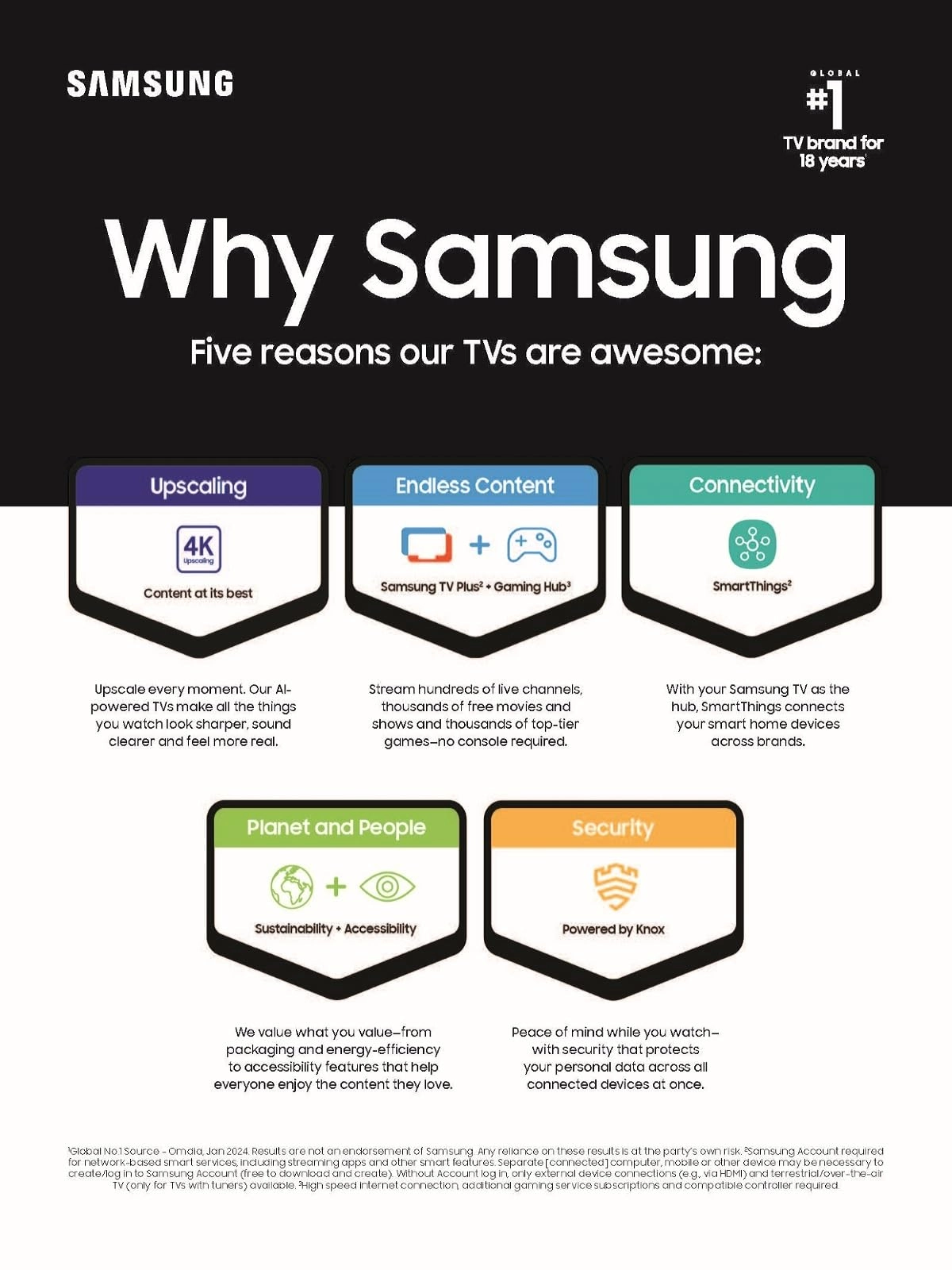
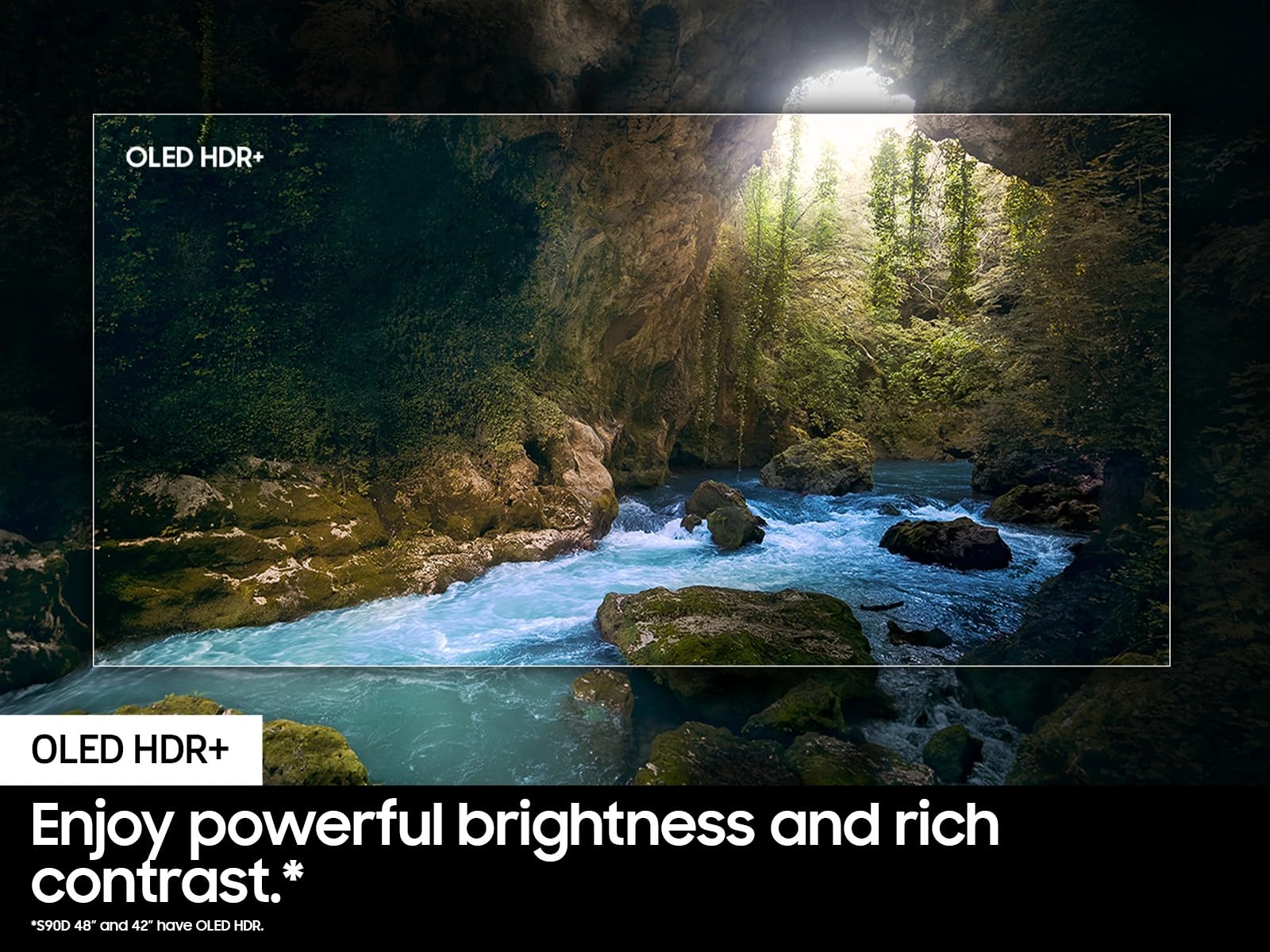
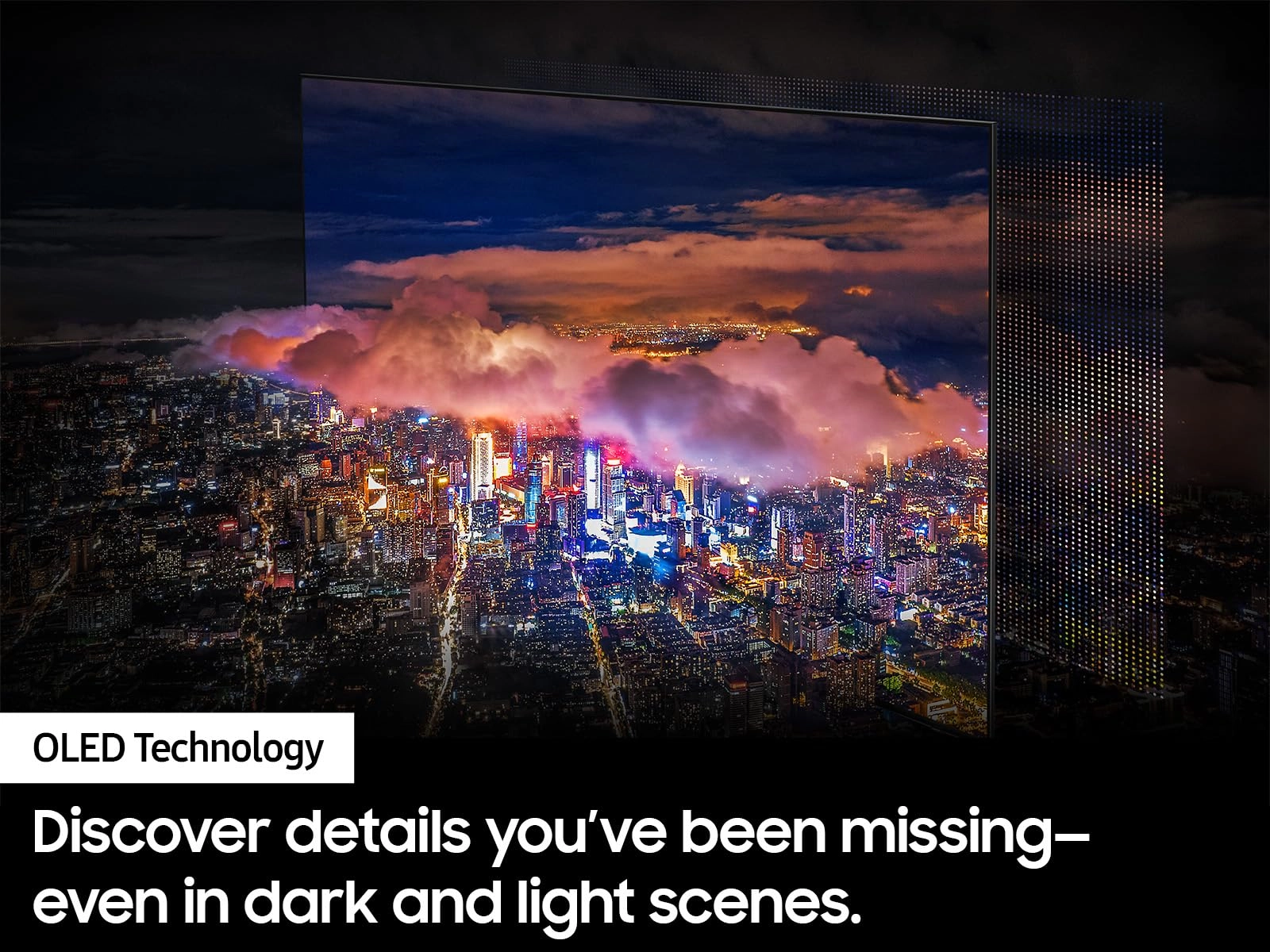
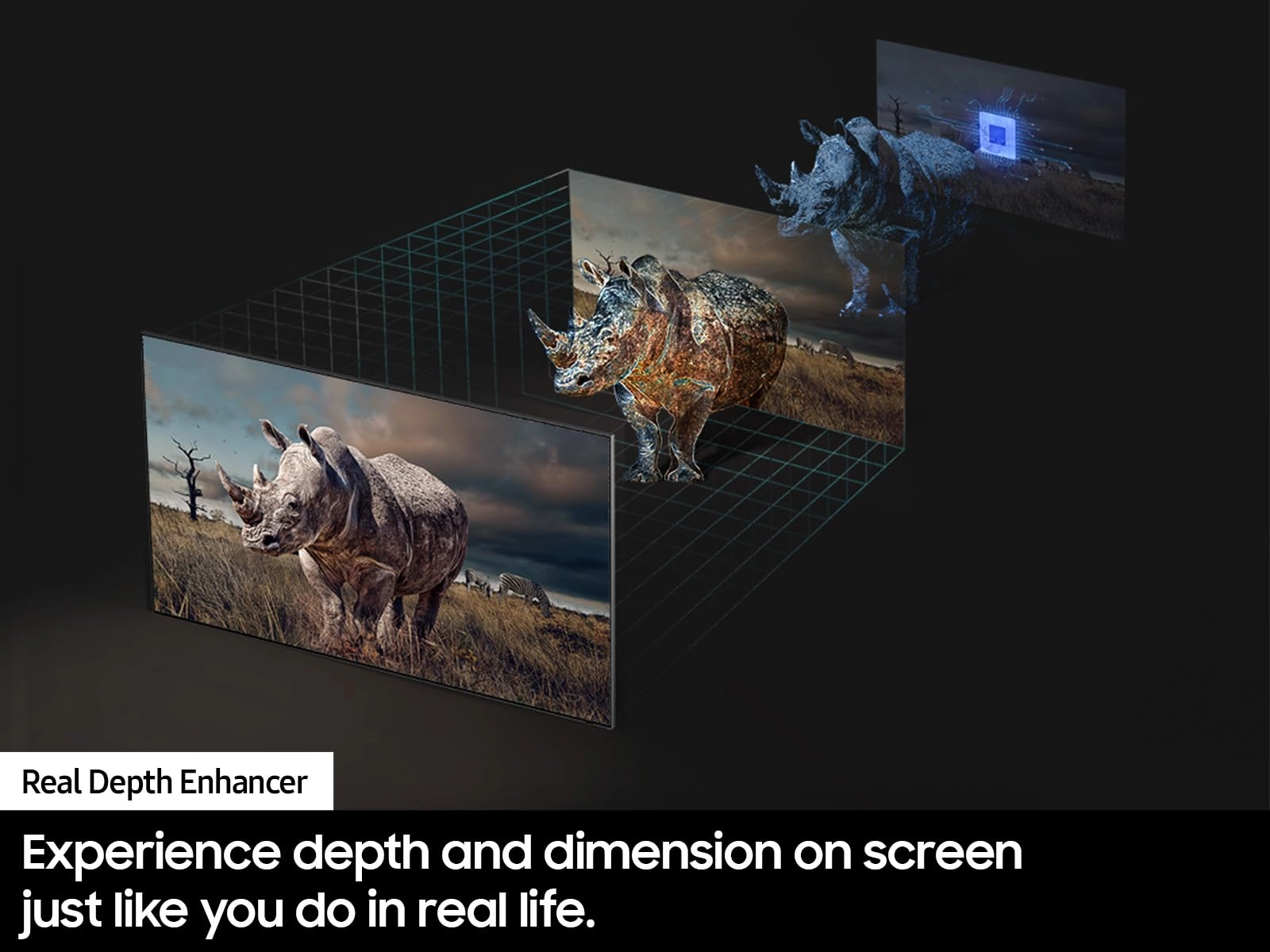
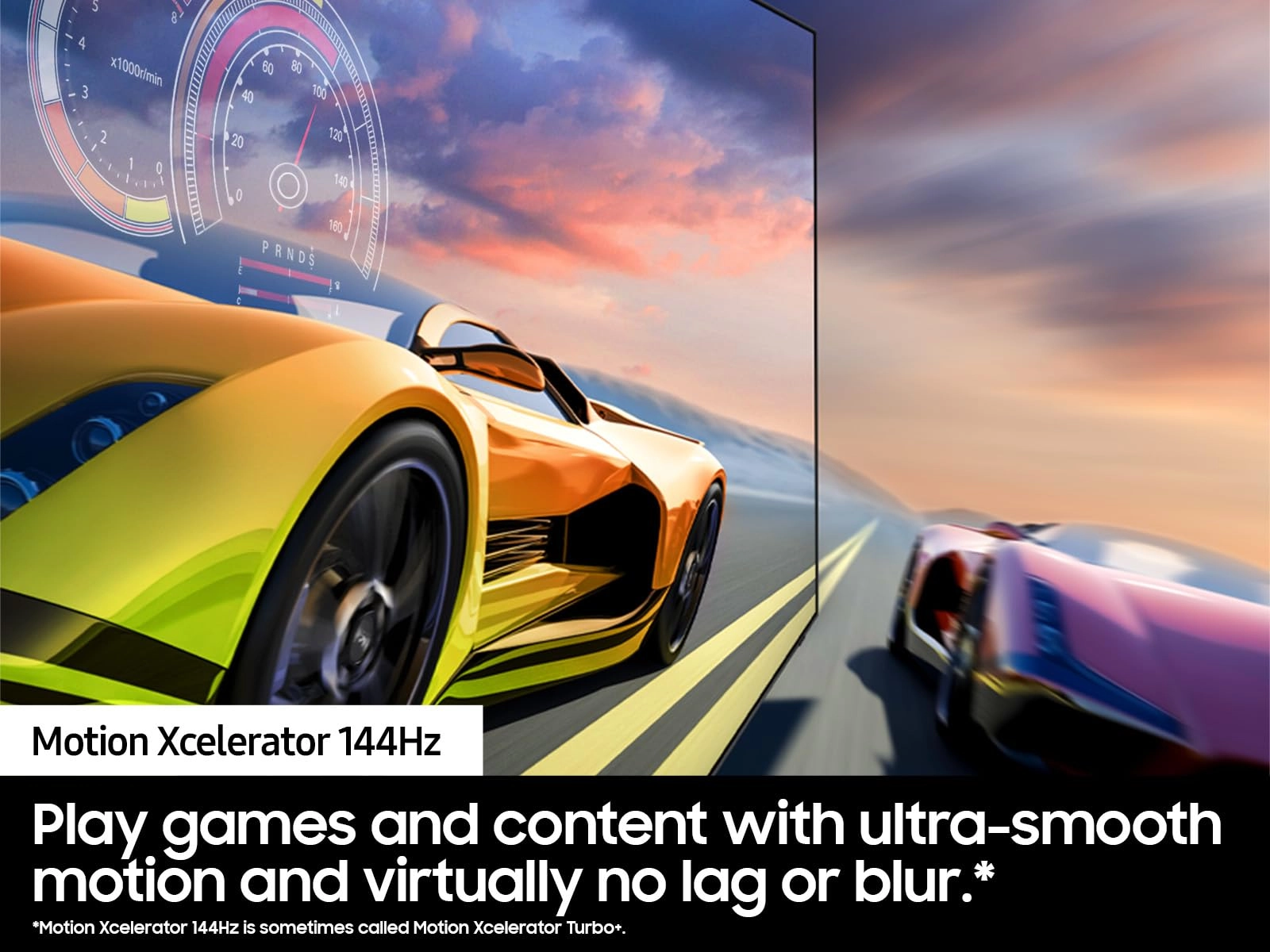
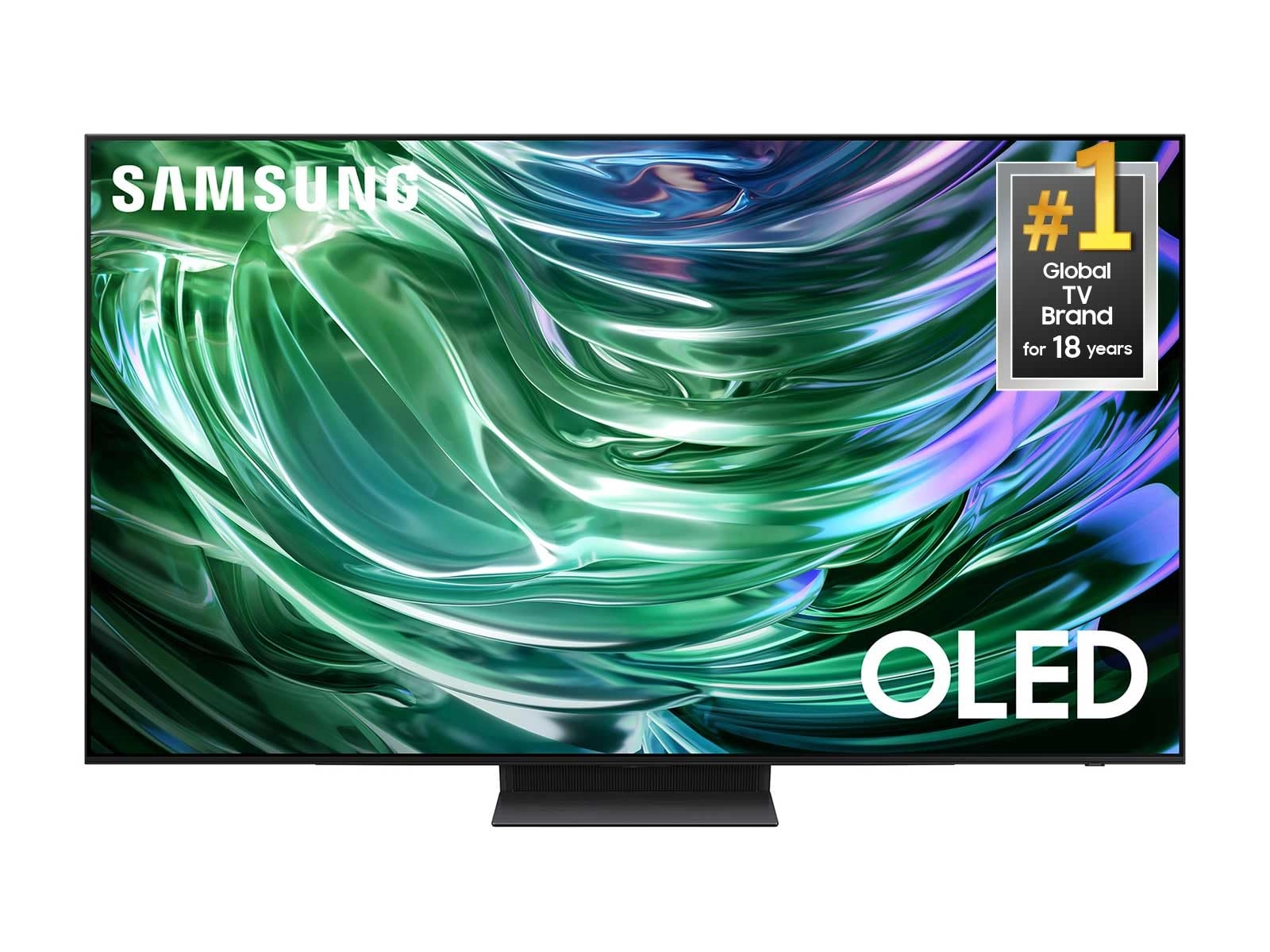
This premium TV features a detailed image, strong contrast and
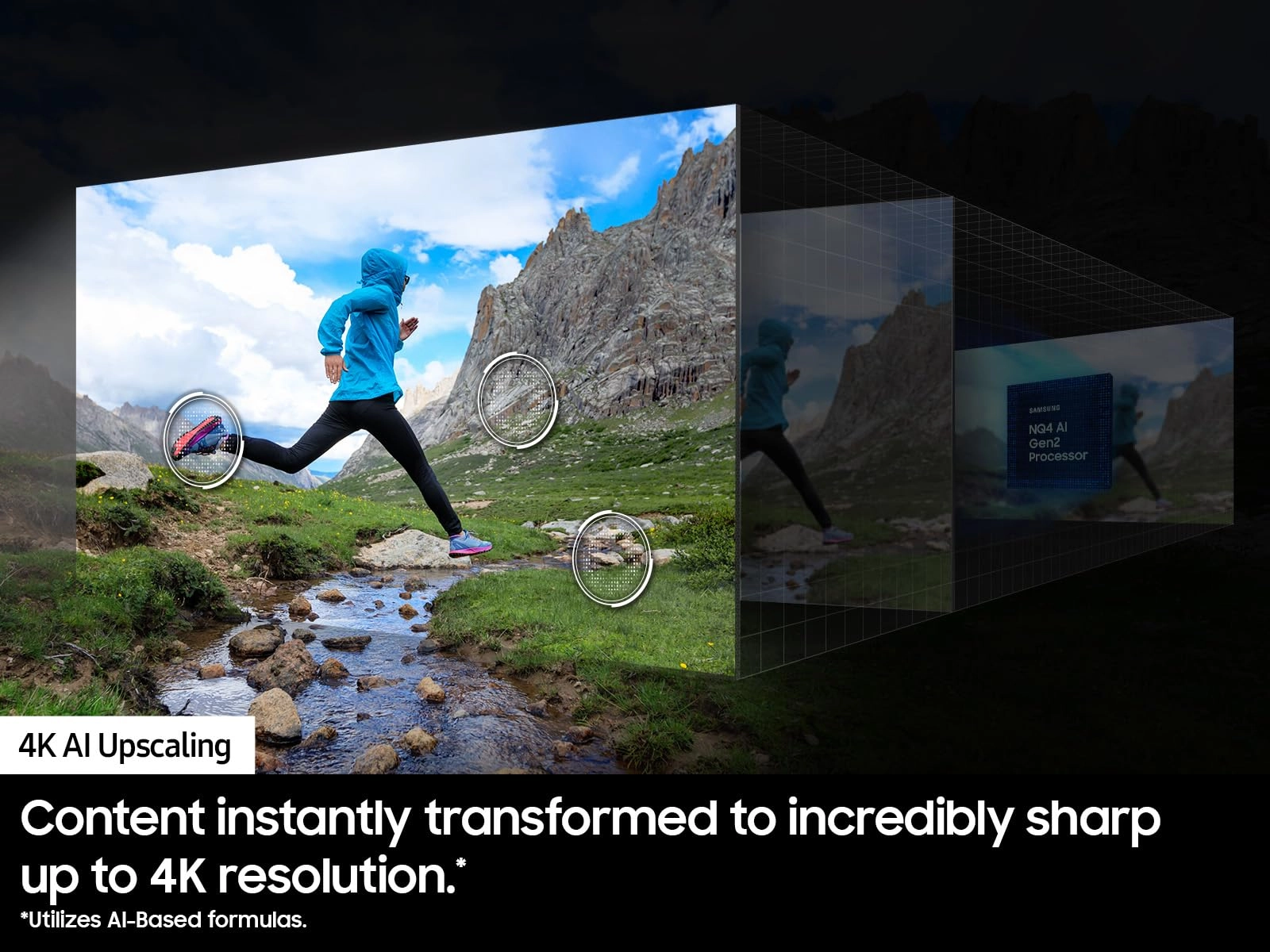
clear motion. Increased depth and AI-powered 4K upscaling all
work to bring clarity to your content. ¹S90D 48" and 42" have
OLED HDR. ²144Hz requires compatible content connection from
compatible PCs. Motion Xcelerator 144Hz is sometimes called
Motion Xcelerator Turbo+. ³Utilizes AI-based formulas. ⁴Samsung
Account required for network-based smart services, including
streaming apps and other smart features. Separate [connected]
computer, mobile or other device may be necessary to create/log
in to Samsung Account (free to download and create). Without
Account log in, only external device connections (e.g., via HDMI)
and terrestrial/over-the-air TV (only for TVs with tuners)
available. ⁵High speed internet connection, additional gaming
service subscriptions and compatible controller required. Samsung
Account required for network-based smart services, including
streaming apps and other smart features. Separate [connected]
computer, mobile or other device may be necessary to create/log
in to Samsung Account (free to download and create). Without
Account log in, only external device connections (e.g., via HDMI)
and terrestrial/over-the-air TV (only for TVs with tuners)
available.
Review: Great as a monitor for an aging Mac Studio user. -
Getting older isn't so bad, but the one thing that's been
bothering me is constantly having to check my vision to upgrade
my eyewear and adjusting monitor screen resolutions on my Mac
Studio. I've been using Mac Studio Display for years and despite
its native 5K resolution, I was pretty much stuck on 2560x1440
and still wasn't comfortable. I needed more desktop space without
having to use magnifying glasses. I tried using various monitors
and they've all been gathering dust or been given away to friends
and family who had better uses. After finding some reviewers
having used this and a similar LG model as a PC monitor, I
thought I'd give it a try and boy am I glad I did! I got it set
at full 4K resolution and I can make out every detail and text
from my normal desk working distance. I'd have to rely
exclusively on my prescription reading glasses to work on my
computers. I still have my Studio Display connected in case I
need to work on photos and videos with color accuracy, but for
the bulk of my time on my desk, this is pretty awesome. Sharpness
and clarity on small texts is easily the best I've seen on any 4K
monitors I've purchased (less than $500) in the past. I've
watched some 4K movie trailers from Apple TV and with a bit of
tweaking on the TV settings, it's a total winner for that usage.
Taking a break from work to watch a movie on a 42" screen about 3
feet from away with your legs up on the desk is just perfect.
Only tested for a few hours, but like I said earlier, unless you
need to monitor professional video/graphics work, this works very
well as a 4K computer monitor for those with vision problems.
It's just really simple - it's a big screen so everything looks
bigger at the same resolution WITHOUT losing the details (this is
what normal/cheap TVs can't do). So you don't have to fight your
vision to keep a large computer desktop space. This will NOT work
if your desk depth is too shallow. I'd say the monitor needs to
be at least 2 feet away from the front edge of your desk and I'm
very comfortable at 3 ft from my eye to screen surface. If you
have a small desk, I suggest you get a bigger desk just to use
this as a monitor. It's that good. All this just so I can get a
little over 2X computer desktop space without straining my
vision. Totally worth it for me.
Review: The picture is magnificent! - My reviews tend to be long,
I try to give you MY experience and thoughts. Quick answer to
"should I buy it?", YES! I upgraded from a Samsung - 55" Class 7
Series LED 4K UHD Smart Tizen TV bought 4 years ago, didn't need
to upgrade but I wanted too and am so glad I did. The picture is
simply magnificent, just unbelievable. My wife is amazed (always
a win!!). My review/experience after 30 days (I'll come back if
things change and update) - Unboxing/setup - I HIGHLY recommend
having someone help with this, and have a good size table covered
with soft bath towels to set it on. You have to set it face down
to attach the pedestal and although there is protective film on
the screen, I wouldn't take the risk of an accidental scratch.
Once in place, set up was easy, on-screen directions for
connection, pretty standard set up for today's type of devices.
My home theater is driven via a high-end ASUS 4K gaming pc,
through a Yamaha 4K home theater amp running in 5.1, and out to
Yamaha floor loudspeakers, center, and powered sub, Polk's for
the rears, `net signal is highspeed direct LAN connection to the
PC. I mention my setup so others running this type of home
theater will get a more apples to apples review. The picture is
glorious, an unbelievable upgrade from my aforementioned Samsung.
I've watched the TV direct as a smart TV and again the picture is
superb, cannot comment about the TV sound as I run through a home
theater setup as mentioned above. So far this TV has well
exceeded my expectations - crystal clear vibrant life-like
picture, well balanced color etc. Highly recommend.