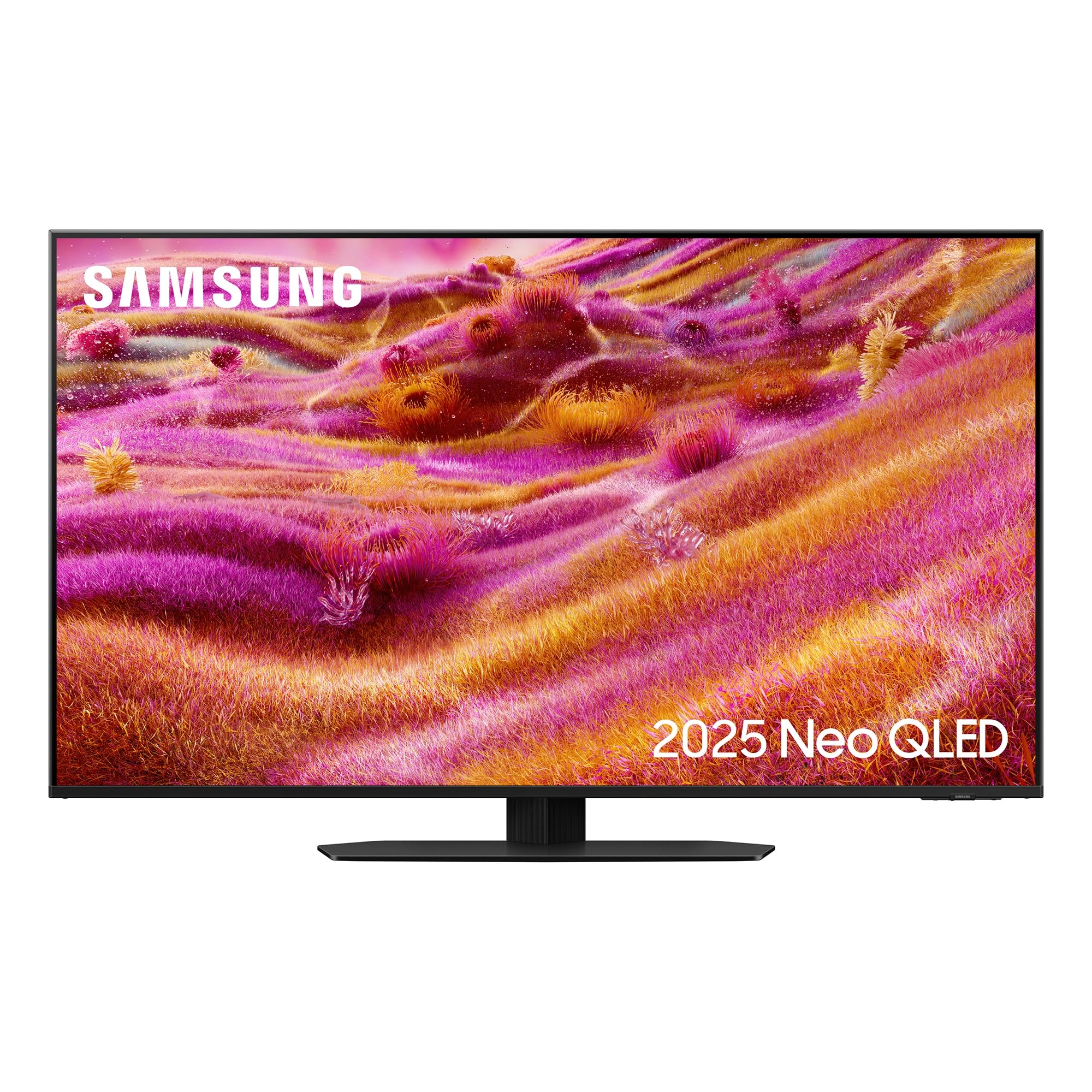
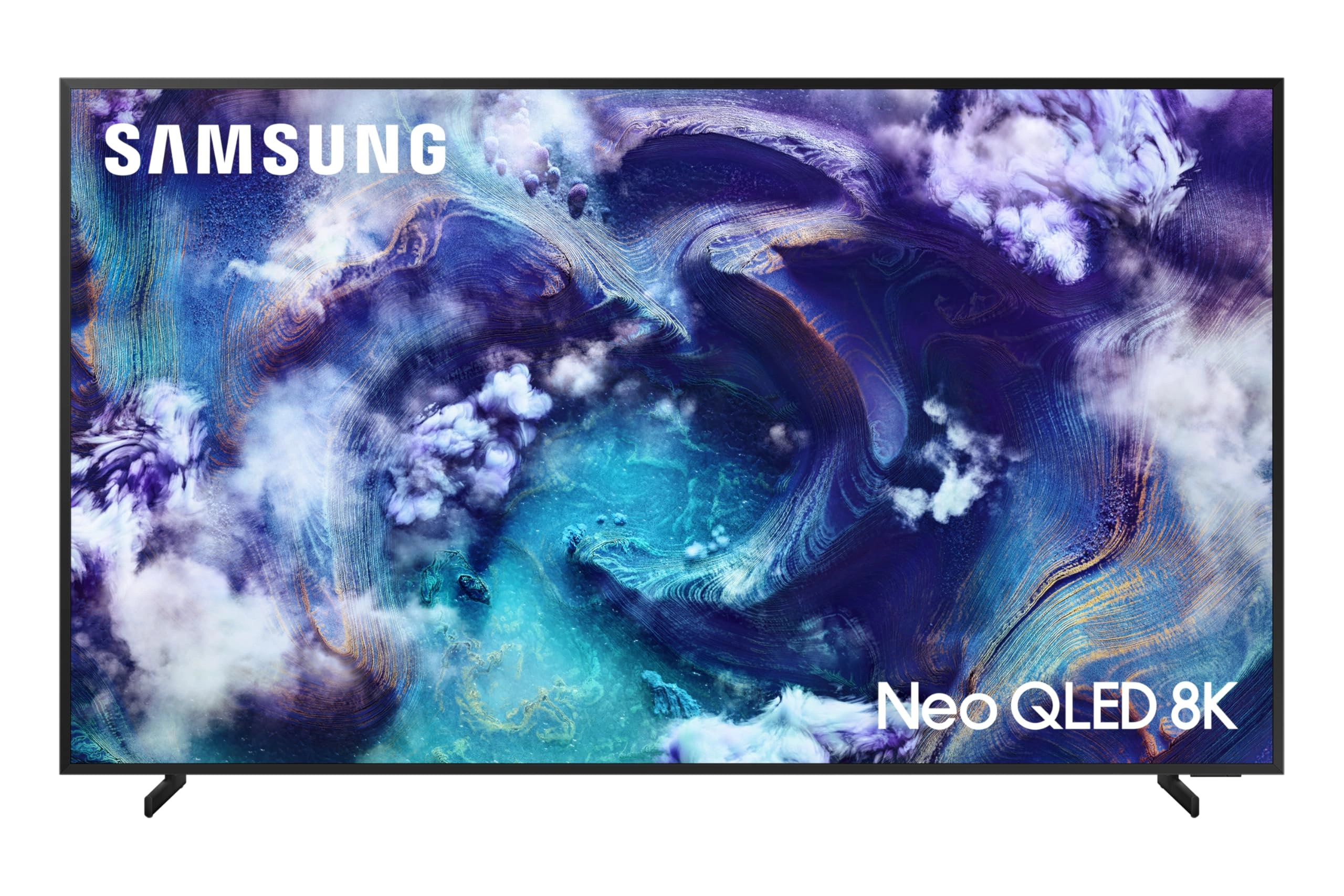
Free delivery and returns on eligible orders. Buy Samsung 85 Inch
Neo QLED 4K with Mini LED QN93F Glare Free AI Smart TV at
desertcart UK.
Review: Fantastic! Truly stunning in every way! - Unbelievably
fast and powerful, navigating menus and apps is particularly
satisfying with no waiting around - everything is instant! The
picture is breath taking and every aspect can be customised to
your taste, ditto with the sound which incidentally manages to
have clear speech and the explosions/gun shots don't deafen you.
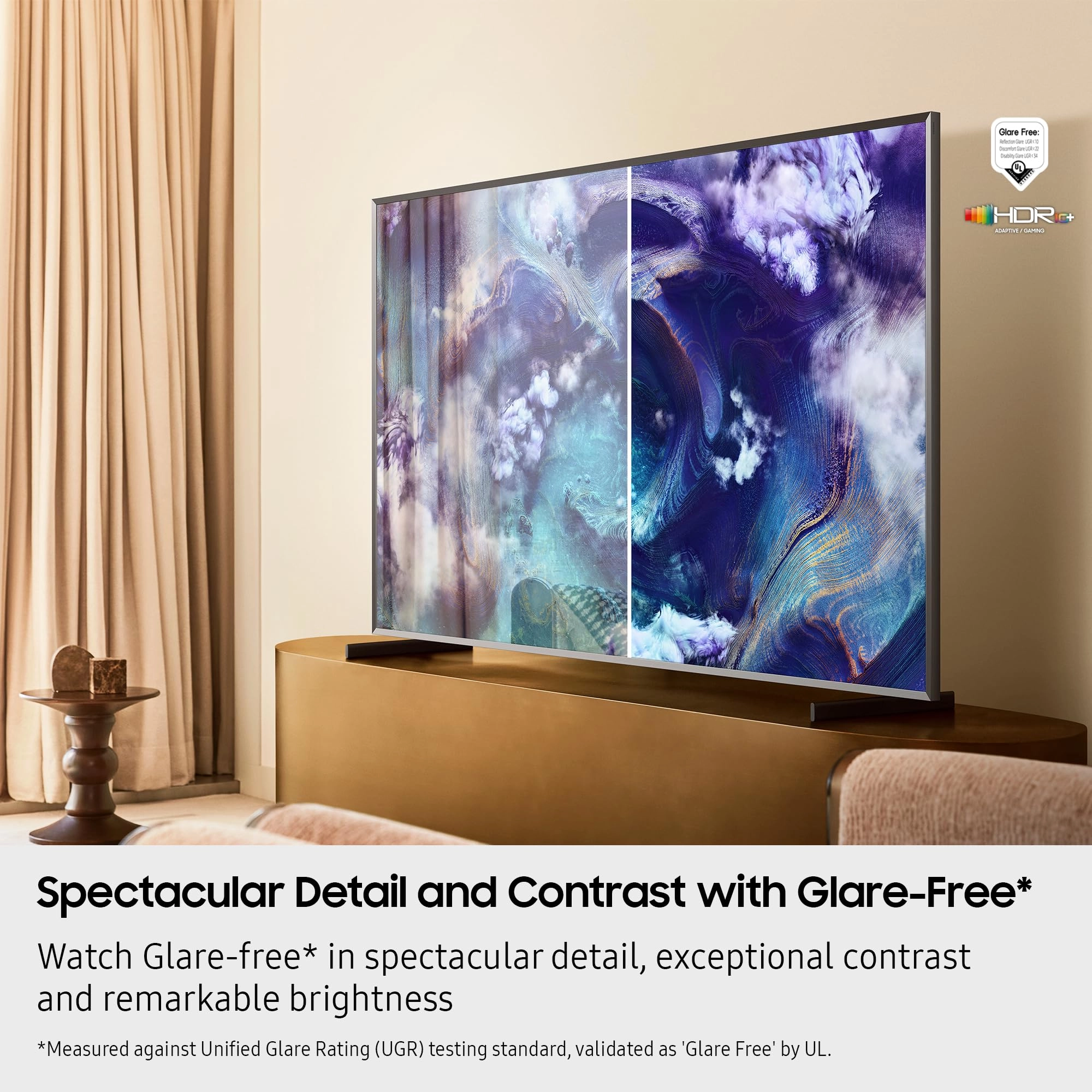
You won't believe how good the anti glare is - no more seeing
your windows or even yourself reflecting in the screen! It can
connect with every device there is - hdmi, aerial, LAN, wifi,
bluetooth etc. and it even has two coax inputs so it works with
things like freesat - record one and watch another, which was a
pleasant surprise (you will need to add a USB drive/stick
though). Paired with the Samsung Q series soundbar and you have
Q-Symphony which is brilliant, the clear dialogue coming from
various parts of the screen and the wonderful sound from the
surround speakers. I can't say enough great things about this TV
and of course it's an easy 5 stars. Here are my findings for
potential buyers or those that have one and run into any issues:
Main menu: scroll all the way to the bottom and you'll see
Preferences and Continue Playing options - these will prevent the
annoying Samsung TV programmes from automatically starting. To
stop the Now Playing last input item from starting the simplest
thing to do is press cursor down onto your row of chosen apps
such as plex, iPlayer, Youtube etc. Remote control: This is the
amazing thing! The small solar powered remote control can do
everything the large battery operated one can do! The button
labelled 123 on it is multifunctional so try that if you can't
find certain buttons such as red, blue, yellow, green etc. Keep
the remote control face down when not in use and the natural
sunlight or your lights will make sure it gets topped up. Since I
bought my TV months ago I have never needed to even use the USB
charging socket, it's that good! Say goodbye to buying batteries
every few months! Picture: Turn off as many automatic AI settings
as you can - you'll want a consistent picture no matter what the
time of day, lighting and so forth. After your jaw has dropped as
you see just what this TV can do with the standard AI settings -
the beautiful clarity, suddenly you you're looking at strands of
hair, people's skin, bricks on buildings in the distance, sand
and stones... you'll realise you can't actually keep seeing it
this way because it's overly colourful, saturated and smooth. I
since found out this is a known phenomenon called the Soap Opera
Effect or SOE - impressive but not practical because it's too
unrealistic, like those awfully garish daytime soap operas. So
the first thing to do is choose either MOVIE or FILMMAKER mode
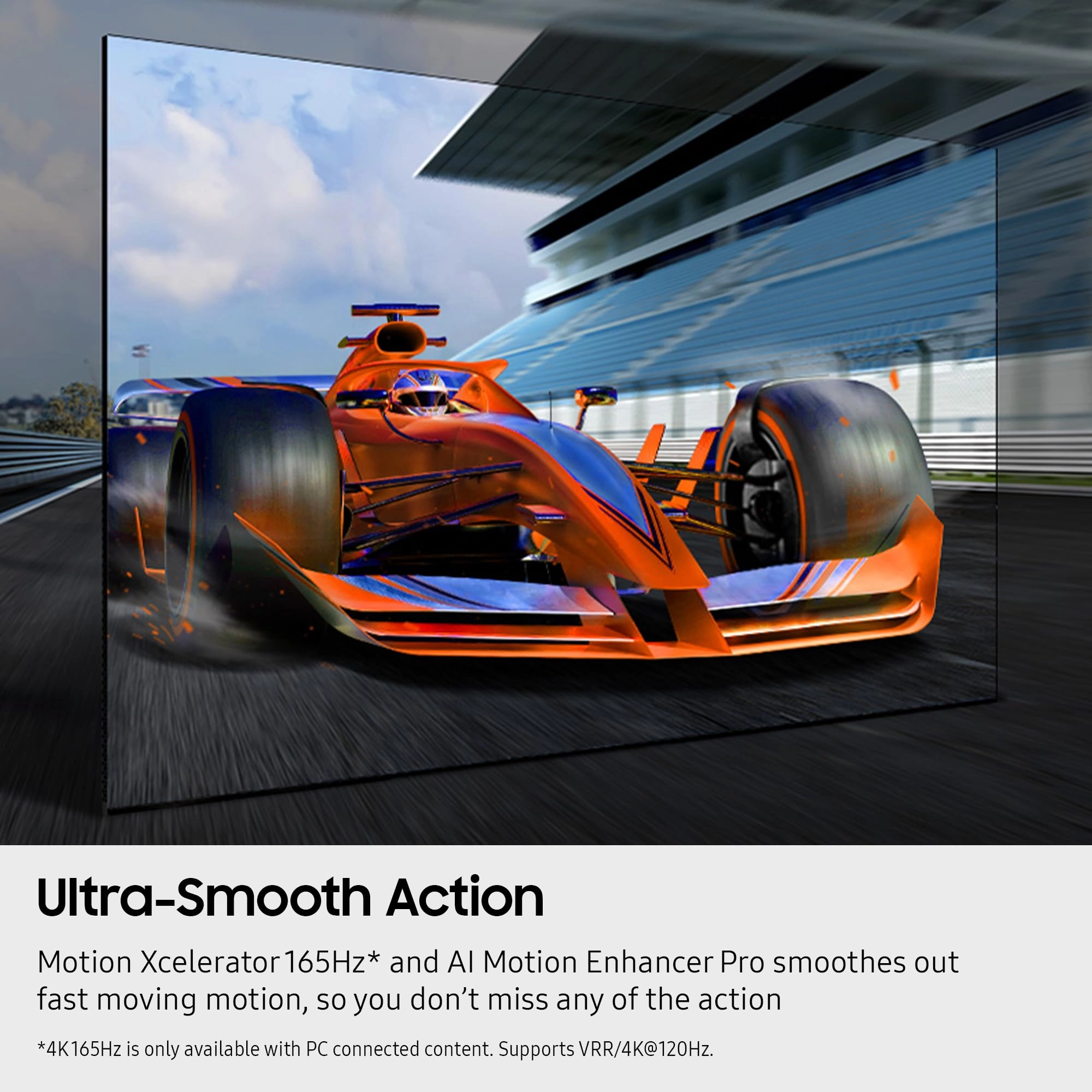
and go from there. Judder correction helps with scenes with
panning but don't overdo it because it will look unrealistic
again if you go too far. Try all the settings under Picture and
let your eye be the judge. plex: For those like me that watch old
videos less than 720p, this TV doesn't make them look any better
- its focus is clearly on 720p and above but what it does with
its upscaling is truly stunning beyond words, honestly. plex on
this TV trounces its firestick counterpart, all of a sudden
you're whizzing around the menus and you can safely advance and
rewind through videos without it crashing! Glitching / Frame
skipping: If you find that after a while - usually a day or two,
with whatever you're watching you notice frames being skipped
every few seconds / a sort of micro stutter glitch, there are a
few of things that definitely help: *** MOST IMPORTANT! *** TURN
OFF FILM MODE! This setting is under the Picture menu and should
be disabled immediately! Secondly, switch off at the plug when
not in use. BUT... don't put the TV into standby first! Instead
exit to the main menu THEN switch off at the plug. Next time you
switch on the television will soft reset, clearing all memory,
buffers, caches - you'll know its worked because now you'll see
the Samsung logo startup sequence. These two things are the only
way to completely eliminate frame skips. Also, with this TV it's
a good idea to exit apps properly. I assumed after finishing with
iPlayer for example, all i had to do was press menu, but this
leaves the app open. You should press back until the exit prompt
comes up and gracefully exit every app. Sound: I found for me,
the best combination for clear dialogue and no ear shattering
music and explosions is this: Standard sound mode, Active Voice
Amplifier Pro off, Adaptive Sound Pro off, Adaptive volume ON,
but you can experiment for what's pleasing to your ears. PC /
Laptop / Console: Pick the hdmi port with the gamepad symbol. If
you're using a PC it sounds sensible to pick PC when adding it
but you will be limited to Graphic or Entertain modes. If you're
using the PC for games you will not get Game mode and all the
benefits, so strangely you should still select Console instead of
PC when the prompt comes up.
Review: Good quality - Excellent picture qualityno glare best
price saved on delivery as well as being cheaper than other
outlets was quick to arrive well packed could not fault would
recommend