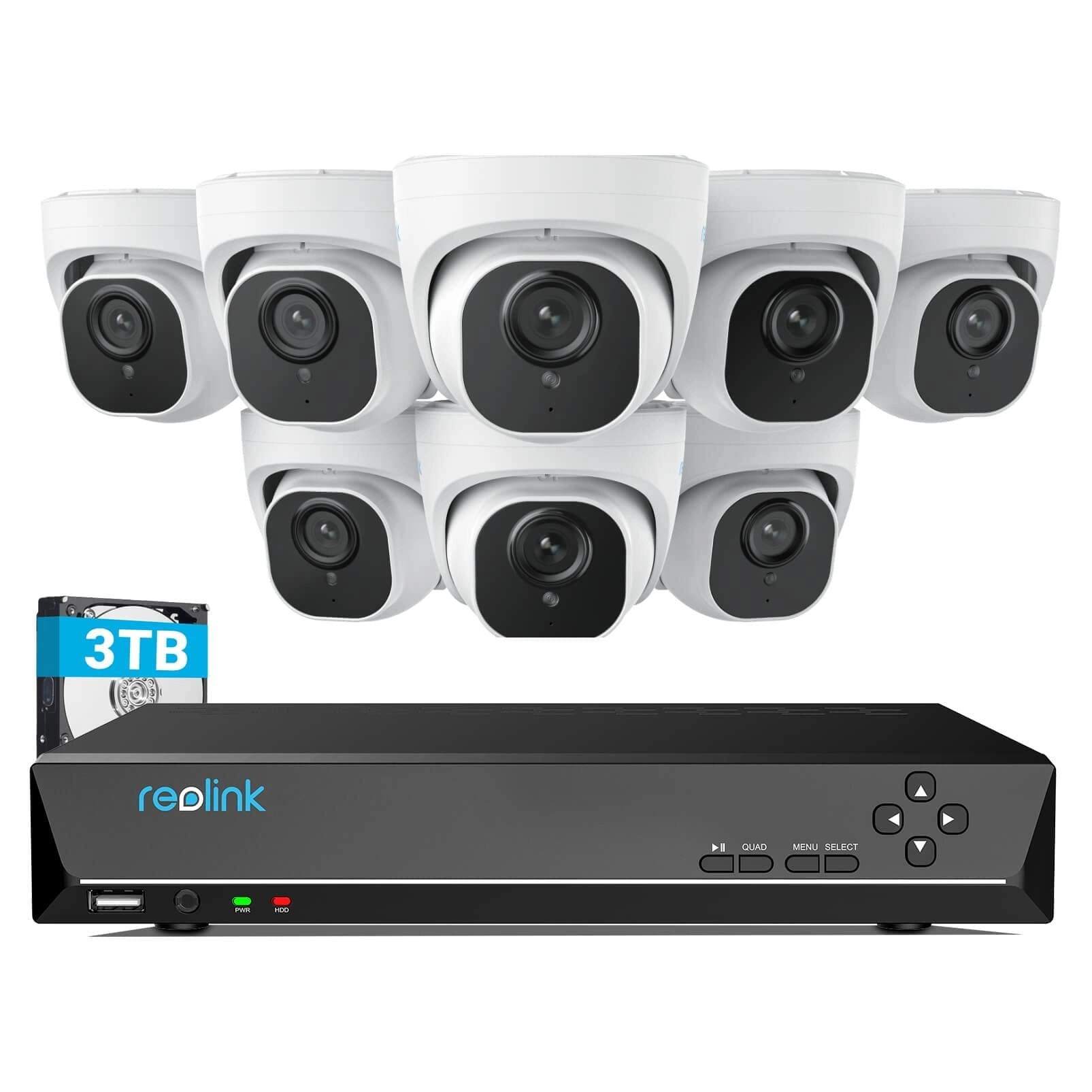
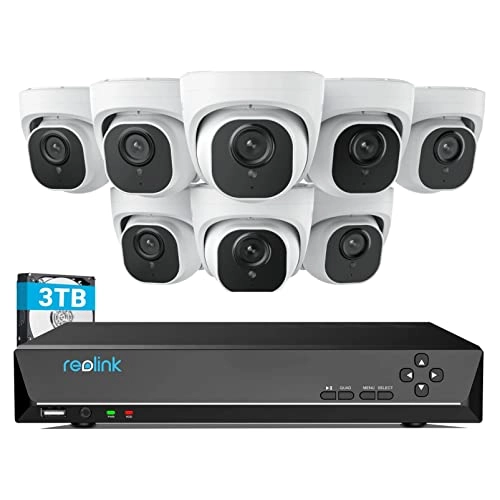
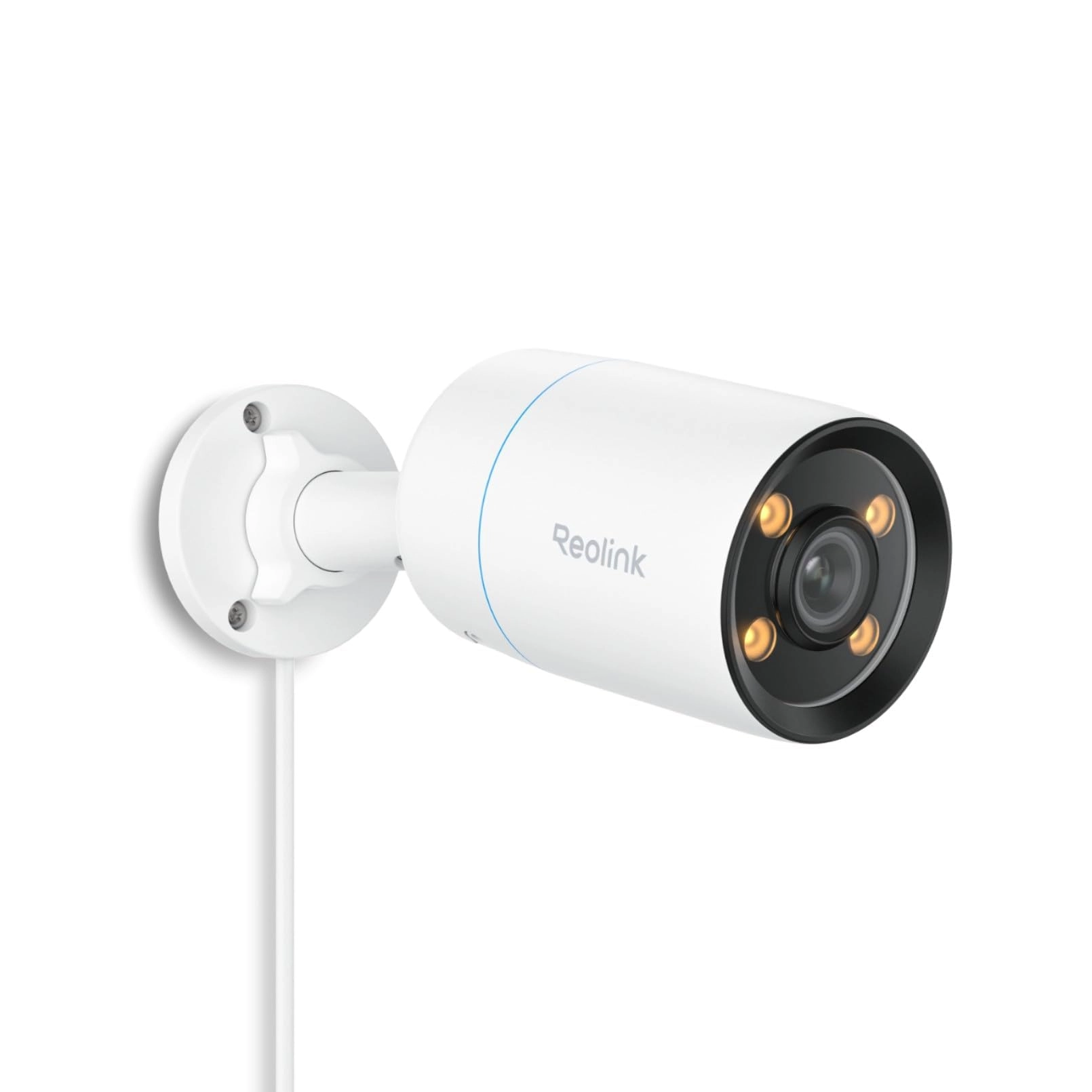
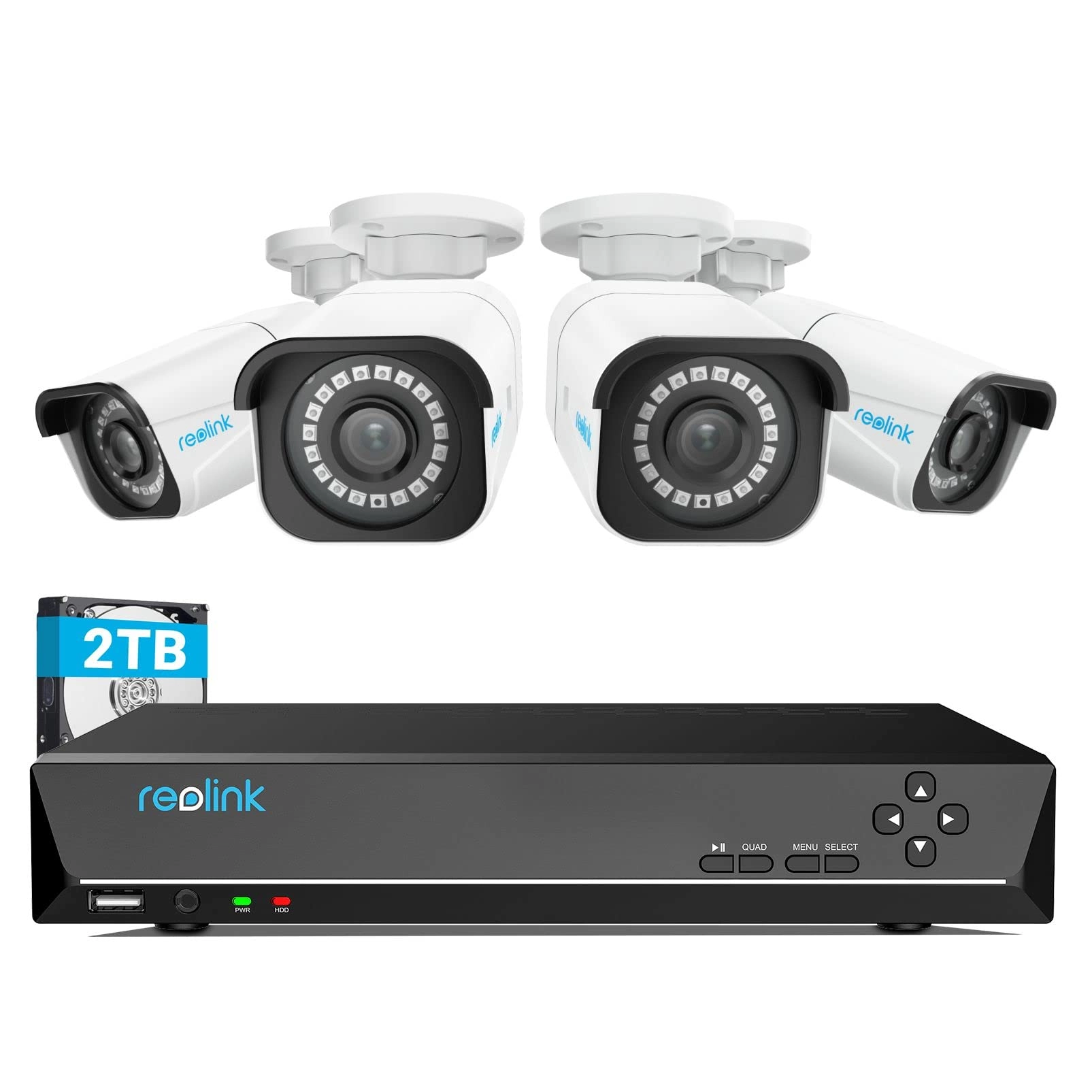
desertcart.com : REOLINK 4K Security Camera System, RLK16-800B8
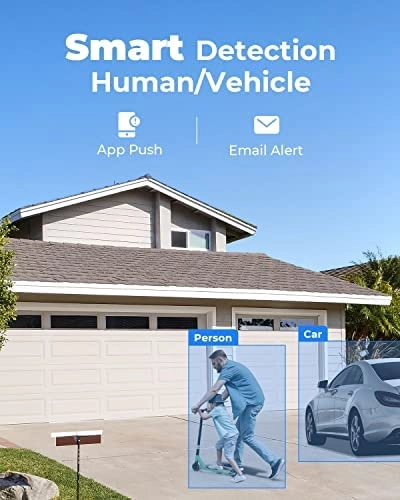
8pcs H.265 PoE Wired with Person Vehicle Detection, 8MP/4K 16CH
NVR with 4TB HDD for 24-7 Recording : Electronics
Review: Incredible Value, Impressed! - Absolutely fantastic! Easy
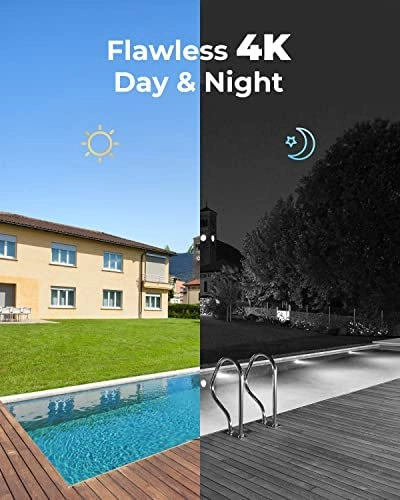
setup, incredible resolution and visibility. User friendly. Very
expensive, but if quality is important, this is the system to
get. Added a couple of dual cameras, but less impressed with
them. Phone app, mouse scrolling on the screen, zooming, sound,
etc, all really excellent! Previously owned two different Samsung
systems, this is miles above them.
Review: Excellent System - Reolink 16 cameras nvr poe system is
excellent. This system was chosen because it had good reviews,
slightly better than the competition. The part number for the
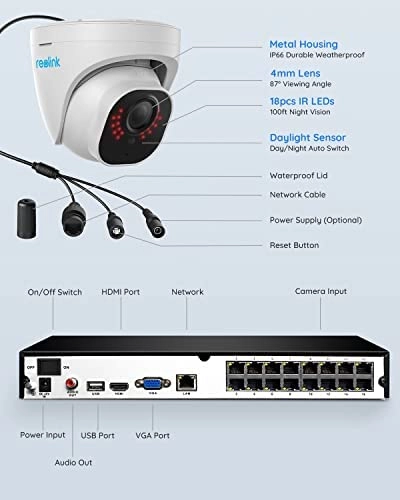
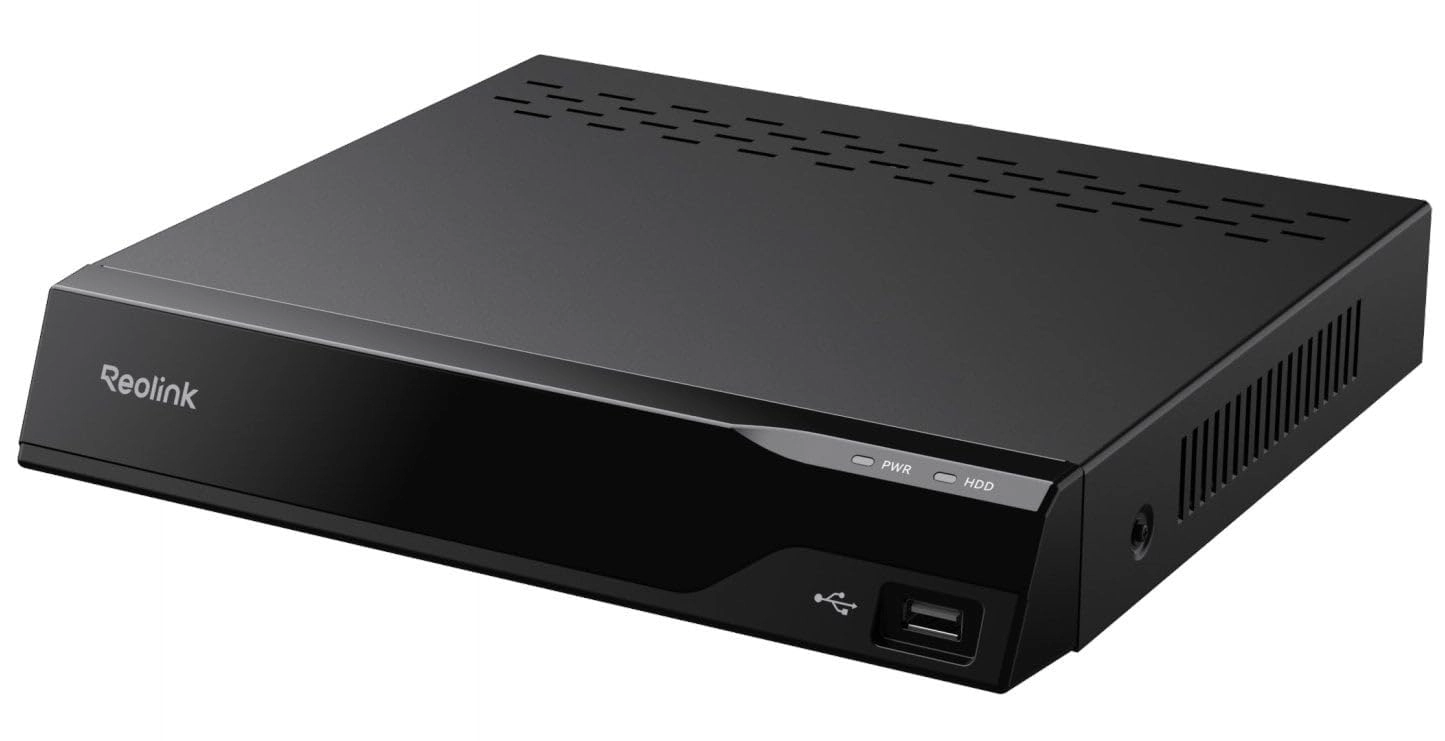
system was RLK16-810B8-A. It includes a 16 channel box, 3 Tbyte
hard drive, 8 POE cameras, part number RLC-810A, some misc cables
and hardware. I purchased three additional cameras, a single
point and zoom Reolink camera, part # RLC-423-5MP for over two
hundred dollars, and a twin pack of two dome cameras, part #
RLC-520 2PACK for about ninety dollars. Overall I am very pleased
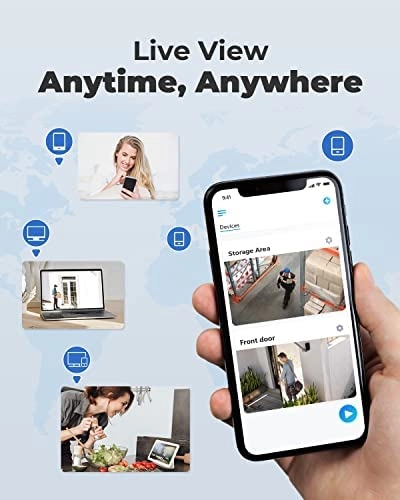
with the results so far. I've installed an IPhone app called
simply "Reolink" in the apple store. This app smoothly and
flawlessly connected to my system and works well to see through
the cameras both live and playing back previous recordings,
remotely as well as on site. Presently I have 8 cameras hooked up
including the ptz camera above. The ptz camera is easy to use
aiming left right and up and down as well as zooming. It does
not, however, aim up above the horizon. So if you have a house up
a hill, it shouldn't be placed down the hill from it. This is
exactly what I did and I can see most of my house but can't zoom
in on details much. But I can spin this camera around and zoom in
on much of the rest of my property. Very good camera. I also
installed the Reolink app on my laptop and tested it outside my
home network. It too worked great to access the camera system
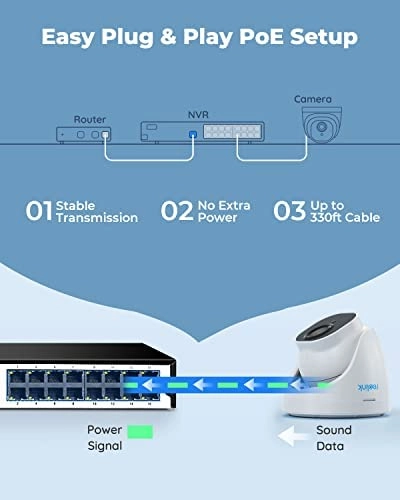
remotely. I should talk about "poe" or power over ethernet. Each
camera gets only one cable connected to it. This cable, called a
cat5e cable in my case, supplies the power down to the camera and
returns the collected video. I made a decision to purchase 1,000
ft of this cable for a number of reasons. Part # 5ECMXBLK_1Krl,
True Cable direct burial cable. First, if anything had gone wrong
with the Reolink camera system, I wanted to be able to return it,
so didn't wish to take down all the cabling as this is a major
amount of work to install. I could simply leave the seperatly
purchased cable in place, allowing a replacement of one poe
system with another if something went wrong. I also purchased a
couple of 100 pack packages of mounting clamps to install the
cat5e cables. Part # CMP-SCRW-SGL-WHT-100P. These were excellent
and could easily be removed after install if needed. Also, I
didn't wish to drill big holes in the walls of my house. So I
decided to learn how to install the connectors, called RJ45
connectors, on the cable ends. This way I could use a small hole
in the walls for each cable needed and install the connectors
after positioning the cable in place. This was a good decision
and a great way to get it all done. I purchased a crimping kit,
part number Ninhao01. This crimping kit included several items,
the crimper, which worked flawlessly, and an electronic test
module, which displayed a sequence of lights clearly indicating
whether the connectors were correctly wired. Very important.
Worth it even if you don't attach any connectors. The first cable
I checked was incorrectly wired, even though it was purchased
with connectors! It was obvious and easy to see using the little
diagnostic checker. This was my first time ever doing ethernet
wiring and it was fairly easy to do with this crimping kit. I did
watch a video on how to do it. You'll have to search for this as
desertcart won't let me post a link. I used 568B cable endings,
which turns out to be recommended by Reolink as well. I'll talk
about where I placed the console. I put it in our basement. This
was less cluttering for me and eliminates the fan noise, which
runs 24/7 by the way. There were a few added complexities because
I placed the console in such a remote location. I wanted to be
able to quickly see through the cameras and accomplished this by
running a display cable from the basement to my 51 inch living
room TV. How? By using VGA over ethernet. Part # B07F3RW1C1. Once
again I could wire the connectors myself and drill small holes. I
also purchased a wireless mouse that worked in my living room as
well. Part # M8126AB01. This worked one floor up from where the
console was located and allowed me to select cameras and operate
the ptz camera just as if the console was in the same room with
me. A little note about exterior connections to the cameras.
Reolink supplies supposedly sealed connectors, but these did not
work for me as the direct burial cat5e cable I was using had too
large of a diameter. So instead I opted for heat shrink tubing
and glue to seal off the ends. The heatshrink was 3/4 inch by 4
ft xhf brand. I used a map gas torch to do the shrinking. All in
all the Reolink camera system is the best of three different
camera systems that I have worked with. The other two were gw
security and lorex, both older systems that were dvr coaxial
cable plus seperated power wires. Those systems were pretty good
as well, but the Reolink system has been smoother and easier to
use.