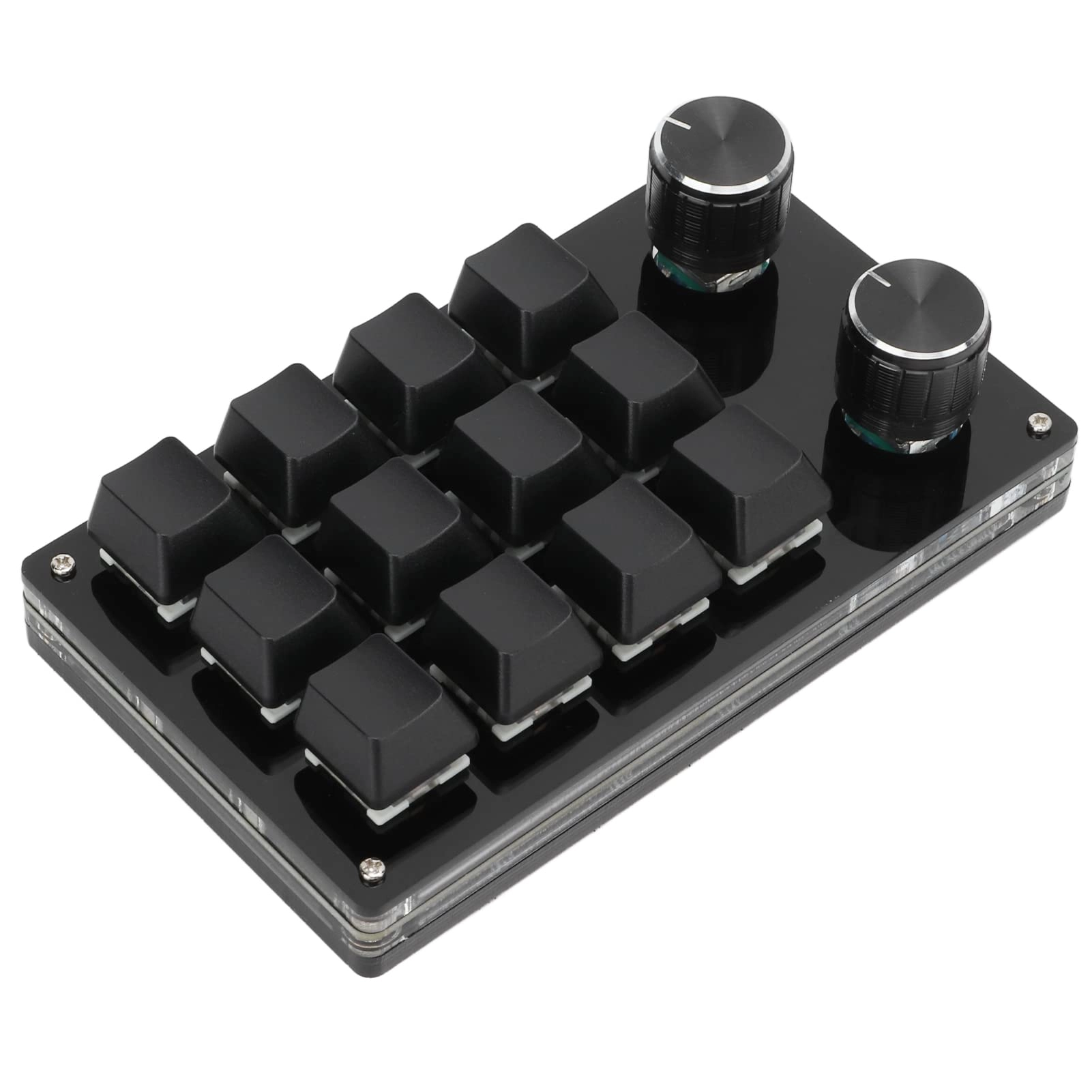
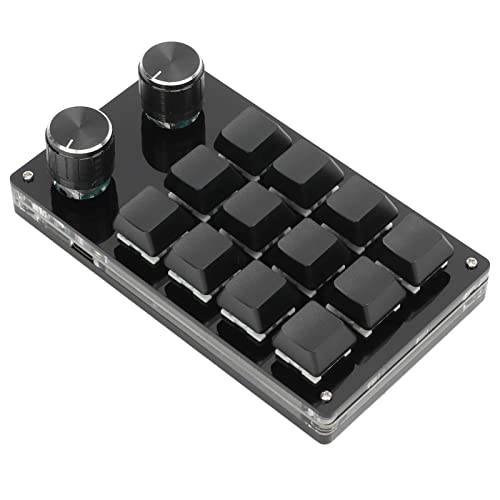
1. [Convenient Keyboard Shortcuts] Set easily customizable keyboard shortcuts with the setting button to ensure a streamlined experience.
2. [MULTIFUNCTIONAL] Enjoy versatile features by defining all important functions and simplifying complex shortcuts with a single keystroke.
3. [MEMORY STORAGE] Enjoy memory function on various systems such as and OS X after initial configuration on a system.
4. [CUSTOMIZABLE] Customize functions like music control, volume control, play, pause and more.
5. [Portable and easy] Plug and play with Type-C to USB interface, no driver required, compatible and portable for on-the-go use.
Specifications:
Item Type: Mechanical Macro Keyboard
Material: Acrylic, PCB
Usage: Suitable for office, games, music, media, industrial control, laboratory, production line testing and others
System support: For , for Vista, for, for OS x x
Button life: up to 50 million times
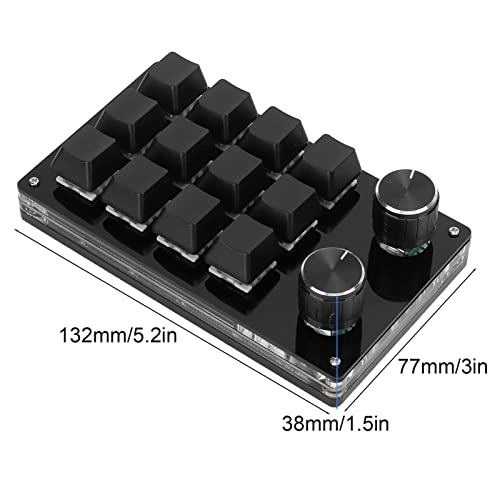
Green weight. 132 x 77 x 38 mm / 5.2 x 3 x 1.5 inches (L x W x H).
Current and Voltage: DC 5V / 1A
Operating Temperature: -10℃-50℃
Use:
1. Small keyboard, open custom software on computer.2. On the custom software, click the "Key Configuration Area" or "Button Configuration Area" (yellow area), and then click the Key1 -Key12 key or any key of 1 or 2 (green area) you want to set. Once selected, it will appear red.3. Click the function key that matches the simulated keyboard in the custom software. Click download to get success, custom keyboard can be used. For example, if you want to set small key 1 on the keyboard as the copy shortcut key (Ctrl+C), click "Key Settings Panel" in the software, click "Key 1", click Ctrl and C on the software simulation keyboard, click Download and the "Download successful" message will appear. Common troubleshooting methods: Problem 1: When the keyboard is connected to the computer, there is no response or message indicating that the device is working abnormally. Check if the cable and interface are connected correctly, then remove and reinsert. Replace the USB port on the computer and plug it back in. Error 2: Custom software cannot be after download. Open the custom software to redefine the key function.
Package List:
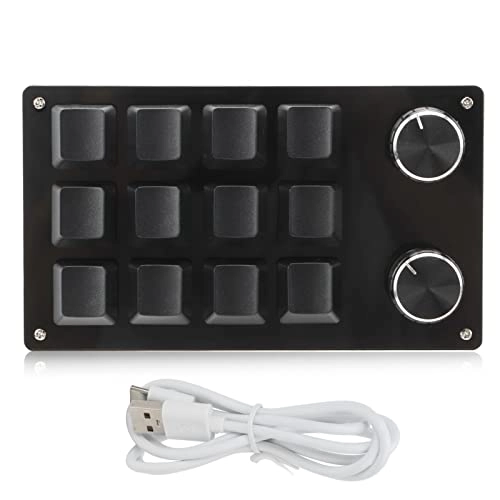
1 x keyboard.
1 x USB cable.
Note:
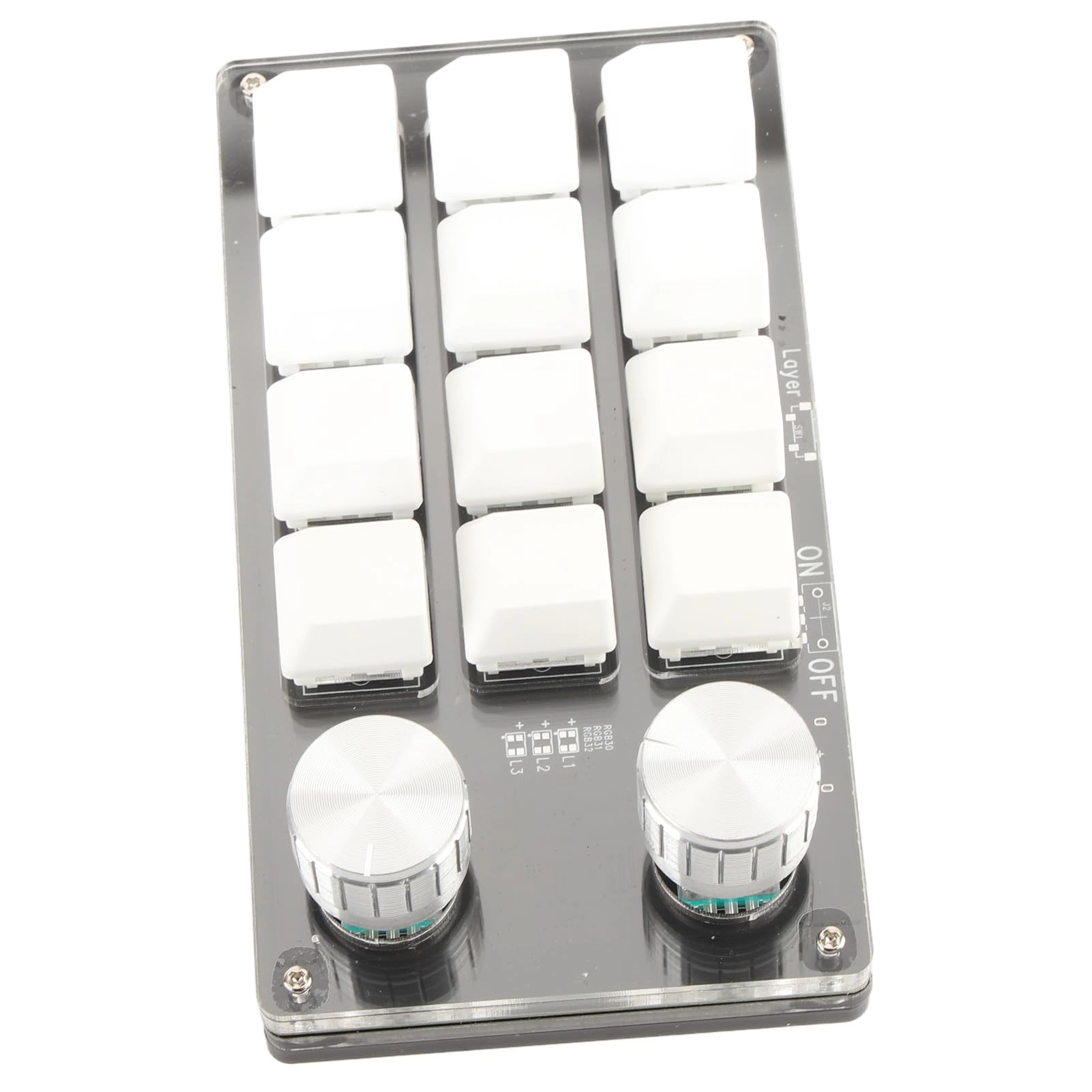
1. This software can only work temporarily for the system, try downloading it to the PC side of the computer. The setup software must not be installed. It can be run directly after opening, and will be automatically saved on the chain pulleys after adjustment, and then plugged into the USB protocol, which supports USB protocol. Use for OS X and other systems (the first time you run it, pay attention to the version of the antivirus software and set it as a trusted file)! 2. When customers read the manual, please note that the product not equipped with RGB function, but the product manual is a generic describing the RGB function. Please ignore the description of the RGB function of the manual.