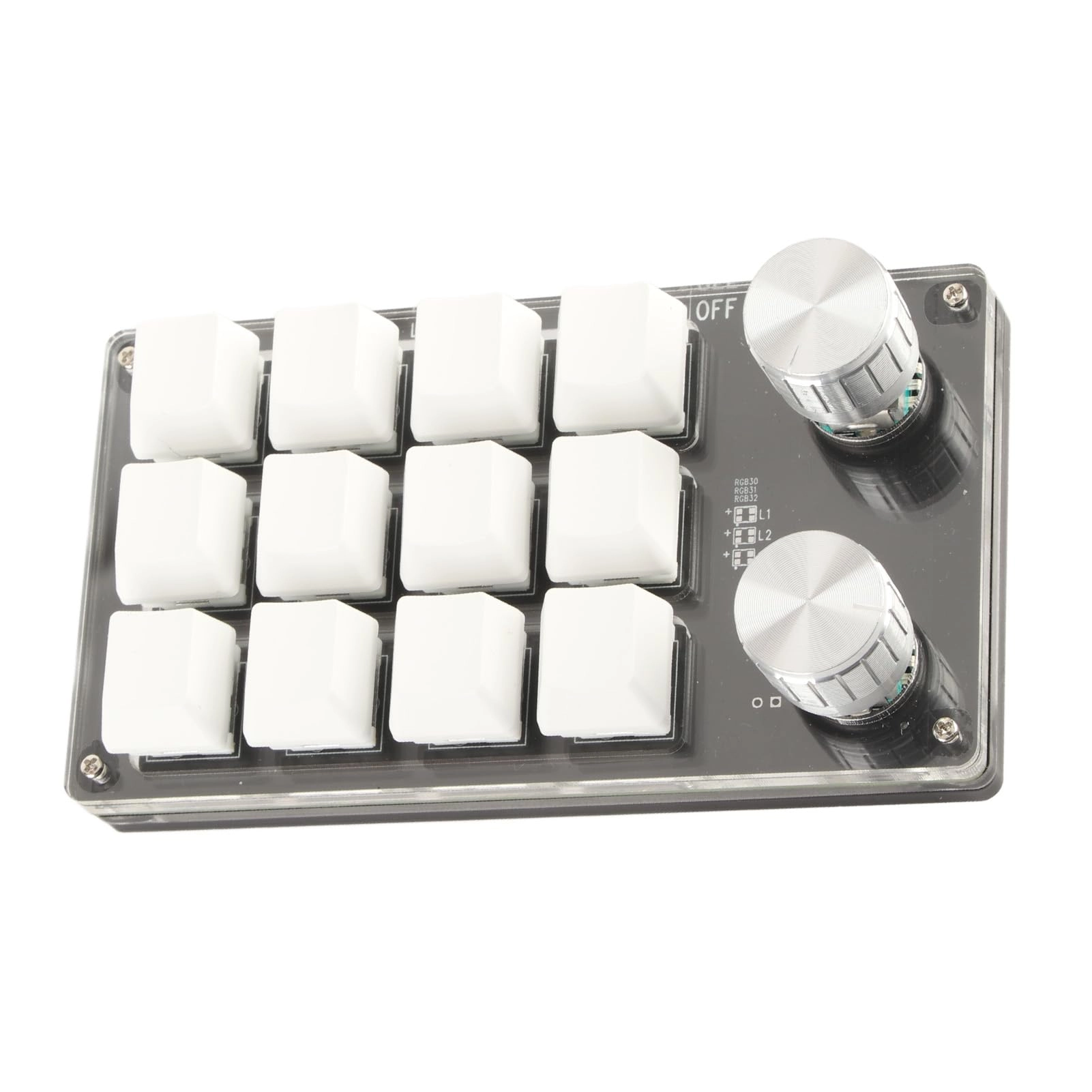
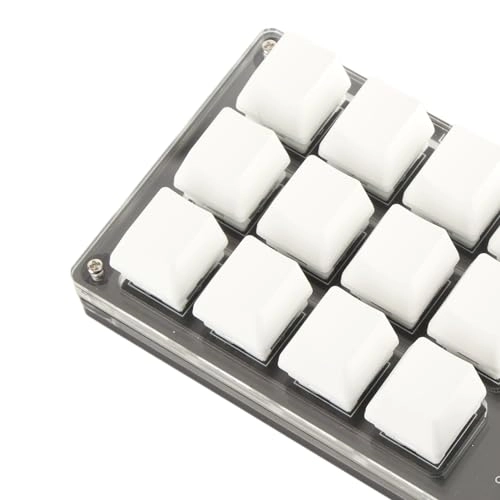
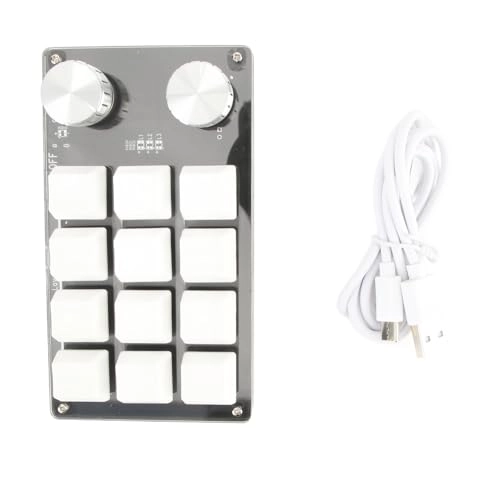
- [Compact Design] Experience unprecedented convenience with our single-handed macro-mechanical keyboard. Designed with 12 programmable keys and a control dial, it streamlines workflow and reduces repetitive tasks, making it perfect for office workers and gamers alike.
- [MULTI-FUNCTIONAL USE] This versatile mini keyboard allows you to customize all key functions, allowing you to perform complex shortcuts with onewith the press of a button.Perfect for gamers, designers, and anyone looking to increase productivity, this device adapts to your needs.
- [STORAGE AND MEMORY FUNCTION] Never lose your settings again! Our keyboard has a robust memory function that saves your configurations, so after initial setup it can work seamlessly with various operating systems such as , and OS X.
- [EASYCONTROLS] Easy-to-use adjustable dial is pre-set with basic functions such as play/pause and volume control for direct access with a single turn. Enjoy easy media navigation while gaming or working without leaving your keyboard.
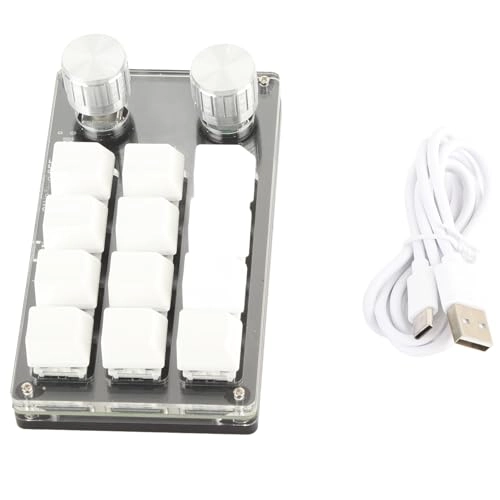
- [PLUG & PLAY] Forget about the hassle of complicated setup. Just connect the keyboard to your computer via the Type-C to USB interface and it\'s ready to gofor immediate use.No drivers needed, just instant compatibility for smooth operation wherever you go.
Specification
- Item Type: Macro Mechanical Keyboard
- Material: Acrylic, PCB
- Application: Suitable for office, gaming, music, industrial control, laboratory, production line testing and other fields
- System support: for , for Vista, for ,for OS-50℃
How to use
1. Small keyboard, opened by open source software for PC. 2. In custom software, click \"Key Setting Area\" or \"Knob Setting Area\" (yellow area), then click Key1 -Key12 or any Knob 1 or Knob 2 key (green area); If it is selected, it will be selected onred.3.Click the function key that is simulated in the custom software, click the Download button, prompting for download success, which can be used for application in use.
On the device, if you want to install the small key 1 keyboard shortcut (CTRL+C), click \"Key Settings Area\" on the software, click \"Key1\", then click Ctrl and C on the software simulation keyboard, click Download and the message is \"Download Successful\". Common Solutionsproblems: Problem 1: When the switch is connected to the computer, there is no response or message that the device is abnormal.
Solution: Check if the cable and interface are accessible, unplug them, and remove them and re-integrate them. Replace the USB port on the computer and plug it back in. Disadvantage 2: Cannot target the main software to download. Solution: Check if the antivirus software captures and runs it a trusted file. Question 3: After connecting the computer, why is itis \"A\" after pressing the key or knob? Solution: Output A is normal setting, software unlock to re-enable the key.
Package list
1 x keyboard
1 x USB cable
Note
1. This software can only be run for the system, run on the computer side, the software does not need to be installed, it can be run directly after booting, andwhen booted, it will automatically run on the chain drive, and then it will be connected to the connected USB which is supported by USB. Use on , for OSAfter entering the device, the device does not come with an RGB key, but the instruction is general, which includes an RGB key; Please enter the description of the RGB function.