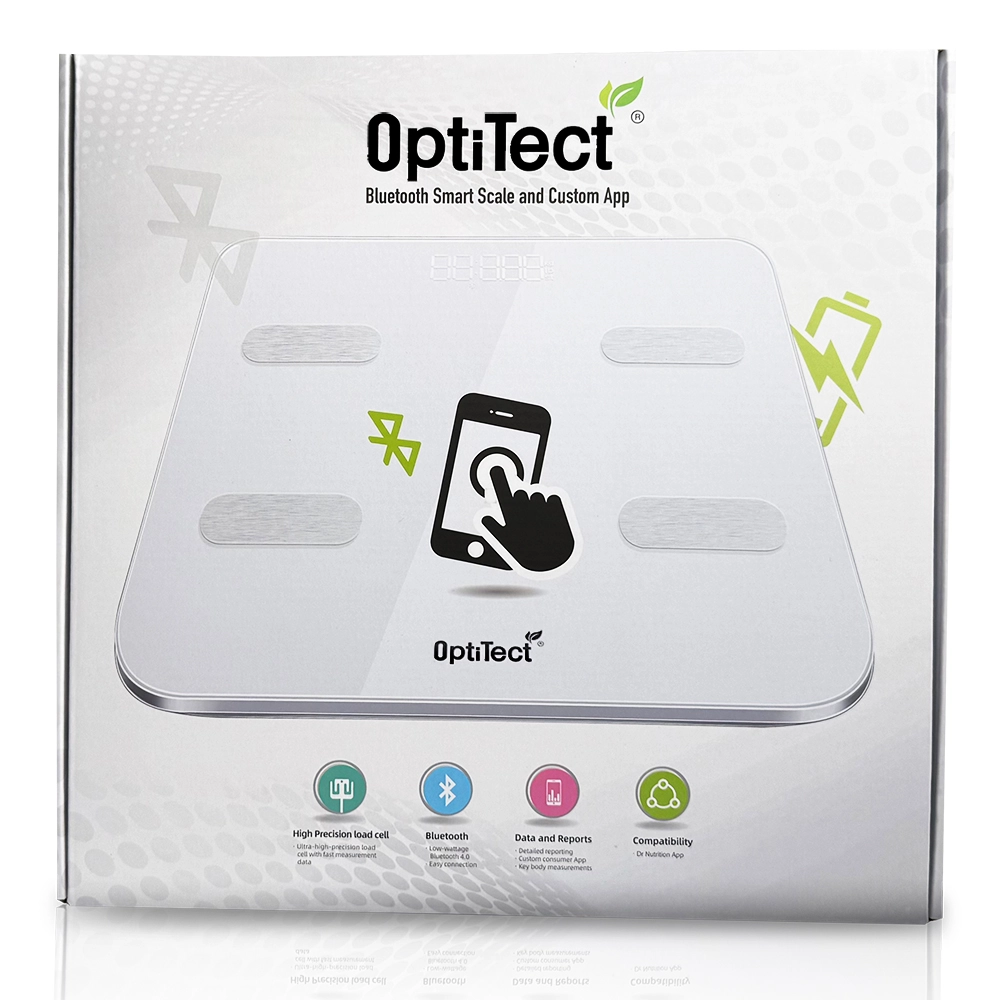
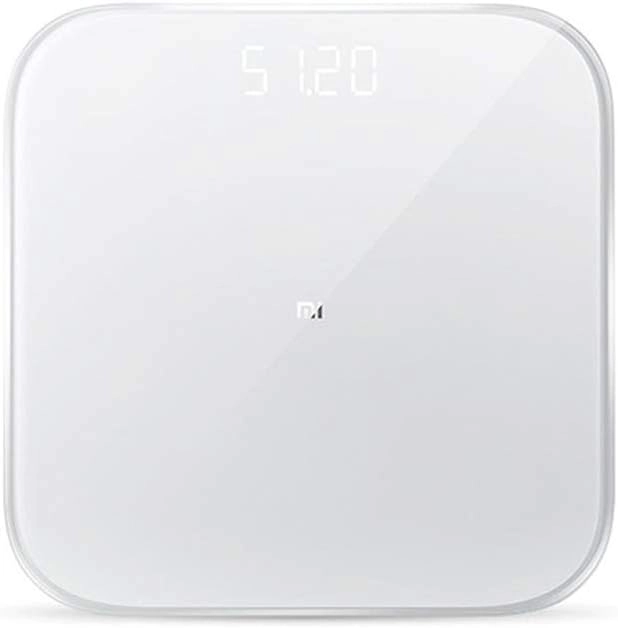
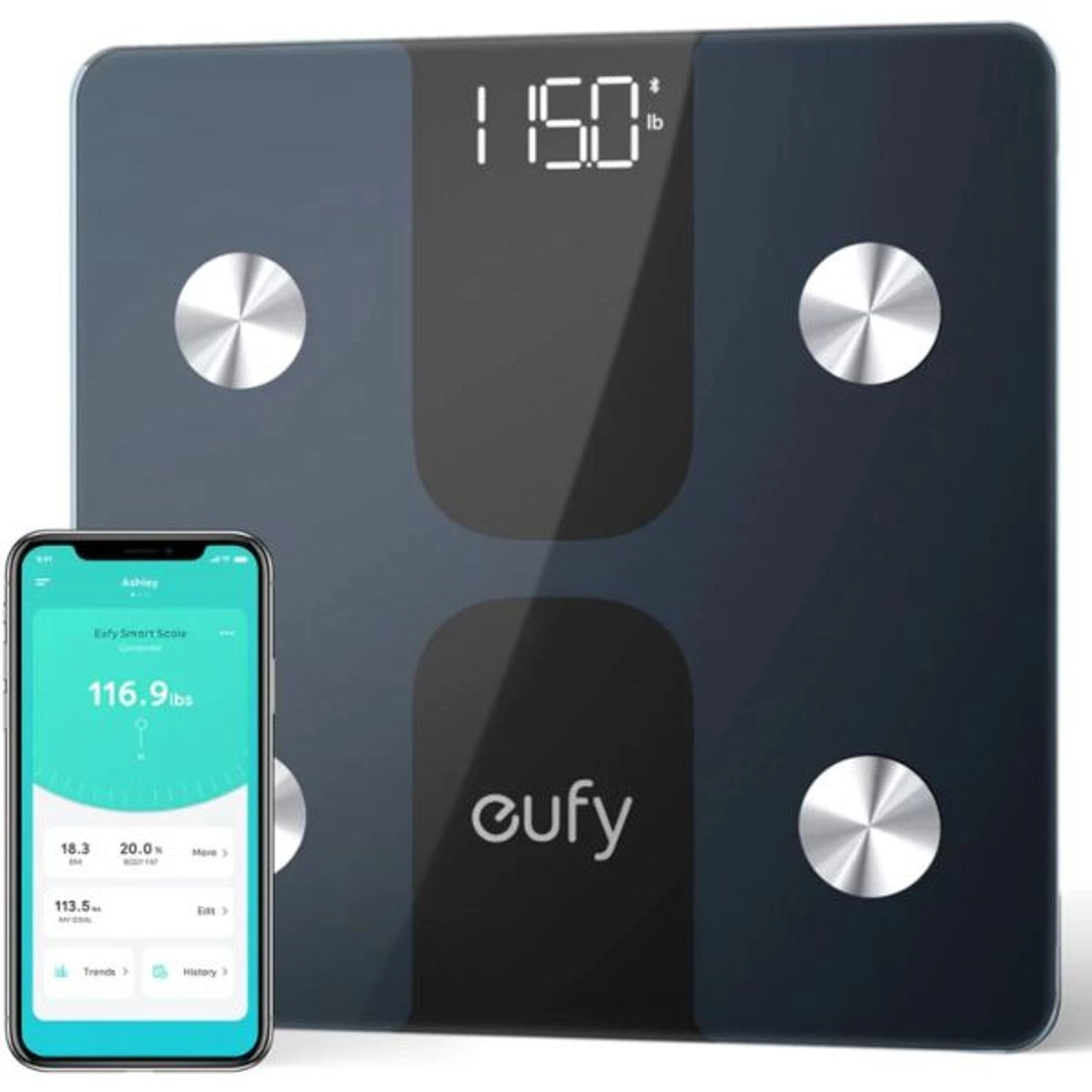
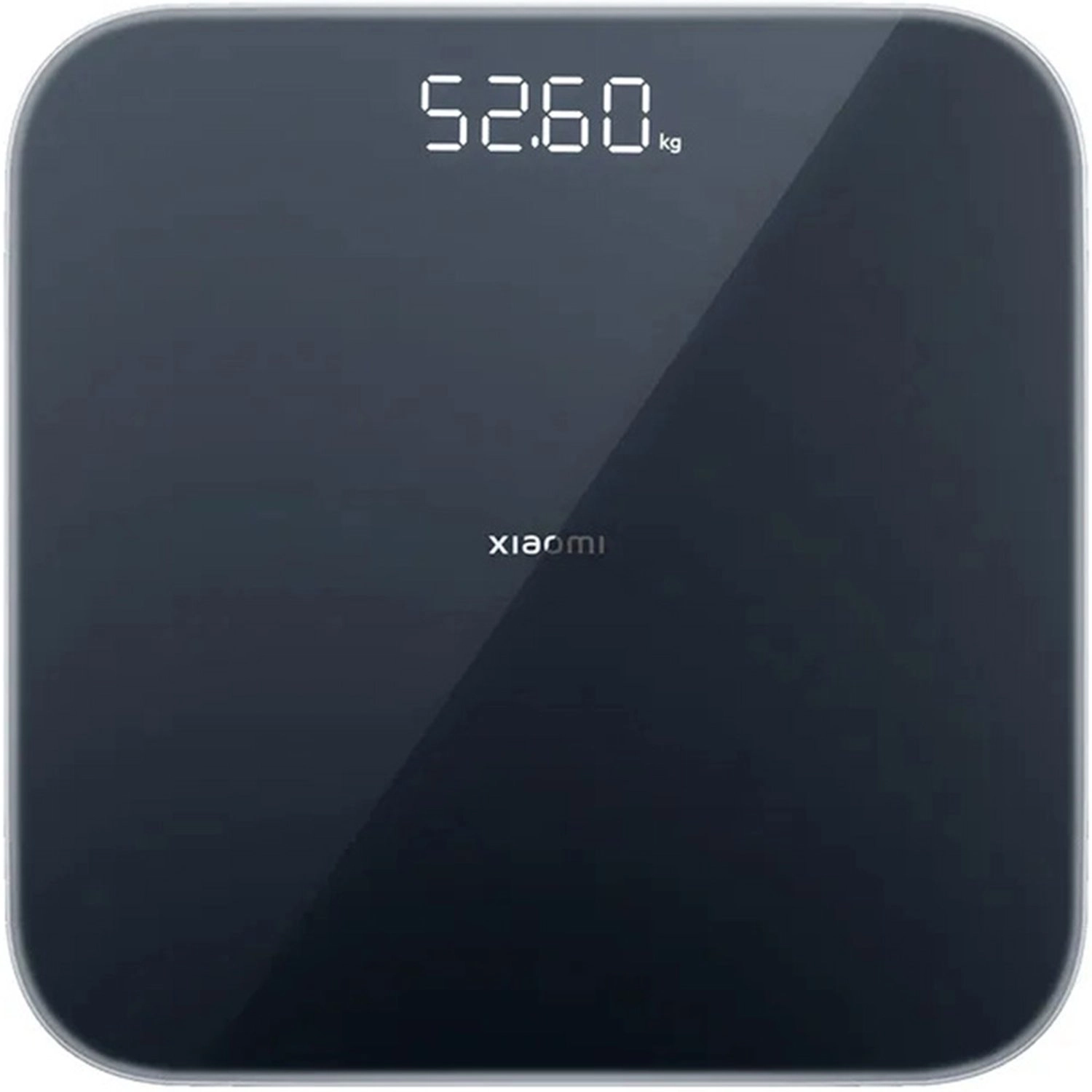
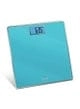
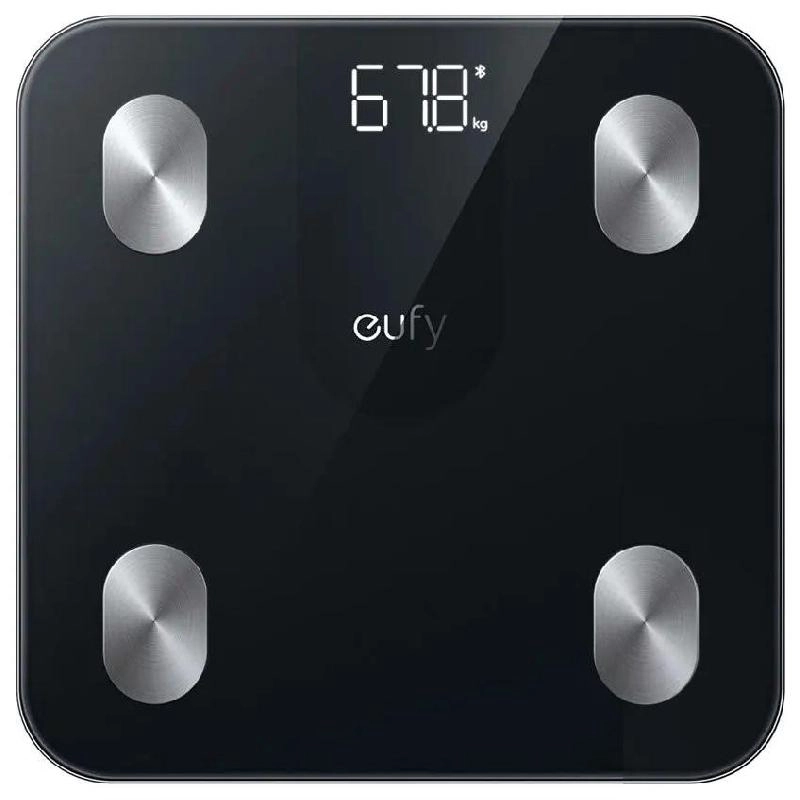
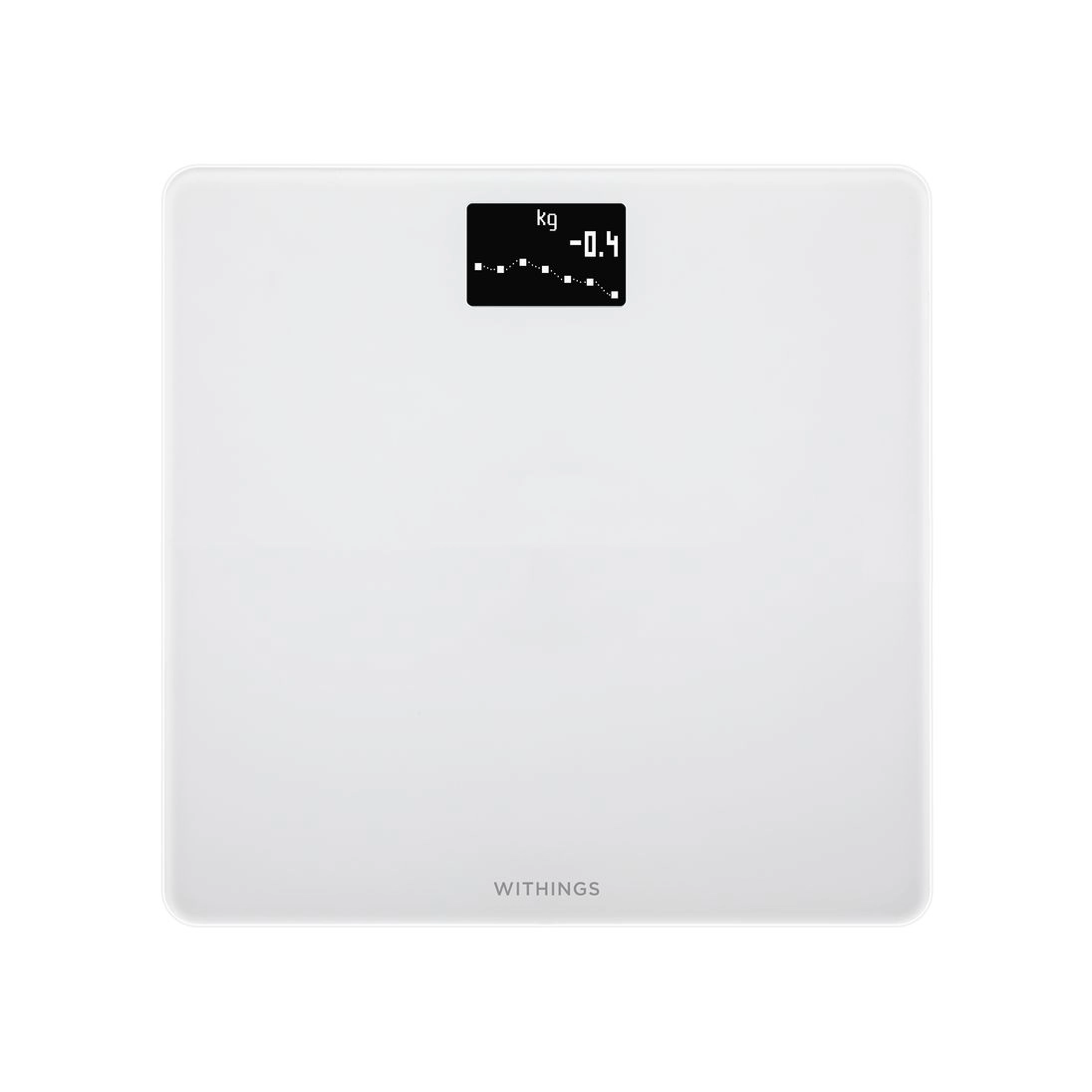
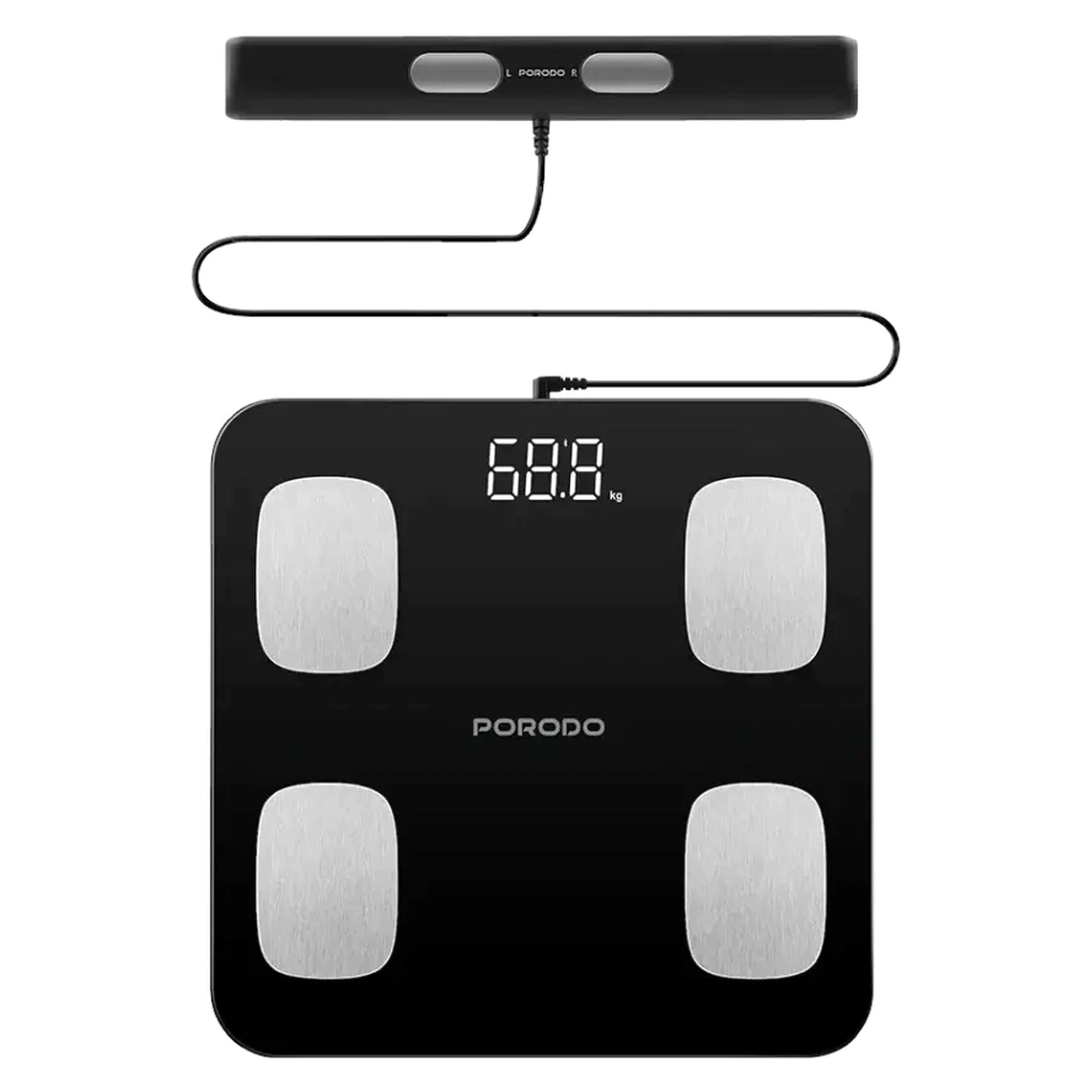
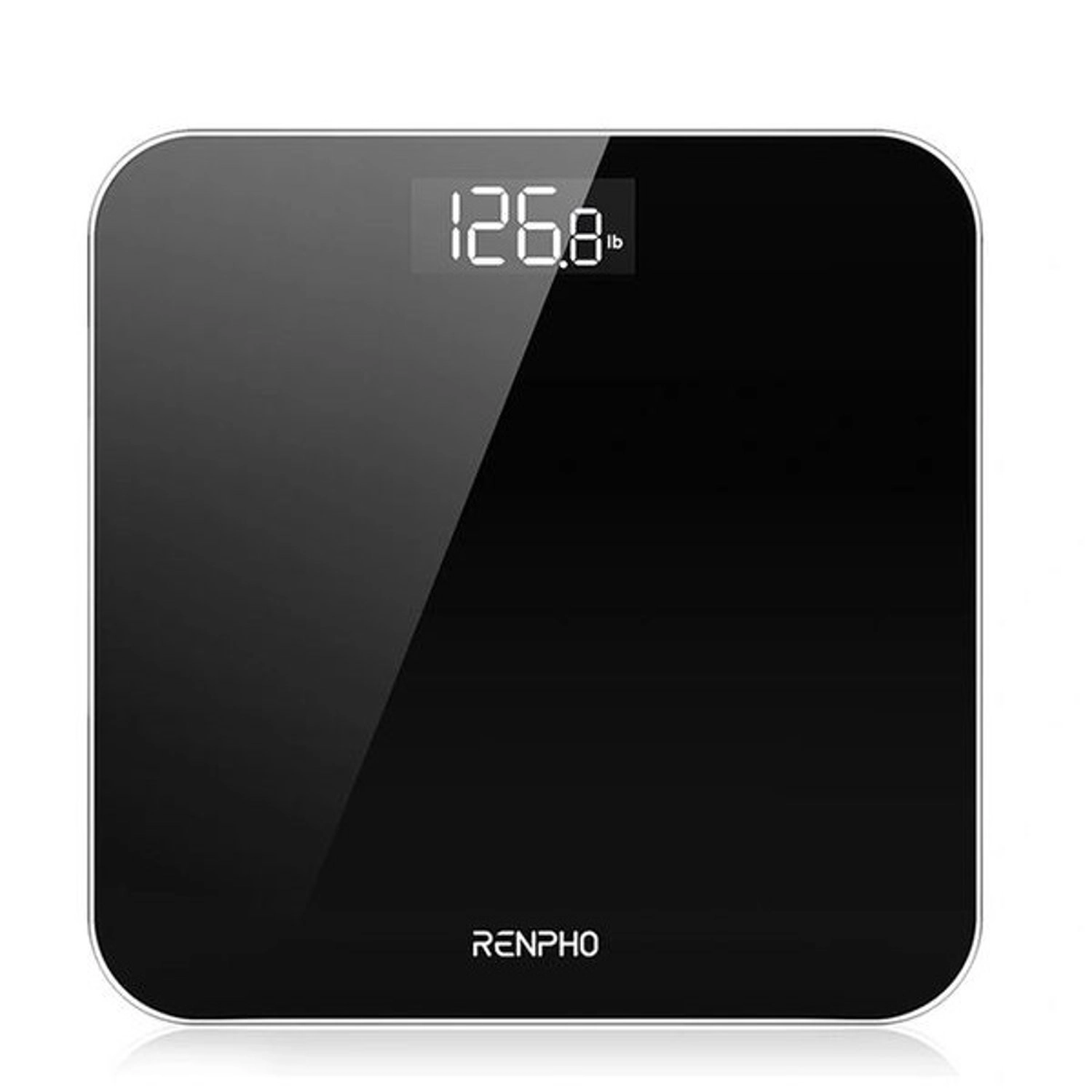
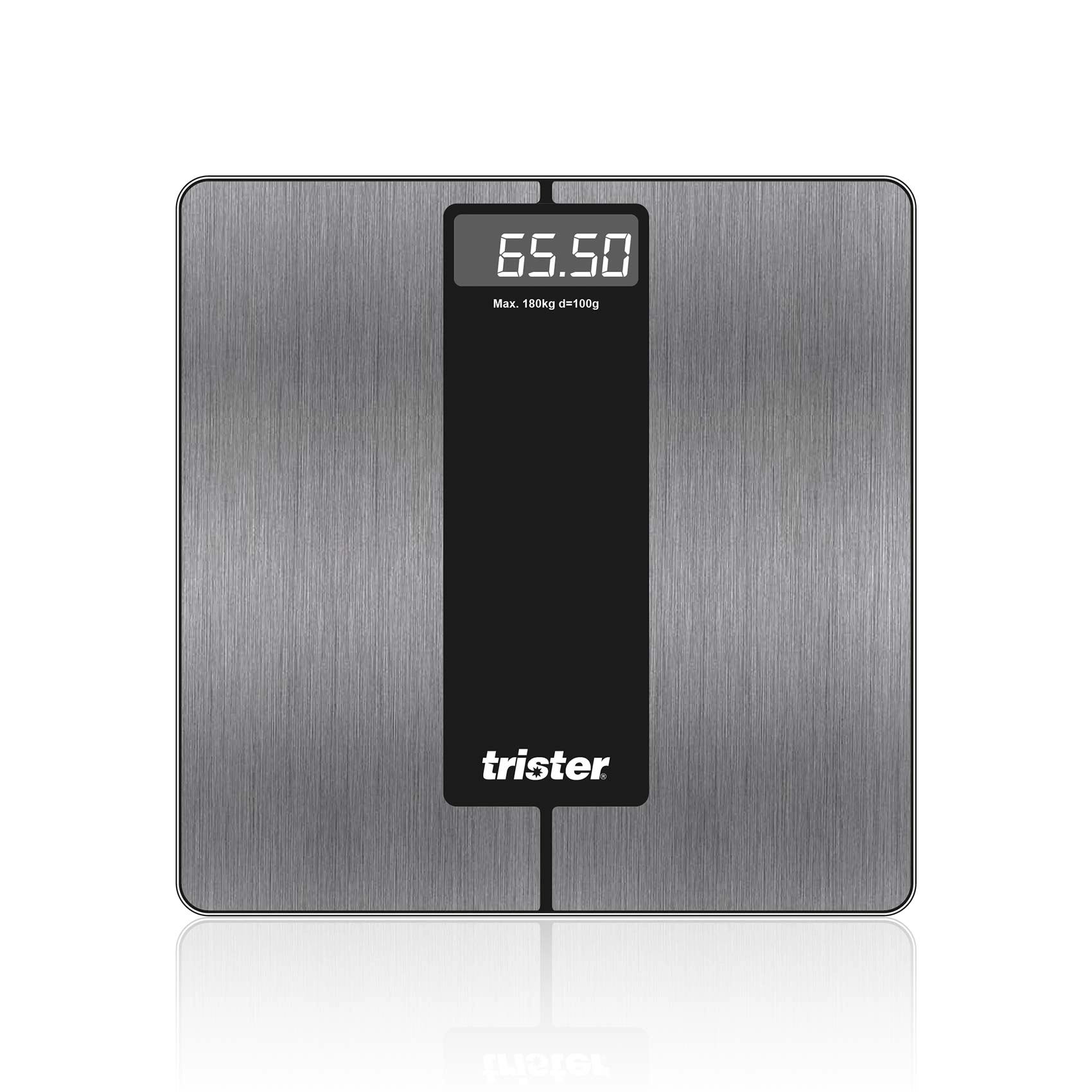
Optitect Smart Scale to measure weight and help you reach your ideal weight. You can use it via Bluetooth. It is compatible with modern devices, whether Android or iOS, to analyze and determine the desired goals for your health. The Dr. application saves Nutrition collects all your personal information in its cloud and provides summary recommendations for improved health and performance.
Features of Optitect Smart Scale
- Weight range: 11.0 lb - 396.8 lb (5 kg - 180 kg)
- Body fat percentage and muscle mass
It provides quick readings
It displays accurate weight, BMI, total body fat, water retention, and muscle mass.
Using the OptiTect Smart Scale, you can record, analyze, and set goals for your personal health.
saves all your information to its cloud and provides brief health reports and improvement recommendations.
Warning
- Do not disassemble, squeeze, puncture the product or put it into the water, fire, or exposes it to a temperature higher than 60 °C (140°F).
- Please check with your doctor if you are pregnant, or have a pacemaker, electrocardiographs and/or other medical devices before use OptiTect
Important
- Use the OptiTect Smart Scale while barefoot. The scale cannot measure body fat percentage if you are wearing shoes or socks.
- OptiTect Smart Scale should not be used to diagnose or treat any medical situation.
Note
- Following groups may not get accurate results:
Juveniles
- Professional athletes
- Pregnant women
- Users with Cardiac Pacemaker device
- Re-calibration
Please step on and off quickly, the scale should show "0.0", which indicates the calibration is complete. The scale needs 5 seconds to recalibrate after being moved, please wait for a while before your next weigh-in.
Maintenance
- Use a damp cloth to wipe the surface of the scale.
- Do not use any detergent or use water to wash it directly.
Download App
- Android: https://play.google.com/store/apps/details?id=com.qingniu.runcobo
- IOS: https://apps.apple.com/us/app/yolanda-health-fitness-tool/id966099204
- . Before pairing with your equipment, make sure your equipment meets the following requirements:
- Compatible with iPhone/iPod touch with iOS 10.0 and above.
- Android 4.3 and above with Bluetooth 4.0
2. Connect to the scale via Bluetooth
Open the App and Bluetooth, and it will get connected automatically, and your real-time data will sync to the app.
3. Start Using
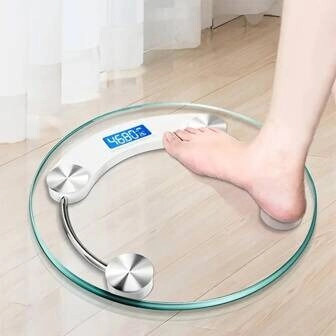
Make sure your foot placement is correct