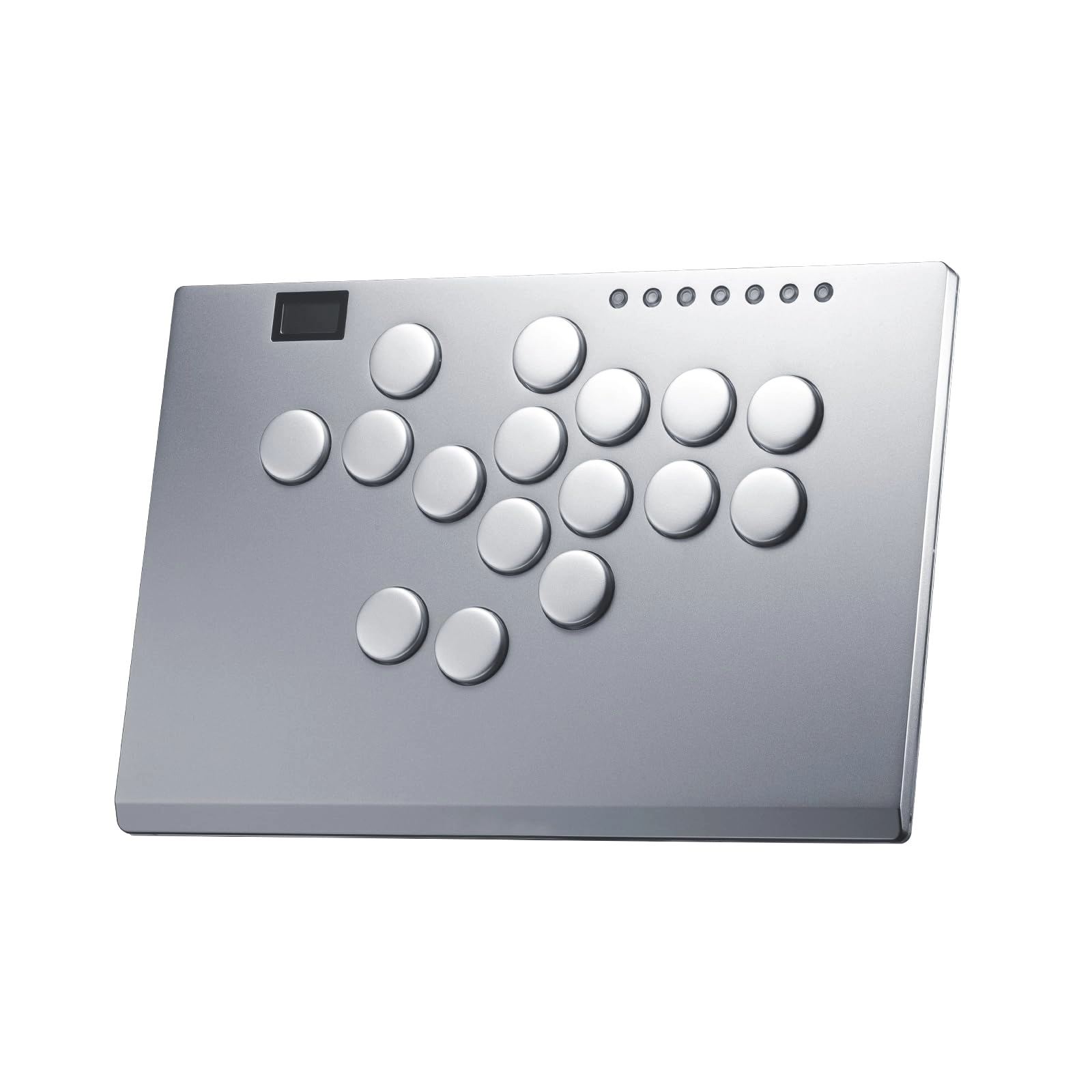
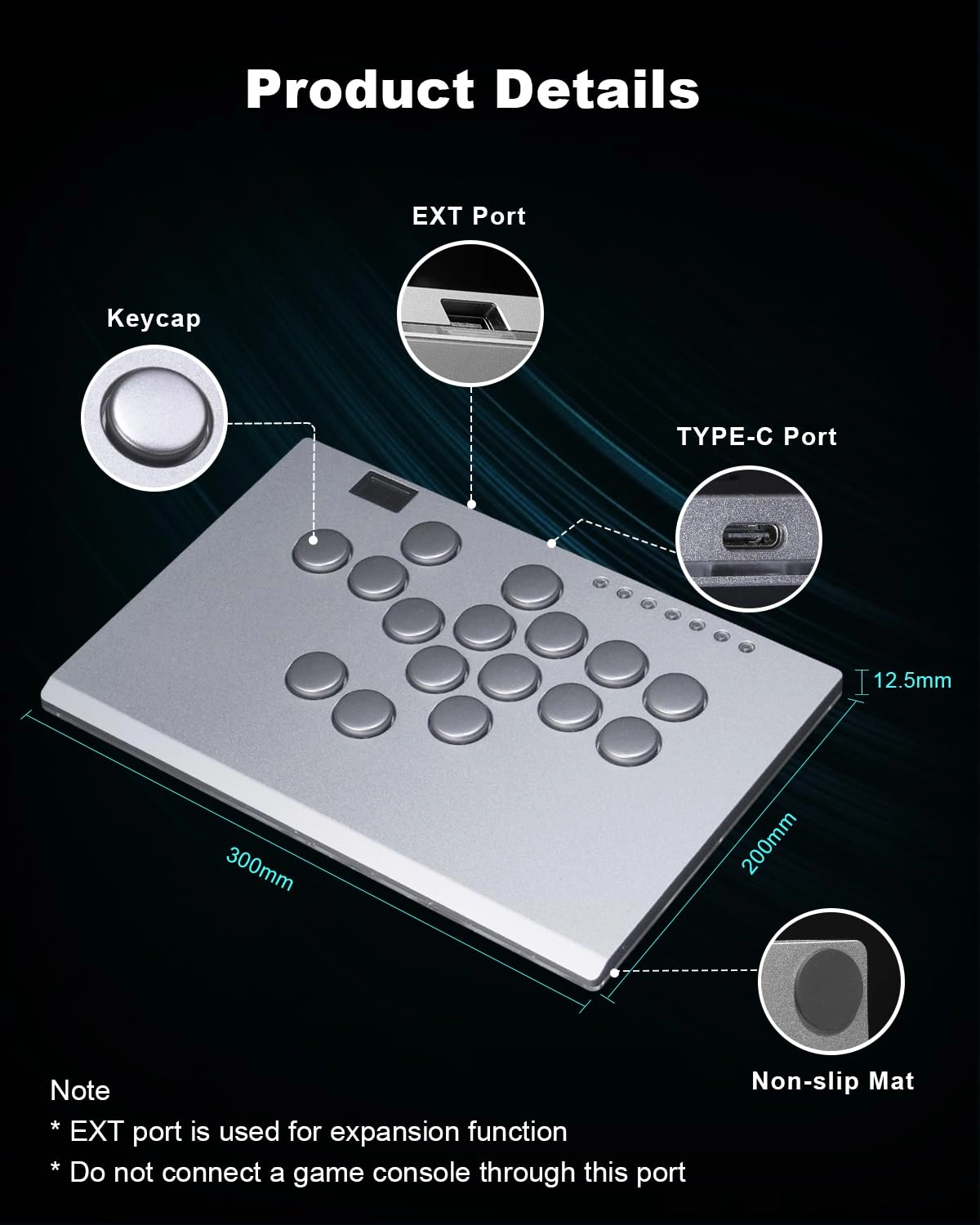
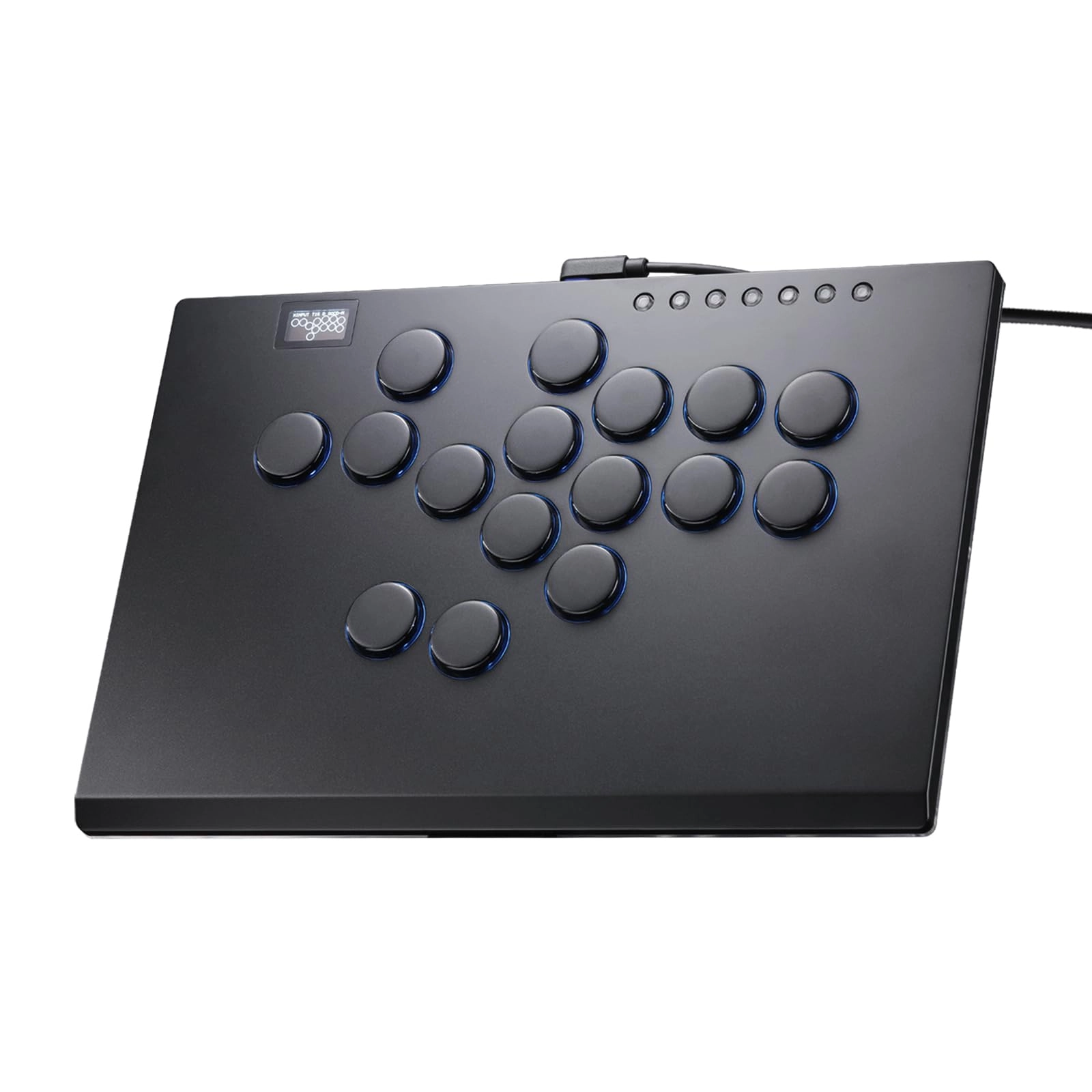
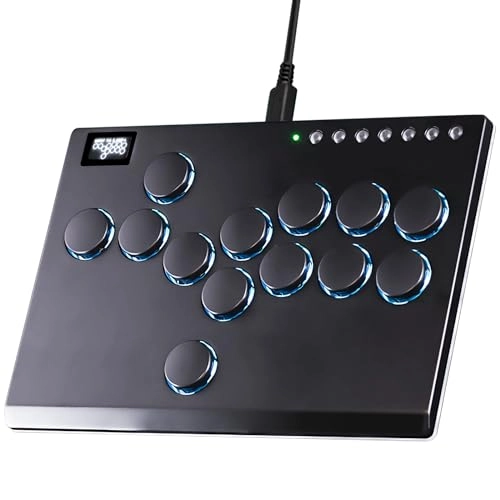
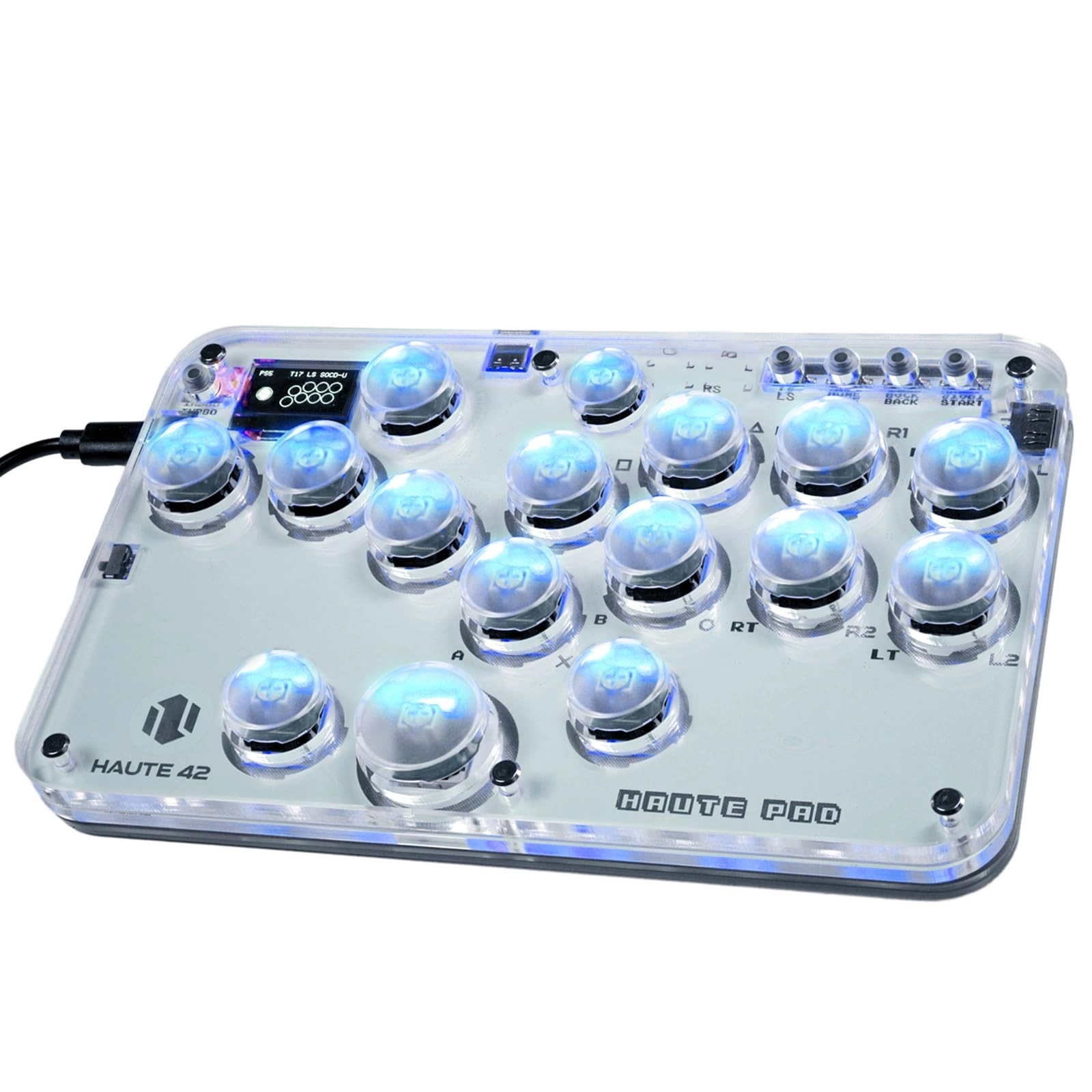
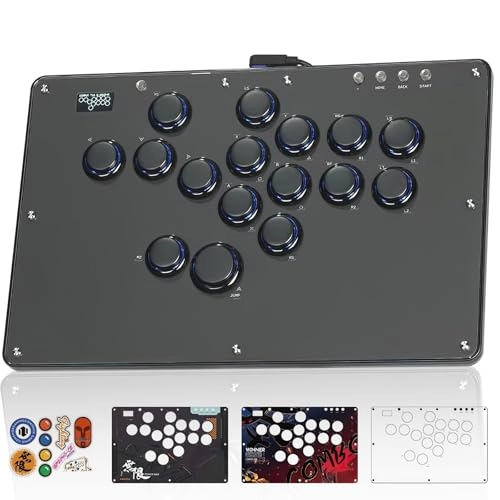
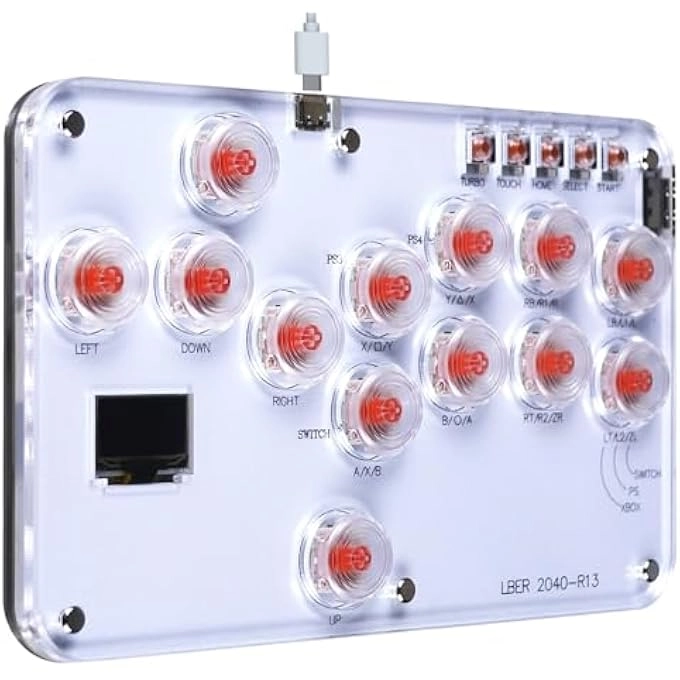
desertcart.com: Haute42 Leverless Controller Arcade Stick M16
Plus-Aluminum Leverless Controller,Leverless Arcade Stick for
PC/PS3/PS4/Switch Game,Crystal Low-Profile Switch Arcade Stick
Support Hot Swap & SOCD : Video Games
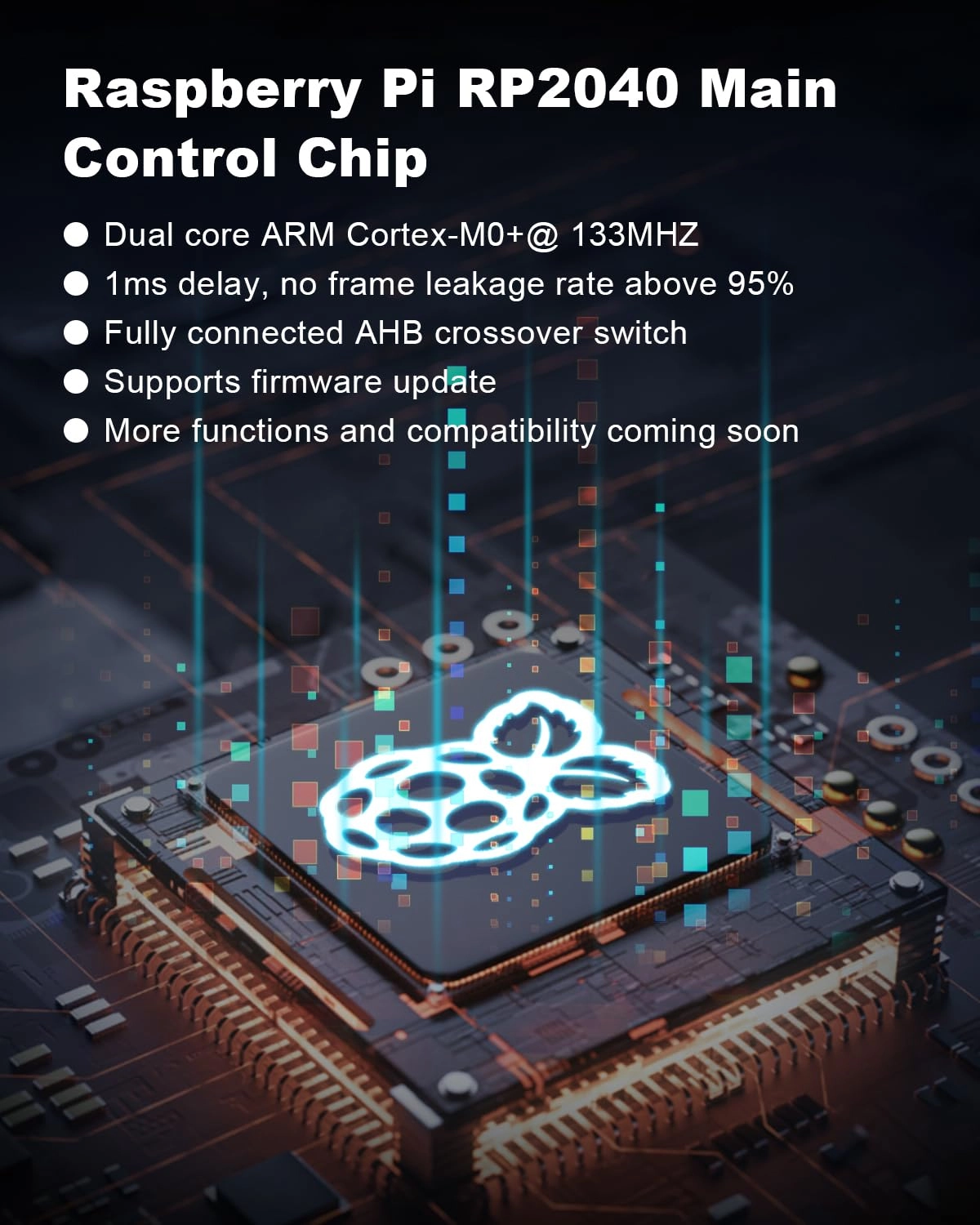
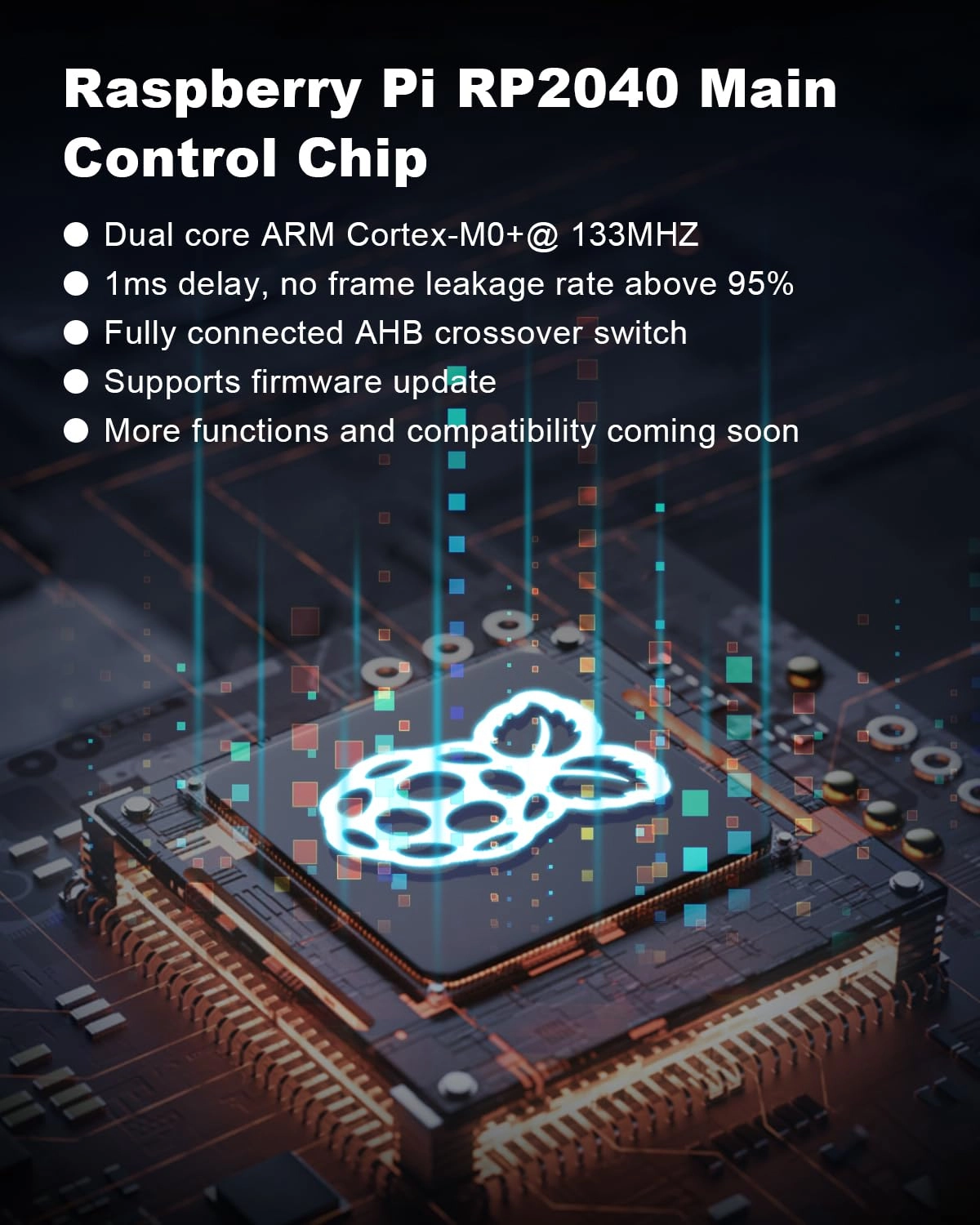
Review: Read! :) - Fantastic controller. It uses a gp2040 pcb so
its about as fast as it gets in terms of the internals. Its a
slightly faster pcb than 8bitdo leverless, but slightly slower
than the new (much more expensive) novablade pro that was
released a few months ago, but the differences are largely
unnoticeable and more a theoretical advantage than anything. They
all feel nearly instantaneous and youll find the system
limitations of the game you play to be the real bottle neck, not
the pcb. The gp2040 raspberry pi pcb has a much faster and more
reliable pcb than the pcbs usually found in arcade sticks like
the nacon daija or mayflash. If youre used to stick, youll notice
this controller is much faster than what youre used to, youll
develop new gameplay styles for sure. Once your nervous system
adapts, youll find pcb speed irrelevant because your hands will
form a connection to the subtlities of the controller. The
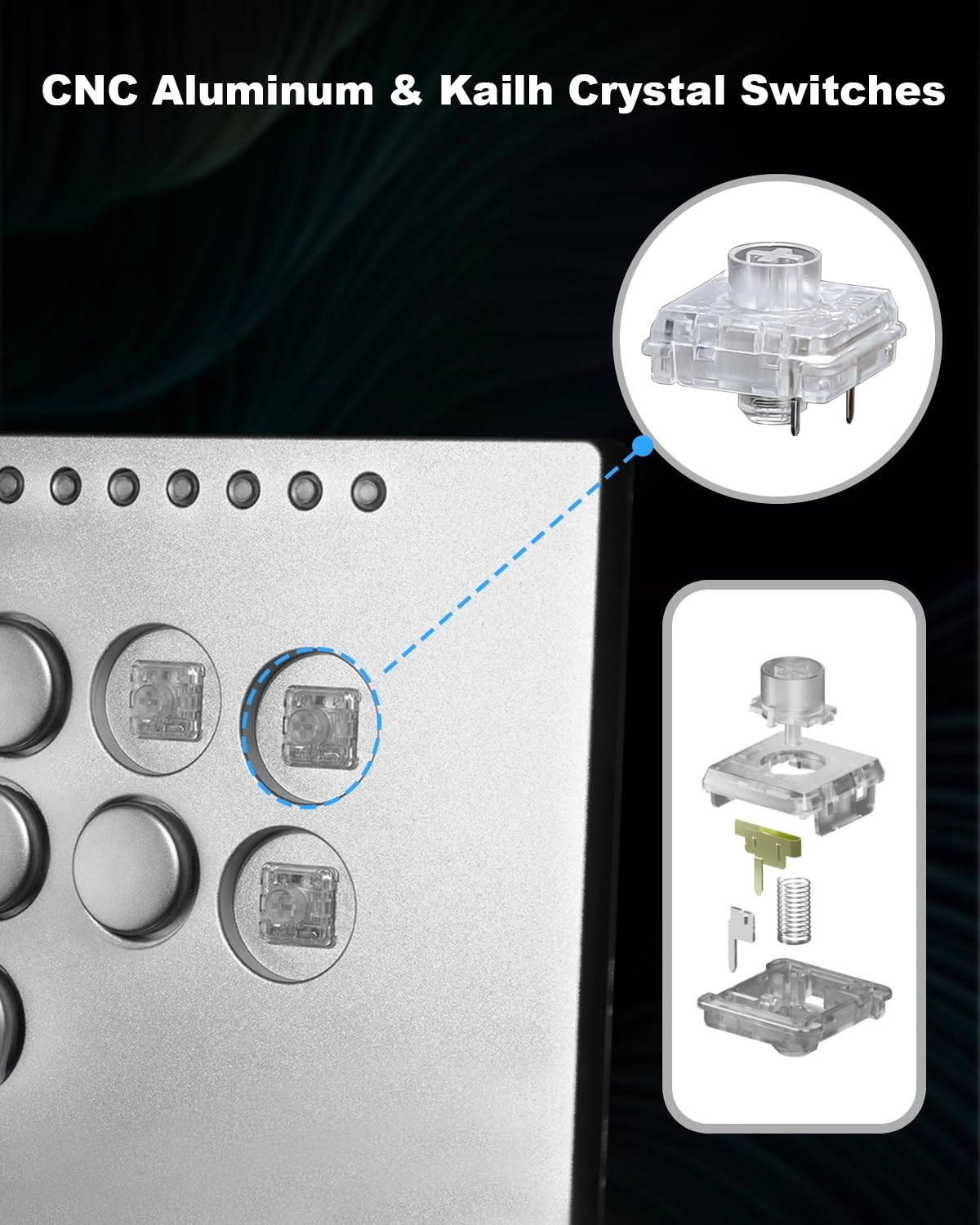
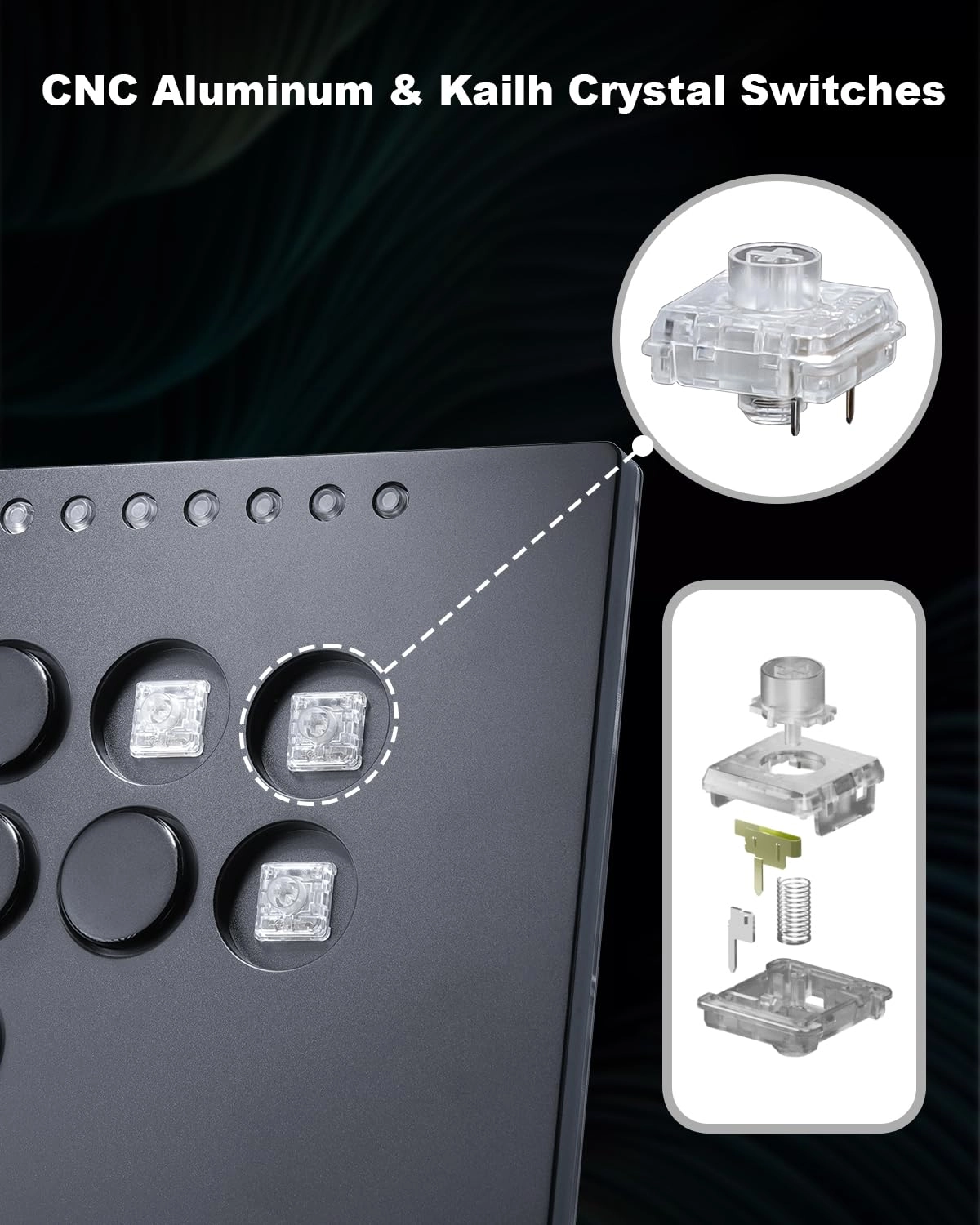
switches installed are low profile crystal kalith switches, so
very fast and reliable. If youre used to arcade sanwa type
buttons, youll find these buttons are clearly superior and more
reliable for faster gameplay and less mushy when you bottom out.
If youre coming from an 8bitdo, youll find these buttons to be
smooth and not clicky. Moreover, you can experiment with
different styles of fingering than just traditional pianoing
because of their sensitivity- this can make you less predictable
in fighting games and make you a leverless wizard in no time.
Just know the standard mx switches you see with keyboards arent
compatible with this controller, few leverless controllers
are,though ive seen them here and there pop up. these are low
profile switches, not mx switches. So if you are looking to mod
your controller with cherry mx silver speed switches or some
other high end switch like that, you wont be able to but i think
youll find these more than plenty fast enough for whatever you
wanna throw at it, seriously! The buttons are very silent and
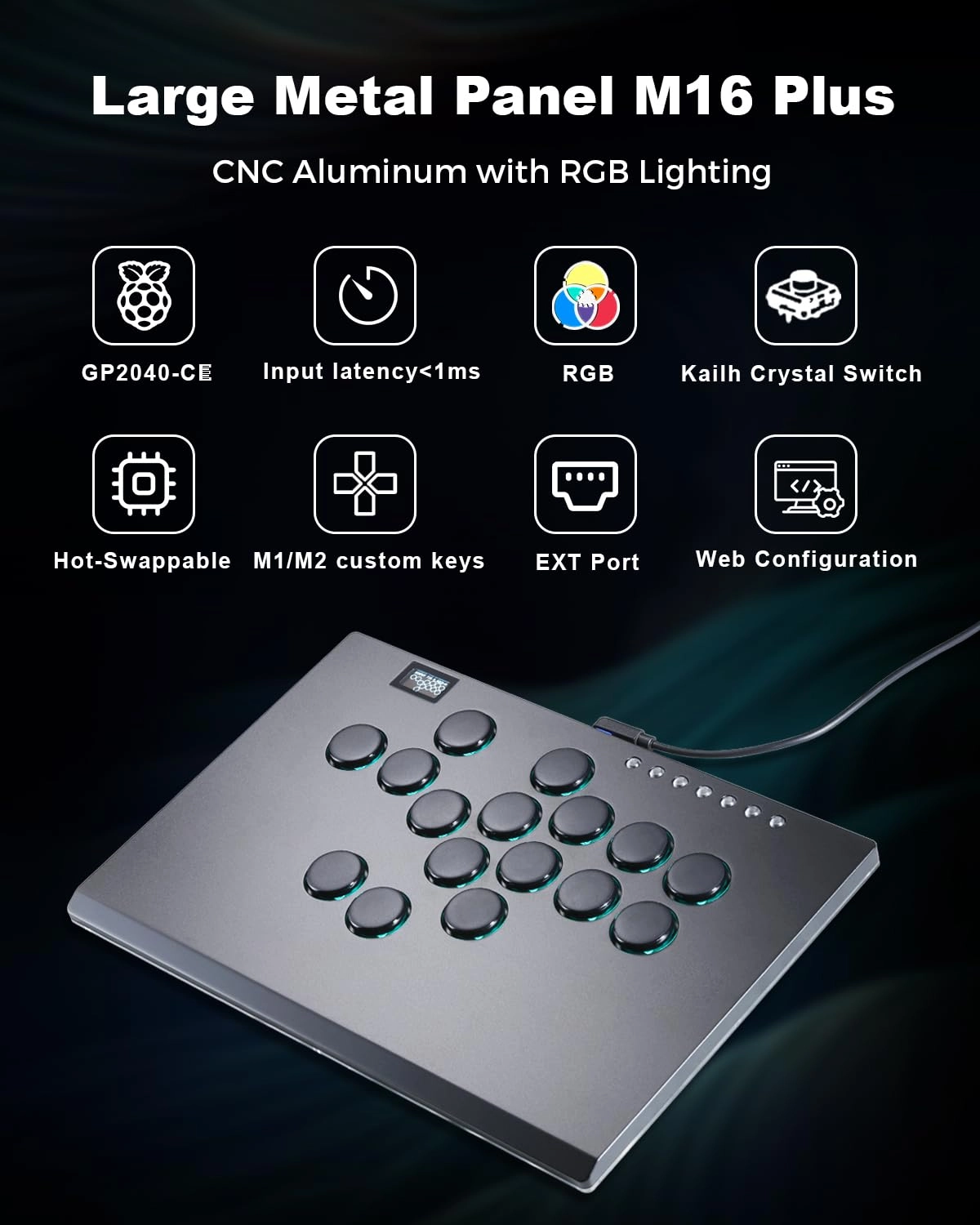
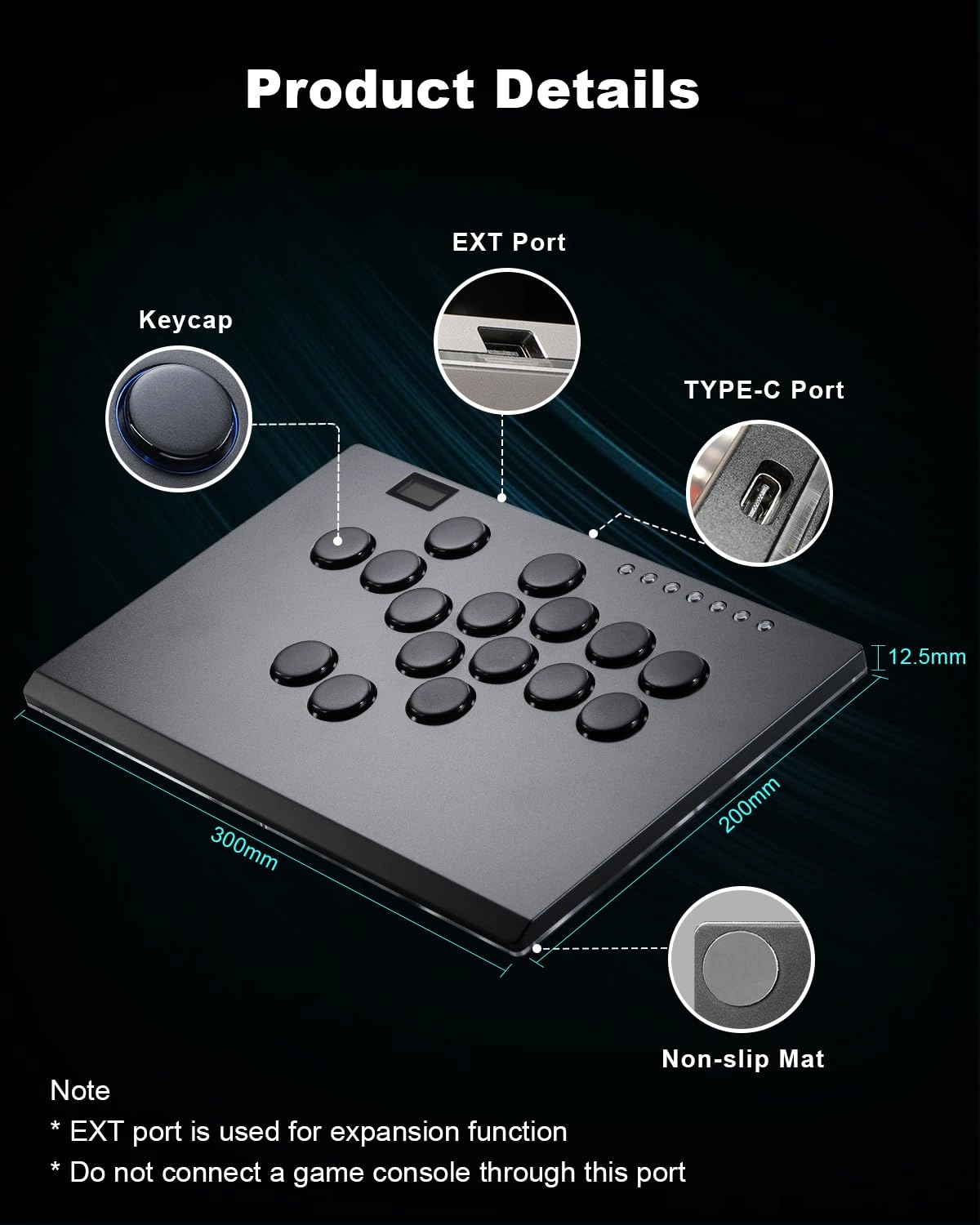
have a nice premium feel. The case is aluminum and feels quality.
Every controller has a personality to it, youll enjoy the way
this feels. If you play very aggressively and frequently, the
switches should feel perfect for about 4-7 months. When you begin
to notice very slight issues, its time to switch out (when i say
slight, i mean slight, it probably wont even be noticeable unless
your game play is super tight and fast and enter into juggles on
purpose). When its time to switch out switches, I suggest the
shadow hunters, its probably the best switch compatible with this
controller and they have a more satisfying mechanical feedback.
They are very easy to install and like 20 bucks if you wanna
upgrade. I got some warnings. Since the switches are low profile,
you also wont be switching the switches under the caps with your
standard mx switch puller as there is nothing to pinch but smooth
plastic. This may feel like a dead end, but its not. You gotta
use two a thin tip screwdrivers or drill bits (or something like
that) and carefully extract it that way on the sides until you
get under it and pry it out. It sounds scary but its very easy.
After you get one out, the rest will be super easy. Also i ruined
my controller on accident by trying to take the back plate off. I
took out all the screws from the back and tried to wedge/pry it
free from the mounting rods on the corners. I managed to get a
millimeter under and now the dpad stopped working. That back
plate is on there pretty solid, dont mess with it. Its probably
also glued on, so unless you know what youre doing, I would
avoid. There is also no reason to go back there. Pcbs rarely need
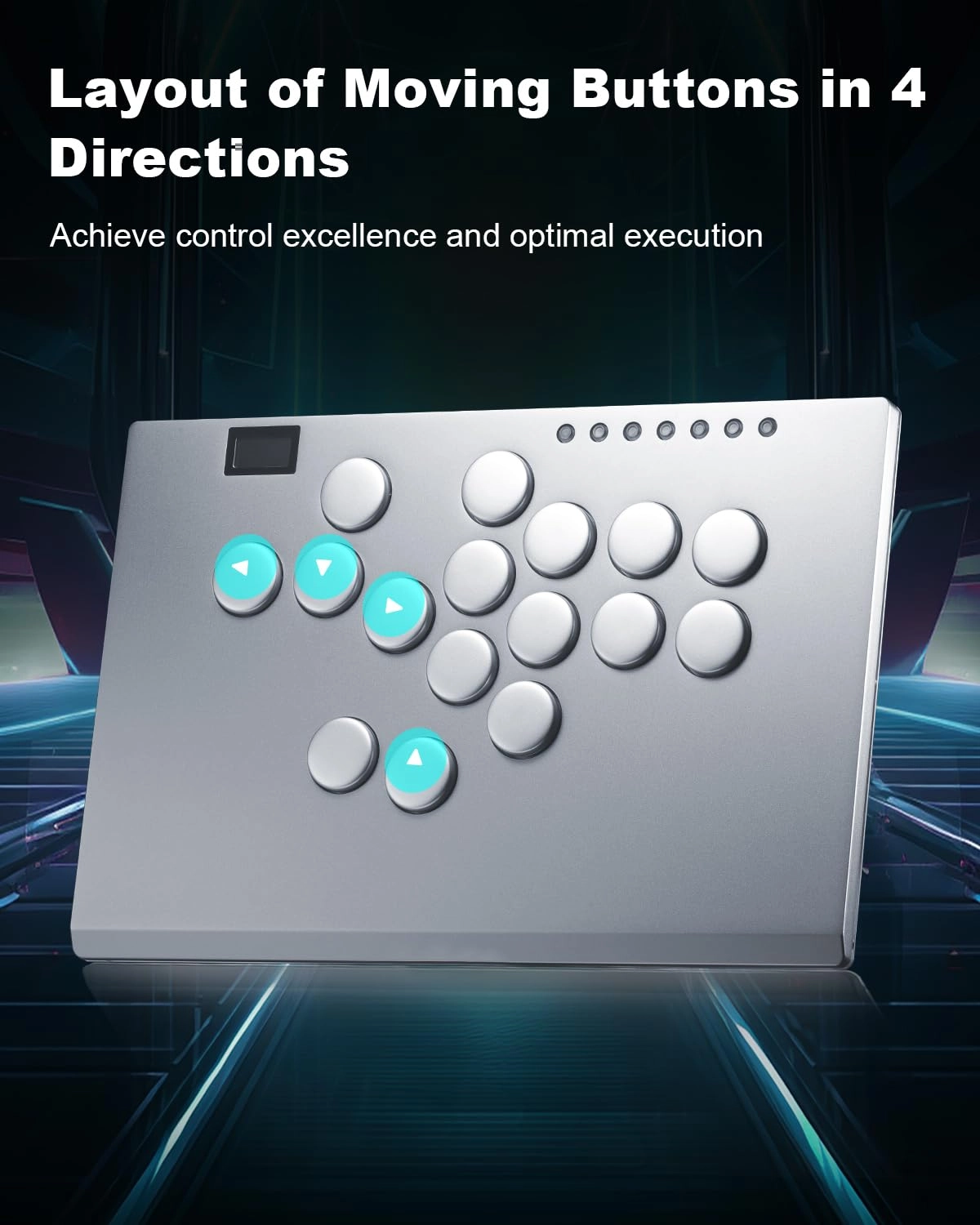
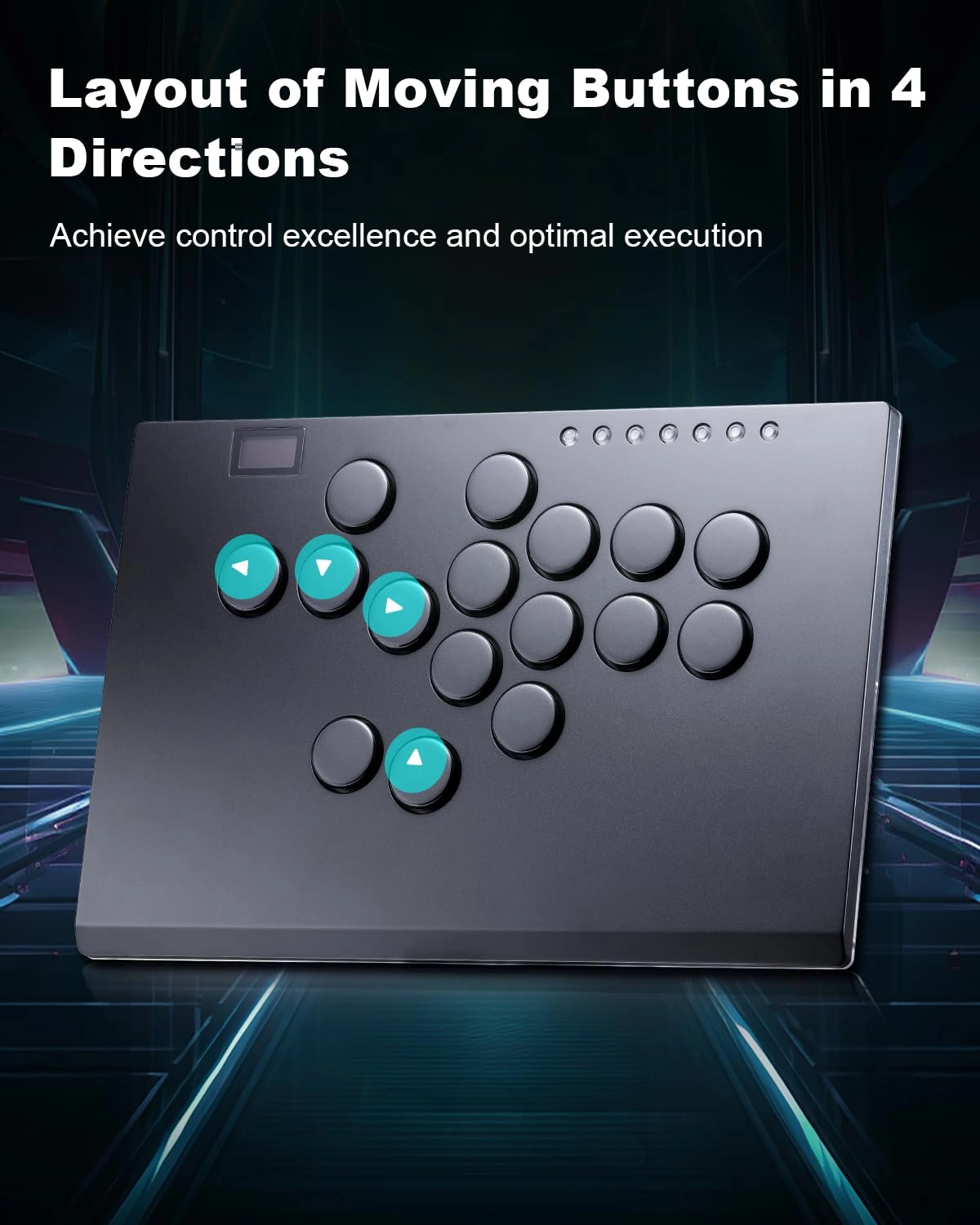
to be replaced ever. Youre gonna probably want to at least map an
up button on the dpad, but the mapping software can look
intimidating and techy. Google gp2040-ce web configurator and
follow the directions- plenty of youtube tutorials as well. Its
not so bad. On that note, I dont think youll find too many
advantages with the extra buttons. I know some players like to
map a throw or parry button for the top right button, but if
youre fantasizing about mapping some big long combo macro to one
of the buttons I think youll find it to be more a hinderance to
your gameplay. If you know, you know. Anyways, hoped this helped.
People mention this controller as being a nice starter, but its
very advantagous for even professional levels. This controller
can take you as far as you want to in fighting games.
Review: Step up your game! This leverless is amazing! - Amazing
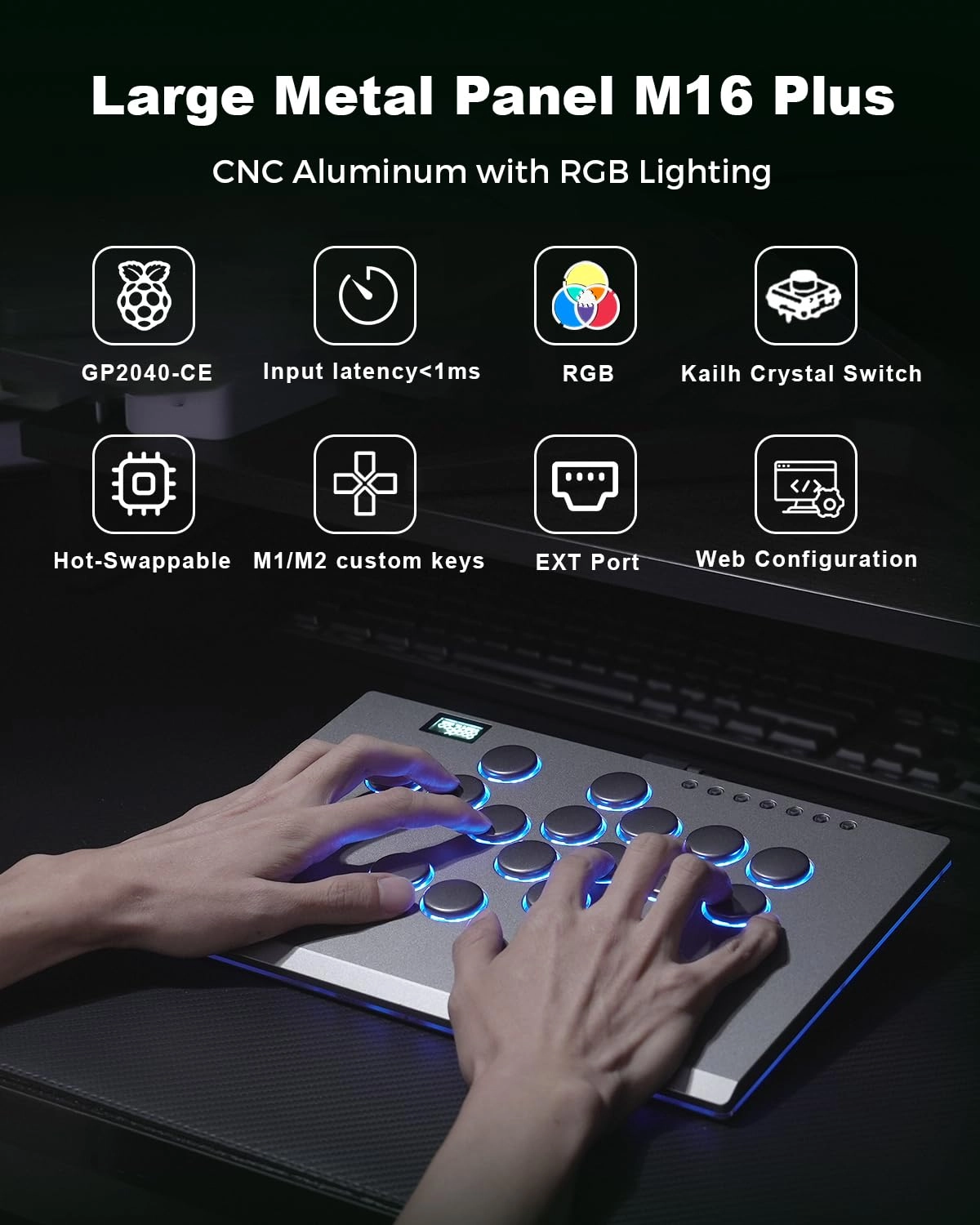
leverless. The materials, the size and the hardware is really
great. The aluminum case is flawless but it catches smudges and
oil pretty easily. Nonetheless it looks superb. The stock
switches are incredibly tactile but not too loud, the buttons are
a bit on the smaller size but still comfortable to use. All board
functions work great and is super configurable. The RGB lighting
is also really nice. I have been using it on my PC without
problems, no disconnects or anything. Probably many people
getting disconnects are not reading the documentation. This
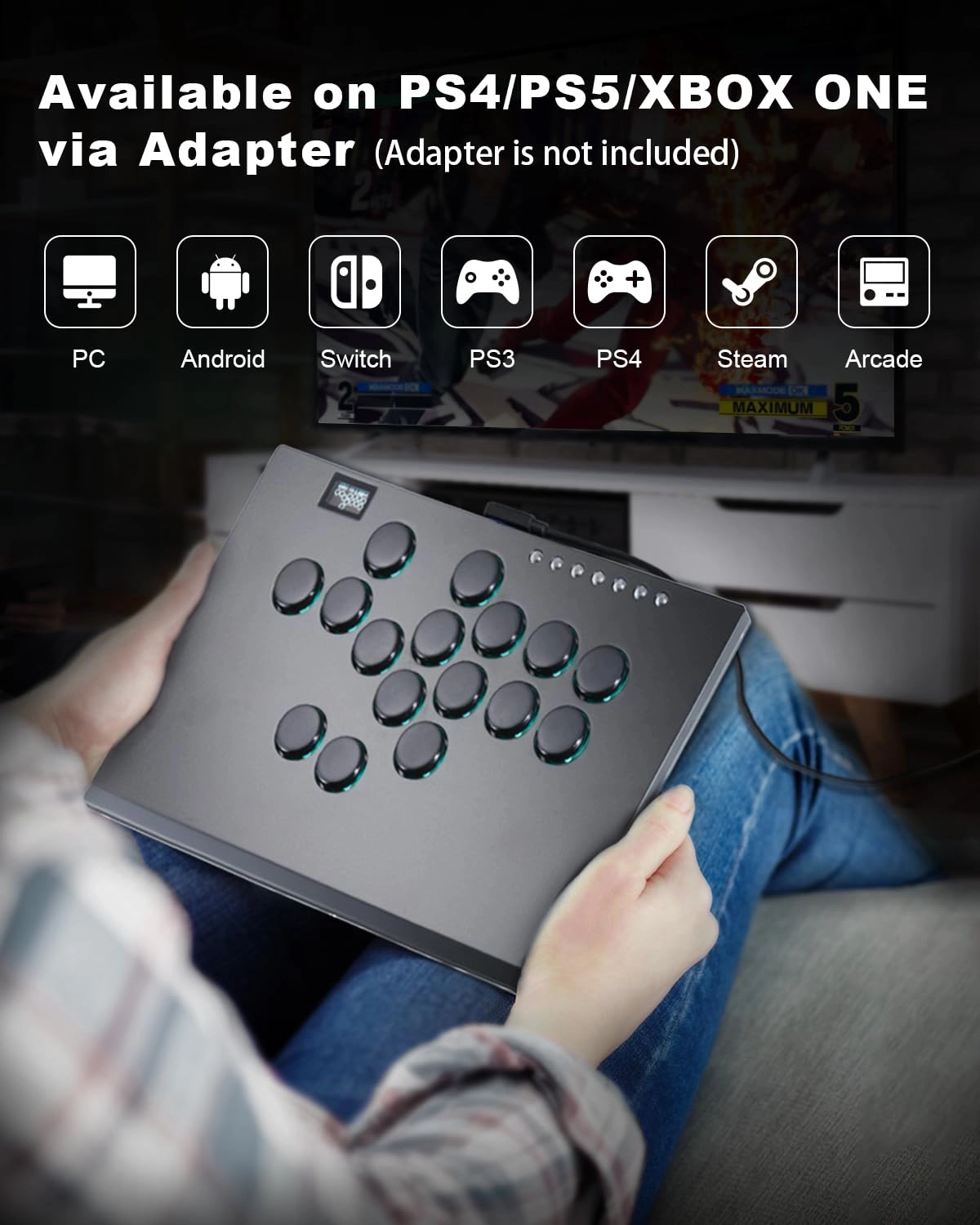
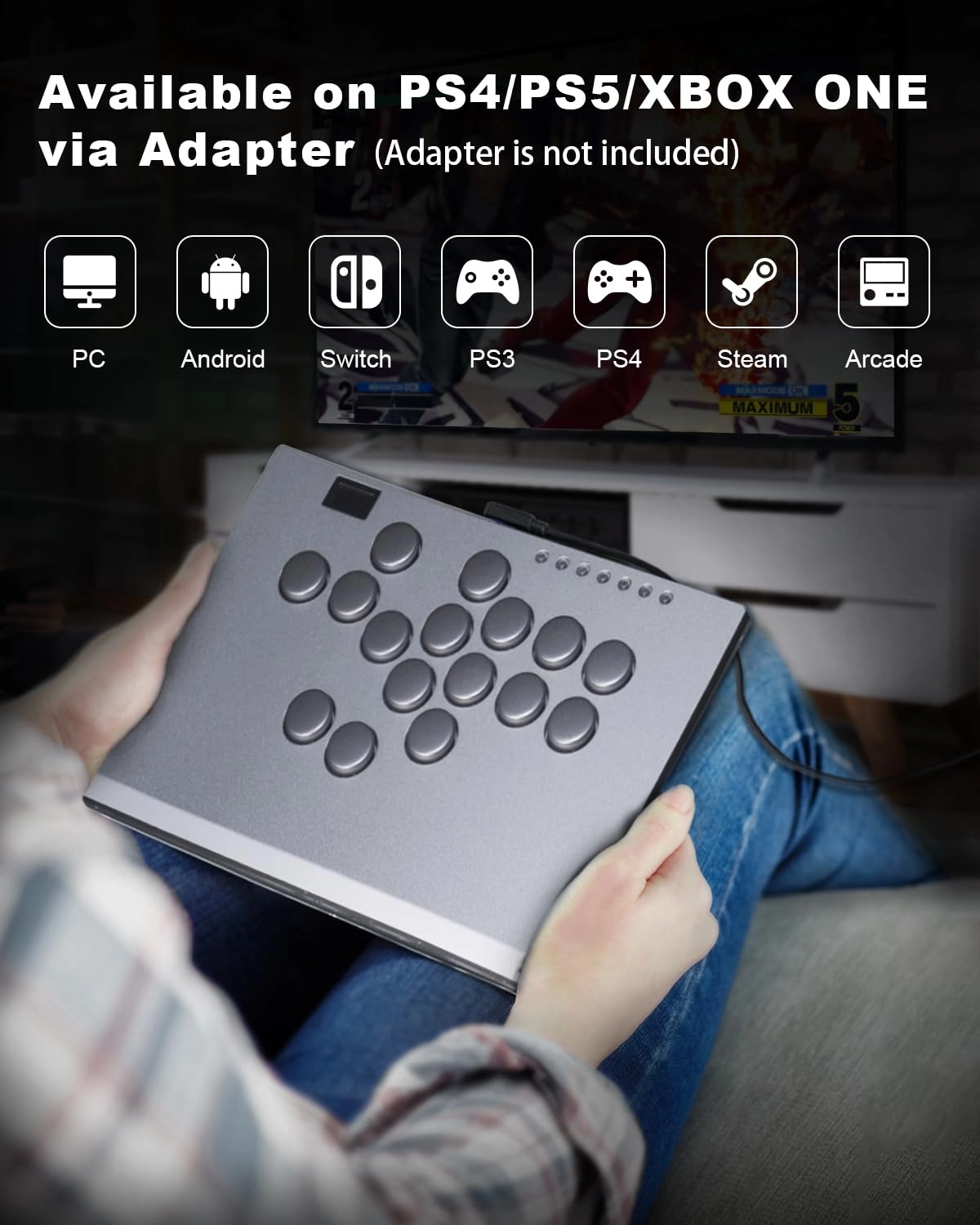
leverless has no official PS4/PS5 support so it needs a special
adapter to make it fully compatible. If you opt to not use an
adapter, the PS system will reset the controller every 8 minutes,
so you will have to disconnect it and reconnect it manually.
Other than that, it's perfect. Just a portion of more expensive
ones like Razer and better in many ways. Give it a try, it won't
disappoint.