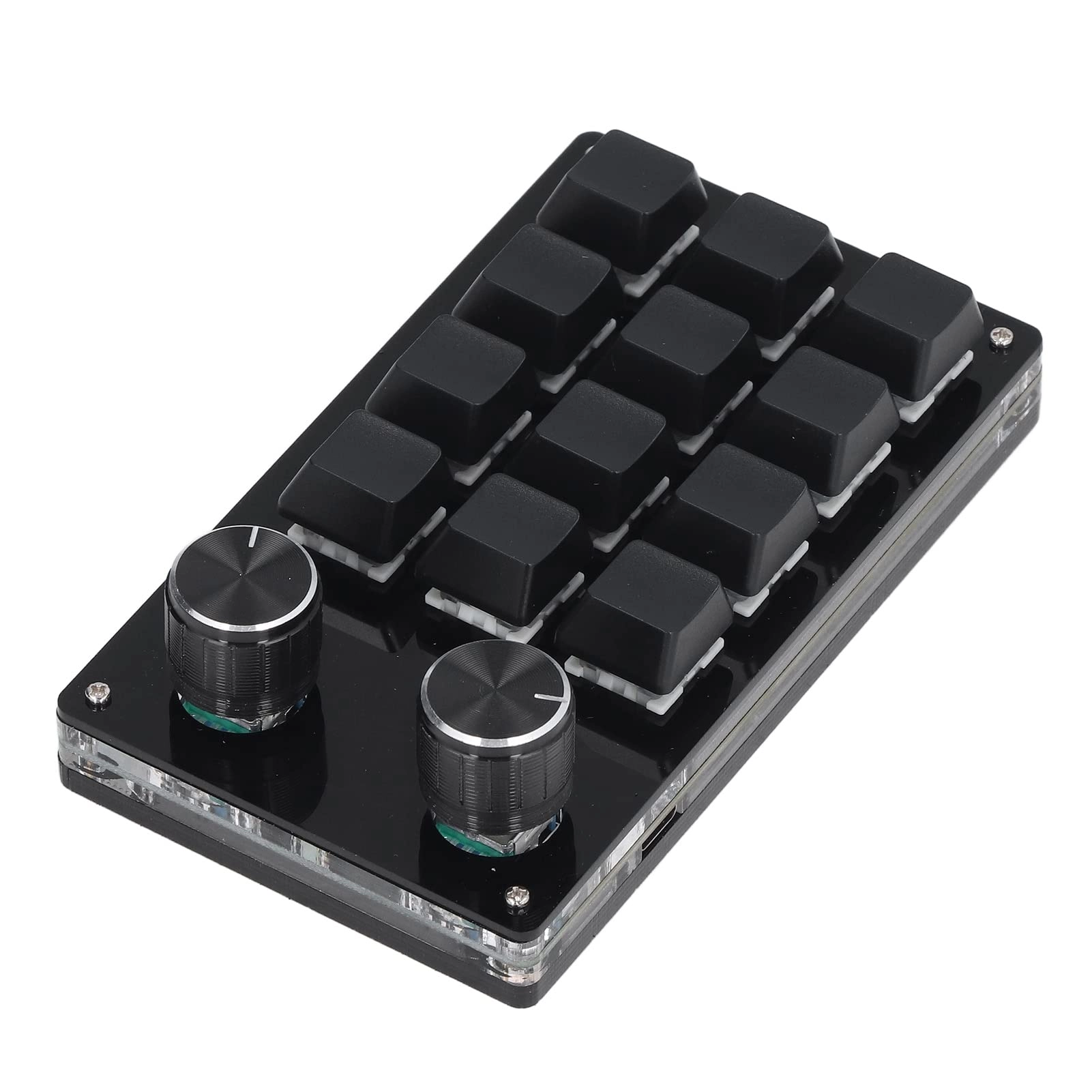
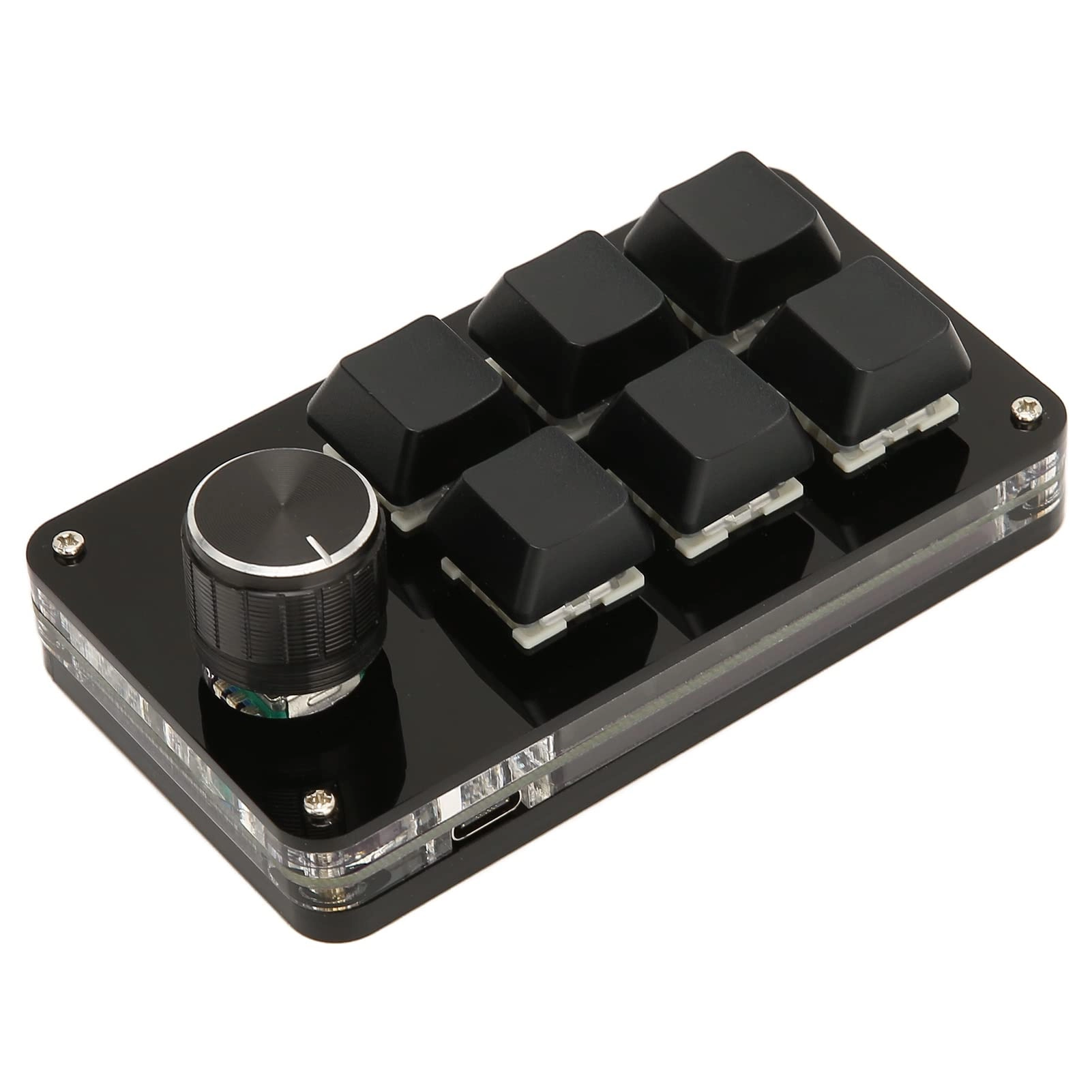
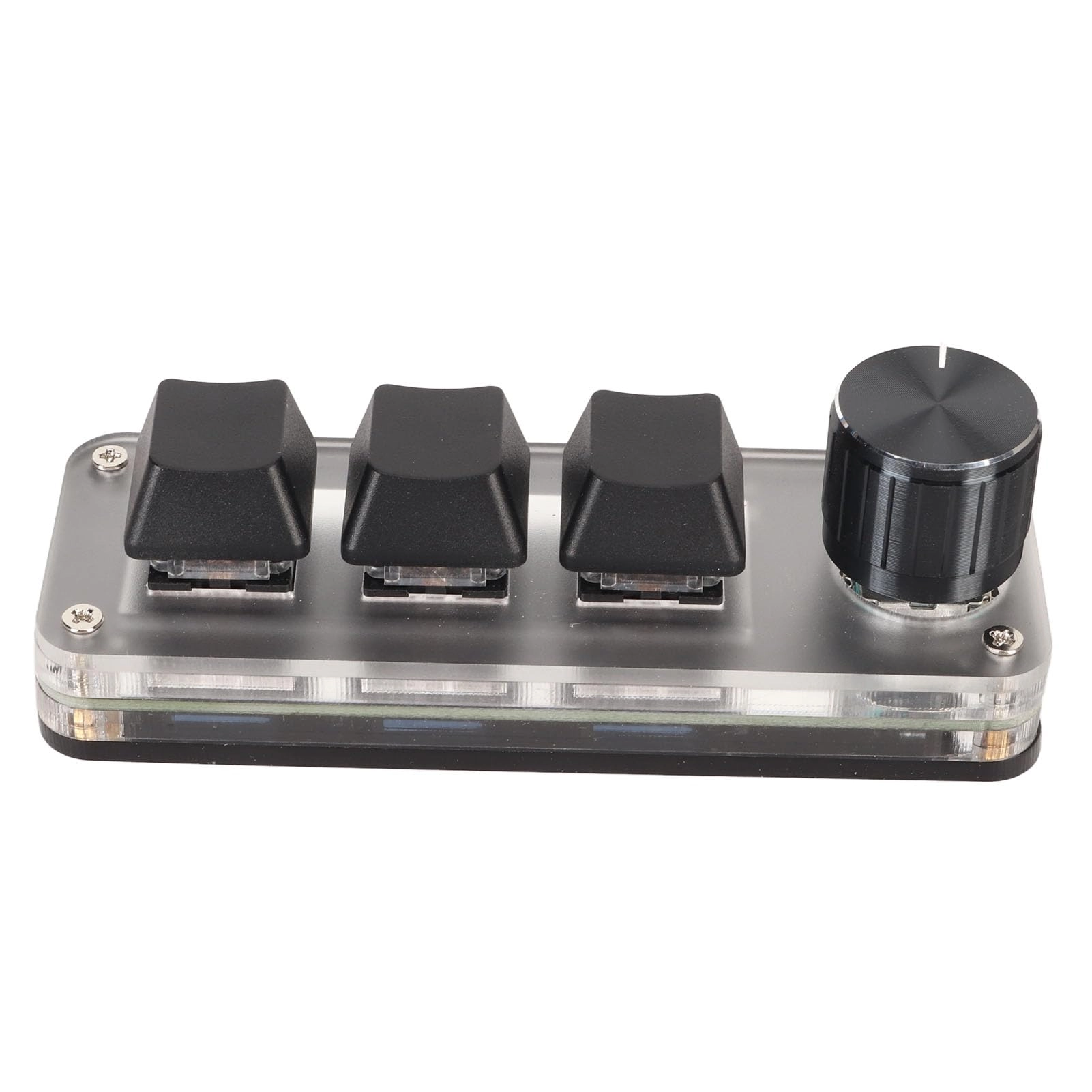
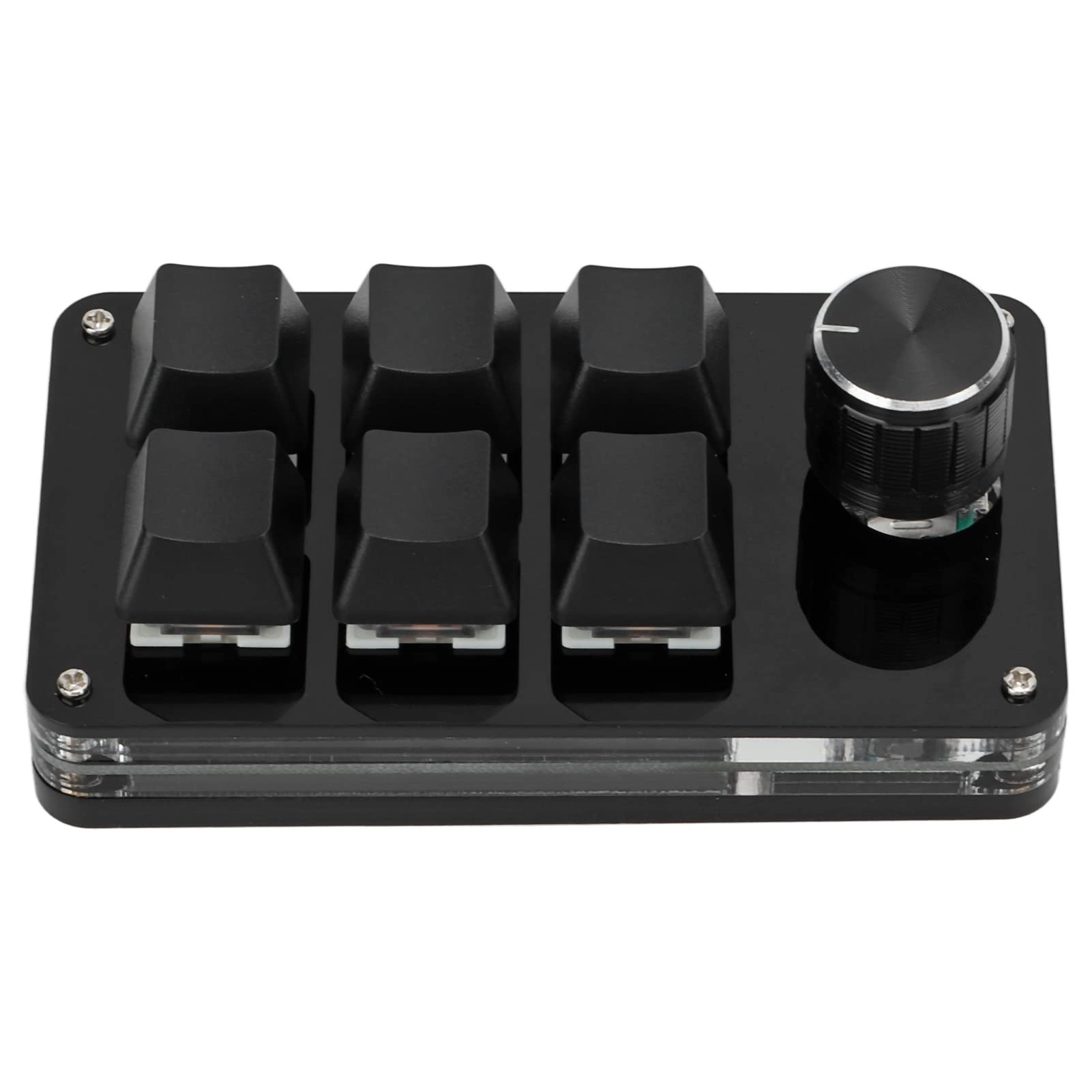
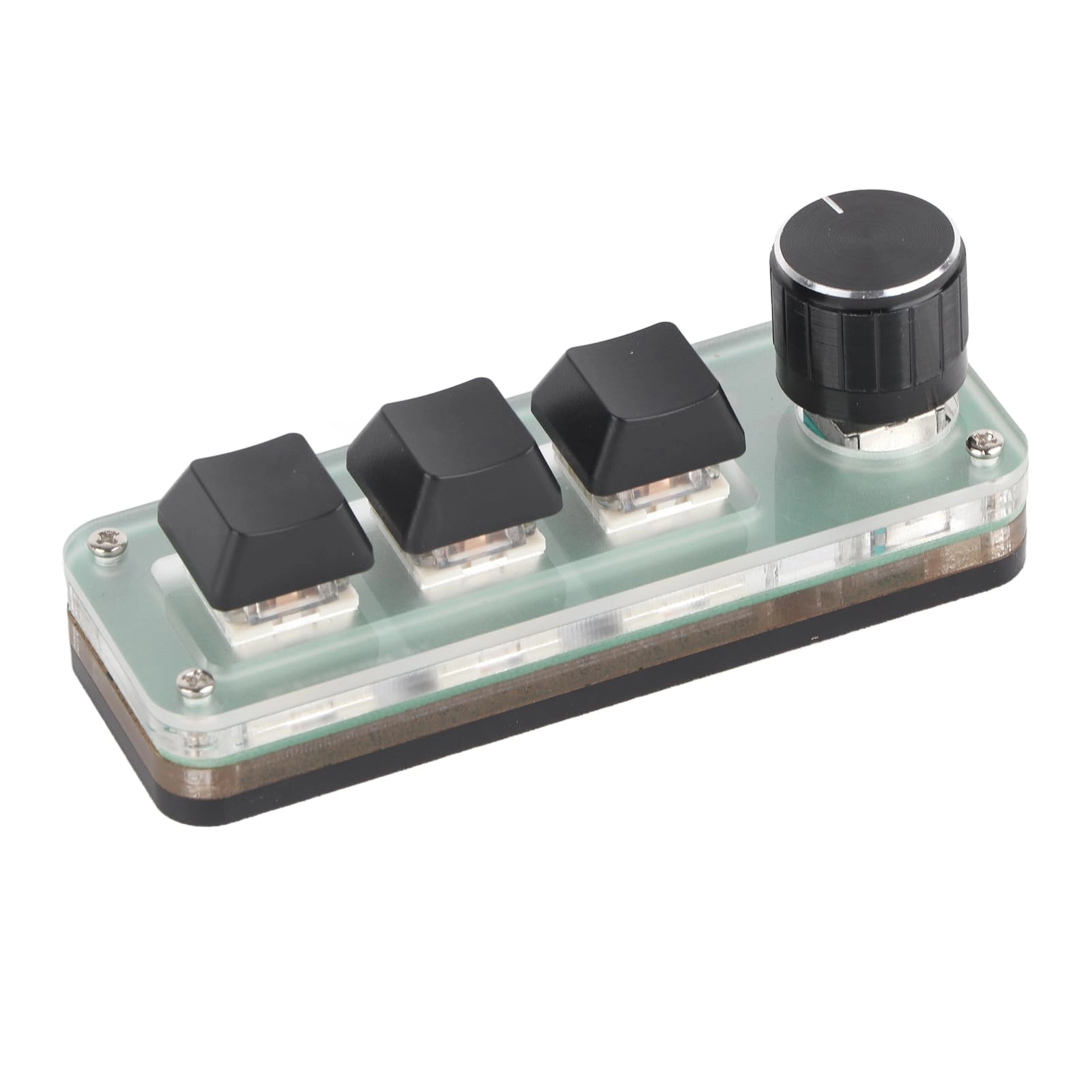
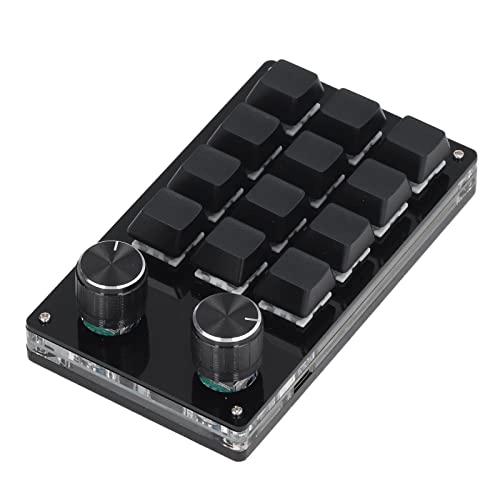
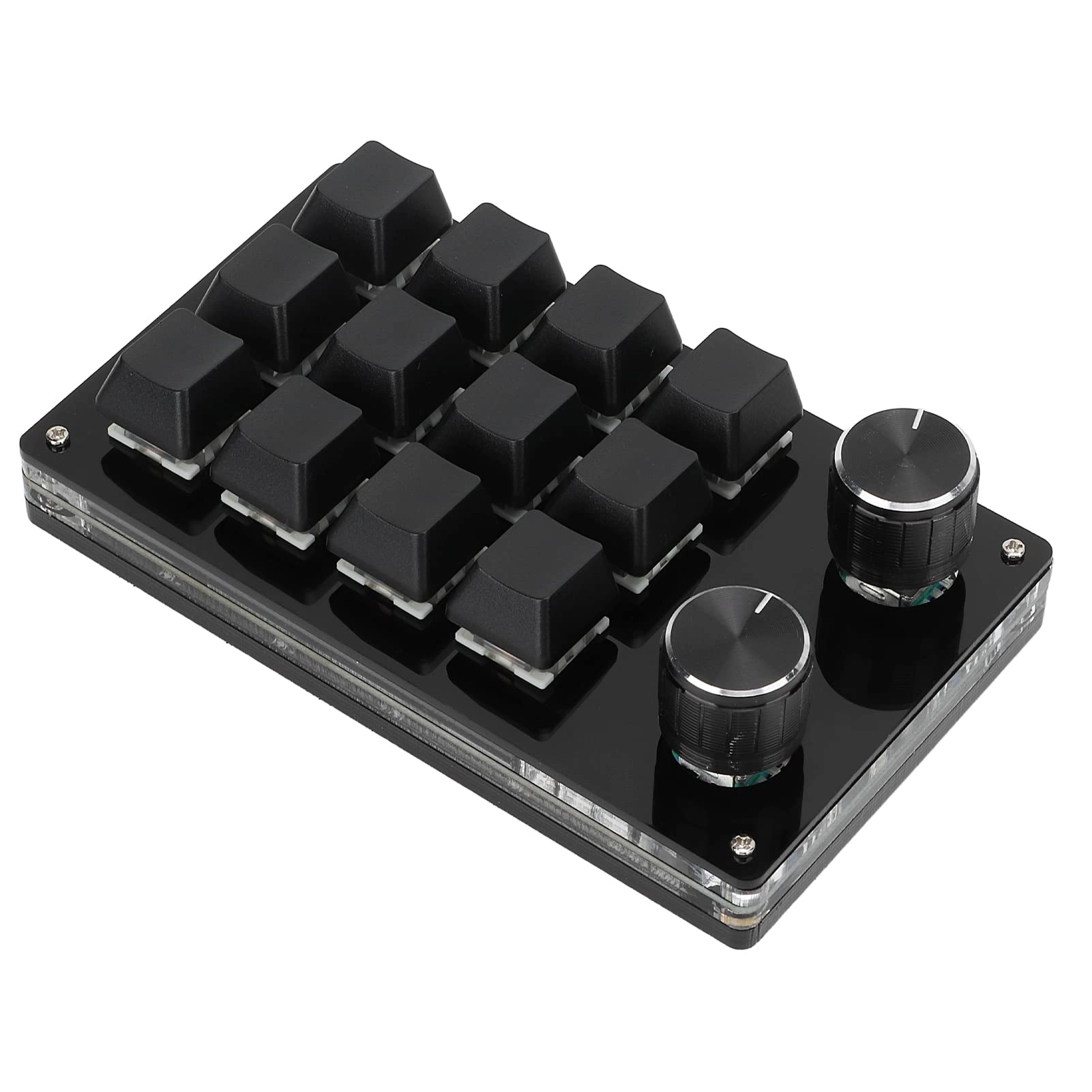
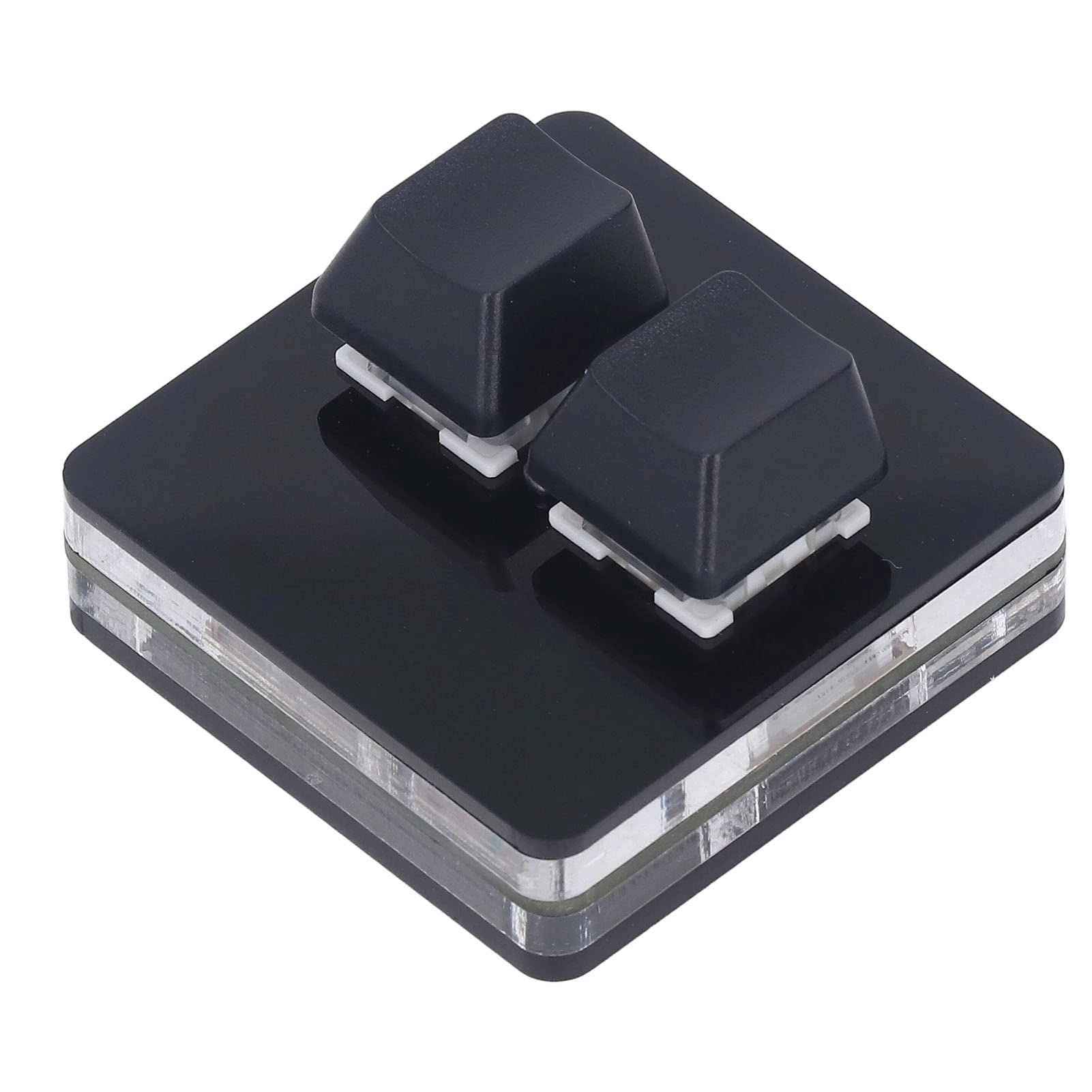
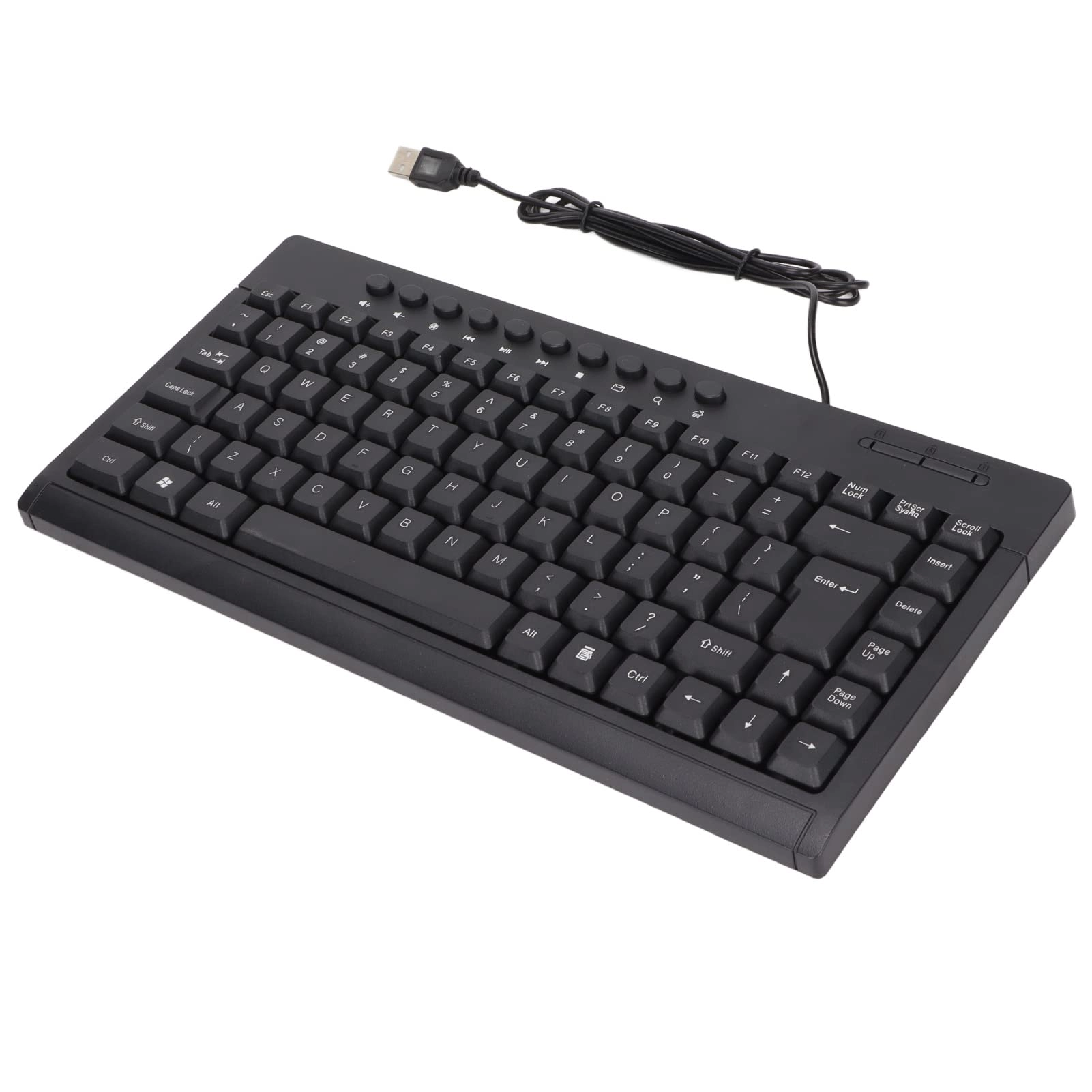
1. [CONVENIENT SHORT KEYS] Customizable 12-key keyboard with adjustment knob for quick shortcuts, reducing the complexity of tasks.
2. [MULTIFUNCTIONAL] The mini keyboard with multiple functions allows you to set overall hotkeys with ease, improving productivity.
3. [MEMORY FUNCTION] The storage function allows compatibility with systems that support the USB protocol, making it versatile for various operating platforms.
4. [SET KNOP] Customize the knob functions for multimedia controls such as play, pause, volume adjustment, bringing convenience at hand.
5. [PORTABLE AND PLUG-AND-PLAY] Compact Type-C to USB interface makes it easy to carry and use without the need for drivers, ideal for on-the-go use.
Technical specifications:
Item Type: Mechanical Macro Keyboard
Material: Acrylic, PCB
Usage: Suitable for office, games, music, media, industrial control, laboratory, production testing and other fields
Support: for , for VISTA, for OS X
Button life: up to 50 million times
Type: Green tree dust
Keys quantity: 12 keys
Size: approx. 132 x 77 x 38mm/5.2 x 3 x 1.5 inches (L x W x H)
Current and voltage: DC 5V/1A
Operating temperature: -10℃-50℃
Come to use:
1. Small keyboard, open the custom software on the computer.
2. On the custom software, please click \"Key Setting Area\" or \"Knob Setting\" Area\" (Yellow Area) and then click the key1‑key12 or any knob 1 button or knob 2 (green area) set; If selected, it will appear red.
3. Do the function key corresponding to the simulated keyboard on the custom software, do on download, requiring successful download, you can use the custom keyboard. For example, if you want to set the small keyboard key 1 as the shortcut key for copying (Ctrl+C), click \"Keyboard Area\" on the software, click \"KEY 1\", then Ctrl and C on the software simulation keyboard, click Download and the message \"download successful\" will appear.
Common Troubleshooting Methods:
Problem 1: When the keyboard is connected to the computer, no response is received or a message appears indicating that the device is working in abnormal mode.
Solution: Check if the cable and interface are connected correctly, remove and reinsert them. Replace your computer's USB port and plug it back in.
Error 2: Unable to open custom software after download.
Solution: Check if the antivirus software intercepts the operation and set it as a trusted file.
Question 3: After connecting the computer, why is it always \"a\" when you press a button or knob?
Solution: The output a is the normal factory setting, open the custom software to redefine the function of the key.
Packing List:
1 x Keyboard
1 x USB cable.
Note:
1. This software can only be run temporarily on , try to download it on the PC side of the computer, no need to install the setting software, it can run directly after opening, and it will automatically be stored on the chain disk after setting, then connect it to the USB protocol that supports USB protocol. Use for OS X and other systems (the first time you run it, pay attention to the antivirus software version and set it as a trusted file)!2. When customers read the manual, please note that the product does not come with RGB function, but the product manual is a document describing the RGB function; please ignore the description of the RGB function in the manual.