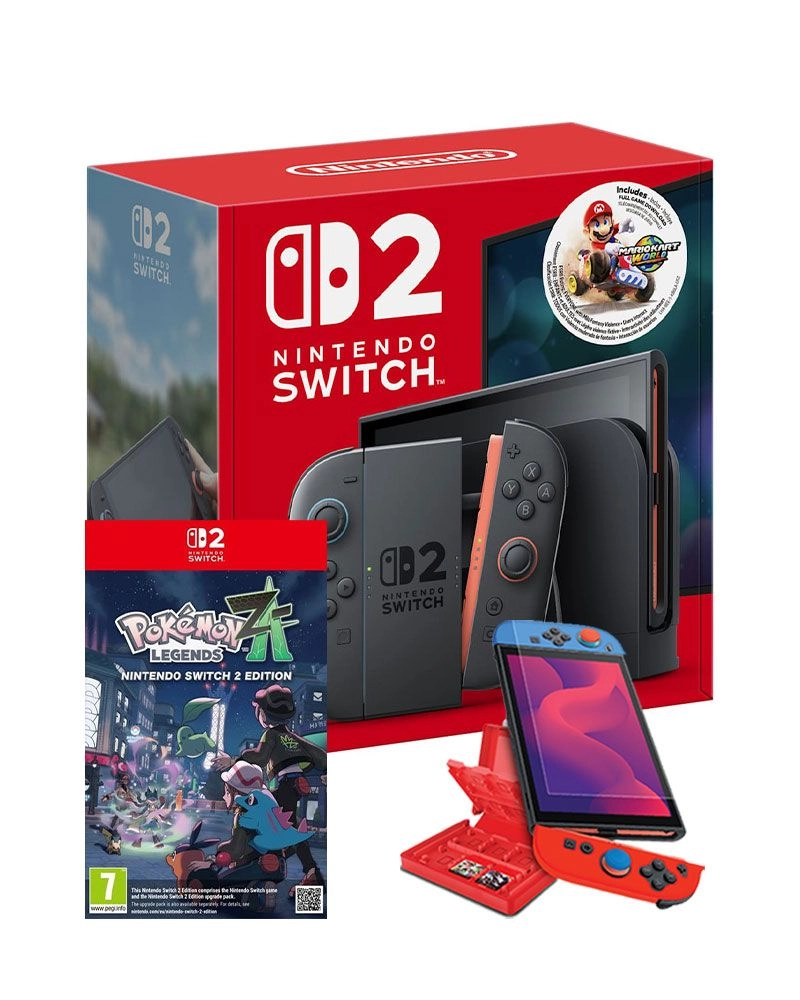
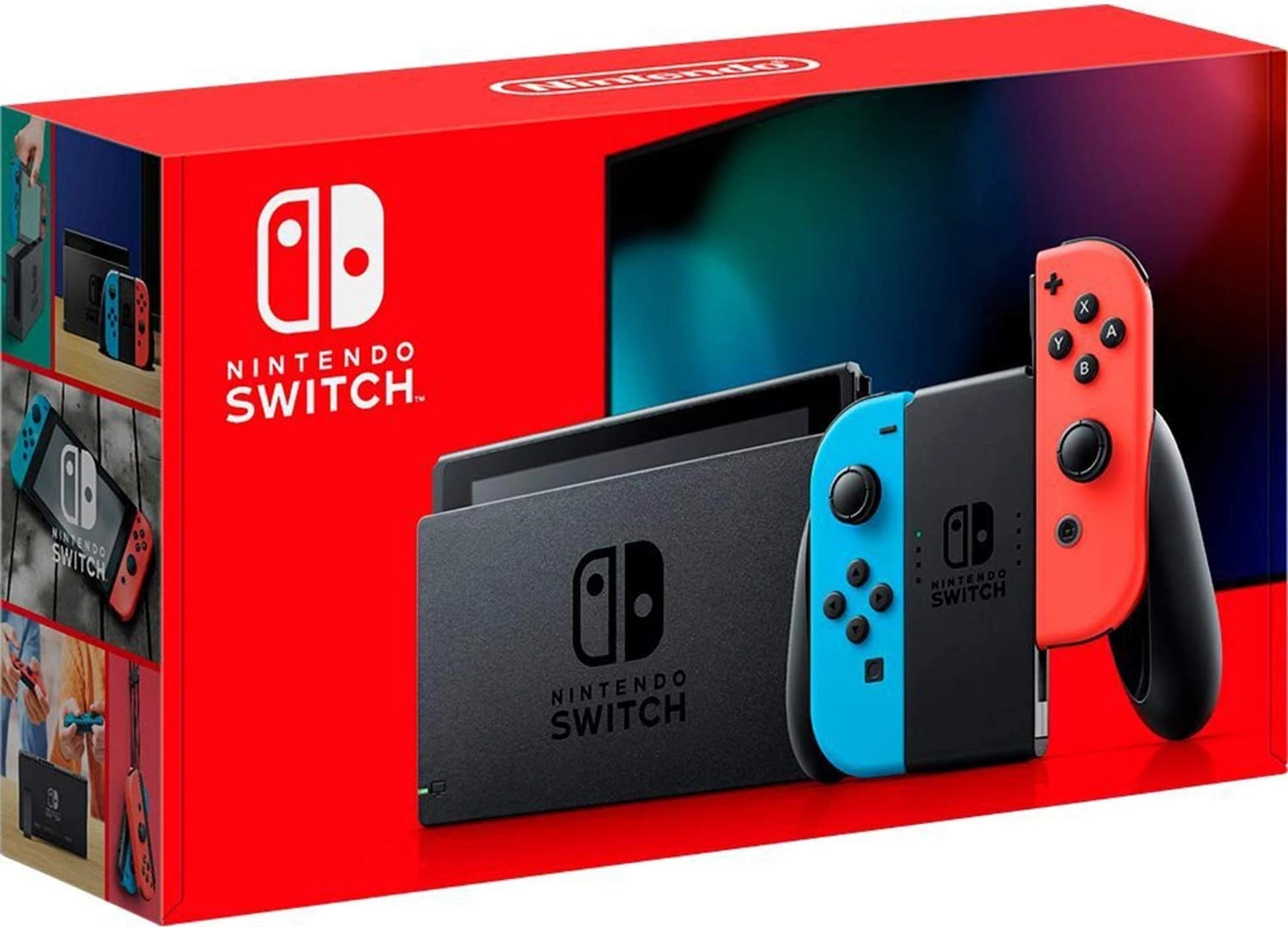
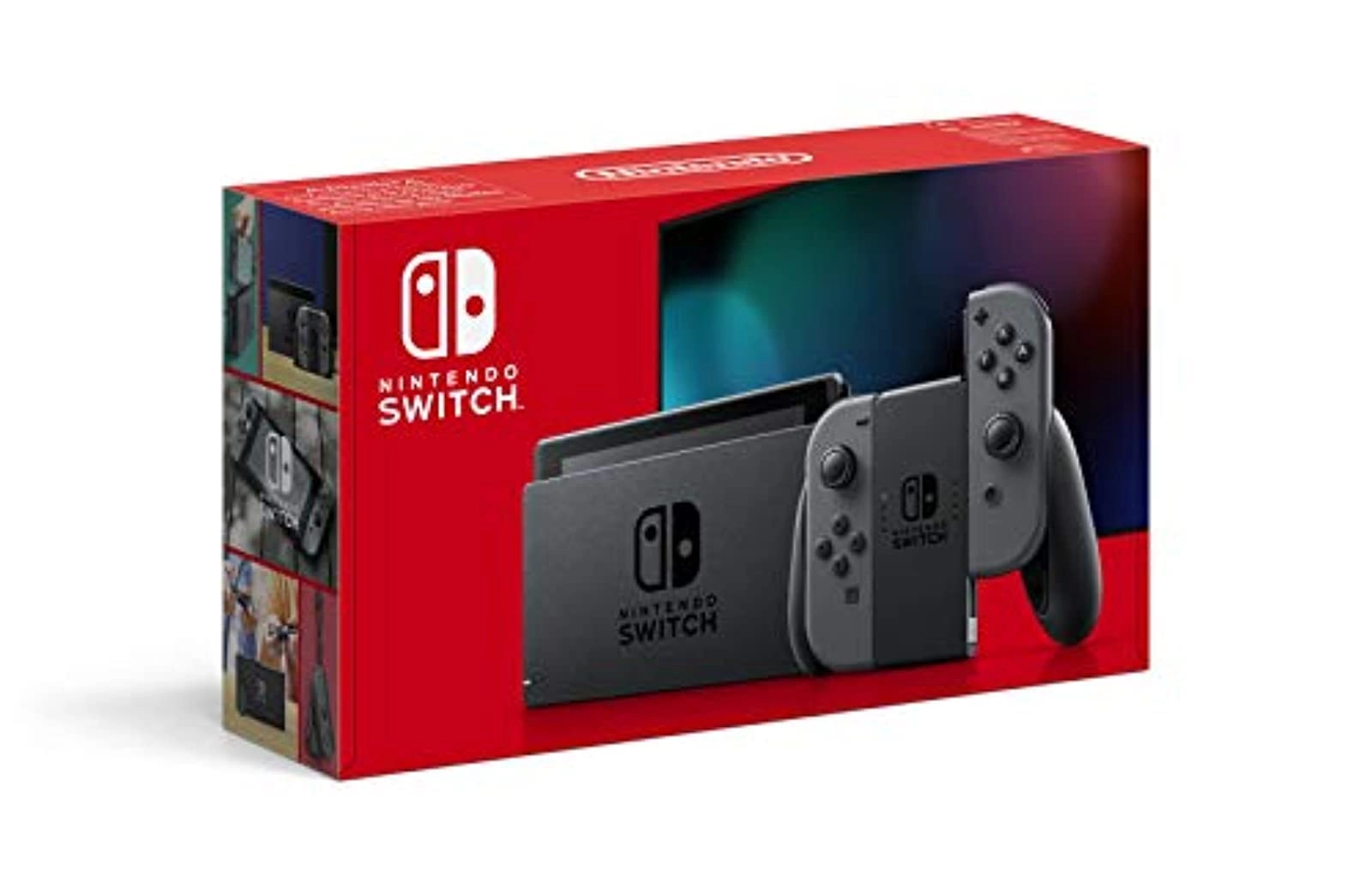
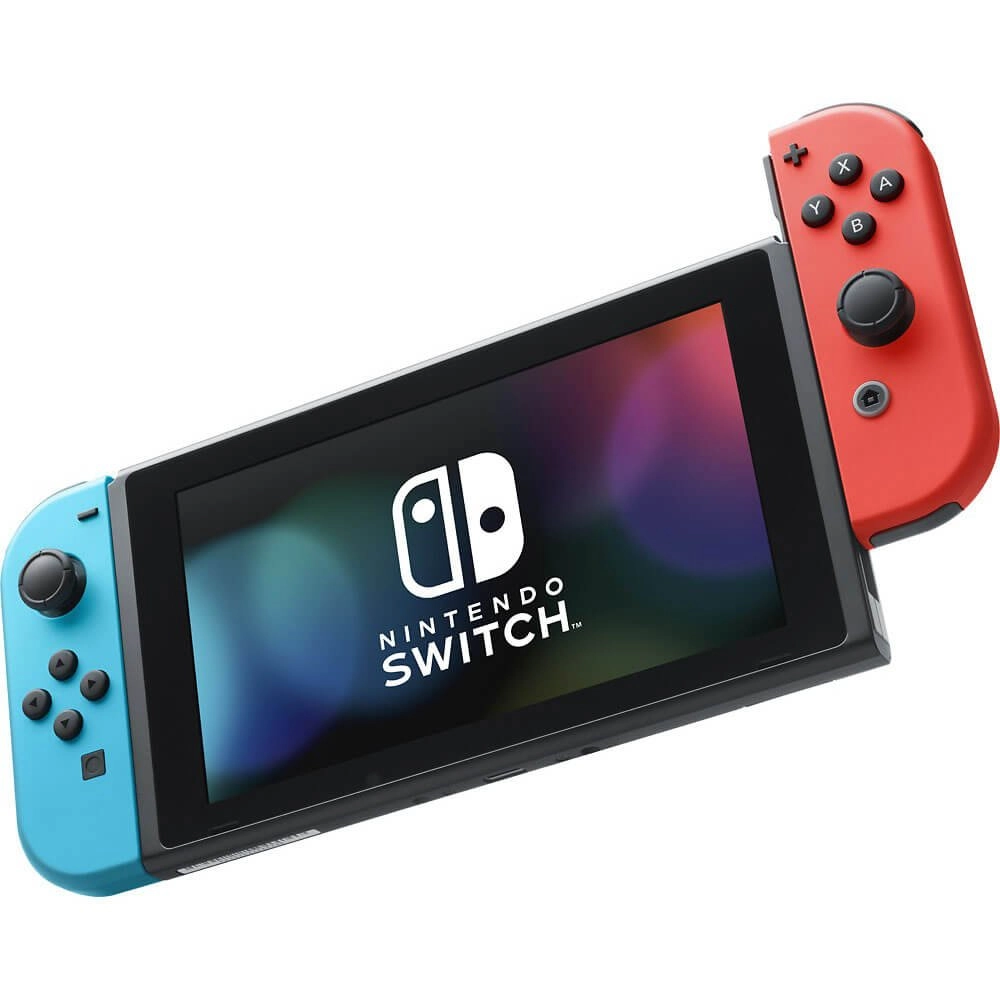
The Nintendo Switch is a video game console developed by Nintendo and released worldwide in most regions on March 3 2017. The console itself is a tablet that can either be docked for use as a home console or used as a portable device making it a hybrid console. Its wireless Joy-Con controllers with standard buttons and directional analogue sticks for user input motion sensing and tactile feedback can attach to both sides of the console to support handheld-style play.
They can also connect to a Grip accessory to provide a traditional home console gamepad form or be used individually in the hand like the Wii Remote and Nunchuk supporting local multiplayer modes. The Nintendo Switch's software supports online gaming through Internet connectivity as well as local wireless ad hoc connectivity with other consoles. Nintendo Switch games and software are available on both physical flash-based ROM cartridges and digital distribution via Nintendo eShop the system has no region lockout.
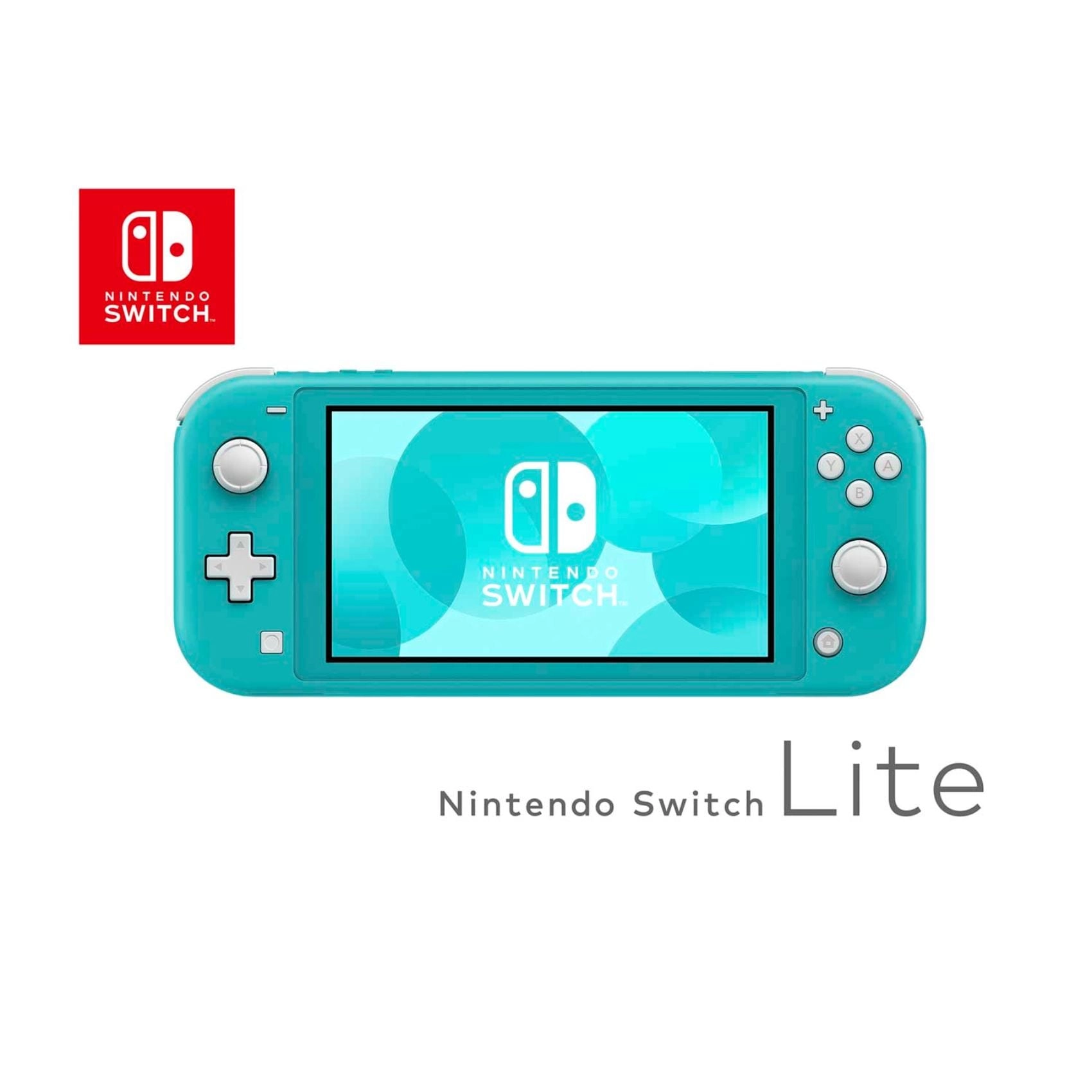
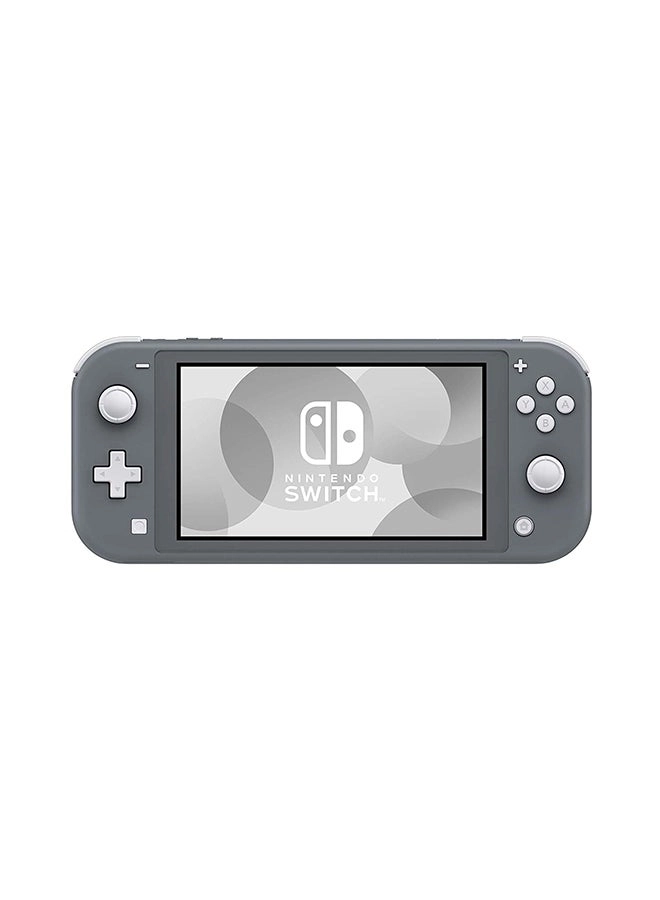
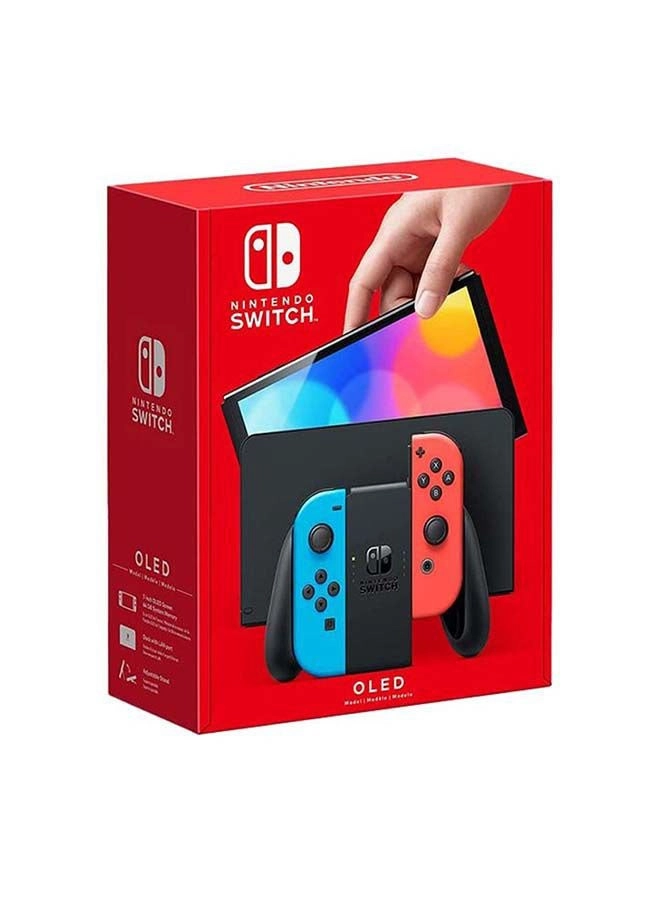
A handheld-focused revision of the system called the Nintendo Switch Lite was released on September 20 2019. A revised higher-end model featuring an OLED screen was released on October 8 2021.
Reviews
Loading...
Loading...
Loading...
Loading...
Loading...
Loading...
Loading...
Loading...
Loading...
Loading...
Loading...
Loading...
Loading...
Loading...
Loading...
Loading...
Loading...
Loading...
Loading...
Loading...
Loading...
Loading...
Loading...
Loading...
Loading...
Loading...
Loading...
Loading...
Loading...
Loading...
Loading...
Loading...
Loading...
Loading...
Loading...
Loading...
Loading...
Loading...
Loading...
Loading...
Loading...
Loading...
Loading...
Loading...
Loading...
Loading...
Loading...
Loading...
Loading...
Loading...
Loading...
Loading...
Loading...
Loading...
Loading...
Loading...
Loading...
Loading...
Loading...
Loading...
Loading...
Loading...
Loading...
Join our newsletter
Be the first to know about new arrivals, sales, and exclusive picks
Sign in to unlock newsletter access and stay in the loop