Allware
Loading...
  • News
  • Price drops
  • New arrivals
  • Featured categories
  1. Computers & Peripherals
  2. Printers & Scanners
  3. Printing Equipment
  4. Multifunction Printers
OEP103W - Thermal
OEP103W - Thermal
OEP103W - Thermal
OEP103W - Thermal
OEP103W - Thermal
OEP103W - Thermal
OEP103W - Thermal
OEP103W - Thermal
OEP103W - Thermal

Morelian OEP103W - Thermal

Best offer
AED
1 33680

Key Features

  • Colour name: Gold
  • Scanner type: Portable
  • Product colour: Gold
  • Connectivity technology: USB
  • ASIN: B0C9QSSWXB
  • Country of origin: China
  • Offers
  • Price History
  • Specifications
  • Product Details
  • Review IconReviews

Specifications

Features

Country of origin
China
Connectivity technology
USB
Product colour
Gold
Colour name
Gold

Scanning

Scanner type
Portable

Logistics data

ASIN
B0C9QSSWXB

Product Details

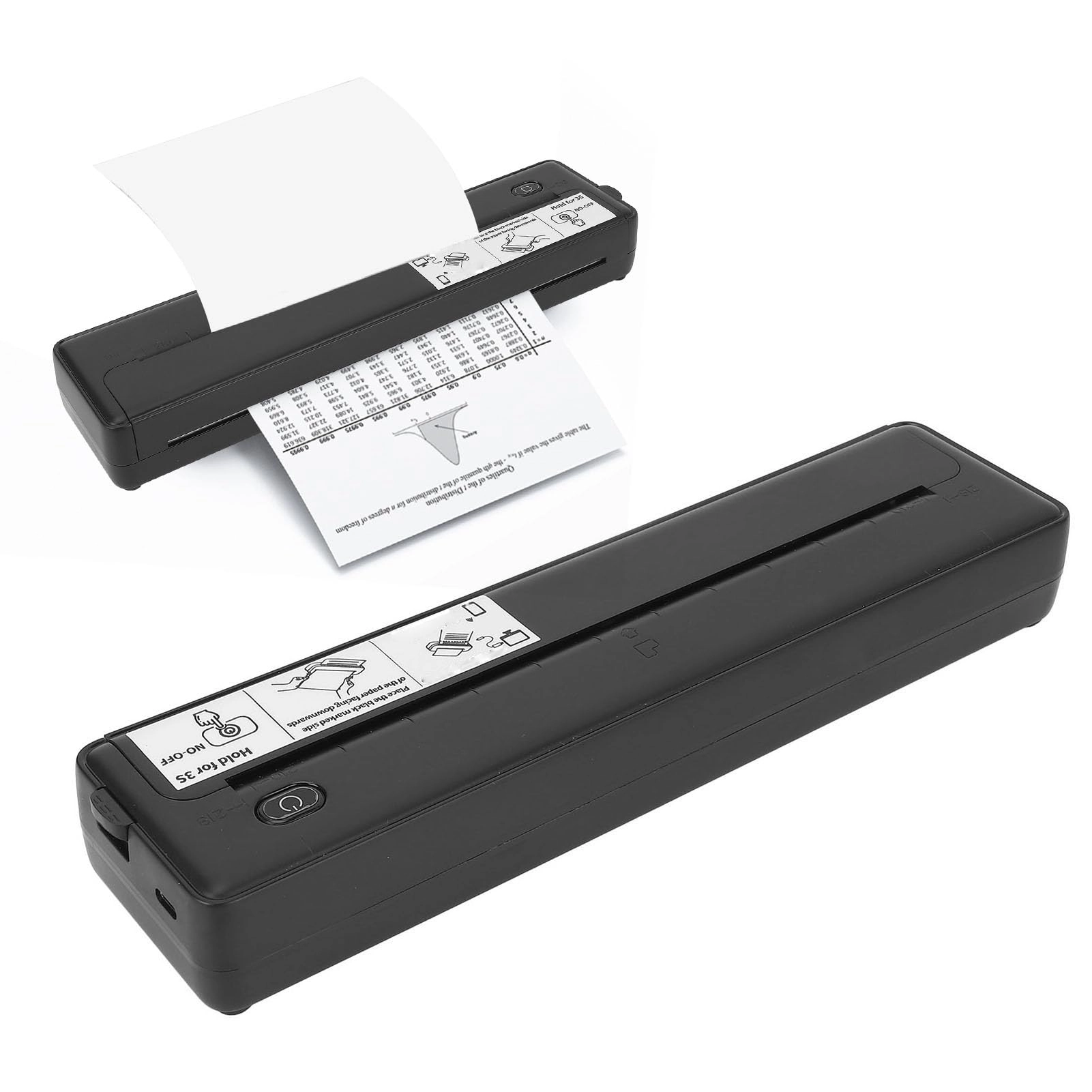
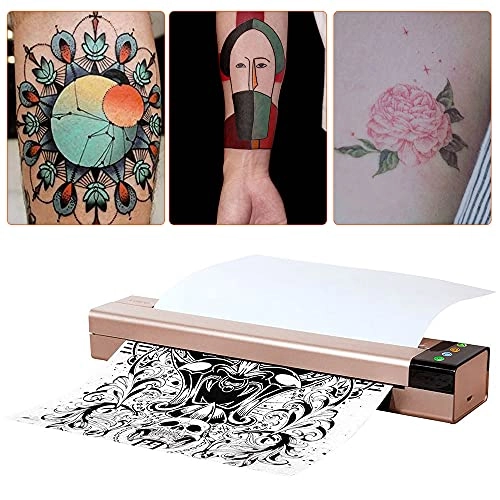
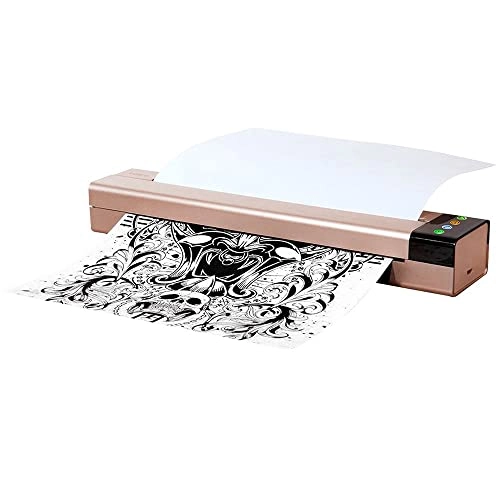
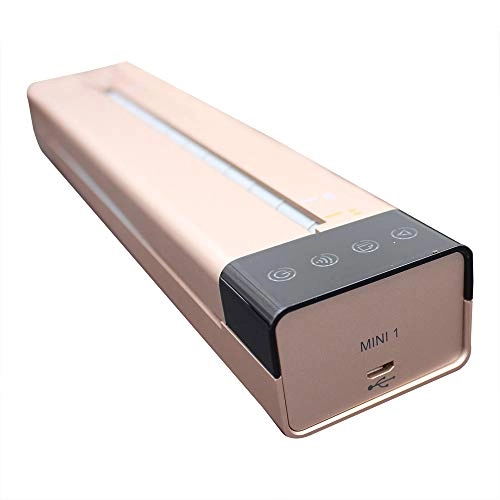
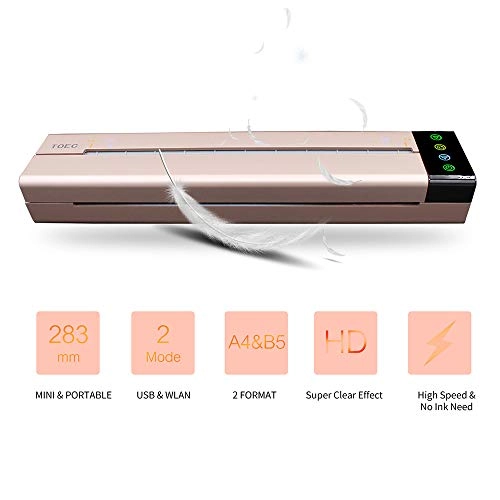
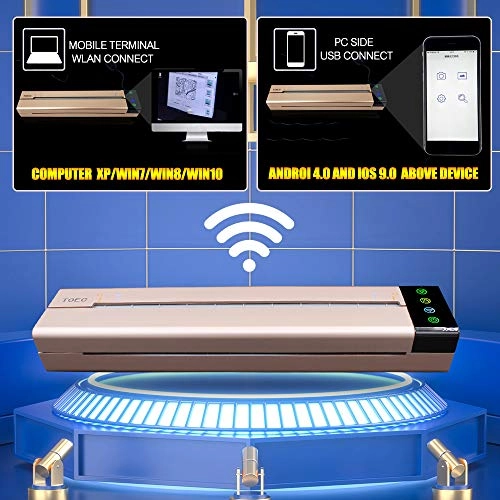
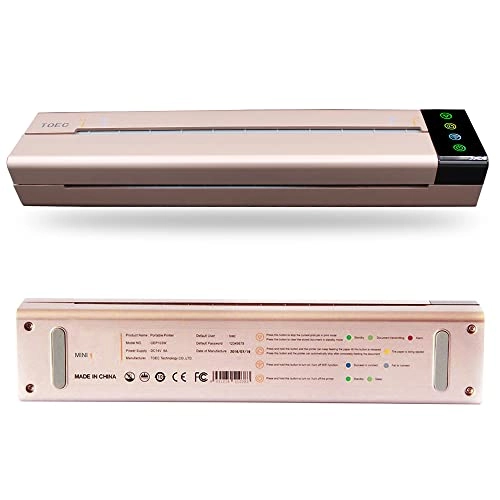
/>Open the document needed to print, and select "Print" in the "File" menu. In the "Print" dialog box, click the "Name" in drop-down list box and select "OEP103W". Click "Properties", select advanced option in the "Paper/Quality" tab in the dialog box, and select the brightness to change the light or dark effect of the printed document. Set up the printing option and the number of copies, and click "OK" to confirm. The printer begins to print and the window of "OEP103W Status Monitor" pops up on the computer. If need to cancel the t print job, you can press the "Clear" button on the printer or click "Cancel printing" to stop the t print job in the window of "OEP103W Status Monitor". 3. Print via WLAN: When print via WLAN, please make sure the printer has already been connected successfully. Please select "OEP103W-WLAN" in the drop-down list box in the "Name" in "Print" dialog box, and other procedures are same with USB printing operation. How to use the transfer machine? 1. Select your favorite pattern and type it on a blank paper (A4 paper size). 2. Turn the machine on. 3. Open the transfer paper cover. 4. Put the yellow side of the stencil sheets into the transfer paper input mouth. 5. Put the printed pattern into the document feeder. 6. Set up the copy mode. 7. Press the copy button. Frequently Question & Answers: Q1: How to solve machine prints random line or black lines problem? A: Please Restore Default Setting & Clean Roller Regularly. Wipe out the inks on the roller regularly to avoid printing black line. Q2: How to solve paper jam up problem? A: If the machine is overheating, the paper will jam up, please wait for the machine to cool down, and then you can use it again.

Reviews

Loading...
Loading...
Loading...
Loading...
Loading...
Loading...
Loading...
Loading...
Loading...
Loading...
Loading...
Loading...
Loading...
Loading...
Loading...
Loading...
Loading...
Loading...
Loading...
Loading...
Loading...
Loading...
Loading...
Loading...
Loading...
Loading...
Loading...
Loading...
Loading...
Loading...
Loading...
Loading...
Loading...
Loading...
Loading...
Loading...
Loading...
Loading...
Loading...
Loading...
Loading...
Loading...
Loading...
Loading...
Loading...
Loading...
Loading...
Loading...
Loading...
Loading...
Loading...
Loading...
Loading...
Loading...
Loading...
Loading...
Loading...
Loading...
Loading...
Loading...
Loading...
Loading...
Loading...

Join our newsletter

Be the first to know about new arrivals, sales, and exclusive picks

Sign in to unlock newsletter access and stay in the loop

Allware
info@allware.com
+971522500911
World technology awards winner badge

Allware

  • About Us
  • Terms And Conditions
  • Privacy Policy
  • Contact Us

Partners

  • Why become a partner?
  • How to list your Online Shop?

Newsletter

  • Subscribe

Info

  • How Allware works
All Rights Reserved.
Please enable location access or select an emirate
-
00:00:00
Prayer timings

Offers (1)

Amazon logo

1 offer

From
AED
1 336

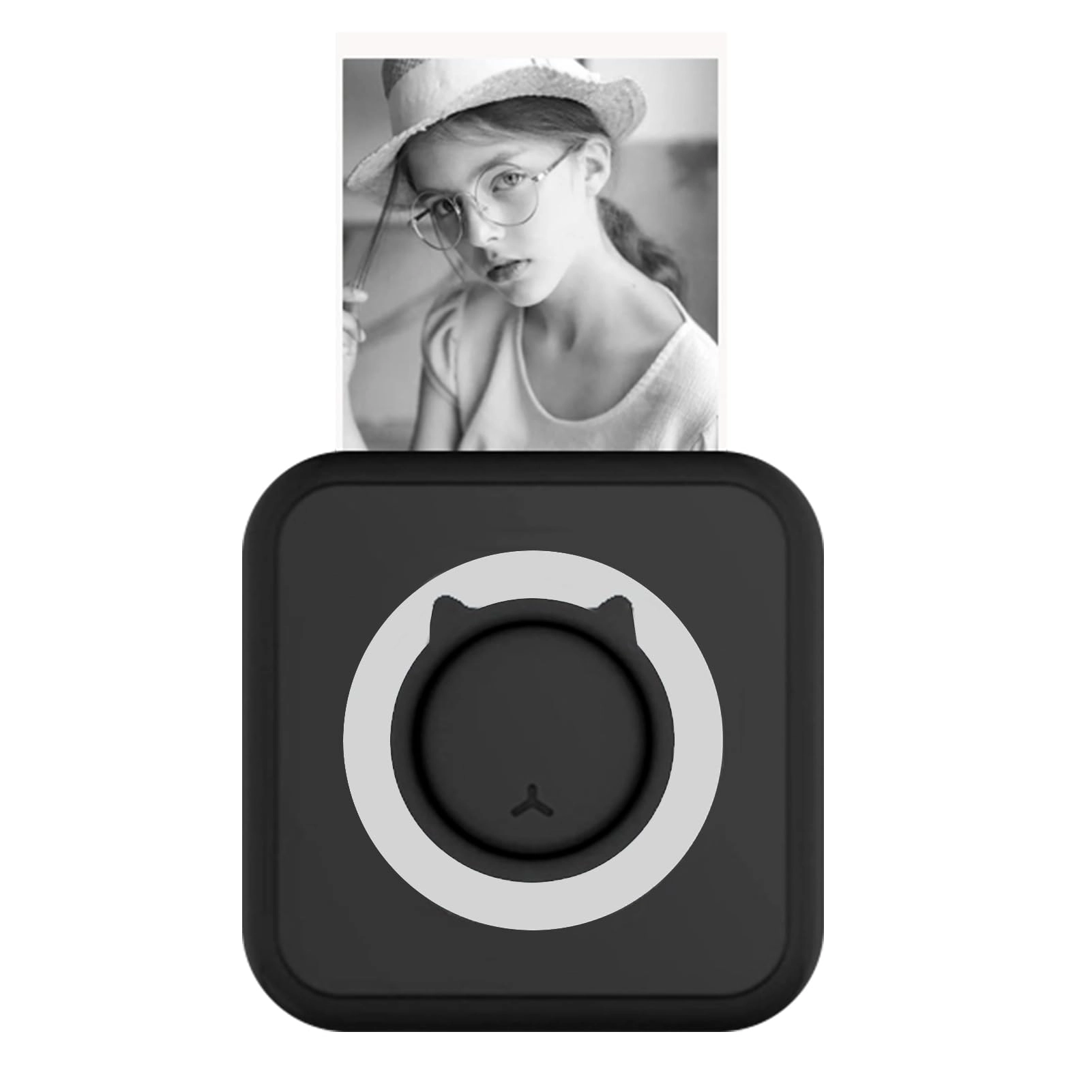
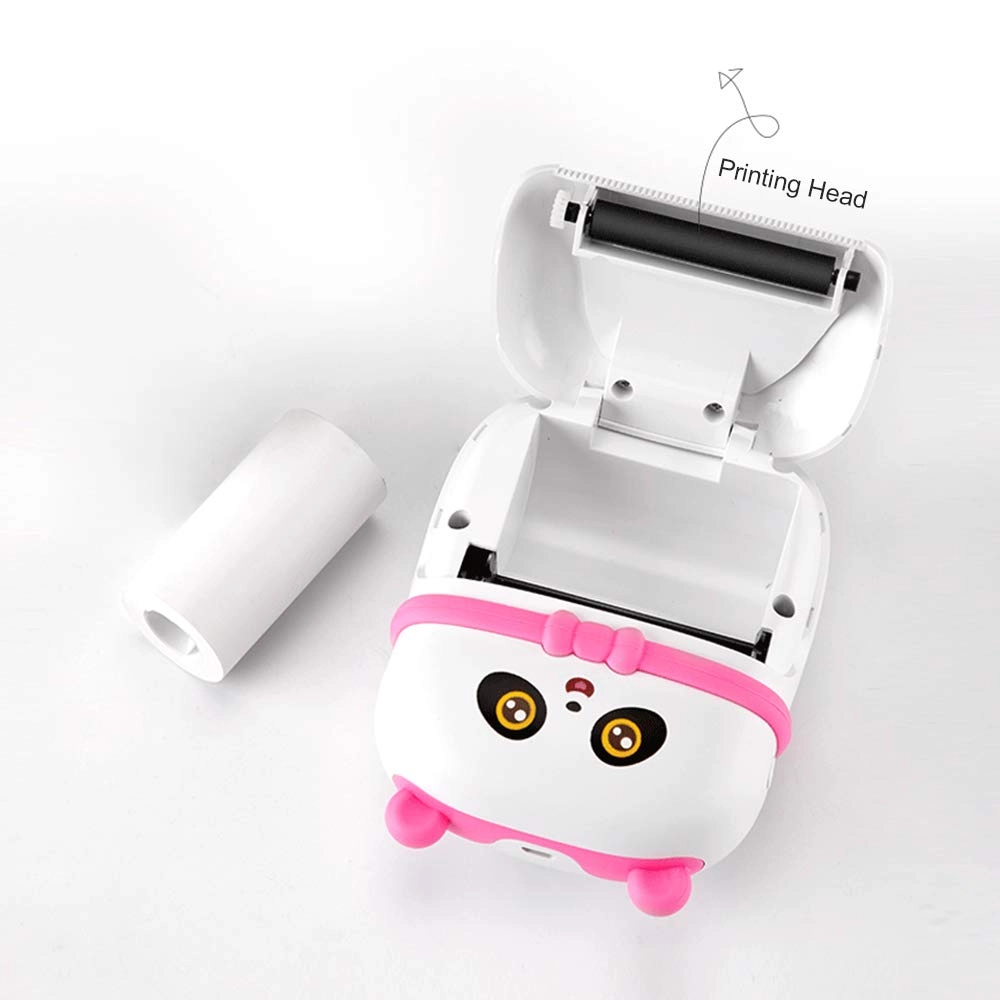
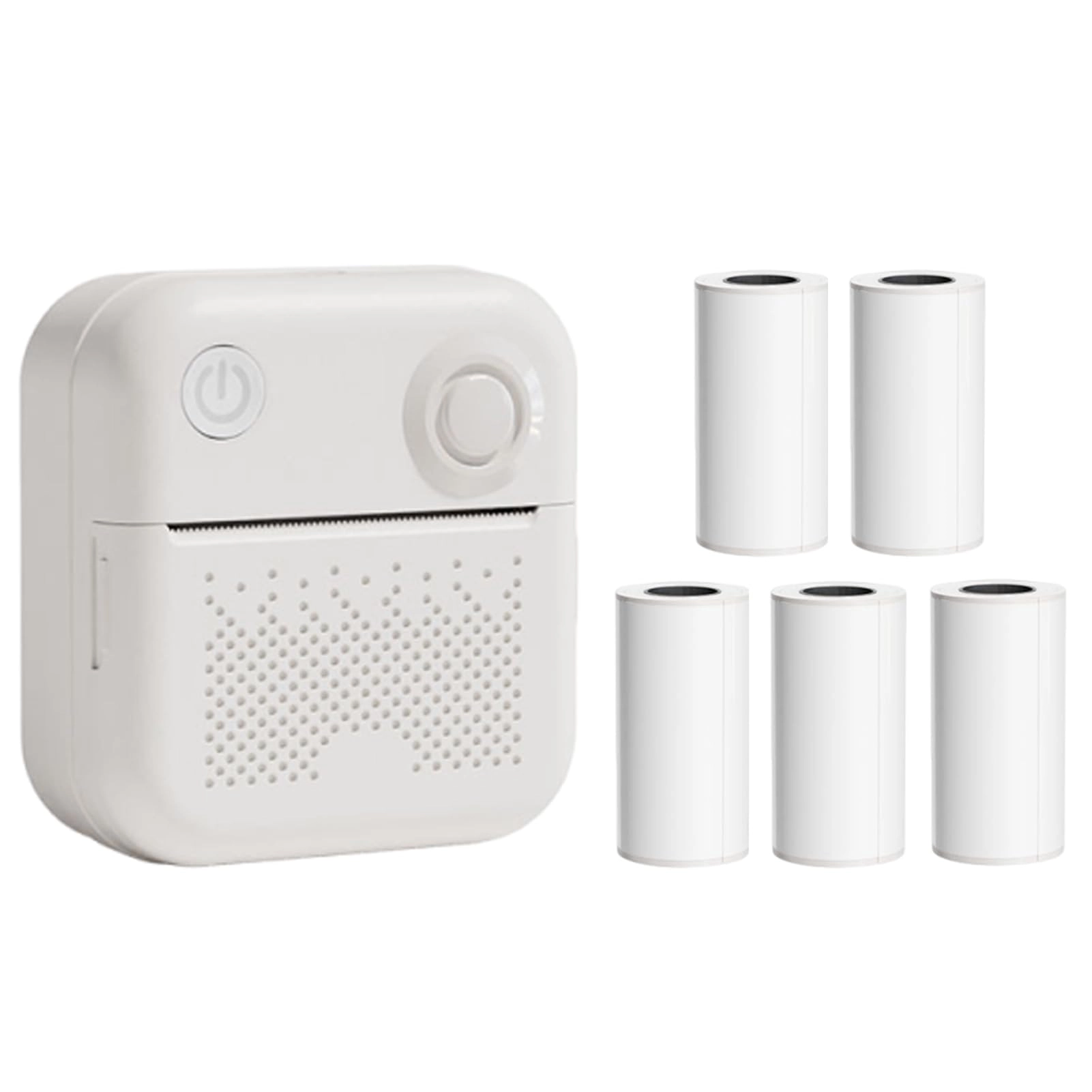
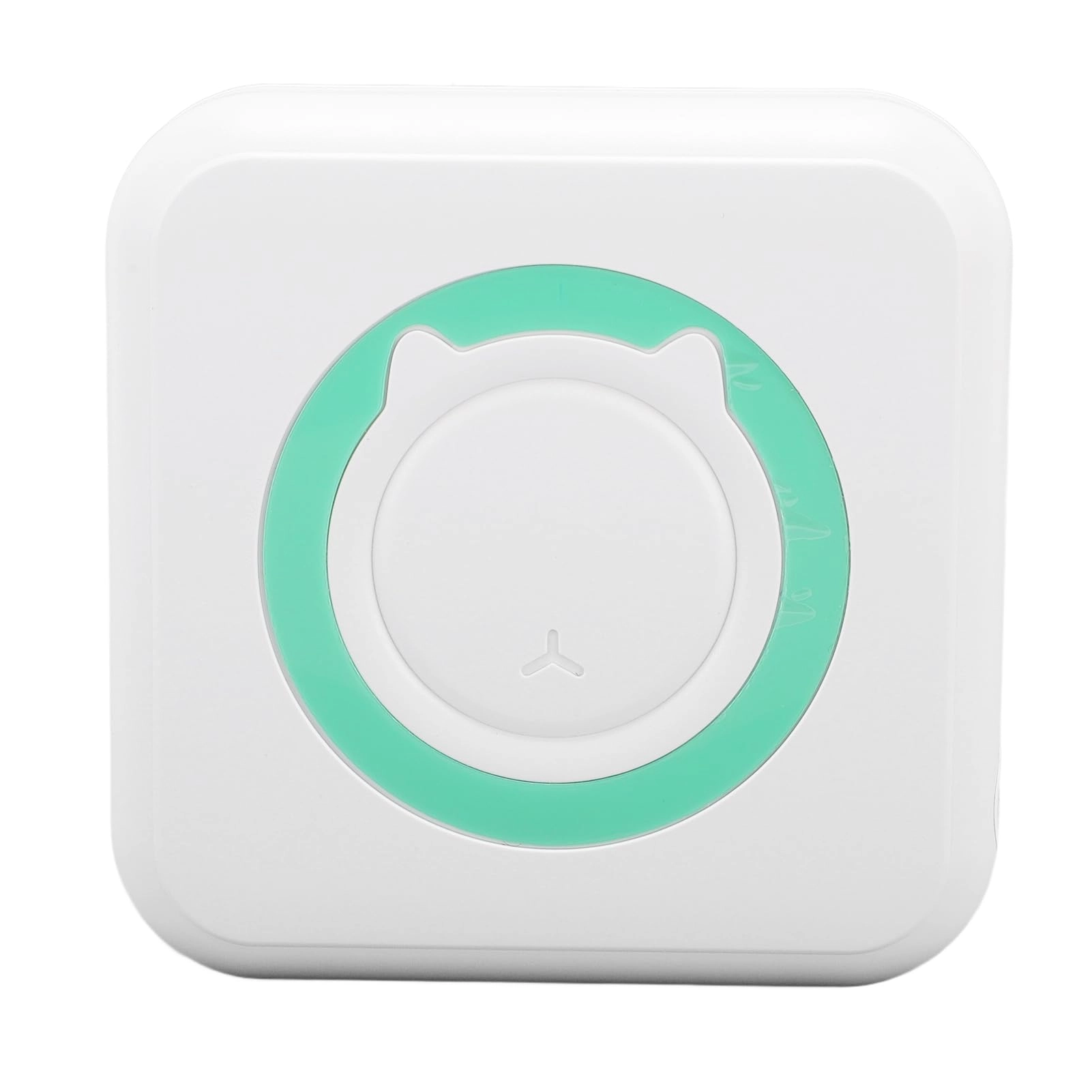
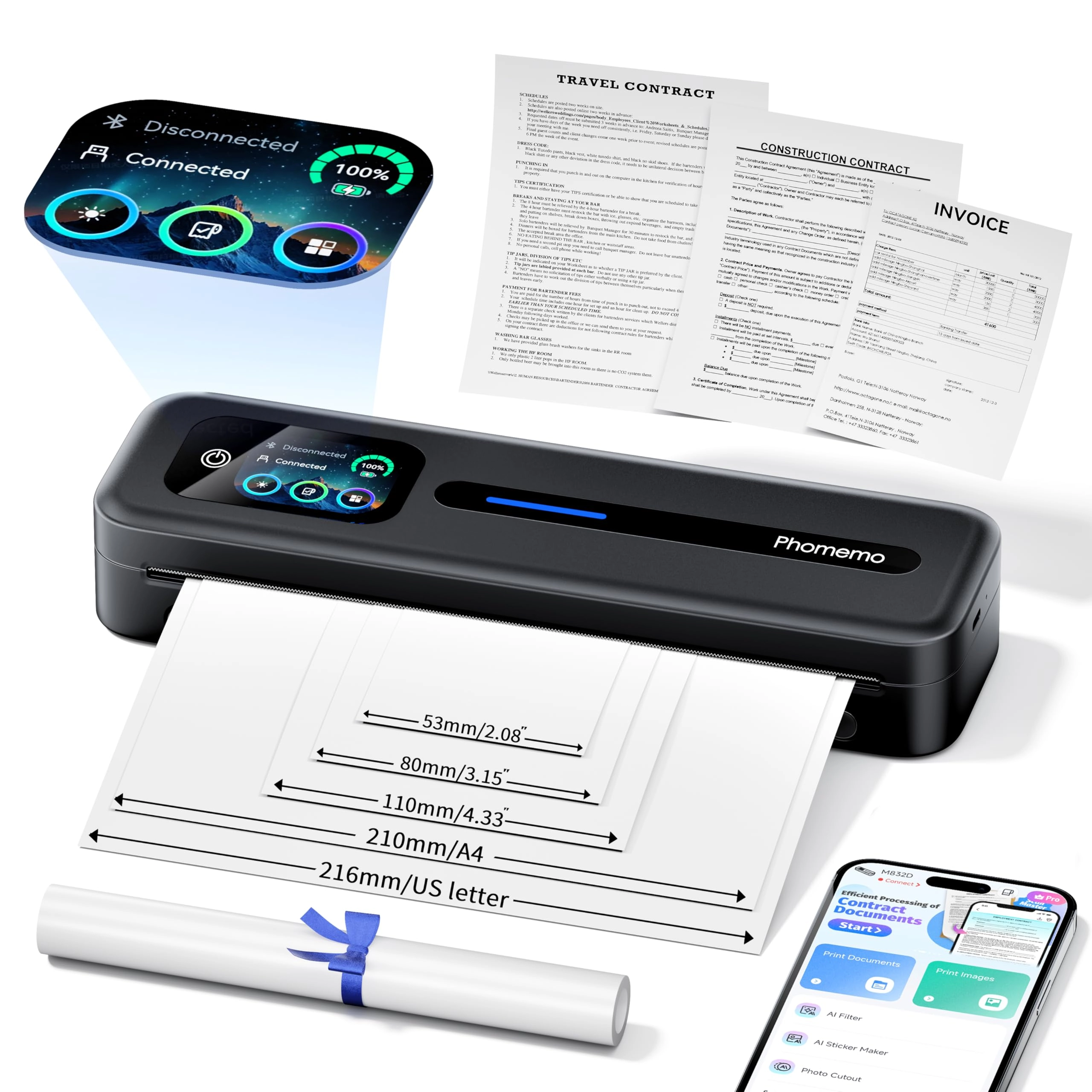
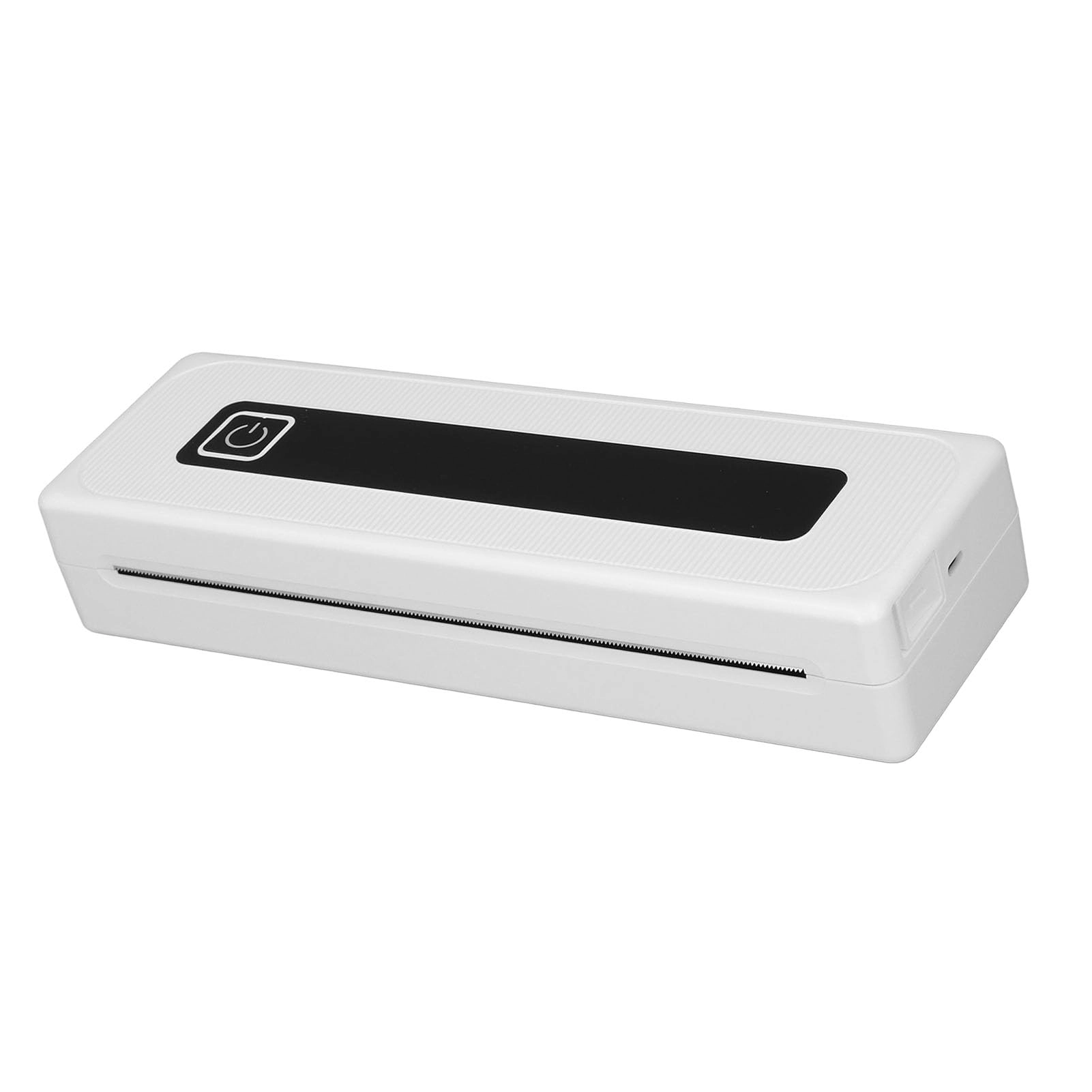
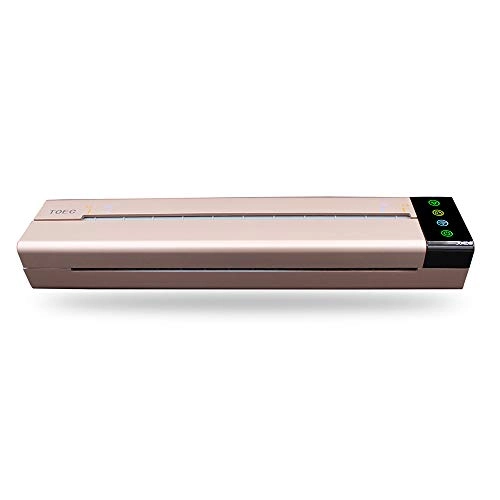
Morelian Portable Transfer Stencil Machine Mini USB Port Thermal Copier Printer Compatible with Mobile Phone Device and Computer

Gold
AED
1 33680

Price History

Price History Skeleton
Price History Shimmer Effect
Loading price history...

Similar Products

See all
Morelian All-in-one Photo Printer - Thermal Printing Bundle

Morelian All-in-one Photo Printer - Thermal Printing Bundle

AED
5679
5 offers
OUNA Mini Printer - Thermal Color

OUNA Mini Printer - Thermal Color

AED
6780
2 offers
Hi.FANCY Mini Printer - Thermal Ink Technology black and white

Hi.FANCY Mini Printer - Thermal Ink Technology black and white

Unavailable
1 offer
Zhjvihx X8 - Thermal Monochrome

Zhjvihx X8 - Thermal Monochrome

AED
25474
1 offer
Irovami All-in-one Photo Printer - Thermal Monochrome

Irovami All-in-one Photo Printer - Thermal Monochrome

AED
6772
1 offer
farliney All-in-one Photo Printer - Thermal Printing

farliney All-in-one Photo Printer - Thermal Printing

AED
8206
1 offer
Plyisty rbnd5ac98z - Thermal

Plyisty rbnd5ac98z - Thermal

AED
24216
1 offer
sweetty Mini Printer - Thermal Single Color

sweetty Mini Printer - Thermal Single Color

AED
7067
1 offer

More from Morelian

See all
Morelian era - 4K

Morelian era - 4K

AED
29219
1 offer
Morelian HA800 - Headphone Amplifier 8 Channels

Morelian HA800 - Headphone Amplifier 8 Channels

AED
8579
2 offers
Morelian ST211 - 25mm

Morelian ST211 - 25mm

AED
8919
2 offers
Morelian G5 Gaming Mouse - Wired

Morelian G5 Gaming Mouse - Wired

AED
2949
1 offer
Morelian T97 - Smartwatch with Earbuds 1.39-inch IP67

Morelian T97 - Smartwatch with Earbuds 1.39-inch IP67

AED
12899
3 offers
Morelian FY382 - 30mm

Morelian FY382 - 30mm

AED
11089
1 offer
Morelian Baby Piano - 18 months - 3 years

Morelian Baby Piano - 18 months - 3 years

AED
3699
2 offers
Morelian N5 - 2.4G/BT/Wired

Morelian N5 - 2.4G/BT/Wired

AED
23959
1 offer
Morelian P1 - 32GB 2.4-inch IPS

Morelian P1 - 32GB 2.4-inch IPS

AED
18686
2 offers
Morelian Car DVR Camera - 1920 x 1080 30FPS

Morelian Car DVR Camera - 1920 x 1080 30FPS

AED
4039
2 offers
Loading...
Loading...
Loading...
Loading...
Loading...
Loading...
Loading...
Loading...
Loading...
Loading...
Loading...
Loading...
Loading...
Loading...
Loading...
Loading...
Loading...
Loading...
Loading...
Loading...
Loading...
Loading...
Loading...
Loading...
Loading...
Loading...
Loading...
Loading...
Loading...
Loading...
Loading...
Loading...
Loading...
Loading...
Loading...
Loading...
Loading...
Loading...
Loading...
Loading...
Loading...
Loading...
Loading...
Loading...
Loading...