Allware
Loading...
  • News
  • Price drops
  • New arrivals
  • Featured categories
  1. Computers & Peripherals
  2. Networking
  3. Networking Hardware
  4. Wireless Routers
WRT150N - 802.11bgn

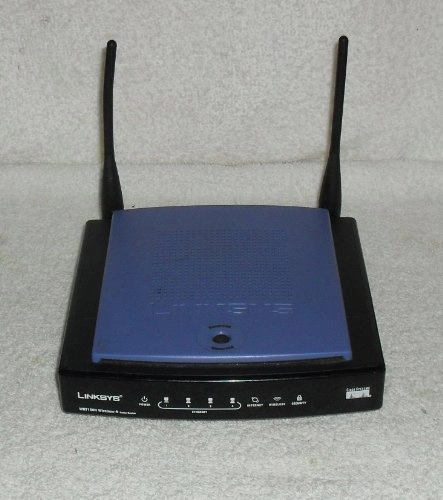
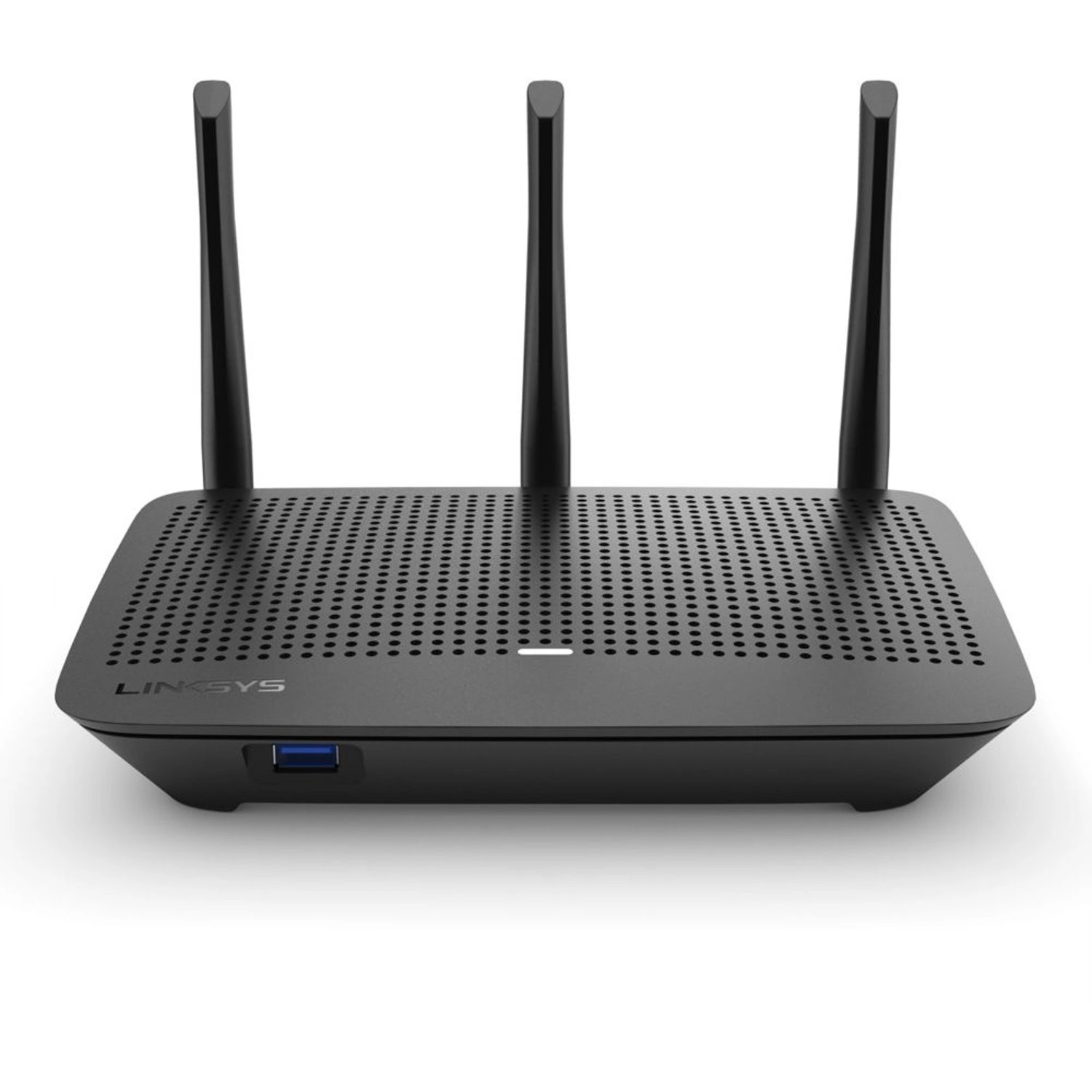
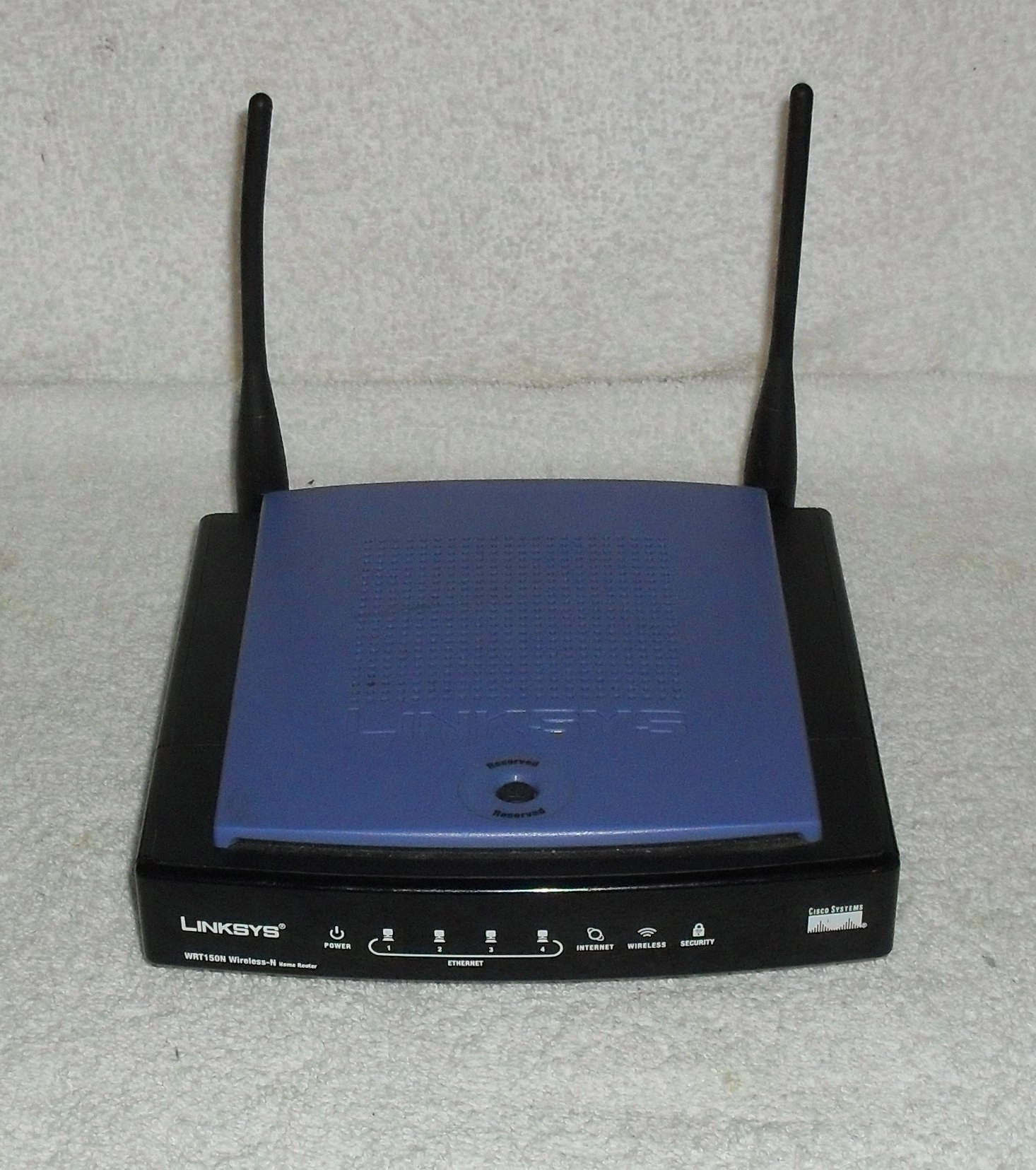
Linksys WRT150N - 802.11bgn

Unavailable

Key Features

  • Supports ISDN connection: No
  • Antenna gain level (max): 1.8dBi
  • Full duplex: Yes
  • Maximum data transfer rate: 0.1Gbit/s
  • xDSL connection: No
  • Security algorithms: WEP, WPA, WPA2
  • Dimensions (WxDxH): 170 x 150 x 36mm
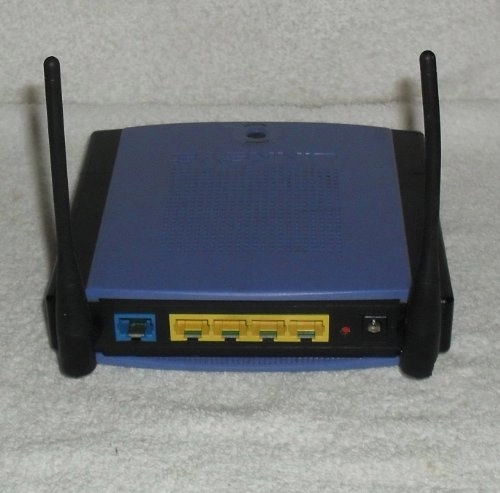
  • Ethernet LAN (RJ-45) ports: 4
  • Weight: 371g
  • Storage relative humidity (H-H): 5 - 90%
  • Operating relative humidity (H-H): 10 - 85%
  • Universal Plug and Play (UPnP): Yes
  • Minimum system requirements: - Internet Explorer 6.0
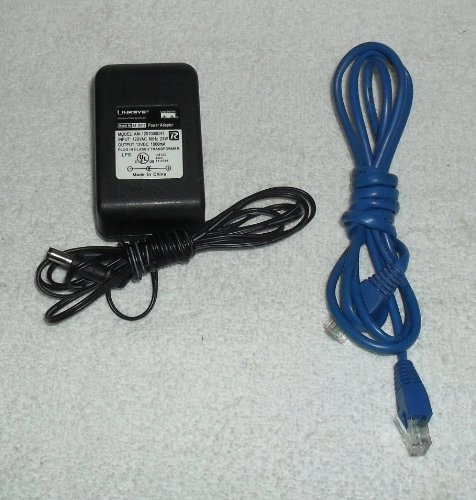
  • DC-in jack: Yes
  • Operating temperature (T-T): 0 - 40°C
  • Offers
  • Price History
  • Specifications
  • Product Details
  • Review IconReviews
  • Community & Expert Opinions

Specifications

Features

Universal Plug and Play (UPnP)
✓
Security algorithms
WEP, WPA, WPA2
Antenna gain level (max)
1.80 dBi
Full duplex
✓
Maximum data transfer rate
0.10 Gbit/s

Weight & dimensions

Weight
371 g

System requirements

Minimum system requirements
- Internet Explorer 6.0

Other features

Dimensions (WxDxH)
150 x 36 x 170 mm
xDSL connection
✗

Ports & interfaces

DC-in jack
✓
Ethernet LAN (RJ-45) ports
4
Supports ISDN connection
✗

Operational conditions

Operating temperature (T-T)
0 - 40 °C
Operating relative humidity (H-H)
10 - 85 %
Storage relative humidity (H-H)
5 - 90 %

Technical details

Certification
CE, FCC, IC-03, Wi-Fi

Product Details

- Internet-sharing Router and 4-port Switch, with a built in speed and range enhanced Wireless Access Point - MIMO technology uses multiple radios to create a robust signal that travels up to 3 times farther and reduces dead spots - Up to 9 times faster than Wireless-G, but also works great with Wireless-G and -B devices - Wireless signals protected by wireless encryption, and your network protected from Internet attacks by a powerful SPI firewall The Wireless-N Home Router is really three devices in one box. First, there's the Wireless Access Point, which lets you connect to the network without wires. There's also a built-in 4-port full-duplex 10/100 Switch to connect your wired-Ethernet devices together. Finally, the Router function ties it all together and lets your whole network share a high-speed cable or DSL Internet connection. The Access Point built into the Router uses the very latest wireless networking technology: Wireless-N (draft 802.11n). By overlaying the signals of multiple radios, Wireless-N's "Multiple In, Multiple Out" (MIMO) technology multiplies the effective data rate. Unlike ordinary wireless networking technologies that are confused by signal reflections, MIMO actually uses these reflections to increase the range and reduce "dead spots" in the wireless coverage area. The robust signal travels farther, maintaining wireless connections up to 3 times farther than standard Wireless-G. With Wireless-N, the farther away you are, the more speed advantage you get. It works great with standard Wireless-G and -B equipment, but when both ends of the wireless link are Wireless-N, the router can increase the throughput even more by using twice as much radio band, yielding speeds up to 9 times as fast as standard Wireless-G. But unlike other speed-enhanced technologies, Wireless-N can dynamically enable this double-speed mode for Wireless-N devices, while still connecting to other wireless devices at their respective fastest speeds. In congested areas, the "good neighbor" mode ensures that the Router checks for other wireless devices in the area before gobbling up the radio band. To help protect your data and privacy, the Router can encode all wireless transmissions with industrial-strength 256-bit encryption. It can serve as your network's DHCP Server, has a powerful SPI firewall to protect your PCs against intruders and most known Internet attacks, and supports VPN pass-through. Configuration is a snap with the web browser-based configuration utility. The incredible speed of Wireless-N makes it ideal for media-centric applications like streaming video, gaming, and Voice over IP telephony, and gives you plenty of headroom to run multiple media-intense data streams through the network at the same time, with no degradation in performance. With the Linksys Wireless-N Home Router at the center of your home or office network, you can share a high-speed Internet connection, files, printers, and multi-player games, and run media-intensive applications at incredible speeds, without the hassle of stringing wires!

Reviews

Loading...
Loading...
Loading...
Loading...
Loading...
Loading...
Loading...
Loading...
Loading...
Loading...
Loading...
Loading...
Loading...
Loading...
Loading...
Loading...
Loading...
Loading...
Loading...
Loading...
Loading...
Loading...
Loading...
Loading...
Loading...
Loading...
Loading...
Loading...
Loading...
Loading...
Loading...
Loading...
Loading...
Loading...
Loading...
Loading...
Loading...
Loading...
Loading...
Loading...
Loading...
Loading...
Loading...
Loading...
Loading...
Loading...
Loading...
Loading...
Loading...
Loading...
Loading...
Loading...
Loading...
Loading...
Loading...
Loading...
Loading...
Loading...
Loading...
Loading...
Loading...
Loading...
Loading...

Join our newsletter

Be the first to know about new arrivals, sales, and exclusive picks

Sign in to unlock newsletter access and stay in the loop
Allware
info@allware.com
+971522500911
World technology awards winner badge

Allware

  • About Us
  • Terms And Conditions
  • Privacy Policy
  • Contact Us

Partners

  • Why become a partner?
  • How to list your Online Shop?

Newsletter

  • Subscribe

Info

  • How Allware works
All Rights Reserved.
Allware does not sell products. Prices shown are aggregated from verified merchants.
Please enable location access or select an emirate
-
00:00:00
Prayer timings

Offers (1)

Amazon logo

1 offer

From
AED
Infinity

Linksys Cisco-Linksys Wireless-N Home Router WRT150N

Unavailable

Price History

Price History Skeleton
Price History Shimmer Effect
Loading price history...

Similar Products

See all
TP-Link Archer NX200

TP-Link Archer NX200

AED
57500
18 offers
-53%
TP-Link Archer C20 AC750

TP-Link Archer C20 AC750

AED
12999
AED
6100
36 offers
-63%
TP-Link Archer C64

TP-Link Archer C64

AED
22999
AED
8500
16 offers
TP-Link ARCHER AX72 PRO - AX5400 Wi-Fi 6

TP-Link ARCHER AX72 PRO - AX5400 Wi-Fi 6

AED
29000
16 offers
-64%
Linksys Max-Stream EA7500V3

Linksys Max-Stream EA7500V3

AED
41900
AED
15000
9 offers
TP-Link Archer AC750 MR200

TP-Link Archer AC750 MR200

AED
15800
14 offers
-27%
ASUS ROG Rapture GT-BE98

ASUS ROG Rapture GT-BE98

AED
2 89900
AED
2 09476
10 offers
TP-Link Archer AX73

TP-Link Archer AX73

AED
32300
9 offers
TP-Link Archer C80

TP-Link Archer C80

AED
14880
15 offers
TP-Link Archer C60

TP-Link Archer C60

AED
9500
14 offers

More from Linksys

See all
Linksys SE4008WRT 8-ports

Linksys SE4008WRT 8-ports

AED
1 10500
2 offers
Linksys LN1100 - 1x Router + LN1200 - 1x Child node

Linksys LN1100 - 1x Router + LN1200 - 1x Child node

AED
76900
Unavailable
1 offer
Linksys Hydra Pro 6E MR7500W-AMZ

Linksys Hydra Pro 6E MR7500W-AMZ

Unavailable
1 offer
Linksys WRT54G

Linksys WRT54G

AED
19900
1 offer
-29%
Linksys Velop Micro - 802.11ax 1x Node

Linksys Velop Micro - 802.11ax 1x Node

AED
36645
AED
25900
5 offers
Linksys Atlas MX2000

Linksys Atlas MX2000

AED
69900
1 offer
Linksys EA3500 - 300+450Mbps 802.11a/b/g/n

Linksys EA3500 - 300+450Mbps 802.11a/b/g/n

AED
42831
1 offer
Linksys MR6350

Linksys MR6350

AED
9900
3 offers
Linksys Velop Pro 6E - 802.11ac, 802.11ax, 802.11b, 802.11g, 802.11n 2 Pack

Linksys Velop Pro 6E - 802.11ac, 802.11ax, 802.11b, 802.11g, 802.11n 2 Pack

AED
1 05900
6 offers
Linksys EA6500

Linksys EA6500

AED
21638
1 offer
Loading...
Loading...
Loading...
Loading...
Loading...
Loading...
Loading...
Loading...
Loading...
Loading...
Loading...
Loading...
Loading...
Loading...
Loading...
Loading...
Loading...
Loading...
Loading...
Loading...
Loading...
Loading...
Loading...
Loading...
Loading...
Loading...
Loading...
Loading...
Loading...
Loading...
Loading...
Loading...
Loading...
Loading...
Loading...
Loading...
Loading...
Loading...
Loading...
Loading...
Loading...
Loading...
Loading...
Loading...
Loading...