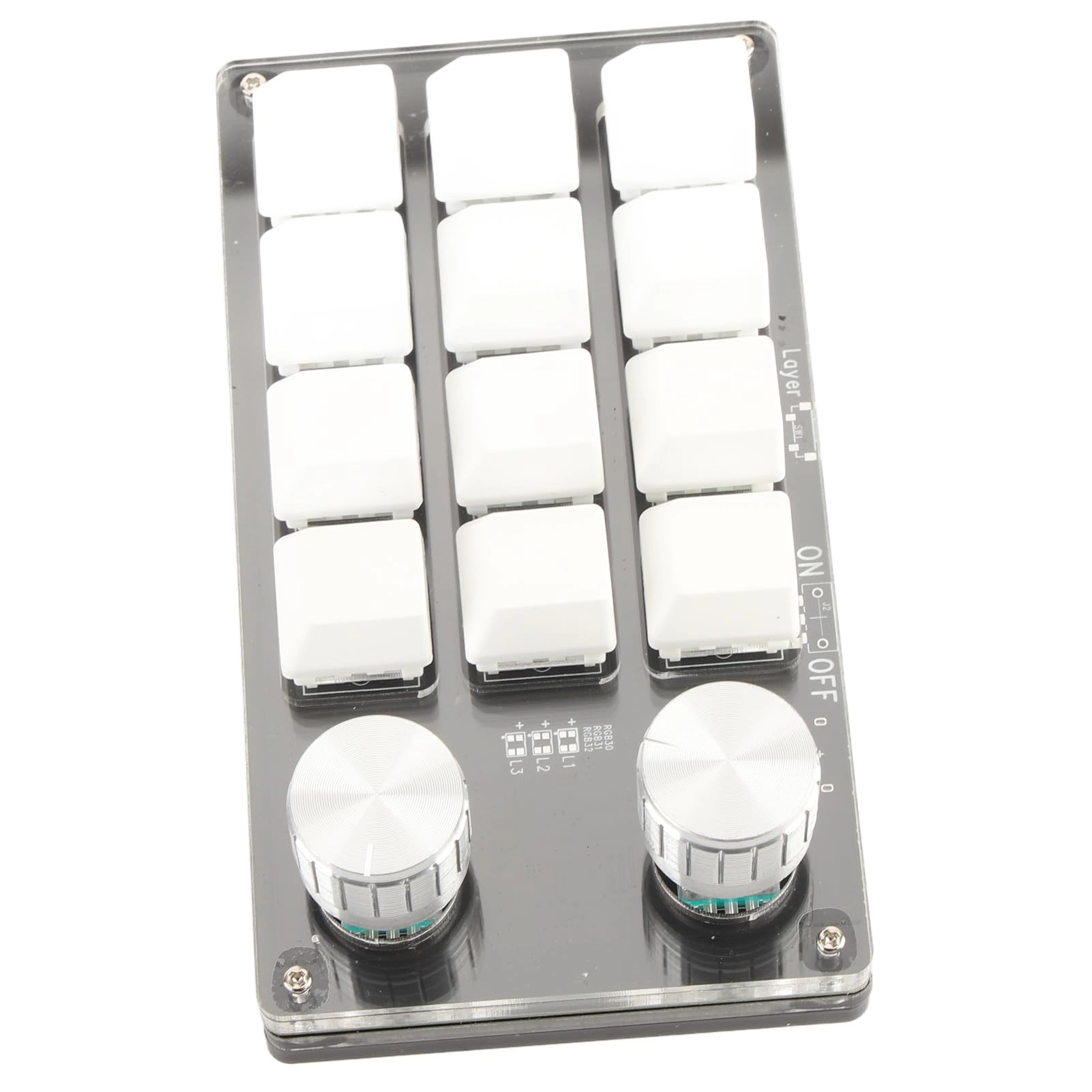
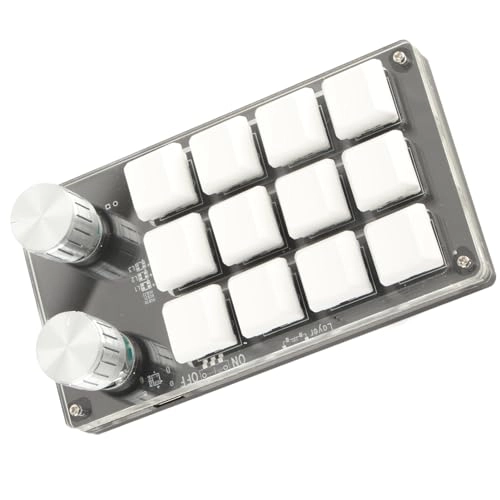
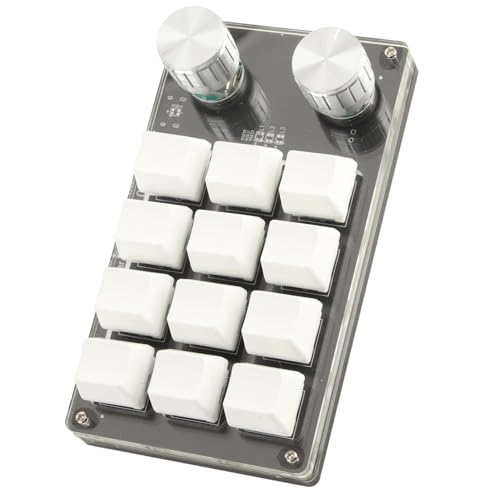
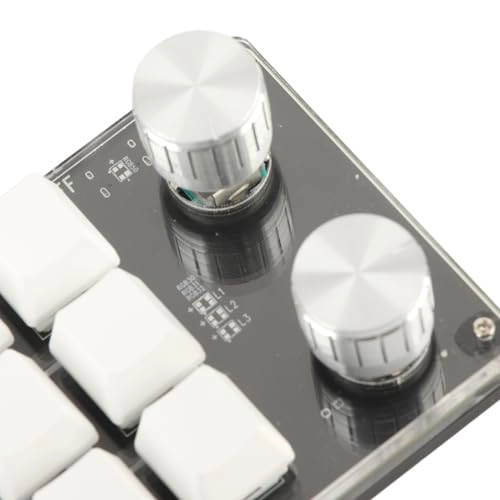
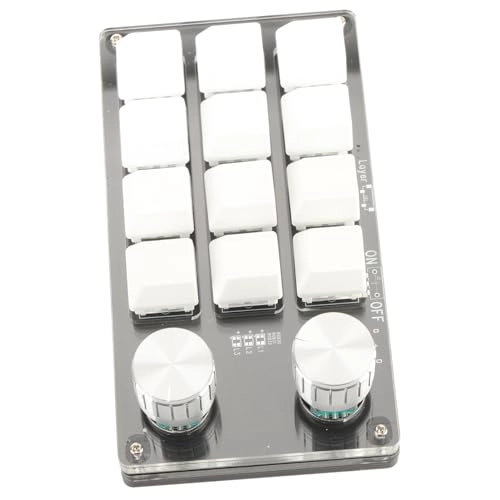
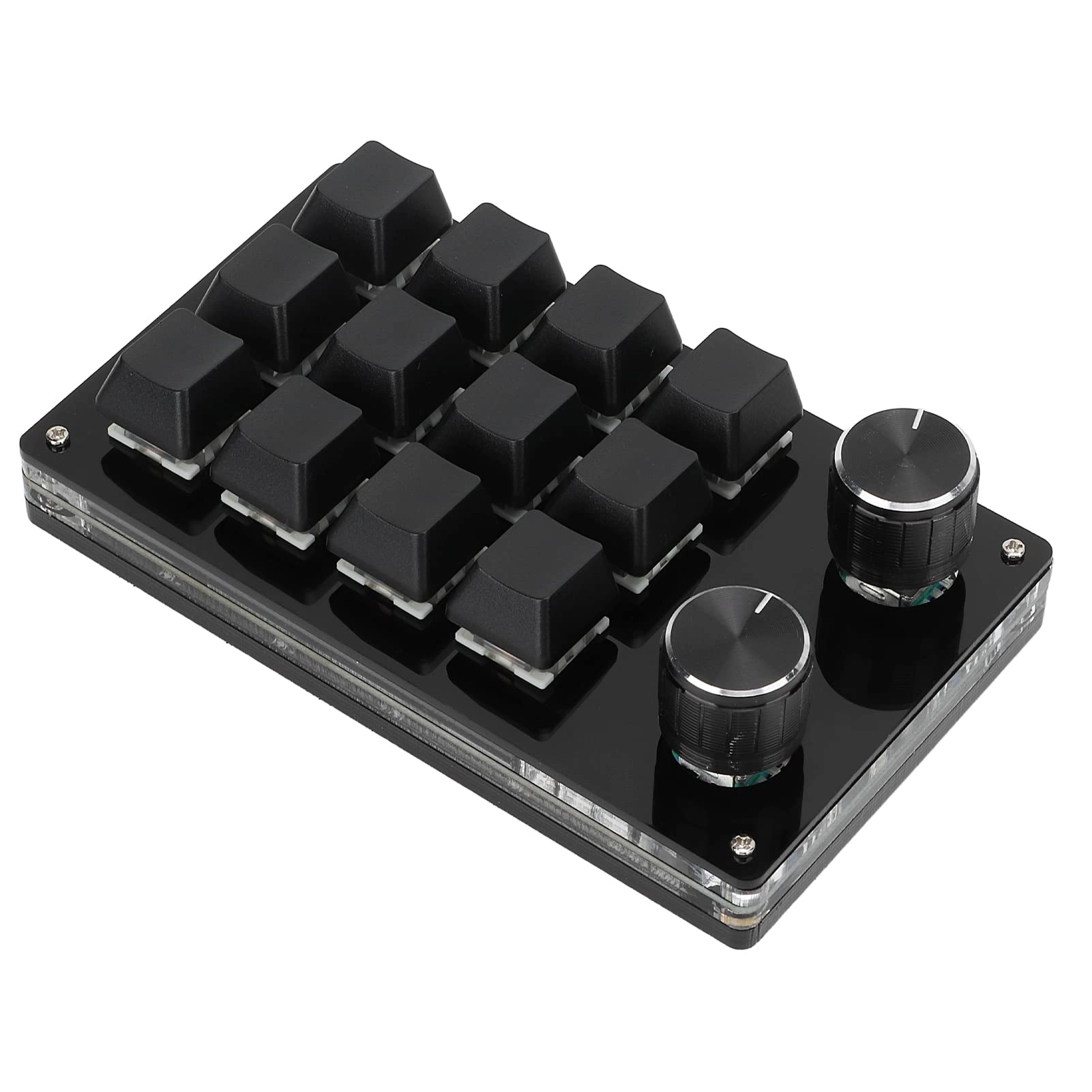
[Multifunctional Design] Enjoy the versatility of setting all key functions on the keyboard. achieve complex shortcuts on a compact, keyboard suitable for various tasks.
[Easy Compatibility] The keyboard features a storage function and works seamlessly with systems supporting usb protocols like and os x after initial setup on .
[Convenient Control] The adjustable knob allows for functions such as controlling media playback, adjusting volume, and enhancing user experience with convenient type c to usb interface.
[Versatile Application] Ideal for offices, gaming, music, media, industrial control, laboratories, and production line testing, this programmable keyboard caters to a wide range of fields.
[Enhanced Productivity] This 12-key programmable keyboard streamlines your workflow with customizable shortcut keys, reducing time-consuming processes and boosting efficiency.
Spec:
Item Type: Macro Mechanical Keyboard
Material: Acrylic, PCB
Usage: Suitable for office, games, music, media, industrial control, laboratory, production line testing and other fields
System Support: For , for VISTA, for , for OS X
Button Life: Up to 50 Million Times
Type: Dustproof Green Shaft
Quantity of Keys: 12 Keys
Size: Approx. 132 x 77 x 38mm / 5.2 x 3 x 1.5in (L x W x H)
Current and Voltage: 5V/1A
Working Temperature: -10℃-50℃
Package List:
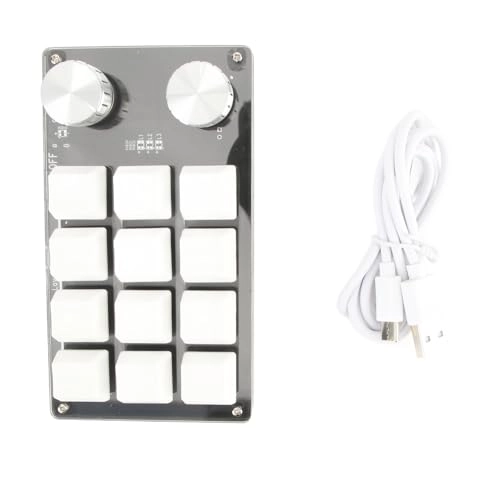
1 x Keyboard
1 x USB Cable
How To Use:
1. Small keyboard, open the custom software on the computer.
2. On the custom software, click the key setting area or Knob setting area (yellow area) and then click the key key1‑key12 or any key of knob 1 or knob 2 (green area) to be set; If selected, it will appear red.
3. Click the function key corresponding to the simulated keyboard on the custom software, click download, prompting download success, the custom keypad can be used. For example, if you want to set small