Allware
Loading...
  • News
  • Price drops
  • New arrivals
  • Featured categories
  1. AV & Photo
  2. Audio Visual Equipment
  3. Portable Audio & Headphones
  4. Headphones & Headsets
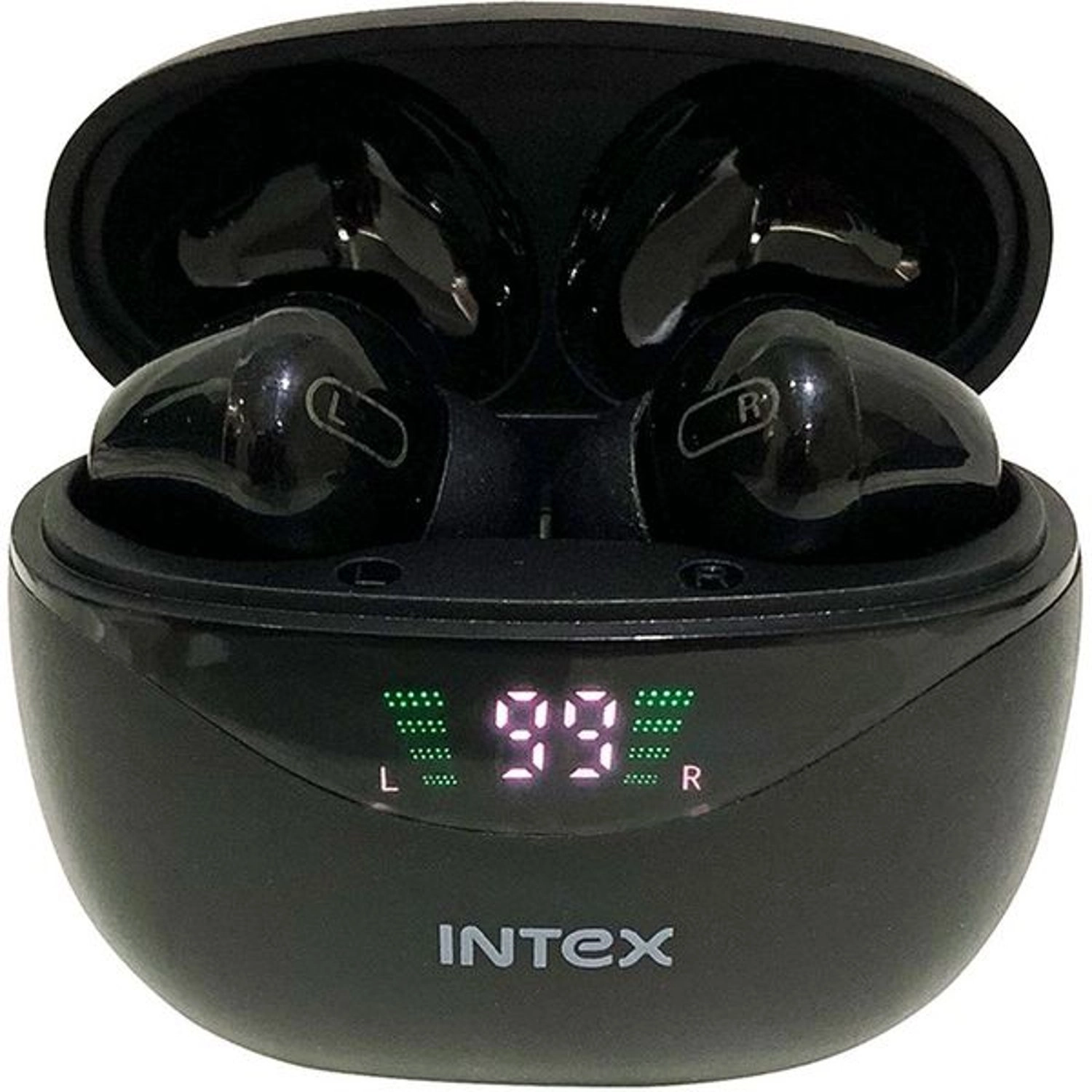
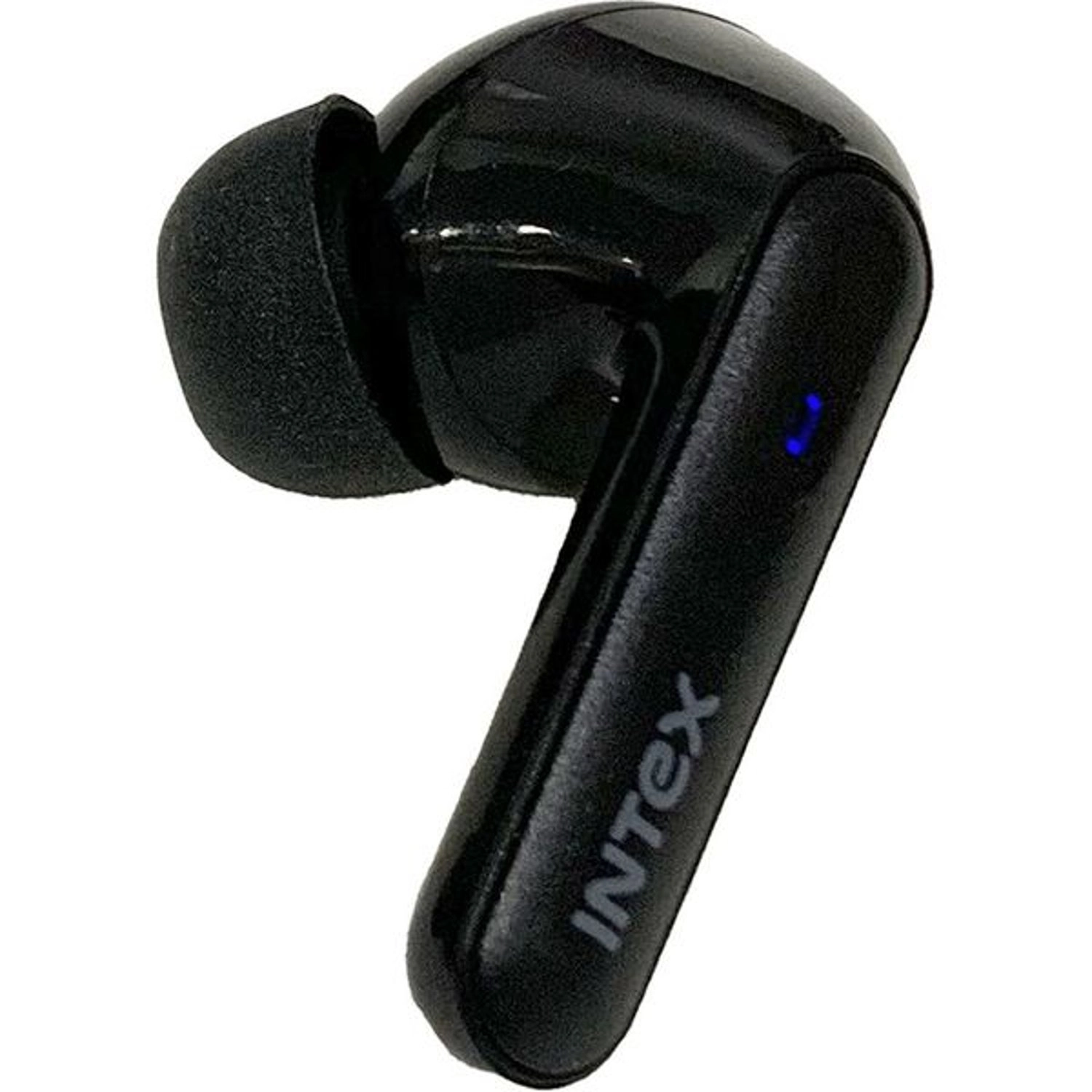
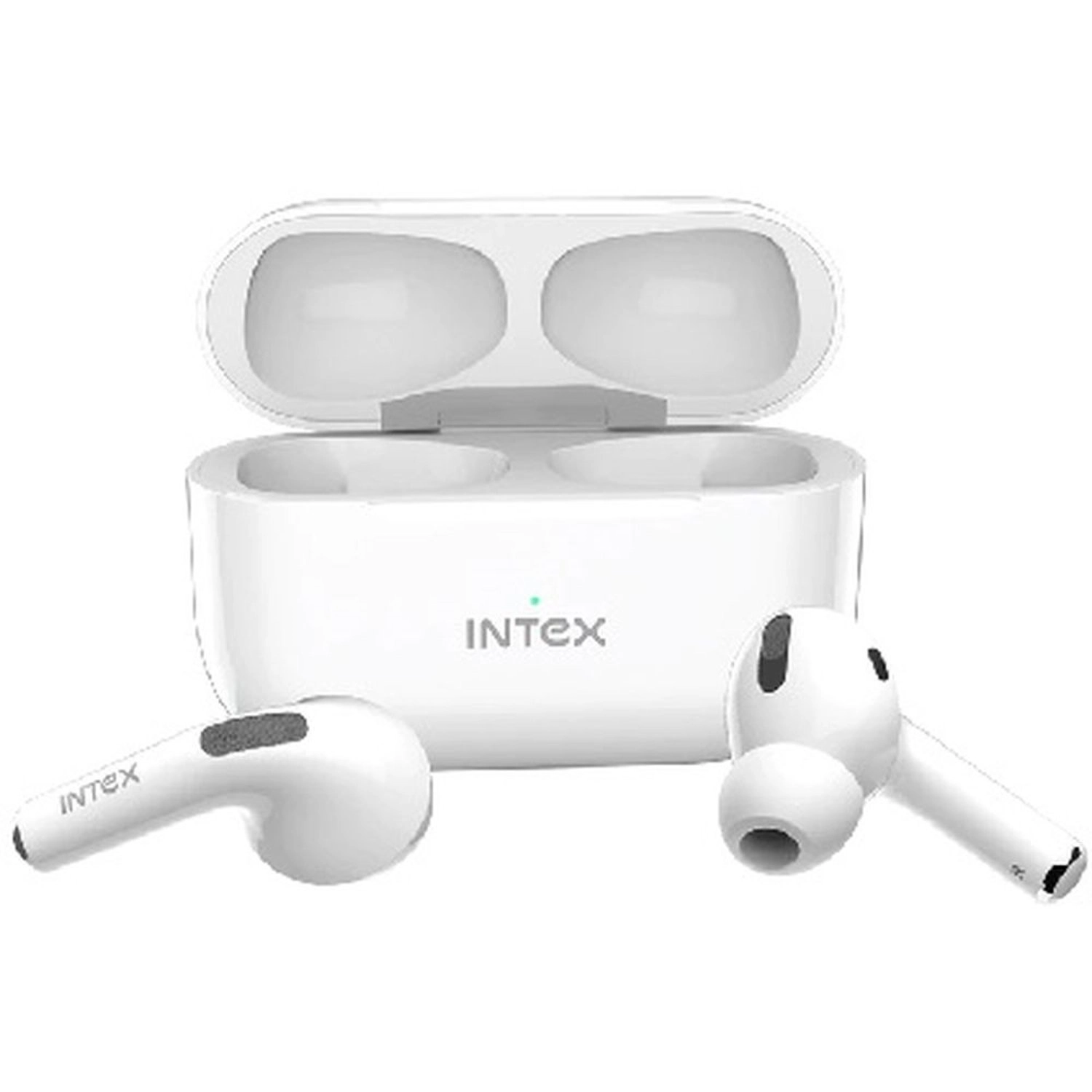
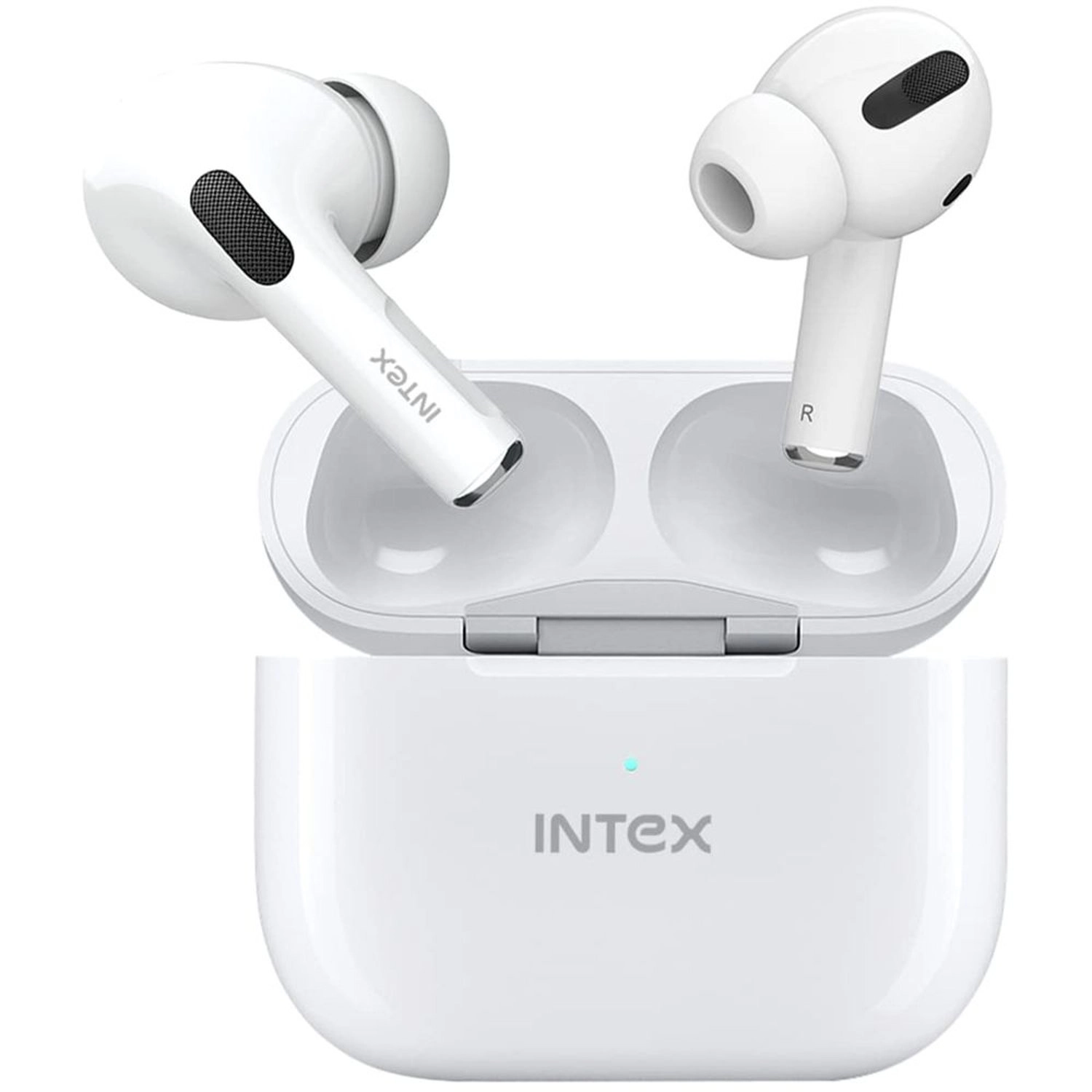
Air Studs 311 Wireless Earbud

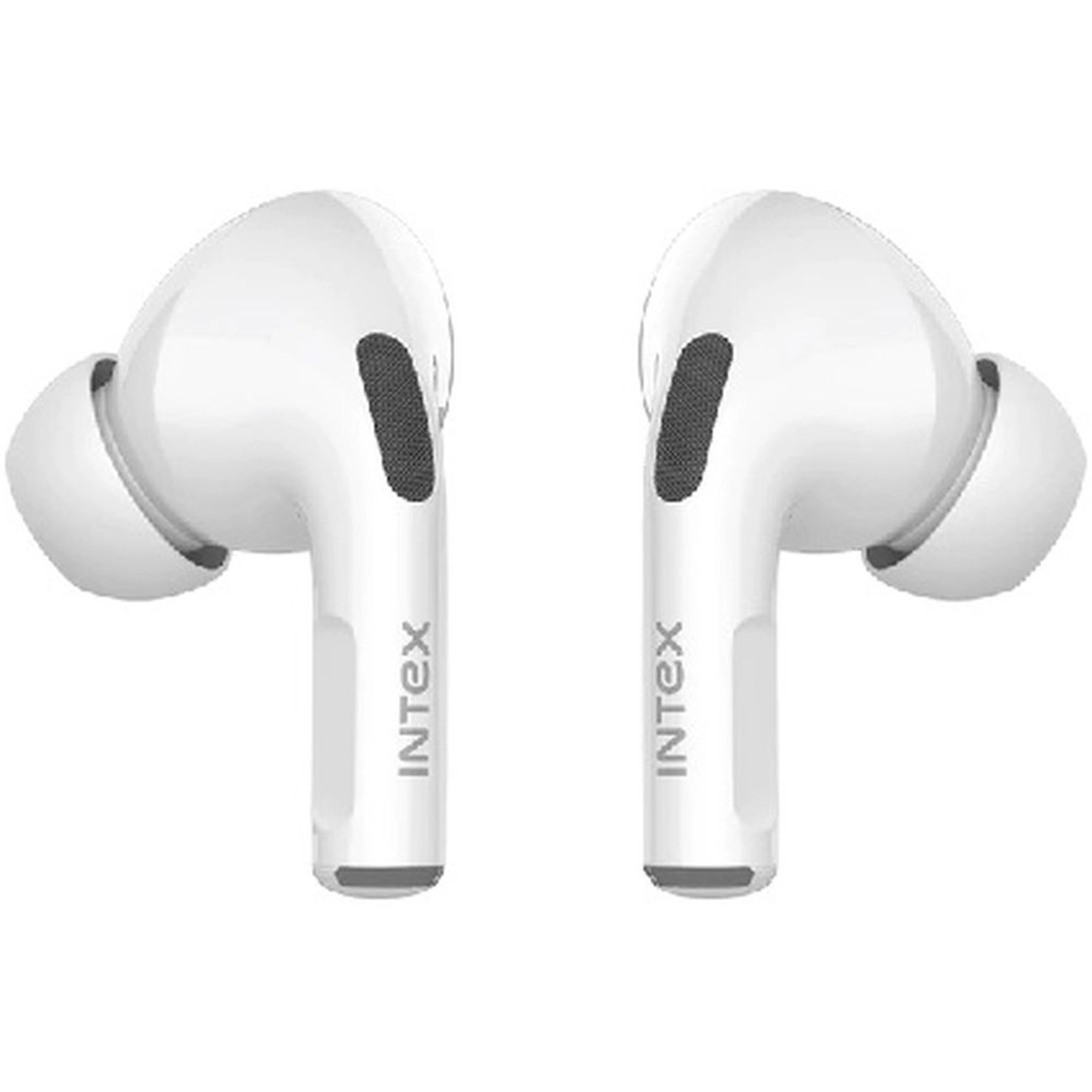
Intex Air Studs 311 Wireless Earbud

Best offer
AED
8900

Key Features

  • Ear coupling: Intraaural
  • Features: Ergonomically designed, dual-mic support
  • Type: Wireless Earbuds
  • Colour name: Assorted, White
  • Charging case weight: 50g
  • Charging time: 1h
  • Microphone type: Built-in
  • Charging case: Yes
  • USB port type: USB Type-C
  • Driver unit: 13mm
  • Product colour: White
  • Standby time: 120h
  • Continuous audio playback time: 18h
  • Bluetooth version: 5.0
  • Battery life: 20h
  • Offers
  • Price History
  • Specifications
  • Product Details
  • Review IconReviews

Specifications

Features

Compatible products
Bluetooth Enabled Devices
Waterproof up to
1 m
Bluetooth version
5.0
Product colour
White
Features
Ergonomically designed, dual-mic support
Type
Wireless Earbuds
Colour name
Assorted, White

Packaging data

Box contents
1 x Charging Case, 2 x Earbuds

Weight & dimensions

Charging case weight
50 g

Power

Charging time
60 min
Battery life
1200 min
Battery life
20 h
Continuous audio playback time
18 h
Charging time
1 h

Other features

Audio sample rate (16bit)
16 kHz
Microphone type
Built-in

Packaging content

Charging case
✓

Network

Bluetooth
✓

Ports & interfaces

USB port type
USB Type-C

Headphones

Driver unit
13 mm
Ear coupling
Intraaural

Battery

Standby time
120 h

Product Details

The SWAP Technology enables earbuds to seamlessly connect to your mobile or laptop as soon as you take them out of the case. If the earbuds disconnect or don’t sync during use, turn them OFF and back ON again by long pressing for 3 seconds. POWER Earbuds automatically turn ON when removed from the case and turn OFF when placed in the case Tap and hold left and right earbuds for 3 seconds to turn ON. Tap and hold left and right earbuds for 3-4 seconds to turn them OFF. PLAY MUSIC Play/Pause Double tap on left or right earbud to Play/Pause. Change Track Tap the left earbud three times to play the previous song. Tap the right earbud three times to play the next song. Volume Change Tap the left earbud once to decrease the volume. Tap the right earbud once to increase the volume. PHONE CALL Answer/Hang Up Single tap on the left or right earbud once to answer the call. Long press on left or right earbud to end the call. Reject Tap and hold the left or right earbud to reject an incoming call. Call Waiting/Switching During two ongoing calls, long press on the left or right earbud to switch the call. Voice Assistant Tap and hold touch sensor of left or right earbud to enable the voice assistant. Redial Last Call Tap 4 times on left or right earbud to redial last call on the call log. CHARGING CASE & EARBUDS Charging the Case Charge the case using the Type-C charging cable included in the packaging.Digital display for battery indication will appear on the case while charging, and the digital display will show 100 percent battery indication when the case is fully charged. Charging the Earbuds Insert the left and right earbuds into the corresponding holders in the chargingcase. The earbuds will automatically connect to the charging points and start charging. When charging, the LED light on the earbuds is Red, and the digital display charging case shows its battery level. When the battery tops up, the LED light on the earbuds will turn OFF. BLUETOOTH PAIRING Wearing the Earbuds Identify the left and right earbuds and plug them into the respective ears. Fit them in a way you feel comfortable. Try to shake your head to make sure earbuds do not fall off easily. Auto Sync When taken out of the charging case, the earbuds will automatically turn ON, sync together, and enter pairing mode. Long-press the earbuds for three seconds if they disconnect or don’t sync during use. Setting Up Bluetooth Connection Remove both earbuds from the charging case, they will automatically turn ON and sync. Turn ON the Bluetooth function of the device and connect with the name Intex Air Studs 311 of the TWS Earbuds. A voice assistant confirms that the Bluetooth connection is established by prompting “Bluetooth Connected.” At this point, you can play music, make calls, etc via the earbuds. For the future, the Intex Air Studs 311 will automatically get paired with your device. On disconnecting a voice assistant prompts “Bluetooth Disconnected.” VOICE ASSISTANT Tap and hold touch sensor of left or right earbud to enable the voice assistant (Google Assistant/Siri) function. Warning Read the below warning thoroughly before you start using your earbuds. Store this manual with product packaging. Compiling the user manual right can reduce the risk of fires and injuries. To Reduce the Risk of Injury, Keep batteries out of reach of children Do not heat, open, or dispose of the battery pack in a fire Do not allow metal objects to touch the battery on the device Do not expose the battery pack to excessive heat

Reviews

Loading...
Loading...
Loading...
Loading...
Loading...
Loading...
Loading...
Loading...
Loading...
Loading...
Loading...
Loading...
Loading...
Loading...
Loading...
Loading...
Loading...
Loading...
Loading...
Loading...
Loading...
Loading...
Loading...
Loading...
Loading...
Loading...
Loading...
Loading...
Loading...
Loading...
Loading...
Loading...
Loading...
Loading...
Loading...
Loading...
Loading...
Loading...
Loading...
Loading...
Loading...
Loading...
Loading...
Loading...
Loading...
Loading...
Loading...
Loading...
Loading...
Loading...
Loading...
Loading...
Loading...
Loading...
Loading...
Loading...
Loading...
Loading...
Loading...
Loading...
Loading...
Loading...
Loading...

Join our newsletter

Be the first to know about new arrivals, sales, and exclusive picks

Sign in to unlock newsletter access and stay in the loop

Allware
info@allware.com
+971522500911
World technology awards winner badge

Allware

  • About Us
  • Terms And Conditions
  • Privacy Policy
  • Contact Us

Partners

  • Why become a partner?
  • How to list your Online Shop?

Newsletter

  • Subscribe

Info

  • How Allware works
All Rights Reserved.
Please enable location access or select an emirate
-
00:00:00
Prayer timings

Offers (2)

Sharaf logo

2 offers

From
AED
Infinity

Intex Air Studs 311 Wireless Earbuds Assorted

Unavailable

Price History

Price History Skeleton
Price History Shimmer Effect
Loading price history...

Similar Products

See all
Anker SoundCore R50i Wireless Earbud

Anker SoundCore R50i Wireless Earbud

AED
5500
45 offers
-41%
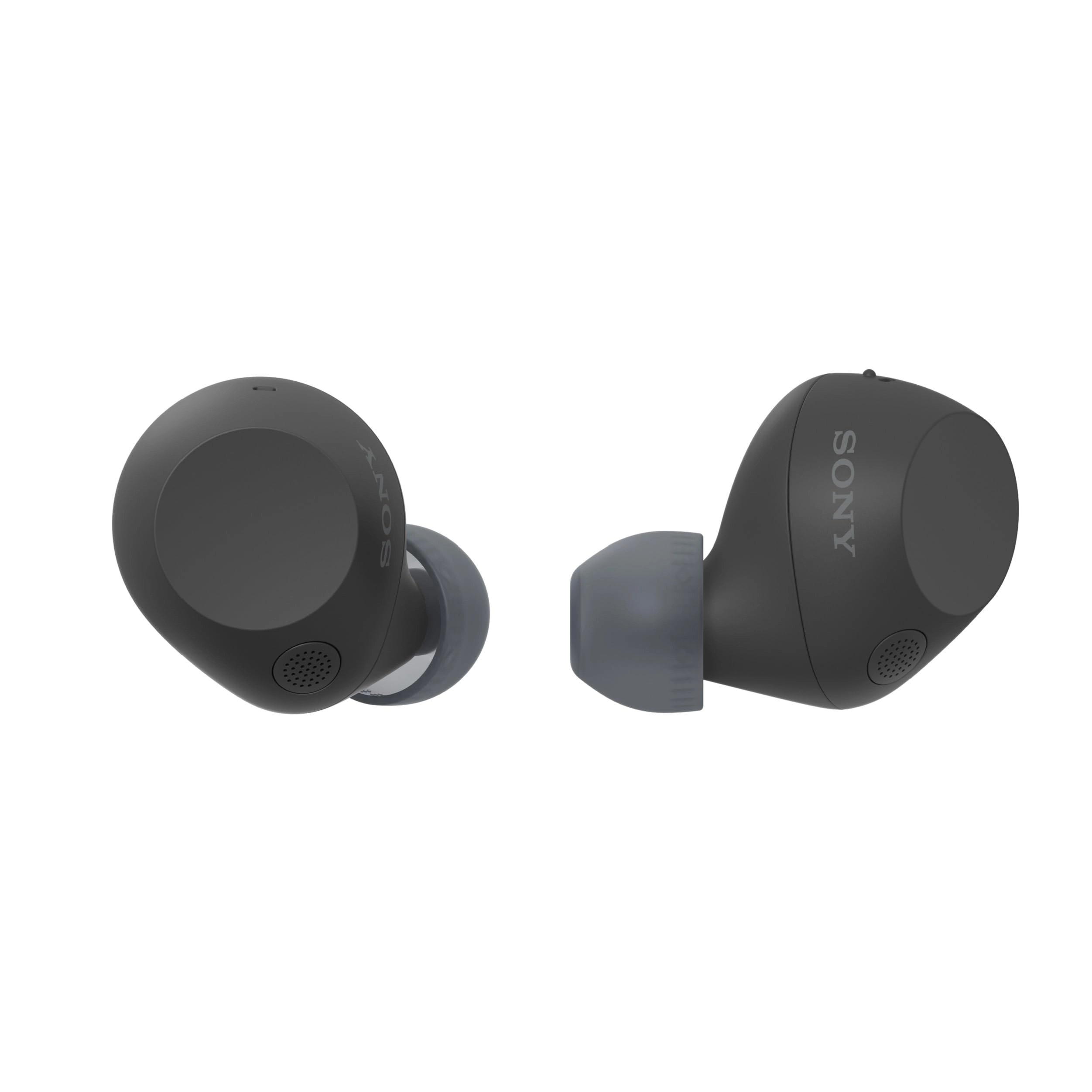
Sony WF-C710N Wireless Earbud

Sony WF-C710N Wireless Earbud

AED
39900
AED
23400
25 offers
Jabra Elite 4 Active Wireless Earbud

Jabra Elite 4 Active Wireless Earbud

AED
41500
25 offers
JBL Live Pro 2 Wireless Earbud

JBL Live Pro 2 Wireless Earbud

AED
34584
24 offers
Belkin Soundform Nano Wireless Earbud

Belkin Soundform Nano Wireless Earbud

AED
3900
22 offers
-48%
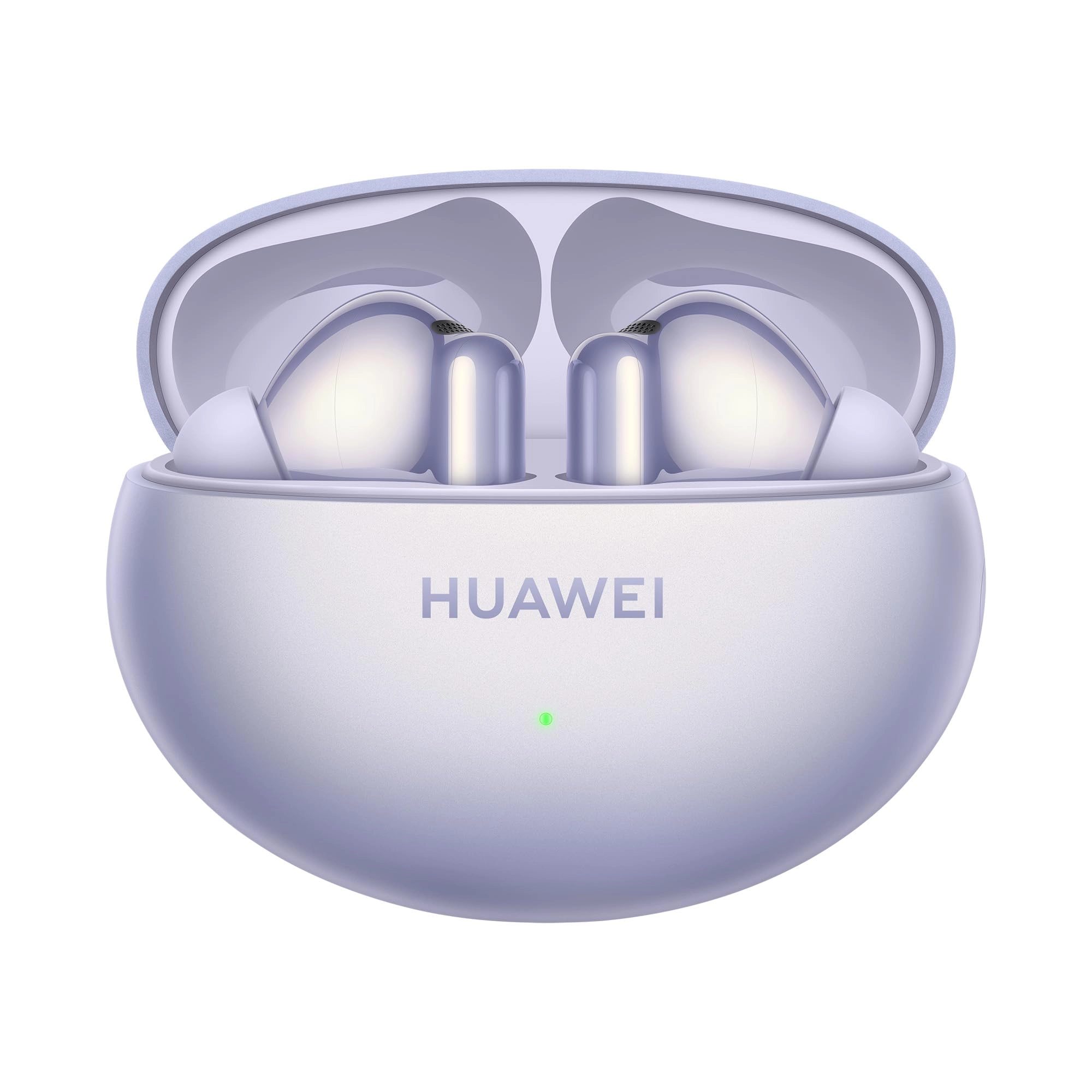
Huawei Freebuds 6I Wireless Earbud

Huawei Freebuds 6I Wireless Earbud

AED
39900
AED
20500
22 offers
Huawei FreeBuds Pro 3 Wireless Earbud

Huawei FreeBuds Pro 3 Wireless Earbud

AED
51500
21 offers
-15%
JBL Tune 125BT Wireless Earbud

JBL Tune 125BT Wireless Earbud

AED
8000
AED
6800
20 offers
-32%
Nothing Ear (a) Wireless Earbud

Nothing Ear (a) Wireless Earbud

AED
37900
AED
25700
19 offers
JLab Go Air Pop Wireless Earbud

JLab Go Air Pop Wireless Earbud

AED
7900
50 offers

More from Intex

See all
Intex Screen Protector For iPhone 13 Series

Intex Screen Protector For iPhone 13 Series

AED
4900
1 offer
Intex Life Version 2.0 Wired Headphone

Intex Life Version 2.0 Wired Headphone

AED
5500
1 offer
Intex Inflatabull - Inflatable Pool Float

Intex Inflatabull - Inflatable Pool Float

AED
18590
1 offer
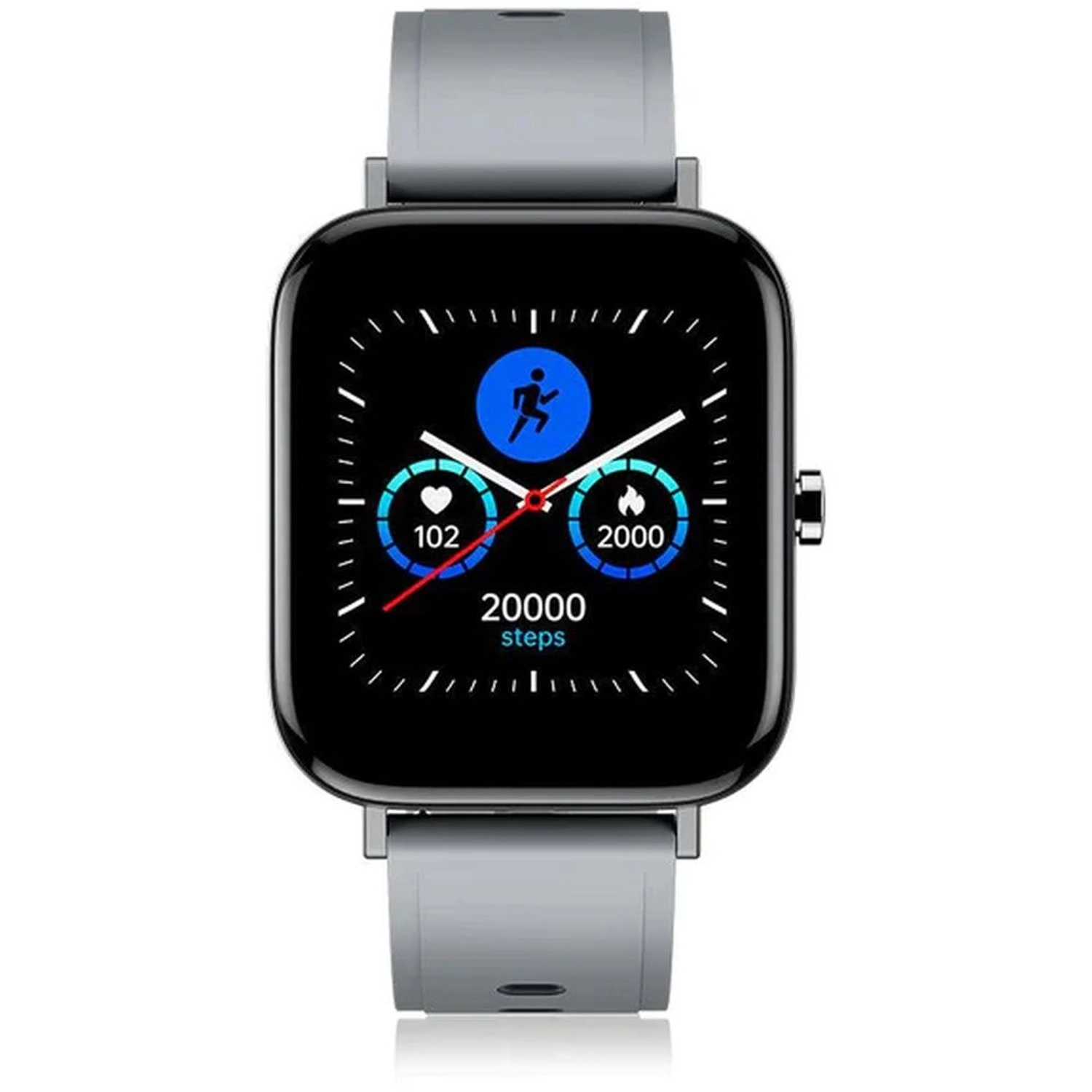
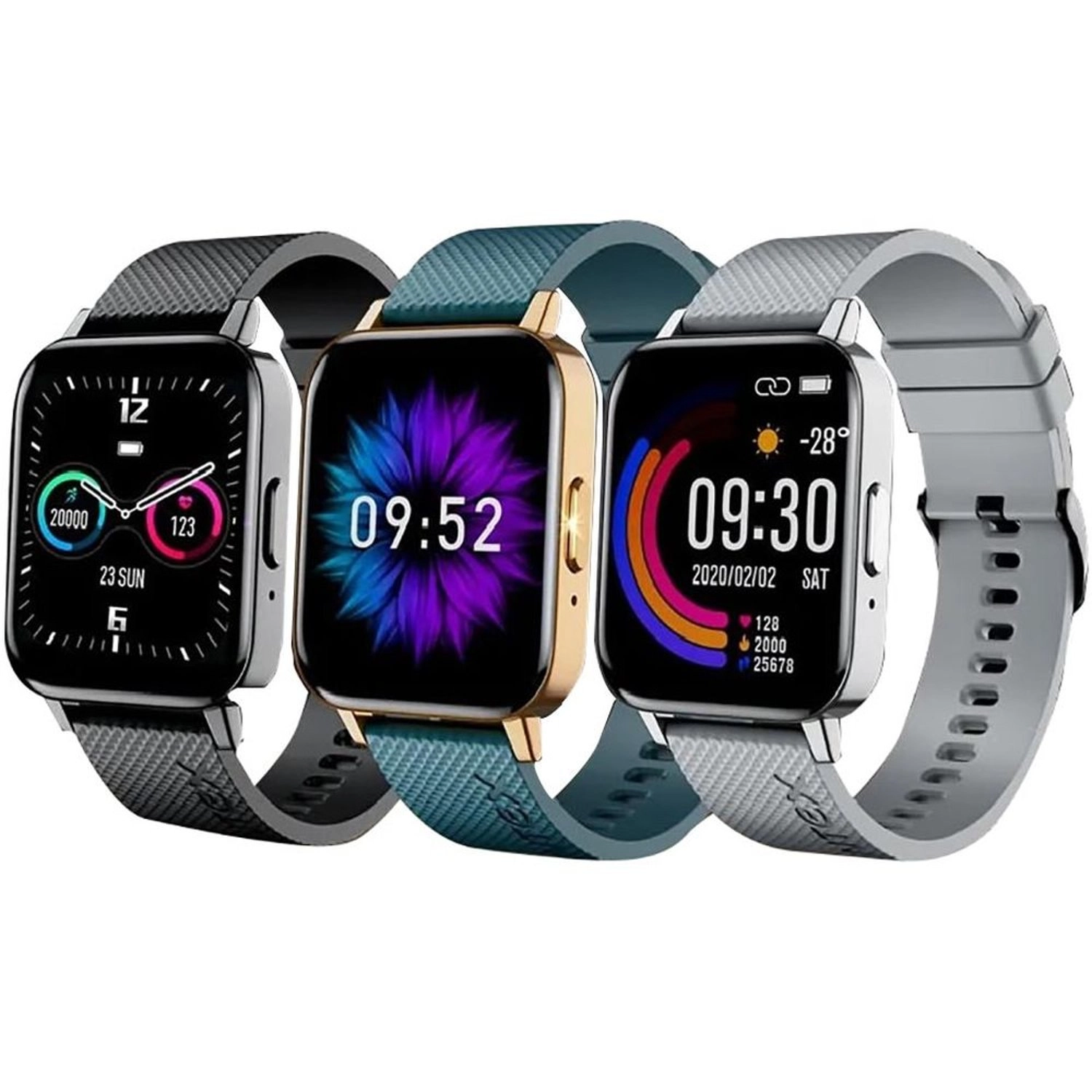
Intex Fitrist Vogue Metal

Intex Fitrist Vogue Metal

AED
14900
2 offers
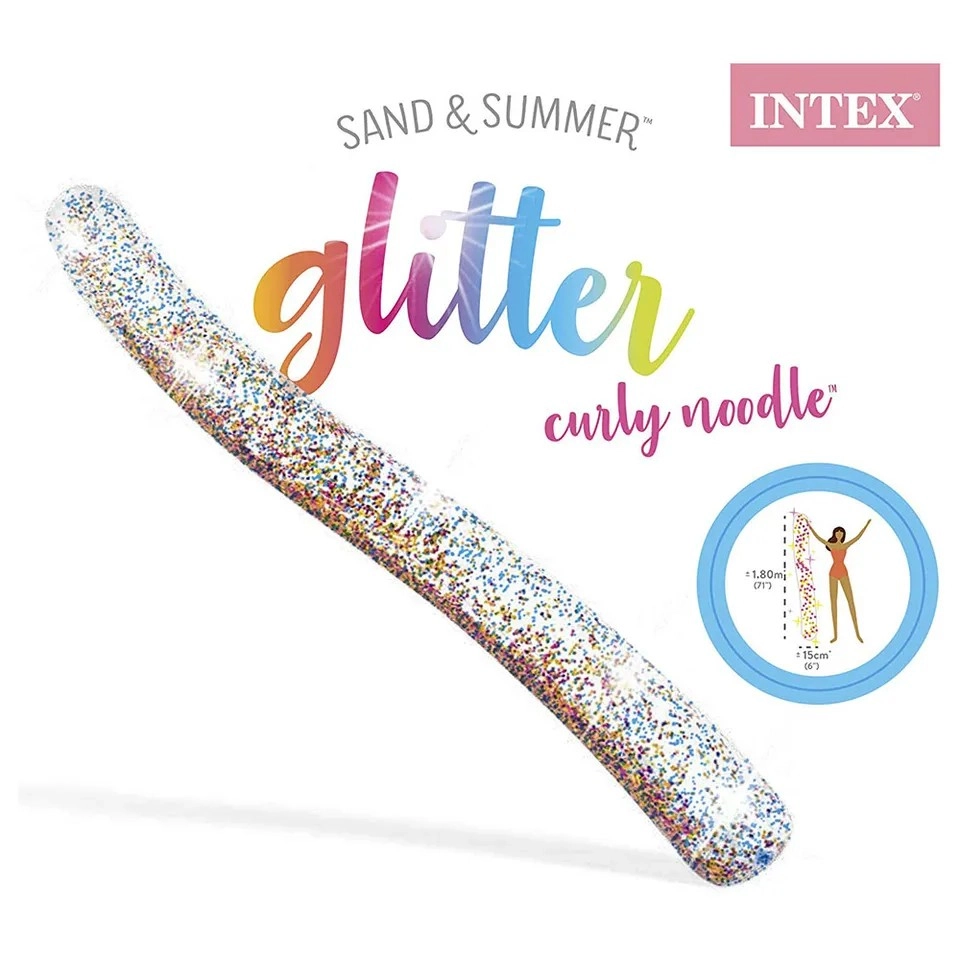
Intex Glitter Curly Noodle

Intex Glitter Curly Noodle

AED
2470
1 offer
Intex Lobster Ride-On - Inflatable Pool Float

Intex Lobster Ride-On - Inflatable Pool Float

AED
8600
1 offer
Intex XUB2493HS - XUB2493HS-B5 23.8 Inches 1920x1080

Intex XUB2493HS - XUB2493HS-B5 23.8 Inches 1920x1080

AED
1 21883
1 offer
Intex Z3700 Mouse - Wireless

Intex Z3700 Mouse - Wireless

AED
5100
1 offer
Intex Flamingo Ride-On - Pink 14+

Intex Flamingo Ride-On - Pink 14+

AED
7556
2 offers
Intex WIDE 400

Intex WIDE 400

AED
90000
1 offer
Loading...
Loading...
Loading...
Loading...
Loading...
Loading...
Loading...
Loading...
Loading...
Loading...
Loading...
Loading...
Loading...
Loading...
Loading...
Loading...
Loading...
Loading...
Loading...
Loading...
Loading...
Loading...
Loading...
Loading...
Loading...
Loading...
Loading...
Loading...
Loading...
Loading...
Loading...
Loading...
Loading...
Loading...
Loading...
Loading...
Loading...
Loading...
Loading...
Loading...
Loading...
Loading...
Loading...
Loading...
Loading...