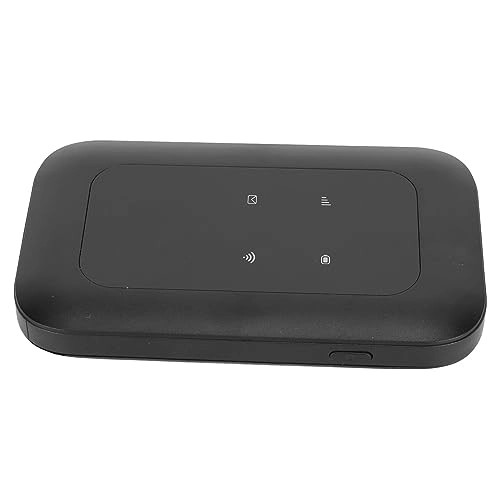
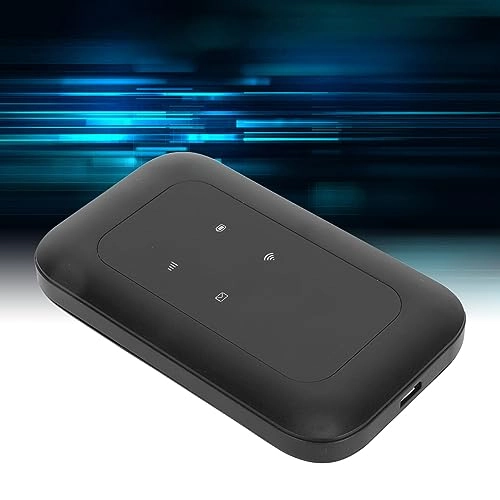
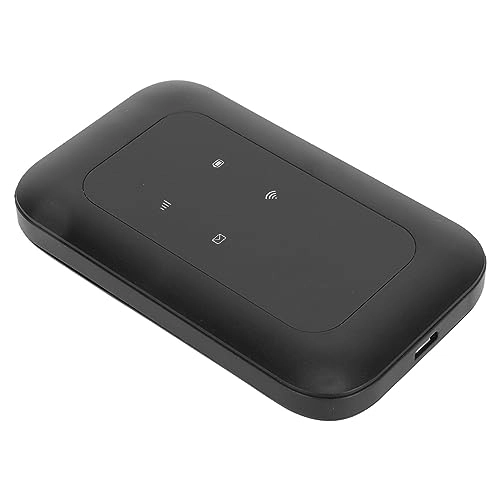
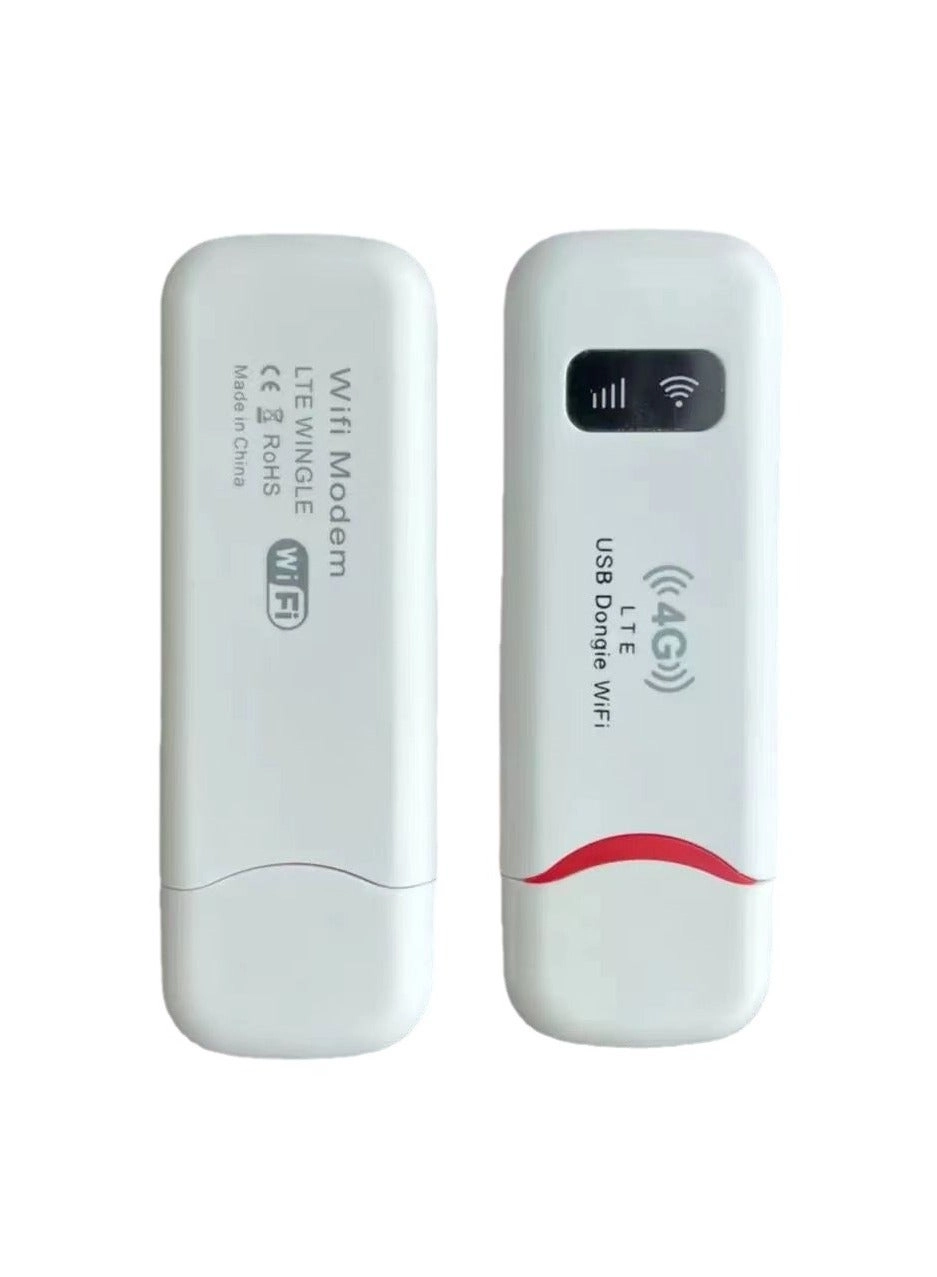
1. [HIGH-SPEED 4G INTERNET ACCESS] Experience blazing fast internet with our 4G WiFi Router, designed to deliver speeds up to 150Mbps for downloads and 50Mbps for uploads. Perfect for use in Europe and Asia, it effortlessly meets your streaming, gaming, and browsing demands with reliable 4G connectivity.
2. [CONNECT UP TO 10 DEVICES] Share your high-speed connection with family or friends, as this 4G LTE USB WiFi modem allows simultaneous connectivity for up to 10 devices. Just insert a standard SIM card and connect your phone, laptop, tablet, or desktop. (SIM card not included)
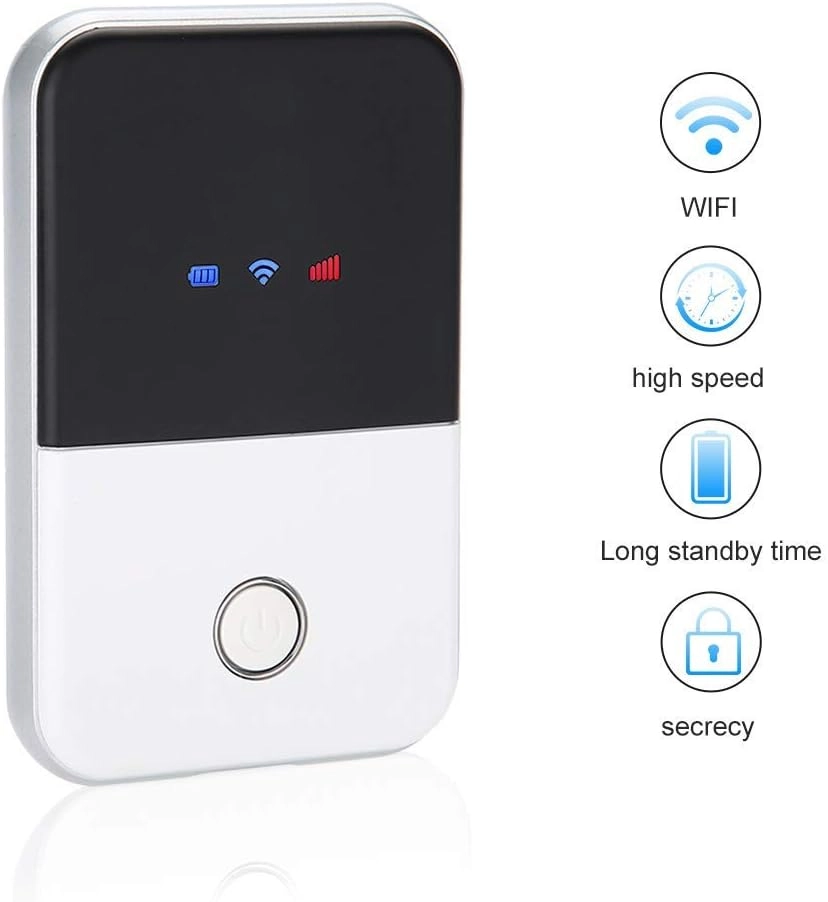
3. [SMART DISPLAY & LONG-LASTING BATTERY] Featuring a user-friendly LED smart screen, keeping an eye on your connection status is easy. The built-in 2100mAh lithium battery offers an impressive standby time of up to 72 hours, ensuring you're always powered on the go, whether traveling or working remotely.
4. [COMPACT & PORTABLE DESIGN] Designed with a and slim profile, this SIM WiFi dongle fits perfectly in your bag or pocket, making it the ideal travel companion for business trips, vacations, or outdoor adventures. Stay connected wherever you go without the bulk.
5. [DURABLE & RELIABLE PERFORMANCE] Constructed from high-quality ABS material with an inbuilt firewall, this 4G wireless router not only provides robust performance but also guarantees secure WiFi connections. Enjoy peace of mind knowing your data is protected while you surf the web.
Spec:
Item Type: 4G Wifi Router
Material: ABS
Applicable Region: Europe/Asia
Frequency Band: B1/3/5/8/38/39/40/41
: 4G
Transmission Rate: 150Mbps
Supported Protocol: 802.11ac
Wireless Supported Frequency: 2.4G
Inbuilt Firewall: Designed with Firewall
Battery: 1 x 2100mAh Lithium Battery (Battery Included)
SIM Card Slot: Standard SIM Card (Card Not Included)
How to Use:
Charge the battery and turn on to use.
packing list:
1 x 4G Wifi Router
1 x Battery
1 x Charging Cable
1 x User Manual
Note:
1. The battery contacts of the router are equipped with the insulation film, which should be removed before use;2. If you can't connect to the normally or the speed is slow after plugging in the card, it may be that the APN is incorrect and you need to add the APN manually: first of all, find the card dealer to ask for the APN information, and then the computer connects to the device WIFI, logs in to the device's IP backstage (displayed on the body), enters the password, finds the APN window, manually enters the information, and then saves it.