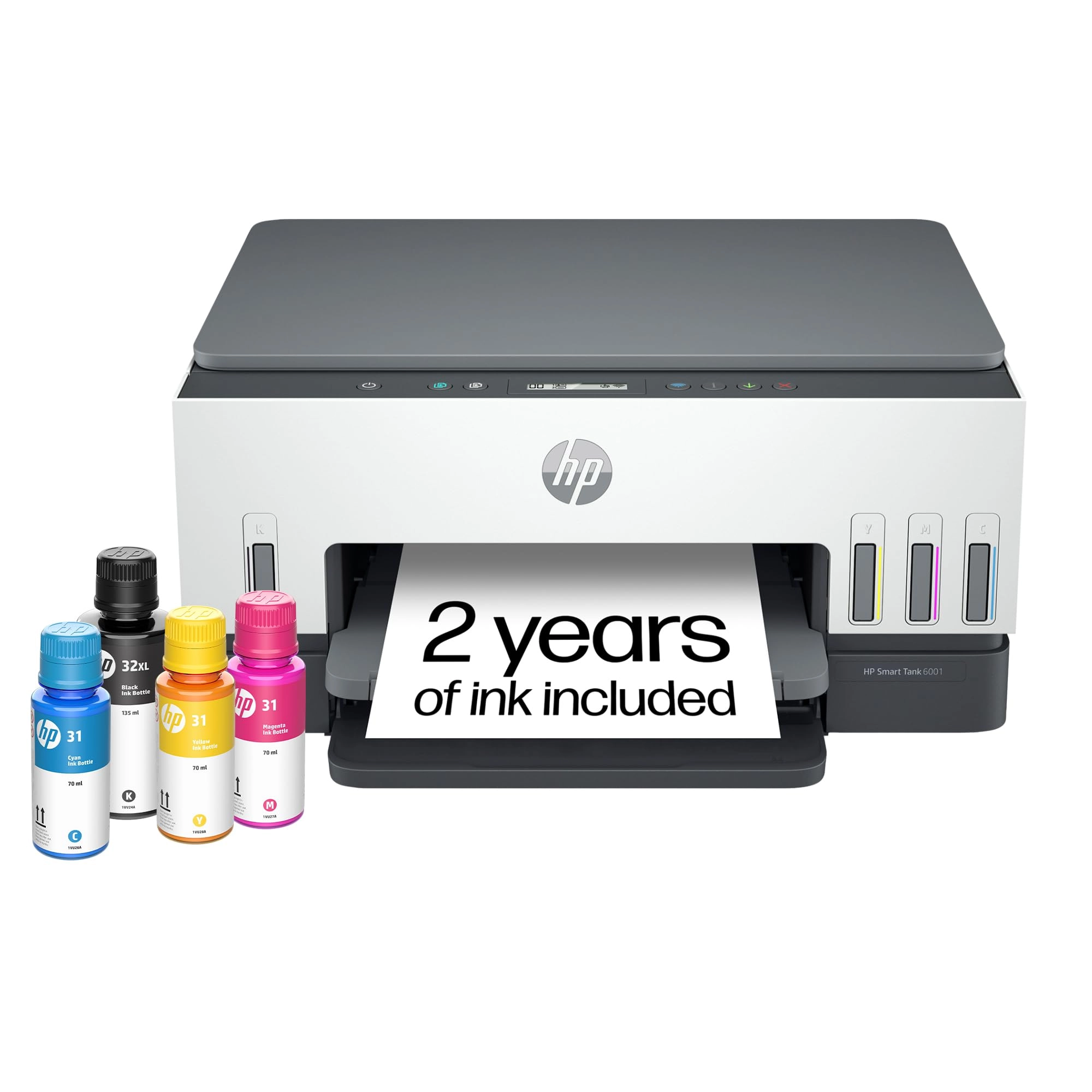
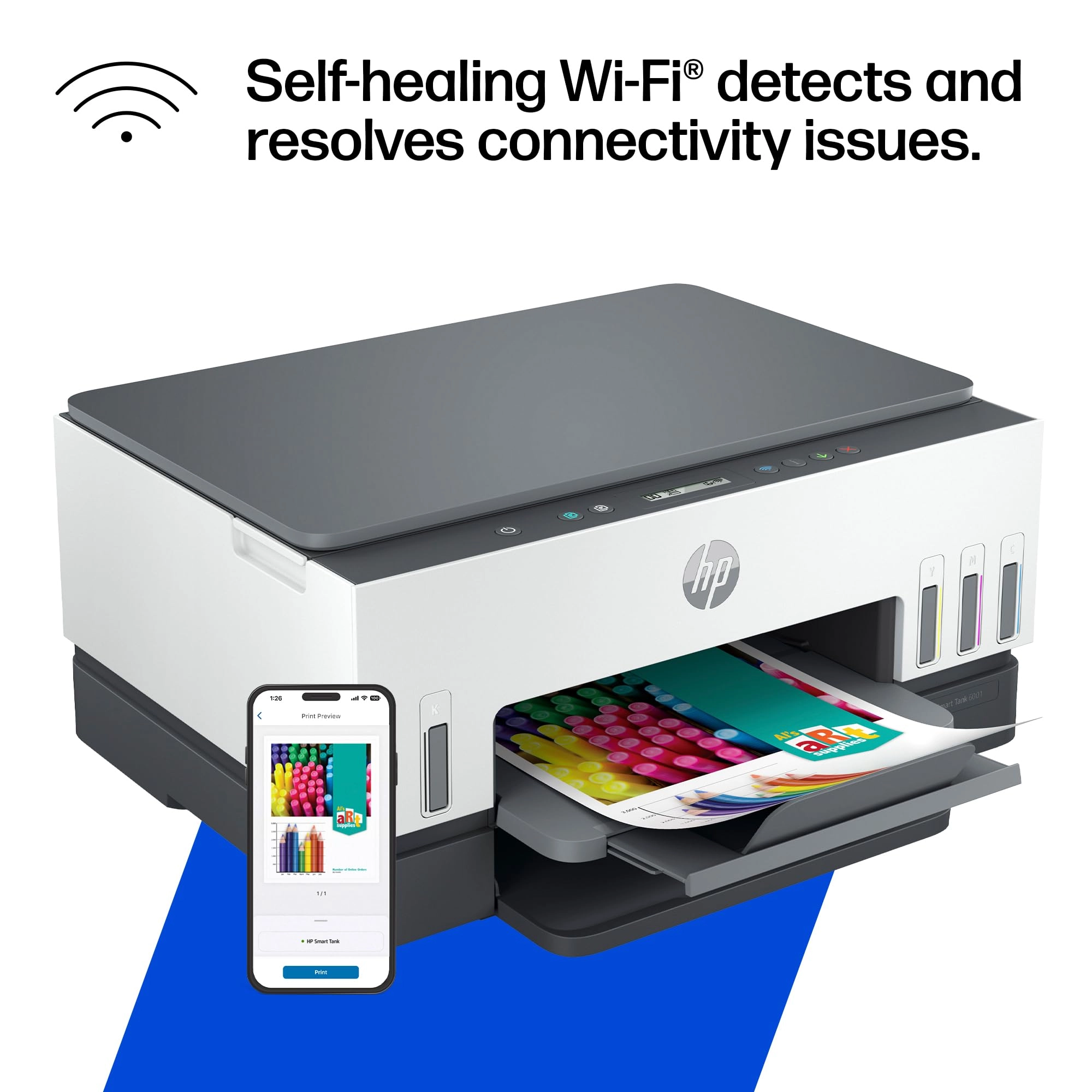
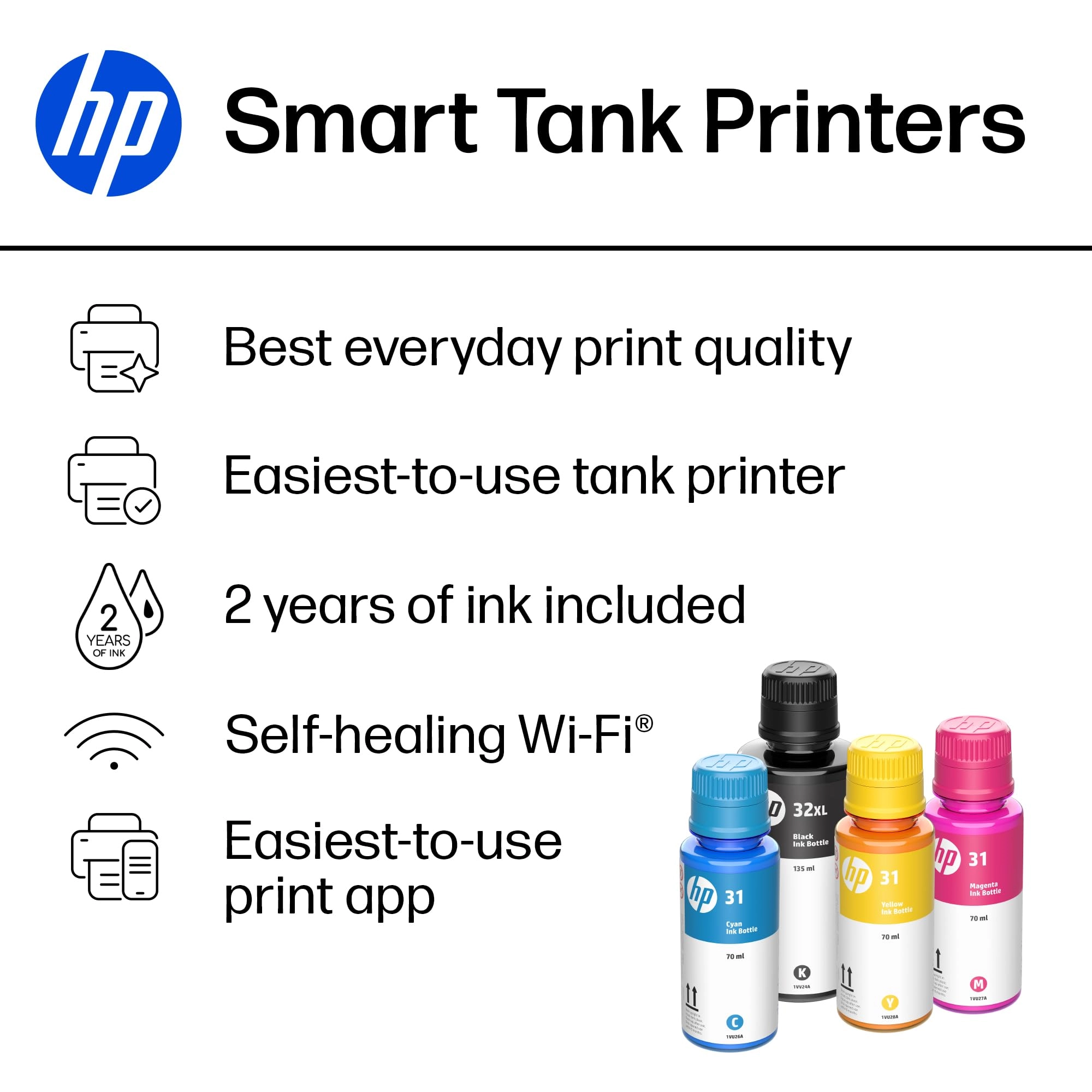
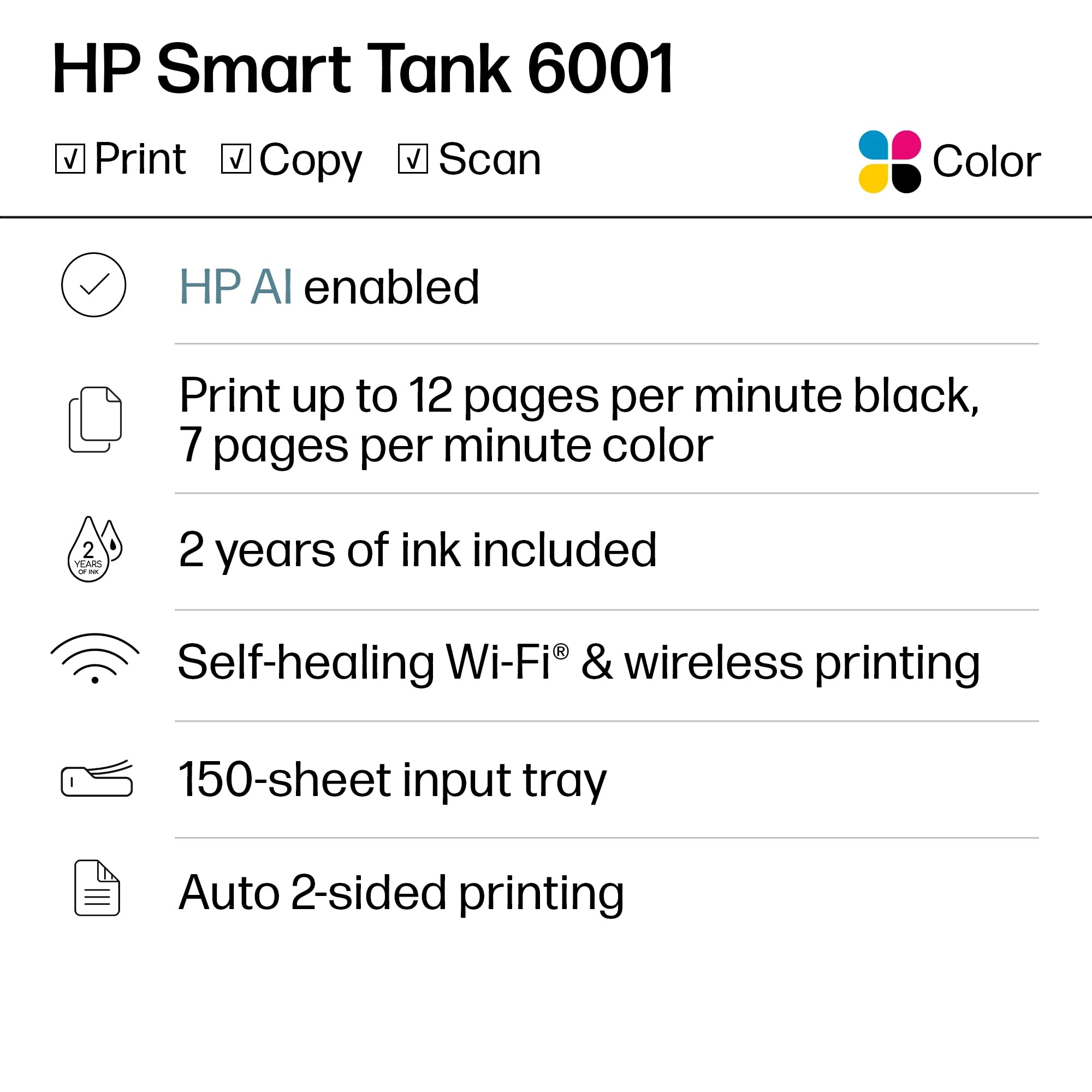
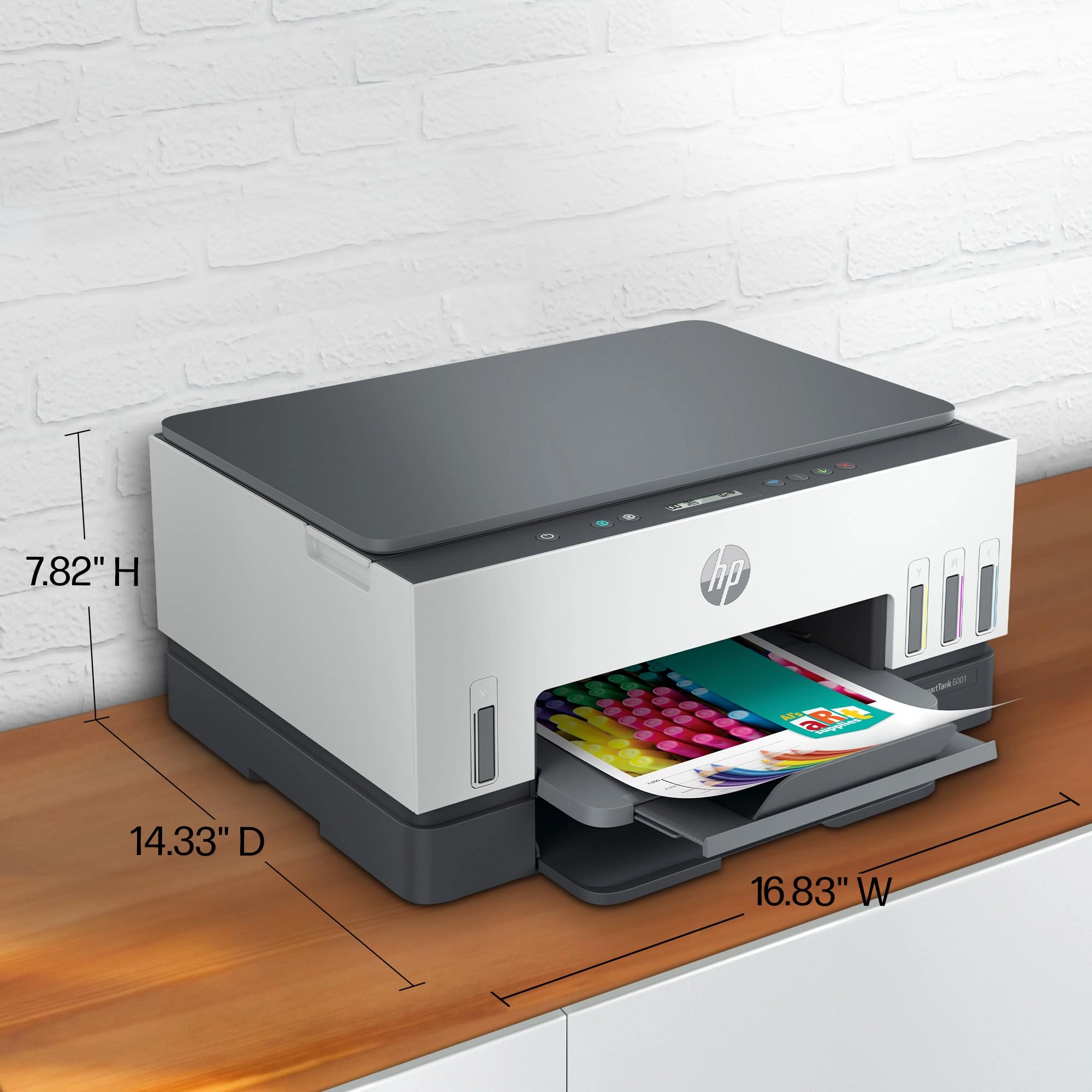
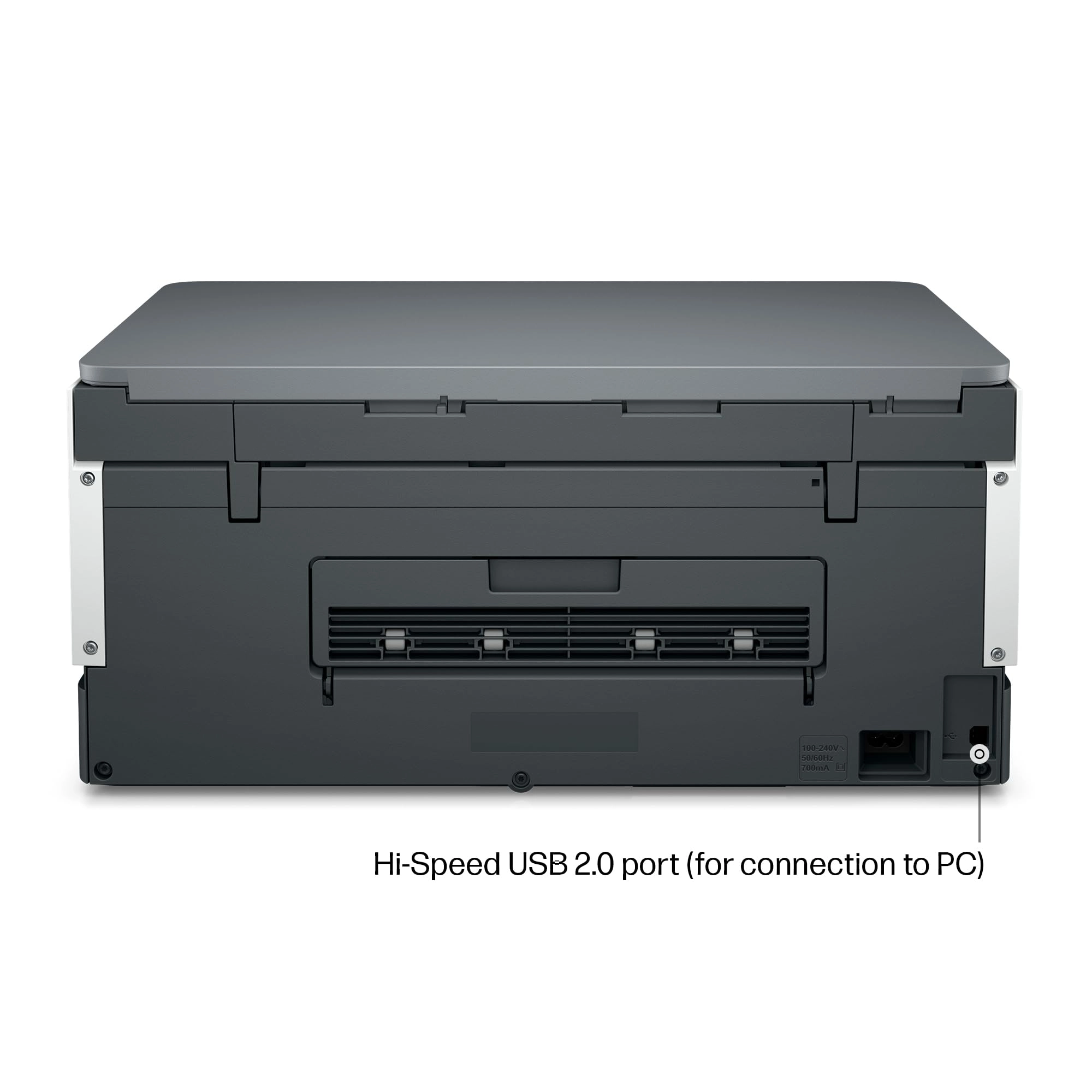
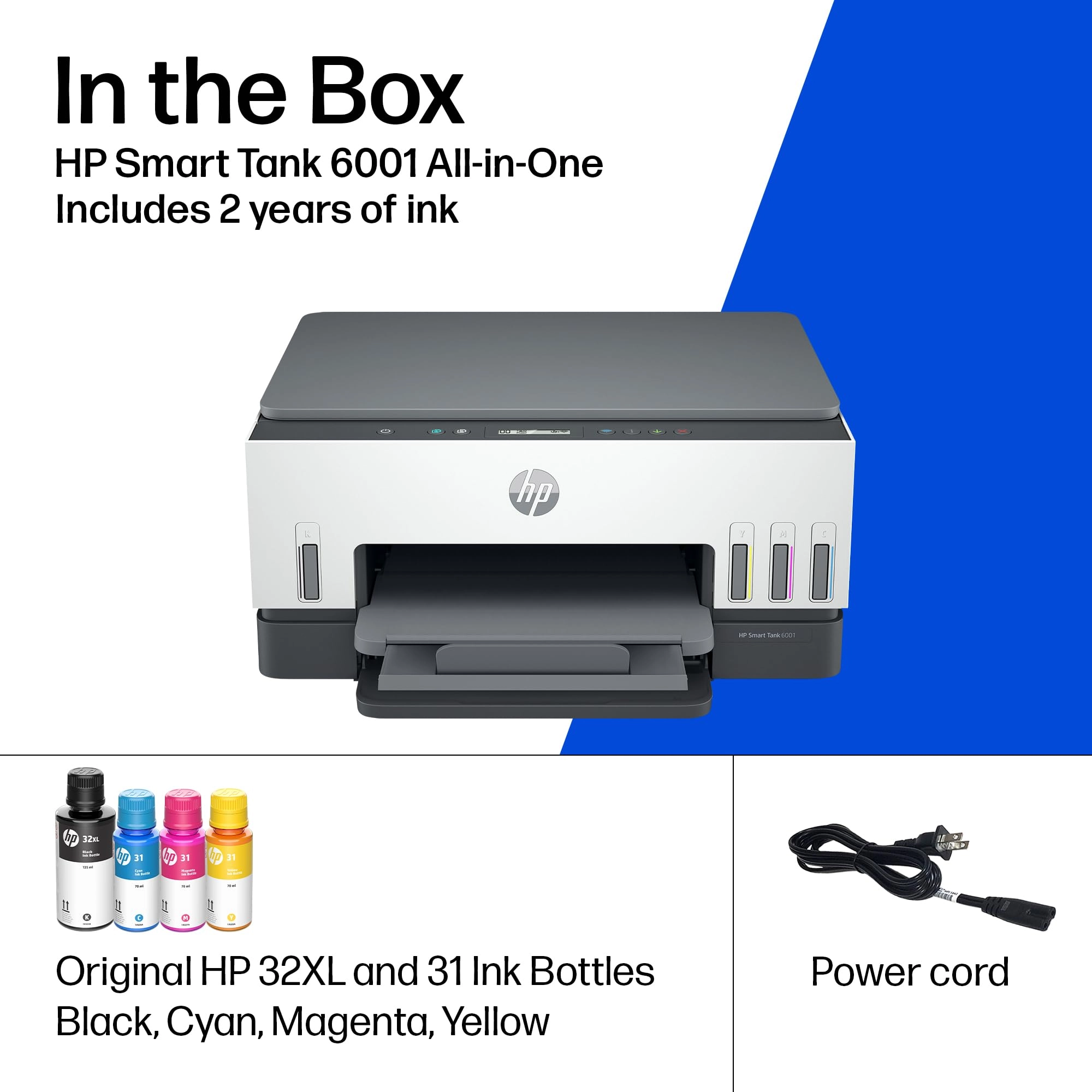
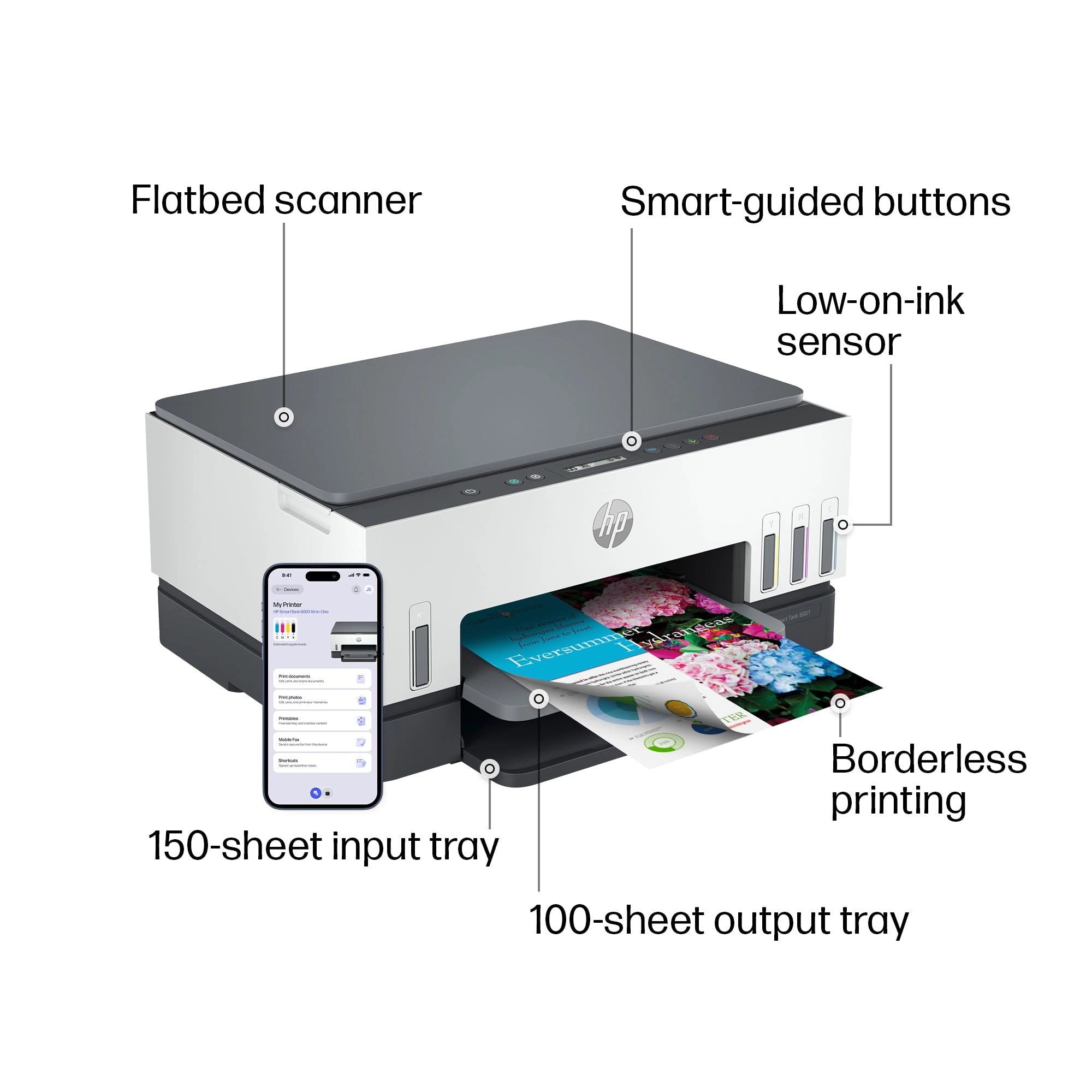
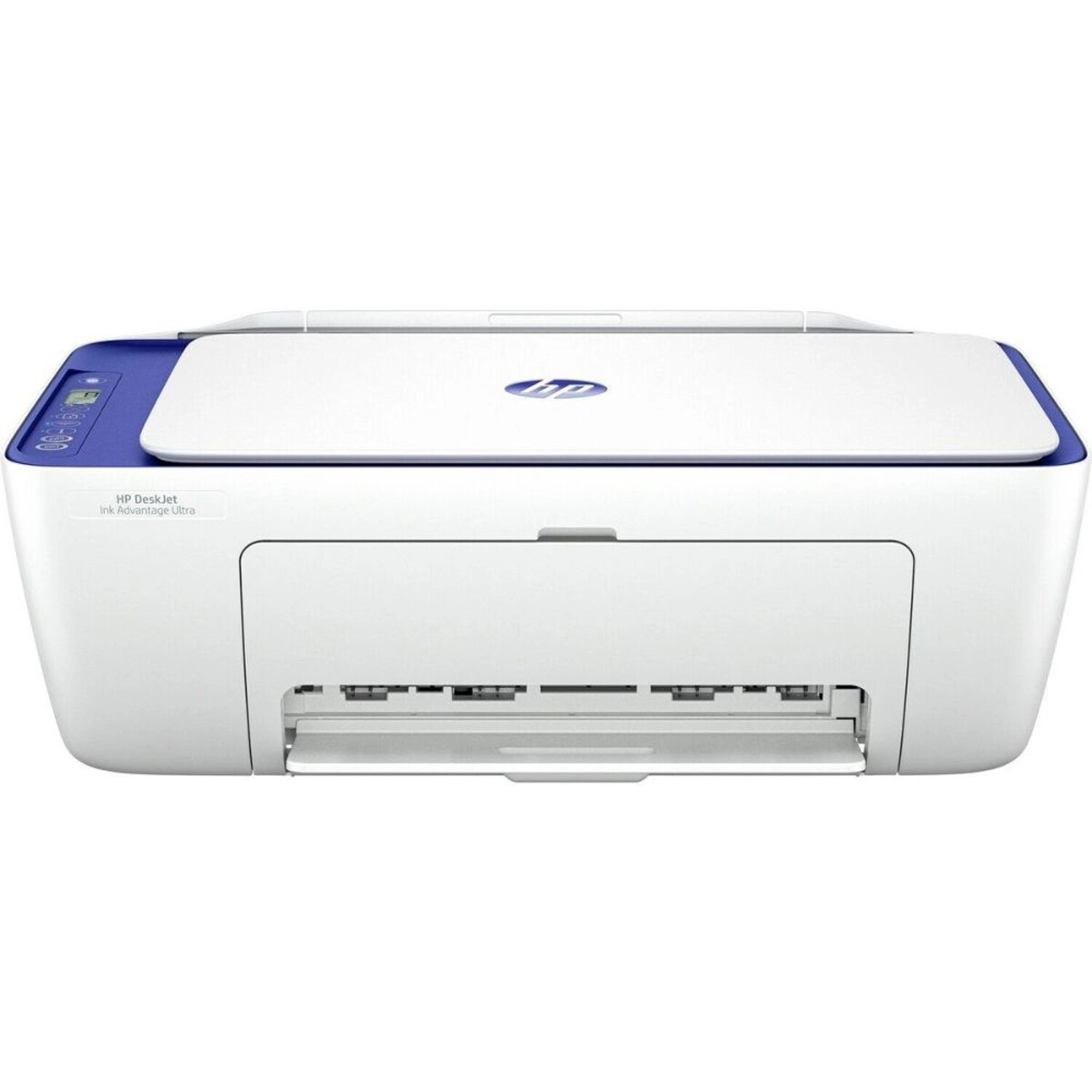
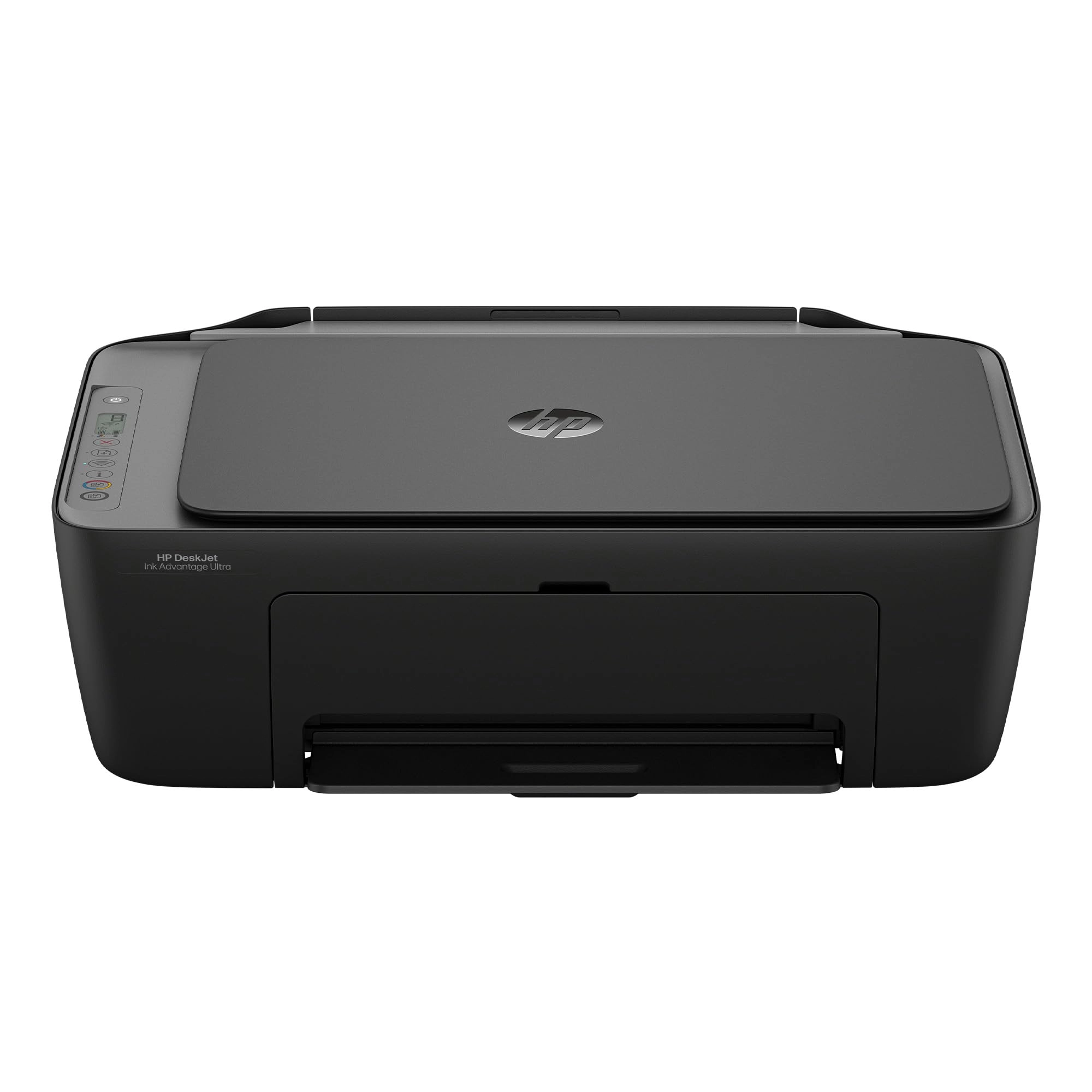
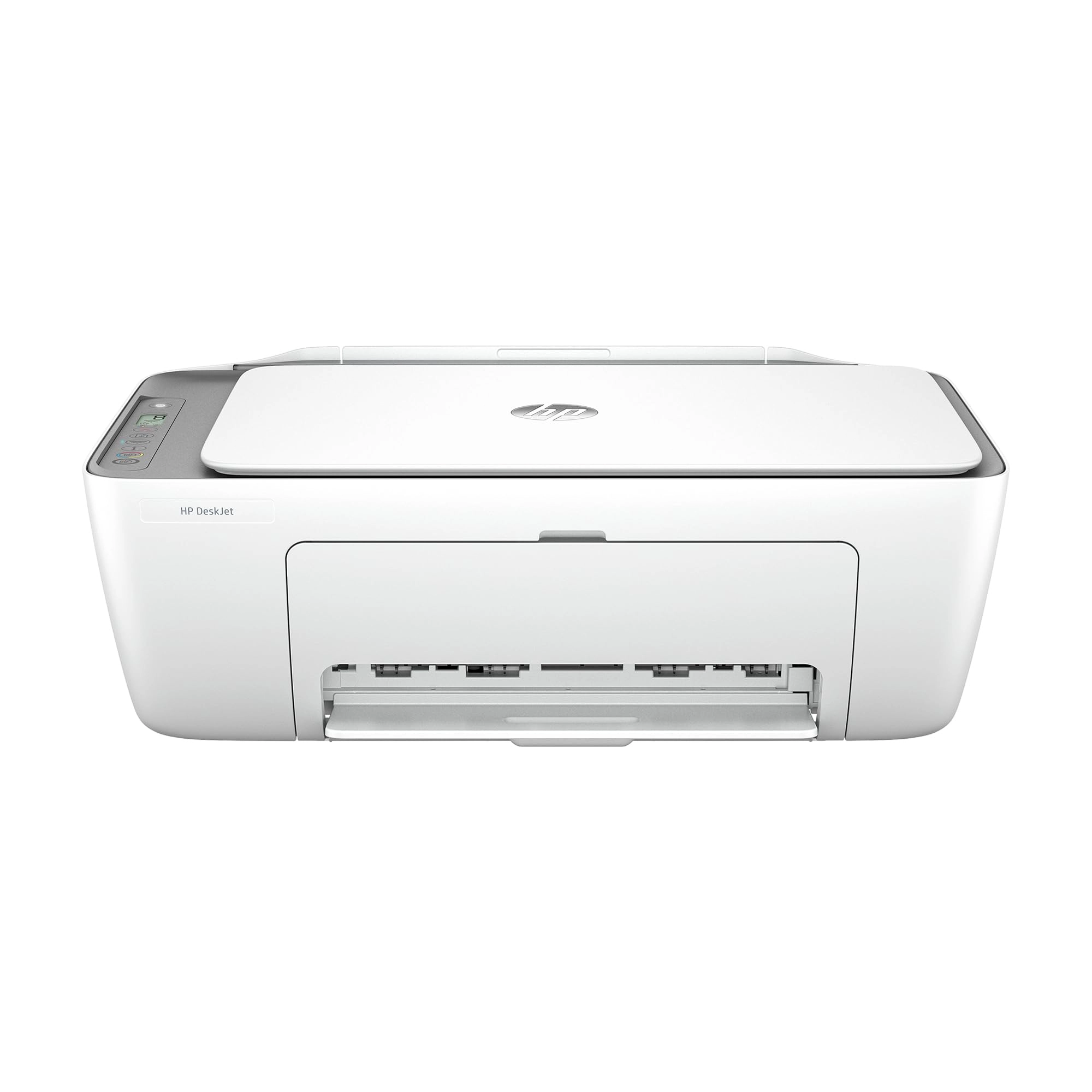
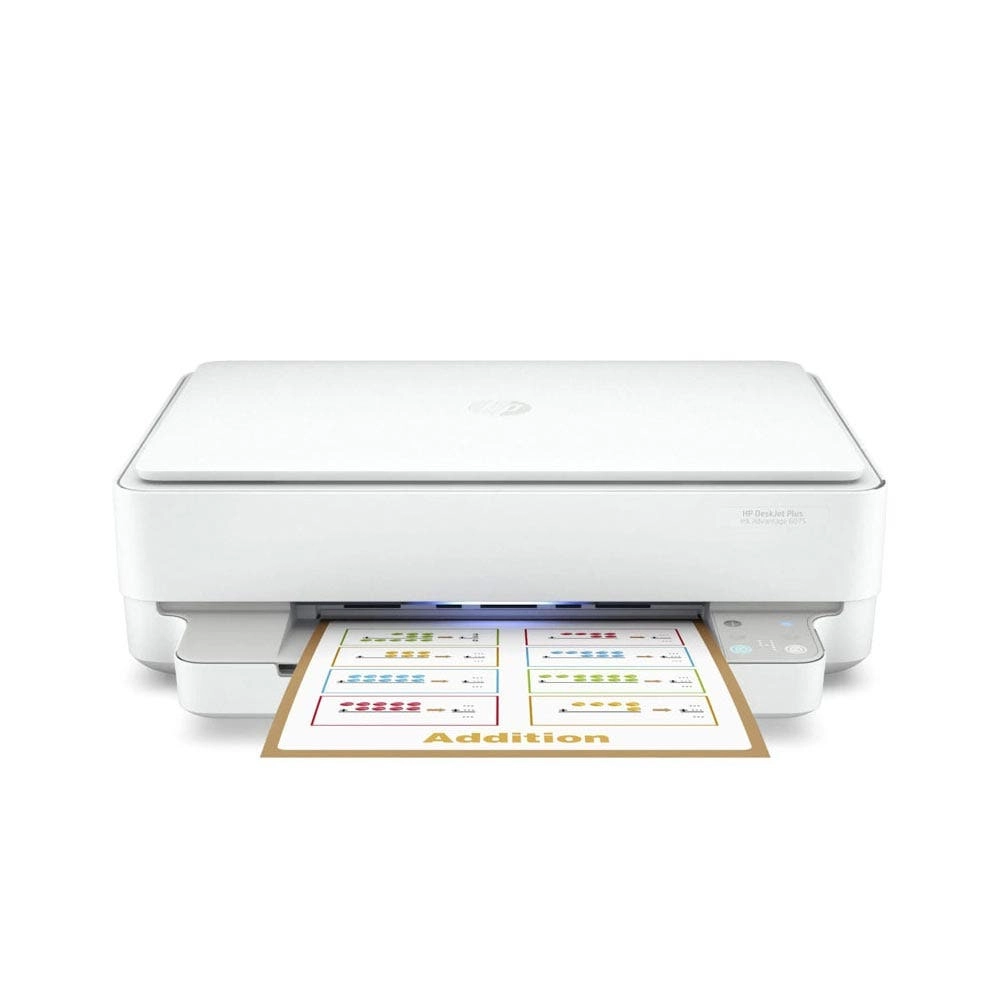
The HP Smart Tank 6001 is a smart, connected and refillable tank
printer that makes printing seamless for the whole family with
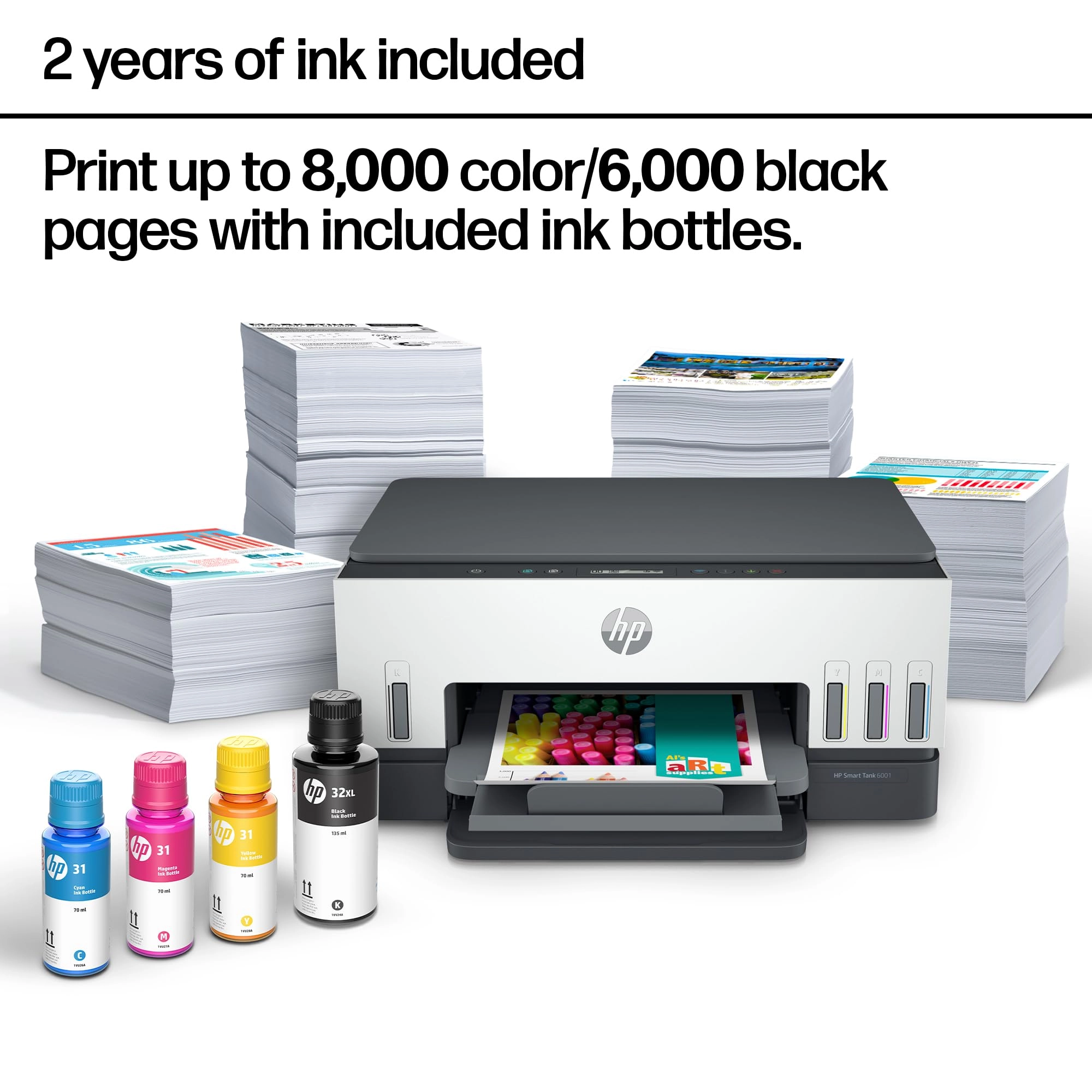
its high capacity and wireless connectivity. Create everyday
color documents at a low cost with 2 years of Original HP Ink
included in the box. This cartridge-free Smart Tank printer is an
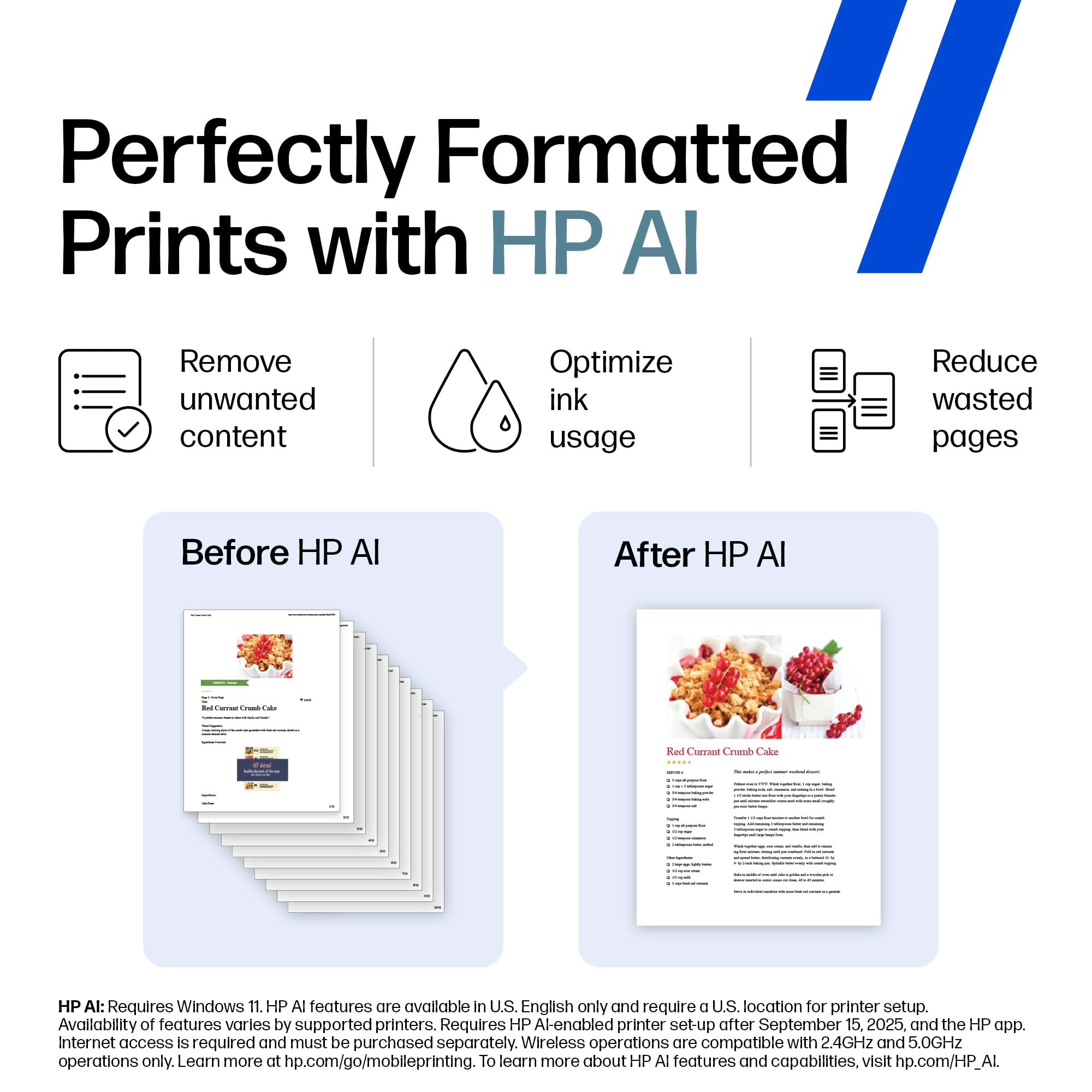
inkjet perfect for high-volume printing. It's also AI-enabled to
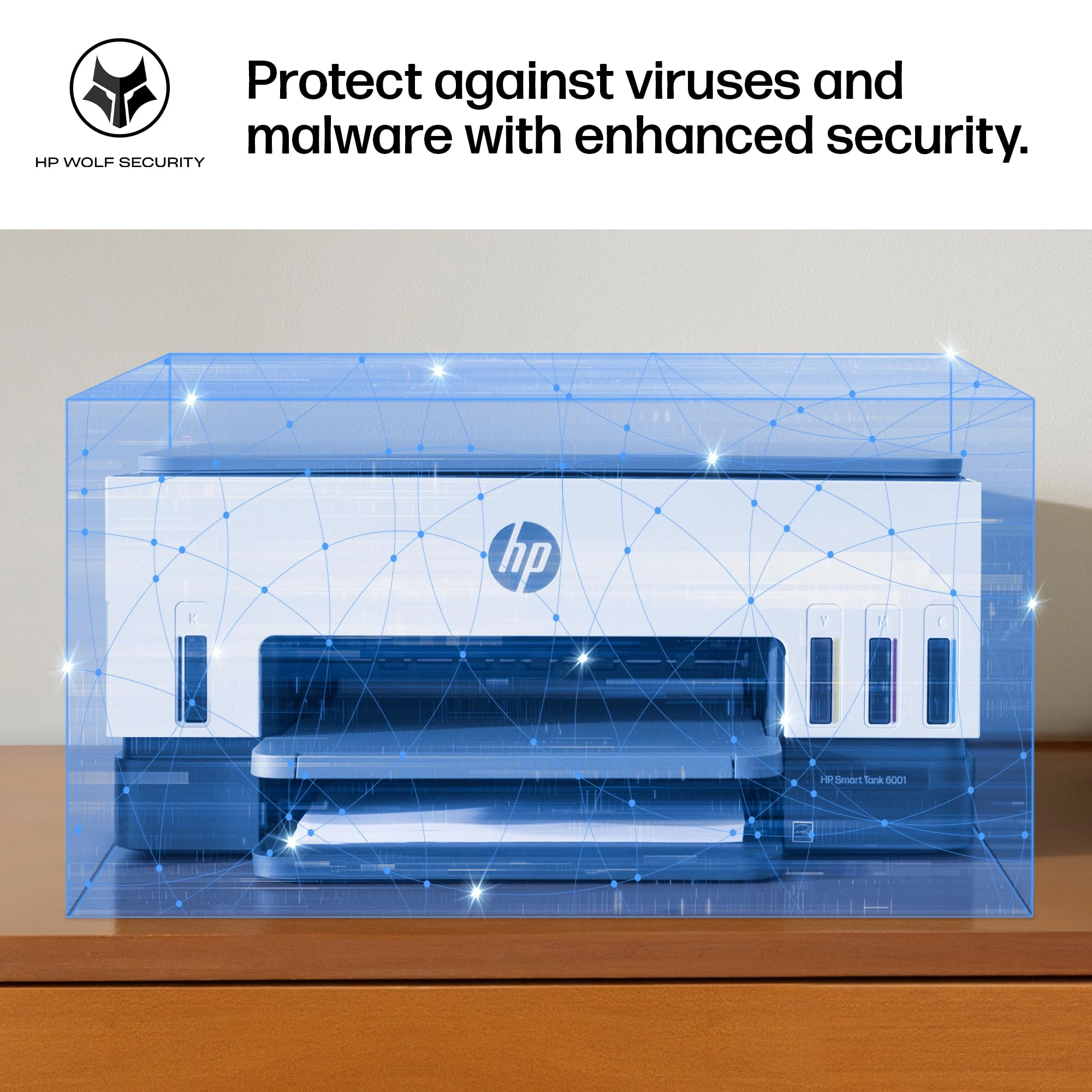
intuitively adapt to your workflow, with wireless and security
features that keep your multifunction printer up to date and
secure.
Review: Best printer I've owned! - I bought this printer after
wanting to decrease my ink cost from a laser printer. I expect my
print quality to be high, and I figured I wouldn't be able to
find a quality printer. Boy was I wrong! After trying a few other
brands with liquid ink, I bought this one and it did not
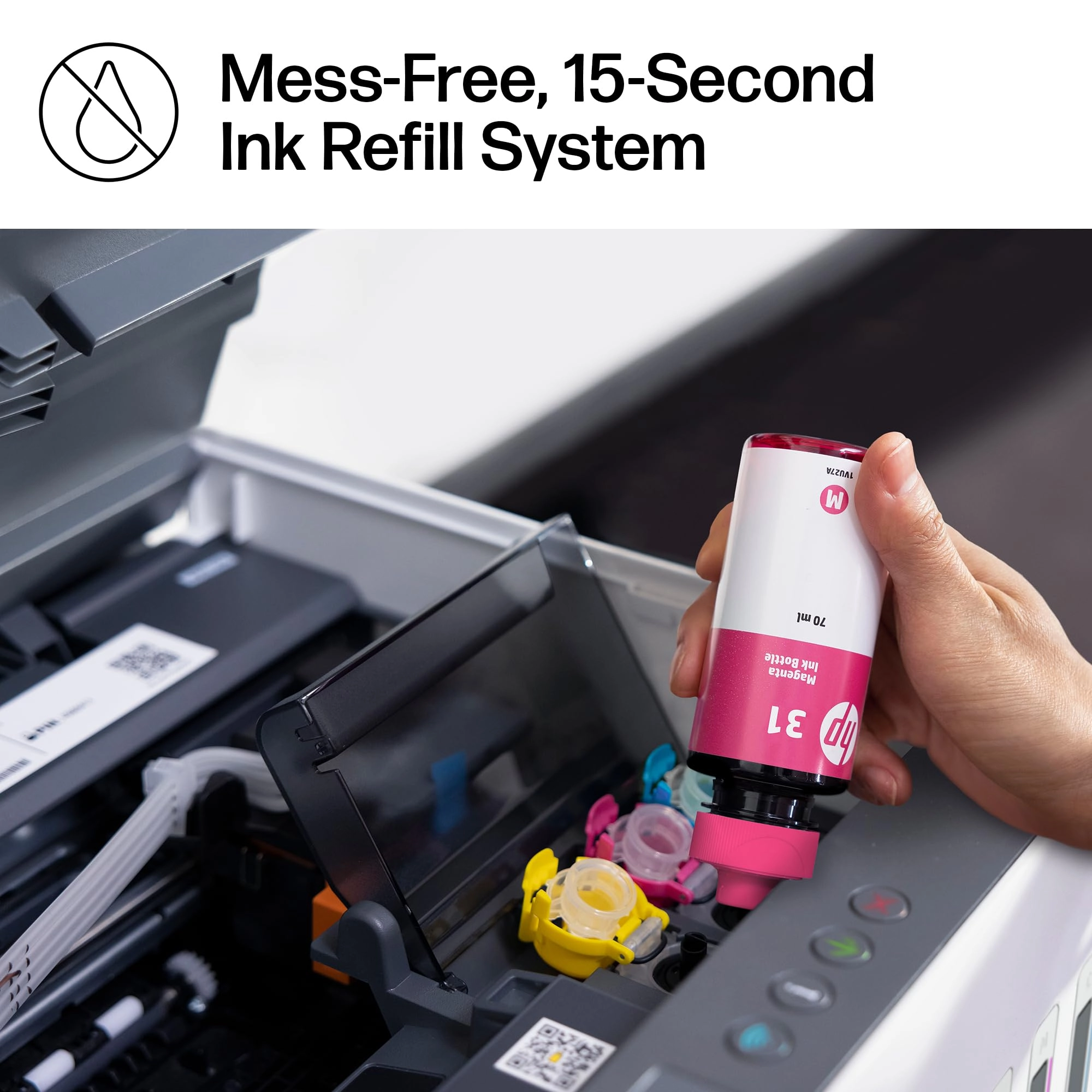
disappoint. The ink is super easy to install, and the quality is
near laser, but it's difficult to know the difference! I bought
this so I could print my own cards for birthdays, anniversaries
and anything else. Now I'm printing quality cards that I make
myself, and I couldn't be happier! Once my husband found out I
wasn't worried about ink consumption and how cheap the refills
were, he's printed hundreds of pages of color for his classes,
and they come out just beautiful! He wasn't too sure about me
wanting to upgrade to a color printer, but now he loves it as
much as I do! I have only used the scanner a few times because I
have a document scanner that does more. However, the scanner
works fine for larger or book scans. If you don't have another
scanner, you will like at least having the option to scan. I
especially like this printer over its larger models because the
paper is SUPER easy to load! The larger ones need you to remove
the entire front of the tray before putting paper in. This one
you just take a stack of paper and slip it into the front of the
paper tray. I can load it very easily from my chair without
removing any parts. The printer connected to the wireless network
pretty easy, and adding it to our phones and other computers was
a breeze! I do notice every once in a while when the network is
having trouble, it will scan for wireless networks and disconnect
& reconnect. That usually isn't a problem, just something for you
to know. After owning the printer a few weeks now and printing
about 400 sheets of color AND about 50 greeting cards, the ink
still reads full. I'm really looking forward to saving money on
ink. I use the IP address to connect to the printers' interface,
and I love that more than its software. Both work fine and
similar. I highly recommend this HP SmartTank Printer for anyone
who wants to save on money and have quality printed products.
Review: broke in less than 7 months with very light usage - I
think HP brand name is not something I can trust on now. I bought
this printer in Nov 2023, and had some trouble with connecting to
Wifi in between. But usually a reboot would fix the connectivity
and was able to print again. Another issue was that the Attention
LED used to blink occasionally when I try to print and until I
disconnect power and power it on it was never able to print
anything. I should have complained about it long back but I
didn't. And yesterday it stopped working completely. Even factory
reset could not make it work. Luckily I was still under warranty
so I decided to contact Customer service last night. I followed
the instructions and reported this, and got a Case Id. I was
assuming someone would email or call me, but This morning I saw
email notification that the case is closed. No update, no
resolution. Nobody tried to contact me. What are they trying to
do?? And today I was trying to contact the customer service, it
took me 1 hr to navigate through and get past their stupid
chatbot which cannot understand anything at all. Finally once the
live agent started they were able to troubleshoot for the next 30
min or so and get an a replacement part ordered. I will update
once I get the replacement part to see if it really gets fixed.
Another thing with this printer is that you can keep hearing a
small squeeling noise continuously from the printer, even when it
is not doing anything at all. I am thinking this is one of the
other hidden issues I may have to worry about soon. I asked the
customer service person, but they just said to contact after the
replacement printhead comes and is replaced. I feel they just are
not interested in helping to fix issues. Overall I feel like I
should stay away from HP printers from now on. (Its sad to see
that once such a great brand is falling to this low). Update on
10/16/2024 I got the replacement printheads, and guess what,
replacing them did not help to resolve the issues. the printheads
are not detected or something else is wrong, I am not able to
print anything at all. The LED display still shows the black
cartridge missing icon flashing. Contacted HP customer care again
today and spent > 1hr to explain this and try to get a resolution
for this. And they are sending me a replacement unit, but to send
the replacement, I have to get the old one returned first. (They
will send me the box and label but its going to take a few days).
And then another few days for them to get the printer. Only then
they will send you a replacement printer. They said approximately
2 weeks, but I doubt. that. All these days I don't have a printer
at all. And now once I get the replacement part, I get the
warranty transferred to the new replacement unit, meaning only
till the original warranty expires. If this new unit fails the
same way or with a different issue after that I am on my own,
throwing all that $$ down the drain. At the minimum they should
have offered to extend the warranty for the number of days I did
not have a printer (from the day the case was opened to a
replacement was received). I have now made a decision to stay
away from HP printers forever. My last Canon Inkjet was
excellent. It never gave me any complaint at all since I bought
it in 2009, till now. The only reason I bought a new one was
because the Canon printer was end of life already and they dont
have drivers that would work with the newer OS. Update 10/25:
Waited for 3 days for me to send the box and label and they gave
me conflicting information in each email one email with a fedex
label said I have to send the shipment first to them, (no mention
of box or anything that they promised to send me ). Right after
that they send another email stating they will send me the new
unit first and I can send back the old one in the same box once I
get it. Both of these conflicted with what the customer service
said, but I waited for 3 days and since I didn't see any updates
I contacted customer service again. After some back and forth
they said they will send me a box to send the old one back. But
it was too slow, so I was able to scavenge some other shipment
box, pack the printer and use the shipment label they sent via
email to send the defective unit back. And they received it, but
no update even on the next day. So I asked them via customer
support chat again and they said it would be updated withing 2
business days. Still no udpate and when I contacted them again,
now they are claiming that it will take 15 days for them to
process the replacement and that time starts when they received
the defective unit (Oct 23rd morning). Which means I am out
without a printer till Nov 7th. In my opinion, with this kind of
customer "service", there is no point in giving warranty for a
product. If anyone out there is in the process of getting a new
printer, stay away from HP. In my experience, their printer don't
last, and they don't provide any customer service at all. All
their customer service department does it create tickets for
their service center and there is no way to contact anyone there
to see what is going on with your repair order. Better go with
any other printer and they should work. Even if it does not work
after sometime, its cost effective to return it (and pay the
restocking fee at desertcart) or even thrown it away and get a
completely new one. It would still be cheaper and less stressful
than dealing with HP customer service.