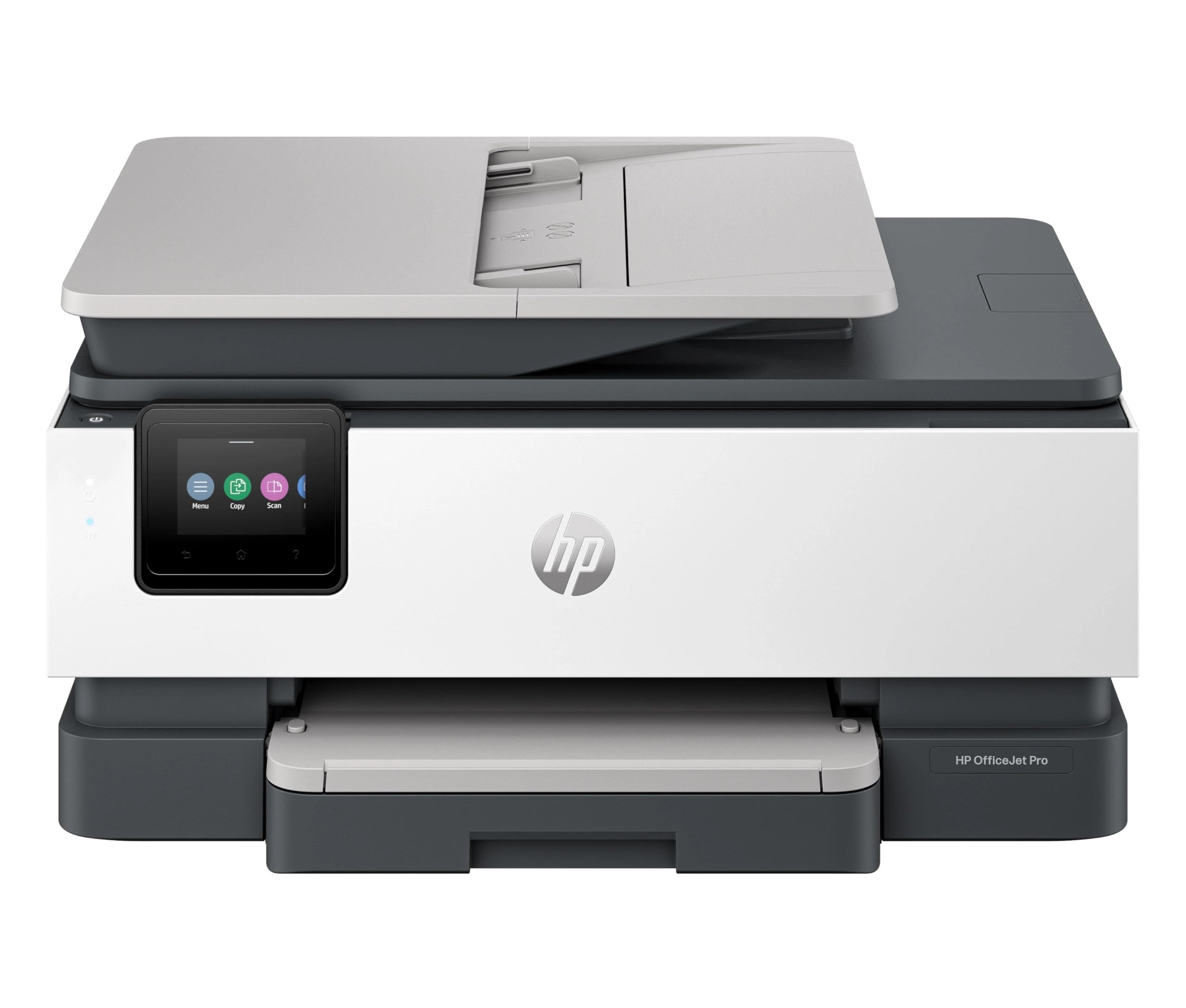
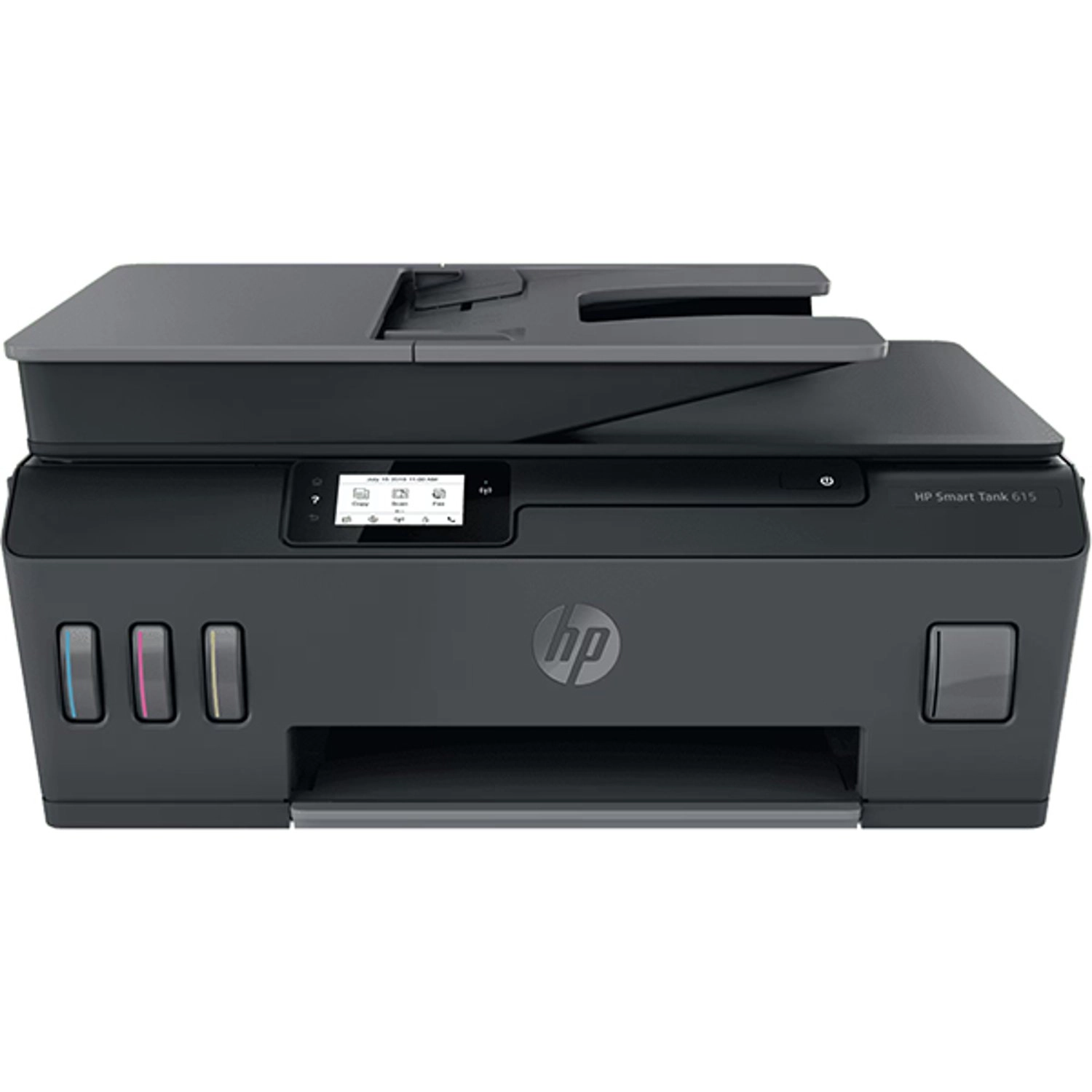
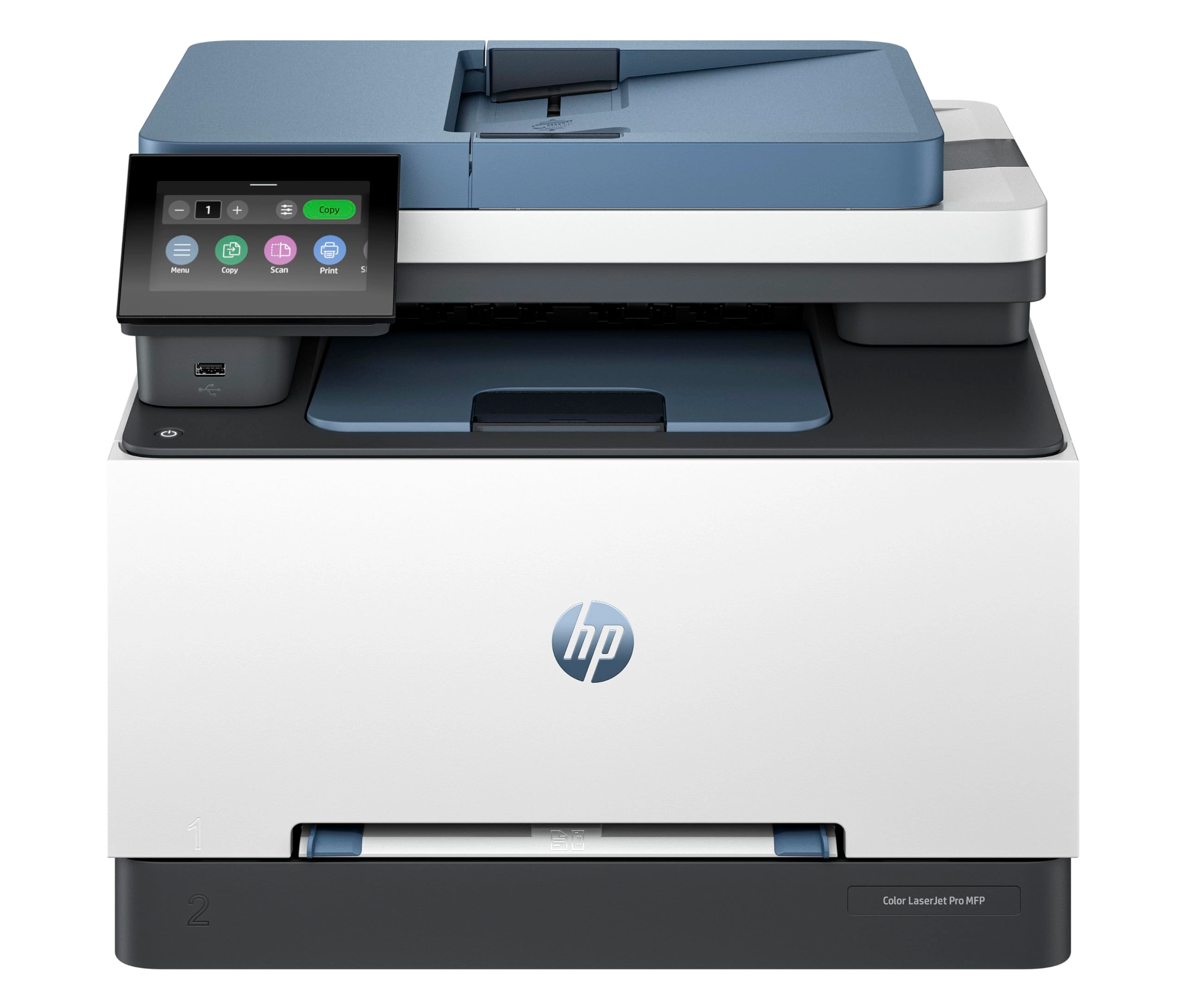
Versatile all-in-one printer with wireless, 2-sided printing, and
35-sheet ADF. Print, scan, and copy up to A3 with vibrant,
screen-accurate results.
Review: Good stuff as a home office printer - I received the big
box this morning, and my first impression was that it's quite
huge and heavy (around 20KG) --- understandable given its ability
to scan and print A3 documents double-sided! The setup was
straightforward: after removing all the protective films, I
simply plugged it in and followed the instructions via the LCD
touchscreen. It supports 5GHz Wi-Fi, so an Ethernet connection is
not mandatory. HP kindly includes a nice bonus: several free
months of ink and packs of premium papers, provided you sign up
for the instant ink plan using the promo code gbdzc4. Last time I
got 6 packs of 80 gsm A4 papers, 500 sheets per pack, hopefully
they could give me the same this time. xD. You're free to cancel
after the trial period and switch to more affordable third-party
cartridges, it is totally up to you. As for user experience, it
is solid, but there are a few points to note: 1. The official
manuals are quite vague, especially for advanced features. For
example, if you want to scan directly to cloud services like
OneDrive or Dropbox, you will need to use the HP Smart app. You
will create cloud scan configuration profiles (so-called
Shortcuts in HP's dictionary) within the app, which then sync to
the printer. The sync to network folder (Samba/SMB/CIFS) is an
amazing feature, you can simply scan documents and save to your
network share (NAS like Synology or QNAP or whatever you have) in
one click. 2. For scan to email, you must configure an email
account as the sender- that's quite intuitive for people with
such a tech background, but not for normal people. 3. When it
comes to the paper trays, only Tray 1 supports various media
types (like envelops and glossy photo paper). Tray 2 is limited
to plain paper only. Unfortunately, HP doesn't clearly mention
this in their product description, which I found
frustrating---and apparently, so have other users, that's why
this machine got so many low ratings online. 4. The ADF
(Automatic Document Feeder) works well, but there is a slight
skew (about 1 degree) shown in the scanning outputs. It's not a
dealbreaker, but I was hoping for perfect alignment. For scanning
based on ADF, it only supports up to 300 DPI, however, it could
be 1200 DPI using the scanner glass (flatbed). The Scan to
Network Folder/USB feature can only do up to 600 DPI. 5. The
print quality is good as usual, 1200 DPI under "Colour - Best
Quality" profile looks fabulous as long as you use good papers
(>= 80 gsm). I used HP Premium A4 (90 gsm). Don't buy those cheap
70g stuff from Tesco---they are affordable but lead to a poor
print quality. So overall, this is a powerful all-in-one printer
with great functionality, especially for those who do need A3
capabilities. I couldn't judge HP more as they offered free ink,
tons of papers and £50 cash rewards (limited event if you
purchase it from desertcart). Just be prepared for a bit learning
curve with the more advanced features and limitations in paper
handling of the trays.
Review: Not a good printer. - I had hoped that this printer would
be able to handle light A3 card and photo paper but unlike what
it says it can, it is very hit and miss or whether it will grab
the paper / card from the tray and print. I have used all the
correct settings etc but have wasted a lot of material as it has
had issues etc. Had some errors in that the tray sensors didn't
work correctly and wouldn't load the paper, I spent over 4 hours
"chatting" to HP themselves to get a solution and this was only
done after I asked to escalate my issue. A replacement one was
sent, and was hoping that it would be an improvement, but is the
same as the original one. For PAPER, it is ok but anything else,
it's a lottery as to whether it works or not!