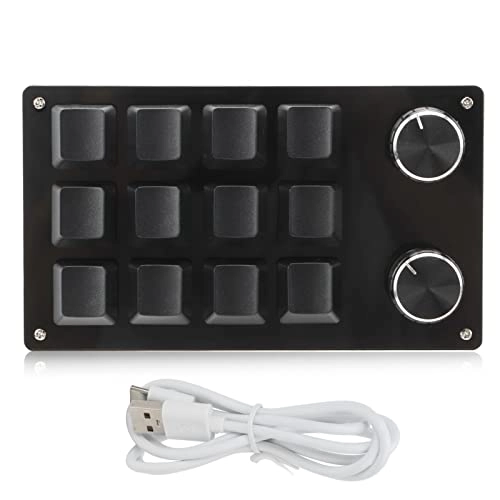
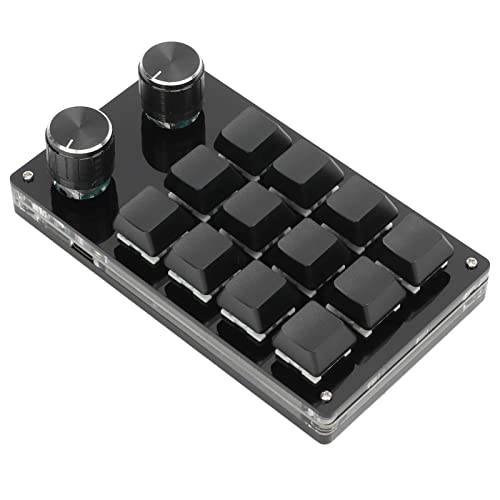
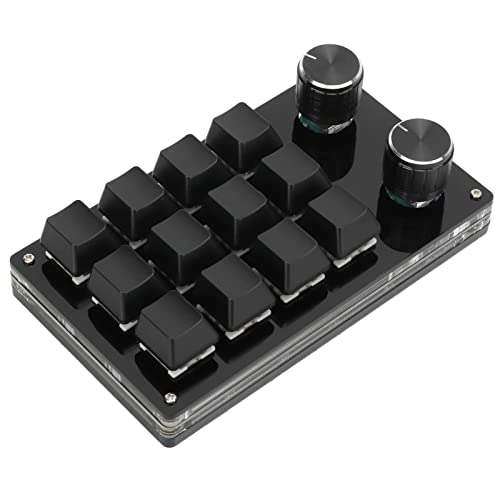
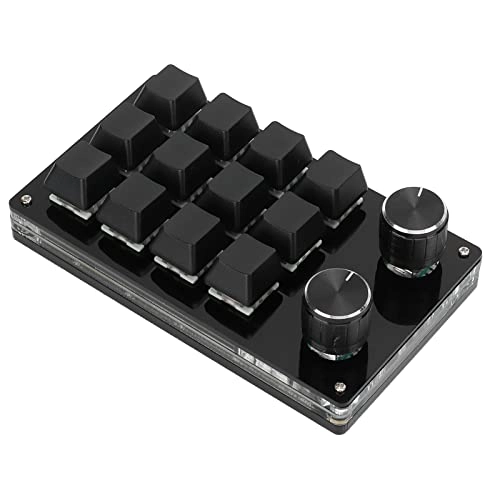
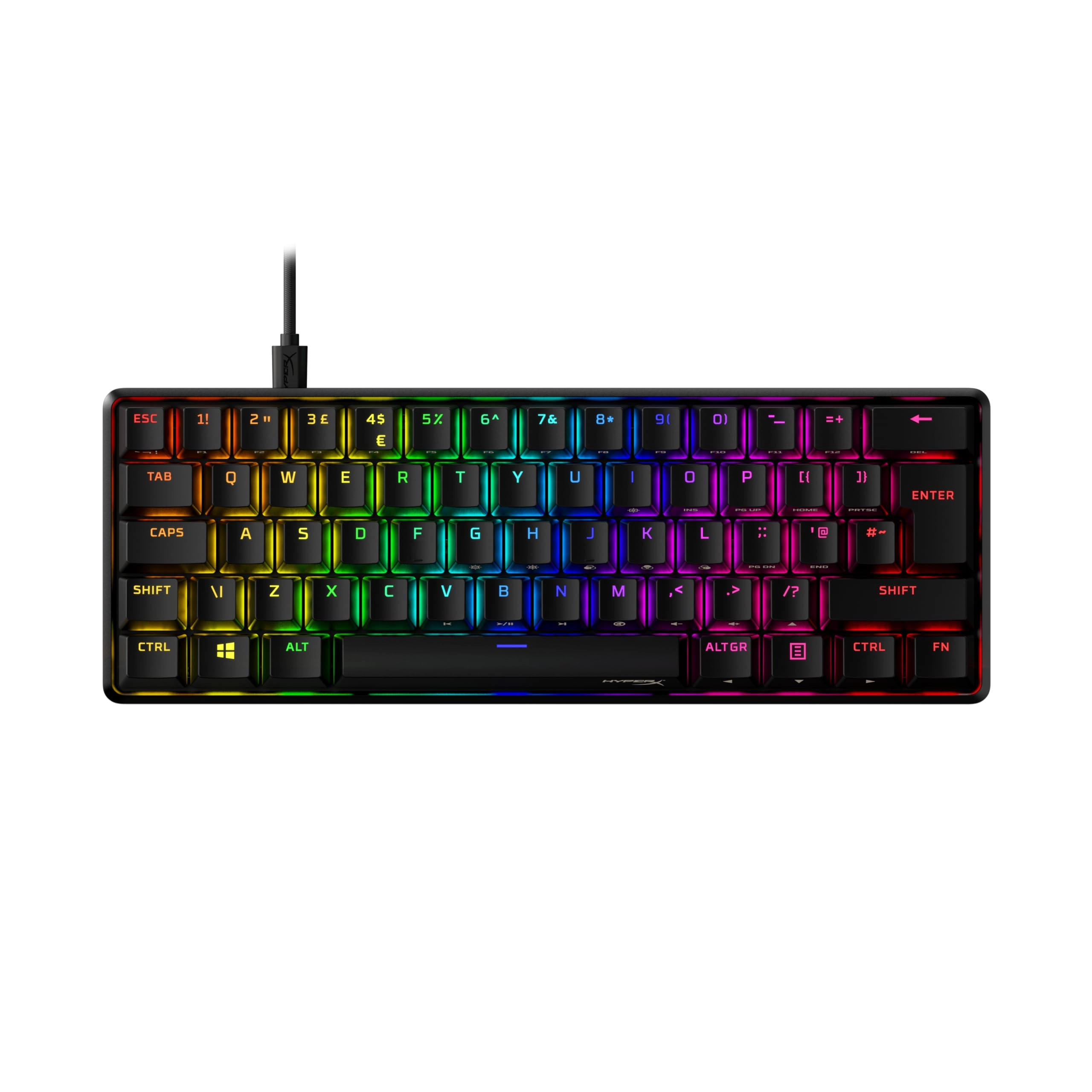
1. [Practical shortcut keys] Reduce effort with 12 programmable buttons and an adjustment knob.
2. Multifunctional: assign different functions to the buttons to ensure complex key combinations and efficiency.
3. [Memory Function] Save your settings and use them after setup on systems such as OS control and media playback.
5. [Portable & Simple] Plug and play with Type-C to USB interface, no driver required for seamless use on the go.
Technical data:
Item Type: Macro Mechanical Keyboard
Material: Acrylic, PCB
Usage: suitable for office, games, music, media, industrial control, laboratory, production line testing and other fields
System support: For , for VISTA, for , for OS X
Key life: up to 50 million times.
Type: Dustproof Green Barrel
Number of keys: 12 keys.
Size: approx. 132 x 77 x 38 mm / 5.2 x 3 x 1.5 inches (L x W x H).
Current and voltage: DC 5V/1A.
Working temperature: -10℃-50℃.
Use:
1. Small keyboard, open the custom software on the computer.
2. Click on the "button setting area" or "button setting" in the custom software. Area" (yellow area) and then click the key1‑key12 button or any key of 1 or 2 (green area) to be adjusted; when selected, it will be displayed red.
3. Click the function key corresponding to the simulated keyboard in the custom software, click "Download" to view the successful download. The custom keyboard can be used. For example, if you want to set the small keyboard key 1 as a key combination to copy (Ctrl+C), click "Key Settings Area" in the software, click "KEY1", then click on the software simulation keyboard on Ctrl and C, click "Download" and the message "Download successful" will appear.
Common methods of fixing:
Problem 1: When the keyboard is connected to the computer, there is no response or message indicating that the device is not running properly.
Solution: check that the cables and interface are connected properly. Remove them and plug it in again. Replace the USB port on the computer and plug it back in. Error 2: The custom software cannot be opened after downloading. Solution: Verify that the antivirus software intercepts the process and set it as a trusted file. Question 3:Why does "a" always appear after connecting the computer when pressing a button or button? Solution: Output a is the normal factory setting. Please open the custom software to redefine the button function. Package list:
1 x keyboard.
1 x USB cable.
Note:
1. This software can only be temporarily run for the system. Try to download them on the PC side of the computer. Use on for , for OS X and other systems (pay attention to the release of the antivirus software when you first run and set it as a trusted file)!2. When customers read the manual, please note that the product does not have RGB function. However, the product manual is a manual describing the RGB function. Please ignore the RGB function description in the manual.
Reviews
Loading...
Loading...
Loading...
Loading...
Loading...
Loading...
Loading...
Loading...
Loading...
Loading...
Loading...
Loading...
Loading...
Loading...
Loading...
Loading...
Loading...
Loading...
Loading...
Loading...
Loading...
Loading...
Loading...
Loading...
Loading...
Loading...
Loading...
Loading...
Loading...
Loading...
Loading...
Loading...
Loading...
Loading...
Loading...
Loading...
Loading...
Loading...
Loading...
Loading...
Loading...
Loading...
Loading...
Loading...
Loading...
Loading...
Loading...
Loading...
Loading...
Loading...
Loading...
Loading...
Loading...
Loading...
Loading...
Loading...
Loading...
Loading...
Loading...
Loading...
Loading...
Loading...
Loading...
Join our newsletter
Be the first to know about new arrivals, sales, and exclusive picks
Sign in to unlock newsletter access and stay in the loop

Please enable location access or select an emirate