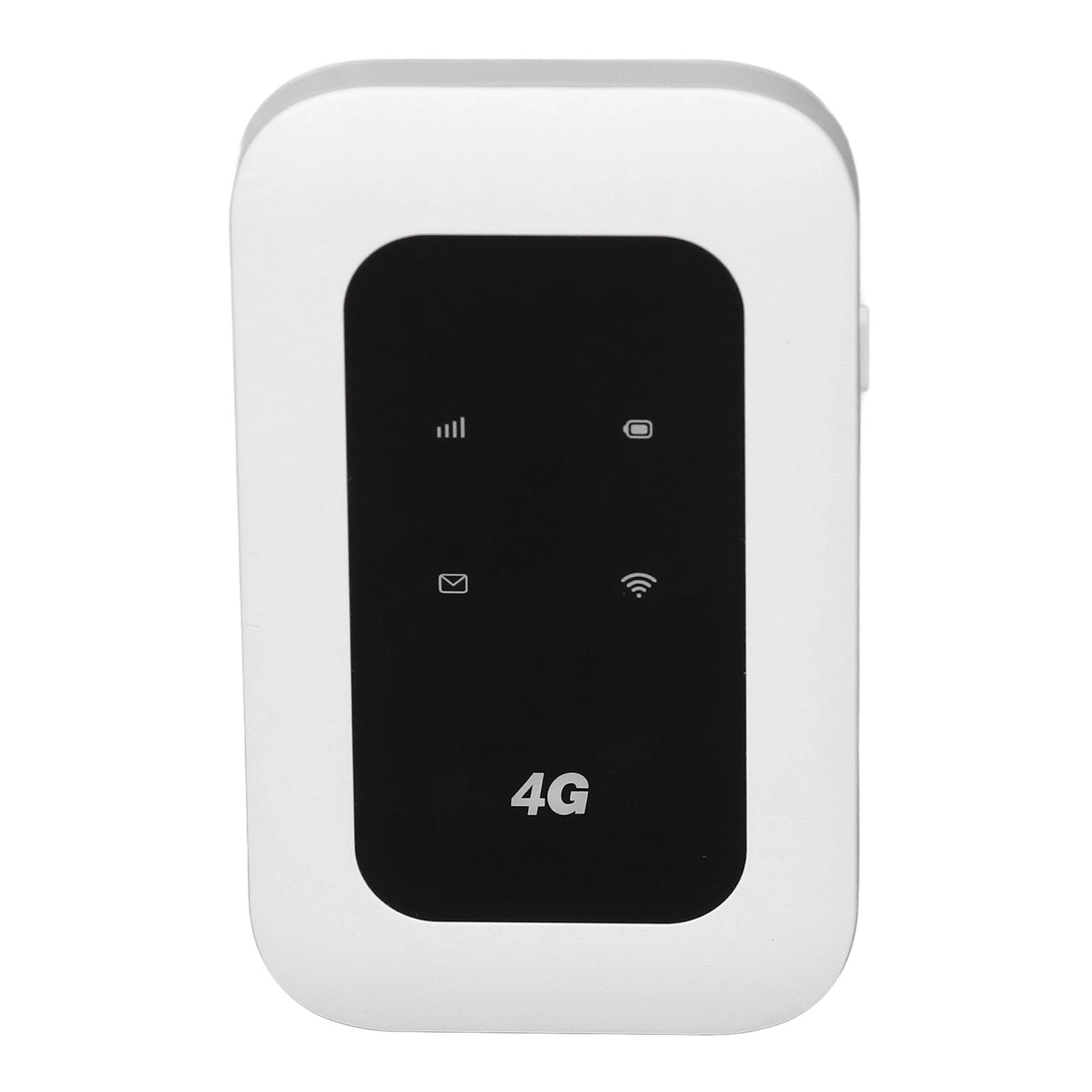
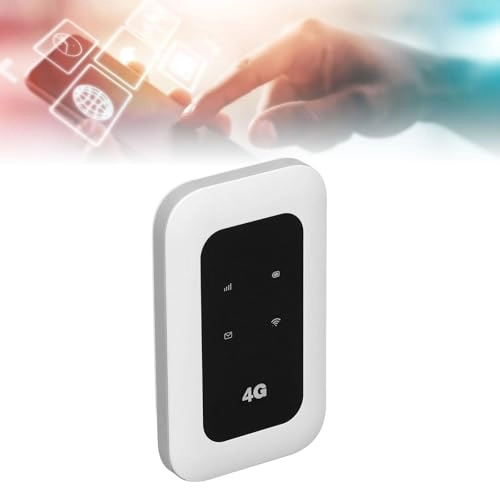
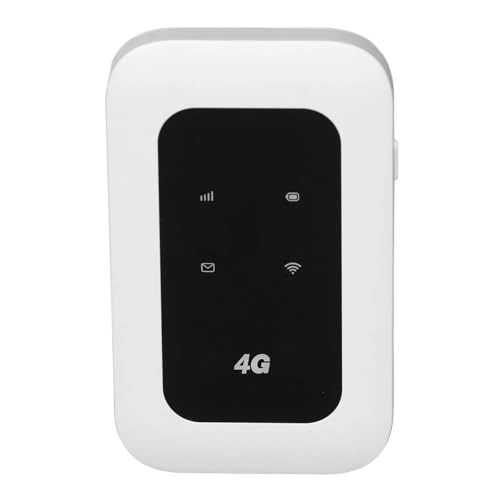
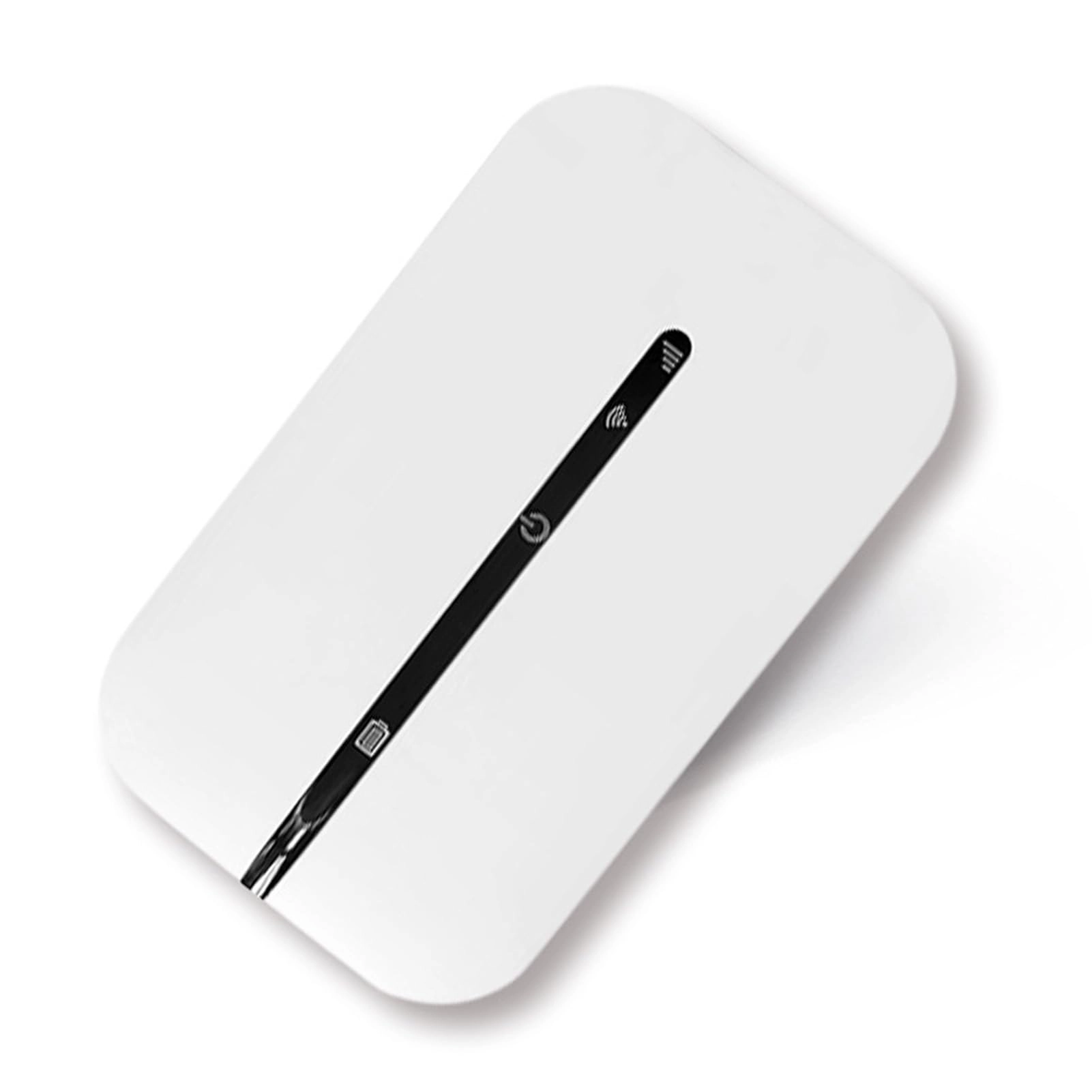
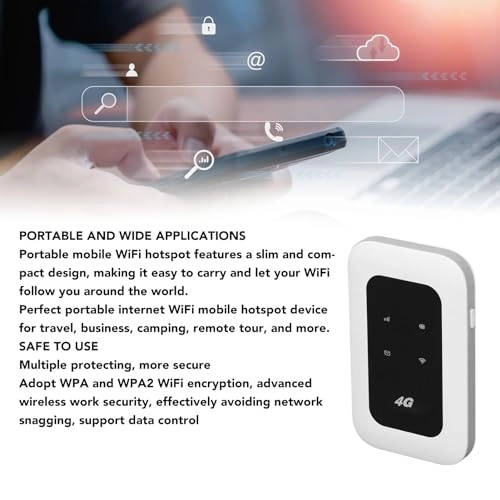
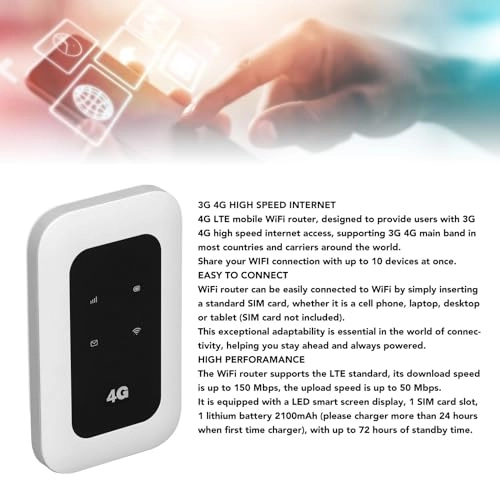
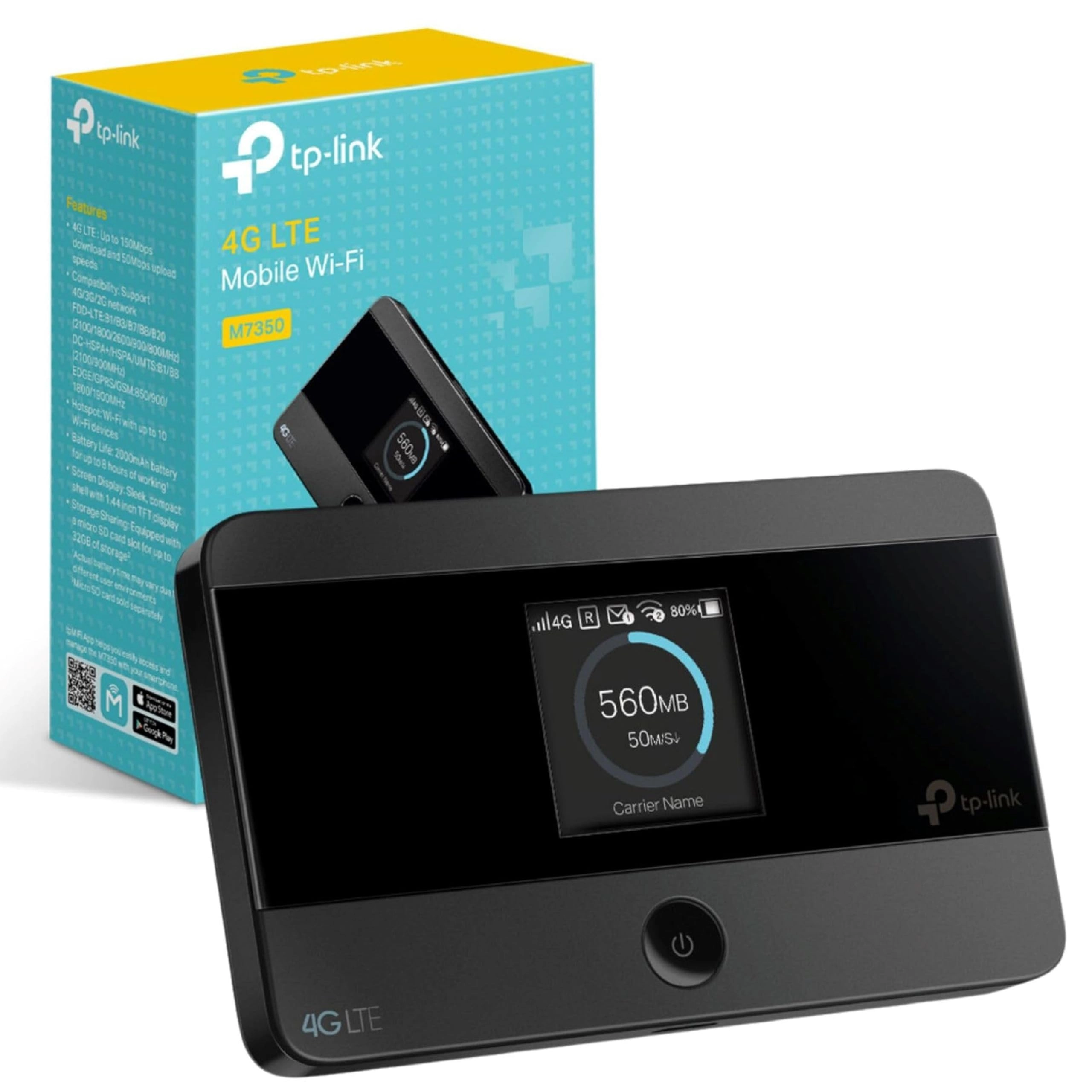
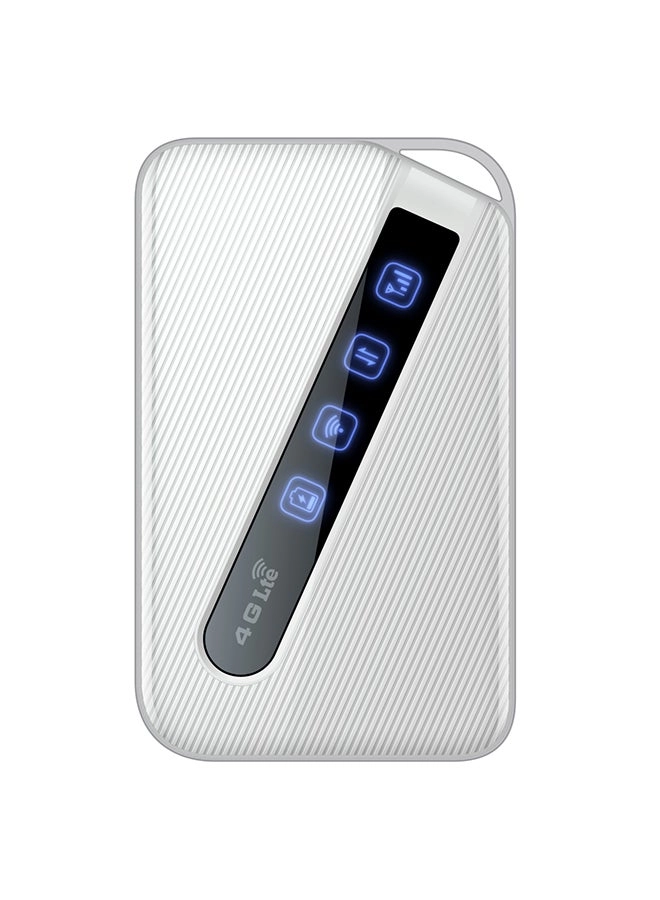
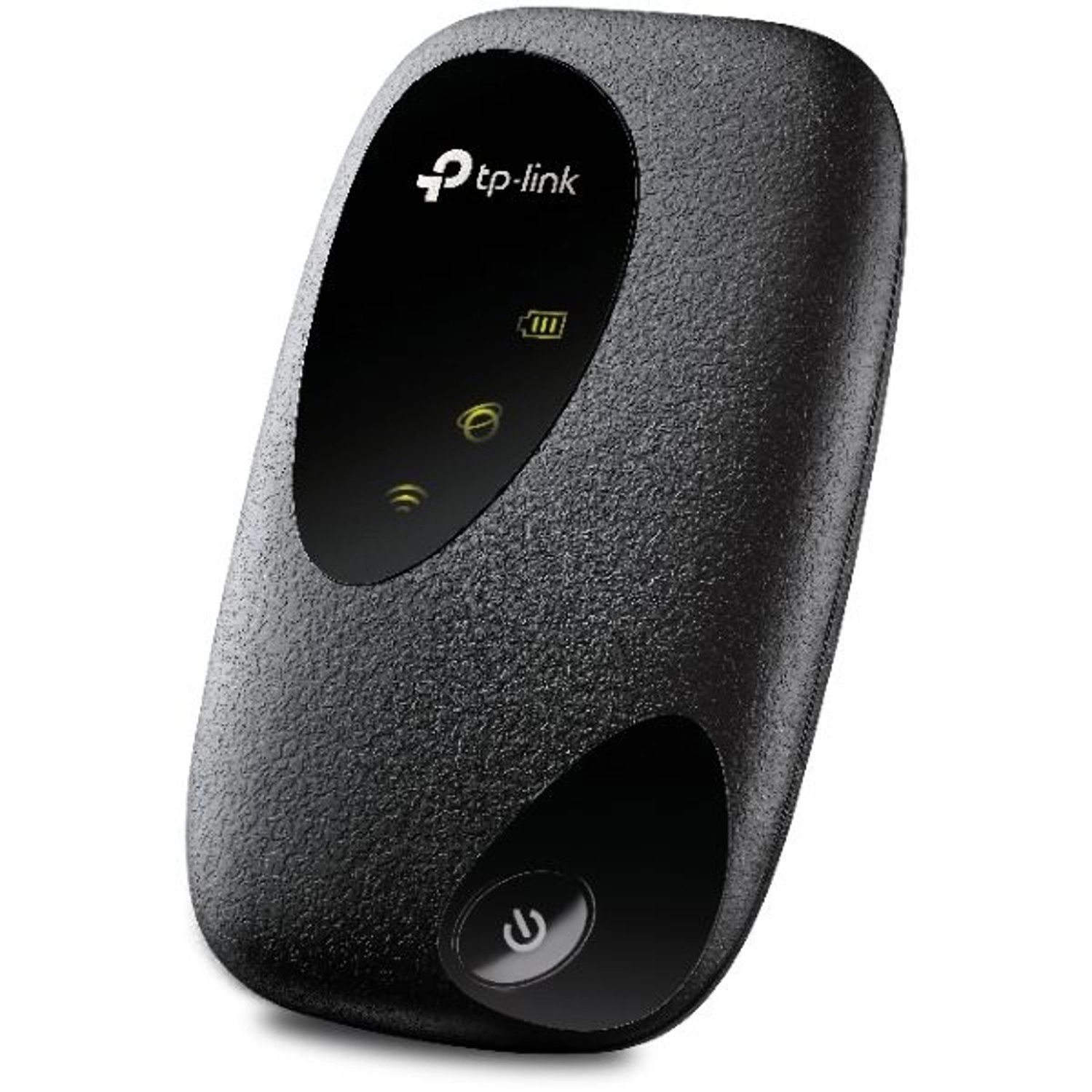
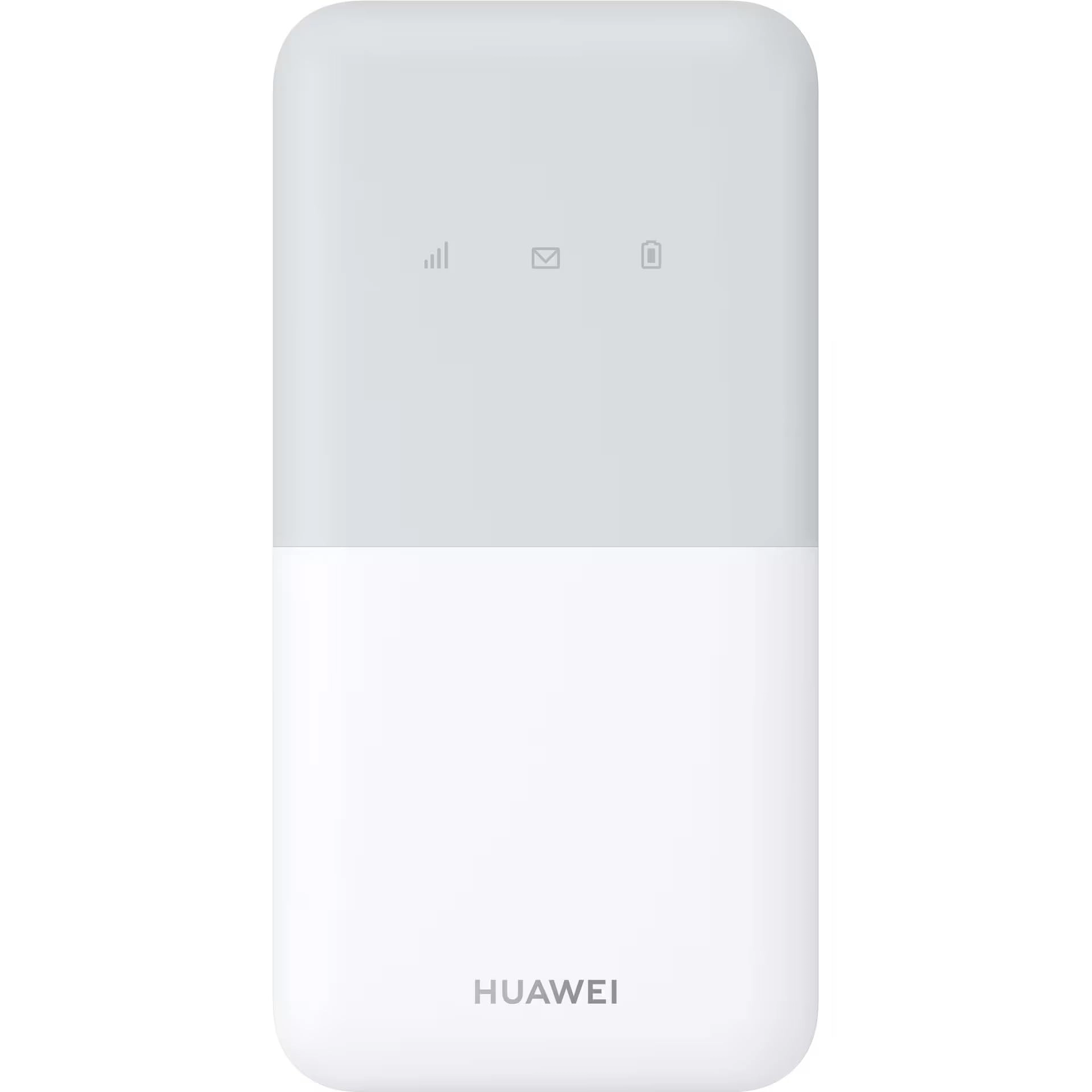
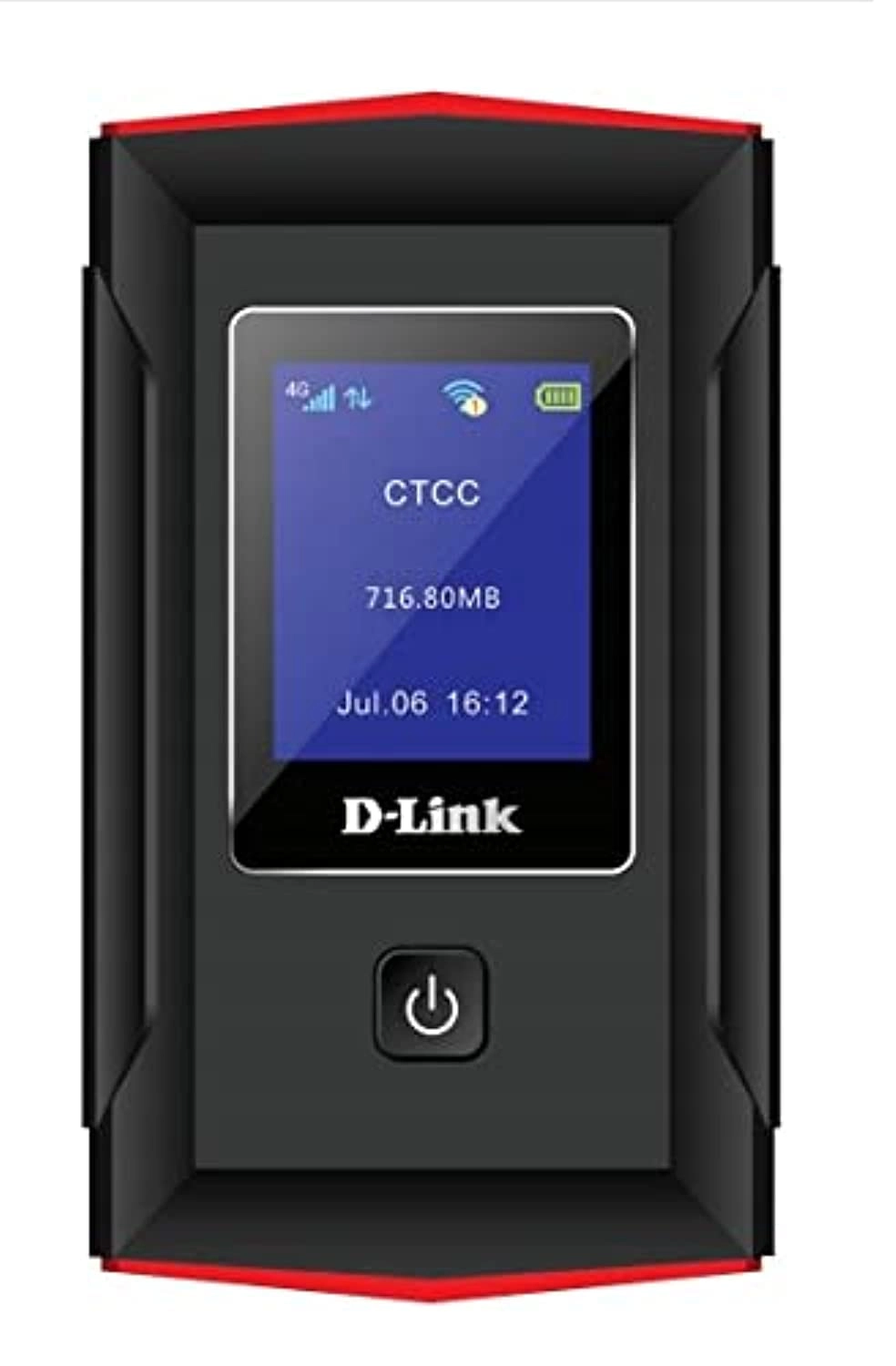
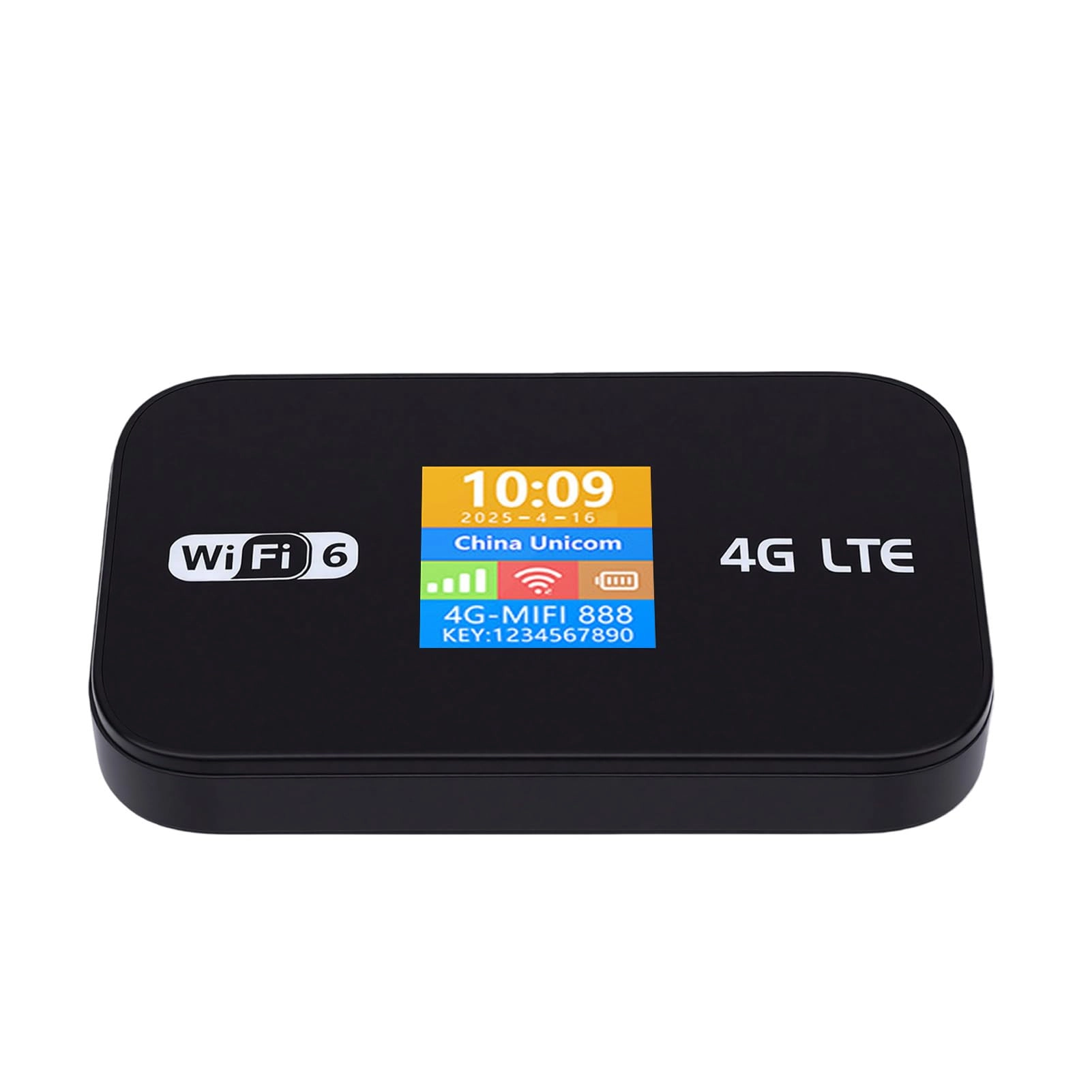
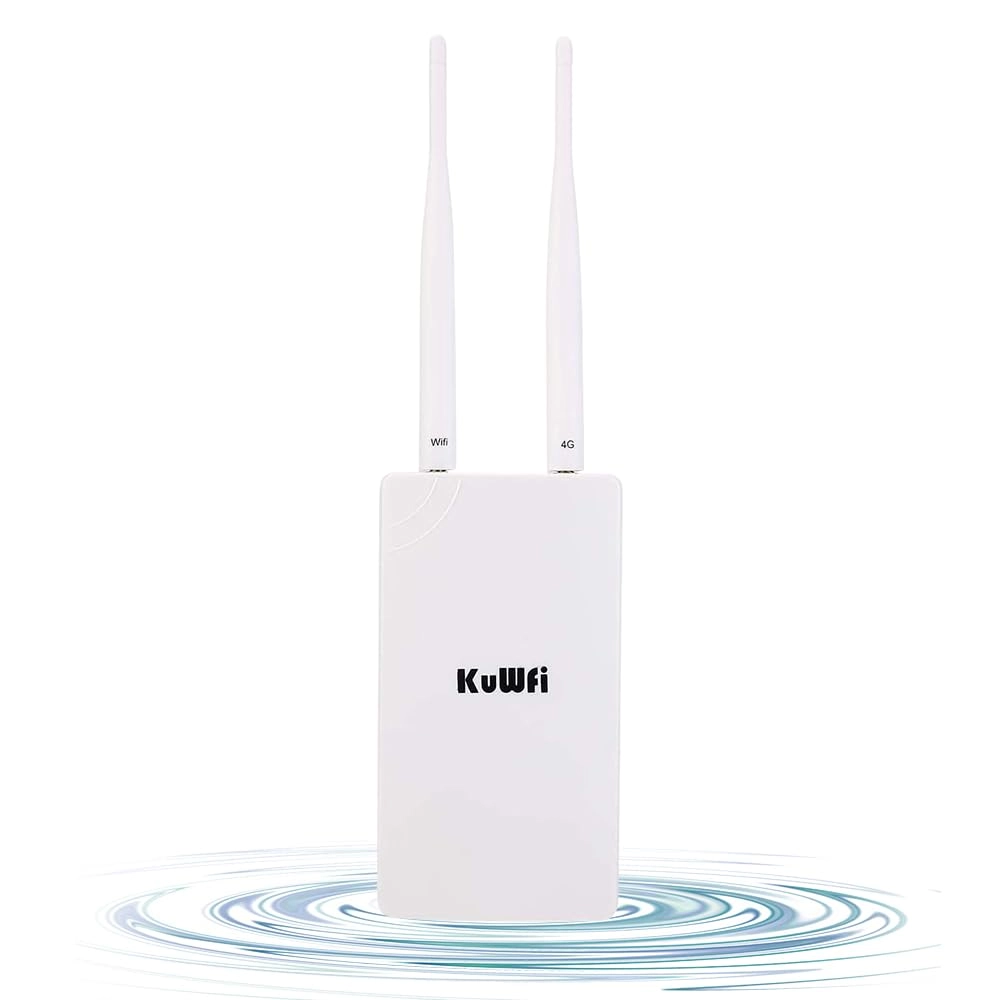
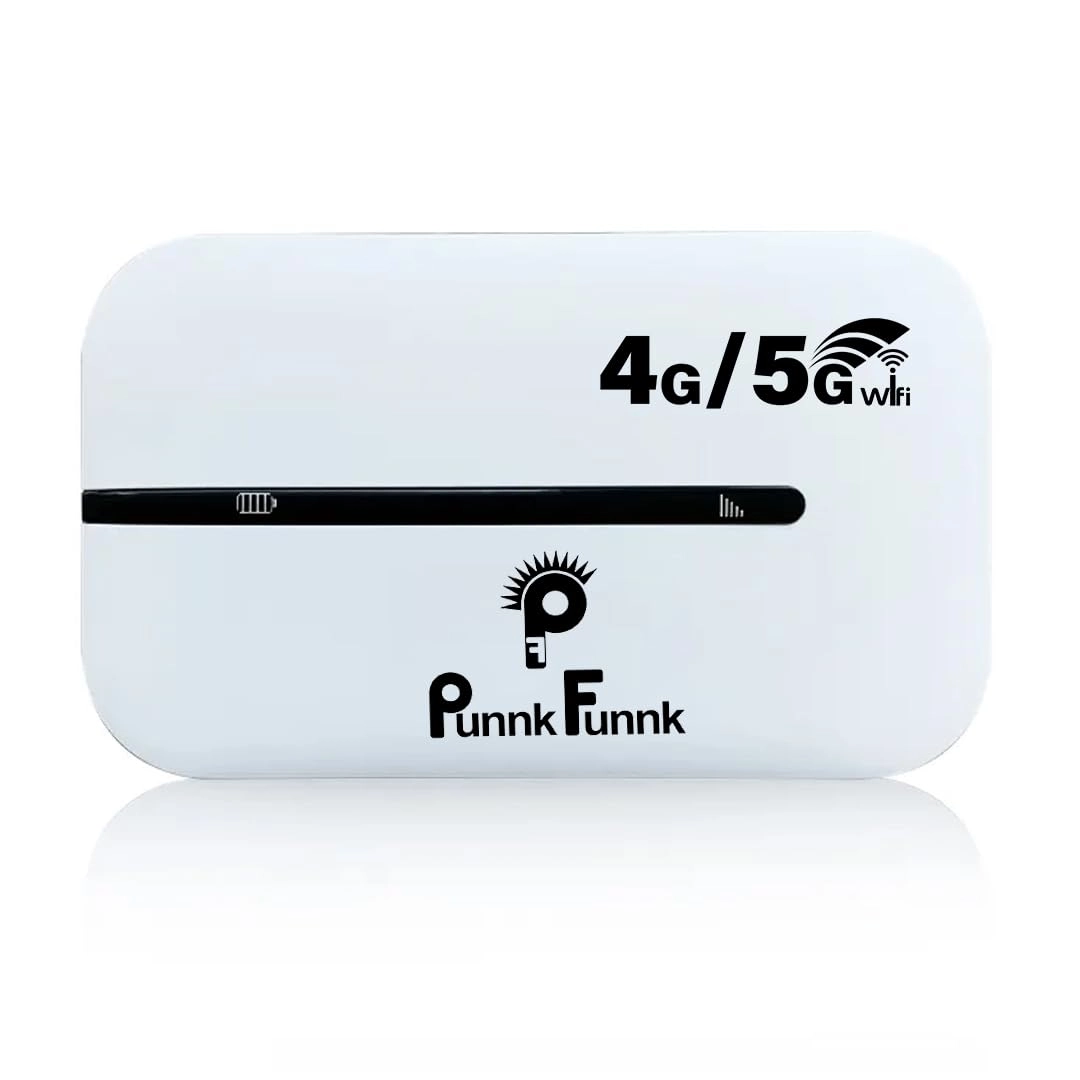
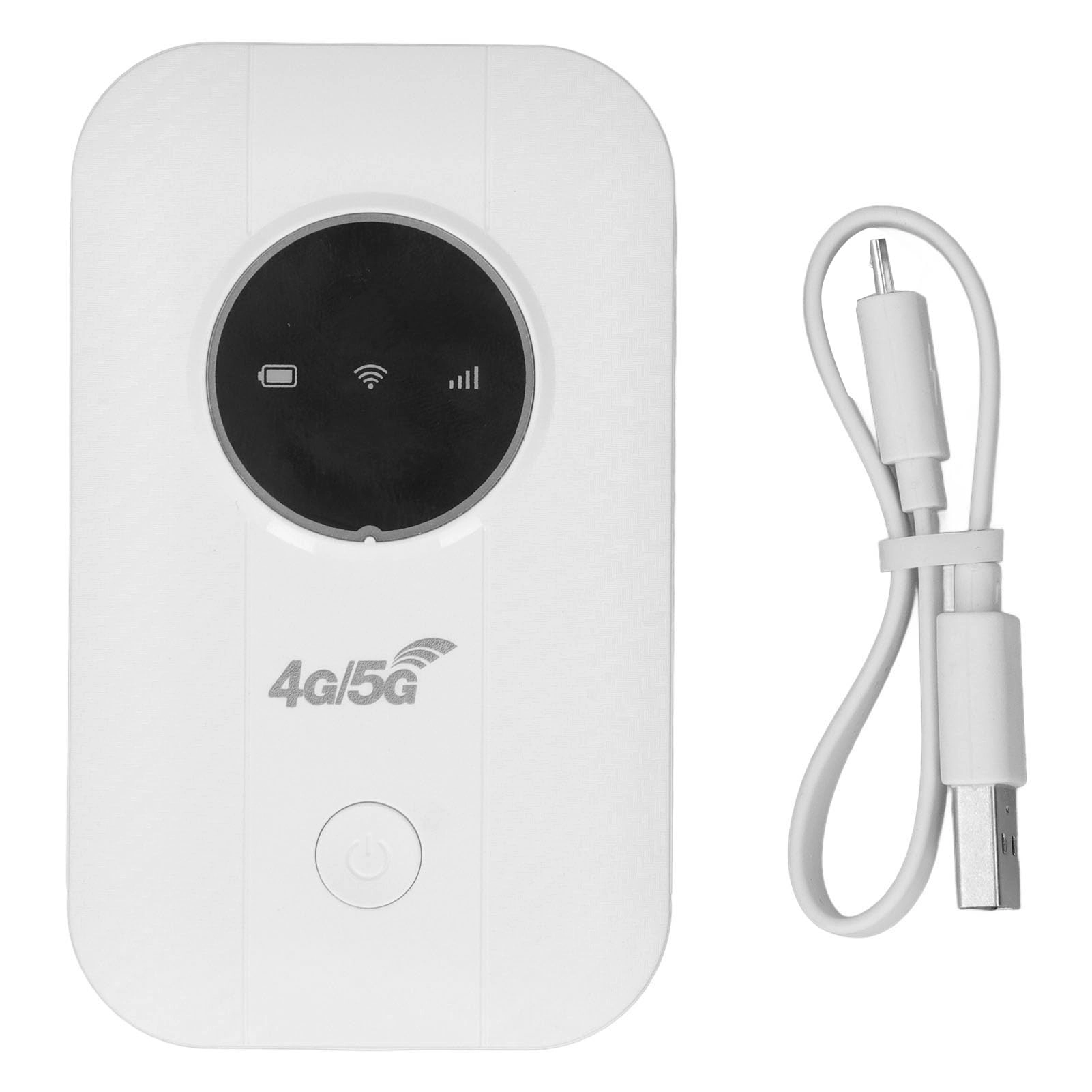
1. [SEAMLESS DEVICE CONNECTION] Stay in touch with friends and family wherever you go; this portable WIFI router supports up to 10 simultaneous user connections. Whether you\'re working remotely or enjoying a family outing, everyone can enjoy high-speed internet without hassle or interruption in their streaming and browsing experience.
2. [ FAST INTERNET ACCESS] Say goodbye to sluggishness with our high-speed 4G portable WIFI device. Deliver -fast download speeds of up to 150 Mbps and upload speeds of 50 Mbps; we guarantee a stable internet connection perfect for video conferencing, gaming or streaming your favorite shows without buffering, bringing you closer to the online world.
3. [PORTABLE CHARGING OPTIONS] This device is powered via USB, making it extremely versatile. Charge it with your mobile phone charger, a car charger or power banks, giving you reliable internet access while traveling or in remote locations, ensuring you can stay connected when it matters most - no matter where you are.
4. [EASY TO SET UP AND USE] With a simple plug-and-play feature, you can enjoy hassle-free connectivity. Just insert your SIM card, connect it to a power source and you\'ll have access to the internet in an . The intuitive setup gets you online quickly, ensuring you\'re ready for anything, anytime, without complicated setup procedures.
5. [ENHANCED SECURITY FEATURES] Your online privacy is paramount! Our portable WIFI router uses advanced WPA/WPA2 encryption for comprehensive protection, protecting your data from potential threats. Feel safe when using public networks, so you can surf, share and communicate without worrying about the security of your personal information.
Specification:
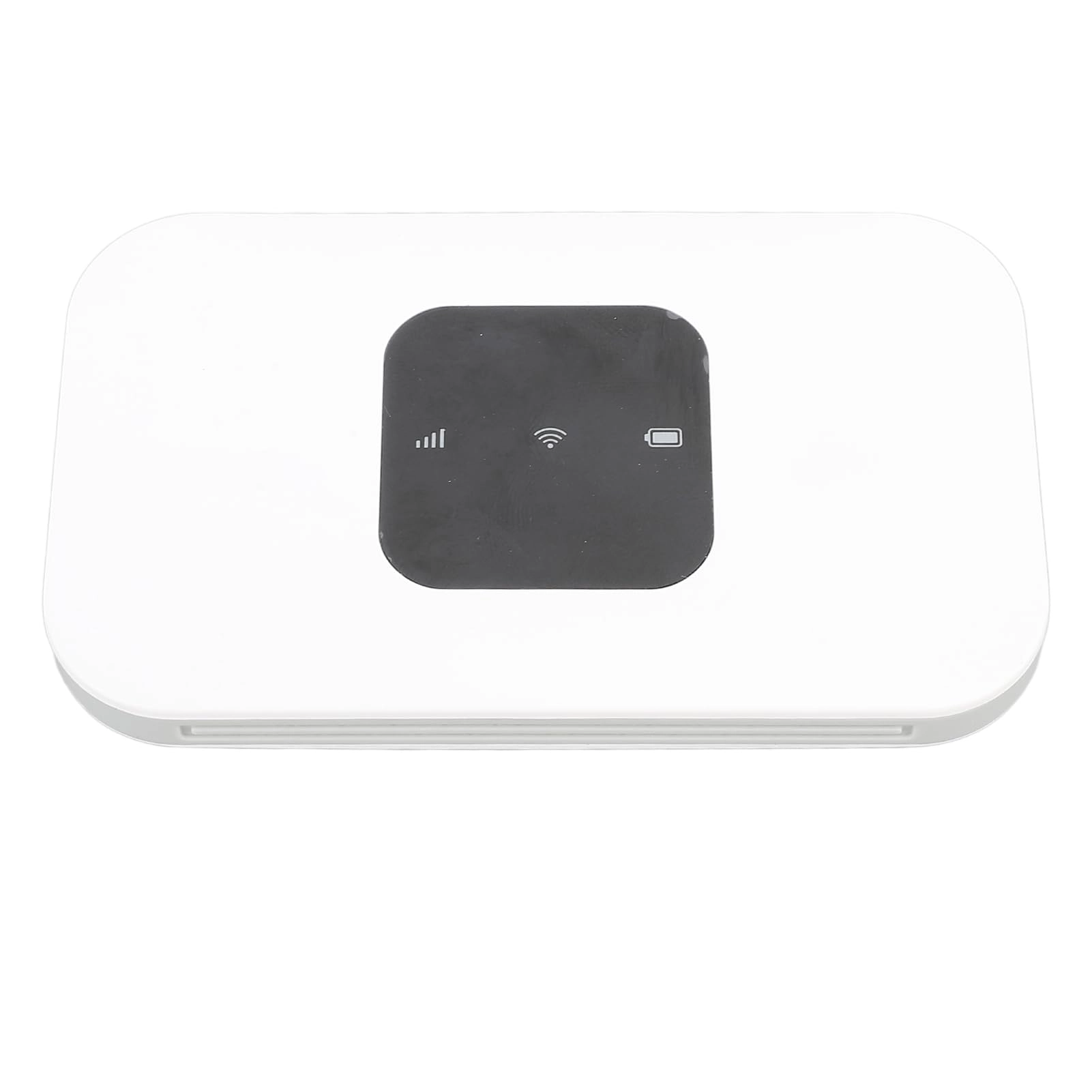
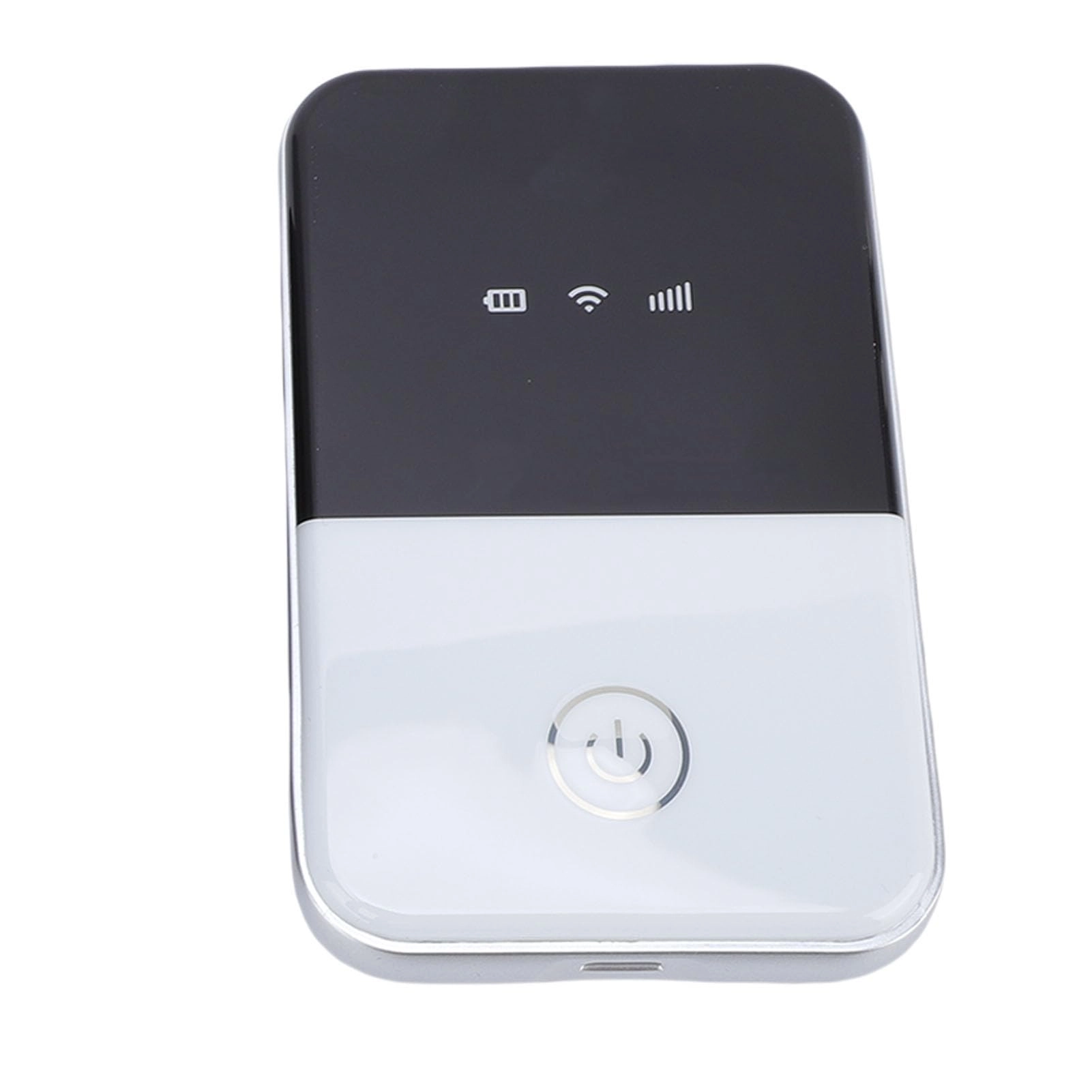
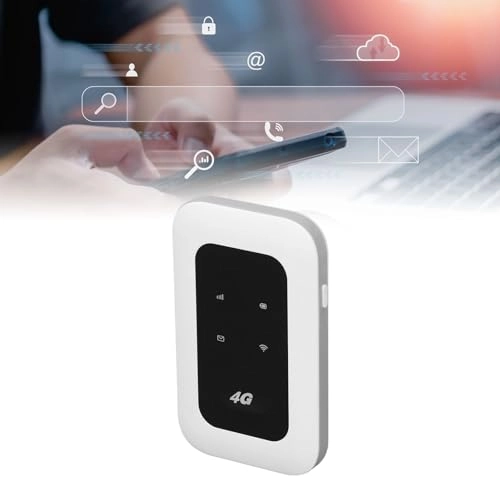
Item Type: Portable WIFI
Material: ABS
Color: White
Type: Card
Card Slot: Standard SIM Card
4G LTE Frequency Band: B1/B3/B5
3G UMTS Band: B1
Peak speed: Download 150Mbps, Upload 50Mbps
WIFI: Support 802.11 B/g/n
Share: Up to 10 users
How to use:
Slide the back cover and remove it, insert a standard SIM card to use. Specific reference user manual. The reason why you can\'t find a signal is because of the default SIM card information ESIM which is set from , it needs to be changed to SIM on the backend. Here are the steps to do it: First connect to WiFi, the password is 1234567890, then open your browser and enter 192.168.100.1. Use \"admin\" for both username and password. On the left side of the page, find and open \"Advanced Settings\" and look for the SIM card information. In the middle of the page you will find \"esim\" and change to \"sim\". Enter the password \"admin8888\", then go back to \"Device Operations\" in the Advanced Settings menu and reboot the device.
Package List:
1 x Portable WIFI
1 x User Manual
Note:
The product is only compatible with 3G/4G frequency bands. Make sure the local frequency band is compatible with the device before purchase. Incompatibility makes the device unavailable. Applies to Asia, Southeast Asia, Africa, Middle .